If you are a fan of Showtime and CBS All Access, but don't necessarily want to pay the full subscription price for both, then Apple may have a fix for you.
Apple will reportedly launch a $9.99 Showtime and CBS All Access for Apple TV+ soon

If you are a fan of Showtime and CBS All Access, but don't necessarily want to pay the full subscription price for both, then Apple may have a fix for you.

In what can only be described as a shocking, and yet probably still inevitable move, Apple has decided to remove the mega-popular battle royale game Fortnite from the App Store.
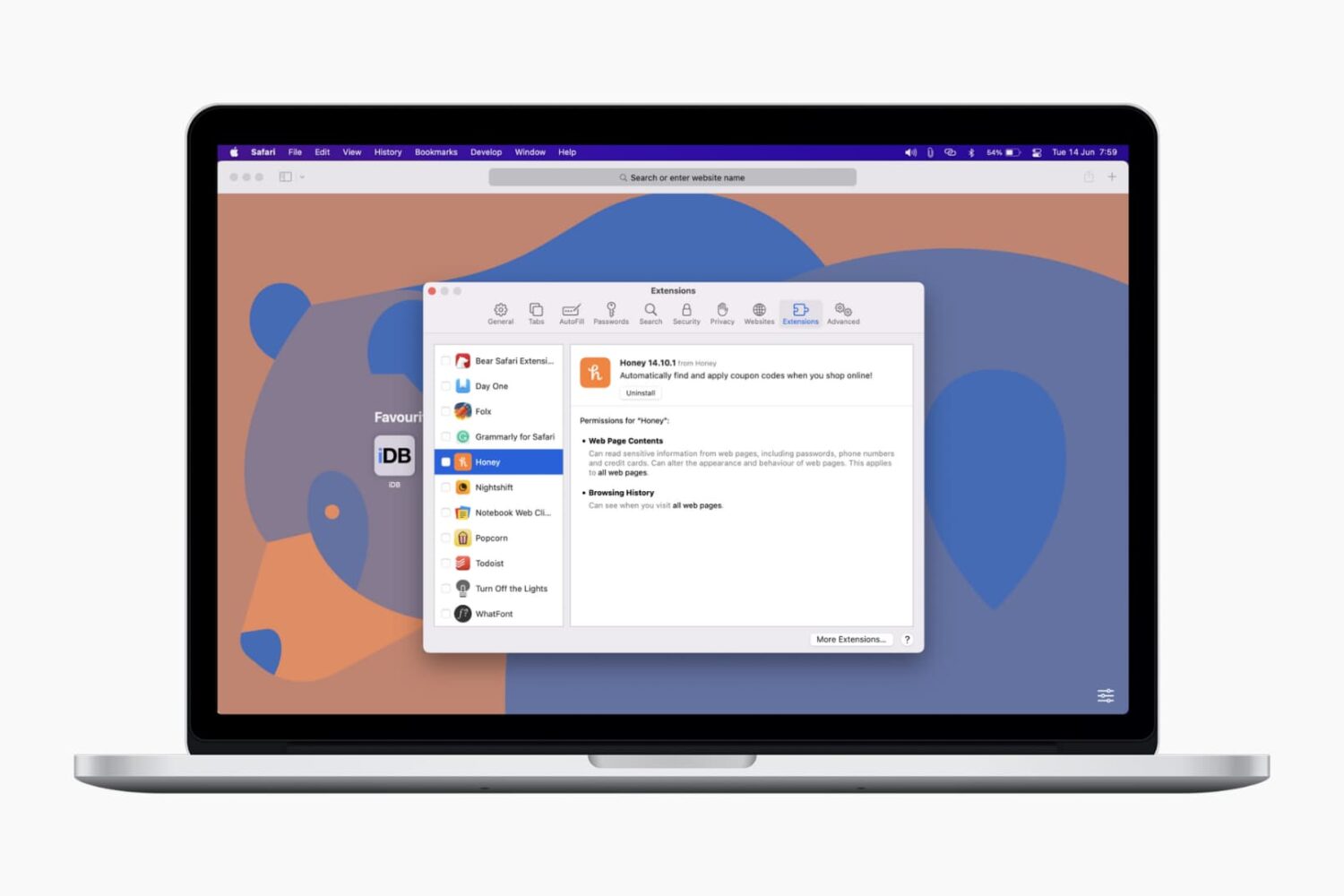
In this tutorial, we’ll show you how to install, view, run, and manage Safari extensions on your Mac to add extra features to your web browser.

iOS 14, iPadOS 14 and macOS Big Sur intercept traffic from websites, with Safari opening Apple News+ links in the News app. As a result, Apple News+ subscribers avoid paywalls on the web. Thankfully, you can change that behavior at will. This tutorial will show you how to have the links to stories included in your Apple News+ subscription open on the web instead of in News.

In the United States, the president is threatening a large scale ban on apps available on the iPhone that originate from China, with the primary focus being on TikTok but also including apps like WeChat. And blocking the latter may have a huge impact on Apple's business.

Apple wants more people to use Apple News+, and, at the same time, it wants to make sure that customers who are already paying for the subscription service actually get to use it on a regular basis without having to open the app directly.
In an effort to get around Apple's and Google's fees levied in their respective app stores, Epic Games today announced that a new direct payment option is available in Fortnite for iOS and Android, despite Apple's stringent review guidelines for App Store submissions.
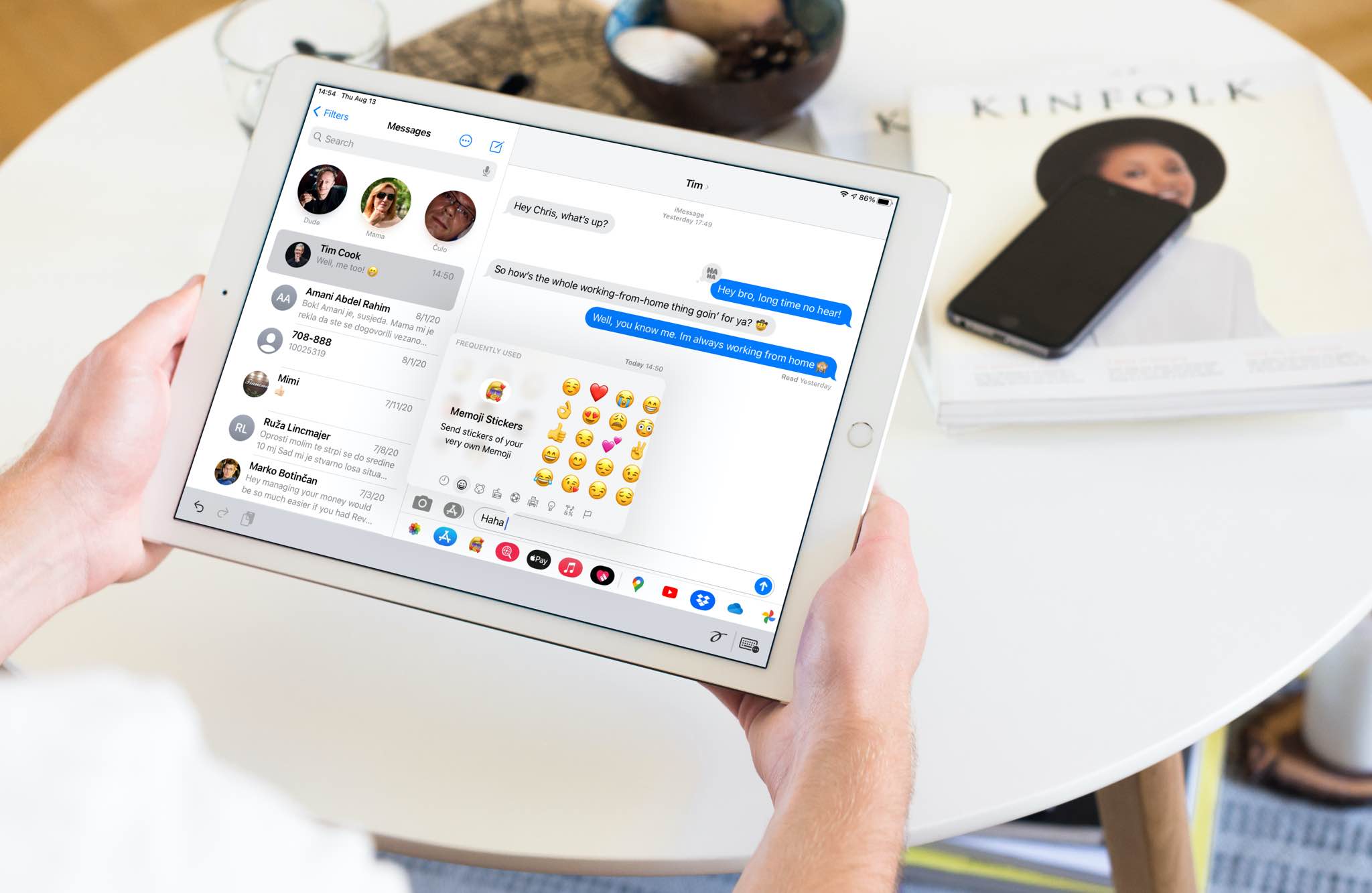
In this tutorial, we'll show you how to quickly find and insert emojis when you're using a hardware keyboard with your iPad.
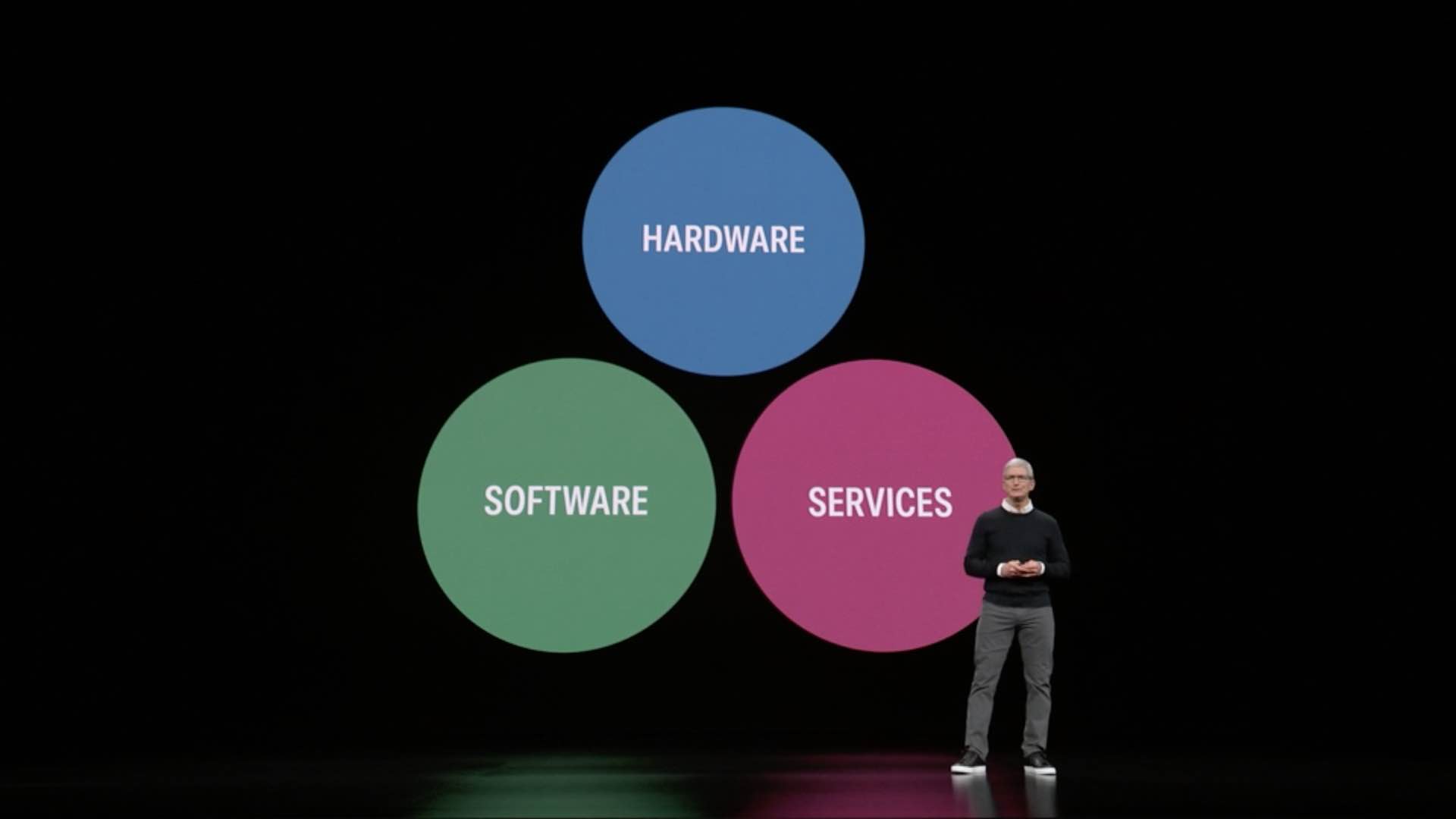
Apple is reportedly readying not one but "a series of subscription bundles" that combine Apple Music, Apple TV+, Apple News, an upcoming new fitness service from the company, and possible other services, for a lower monthly price, according to Bloomberg's Mark Gurman.
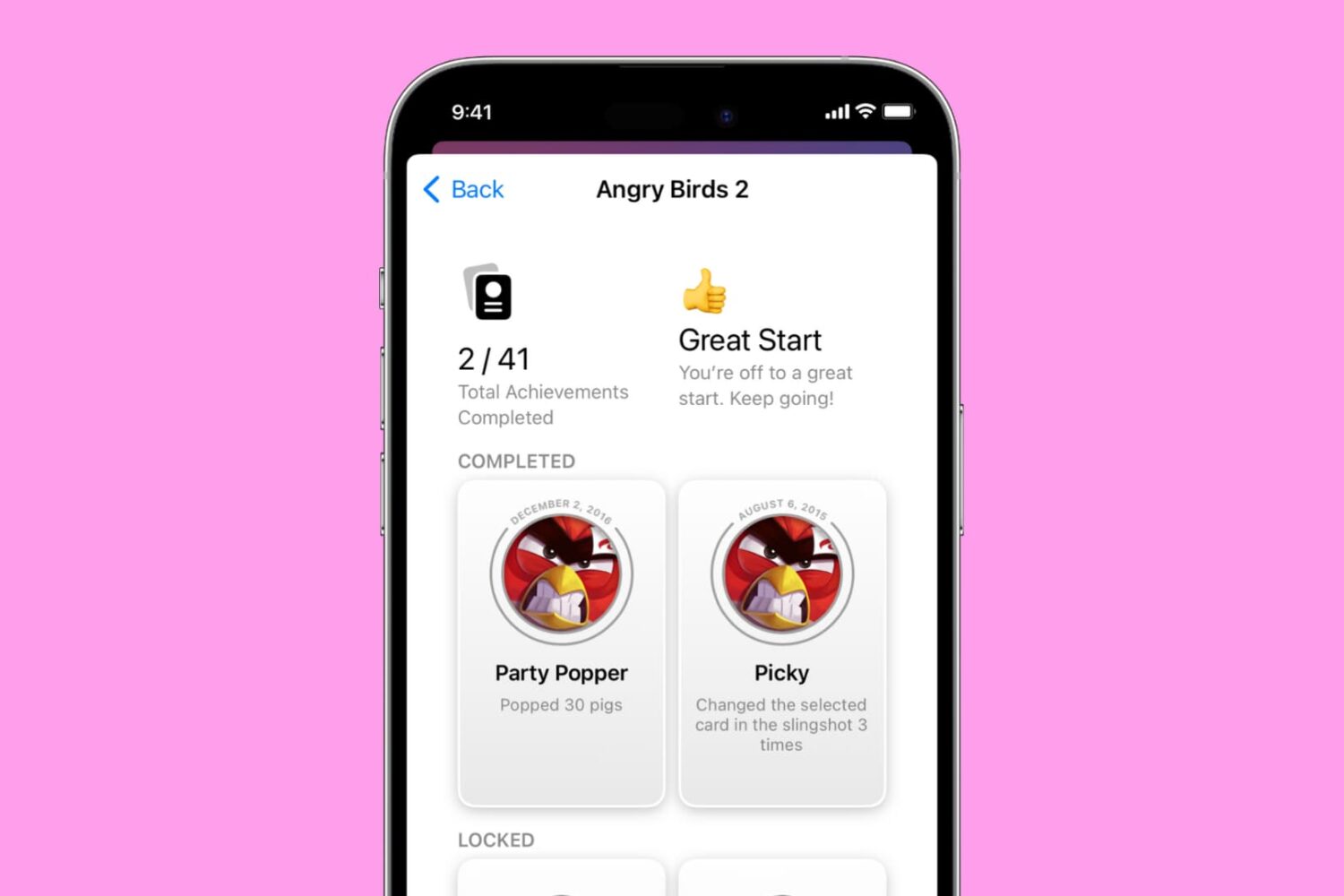
This tutorial shows you how to see all your achievements for Apple Arcade challenges or Game Center games on iPhone, iPad, and Mac to see what you have completed and what's still left to be conquered.
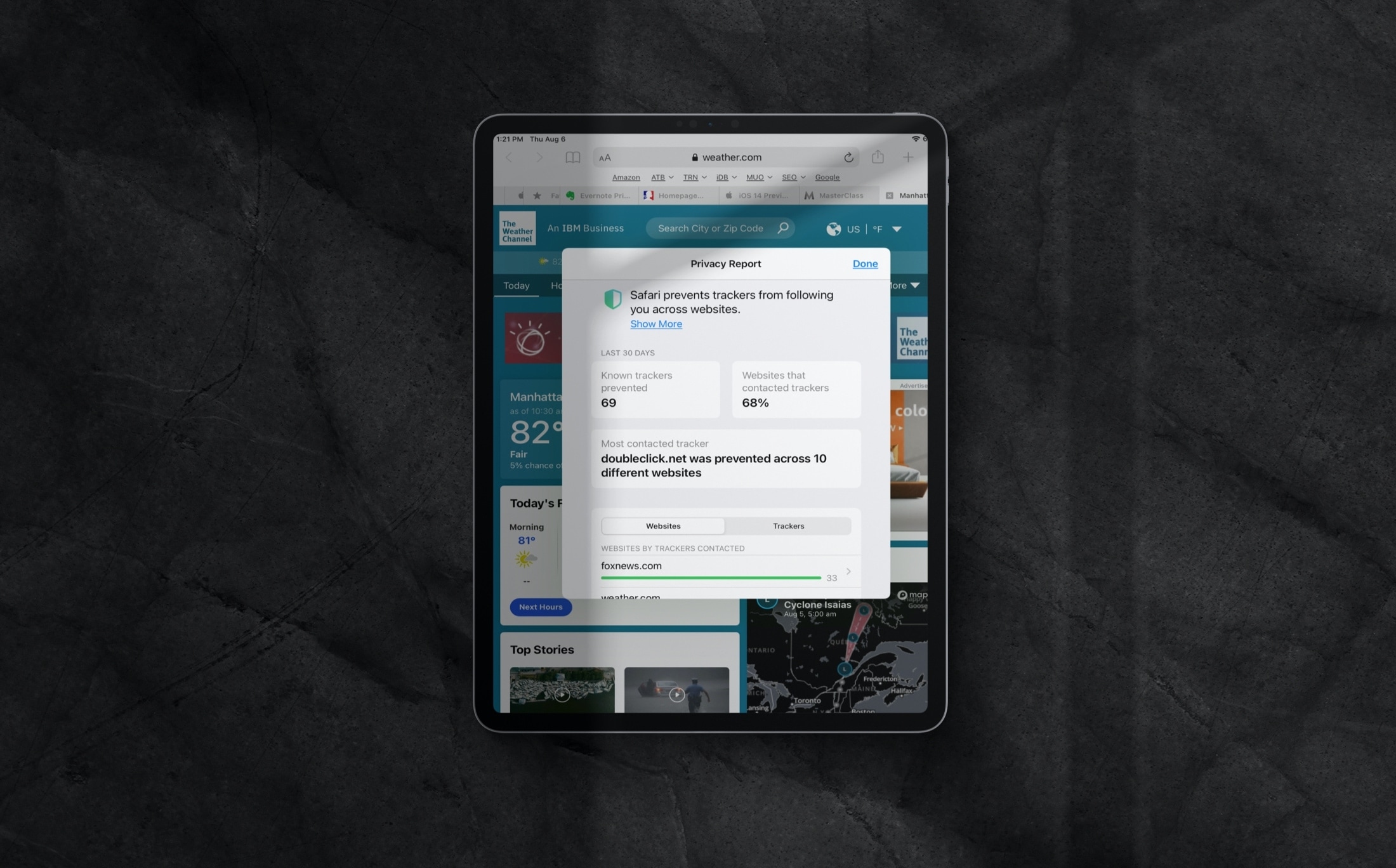
Learn how to review the Privacy Report in Safari on iPhone, iPad, and Mac to see which websites track your activity while you browse.
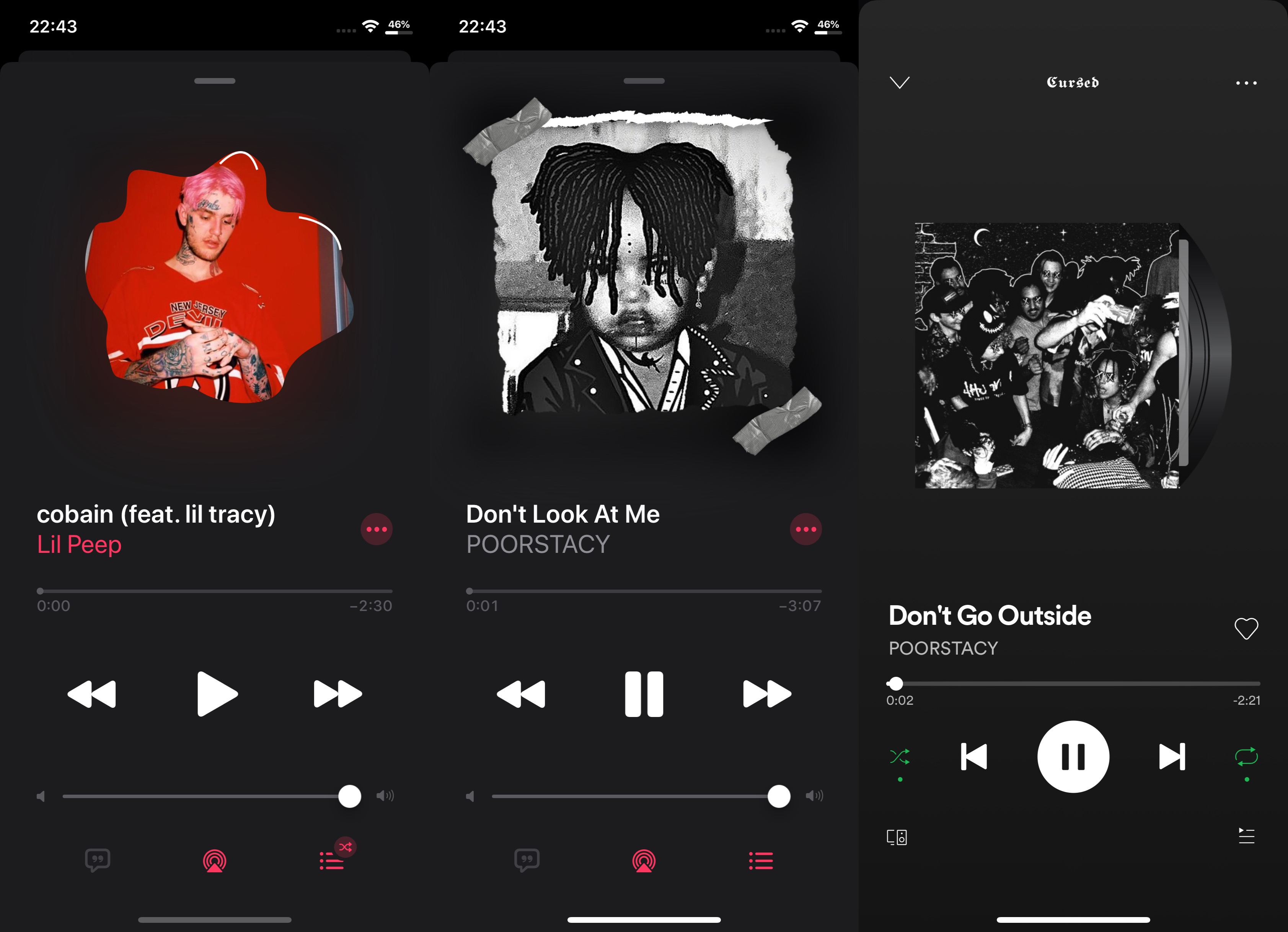
It was only a couple of days ago that we showed you a new jailbreak tweak dubbed N95, which brought a myriad of different masking effects to the album artwork in the Apple Music app and Now Playing widget interfaces found throughout iOS. Since N95 was a paid tweak that offered simple functionality, it may come as no surprise that a team of iOS developers comprised of CaptInc, MegaDev, and Charlie While have just released a free alternative dubbed Hazmat.
As shown in the screenshot examples above, Hazmat works in a similar way to N95 by offering users with various masking effects that can give the Apple Music or Spotify Music app’s Now Playing interface a customized and sleek makeover. Furthermore, as you’re about to witness, the tweak is just as easy to use as N95…