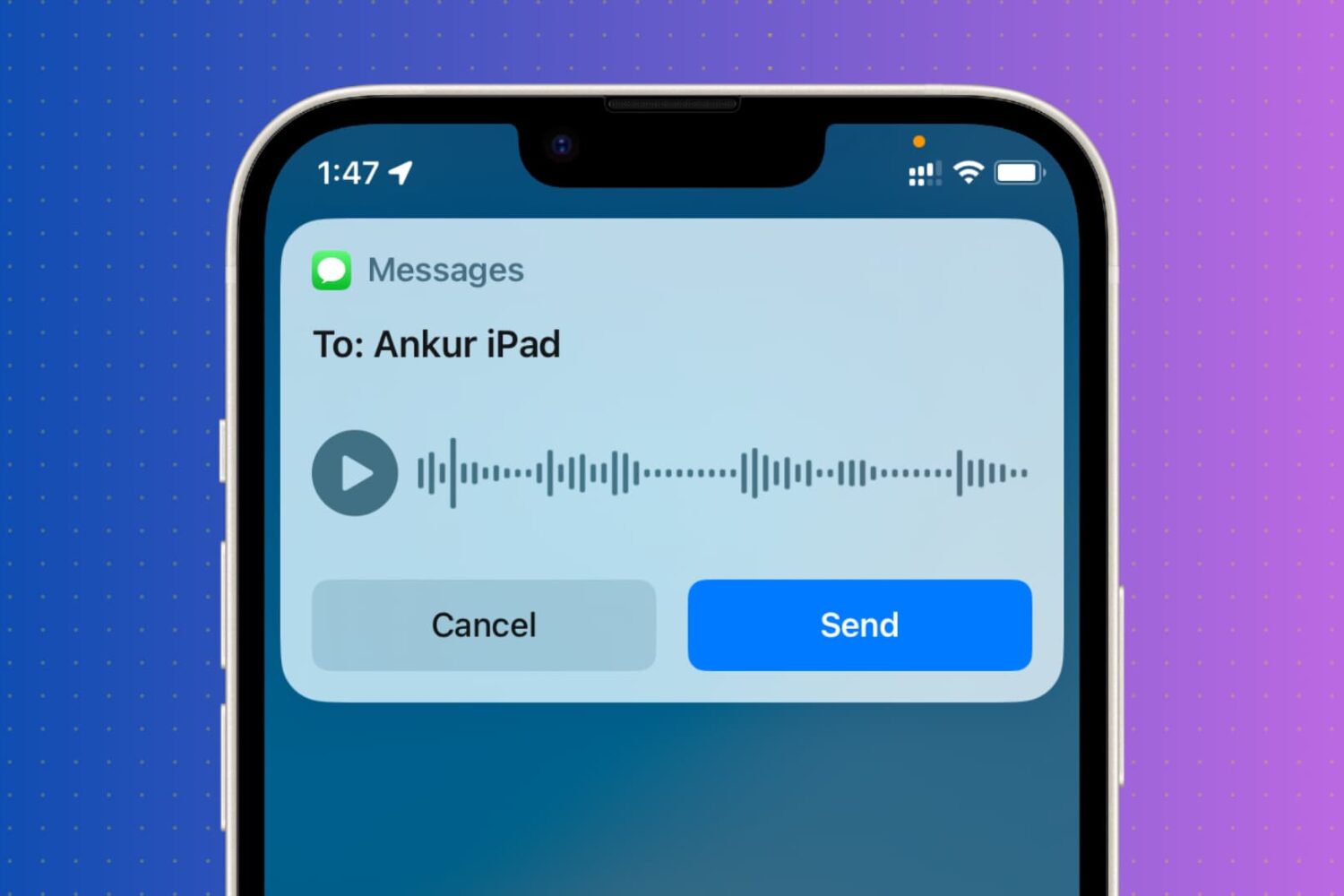
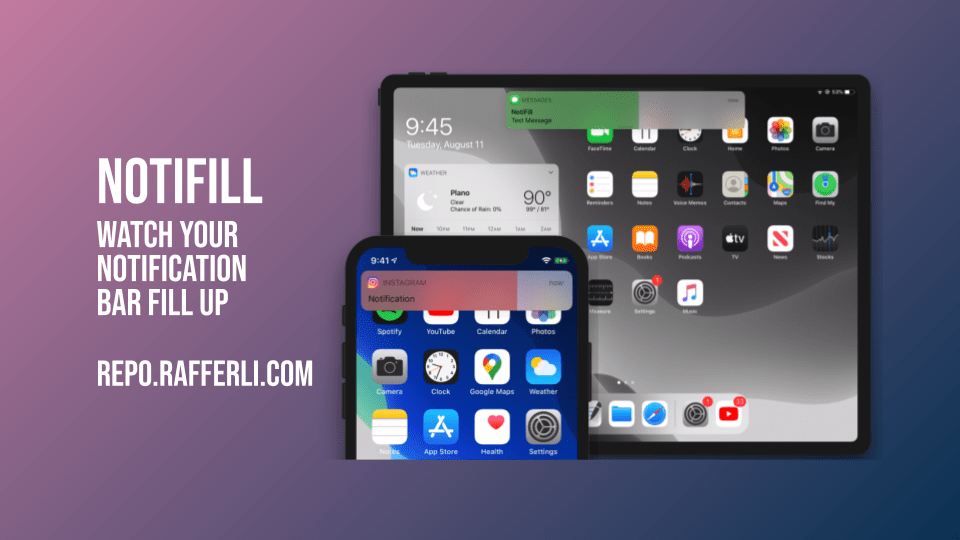
As you use your iPhone or iPad throughout the day, you’re likely to receive a number of banner notifications from various apps, whether they’re comprised of text messages coming from Apple’s Messages app, status updates coming from Facebook, or activity alerts coming from Twitter. One thing all these banner notifications have in common, despite coming from different apps, is that they’re particularly boring.
NotiFill & NotiFill Pro are a newly released set of and free and paid jailbreak tweak by iOS developer rafferli that aims to make banner notifications of all types more exciting to look at. It achieves this feat by giving banner notifications animated color fills that may look somewhat reminiscent of loading bars.