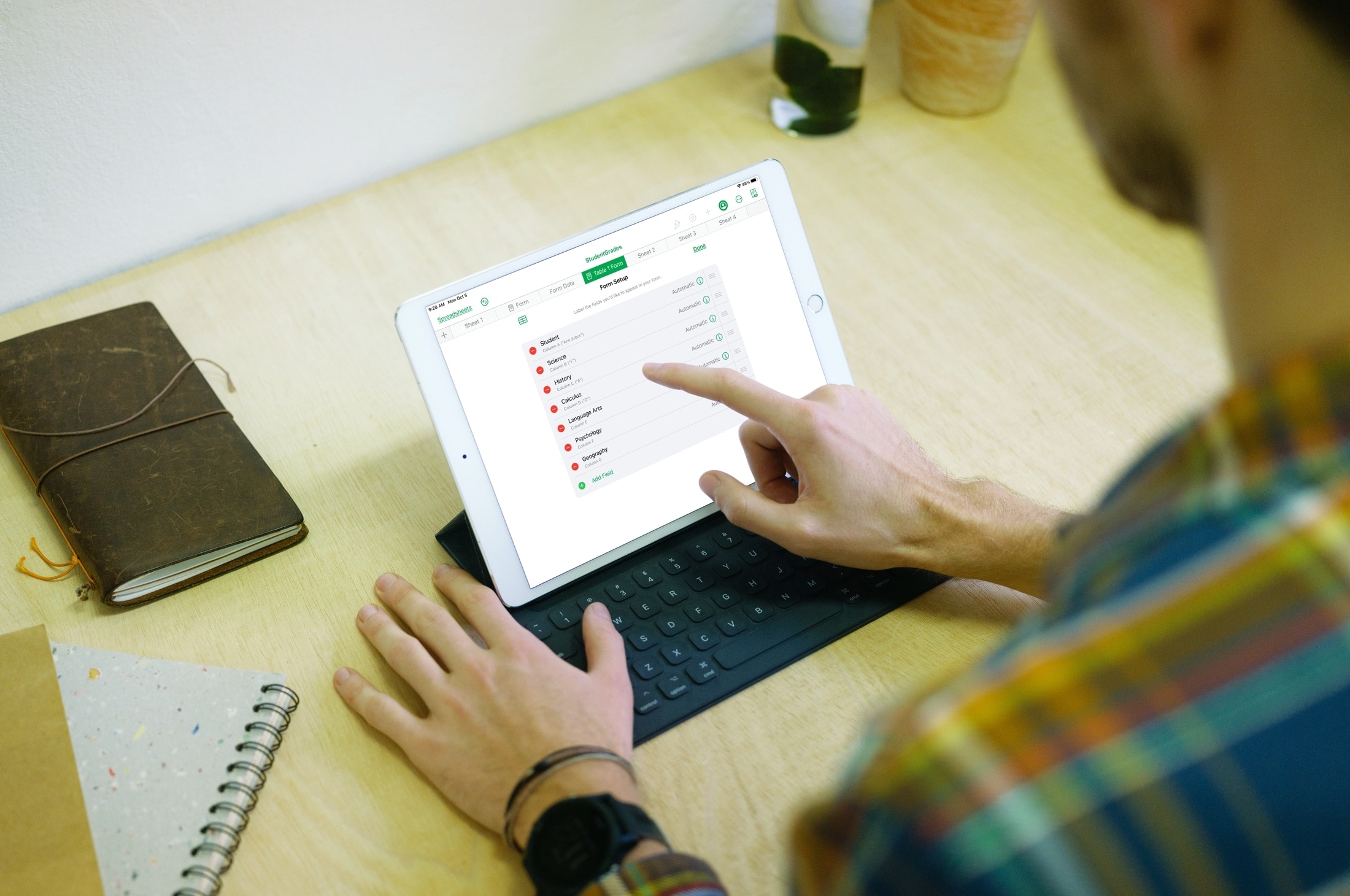
Learn how to use your Apple Pencil with Scribble to add handwriting to text boxes that will convert to typed text.
How to use handwriting in text boxes with iPad and Apple Pencil
Learn how to use your Apple Pencil with Scribble to add handwriting to text boxes that will convert to typed text.
When it comes to social media, your username represents who you are. And while most times, you don’t want to change that username because of this, there might be other times when you must. Maybe your username includes your last name, which has recently changed, or maybe you’re in an uncomfortable situation in that network.
Whatever your reason is, here’s how to replace your current Instagram username with a new one using the official app on your iPhone or the website on your computer.
One of the things Apple continues to improve on the iOS and iPadOS platforms with every major yearly software update is multitasking, and while they’ve achieved leaps and bounds over the years while maintaining minimal impact on a device’s limited system resources, one thing that we can honestly say is still lacking is true, full-fledged application backgrounding.
It remains to be seen if Apple will ever integrate true application backgrounding into its mobile operating system experience, but if you’re jailbroken, then you won’t need to wait that day to come. A newly released and free jailbreak tweak dubbed bakgrunnr by iOS developer udevs lets you have this ability right now, starting today.
iOS and iPadOS 14 were only just recently released to the general public, and while a jailbreak is only currently available for a very small subset of iOS and iPadOS 14 devices via checkra1n at the time of this writing, we’re already beginning to witness the initial trickle of new jailbreak tweaks for the new mobile operating system.
The latest of such tweaks is a new free release dubbed SmoothAppLibrary by iOS developer CydiaGeek, and as depicted in the before and after screenshot examples above, it’s an aesthetic tweak that makes minor changes to the new App Library interface.
Abstract wallpaper is one of the most popular categories in the iDownloadBlog Wallpapers of the Week collection. In the following downloads, a myriad of colors swirl into incredible, softened kaleidoscope imagery. Slightly out of focus, the images make for impressive Home and Lock screen wallpapers.
Those looking to do away with the round Phone app dialer buttons in favor of something a bit more rigid are likely to take a liking to a newly released and free jailbreak tweak dubbed Square by iOS developer PlatYkor.
As depicted in the screenshot examples above, Square replaces the aforementioned buttons with squarer alternatives that can be configured in a bevy of different ways depending on the user’s own tastes and preferences.
Totallee is making room for products for the new iPhone 12. This is a rare chance to get their cases at a big discount on Amazon. Usually retailing for $35, Totallee's cases are currently on sale on Amazon. Plus iDownloadblog readers can take an additional 30% off with code BIG30SALE.
Now that iOS and iPadOS 14 are officially available to the public, many are wondering when a new jailbreak supporting these firmware versions might drop. We’re right there with you, but the good news is we’ll be sure to keep everyone apprised as soon as a breakthrough regarding this particular topic materializes.
In the meantime, those already jailbroken on iOS 13 or earlier can count on our weekly jailbreak tweak roundups to ensure that they’re getting the most out of their pwned handsets. In this roundup, we’ll showcase all the latest jailbreak tweaks released from Monday, September 21st to Sunday, September 27th. As usual, we’ll kick things off by discussing our favorite releases first and then wrap everything up with an outline of the rest afterward.
In this week's edition of our Apps of the Week roundup we have a new Twitter client, a sharp-looking, cross-platform notes app, and a utility app that gives YouTube support for iOS 14's picture-in-picture feature. And as always, we've selected two great new games for you to check out.
Just last month, hacker and iOS security researcher @08Tc3wBB teased a new exploit that would potentially be viable on iOS and iPadOS 13.6.1. One month later, A.K.A. just two weeks ago, @08Tc3wBB made it known that iOS and iPadOS 13.7 were both vulnerable to this very same exploit. Now, it seems we have confirmation that the exploit would be released for the benefit of the jailbreak community.
In a post shared to /r/jailbreak late last night, @FCE365 (also known as GeoSn0w) appears to question @08Tc3wBB in a direct message about their plans to release the exploit. While we’ve known for some time that @08Tc3wBB planned to release the exploit to the general public at some point, the message reveals the first ever confirmation that it would be shared directly with unc0ver jailbreak lead developer Pwn20wnd:
One of the takeaway features that shipped with the new Safari 14 update for macOS this month is the ability to configure a custom background for the Start Page. It’s a commonsense feature that I think Apple should have offered from the start, but perhaps even more peculiar is the fact that Apple still hasn’t enabled such a feature for the mobile Safari web browser on iPhone or iPad.
If you’re jailbroken, then the good news is you won’t need to wait for Apple to pry their heads out of their <expletive> to deliver a solution. A free jailbreak tweak named SafariWallpaper by iOS developer Litten brings this much-requested feature to pwned iOS 13 devices.
Apple went out of its way to make text editing a more effortless and straightforward process, especially with last year’s iOS 13 update, which made it possible to pan bodies of text and move the cursor by tapping and dragging on the keyboard. But if you’re still looking for more, then you might want to check out a newly released jailbreak tweak called BigBangX by iOS developer EVAN.
As noted in the tweak’s depiction page, BigBangX targets advanced typists who demand more out of their text editing experience. In cases where you see yourself needing to grab a portion of a paragraph not adjacent to a word or phrase and use it to continue your intended task, whether that involves one app or several, this tweak lends a lengthy list of handy power features that may help you boost your productivity.