Apple is holding a special media event on April 20 and one of the new products believed to be announced come next Tuesday could be a third-generation Apple Pencil.
Apple Pencil 3 may debut at the upcoming “Spring Loaded” event alongside iPad Pro
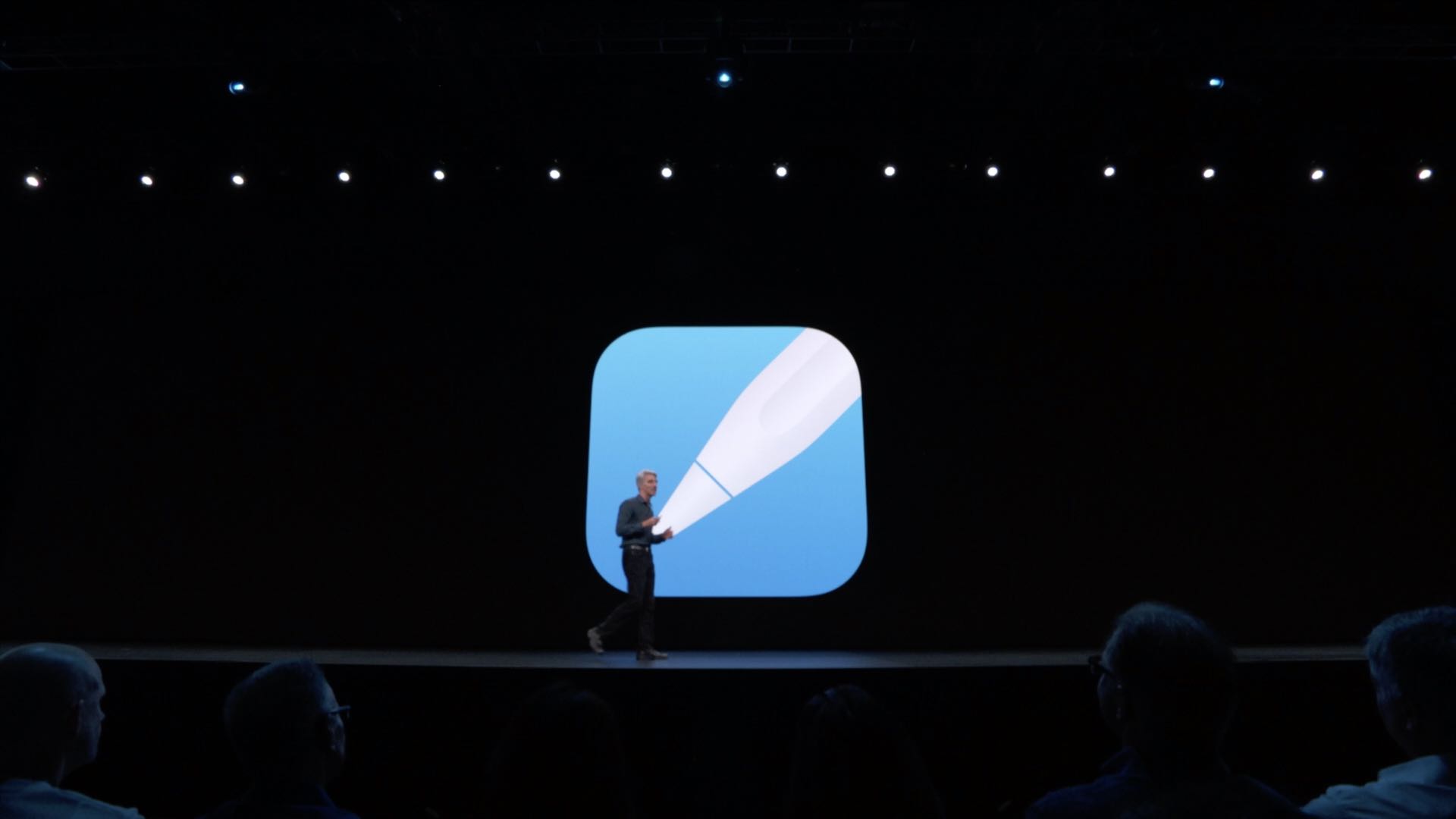
Apple is holding a special media event on April 20 and one of the new products believed to be announced come next Tuesday could be a third-generation Apple Pencil.

Learn how to delete your Google Maps history for all locations, specific ones, or certain dates on iPhone and the web.

In this tutorial, we’ll show you how to turn off the Apple TV navigation click sounds if you don’t want to hear audio feedback while working your way around the tvOS interface.
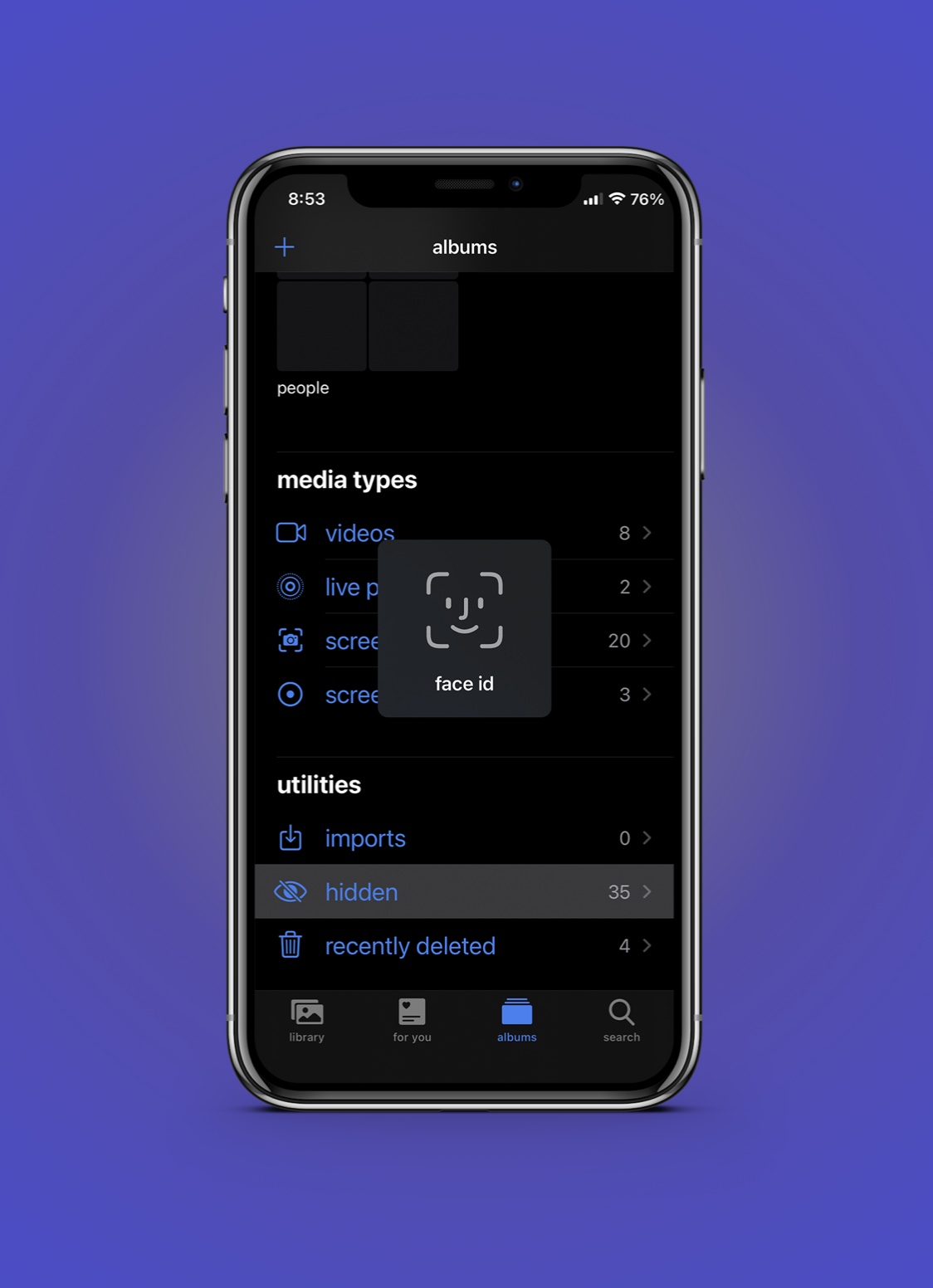
Most of us have a few photos in our Photo Library that we might want to keep to ourselves, especially in the case of handing our phone to a friend or stranger who might scroll through our Photo Library.
The Photos app includes a dedicated “Hidden” album for instances just like these that can be used to omit certain media from the Photo Library, but unfortunately, it isn’t protected in any way, shape, or form.
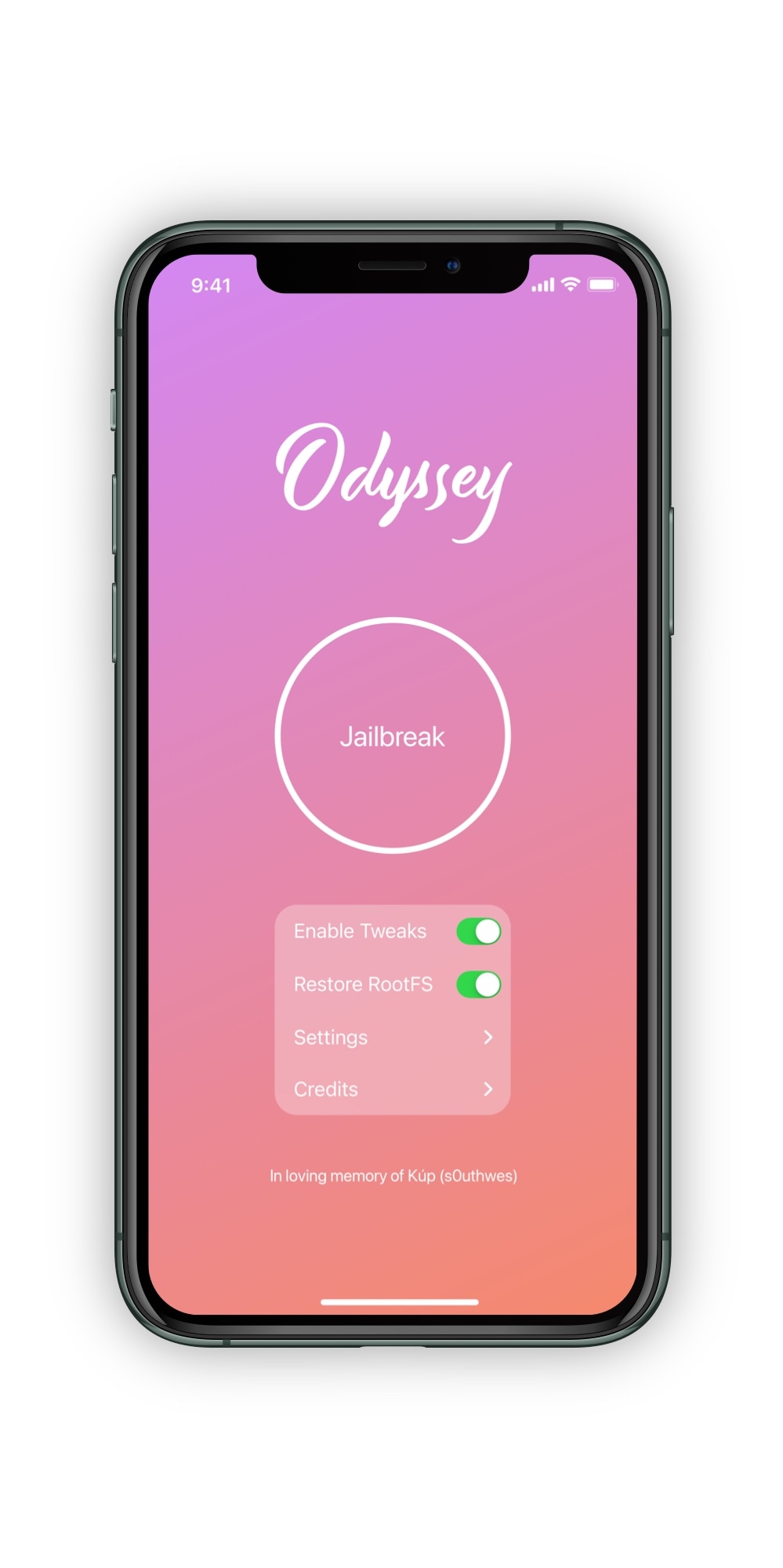
While much of the jailbreak hype these days has to do with iOS and iPadOS 14, it’s important to consider that iOS & iPadOS 13 are still considered “modern” in the jailbreak world.
With that in mind, it may come as no surprise to seasoned jailbreakers that the Odyssey Team has released an update for the iOS & iPadOS 13-centric Odyssey jailbreak tool this morning despite spending most of its effort releasing and refining the new iOS & iPadOS 14-centric Taurine jailbreak tool.
Do Not Disturb mode is an indispensable feature on iPhones and iPads that I’ve grown particularly fond of over the years. Although it isn’t new, I still use it just as much today as I did when it first came out.
There’s just one problem — it’s can be all too easy to forget that you turned Do Not Disturb mode on in the first place, which sometimes results in missed notifications that you otherwise didn’t intend to silence.
Another day, another jailbreak tool update. This time, the spotlight is shining on the Odyssey Team’s Taurine jailbreak for iOS & iPadOS 14.0-14.3.
The latest update, coined version 1.0.4, brings a series of bug fixes and improvements that existing Taurine jailbreak uses are sure to appreciate.

Learn how to easily print mailing labels or envelopes for your contact list on a Mac with this step-by-step guide.
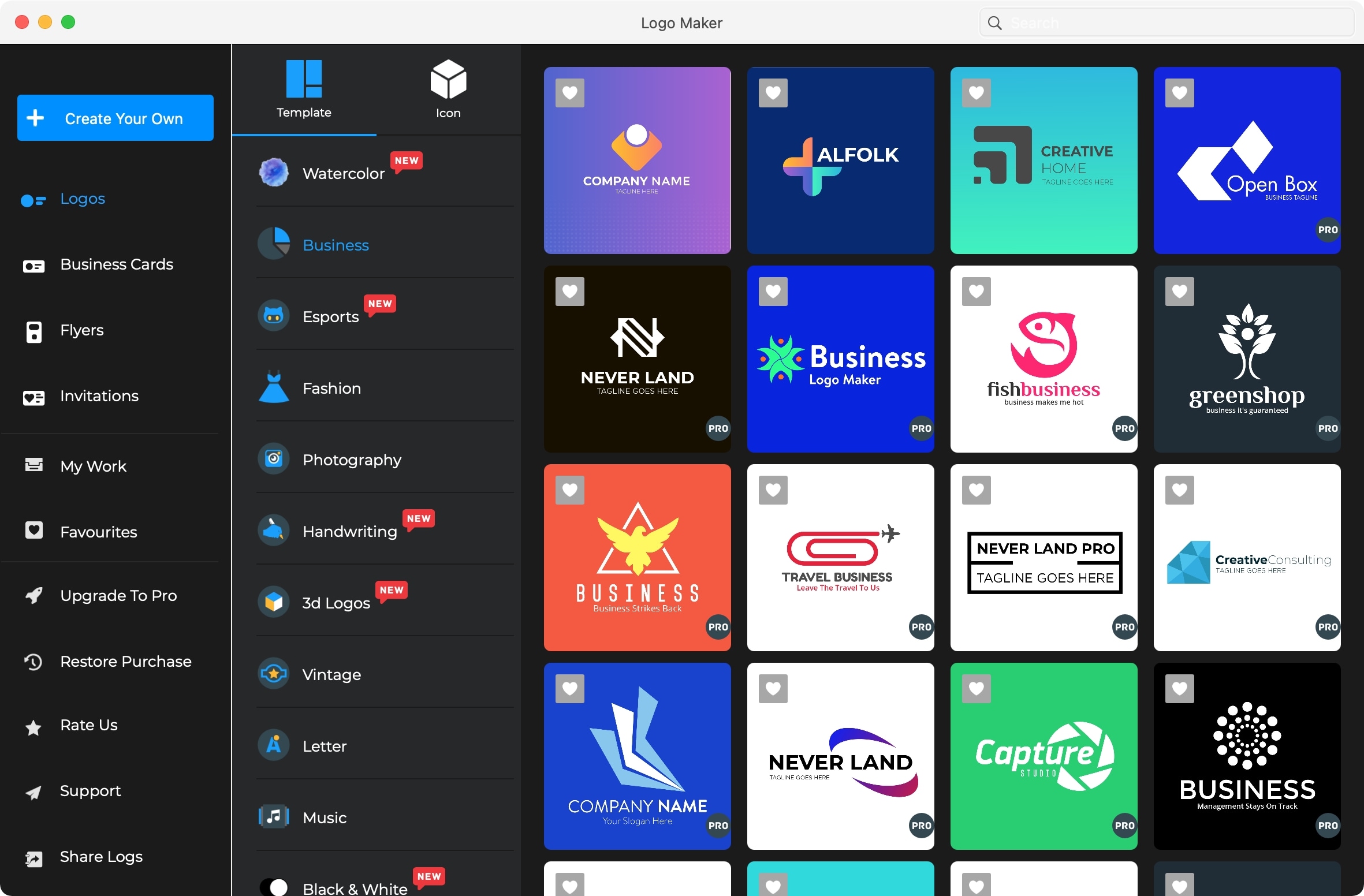
Whether you own a blog, are introducing a service, or building a product, you’ll need a logo. This visual representation of your brand is key to recognition. And if you’re just starting out, you may not have the budget for a professional designer.
You can use simple and free apps on your computer for creating logos. This gives you a great start to a visual you can build on and evolve over time. Check out this list of free logo makers for Mac and see which one has the features you want to create an outstanding logo.
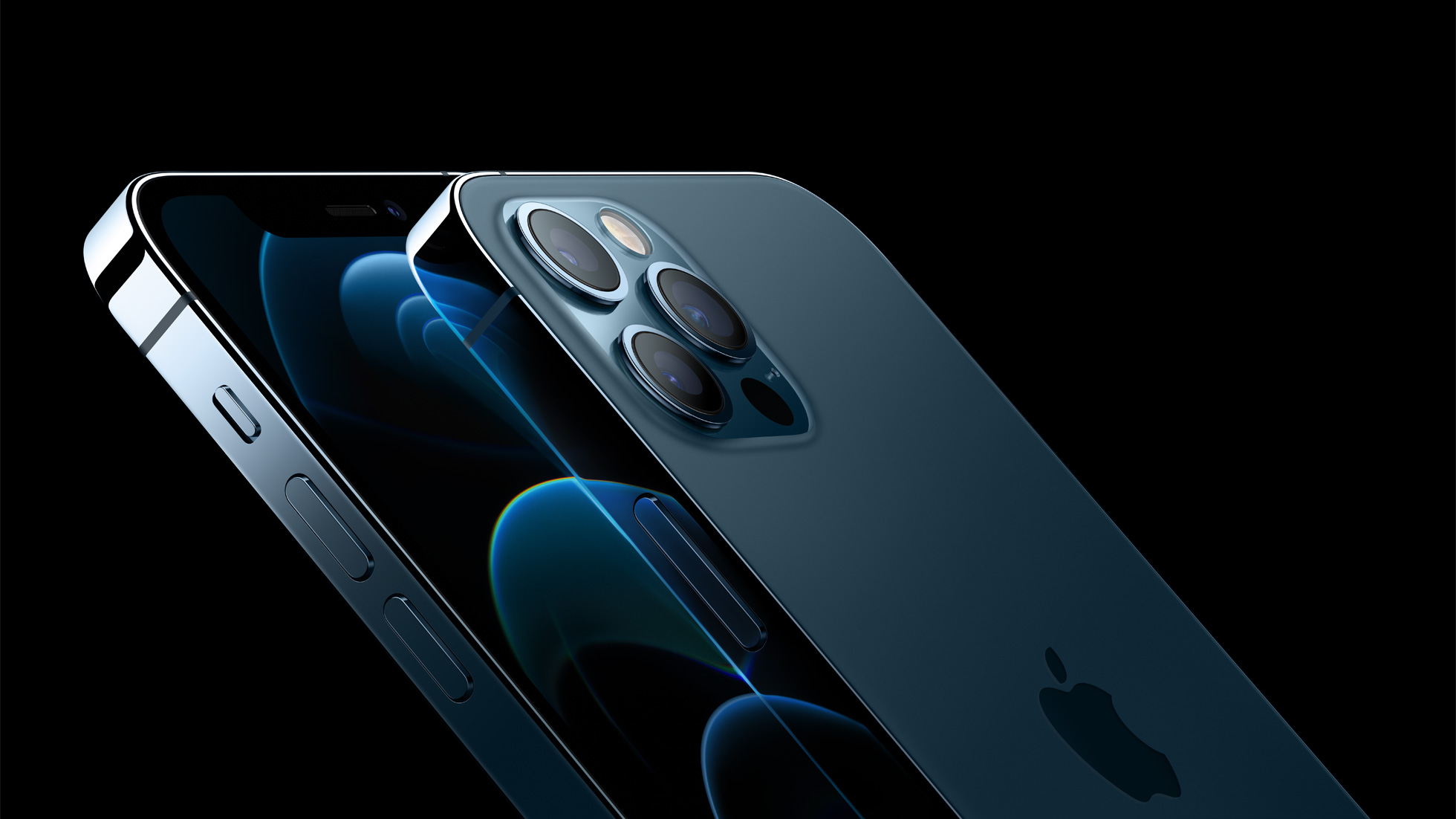
The iPhone 14 Pro and the flagship iPhone 14 Pro Max, both coming as part of Apple's handset lineup in 2022, have been predicted to provide major upgrades in the camera department.
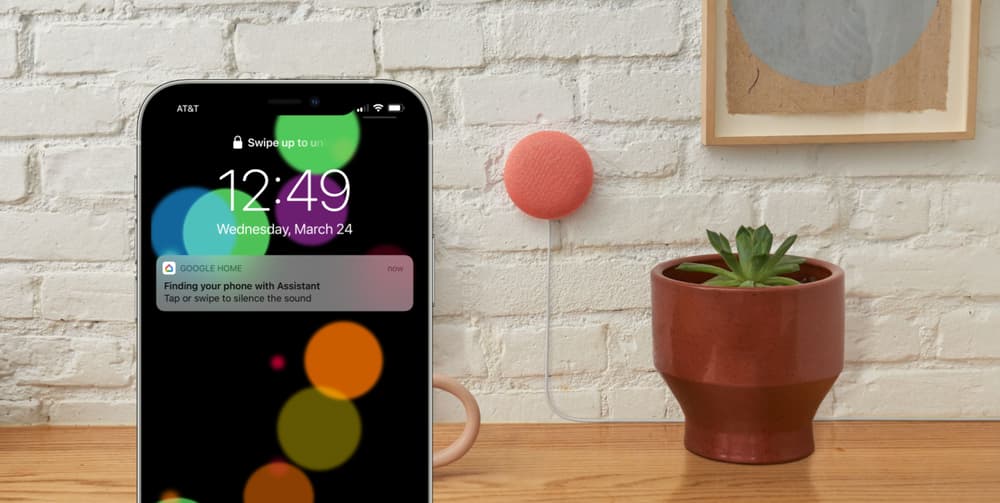
Google Assistant is one of the most helpful digital assistants out there, even if you use it on iPhone. And now it's getting even more helpful for folks who use Apple's smartphones.
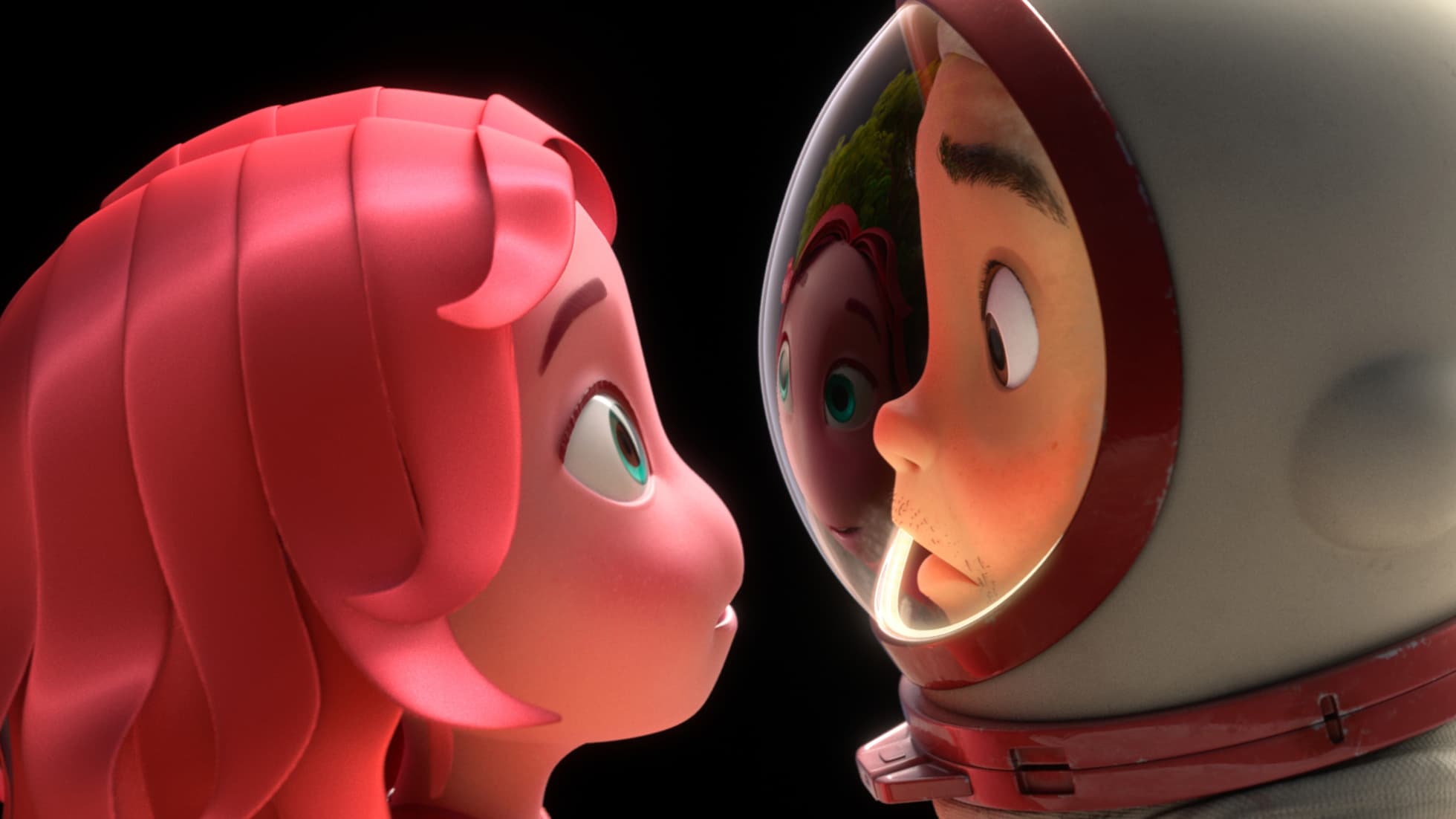
Apple TV+ has a lot of first-look deals out there, including some with major production and development studios. One such company is Skydance Animation, which secured a multi-year partnership with Apple earlier this year. And now we get a look at the pair's first animated short film.