Without any warning (as is par for the course), Apple has taken down its digital storefront for a limited time.
PSA: The Apple Store website is down [Updated]

Without any warning (as is par for the course), Apple has taken down its digital storefront for a limited time.
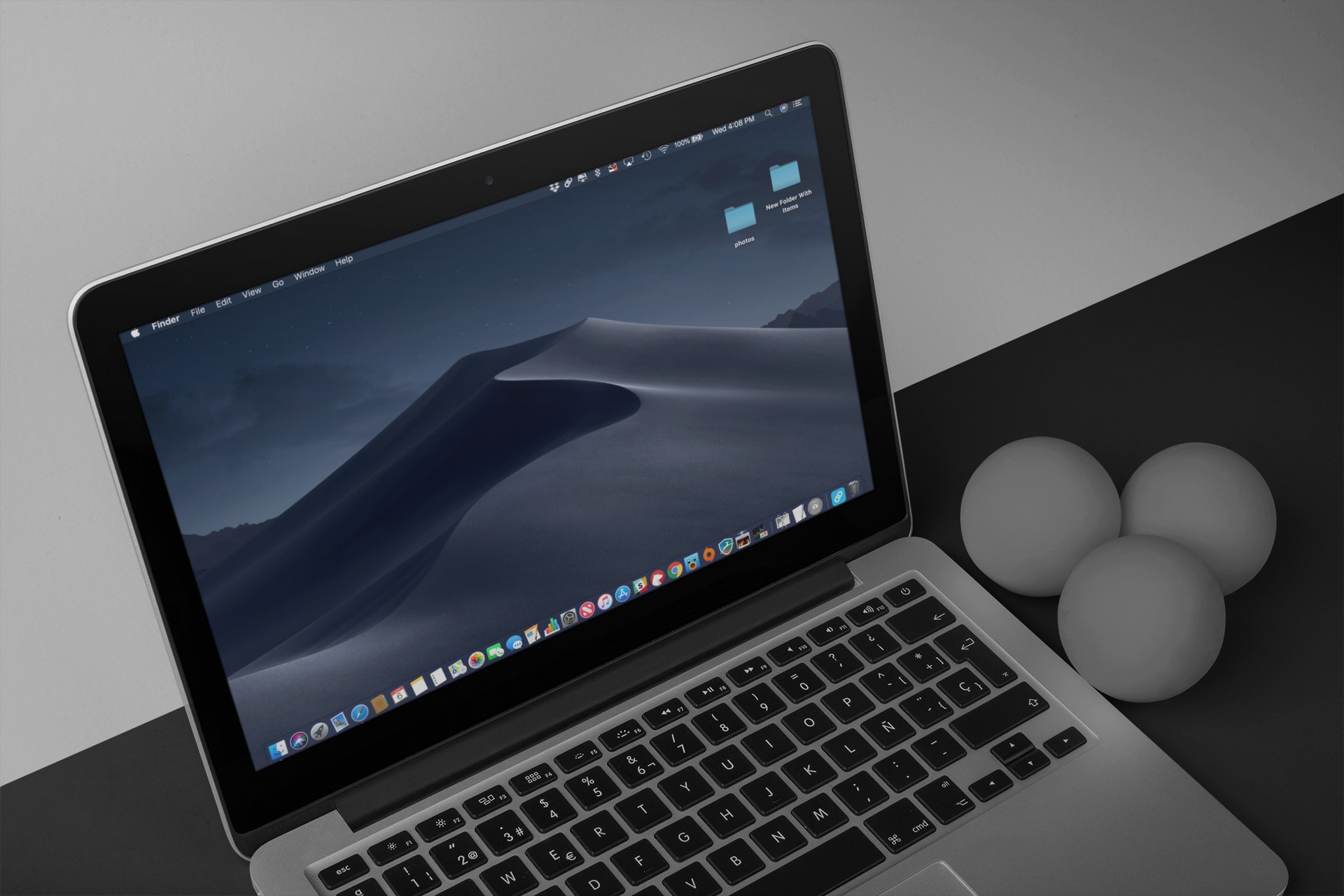
Apple is moving ahead with the latest developer beta for macOS Mojave.

In this tutorial, we explain all the practical ways to right-click (also known as secondary click or Control-click) on your Mac using a mouse, trackpad, or keyboard.
According to a new speed test of the newest MacBook Air, which Apple launched earlier this month, the SSD under the hood is actually slower than last year's model in one variant.

Learn how to rotate, straighten, crop, trim, flip, and adjust a video’s aspect ratio using the Apple Photos app on iPhone or iPad to edit the clip exactly how you want.
A new report aims to shed some light on Apple's focus on user privacy and security, and, most importantly, how it differs between public positioning and private talks.

The Fall 1989 issue of the NeXT catalog is now available to everyone thanks to amateur computer historian Kevin Savetz who's scanned and uploaded all 138 pages of it to Archive.org.

It would seem that Apple has altered its market strategy in India, where its market share is less than two percent and inexpensive handsets rule the landscape, in a move that has left its cash-strapped buyers in the 1.33 billion people country out in the cold.

Waze for iPhone was updated on App Store this morning with a nifty new feature that tells you how much money you should expect to spend on tolls along your route.
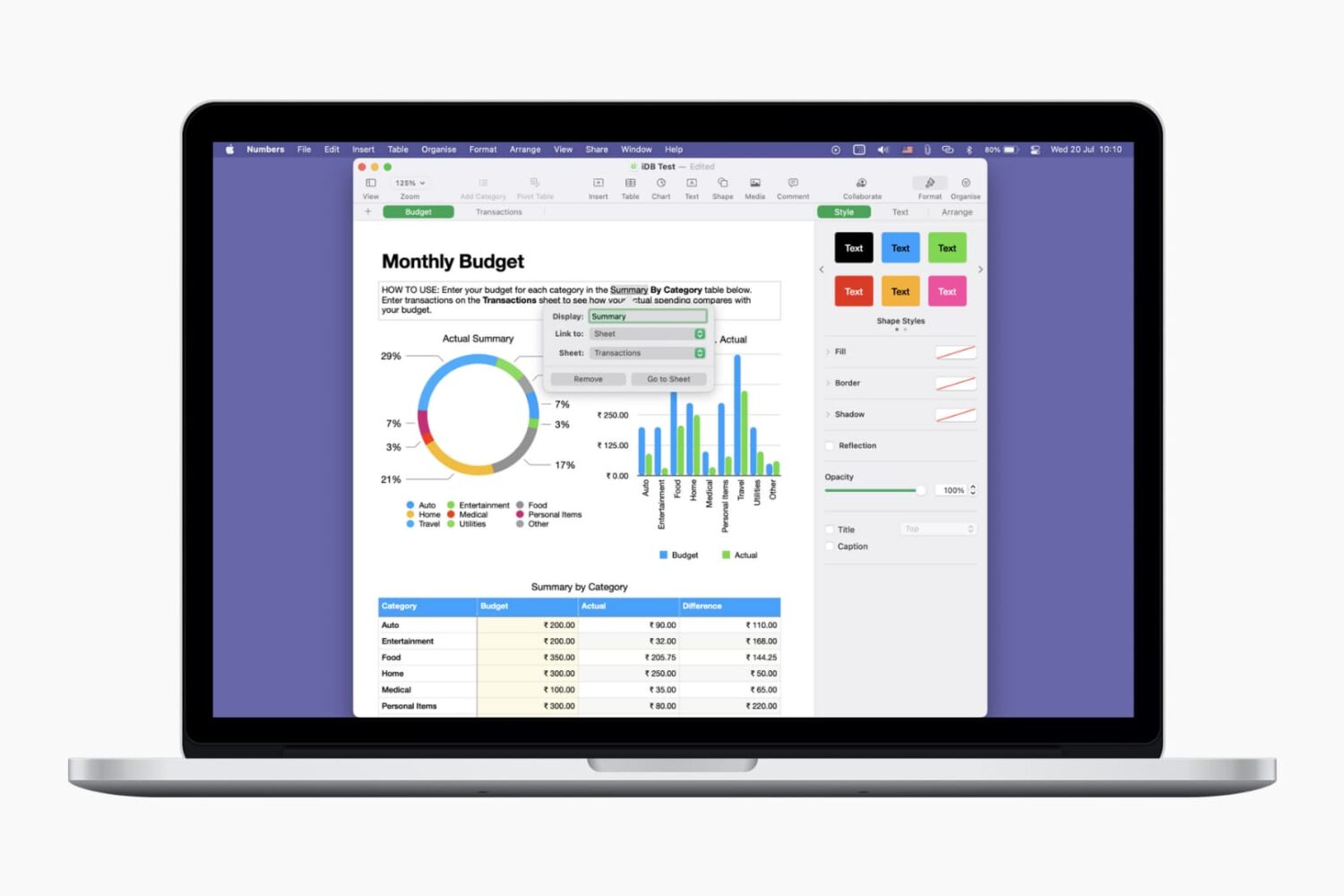
Learn how to use links for websites, email addresses, phone numbers, etc., to make your Pages documents and Numbers spreadsheets more interactive and informative.

If you own an iPhone and an Apple Watch, then you know that each device’s Home screen functions in a different way. iOS' Home screen is optimized for a larger display, while watchOS' is optimized for a smaller display; but if you have a soft spot for how the Apple Watch’s Home screen works and fancy the same experience on your iPhone, then today's your lucky day because you'll no longer need to settle.
Enter Honey, a newly-released jailbreak tweak by iOS developer Blake Boxberger that ports the Apple Watch’s Home screen experience to iOS devices. As you’ll notice in the screenshot examples above, Honey can be configured to work in several different ways and lets you experience what you love about your Apple Watch right on your iPhone or iPad.

There's no better way to learn than with hands-on experience. If you're interested in robotics, it may seem like the only way to get that experience is by taking an expensive class at a university.