Learn how to add, manage, and use multiple sheets in Numbers to organize your data and make it easily accessible.
How to manage sheets in Apple Numbers on Mac
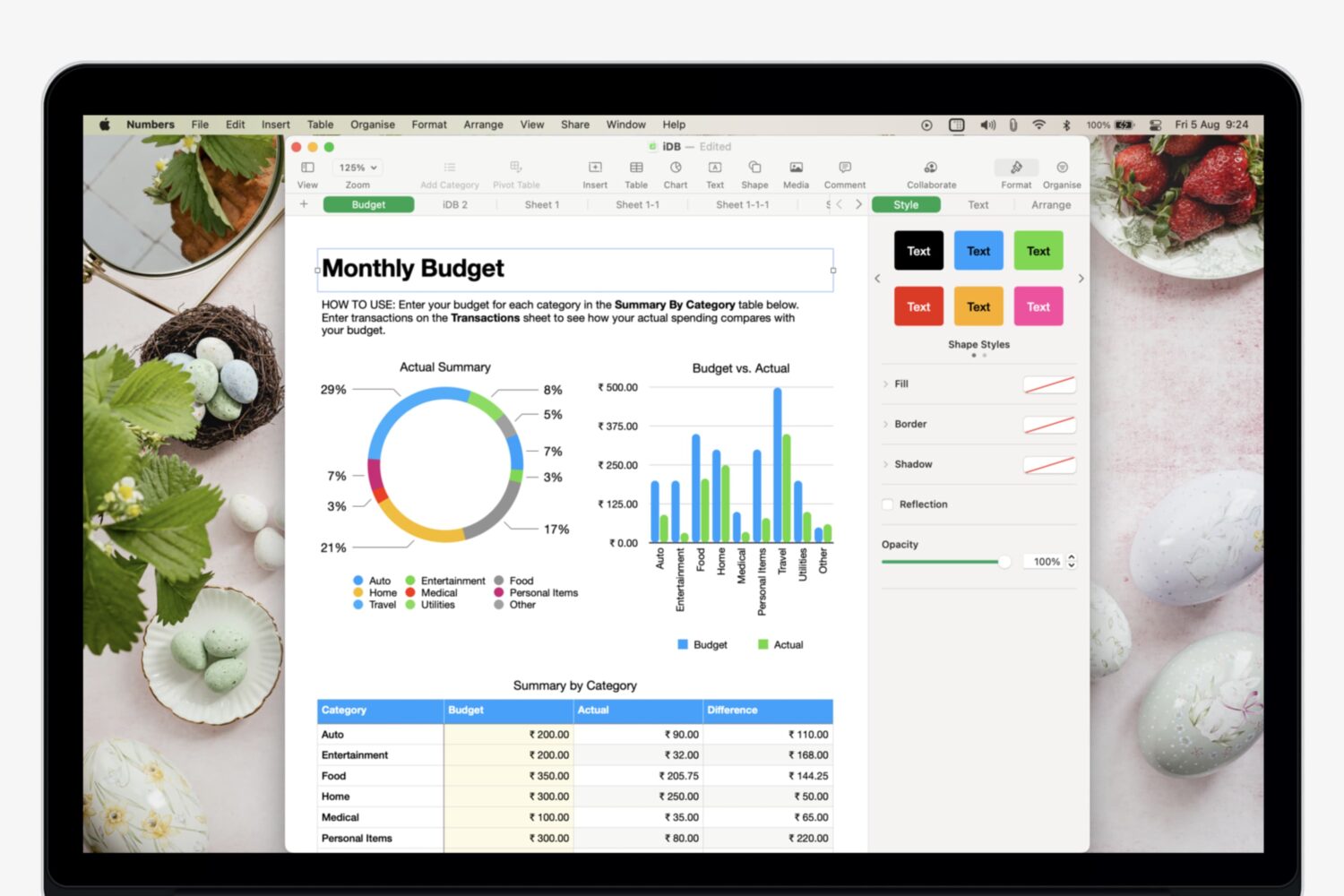
Learn how to add, manage, and use multiple sheets in Numbers to organize your data and make it easily accessible.

Jailbreakers who’ve been paying close attention to Twitter and /r/jailbreak over the past couple of days likely witnessed the creation of the official Odyssey Twitter account and a plethora of teasers showcasing the Electra Team’s upcoming iOS 13-centric jailbreak tool in action. As it would seem, however, the energized release is a far cry from being a drama-free one.
Odyssey jailbreak co-developer Hayden Seay, also known by many in this community as Diatrus, took to Twitter Tuesday evening to share that unc0ver lead developer Pwn20wnd had filed a DMCA takedown request targeting the Electra Team’s upcoming Odyssey jailbreak.
Apple today seeded second developer betas of the iOS 14, iPadOS 14, macOS 11 Big Sur, watchOS 7 and tvOS 14 updates ahead of public testing opening later this month. The latest betas arrived more than two weeks following the inaugural developer releases, which became available following Apple's successful virtual WWDC 2020 keynote talk, held on June 22.

Owners of select smart TV sets from Samsung dating back to 2018 can now enjoy synchronized Apple Music lyrics that are also available across iPhone, iPad, Mac and Apple TV.
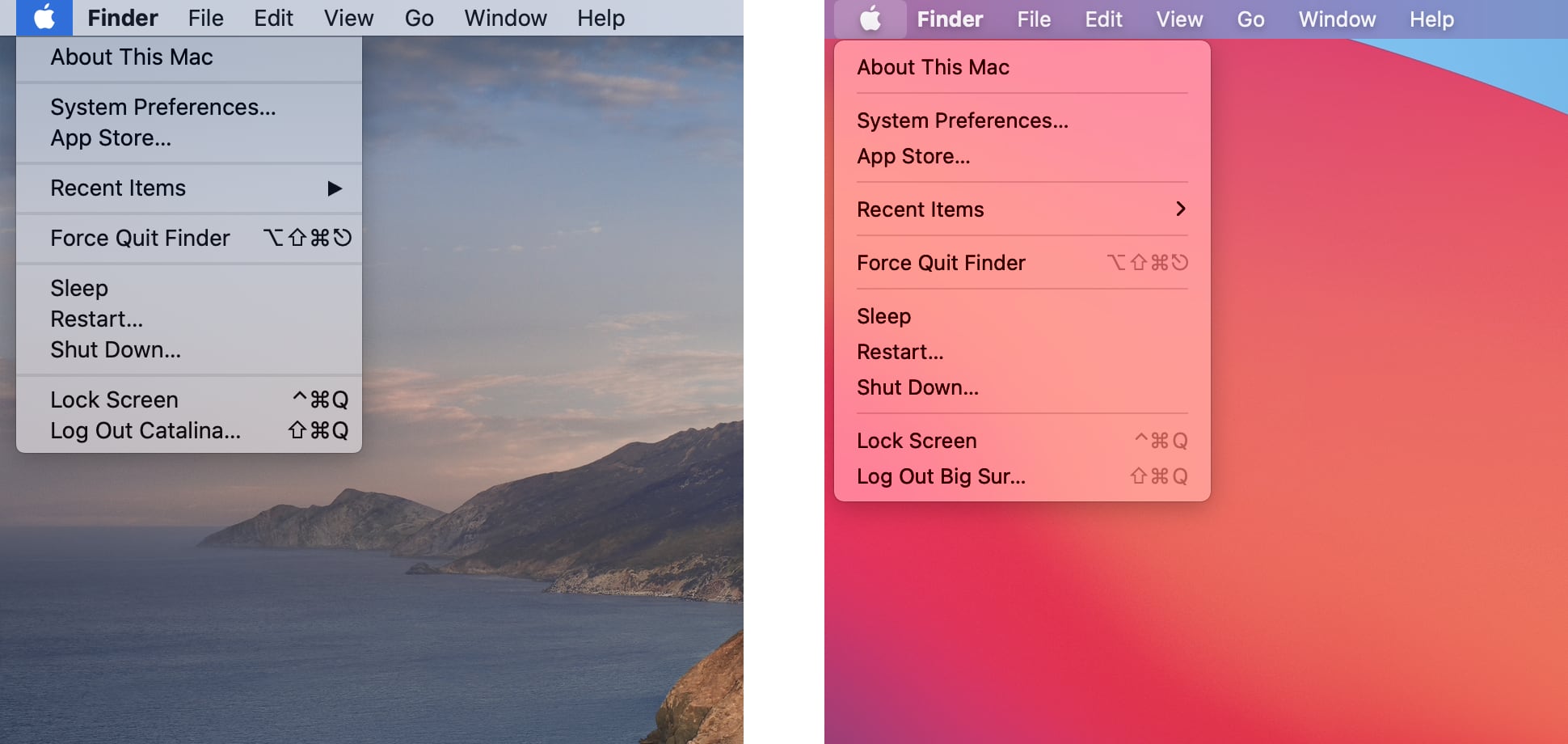
You may have read complaints on social media written by opinionated users who think that Apple pretty much phoned in the work for the icons in macOS Big Sur, but what about the rest of the interface? Thanks to app designer Andrew Denty, we now have a great visual comparison of the user interface changes between macOS Catalina and macOS Big Sur.
One of the cooler enhancements in the improved Music app in the iOS and iPadOS 14 updates that wasn't mentioned before brings animated artwork for some Apple Music playlists.
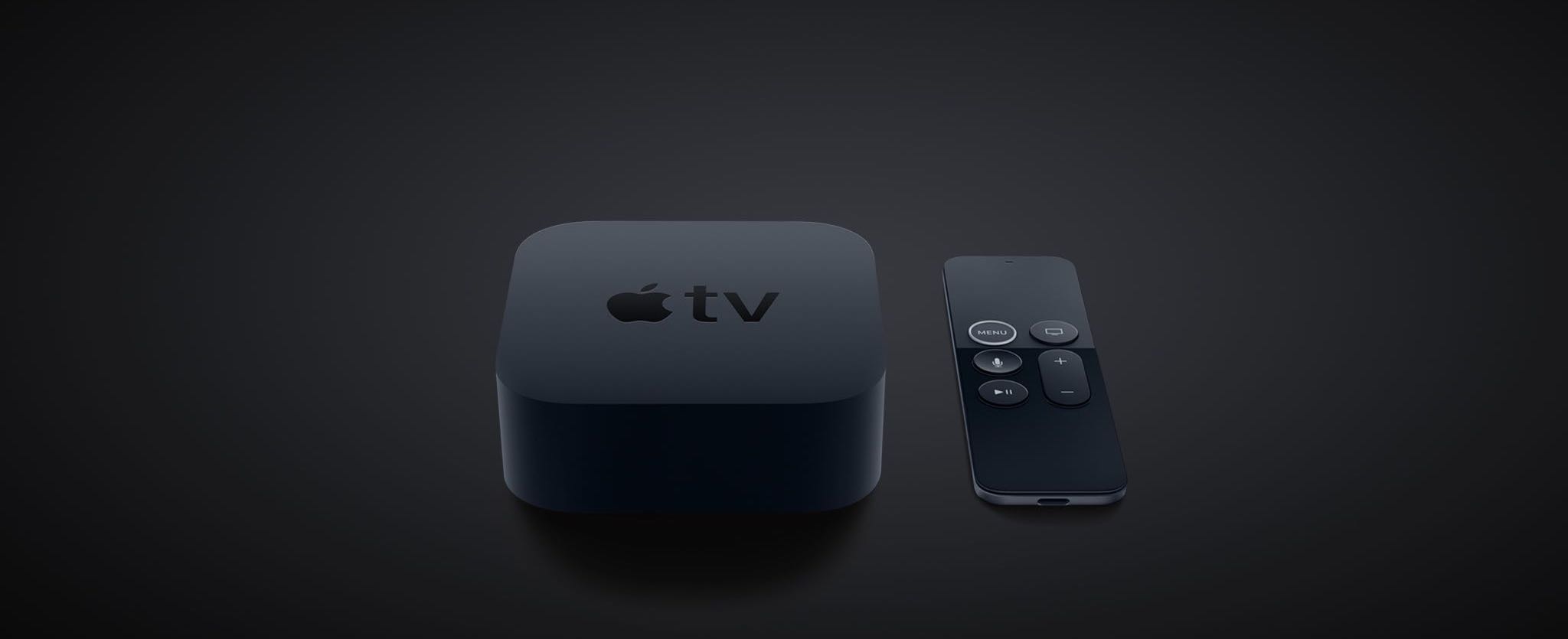
Be sure to consult this official Apple TV device compatibility list if you need to verify that your particular model of the Apple set-top box meets the tvOS 14 system requirements.
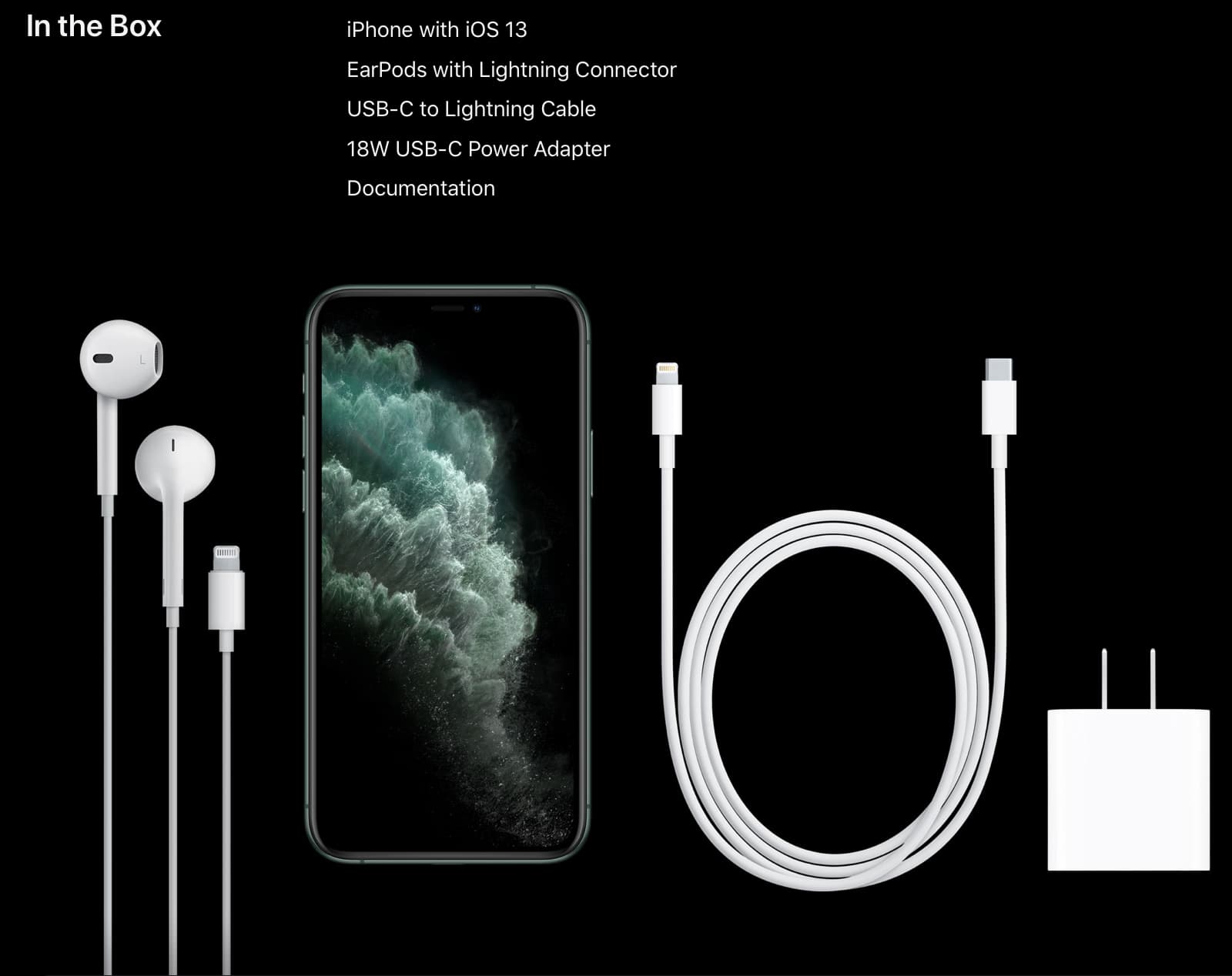
The rumor that Apple will be ditching the bundled charger and Lightning-based EarPods earphones in the iPhone 12 box was just corroborated by Japanese media outlet Nikkei.
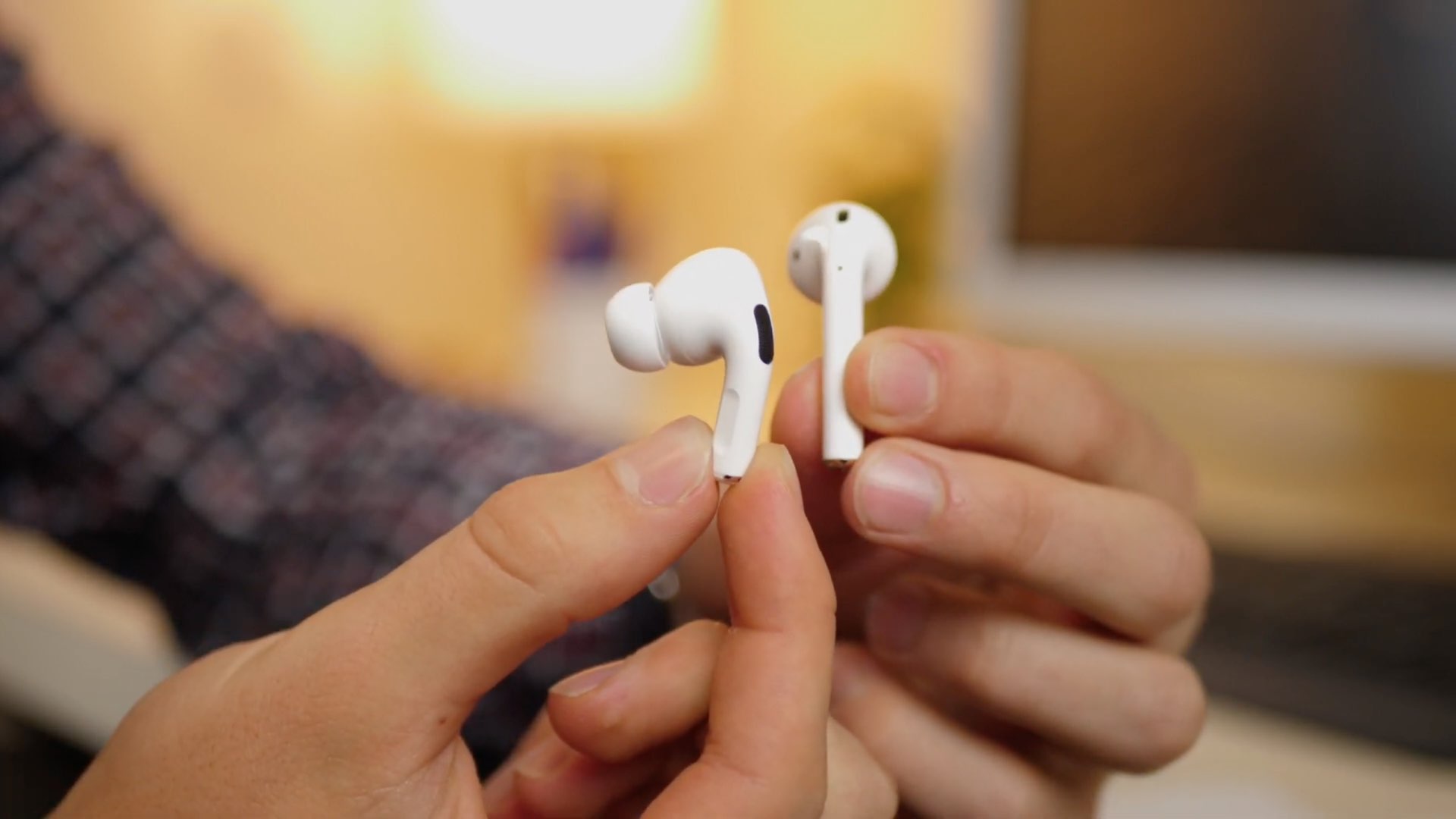
Apple should borrow some of the miniaturization techniques for its upcoming third-generation AirPods from the current AirPods Pro noise-cancelling earbuds.
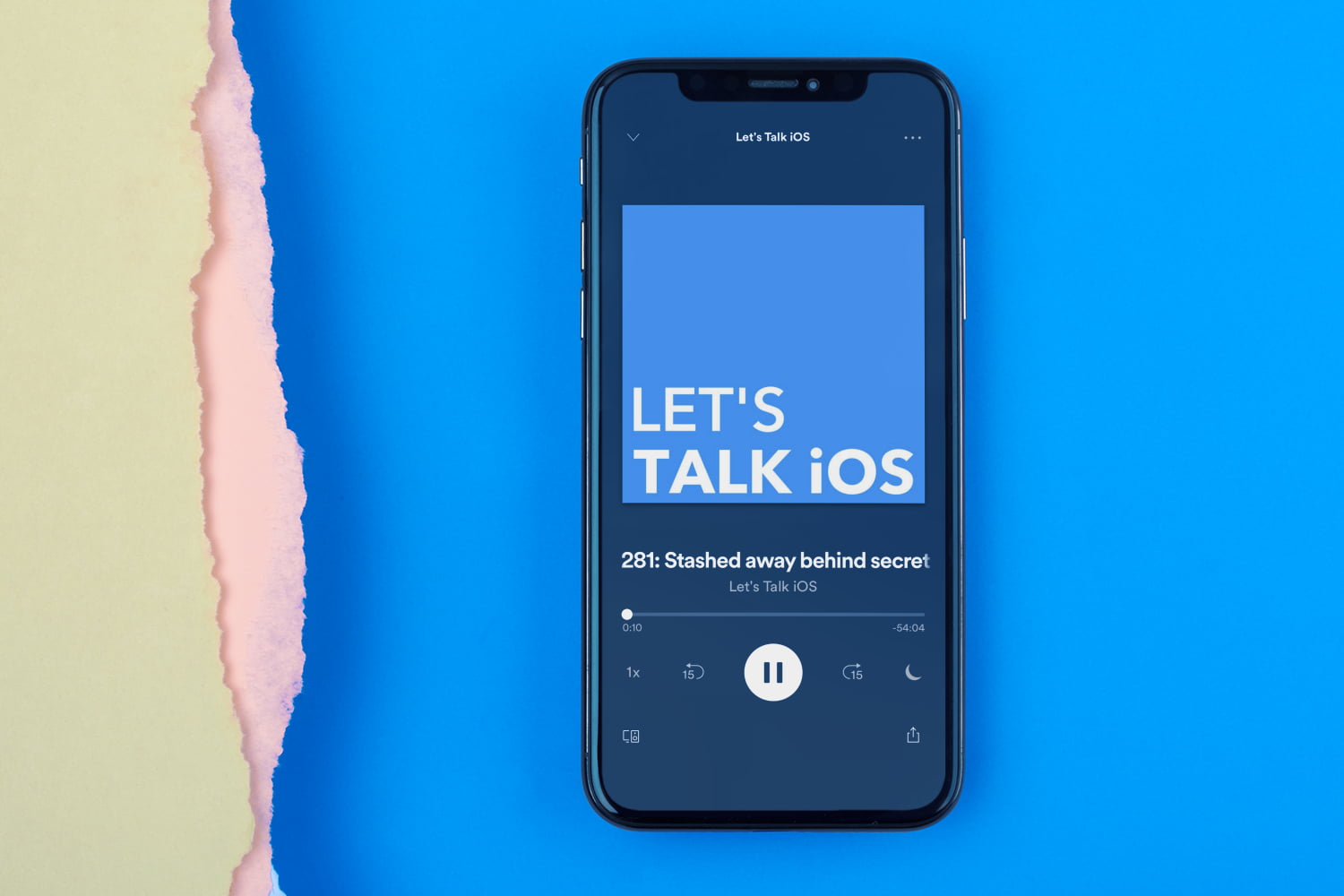
While Sebastien discusses his new RV life, Cody talks about his new iOS 14 beta life.
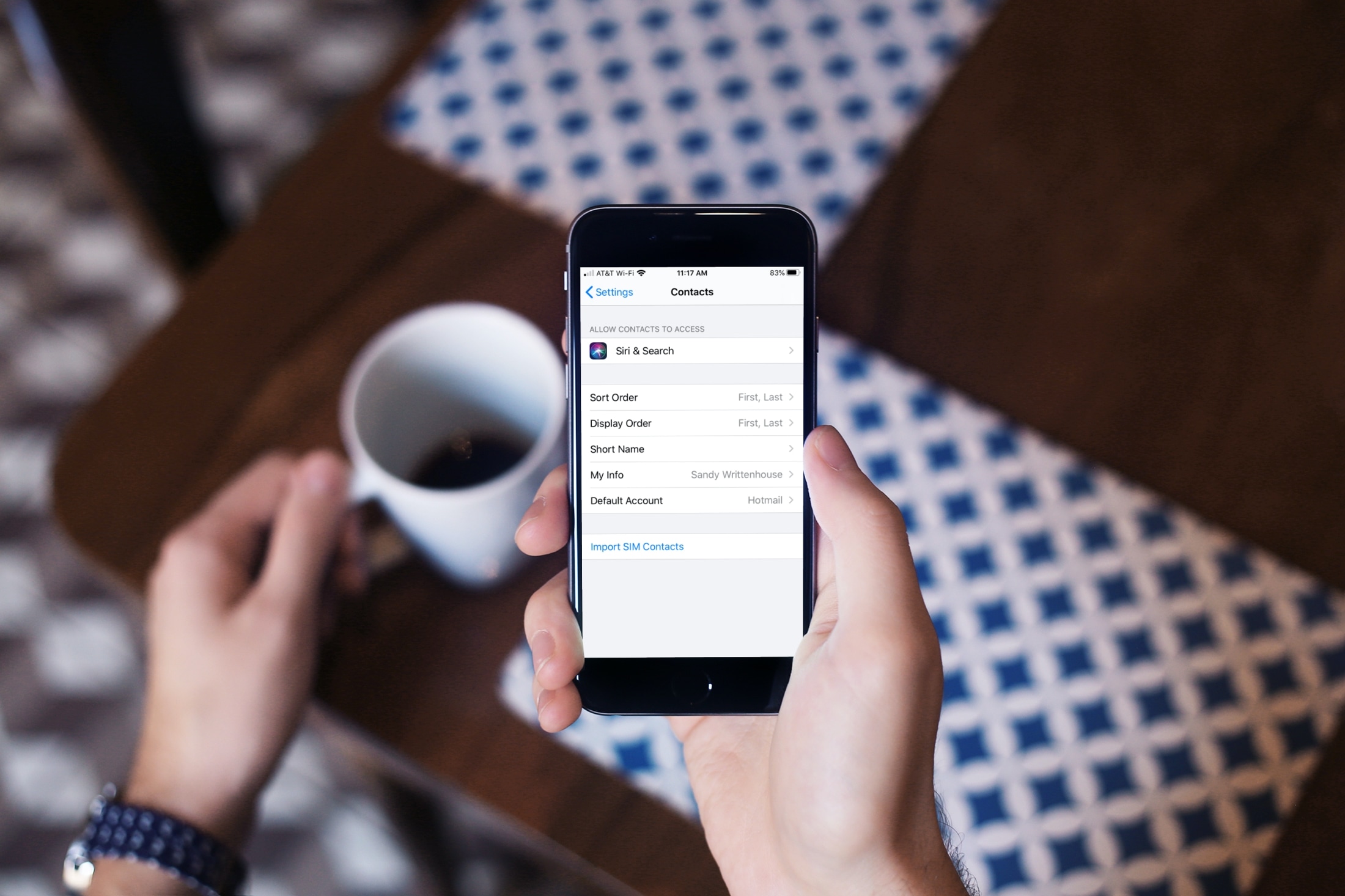
Learn what to do if contacts are saved in your physical SIM card and you want to have them on your iPhone.
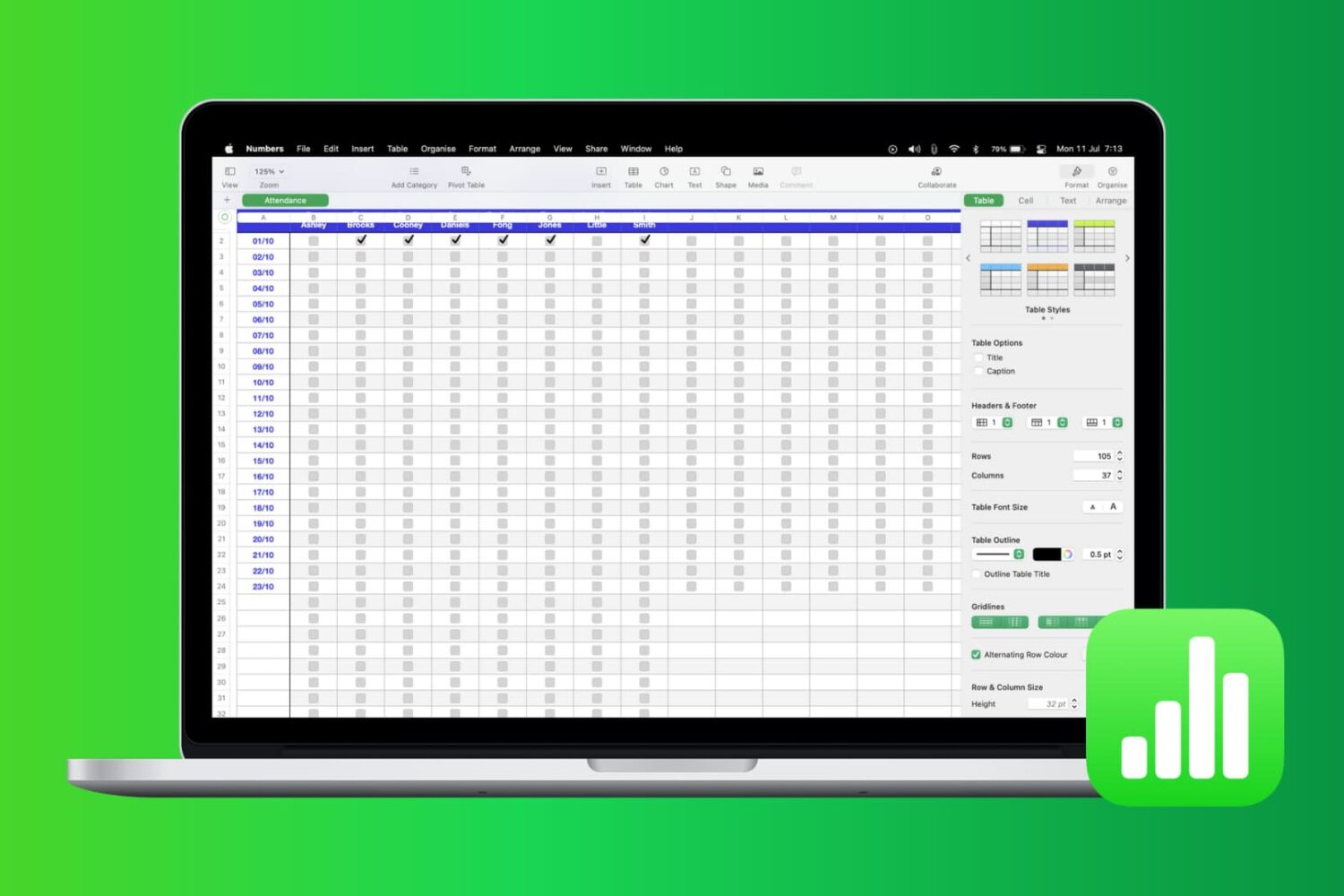
Most times, there’s more to the data you add in Numbers than just entering it. You may also want to analyze it. Whether it’s company sales, personal financials, or customer records, you can use filters to display only the data you want to see.
Numbers has features that let you apply a quick filter or set up filtering rules. Both of which are handy depending on the amount of data you have and the data you need. This tutorial shows you how to filter your data in Apple Numbers.