Jailbreak

Carnitine allows you to activate Wi-Fi for select apps only

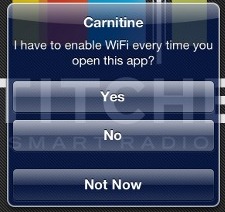
We've seen clever jailbreak utilities for enabling toggles in the past, but I really think the developer behind Carnitine are onto something special. Carnitine, in this case, is a jailbreak tweak that can enable Wi-Fi while select apps are open and not the biological compound.

Carnitine is brilliant because it enables Wi-Fi not from the command of a gesture, a timer, or a GPS location, but from right when you open any set app. The idea is Wi-Fi is there when you need it. Though the implementation in the initial version isn't perfect, for reasons I will soon explain, I would love to see Carnitine expanded into a larger tweak...
‘Bolt’ hides the battery from the status bar, displays simple logo while charging

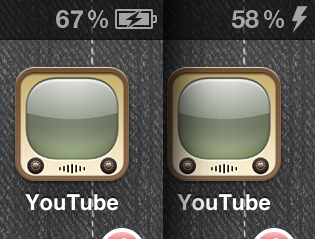
You might have noticed that it is uncharacteristically redundant of Apple to have the accurate battery percentage meter beside a graphical representation of the remaining battery life. The interface only needs one or the other, though it's still good to have an indicator on whether the power cord is connected. Personally, my preference is to stick with the percentage meter and ax the logo.

Bolt is an old jailbreak tweak that we neglected to feature when it debuted in 2011. The tweak is a relatively simple MobileSubstrate hack that removes the space-hogging battery icon from the Status Bar, but still displays a small lightning bolt icon while your device is charging...

Easily post reminders to the lock screen with Reminders+

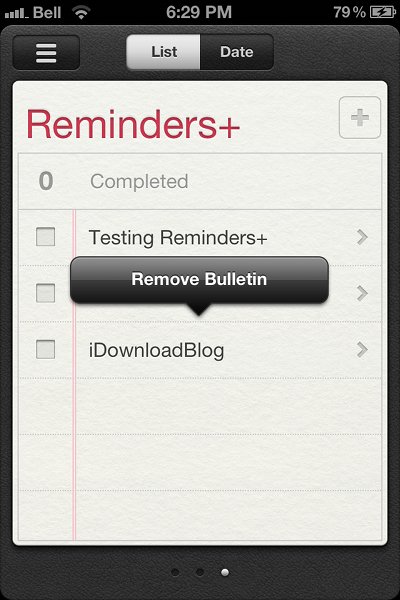
Reminders+ is a new jailbreak tweak recently added to Cydia that allows users to pin bulletins from Reminders+ to the lock screen. With the tweak installed, your reminders will stay on the lock screen; these notes won't be dismissed if you unlock your iPhone or go into the Reminders app.

To pin notes on the lock screen, all you need to do is go into the Reminders app, find a reminder you want to pin down, and then press down on the text. An Action Menu prompt for adding a bulletin will appear on top of the selected reminder. Once you tap the prompt, the reminder will appear on your lock screen...

When AirPlay is too laggy for games, use DisplayOut with a wired AV adapter

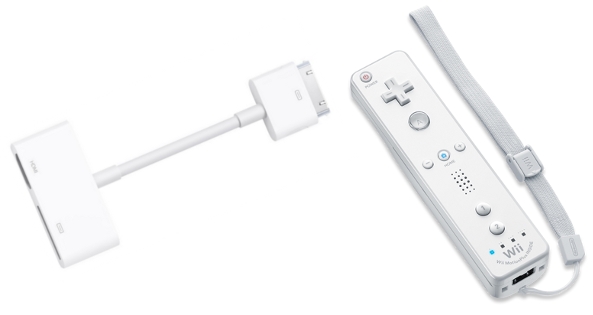
There is recent post on Reddit where a user was attempting to play classic NES games from an iPhone 4S, using a Wii remote for controls, with the whole thing mirrored to a TV through AirPlay. The redditor asked if there was any way to compensate for the 1 second lag he was experiencing through AirPlay, and I thought some of our readers might have come to the same question. Unfortunately, without resorting to time travel, it's not possible to technologically compensate for latency in current version of AirPlay.

While wireless displays are now feasible for gaming, just ask anyone with a WiiU, AirPlay mirroring is not your best option for streaming fast-paced games. A better solution is to plug your phone directly into a TV...

How to change button skins in Robert Broglia’s Emulators on iOS

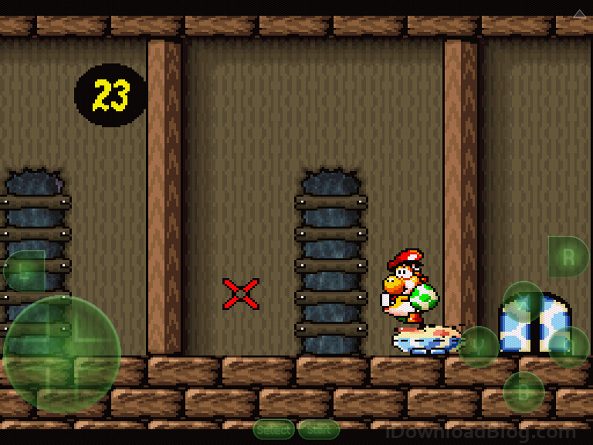
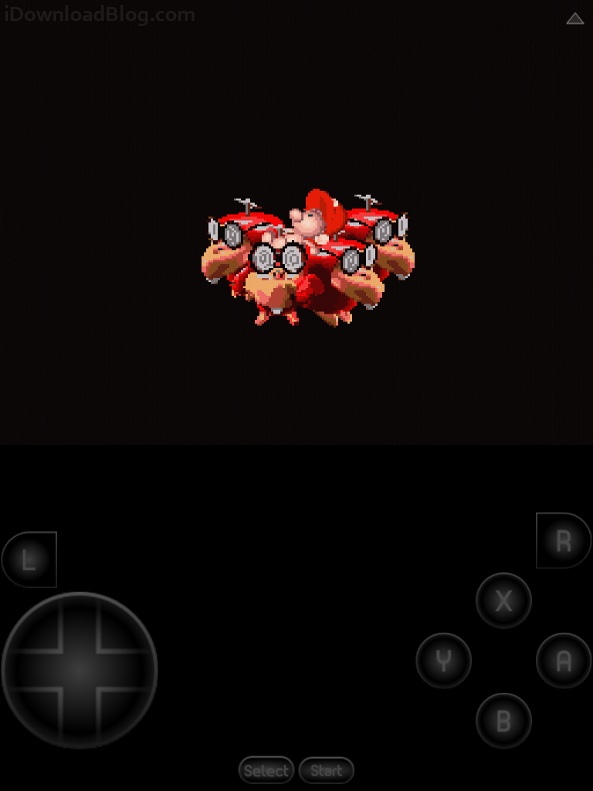
In the comments section of our article on Snes9x EX+'s release, one of our readers asked if there was a way to swap out the overlays for the on-screen buttons. I thought the question was interesting enough to answer in a full tutorial.

While there isn't a built-in option for skinning Snes9x EX+, nor are there any themes for the app currently available on Cydia, with a jailbroken iPhone, iPad, or iPod touch, it's not too difficult to manually edit raster graphics used in any app. All you need to do is navigate to Snex9x EX+'s app directory and edit the overlay bitmap...

Siri withholds information, can help you if you upgrade to iOS 6

We haven't seen a publicly released untethered jailbreak since iOS 6 debuted in September, and Apple hasn't been making the wait easy for the jailbreak community. There are the little annoyances, like apps exclusive to iOS 6, over the air update alerts, and that pesky notification badge in settings that appears by default. Some of these are easy to deal with through tweaks, but what happens when Apple isn't being subtle?

A user on Reddit asked Siri when the superbowl was starting, only to find that his personal assistant refused to comply. Siri's response: "If you update to the latest version of iOS, I'll be able to help you with that." ...

The best iPhone to PC file browsers

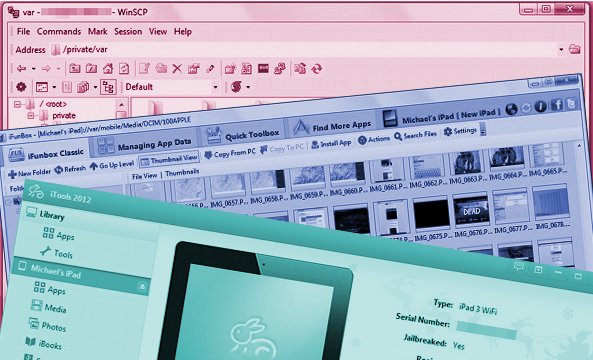
As someone who writes about iOS software and jailbreak tweaks for a living, I am constantly using software to connect to my devices. The right software can make it a snap to access the file system, transfer photos, manually install software, and make backups, but the wrong software can make your work flow slow to a crawl.

This is an overview of some of the most popular tools for browsing the iOS filesystem from a computer. Depending on your preferences, you might choose one tool over another...

Flex developer answers questions and explains how Flex patches work

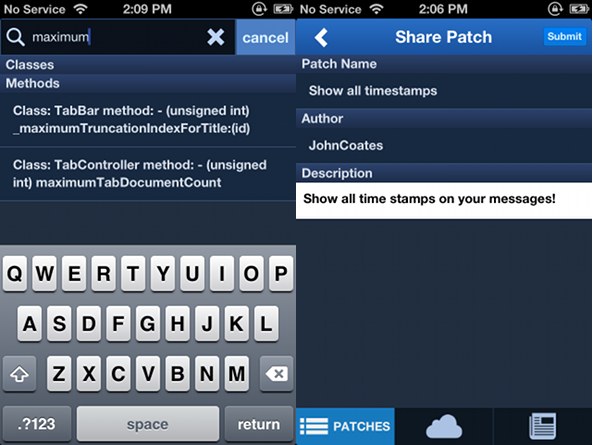
Yesterday iDownloadBlog reported on Flex, an upcoming jailbreak app that allows users to create their own tweaks on the fly. We had reason to be excited, as Flex can create custom patches for the Springboard or almost any app, all without requiring programming knowledge from users.

While we were optimistic about Flex, some of our readers were curious about how Flex works, and others raised concerns about the unreleased app. Because we felt these concerns deserved addressing, we got in touch with Flex's developer, John Coates, who was kind enough to answer our questions and provide more screenshots for our readers...

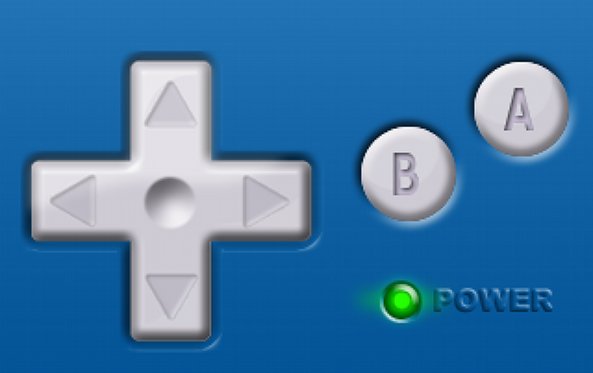
Want buttons for gaming in iOS? Here are your options so far

While there are certain video games that work well with touchscreen controls, if you're playing retro action games on an iPhone or an iPad, you're likely to find yourself craving the precise click of real buttons.

There are a few options for physical controls on non-jailbroken iPhone, iPad, or iPod touch, but if you want to use classic controls for more than a handful of games, you will need to turn to tweaks. Luckily, we have you covered...

Write your own jailbreak tweaks on the fly with upcoming ‘Flex’ utility

John Coates, the developer behind the MissionBoard Pro jailbreak tweak, has posted a thread on Reddit about an upcoming jailbreak app called Flex. Flex is an exciting new app that allows users to make and share their own runtime patches, not just to iOS itself but to any app you have installed.

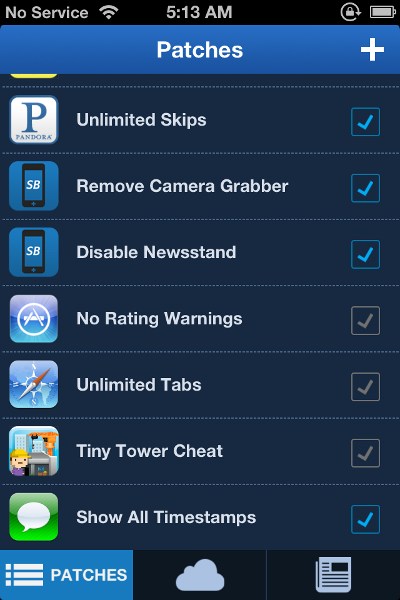
What can you do with Flex? From the looks of it, you can modify just about any app's behavior. In the preview screenshots, there are patches for unlimited skips in Pandora, removing the lock screen's camera grabber, nixing the ratings warning when downloading from the the App Store, and even cheating in games like Tiny Tower. Think of it as a Game Genie for iOS...

“Tap to unlock” from the lock screen instead of sliding with ‘tapUnlock’

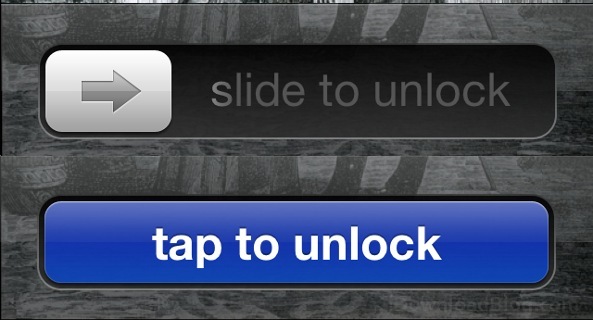
tapUnlock is a new jailbreak tweak from the makers of MapsOpener and BrightVol. The tweak replaces the 'slide to unlock' bar with a 'tap to unlock' button. Personally I'm a fan of the classic slider, as it's part of how Apple introduced a new paradigm of capacitive screens to the mass market, and it's something I will always associate with the iPhone.

Unfortunately 'slide to unlock' isn't for everybody. If you know someone who has difficulty using the 'slide to unlock' gesture on the lock screen, maybe because of arthritis or another fine motor control difficulty, you'll get good mileage out of tapUnlock. Alternatively, you might just want it to have something different...

Robert Broglia releases ‘Snes9x EX+’ SNES emulator to Cydia

Robert Broglia, the developer behind the free Snes9x EX jailbreak app, and a number of other commercial '.emu' emulators for other consoles, just released Snes9x Ex+. Broglia's latest branch of his popular iOS Super Nintendo emulator is based off of Snes9x version 1.53, which is the most recent available build of the PC software.

The more recent v1.53 codebase should provide near-complete emulation for a number of games, especially those that make heavy use of mode7 scaling or the Super FX co-processor...