Jailbreak

Auto-executing ap0110 jailbreak for 32 & 64-bit iOS 10 devices now available

The jailbreak community has been on fire lately. Not only have all iOS & iPadOS 14.0-14.3 devices been made pwnable by both the tried and true unc0ver and brand new Taurine jailbreak tools, but the recent release of the kok3shi jailbreak made it possible for users of 64-bit iOS 9.3-9.3.5 devices to pwn their handsets as well.

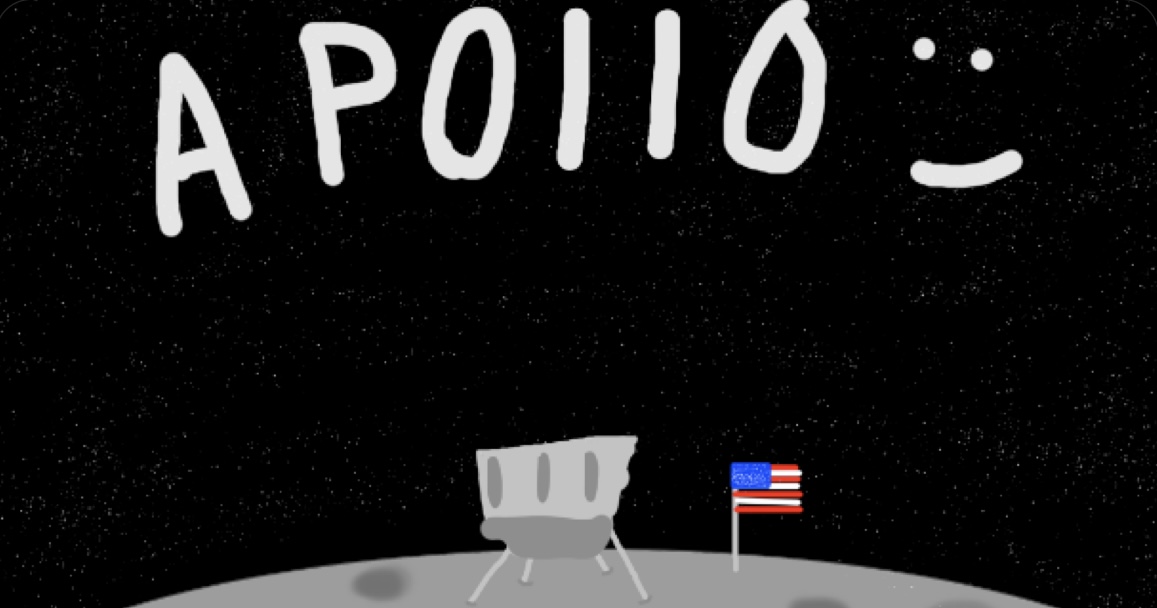
Now, it seems a little more love is being provided for iOS 10 users as the Athenus Dev Team and w212 have teamed up to release ap0110, an auto-executing semi-untethered jailbreak for 32 and 64-bit iOS 10.x devices.
The best jailbreak tweaks for iOS 14

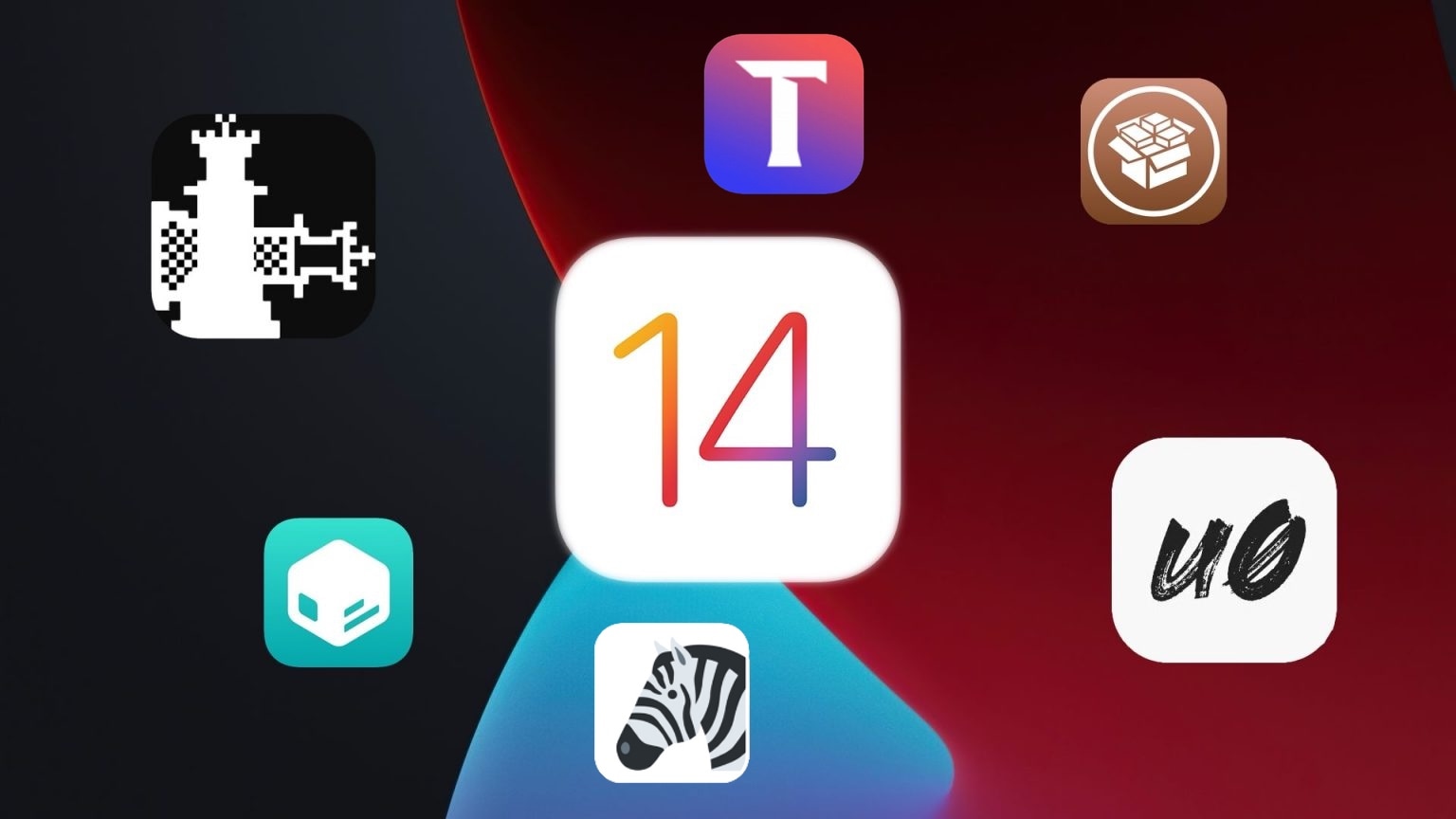
While some jailbreakers have been fortunate enough to enjoy a pwned handset since iOS & iPadOS 14 first dawned last year thanks to the bootrom exploit-based checkra1n jailbreak tool, others were a bit later to the party since the side-loadable semi-untethered unc0ver and Taurine jailbreak apps only just enabled support for iOS & iPadOS 14.0-14.3 on all devices within the past month or two.

Whether you’re entirely new to jailbreaking or you’ve been using a pwned iOS or iPadOS 14 device since the major software update first dropped, you’re probably wondering what tweaks and add-ons you can install to get the most out of your jailbreak experience. Fortunately, we’re here to help you with that.

New ‘rasperry’ tweak keeps YouTube playing in the background when you close the app

YouTube’s background media playback is a feature in both the YouTube and YouTube Music apps is typically reserved for Premium users who pay a monthly subscription fee. This same subscription also unlocks other creature comforts including ad-free playback.

Fortunately for jailbreakers, background playback and an ad-free listening experience don’t necessarily require an active subscription, as jailbreak tweaks made specifically for the YouTube and YouTube Music apps can lift the frustrating subscription requirement.

Apple closes signing window for iOS & iPadOS 14.4.1, halting downgrades

Apple released iOS & iPadOS 14.4.2 last Friday alongside iOS 12.5.2 for older devices that don’t support iOS & iPadOS 14 in an effort to remedy a WebKit-based security vulnerability that the company had knowledge of being actively exploited in the wild to maliciously impact its user base.

Given the amount of time that has passed since the release of those updates, we’re unsurprised to learn that Apple has officially stopped signing iOS & iPadOS 14.4.1 this evening. It’s a move on the company’s part that bars the majority end users from voluntarily downgrading their handset’s firmware to the previous version.

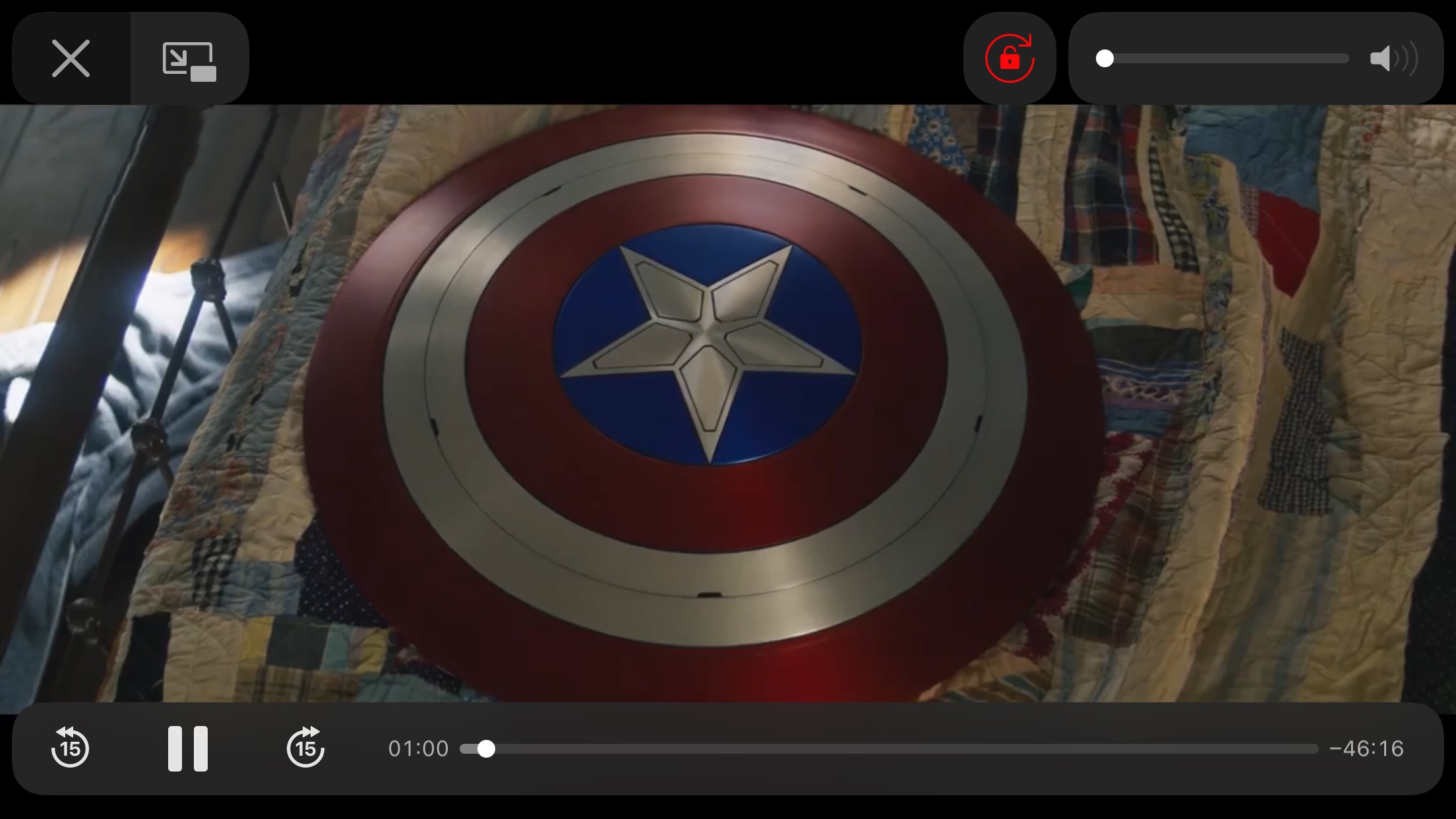
This tweak adds a Rotation Lock button to iOS’ native video player

Rotation Lock is a useful feature that I use on my iPhone almost every single day. People use Rotation Lock for a bevy of different reasons, but many would coin video consumption to be a valid use since it can prevent the display from rotating to an uncomfortable orientation in those niche moments like laying in your bed.

Currently, the fastest and most convenient way to toggle Rotation Lock is via the dedicated Control Center toggle, but launching Control Center can interrupt your video playback. With that in mind, wouldn’t it have made perfect sense if Apple had simply integrated a Rotation Lock button into the video player interface to begin with?

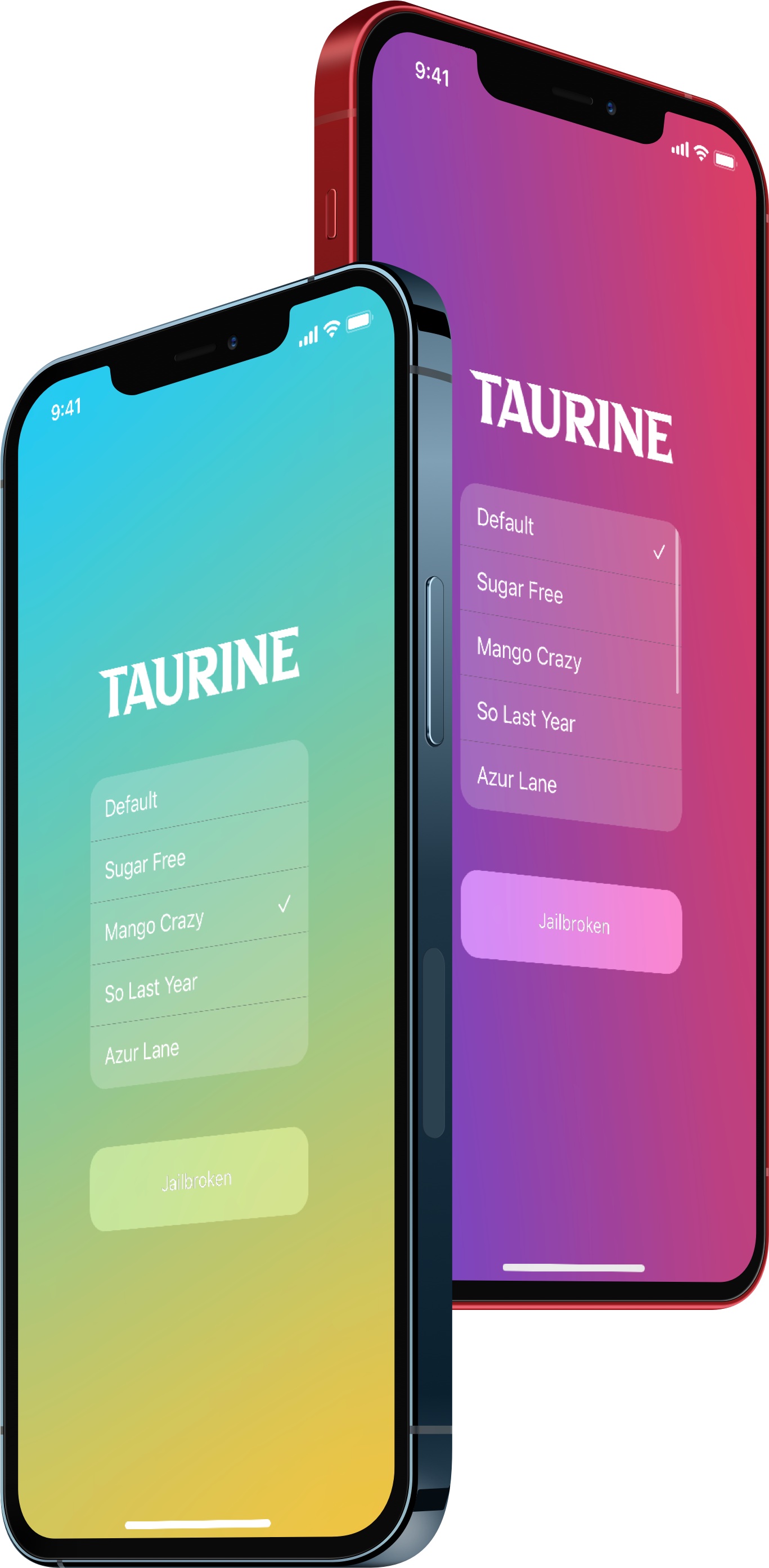
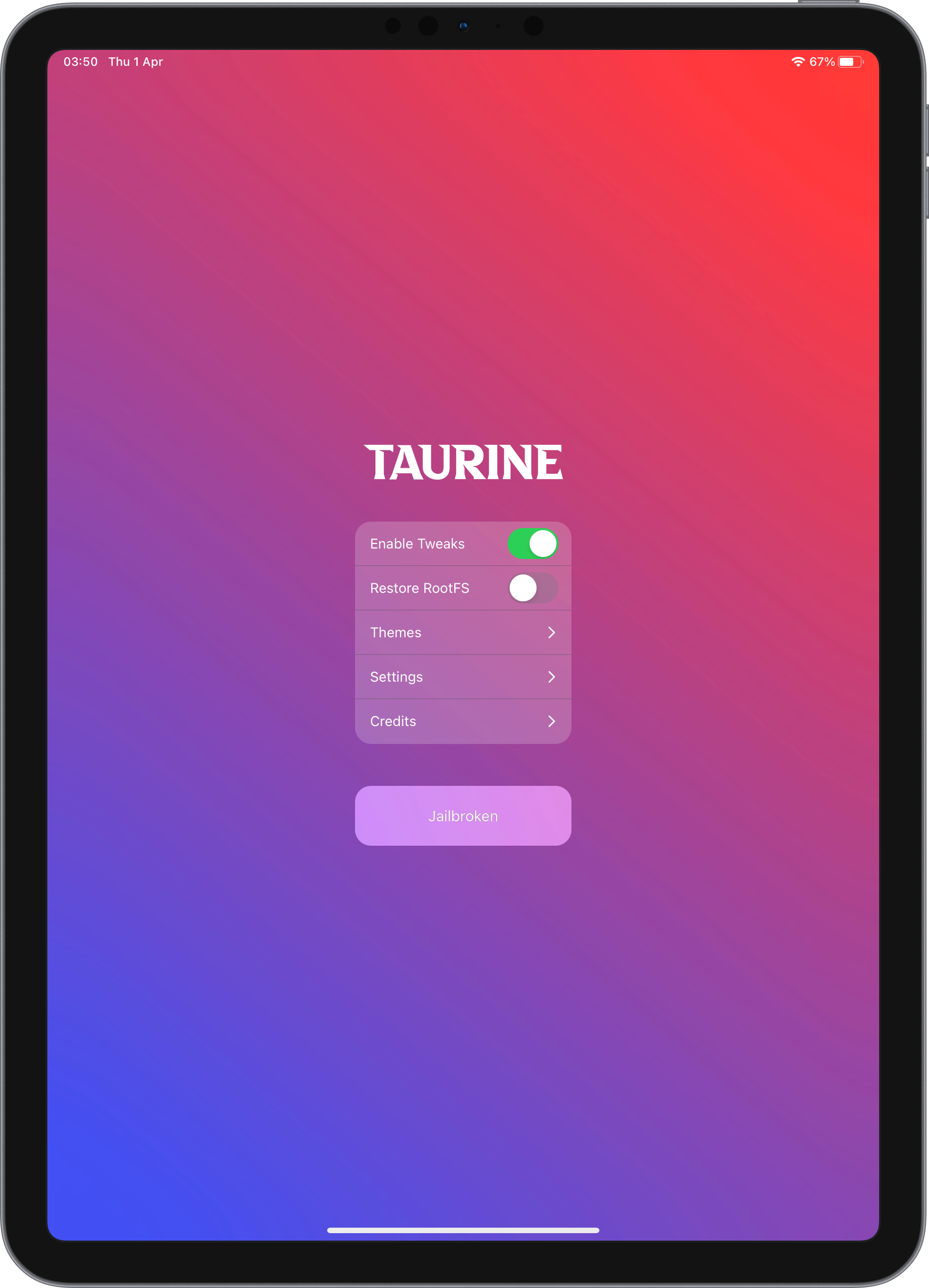
CoolStar’s Taurine jailbreak for all iOS 14.0-14.3 devices officially released

Although the unc0ver jailbreak by Pwn20wnd was the first to implement support for iOS & iPadOS 14.0-14.3, those who’ve been patiently holding out for CoolStar’s iOS & iPadOS 14-based jailbreak instead are going to be in for a treat.

Steering away from the initial plan to launch an SSH-only iOS & iPadOS 14 jailbreak first before launching a full-fledged iOS & iPadOS 14 jailbreak afterward, CoolStar has instead decided to focus all efforts on the full-fledged option — the fruits of which are now available to the general public.

This tweak stops iOS’ built-in hearing protection for people who don’t like the volume interruption

If you’re using any recent release of iOS or iPadOS, be it 13 or 14, then your handset automatically attempts to protect your hearing by reducing loud sounds when using headphones for extended periods of time.

The option to reduce loud sounds is adjustable in the Settings app, but as many users have pointed out on Apple’s support forums, the adjustment has its limits and may still negatively impact the media consumption experience in certain scenarios even when the user takes steps to mitigate interruptions.

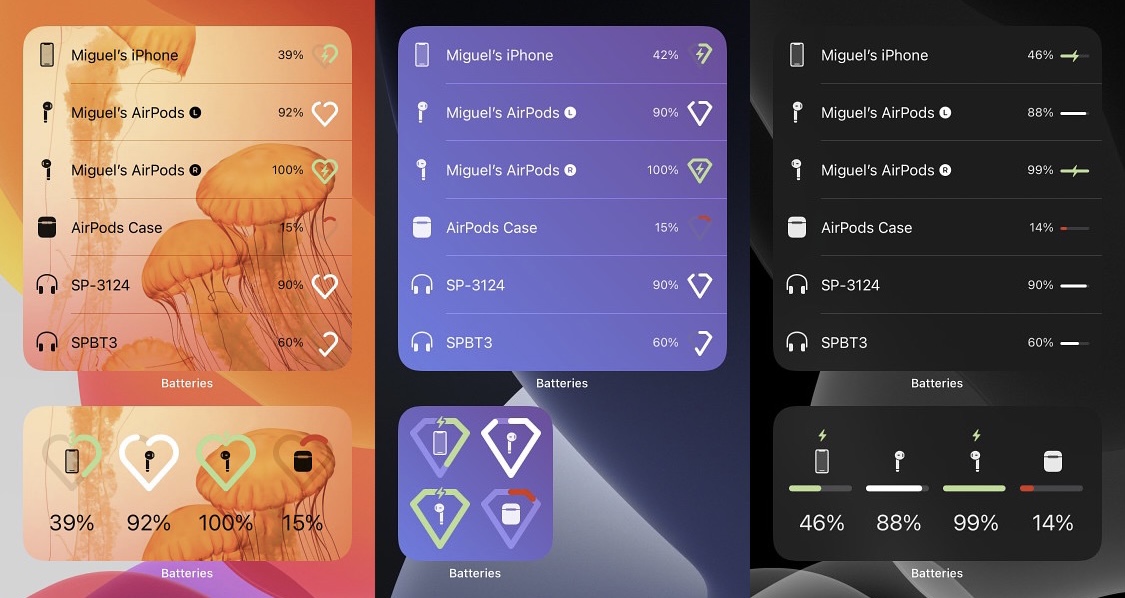
CustomizeBW lets jailbreakers spice up iOS 14’s native battery widget

When I first upgraded to iOS & iPadOS 14 last year, I was slightly unimpressed by the appearance of Apple’s native battery widget. Not only is it bland, but it doesn’t even display numeric battery percentages, which I often like to see for myself for peace of mind.

Those interested in upgrading their battery widget on iOS or iPadOS 14 would do good to try a newly released jailbreak tweak called CustomizeBW by iOS developer Miguel, as it provides a bevy of different options for making the native battery widget more aesthetically pleasing to the end user.

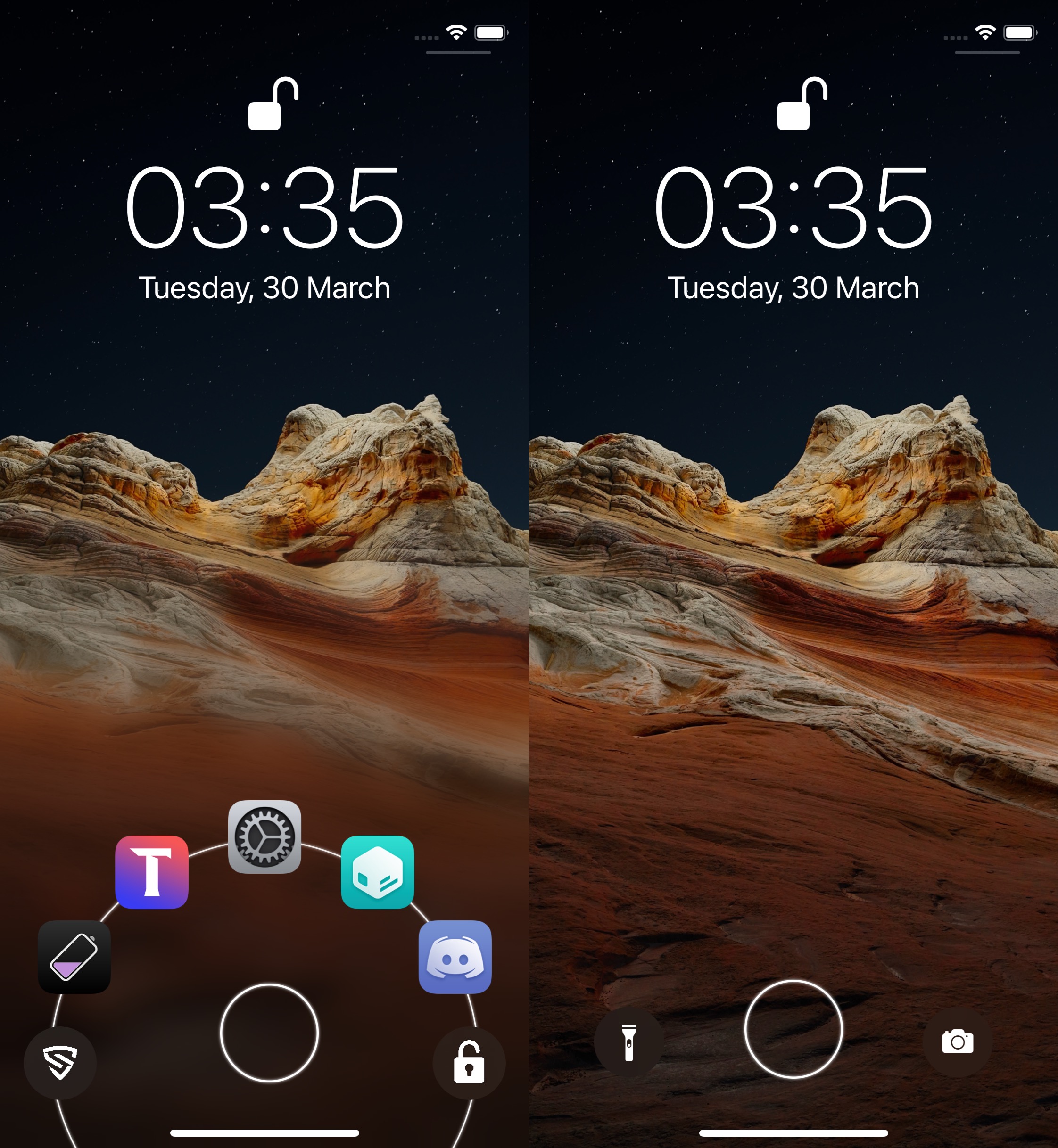
JellyLock Reborn breathes new life into a popular Lock Screen launcher tweak from the past

Remember JellyLock? If you don’t, then we’re happy to remind you that it was a popular jailbreak tweak from way back in the day that allowed pwned iPhone users to enjoy an Android-inspired app launcher from the comfort of their Lock Screen.

JellyLock’s intense popularity when was first released is a testament to just how much iPhone users wanted access to these kinds of shortcuts on their device. Fast-forward to today, and iOS features Camera and Flashlight shortcuts, but not much else. That’s why we’re excited to talk today about JellyLock Reborn by iOS developer MegaDev, as it breathes new life into this beautiful tweak for modern iterations of iOS.

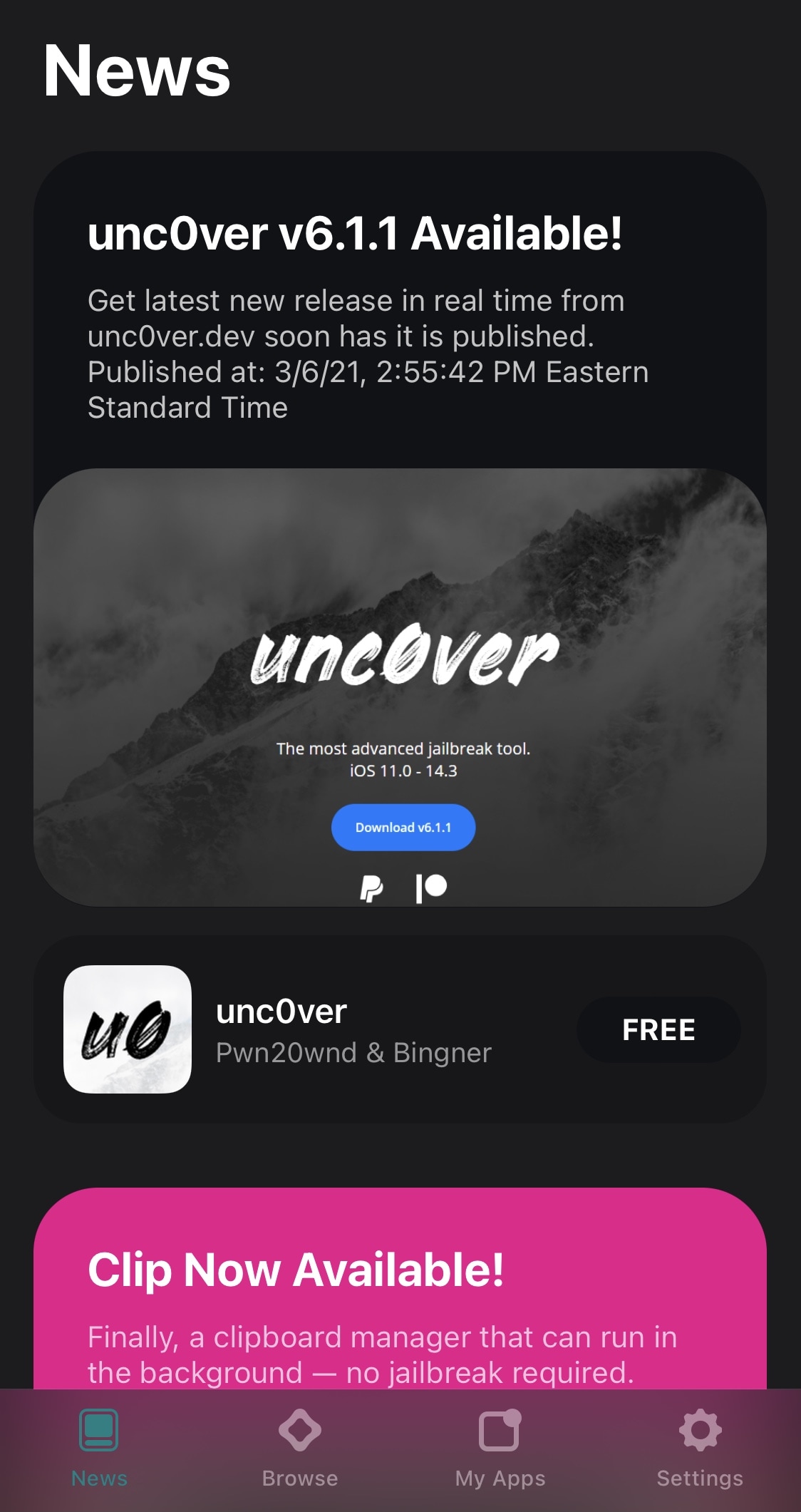
Alt5tore simplifies the process of updating unc0ver directly from the AltStore app

If like so many other jailbreakers out there, you depend on the unc0ver tool to keep your iPhone or iPad pwned, then we’ve got some good news for you – especially if you take advantage of AltStore to install unc0ver on your device.

As many AltStore users already know, the app hosts download links to some of Riley Testut’s software, including the Delta emulator app for various Nintendo-centric systems and the Clip clipboard manager. Both can both be installed with the tap of a button directly from the AltStore app as long as you’re connected to the same Wi-Fi network as AltServer on your computer.

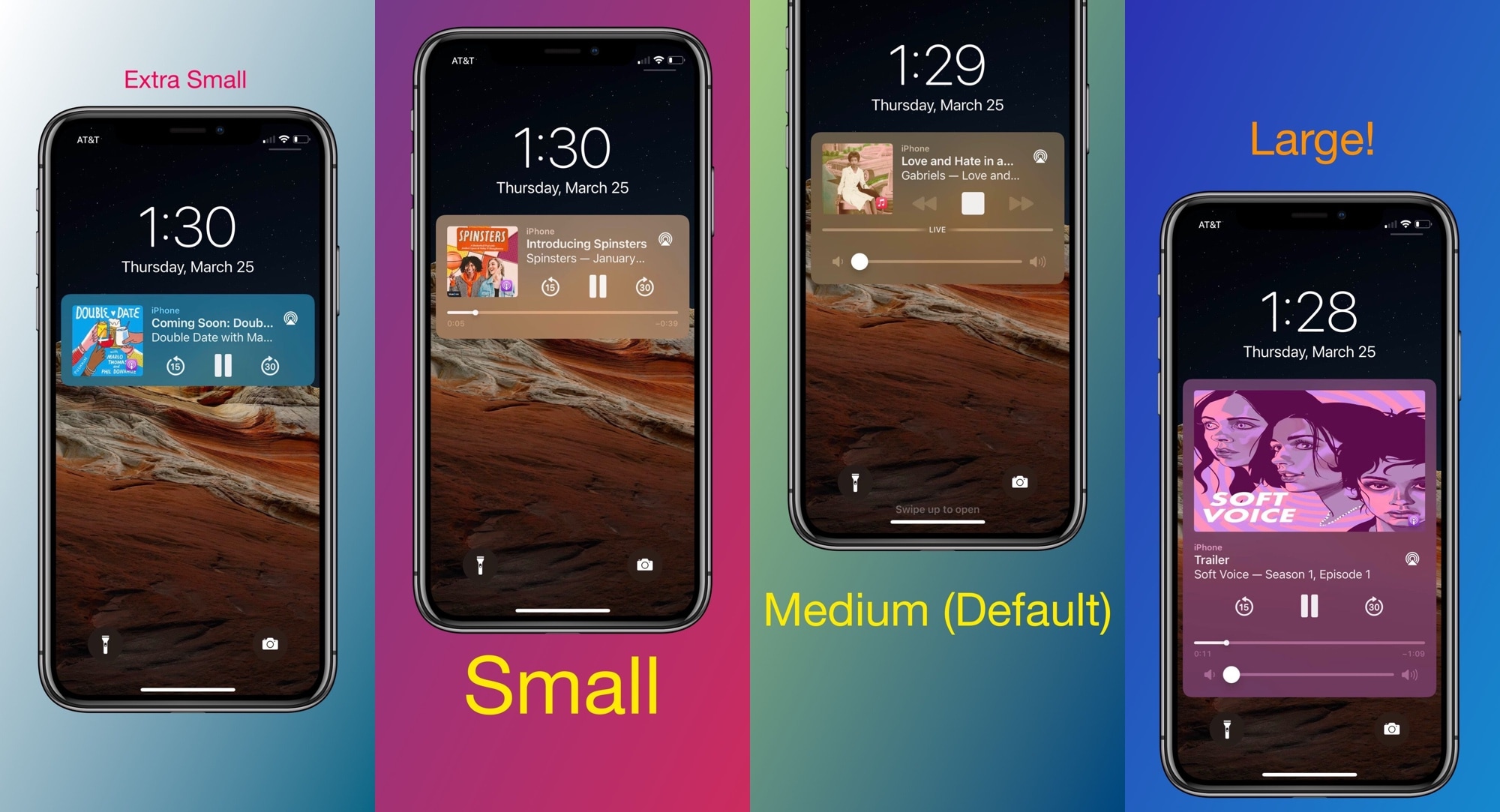
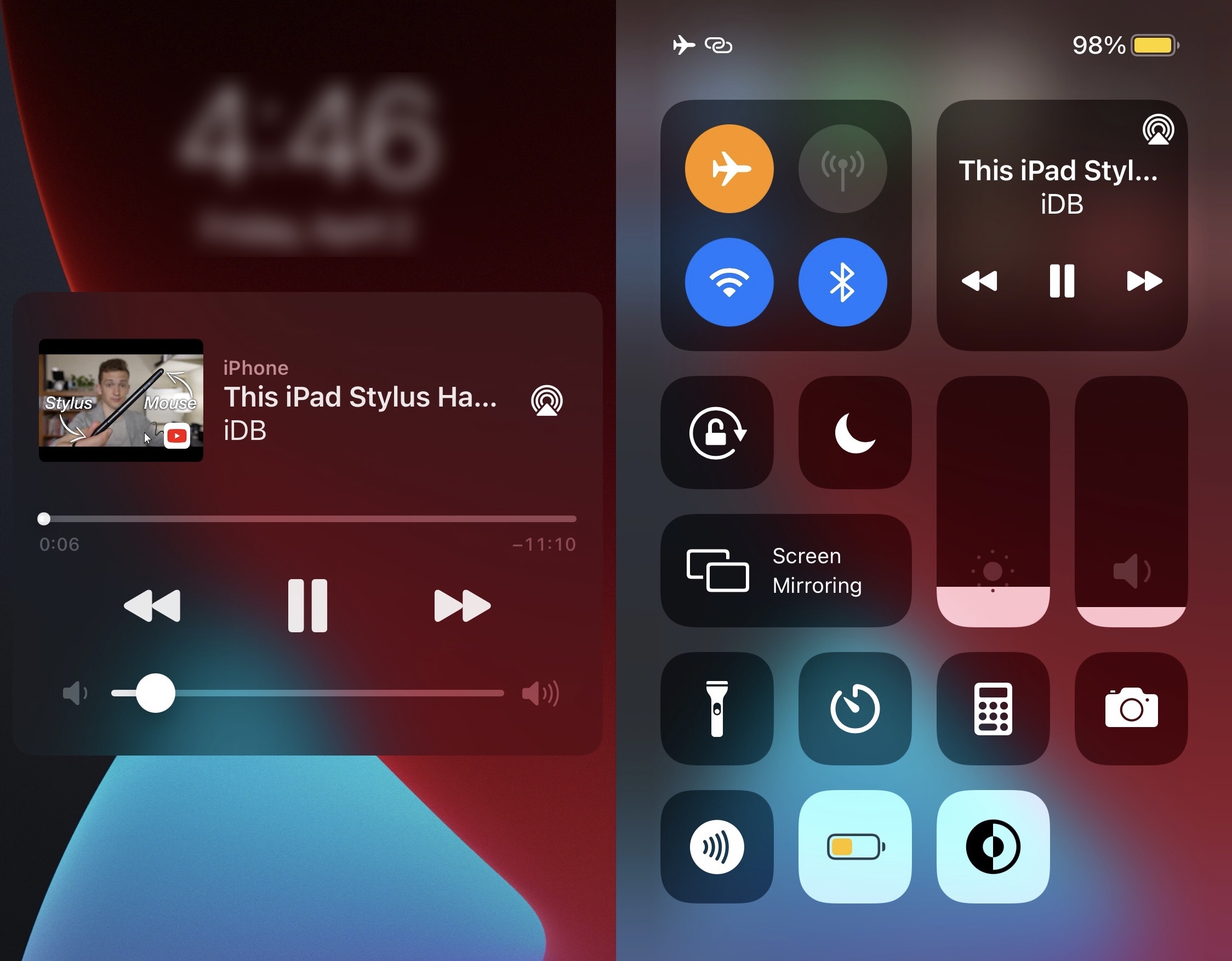
Spice up your jailbroken iPhone’s Now Playing widget with Arkita

Anyone who uses their iPhone for frequent media consumption will inevitably interact with the handset’s Now Playing widget under various circumstances. It can be useful for pausing the Now Playing track in a pinch or resuming playback when it has already been paused. Moreover, it makes skipping to the next or returning to the previous one without unlocking your device a breeze.

Despite just how useful the iPhone’s Now Playing widget can be, I still find myself desiring more when I see it. It could be that the widget is merely too plain for my taste; or perhaps that I feel that Apple could’ve done so much better than they did when designing it. If you agree, then a newly released jailbreak tweak dubbed Arkita by iOS developer P2KDev may offer a hint of refuge.