You might’ve caught wind recently about YouTube changing how the Dislike button works on its platform. In fact, the changes are already live for users.
This jailbreak tweak revives the Dislike button in the YouTube app

You might’ve caught wind recently about YouTube changing how the Dislike button works on its platform. In fact, the changes are already live for users.
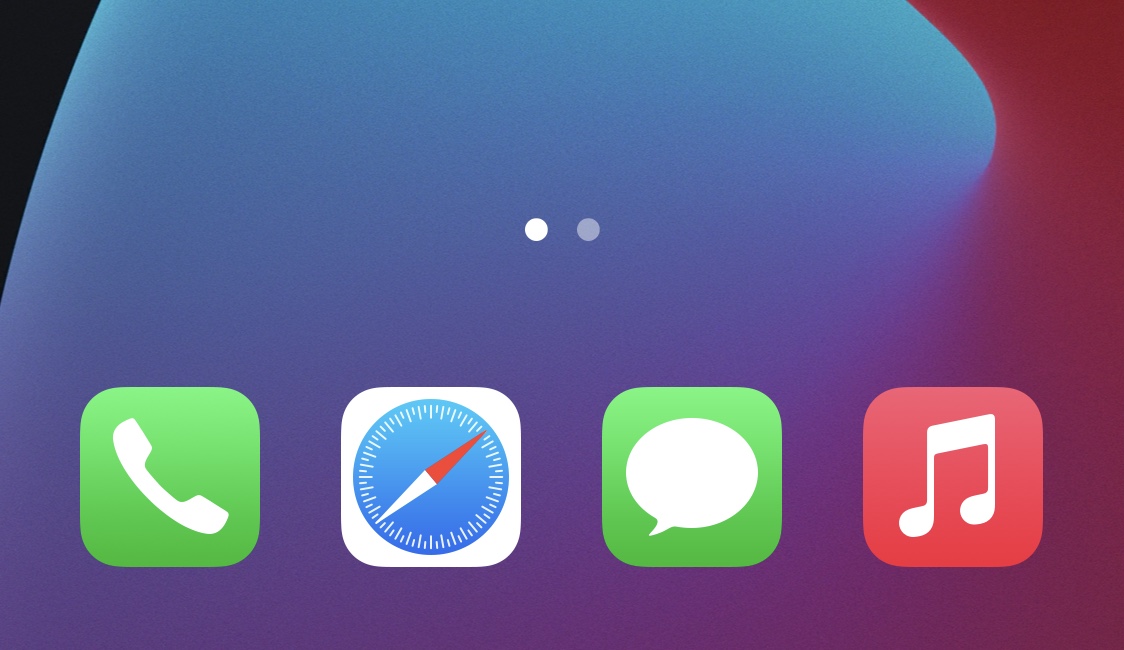
While I’ve always enjoyed having a background behind my iPhone’s Home Screen Dock, the fact remains that there are a substantial number of jailbreakers that partake in even more extreme forms of minimalism than me.

Looking for fun and exciting things to do with your jailbroken or soon-to-be jailbroken handset? Don’t worry, because your friends at iDownloadBlog have you covered!
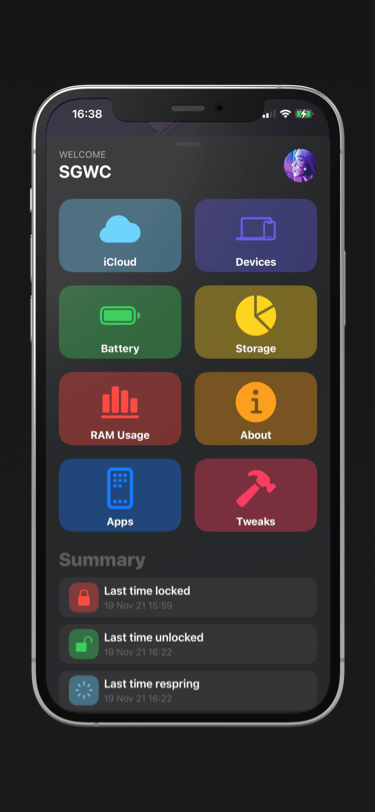
You can find most types of information specific to your iPhone or iPad in the native Settings app, but some tidbits of information are expressly hidden from users because Apple simply thinks it’s better that way.
Jailbreaking your iPhone is a fun way to extend the device’s feature set or customize the operating system’s aesthetics in complex ways that simply aren’t possible out of the box.

Many Taurine jailbreak users are content with how their iPhones and iPads turn out post-jailbreak. But if for any reason you decide to revert to a vanilla version of iOS or iPadOS 14 or perhaps even develop the urge to try a different jailbreak tool instead, it’s important to remember that you can use the Taurine jailbreak’s rootFS restore feature to roll your handset back to a pre-jailbroken state.

One thing I’ve always liked about jailbreaking is that I could improve the accessibility of outdoor weather condition information. Popular tweaks I’ve used in the past include Forecast and Meteor, but newer iterations of iOS most certainly call for newer solutions.
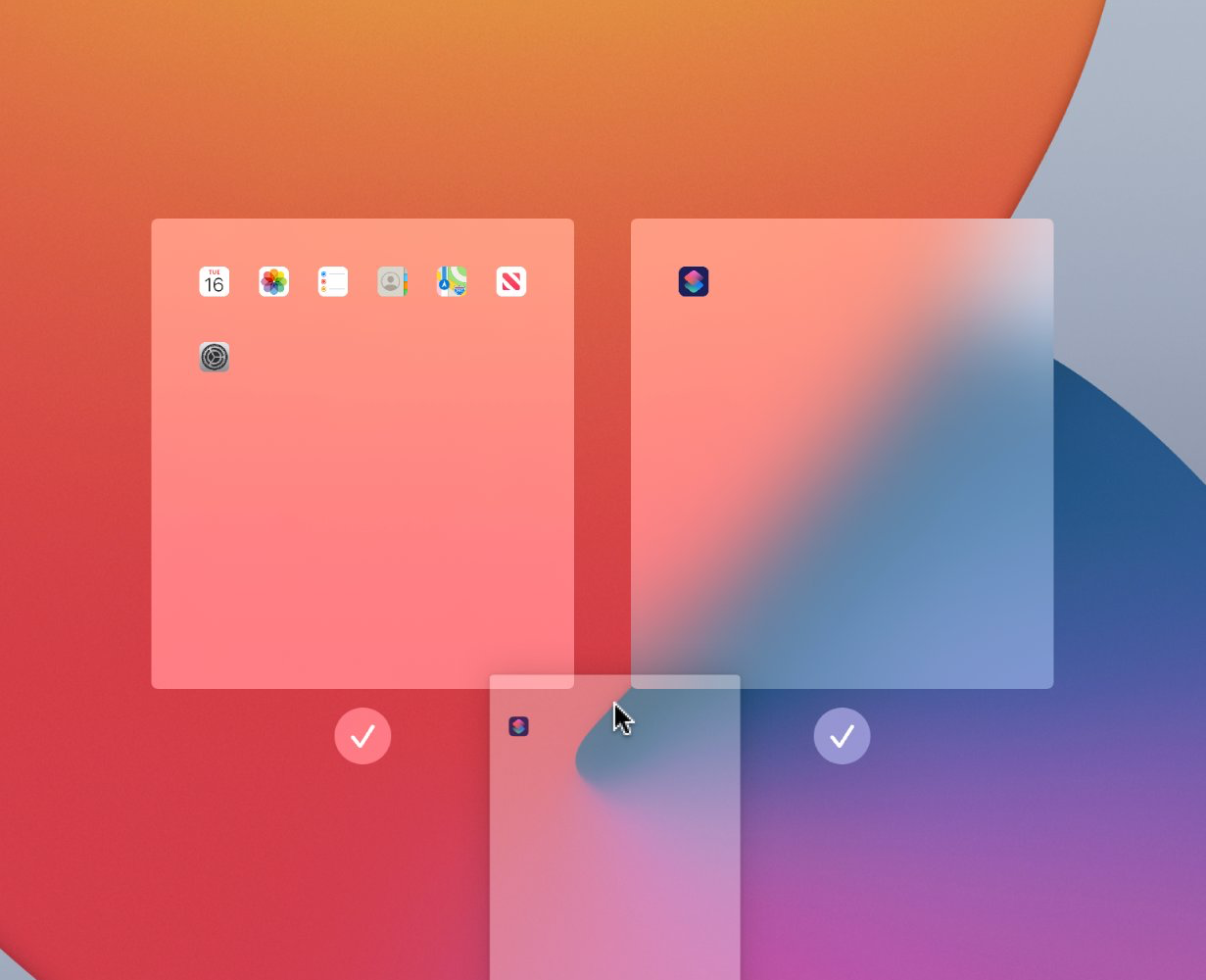
Starting with iPadOS 15, iPad users can do a whole lot more with their Home Screens than they could in iPadOS 14. That’s because Apple provided users with a more advanced Home Screen editing interface.
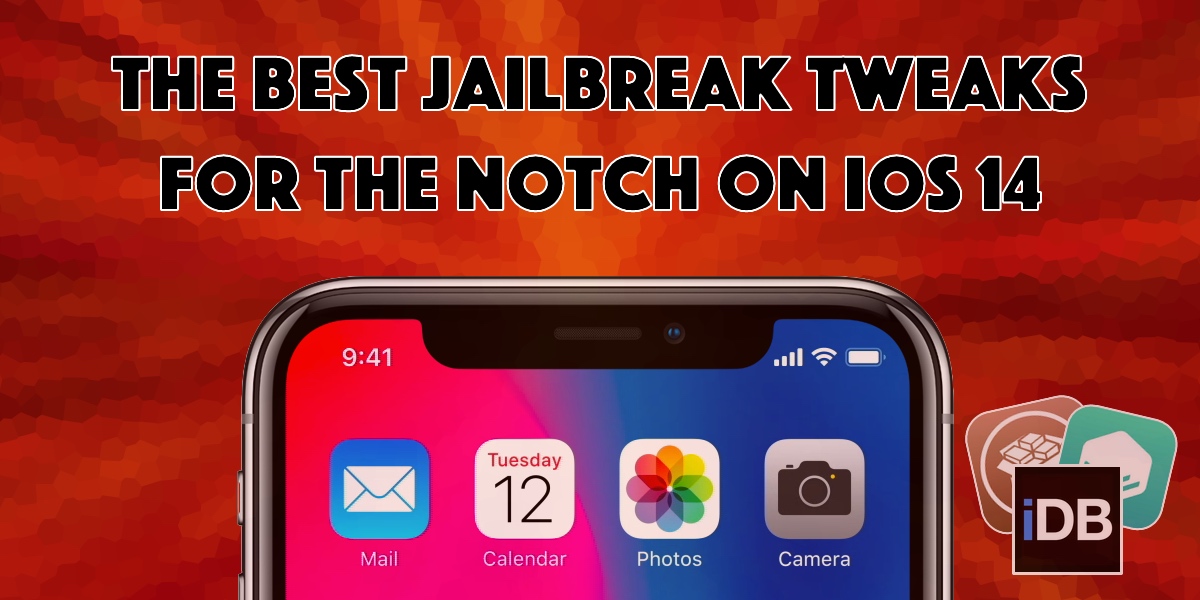
The notch has received both praise and criticism from avid iPhone users over the years. While some consider it an intriguing curvature in the display for housing the TrueDepth camera system, others find it a nuisance that hinders their display experience.
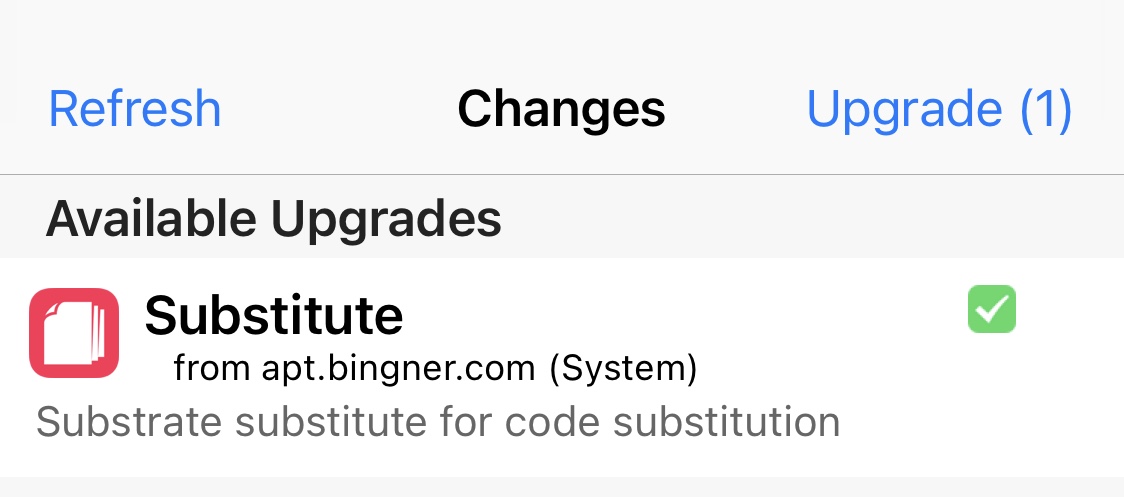
It would be a good idea for jailbreakers who take advantage of the Substitute tweak injection method to open their preferred package manager and refresh their sources this morning.

iOS 15 added a new feature that lets iPhone users rearrange their existing Home Screen pages to their heart’s content. While iOS 14 users can access the same editing interface from their Home Screen, they’ll notice that the rearrangement feature is notably missing.
Jailbreakers who’ve been at it for more than just a couple of seasons should recognize the Twitter handle @08Tc3wBB, as it belongs to a ZecOps security researcher touting a marvelous track record of infiltrating iOS and iPadOS.