Learn how to use the Instant Hotspot feature to share your iPhone’s cellular data as an internet hotspot that other devices can connect to via Wi-Fi.
How to use your iPhone as an internet hotspot
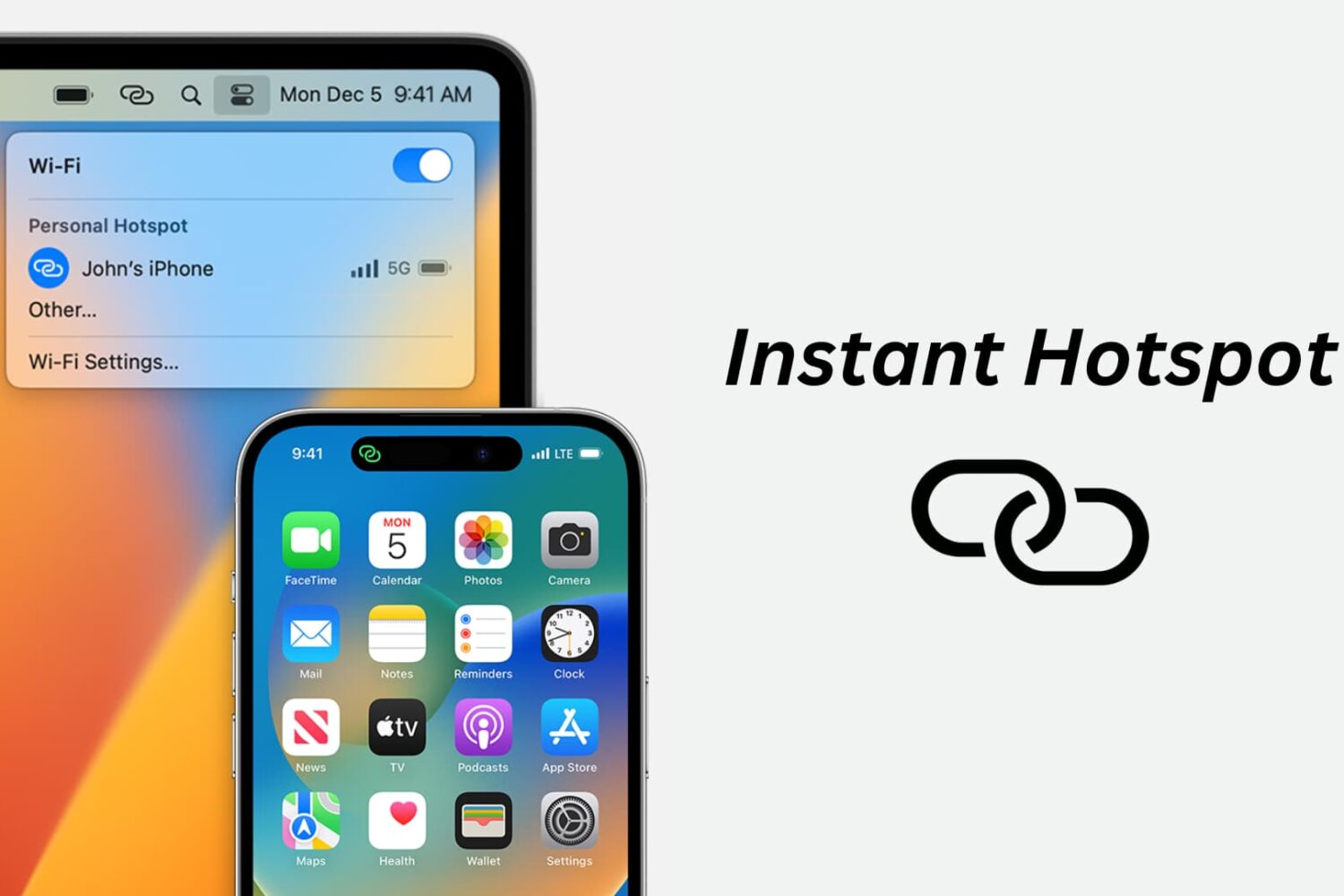
Learn how to use the Instant Hotspot feature to share your iPhone’s cellular data as an internet hotspot that other devices can connect to via Wi-Fi.
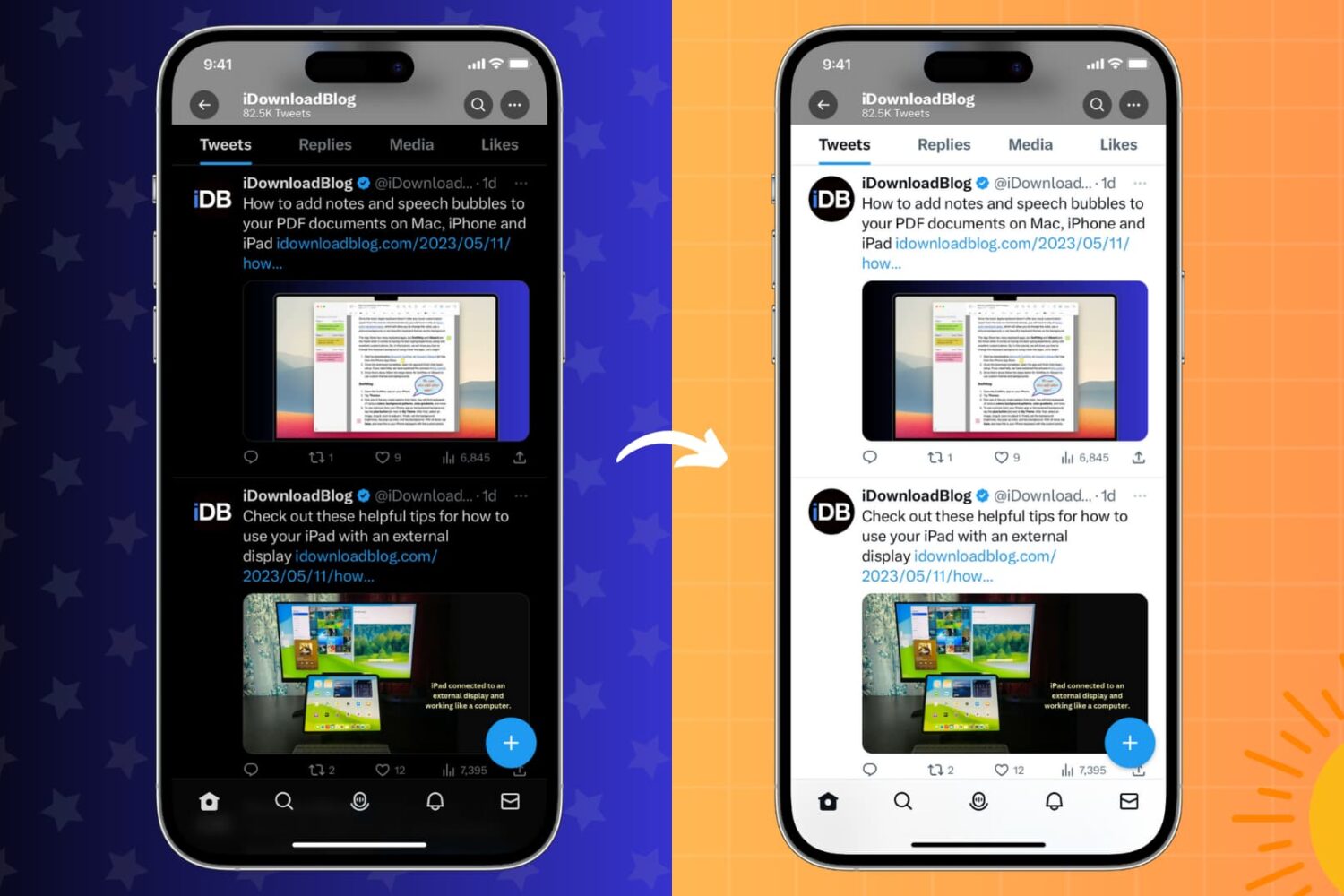
Learn how to stop your iPhone or iPad, installed apps, or websites you visit from switching between Light Mode and Dark Mode on a whim.
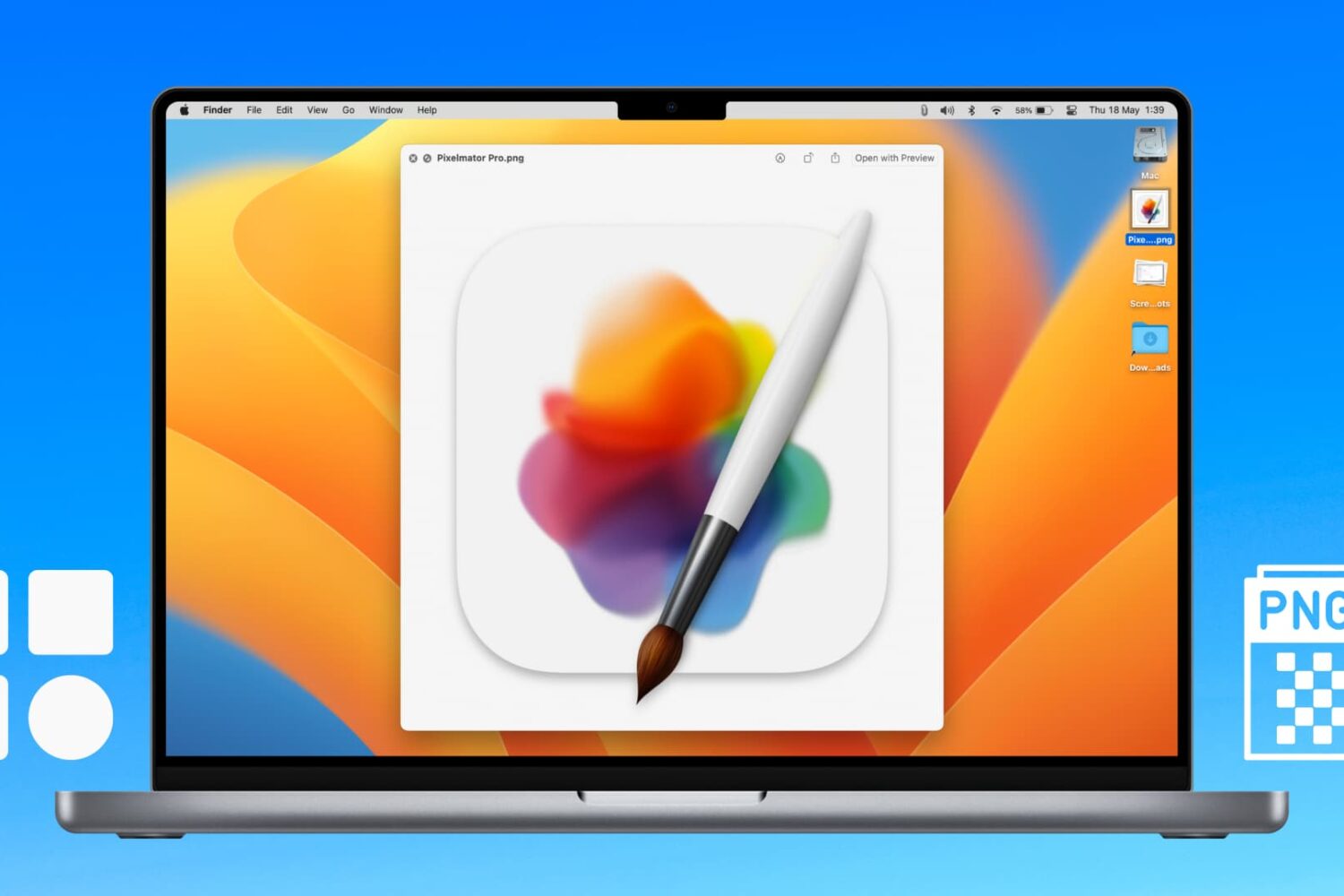
Learn how to extract icons of a Mac app and save them in ubiquitous bitmap image formats such as PNG, JPG, and more.
Learn what to do if you cannot access your iCloud emails or send and receive emails using your iCloud account on your iPhone, iPad, Mac, and web browser.
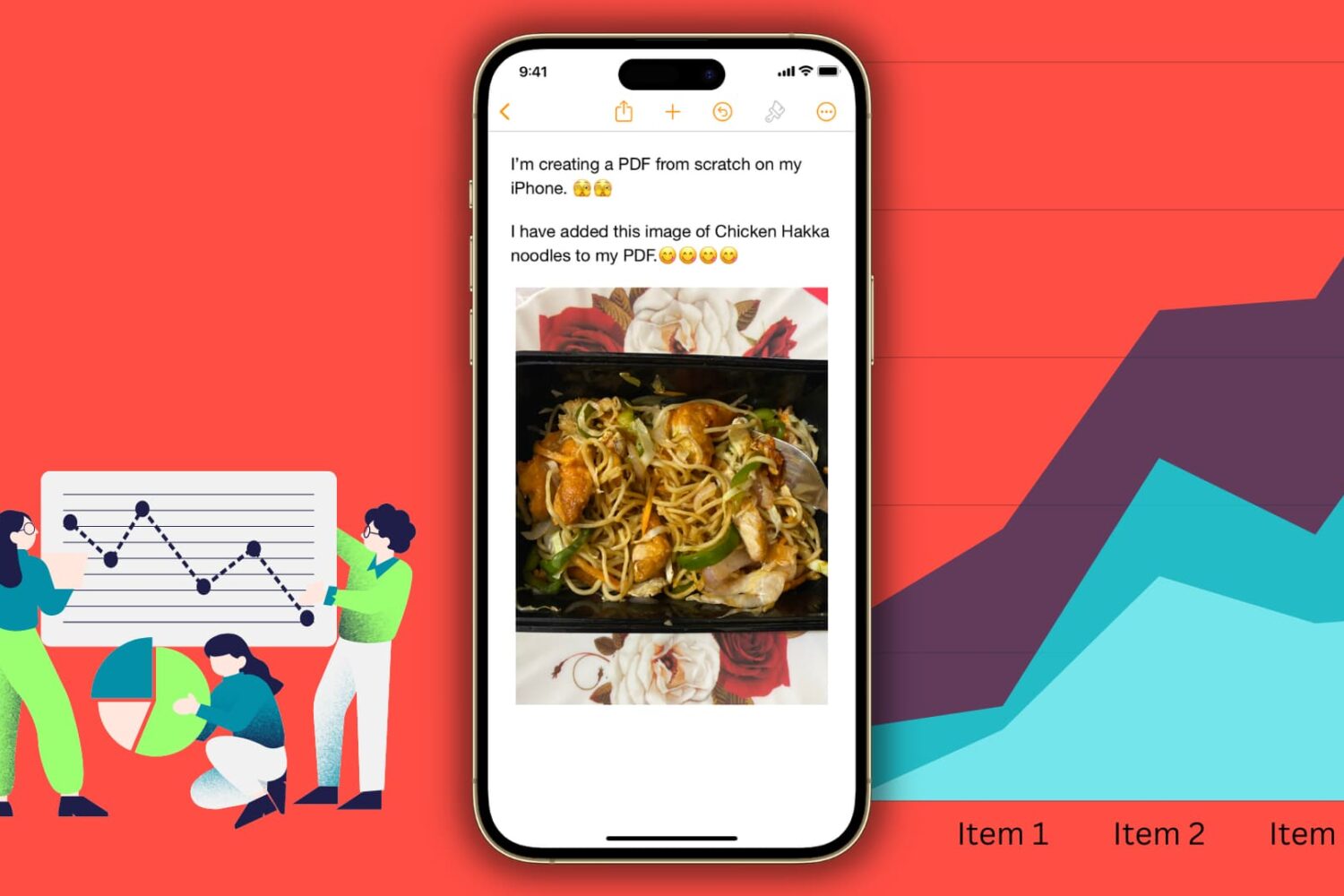
Looking to create a PDF document? This tutorial will show you multiple free and easy ways to make PDFs on your Apple devices without using any third-party tool.
The Dopamine jailbreak for A12-A15 chipset-equipped devices running iOS & iPadOS 15.0-15.4.1 has been a complete hit ever since it launched. But if you’re wondering how to remove Dopamine, either because you’ve decided that jailbreaking isn’t for you or you’ve decided you want to start over from scratch, we’ve got you!
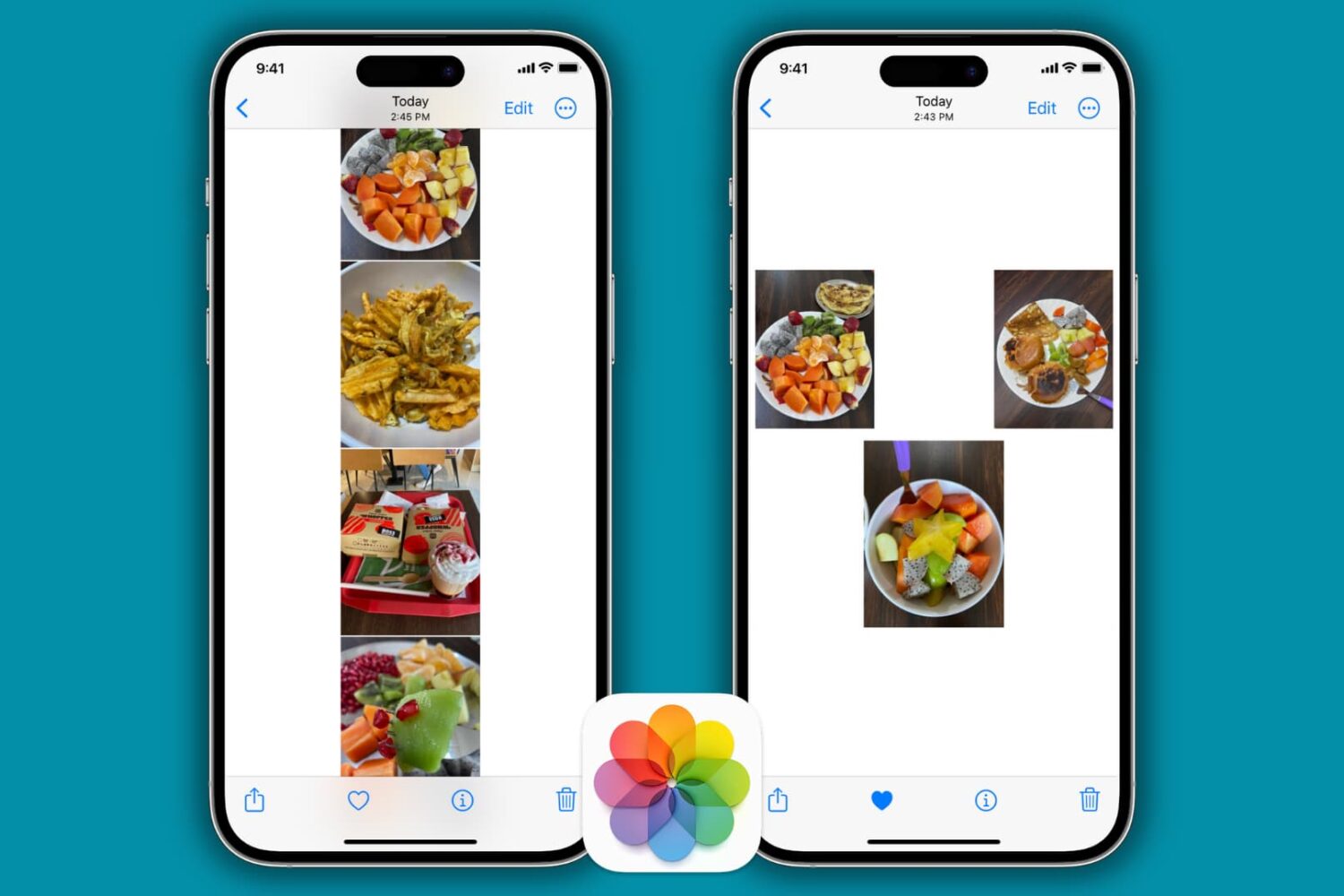
Learn how to stitch multiple pictures together vertically, horizontally, or on a freeform canvas directly from your iPhone and iPad for free.
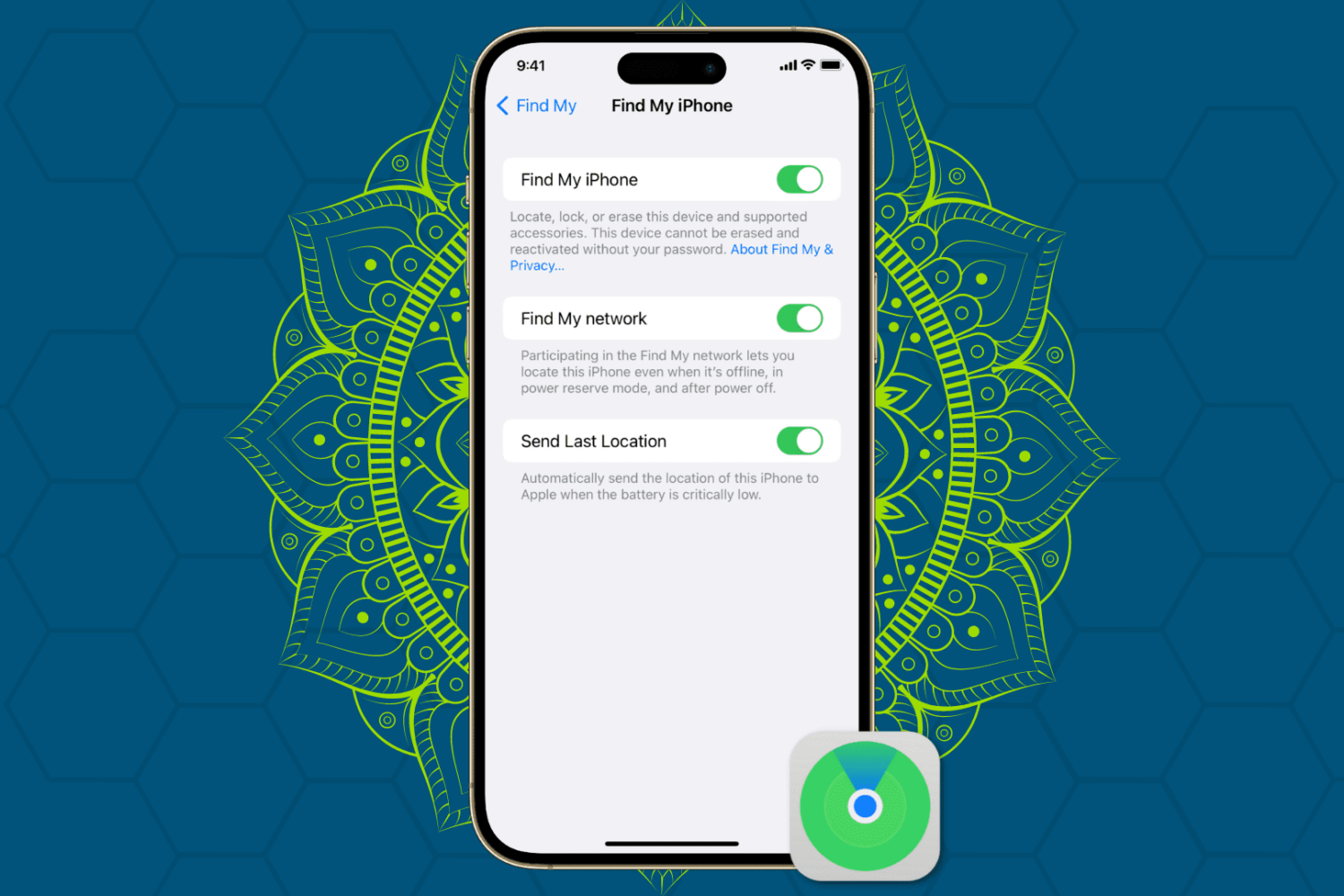
Protect your Apple devices from theft and unauthorized access by enabling Find My Activation Lock, ensuring enhanced security for your iPhone, iPad, Mac, and Watch.
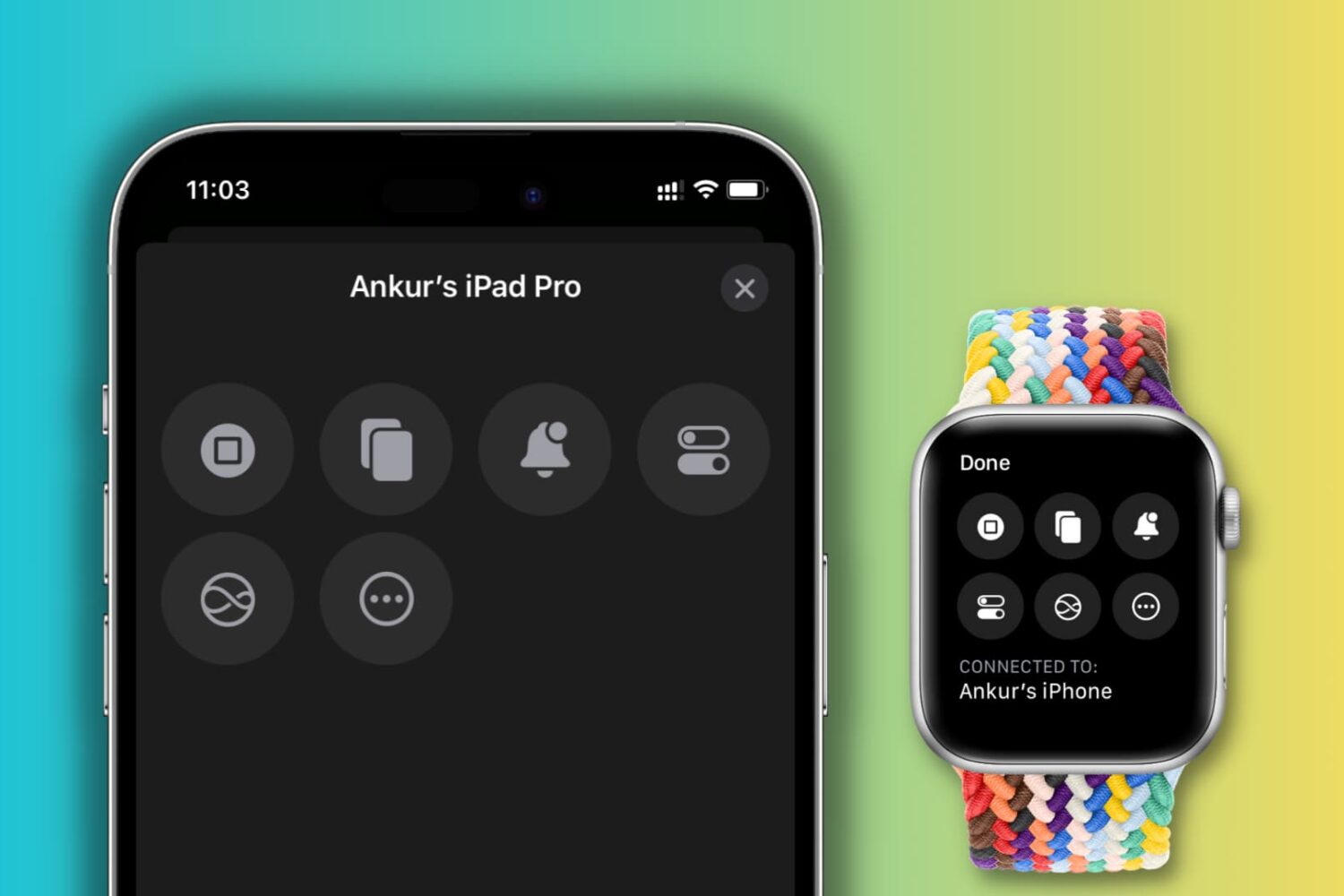
Learn how to use the Control Nearby Devices accessibility feature on your iPhone or Apple Watch to perform basic actions on another iPhone or iPad with our comprehensive step-by-step guide.
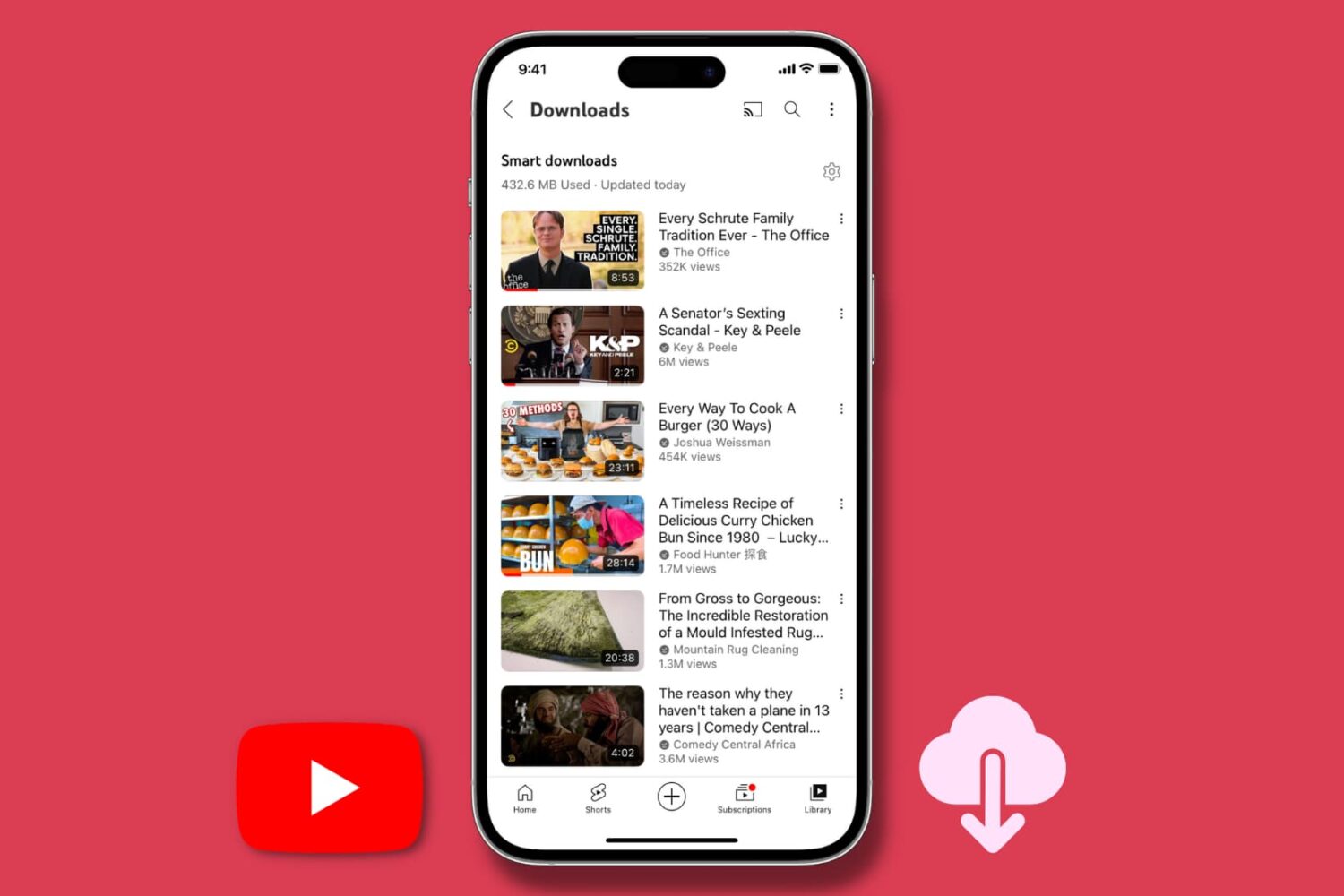
The Smart downloads feature of the YouTube app automatically downloads recommended videos for offline viewing if you have subscribed to YouTube Premium. This tutorial tells you more about it, including how to change its settings or turn it off to save space and bandwidth on your iPhone, iPad, or Android phone.
Get your Apple TV back online in no time with our step-by-step guide on how to fix Wi-Fi connectivity issues.
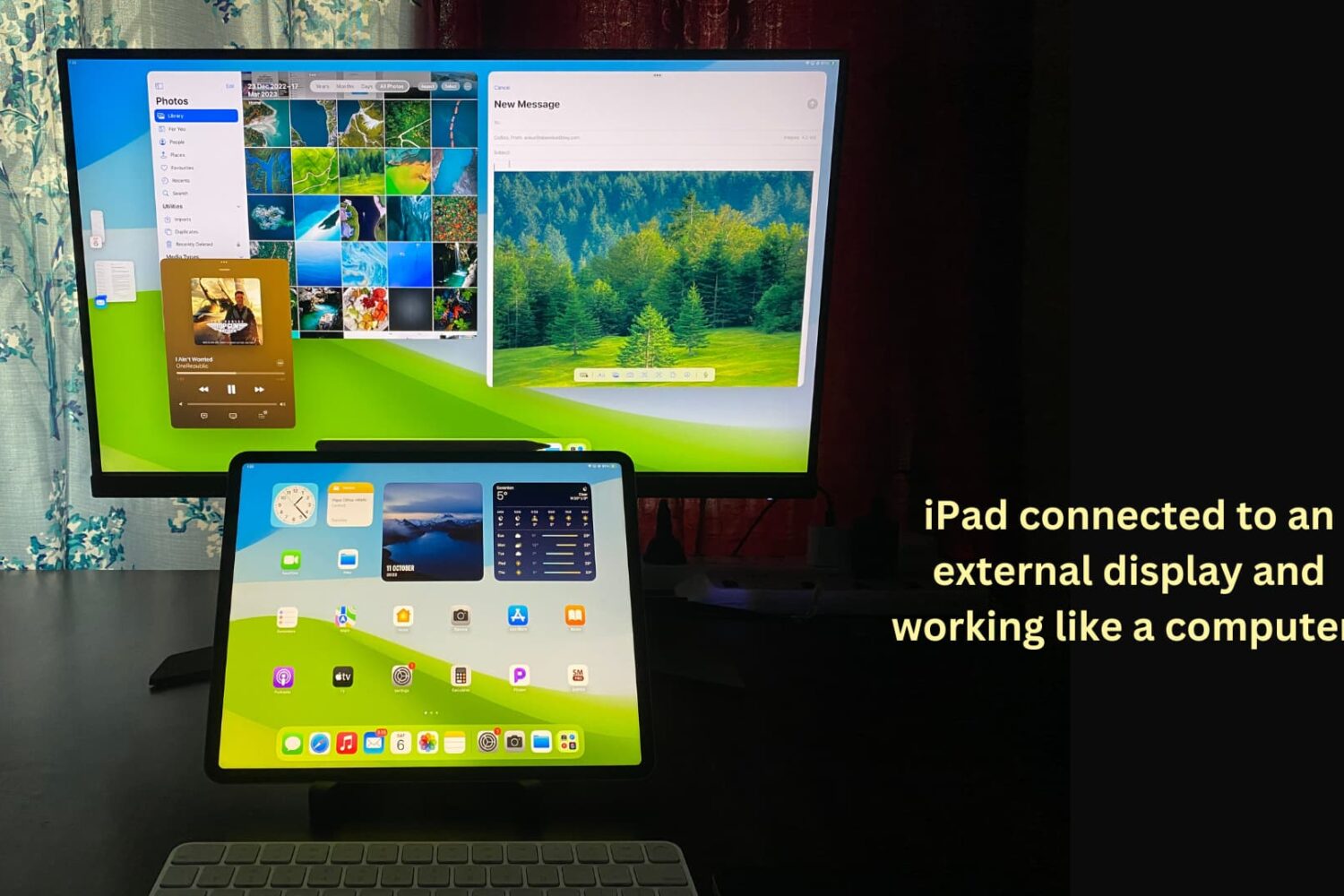
You can connect your iPad to other bigger displays, such as a computer monitor, to increase productivity and view content on a larger screen. This tutorial shows you how to use your iPad apps on another display or simply mirror your iPad to that bigger screen.