Attach a file, video, or photo to the Apple Notes app so you can keep those items as references in one spot.
How to attach files, photos, videos to Notes on iPhone, iPad, and Mac
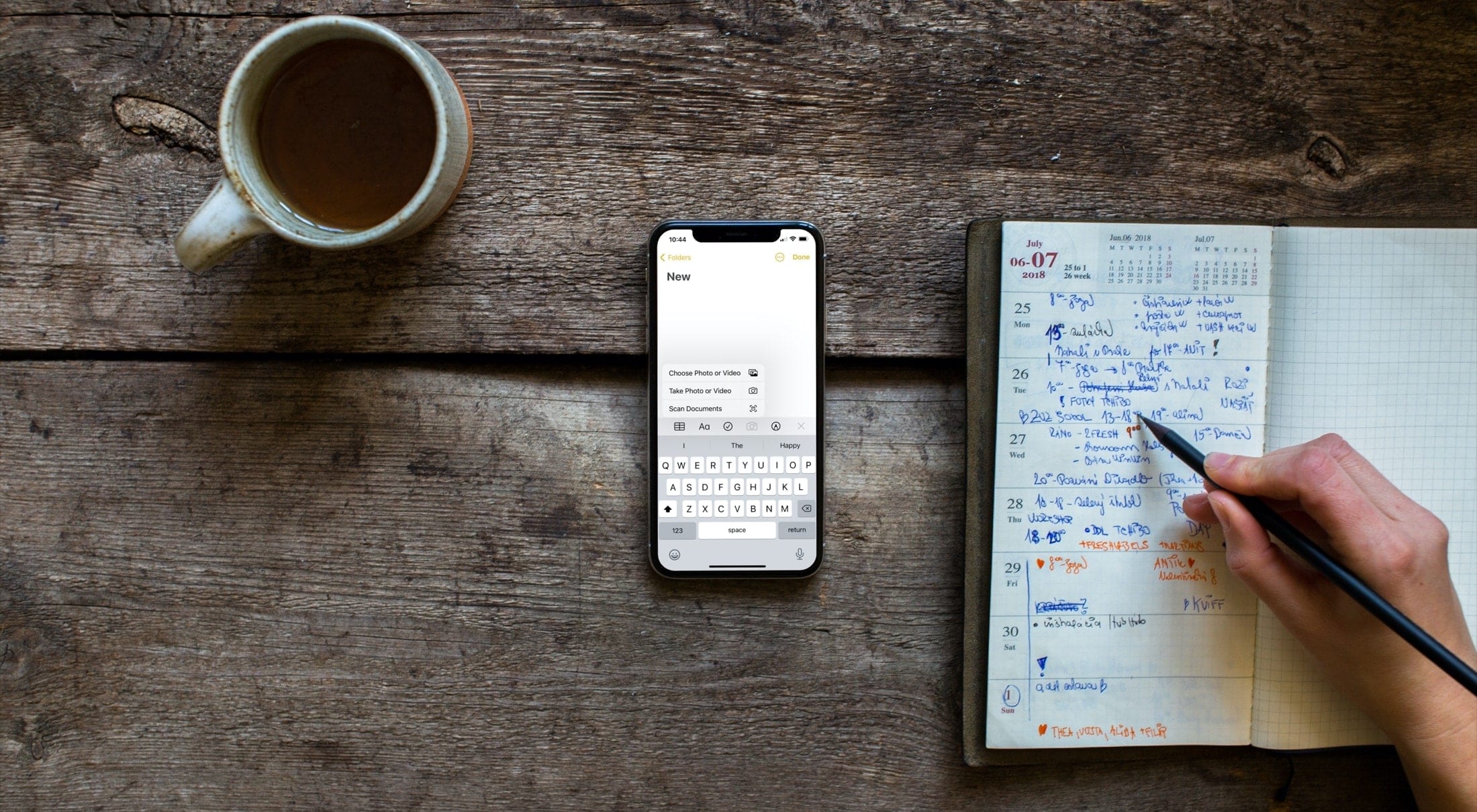
Attach a file, video, or photo to the Apple Notes app so you can keep those items as references in one spot.

Learn how to see which apps, books, music, TV shows, and ringtones your family members have bought so you can review their purchases and also download those media on your iPhone, iPad, Mac, Apple TV, and Apple Watch without paying again.

Learn how to find the model and serial numbers of your AirPods, AirPods Pro, and AirPods Max in case you ever need them.

If you use the Calendar app on your Mac, then you may have enjoyed the ability to snooze calendar notifications for a time you select. While the app defaulted to 15 minutes, you could simply click and hold the snooze button to pick a different time.
But not anymore!
With macOS Big Sur, you are no longer able to select the amount of time for your snooze. Here’s how Calendar notifications work now.
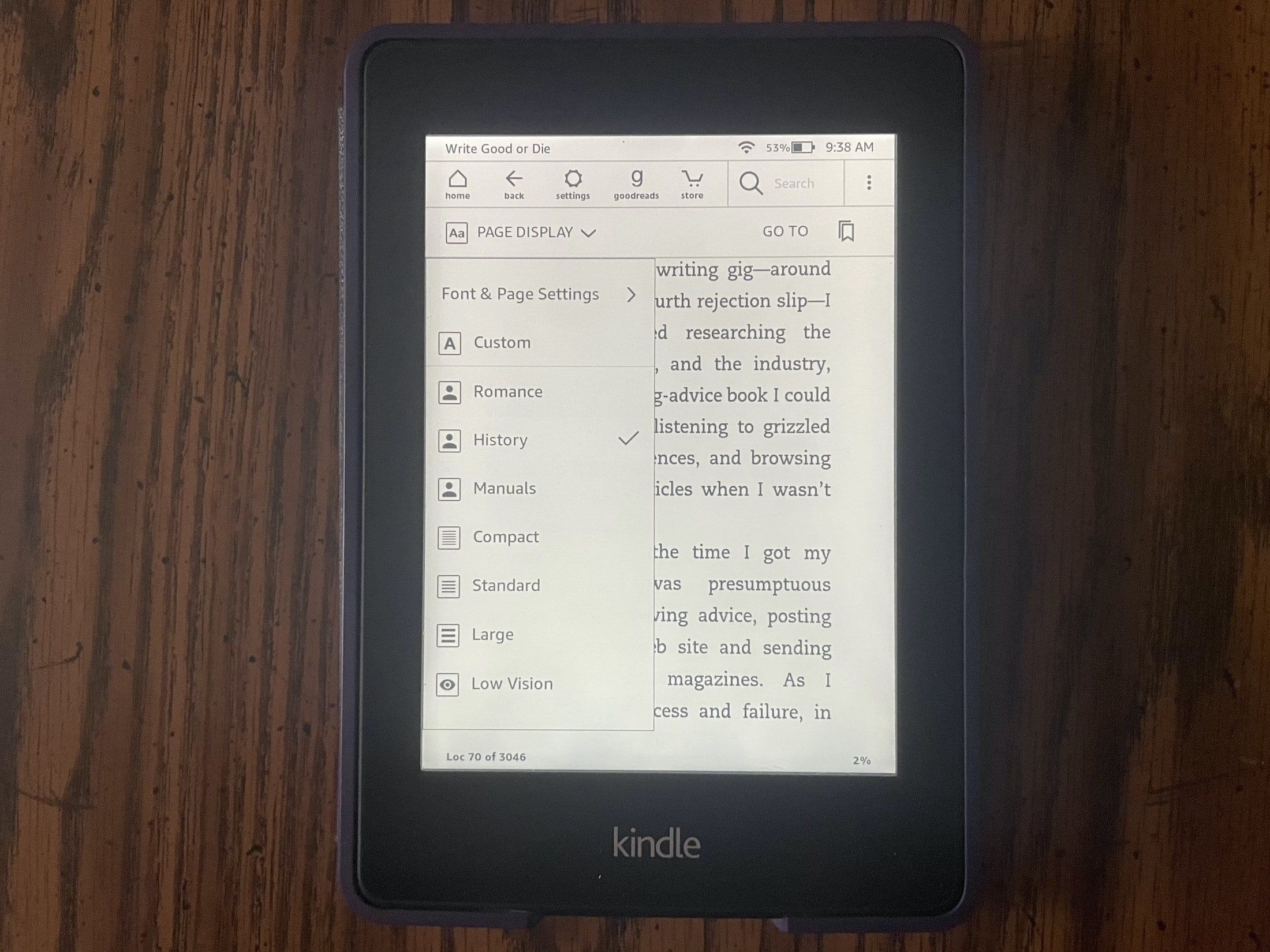
You may not realize it, but you can set up reading themes on your Kindle Paperwhite. This lets you select a font style, text size, and page layout, and save it. You can then reuse that theme whenever you like.
Themes are handy for reading various types of books. For instance, you might like the manuals you read to have larger, print-style font in landscape view, but for history novels you want a smaller, elegant font in portrait view.
Here’s how to create and apply themes on your Kindle Paperwhite.

In this tutorial, we will share two easy ways to keep track of friends and family members' birthdays and get reminded about them on your iPhone, iPad, and Mac so you never forget these important dates.

Did you download a file and can’t figure out where it is? In this tutorial, we’ll show you where those downloaded files are stored on your iPhone or iPad.

Learn how to track the amount of iCloud storage each family member is using and keep your digital space in check.
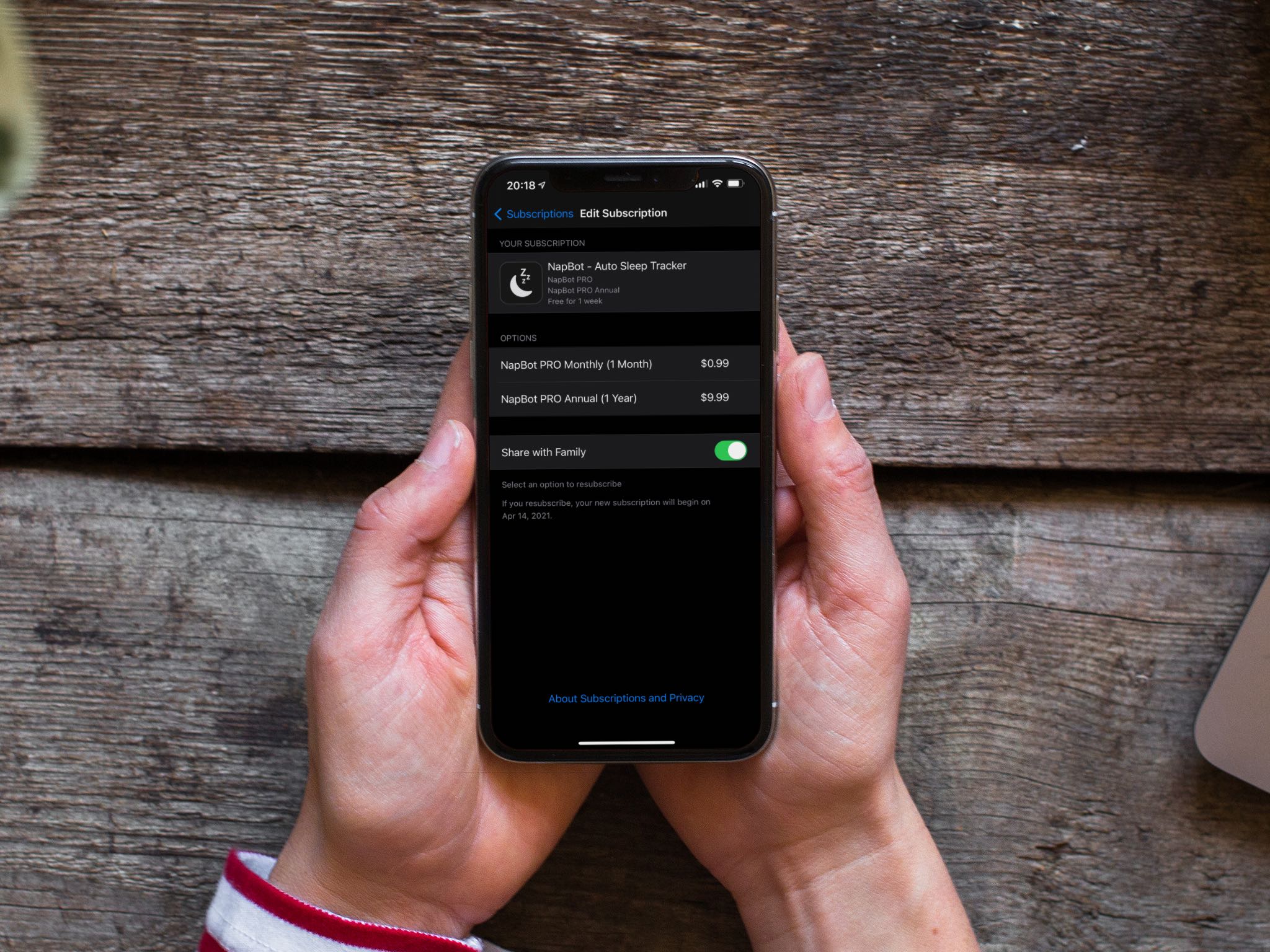
Learn how to share subscriptions and other eligible in-app purchases on your iPhone, iPad, and Mac with up to five other people in your Apple digital family setup.
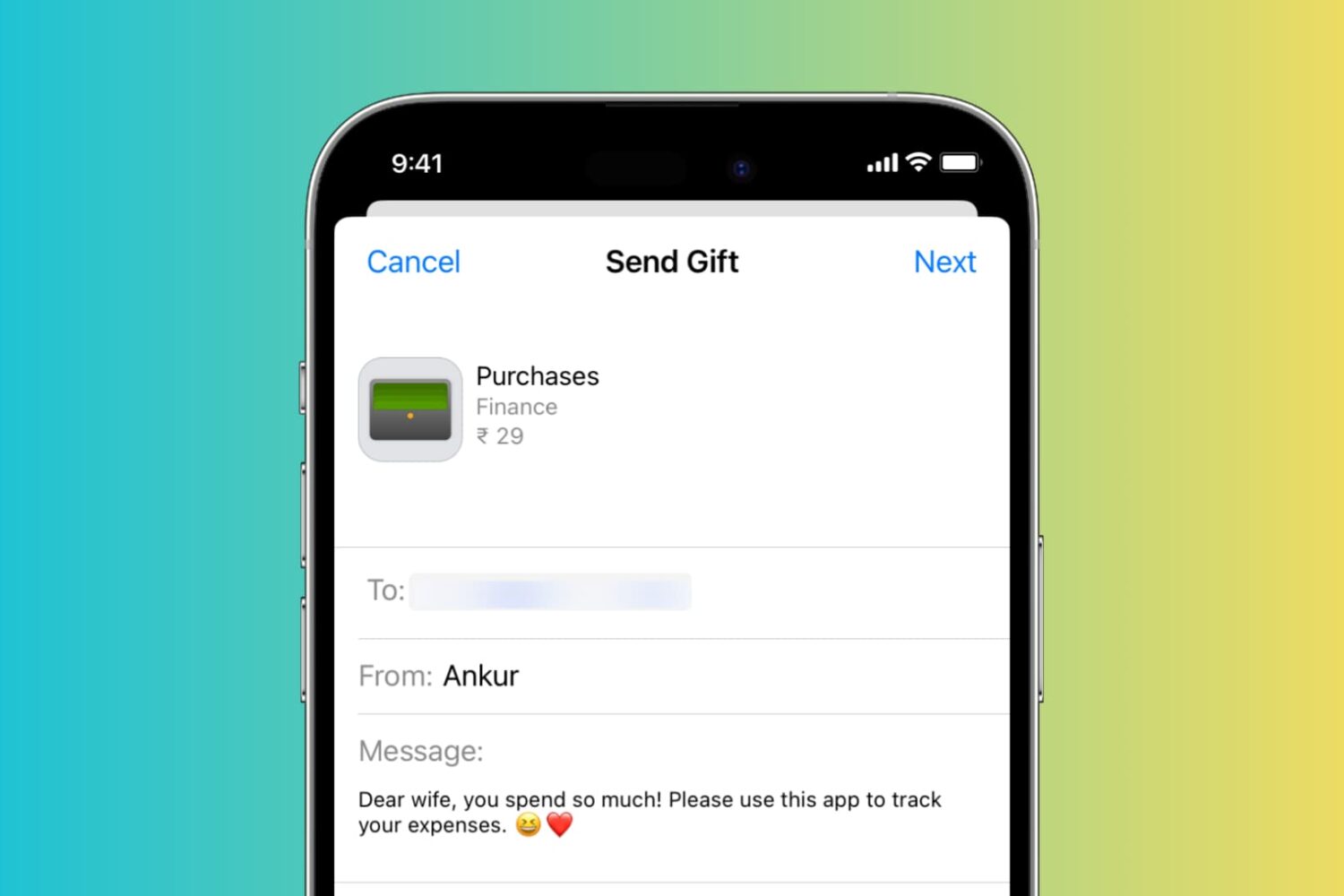
A digital gift can be the perfect present for the gift-giving season, Mother’s or Father’s Day, or a birthday. Apple makes it easy for you to buy a book, music, app, game, movie, or TV show as a gift. All you need is your recipient’s email address, and you’re on your way to making their day.

Learn how to compress photos without using the internet on your iPhone or iPad to make their file sizes smaller so they’re easier to share, upload, and store.

Learn how to change or delete the date, time, location, and other metadata of a photo on your iPhone, iPad, and Mac.