Learn how to find the model and serial numbers of your AirPods, AirPods Pro, and AirPods Max in case you ever need them.
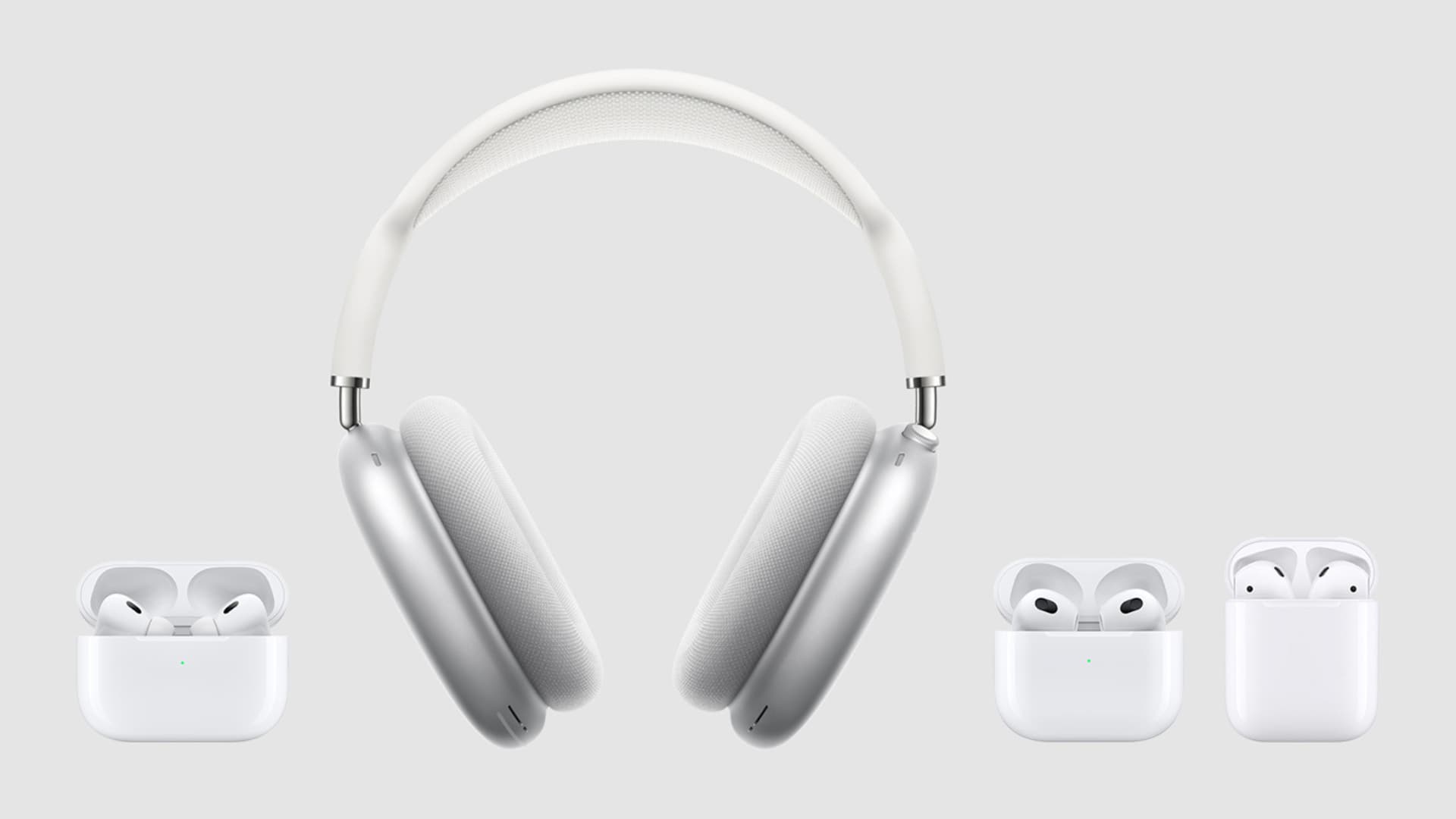
You may need to know your AirPods serial number when contacting Apple support, sending AirPods for service, or filing a missing report. And with the model number, you can easily identify your AirPods generation.
1. Use iOS or macOS settings
- Connect your AirPods to your iPhone, iPad, or Mac.
- Open the iOS Settings app or macOS System Settings.
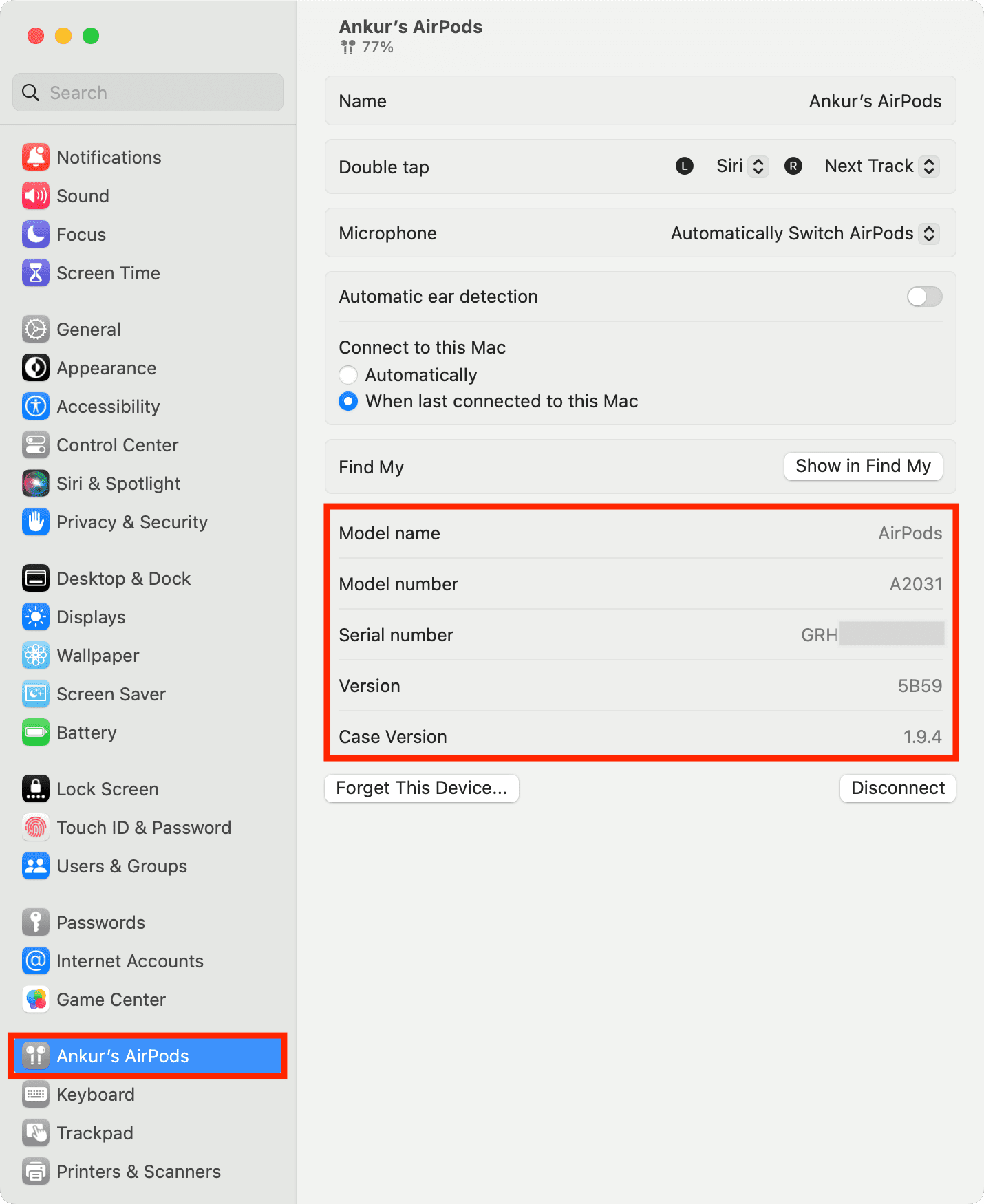
- Tap your AirPods name from the top of iOS Settings or the bottom-left of macOS System Settings.
- Scroll down, and you’ll see the Model Name, Model Number, and Serial Number.

Here’s how it looks on Mac:
Note:
- If you don’t see your AirPods on the top of the Settings app, tap Bluetooth, hit the info button ⓘ, and scroll down to the About section.
- You can also go to Settings > General > About and tap your connected AirPods name to see its model number, serial number, firmware version, hardware version, etc.
2. Look on your AirPods
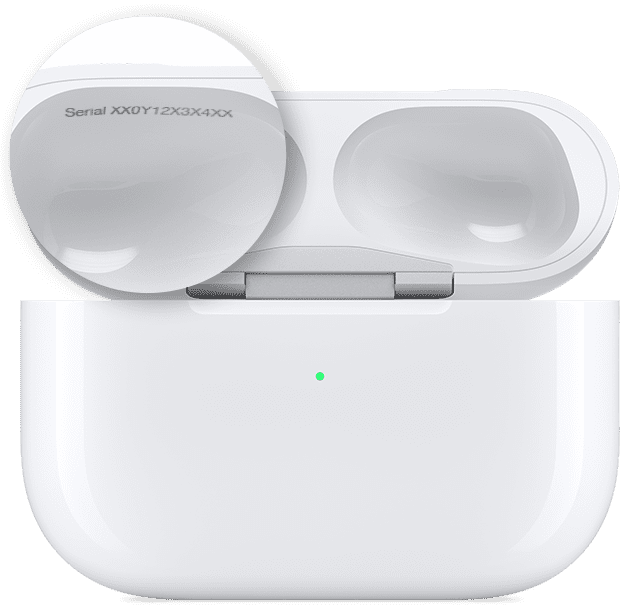
If you own a pair of AirPods or AirPods Pro, the serial and model numbers are printed on the underside of the lid of the charging case.
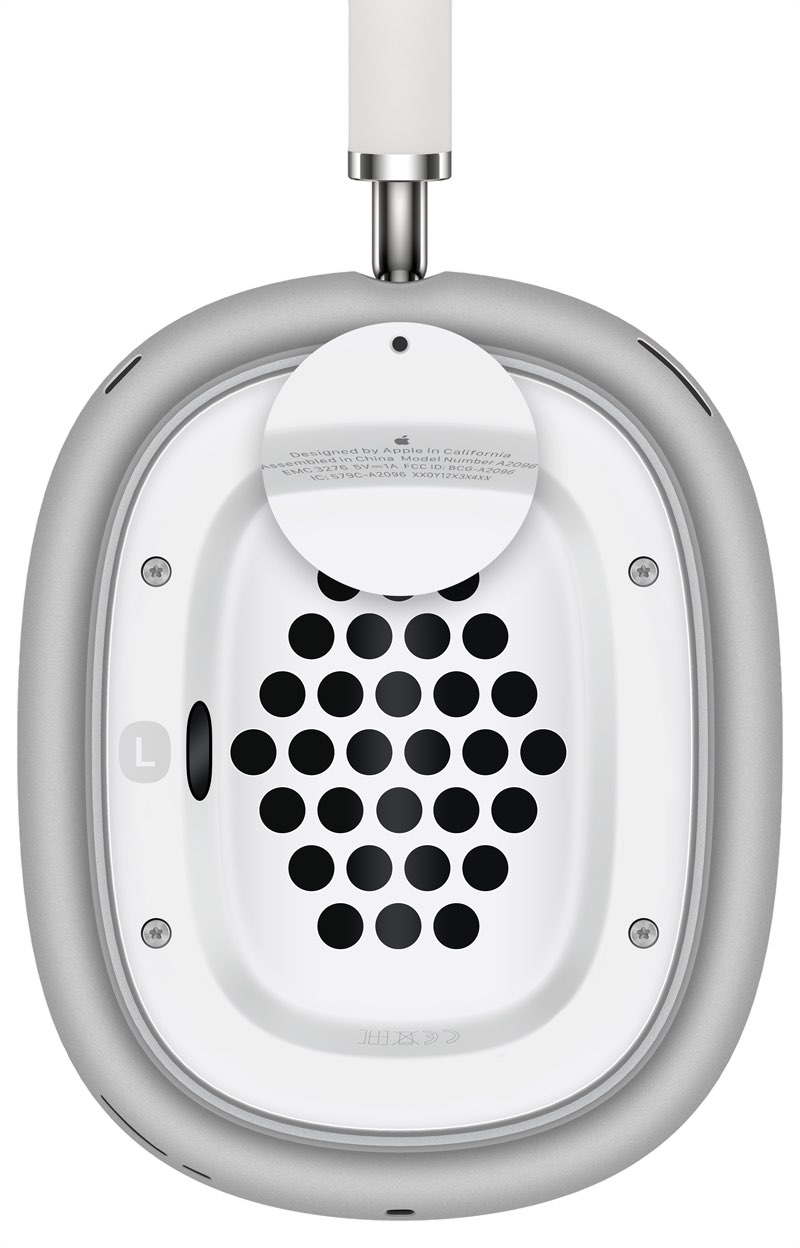
For AirPods Max, you only need to detach the left magnetic ear cushion (it has the letter “L” printed on the inside) to reveal the model number and the serial number of your headphones.
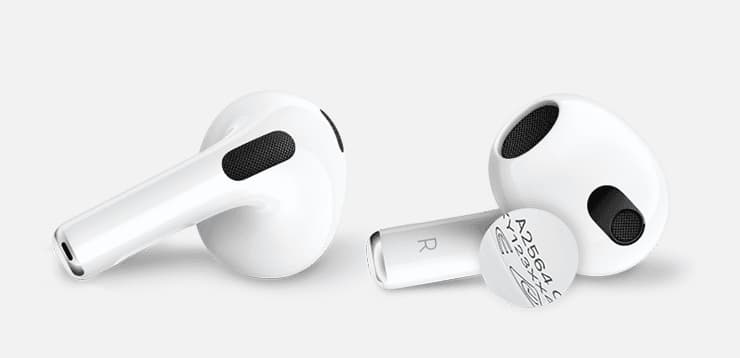
Important: AirPods model number (starting with the letter A) is also etched on the underside of each AirPod.
3. Other methods
Aside from using the Settings app or on the AirPods, your serial and model numbers can also be found on the original packaging and the receipt or invoice.
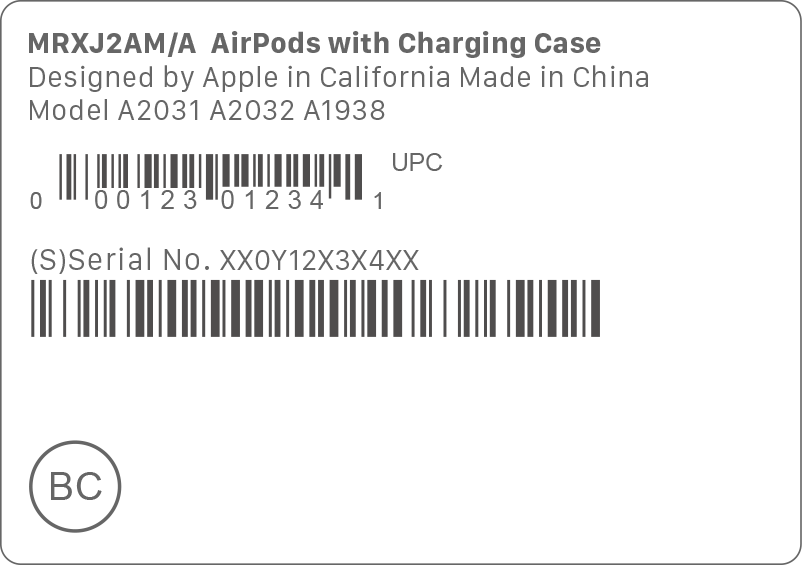
The model number confirms a particular device generation. When interacting with Apple Support or sending the device in for service, you may be asked to provide the serial number.
Once you have the model number
After you get the model number of your AirPods (like A3048), go to this Apple Support page and match your model number there to learn more about your AirPods.
On a related note: