Learn how to fix your Apple Watch if it is stuck or frozen on the Apple logo screen.
How to fix Apple Watch stuck on the Apple logo

Learn how to fix your Apple Watch if it is stuck or frozen on the Apple logo screen.

Want to use AirPods for longer on a single charge? Check out these 14 ways to improve and extend the battery life of your AirPods.

Learn how to use iCloud Private Relay on your iPhone, iPad, and Mac to encrypt the traffic leaving your device and make your web browsing more private.
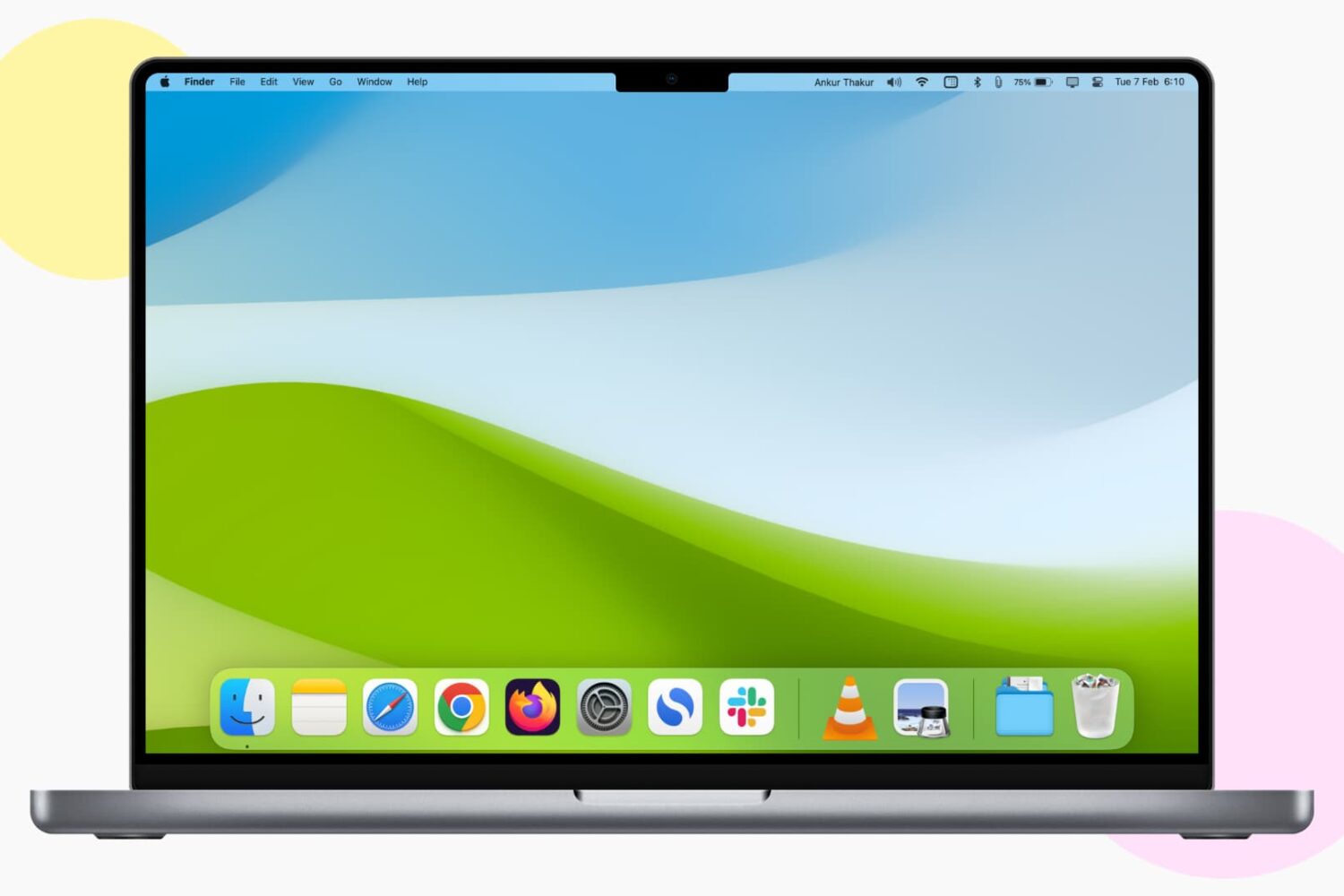
In this guide, I go over a list of over 40+ things I always do to ensure the best user experience after setting up a new or erased Mac.

Learn how to AirPlay photos, videos, and music, or mirror your iPhone, iPad, or Mac screen to another Mac.
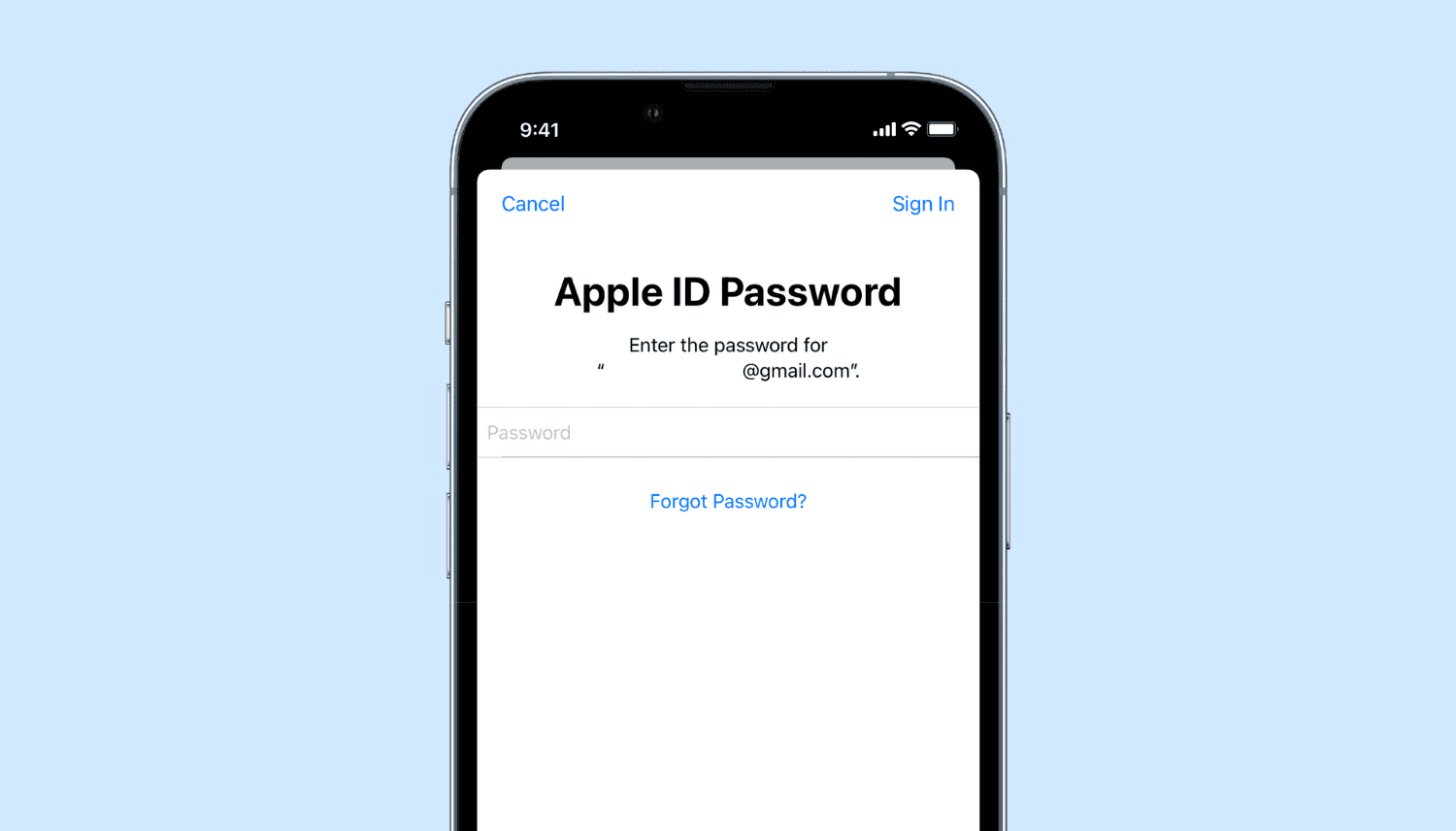
Learn what to do if you’re annoyed by repetitive popups and notifications asking you to enter your Apple Account password on your iPhone, iPad, or Mac.
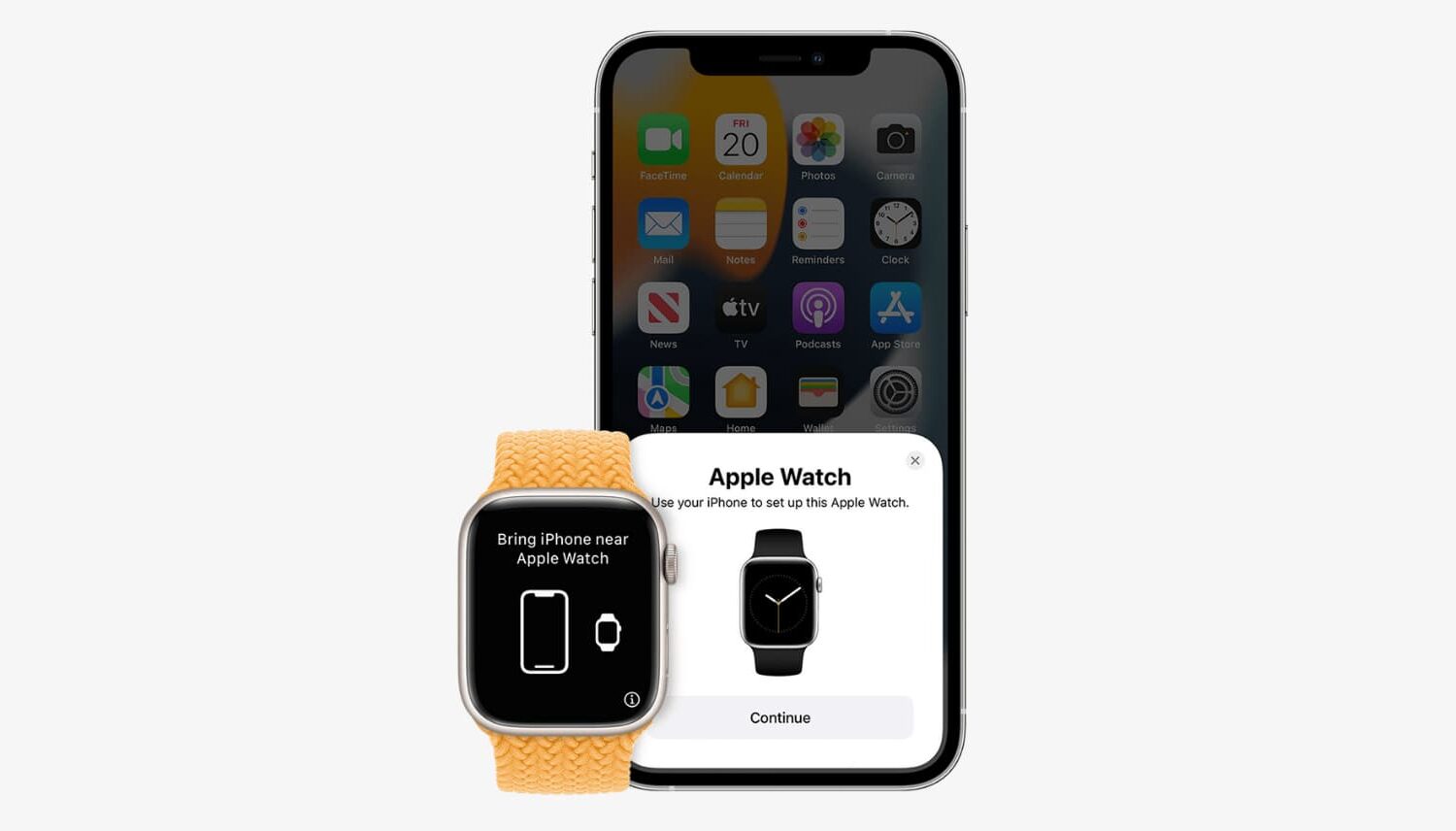
Learn about three ways to unpair your Apple Watch from its paired iPhone. Unpairing the Apple Watch is equivalent to erasing it. And after you do this, you’ll have to set up your Apple Watch again.
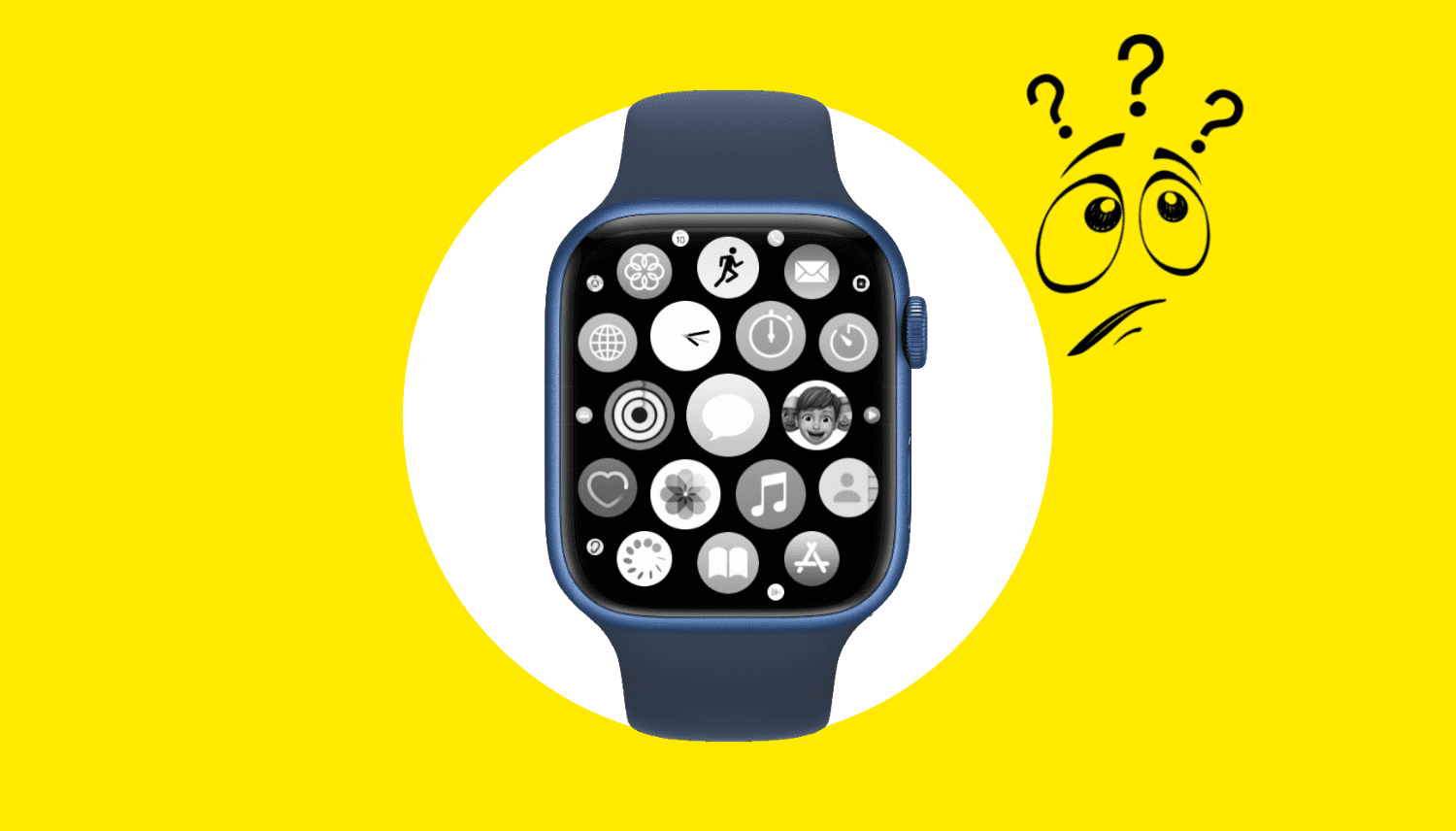
Unable to use apps on your Apple Watch? Check out how to fix apps not opening, crashing, or freezing on your watch.
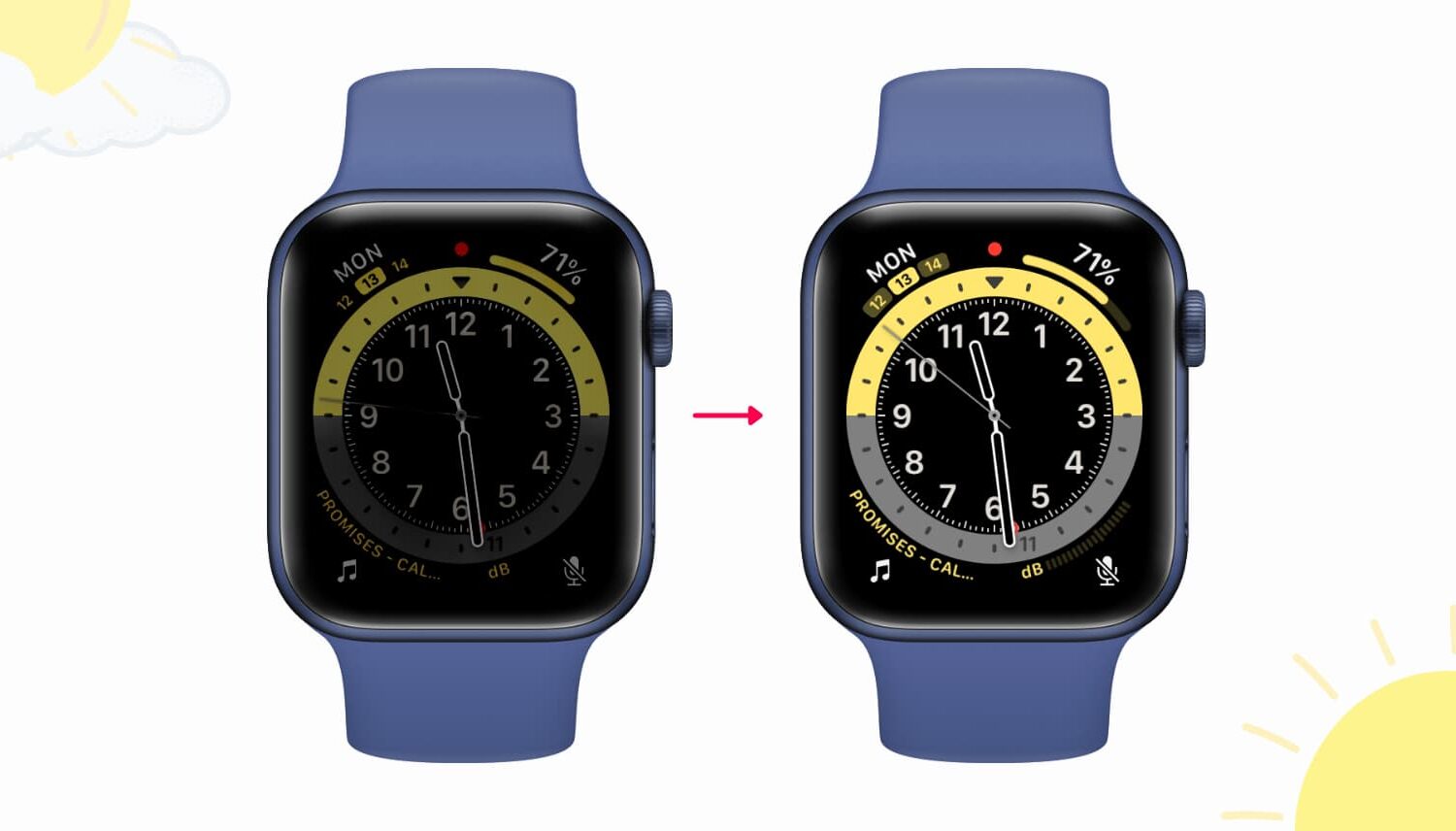
Find out why your Apple Watch screen is too dim and learn about some quick ways to make the display brighter again.
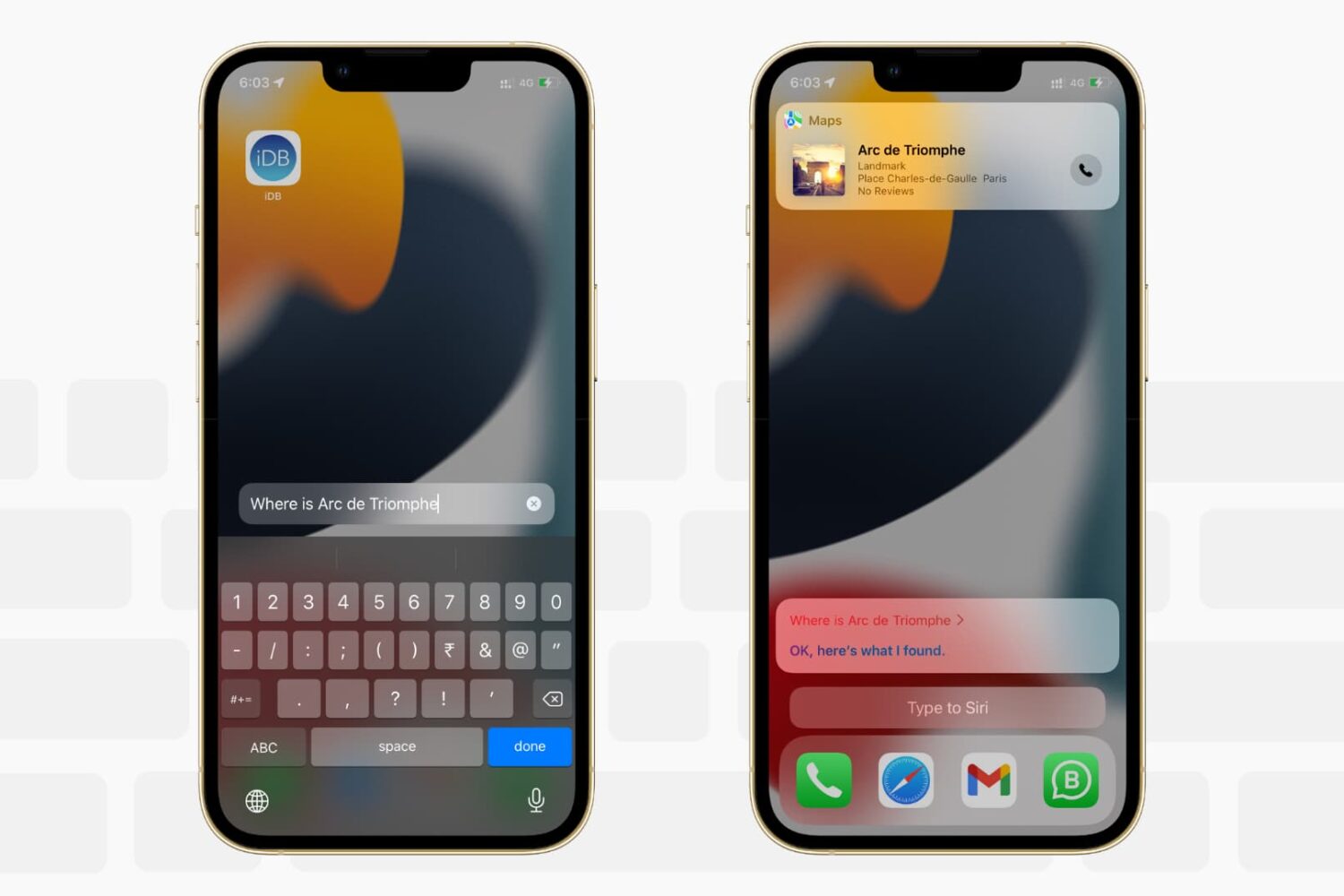
Want to write to Siri instead of speaking to it? In this tutorial, we’ll show you how to type to Siri instead of speaking, making it easier to communicate discreetly with Apple’s virtual assistant on iPhone, iPad, Mac, Apple Watch, and Apple TV.

Siri is the default built-in voice assistant on Apple devices. It lets you set alarms, answer questions, and do almost everything voice assistants do. This quick tutorial shows you how to call Siri on iPhone, iPod touch, iPad, Apple Watch, AirPods, Mac, HomePod, Apple TV, and supported cars.