Learn how to create and edit Memojis in the Messages app on Mac so you're covered whether you want a brand new Memoji or update an existing one.
How to create and edit Memojis in Messages on Mac
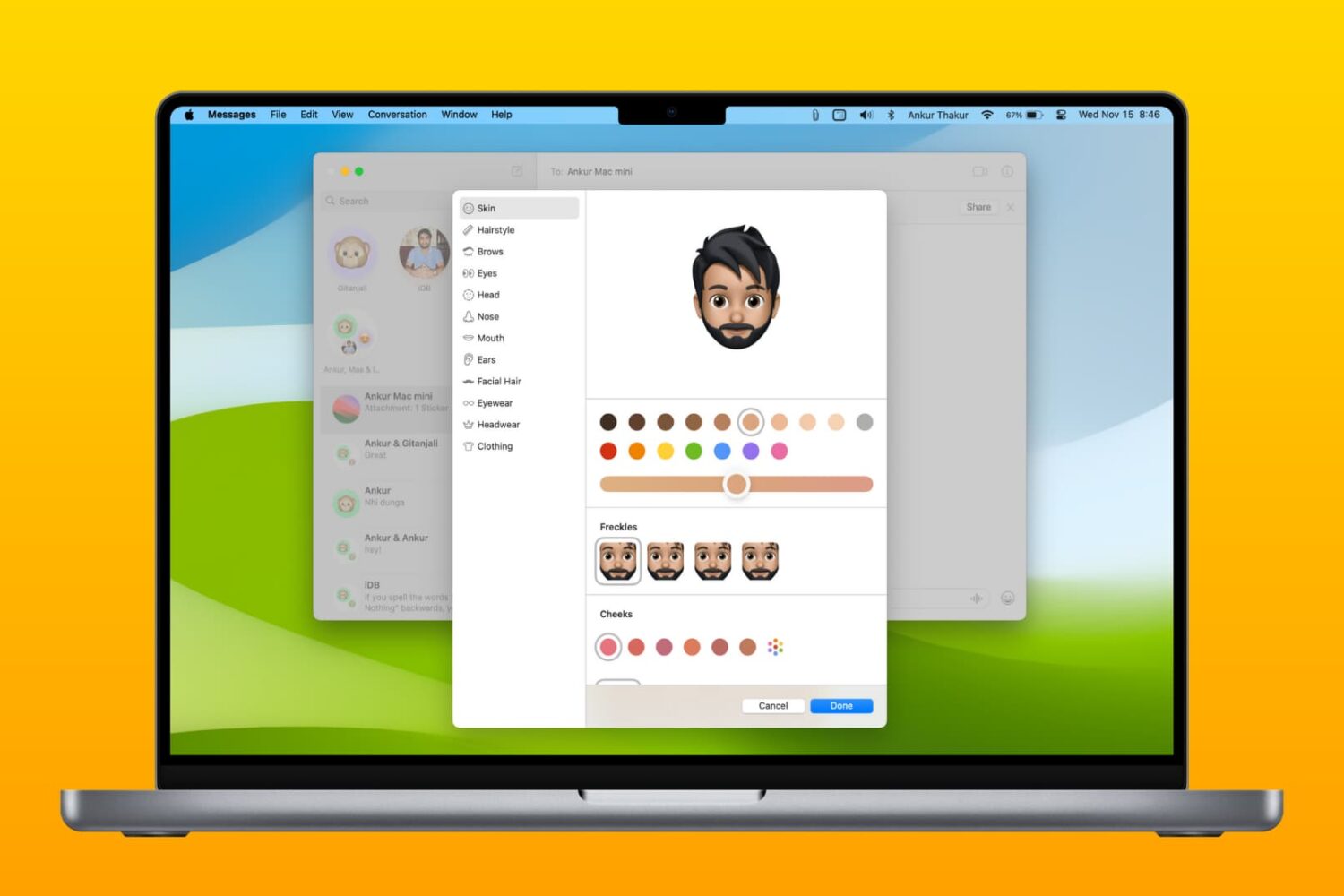
Learn how to create and edit Memojis in the Messages app on Mac so you're covered whether you want a brand new Memoji or update an existing one.
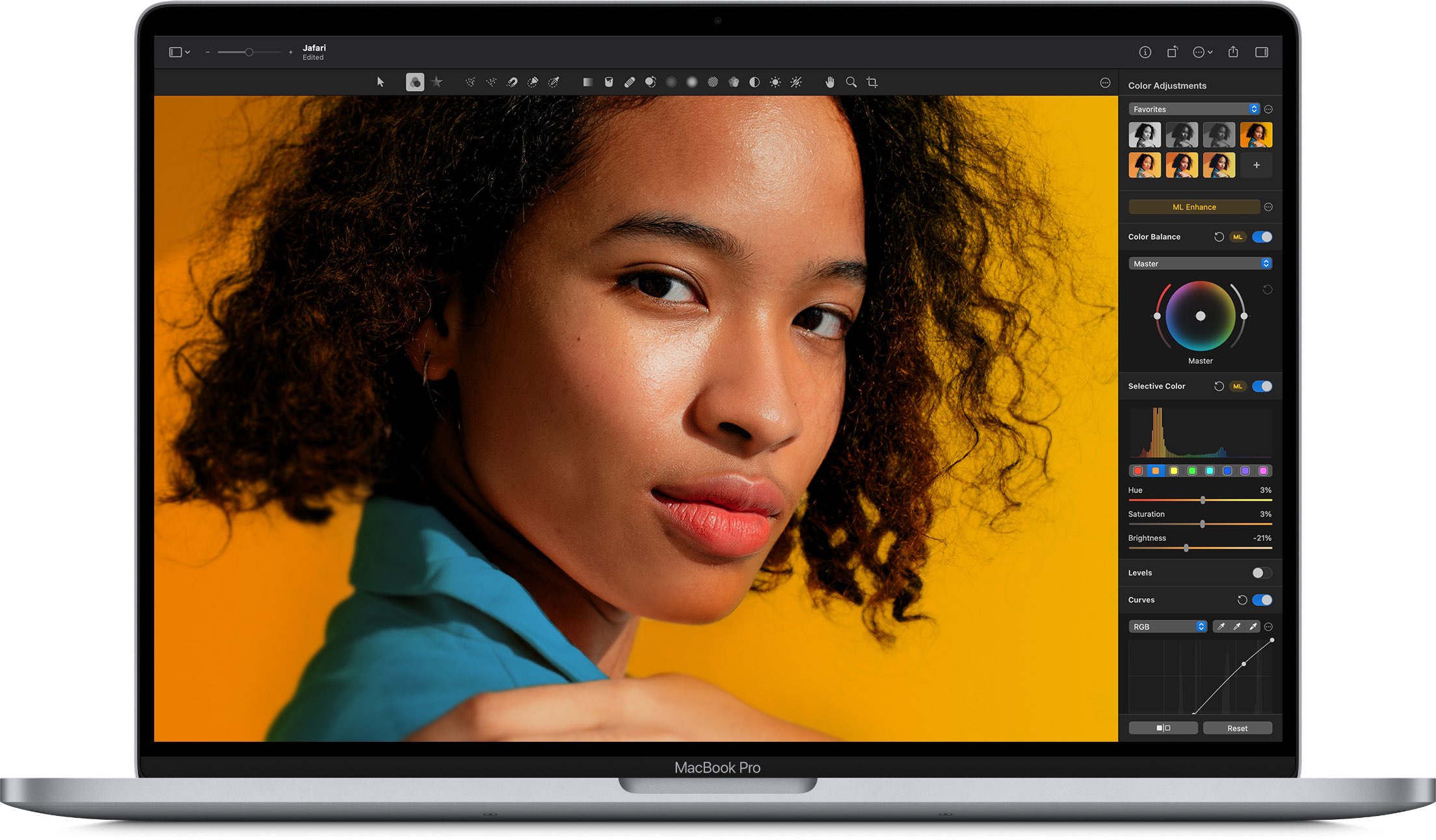
The Pixelmator team today released a major new version of their award-winning image editor for macOS, Pixelmator Pro, which includes native support for the new M1-powered Mac computers and the latest macOS Big Sur software, along with many other enahncements.
Following a snag with yesterday's debut of a new Chrome version that's optimized for M1-powered Macs, Google has now resumed rolling out Chrome for Apple Silicon Macs.
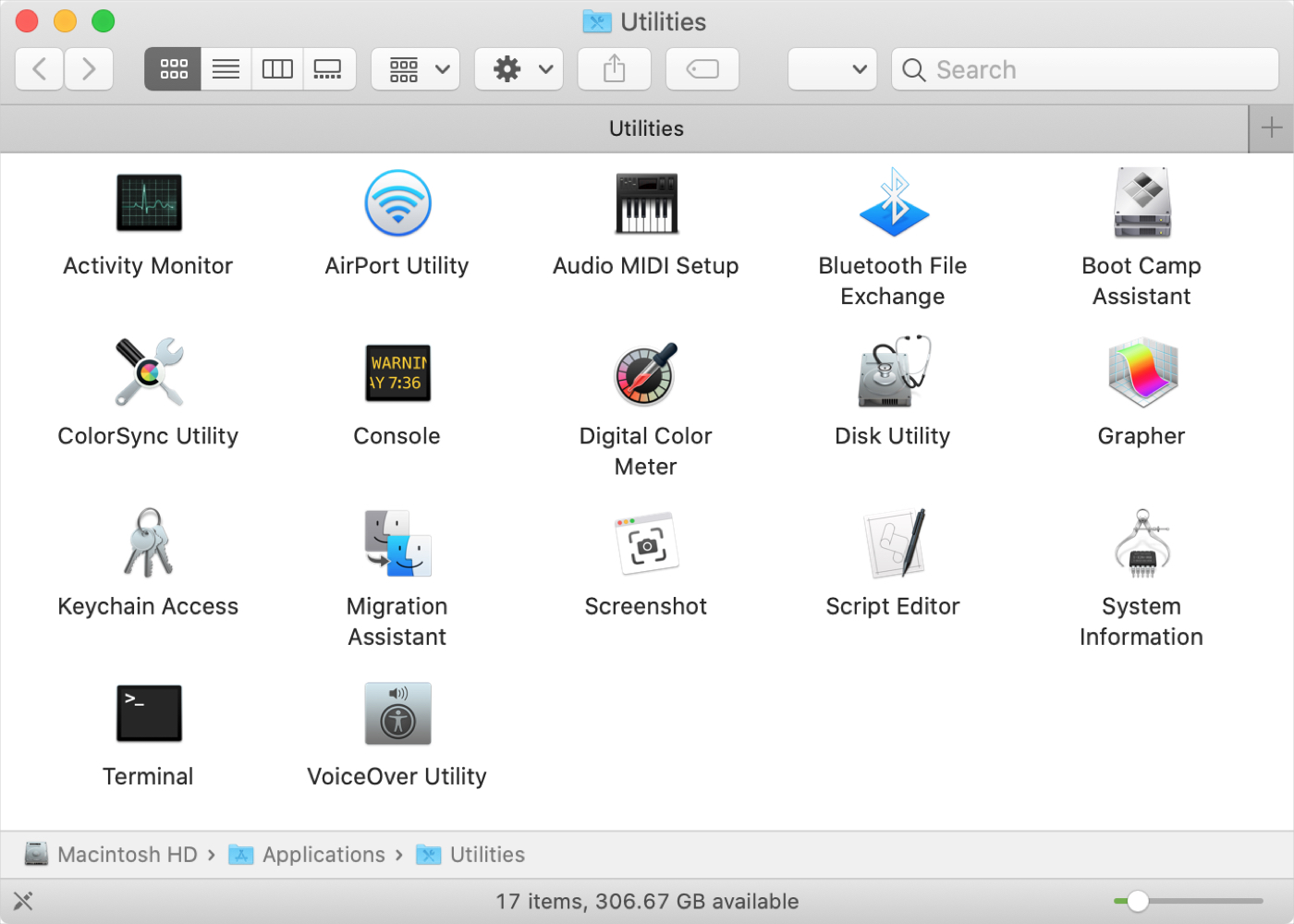
If you’ve just purchased your first Mac, and especially if you’re coming from Windows, you might be wondering about the Utilities folder. You may see the folder but have yet to open it or you might be looking for a specific tool and don’t realize it’s in that folder.
Whatever the case, we’re here with another in our New to Mac series to help you out! We’ll explain what’s in the Utilities folder and what each tool is for.
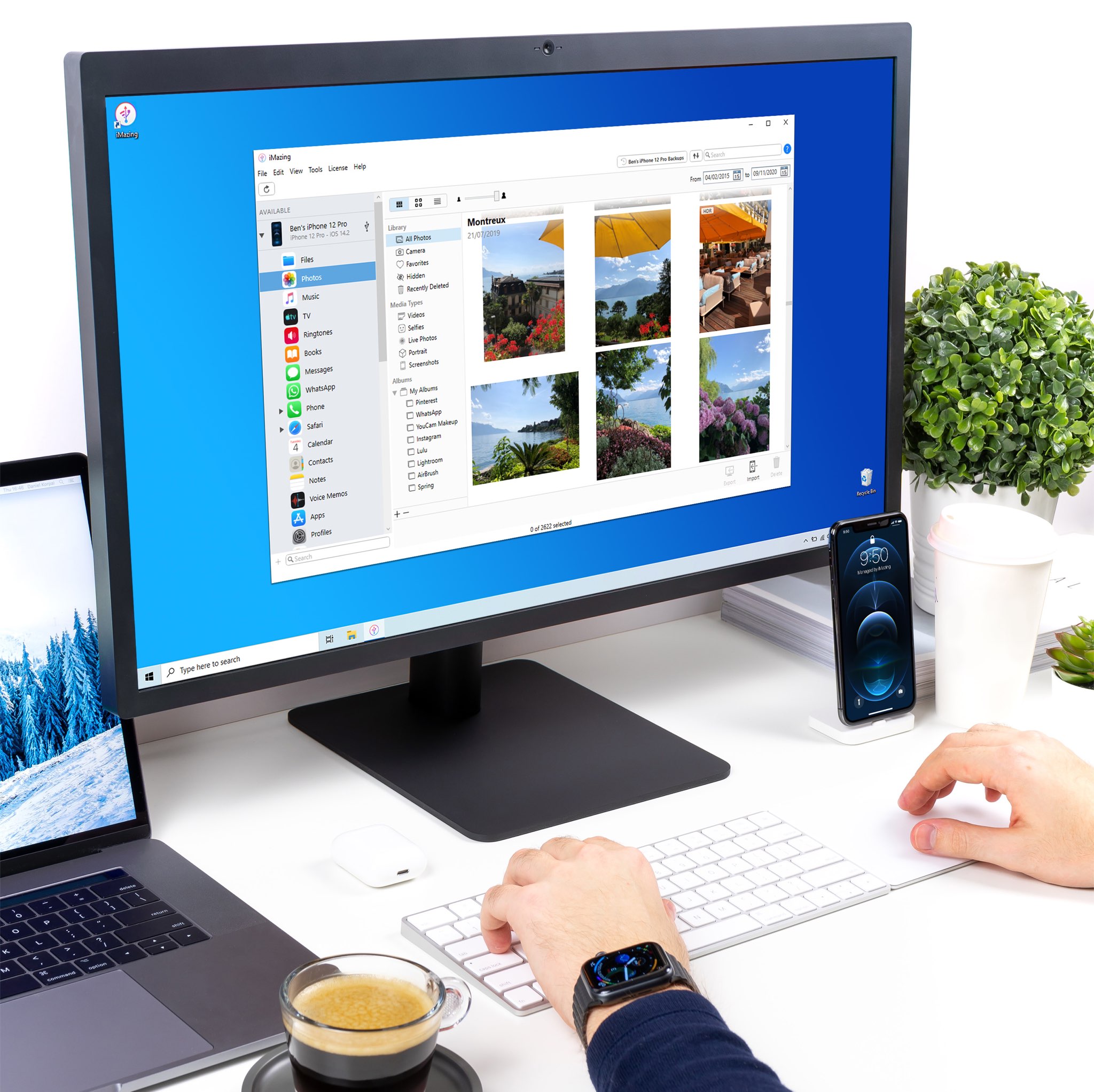
iMazing for Mac and Windows is a trusted app that makes it super easy to transfer data and back up your iOS devices by bypassing iTunes. And in its most recent update, out today, iMazing on both platforms now offers an excellent alternative to Apple's stock Photos app.
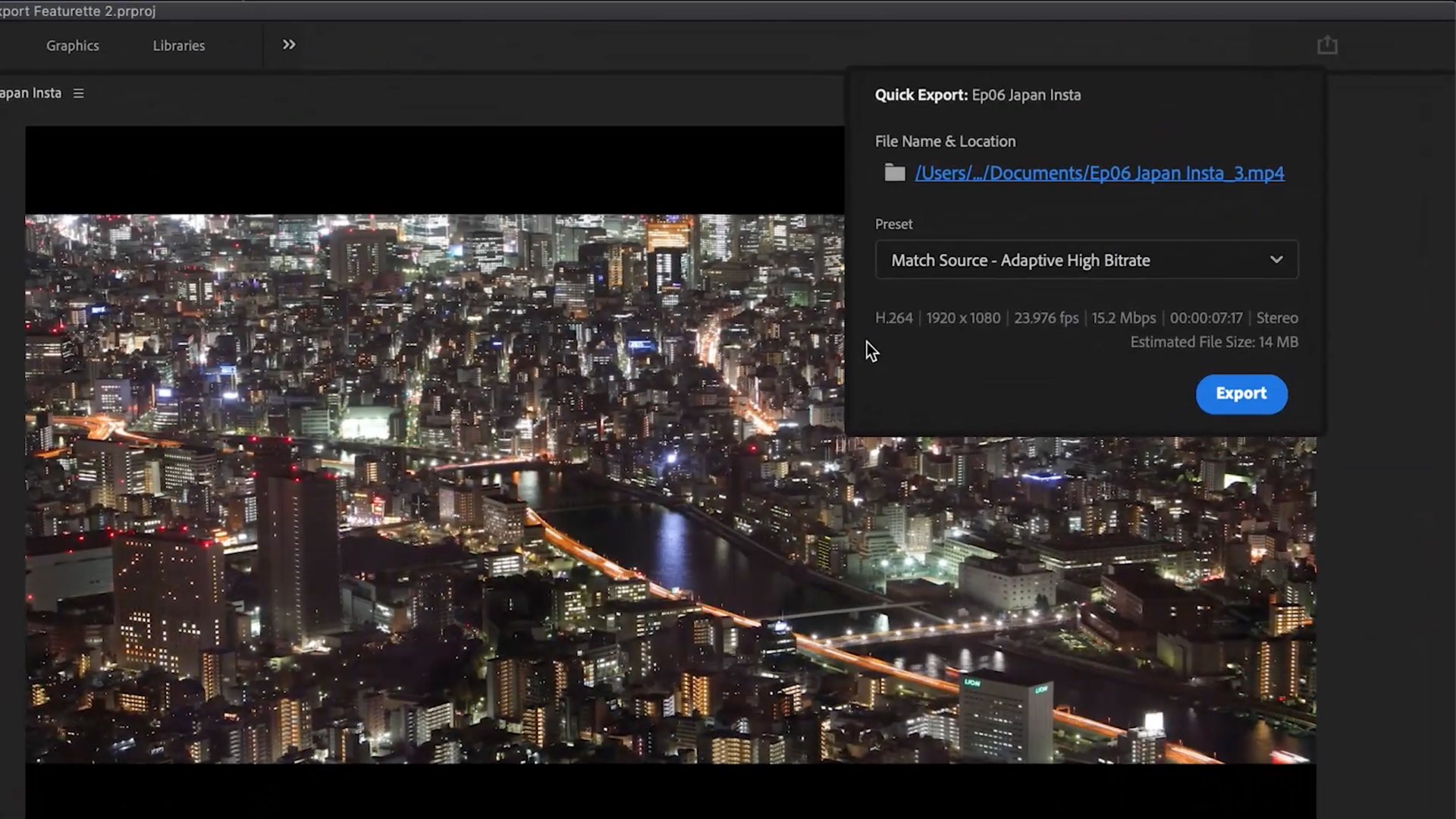
Photoshop maker Adobe today unveiled new features for the video editing apps and tools available as part of the Creative Cloud subscription that'll cut time on monotonous tasks.

The Apple-owned music identification service Shazam today announced that it's now passed 200 million monthly active users across platforms. That's without counting any requests originating from Siri as an active user, for those wondering.
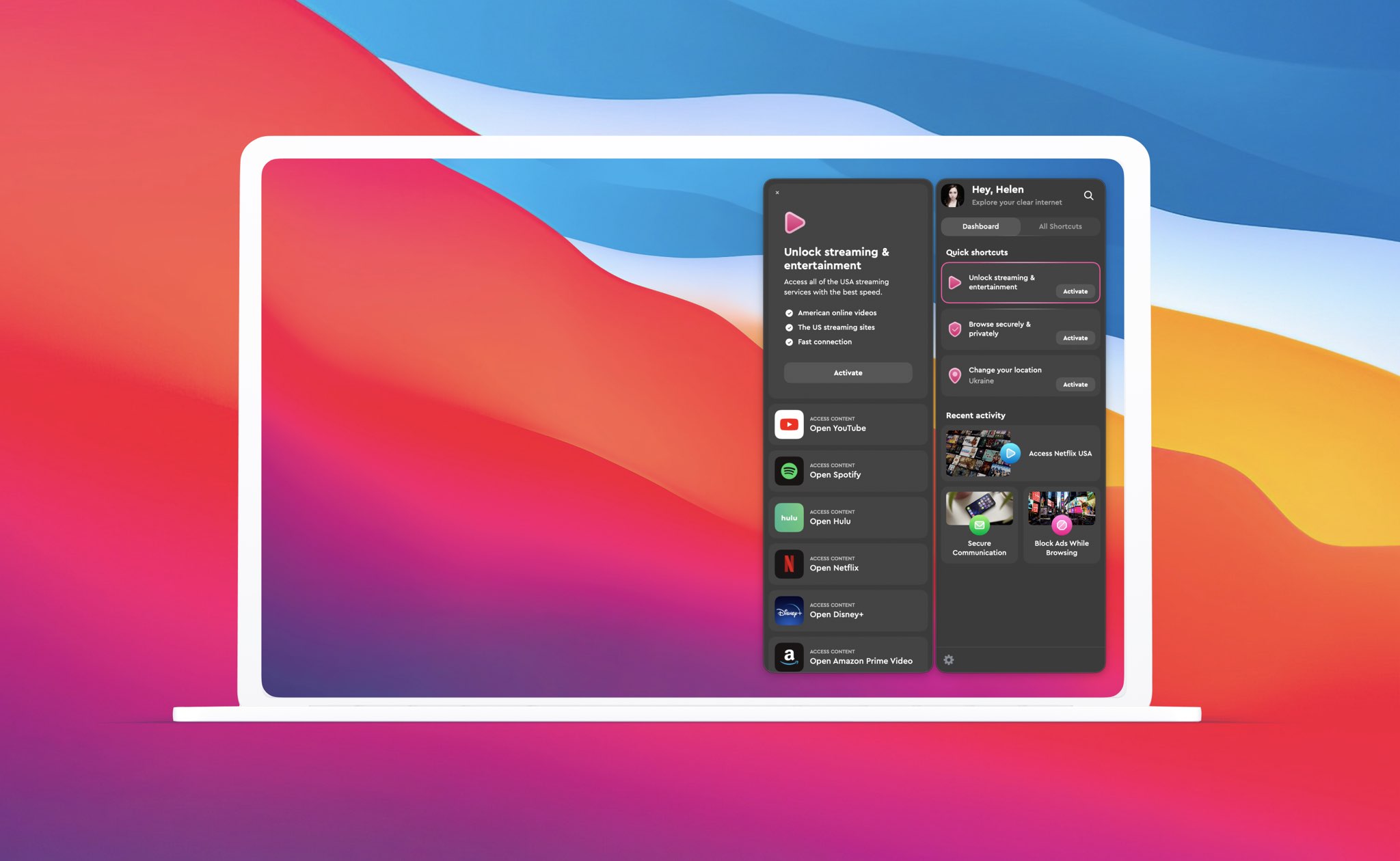
Ukrainian developer MacPaw of CleanMyMac fame today released a personalized VPN software solution for the macOS, iOS, iPadOS, Android and Windows platforms.

It’s one of those Mail features that’s easy to miss. It’s called Redirect, and it lets you send emails you’ve received to others without actually forwarding them. This is convenient for emails you receive by mistake, or that should be sent to someone else to handle.
When you redirect an email, it has no indication of it like it does when you forward a message. The person you redirect the email to receives it as if it came to them originally.
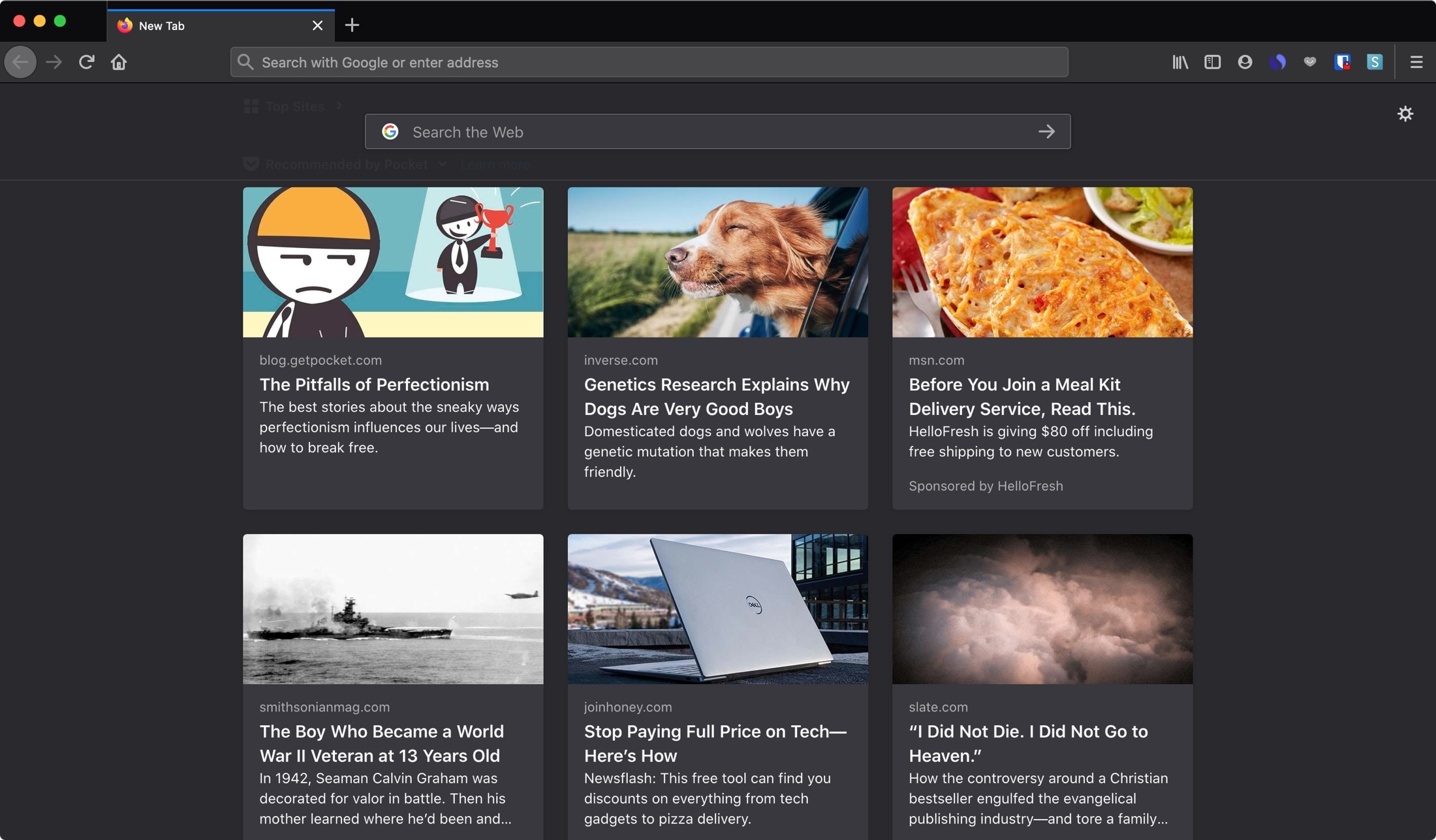
Learn how to change the home page and new tab page in Firefox and Chrome browsers on Mac, iPhone, and iPad to a specific URL, or leave it blank.

Photoshop maker Adobe has released a limited version of its popular image editor optimized for Apple Silicon M1-based Macs, the company announced in a blog post.
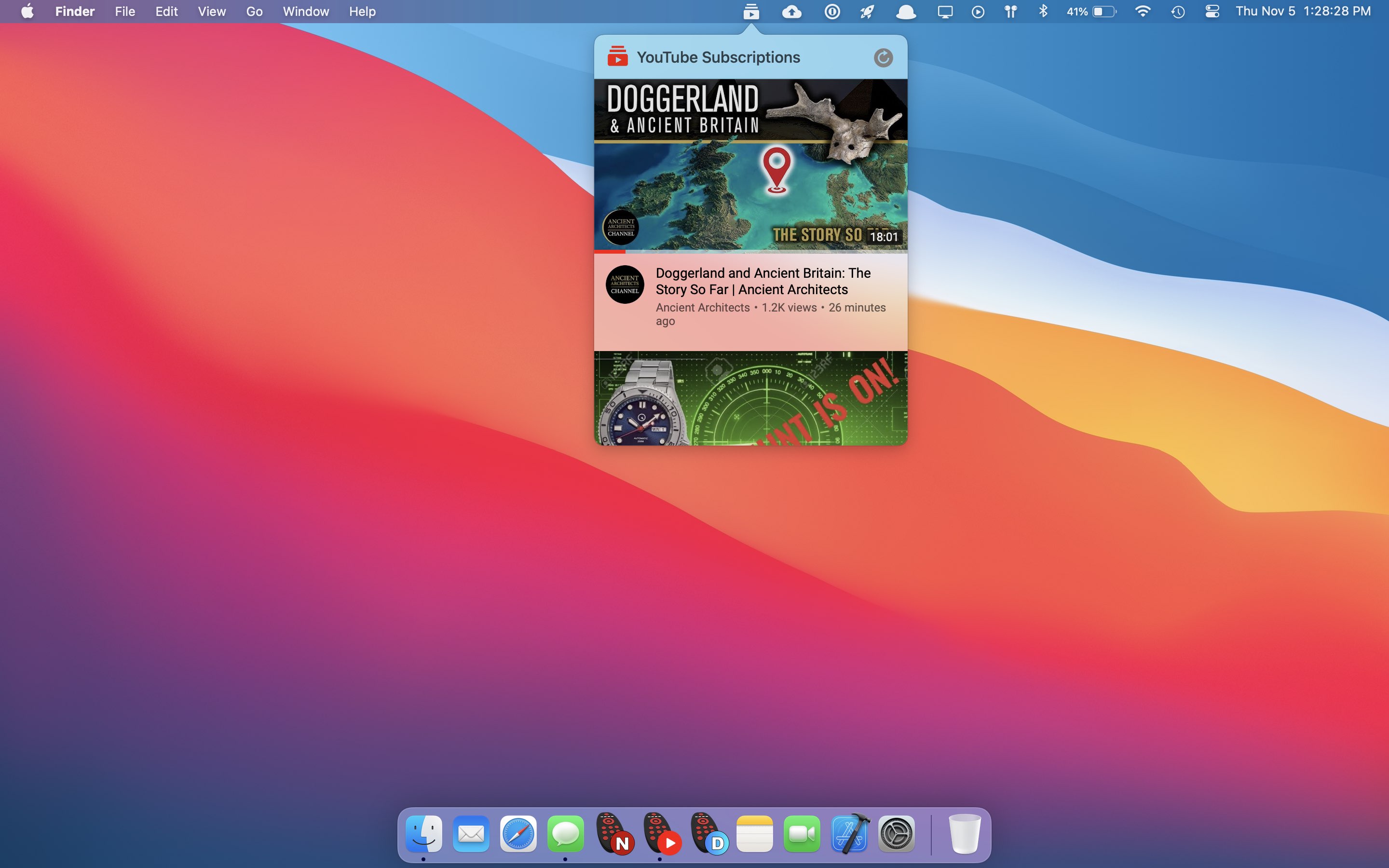
Developer Drew Koch today released Clicker for YouTube, arguably the ultimate companion streaming app for those who watch YouTube frequently on their Mac.