Apps

The best free reference apps for your iPhone and iPad

Dictionary.com Word of the Day on iPhone

If there’s a handy spot to have references at your fingertips, it’s your iPhone or iPad. Physical books still hold a place in many people’s hearts but no one walks around with dictionaries, encyclopedias, and phone books nowadays.

So if you’re in the market for good references for school or work, you’ll like this list of the best free reference apps for iPhone and iPad.

Windows emulation for M1-powered Macs is in active development, Parallels confirms

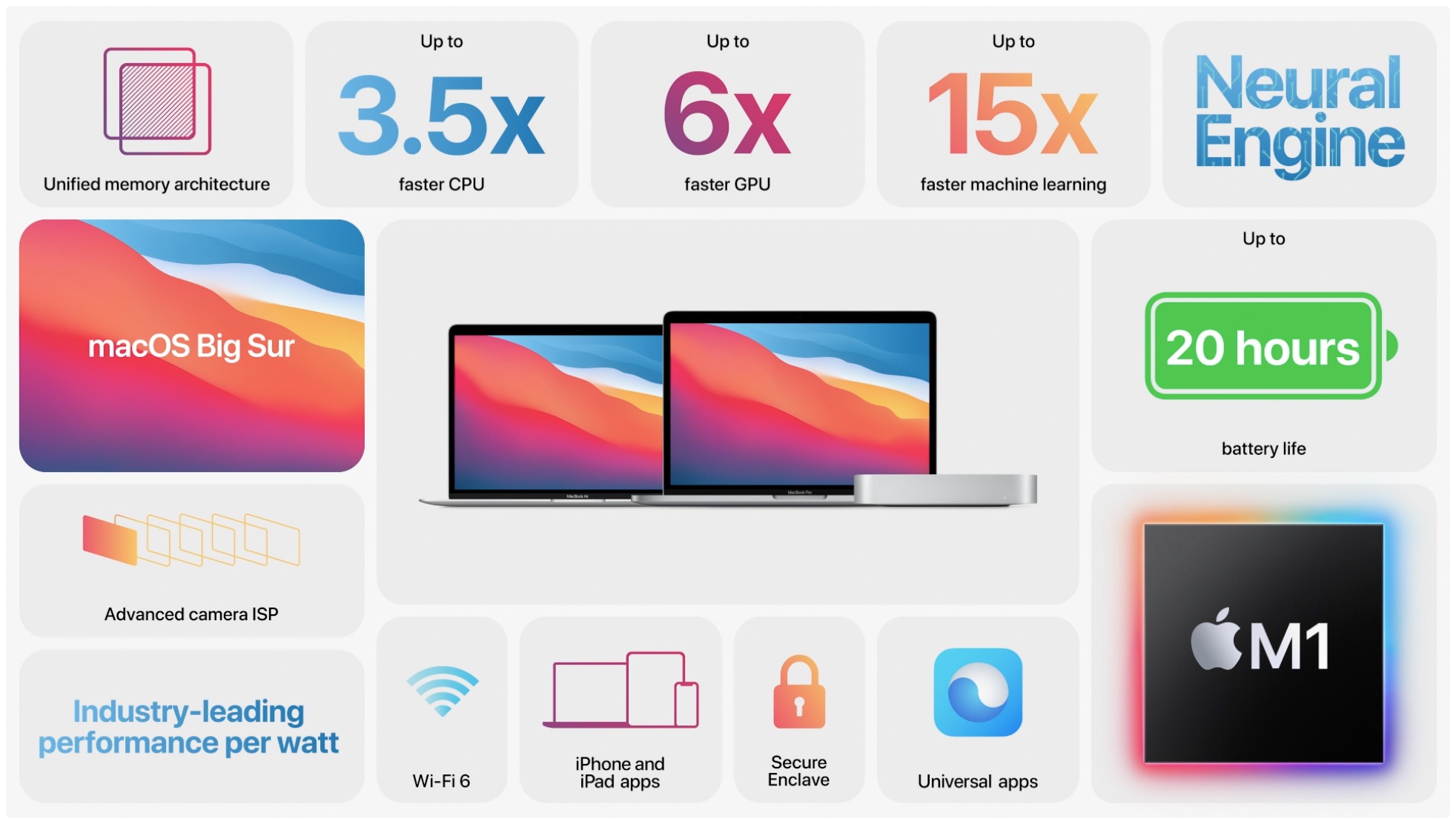
When Apple announced the switch away from Intel chips this summer, many people have been wondering about Boot Camp's future. And while Apple has only said that Boot Camp will not work with the new M1-powered Mac computers, companies that build virtualization software may provide a solution down the road. Parallels Desktop, a popular virtualization app for Mac systems with Intel chips, announced today that a new version of the app that can run on these new Mac computers equipped with the Apple M1 chip is in “active development.”

How to automatically upload burst photos to My Photo Stream

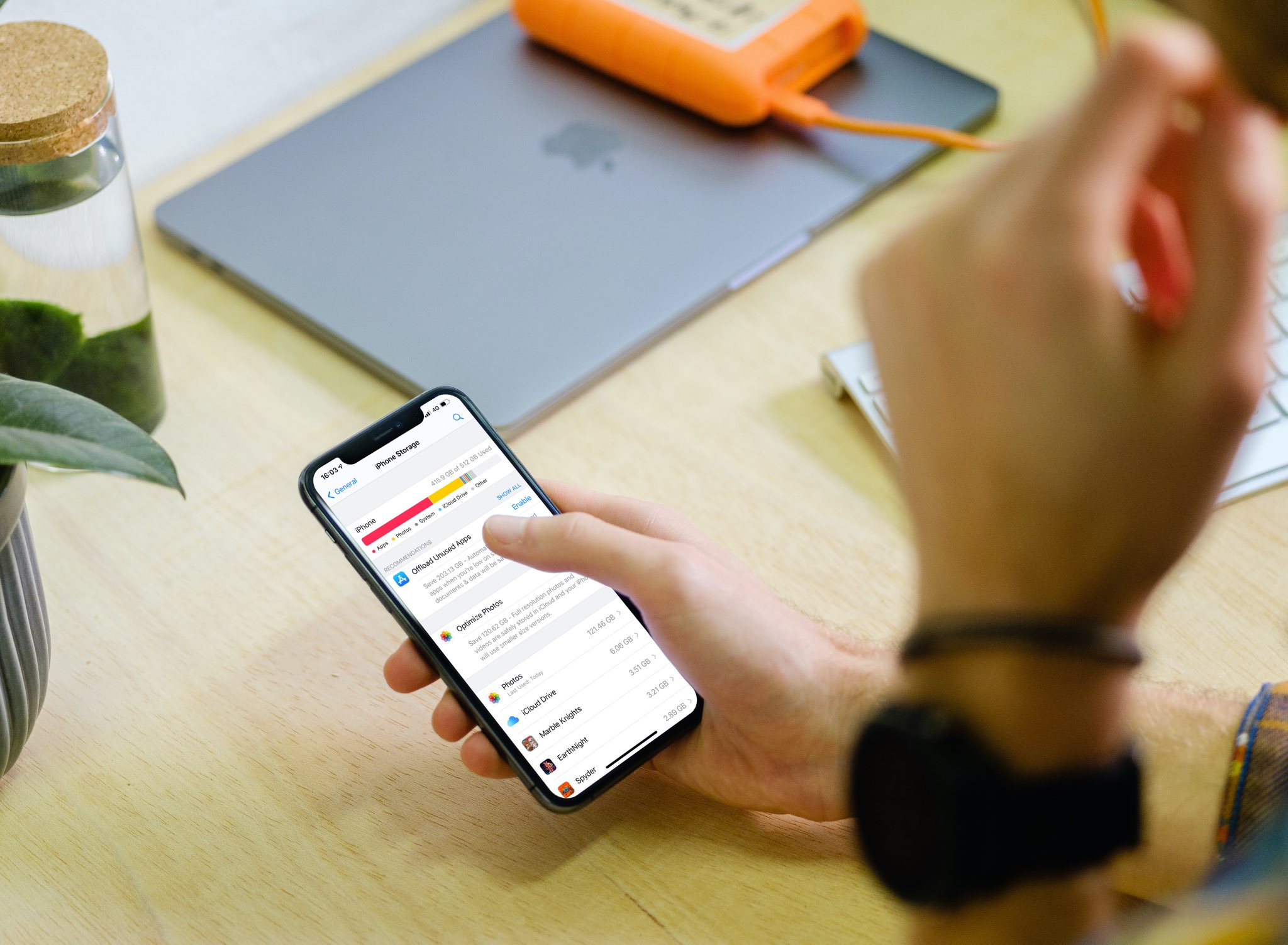
Settings Photos Upload Bursts to Photo Stream on iPhone

If you’re one who uses the My Photo Stream feature in Photos rather than iCloud, there’s a small setting you might not know about. The setting is to automatically upload burst photos to My Photo Stream and can be quite handy.

Burst photos are terrific for making sure you capture the perfect shot. So instead of just one photo, you can take several with a tap. You then review and keep those you want from the burst. And since you can see and save the images on any device with My Photo Stream, you may want the photos from the bursts there by default.

Here we’ll show you how to automatically upload burst photos to My Photo Stream so you can work with them on iPhone, iPad, or Mac.