Learn how to highlight text and include comments in a Pages document on your Mac, iPad, and iPhone to make your text stand out.
How to highlight text in Pages on Mac and iOS

Learn how to highlight text and include comments in a Pages document on your Mac, iPad, and iPhone to make your text stand out.

Find out how to change the slide layout to improve your Keynote presentations in just a few clicks or taps on your Mac, iPad, and iPhone.

Twitter this morning announced a brand new app that lets anyone become a beta tester for unreleased new Twitter features on iPhone and iPad.

Find out how to add, rearrange, duplicate, or delete pages for documents in the Apple Pages app on Mac with this simple step-by-step guide.

In this week's edition of our Apps of the Week roundup we have a photo editor that specializes in making your images pop, a unique AR experience and an app for tracking hot/cold sessions. And as always, we've selected two great new games for you to check out!

Learn how to change the document background color in Apple Pages to customize designs of your flyers, posters, brochures, newsletters and more on an iPhone, iPad, or Mac.
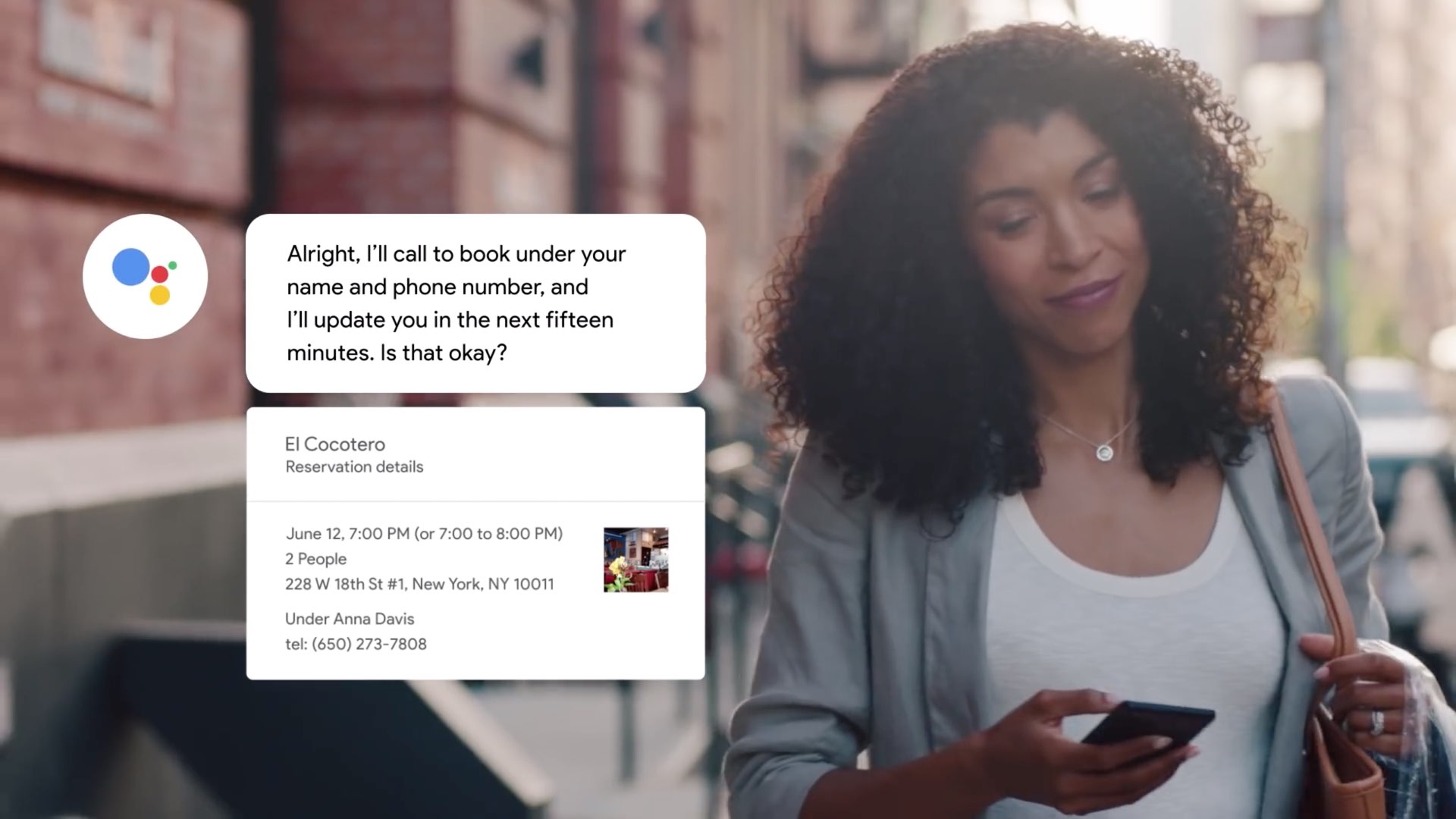
Google's human-sounding AI helper which stole the show at Google I/O 2018 by making an erringly realistically sounding phone call to a hair salon is coming to your iPhone soon.
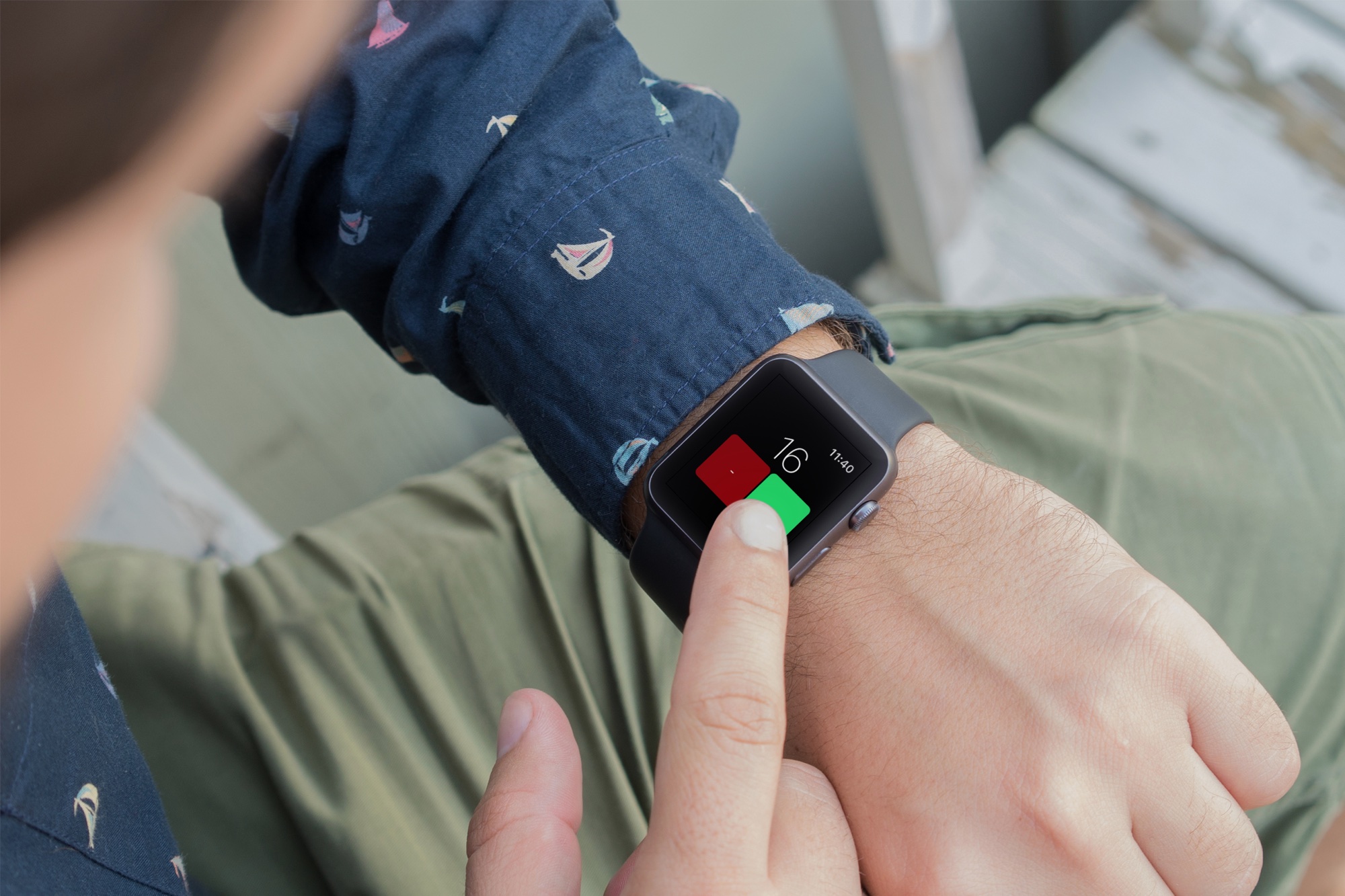
Put away your pen and paper when you need to take a count and use a handy app for iPhone and Apple Watch. You might be taking a head count for attendance, tracking the number of people in a line, or counting the number of items. Having an app for your iPhone makes it easy, and having one on your wrist is even better.
Whatever it is that you need to count, these are the best free tally counters for iPhone and Apple Watch.
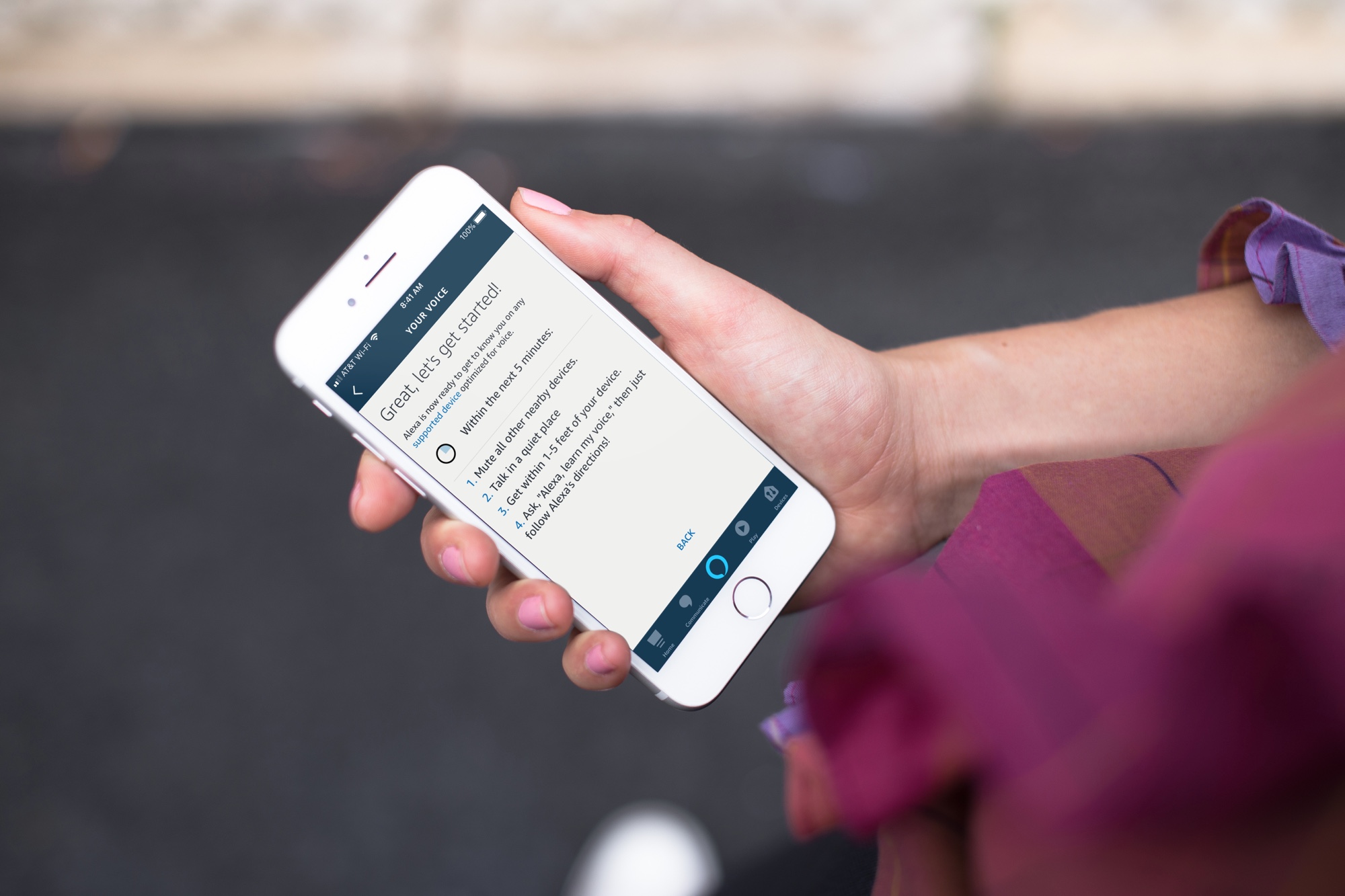
Learn how to set up Voice ID in the Alexa app or directly on the Amazon smart speaker so the voice assistant can recognize your voice and offer personalized experiences and suggestions.

Learn how to remove unnecessary apps from your Mac to free up space and keep your system organized.
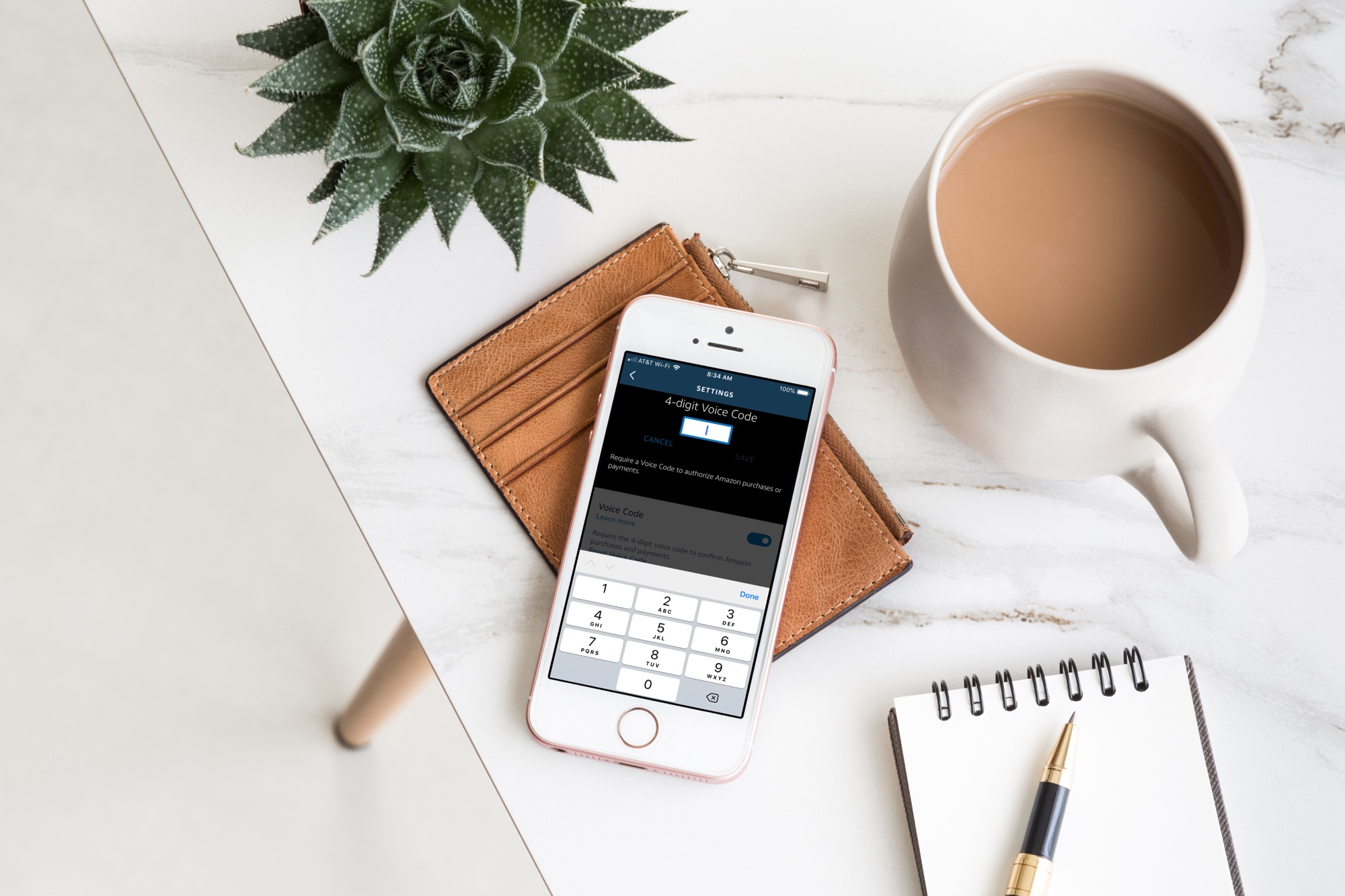
Your Amazon Echo smart speaker gives you an easy and convenient way to shop on Amazon with simple Alexa commands. But with this handy feature comes the risk of accidental purchases. Whether it’s you mistakenly asking for something, forgetting that Alexa is listening or someone else who orders something they shouldn’t, it’s a little scary and can be costly at the same time.
If you want to continue to order items from Amazon with your speaker, but want to protect yourself from accidental purchases, you can set up a Voice Code. This tool adds a layer of security in a sense so that orders cannot be placed, nor payments made, unless the code is used.
Here’s how to create an Amazon Echo Voice Code for Amazon purchases.
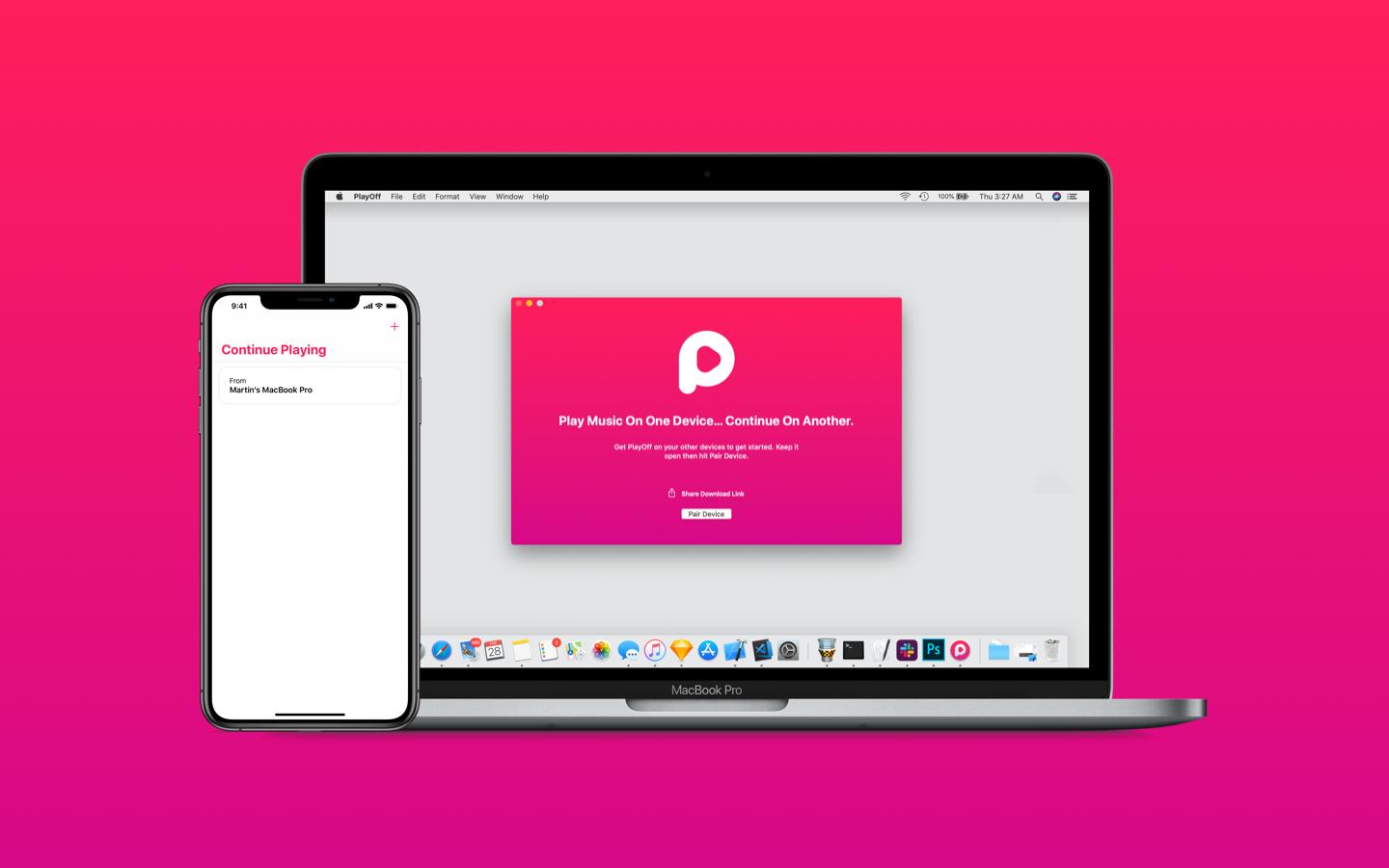
The Handoff feature in macOS and iOS lets you move seamlessly between devices, but it doesn't work with Apple Music at all. With PlayOff, a cool new app by iOS developer Martin Powlette, you can start streaming a song through Apple Music on your iPhone and immediately pick up right when you left off on your Mac without missing a beat, and vice versa.