Learn how to have Chrome and Firefox save your login passwords, simplifying your future visits and improving your overall web experience.
How to save logins and passwords in Firefox and Chrome on Mac

Learn how to have Chrome and Firefox save your login passwords, simplifying your future visits and improving your overall web experience.

In this week's episode of our Apps of the Week roundup, we have a messaging app for urgent news only, a video chat platform for fun, new virtual experiences, and a sharp read-it-later client. And as always, we've selected two great new games for you to check out.

Spotify today brought back support for Apple's Safari browser to its web-based player.
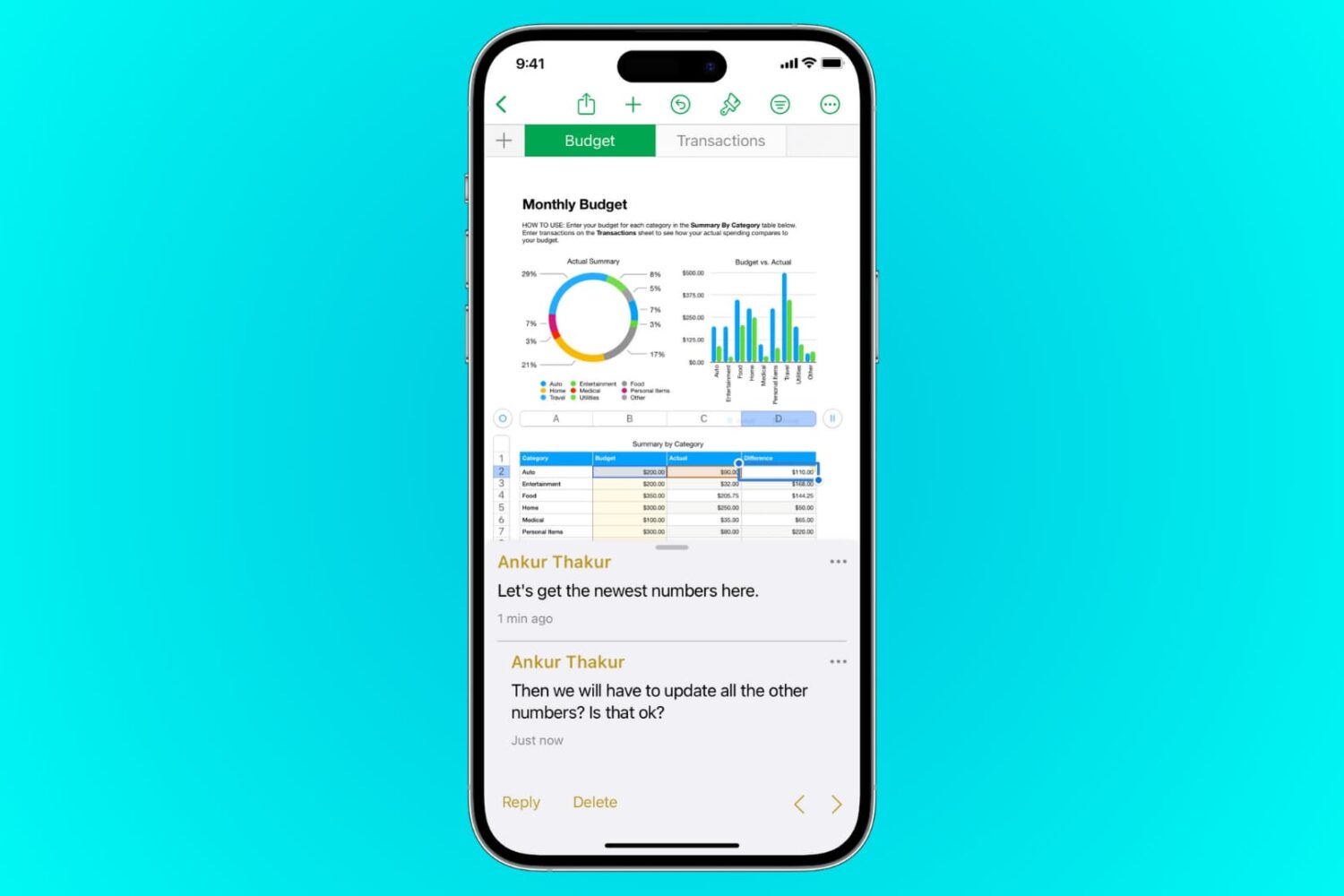
This tutorial shows you how to add, edit, hide, and delete comments in Pages, Numbers, and Keynote on iPhone, iPad, and Mac.
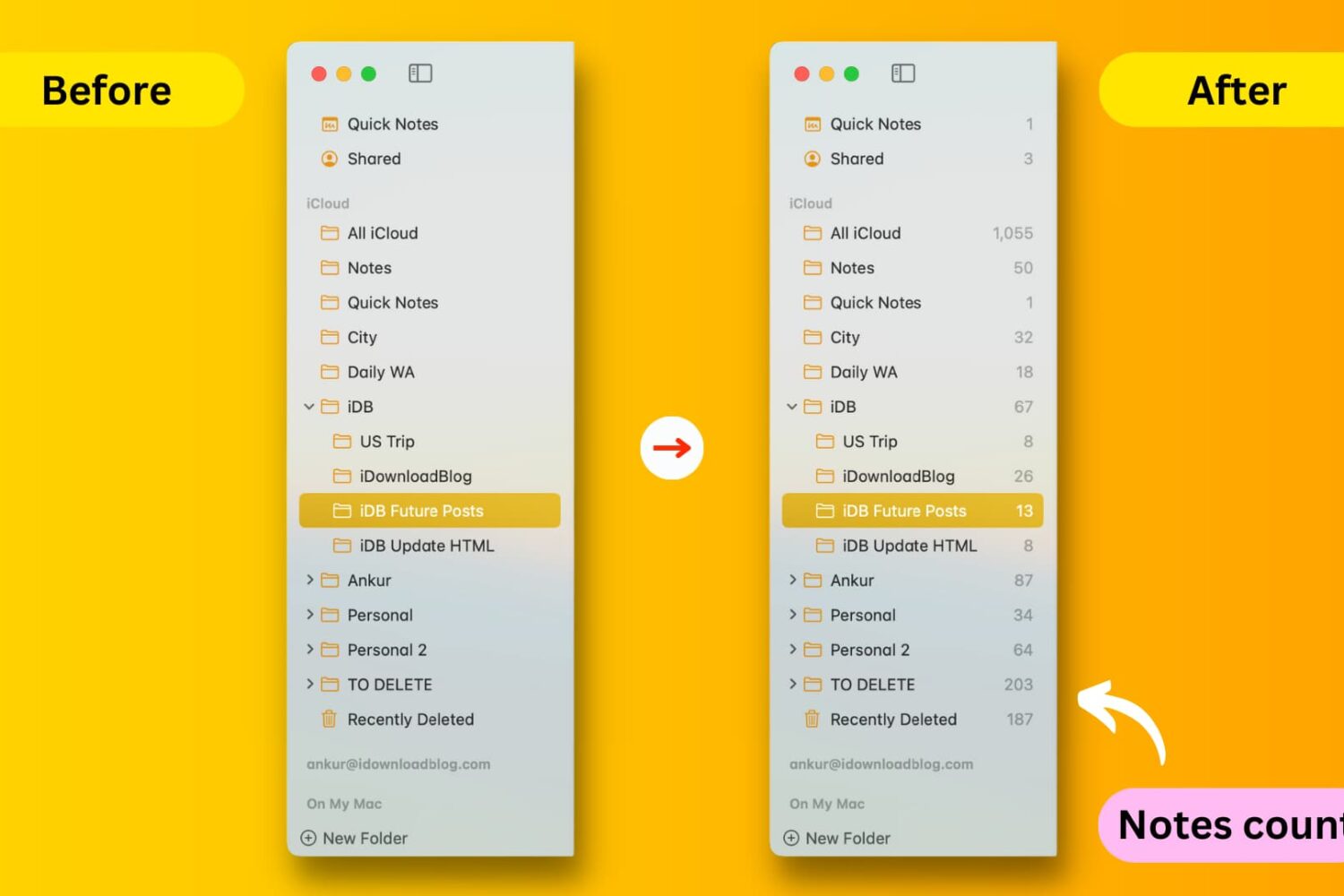
This tutorial shows you how to display the notes count next to the folders and sub-folders of the Notes app on your Mac.

If you use the Notes app on your iPhone or iPad for not just note-taking but capturing photos, videos, and scans to reference within your notes, you can also save those items to your Photos app.
This means that if you want to use that capture for something else, you can find it easily in Photos rather than opening the Notes app for it. Maybe you thought this was happening all along, only to discover recently that it’s not.
Here’s how to automatically save photos, videos, and scans taken in Notes to Photos on iPhone and iPad.
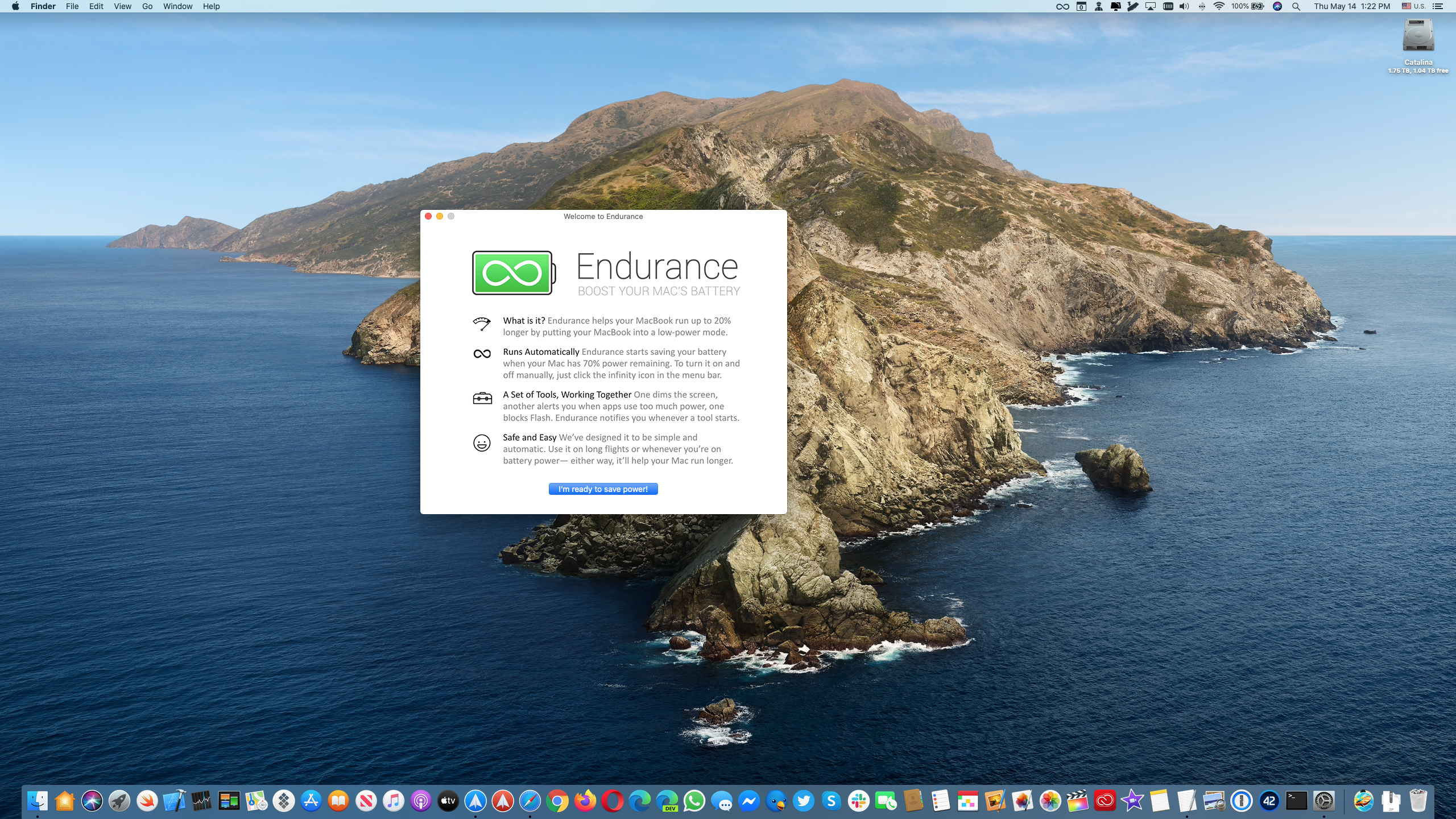
Endurance by Magnetism Studios is one of the best battery-saving apps for Mac notebooks.

Find out what Twitter (new name X) lists you’re on and how to remove yourself from a list if you don't want to be a part of it.

Explore this list of handy keyboard shortcuts for the Apple Music app on your Mac so you can move & groove quicker and easier than ever!
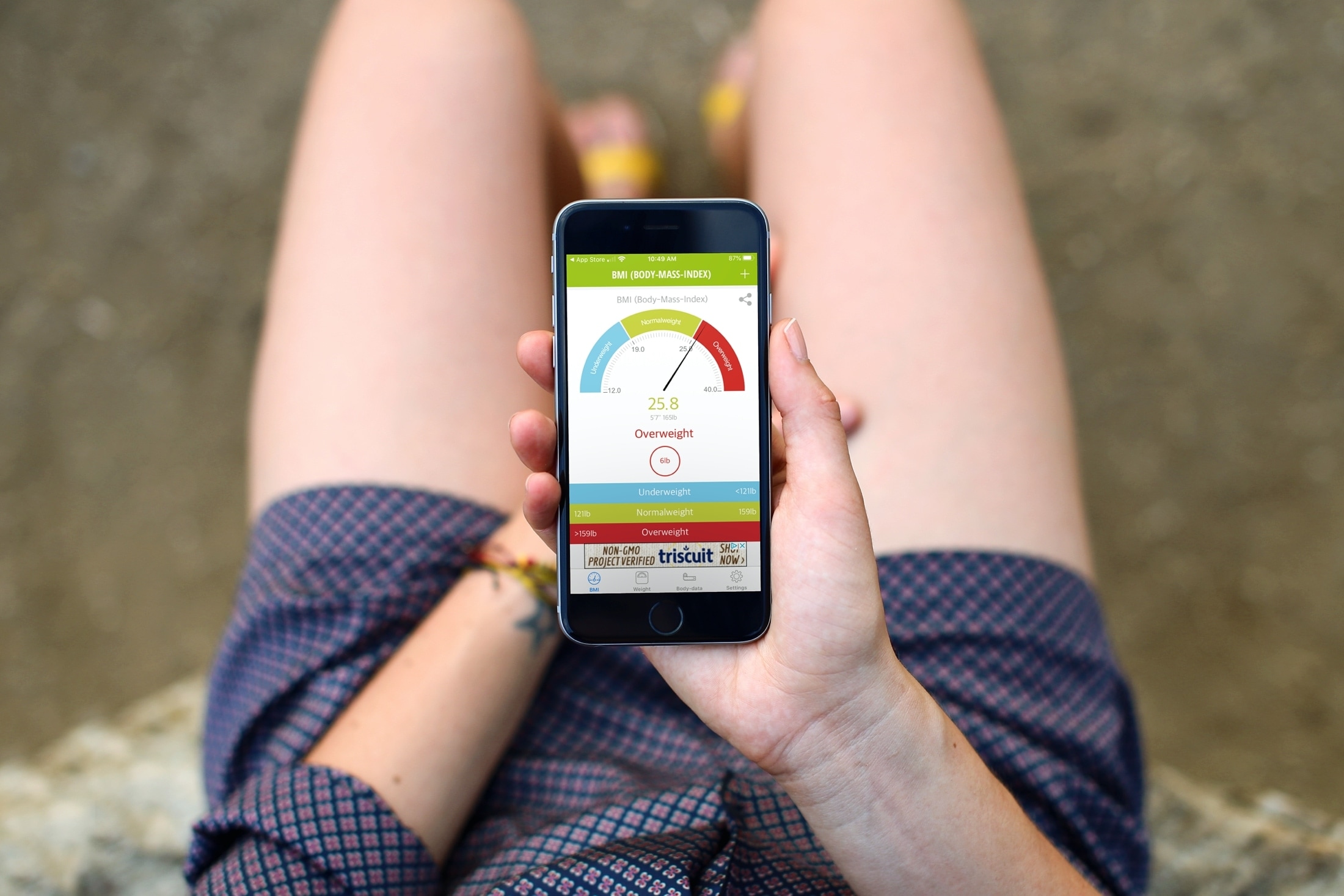
Not sure if you’re overweight, underweight, or just right? Using a Body Mass Index (BMI) calculator, you can see exactly that. Enter a few details and then check to see if your current weight is on target. You can also use the calculator find out what the normal weight is for your height and (sometimes) your age.
Some are simple BMI calculators while others offer extra features. So if you’re ready, here are the best free BMI calculator apps for iPhone and iPad.
Learn how to view retweets with comments, also known as quote tweets, in the Twitter app and website to see what people are saying about it.

If you use the Notes app on your iPhone or iPad, you probably already know that it’s a convenient app for making lists. You can make numbered or bulleted lists for shopping, to-dos, or whatever you need.
The nice thing about creating lists in Notes is that you can indent your list items. This is terrific for creating subtasks or nested lists. And while indenting list items isn’t a difficult task, we have a tip that will make it even easier.
Here’s how to quickly indent list items in Notes on iPhone and iPad.