Learn how to watermark your documents in Apple's Pages app on the iPhone, iPad, and Mac with custom text like "confidential" or an image like a brand logo.
How to watermark documents in Apple Pages on your iPhone, iPad, and Mac

Learn how to watermark your documents in Apple's Pages app on the iPhone, iPad, and Mac with custom text like "confidential" or an image like a brand logo.
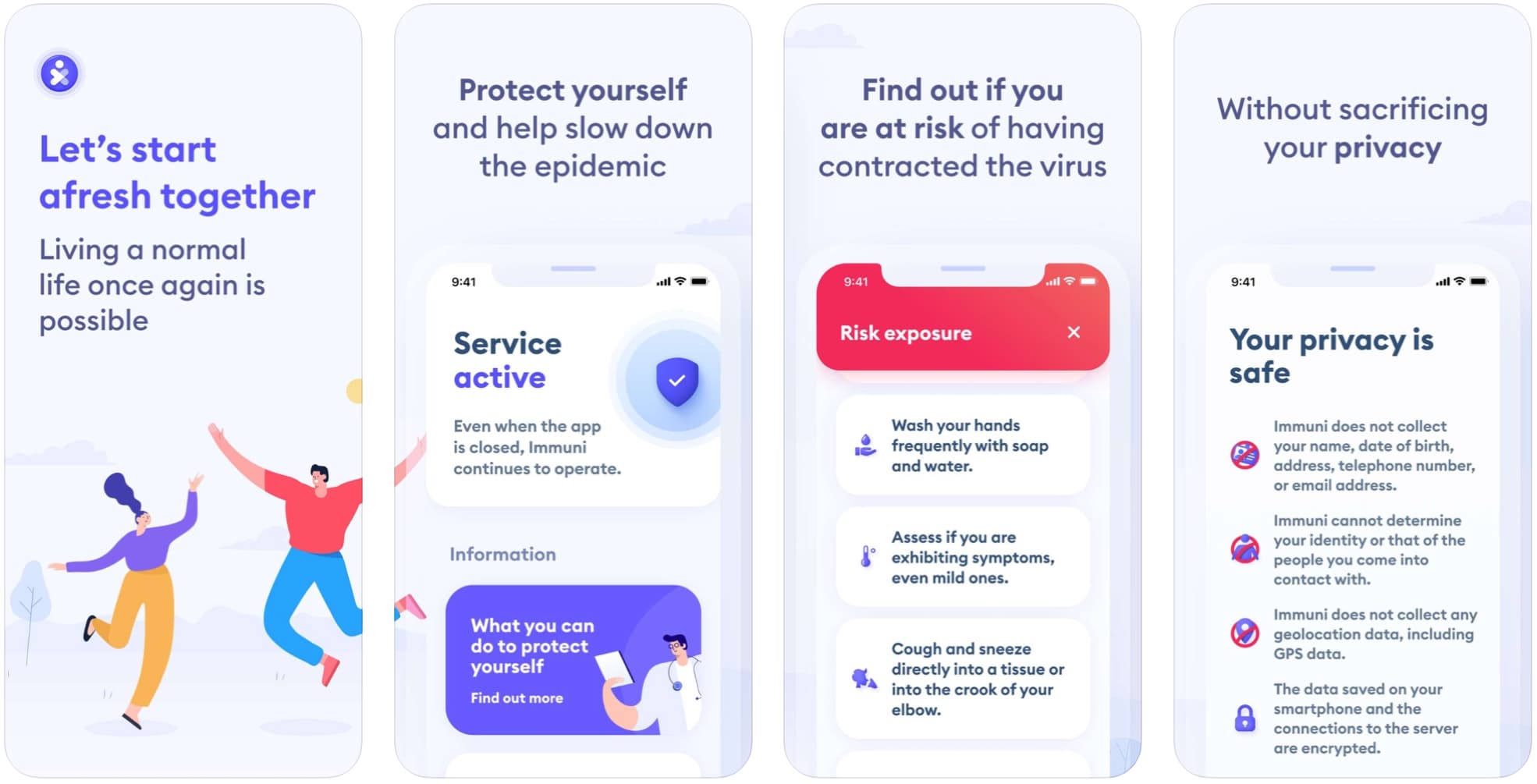
Back in April of this year, Apple and Google announced that they would be teaming up to launch a brand new API for iOS and Android devices, a contact tracing effort to help stop the spread of the coronavirus and COVID-19, the disease it causes.

Find out how to use the power of automation in the Home app on your iPhone, iPad, or Mac to create simple rules that automatically control your smart accessories, depending on various pre-configured conditions.

In this week's edition of our Apps of the Week roundup, we have an app that makes it easier to discover classical tracks in Apple Music, a new Podcast client with a focus on privacy, and a handy tool for translating words on the go. And as always, we've selected two great new games for you to check out.

Publisher Square Enix has officially confirmed on Twitter a new worldwide release date after this upcoming Final Fantasy-themed missed its original January 23 launch window.
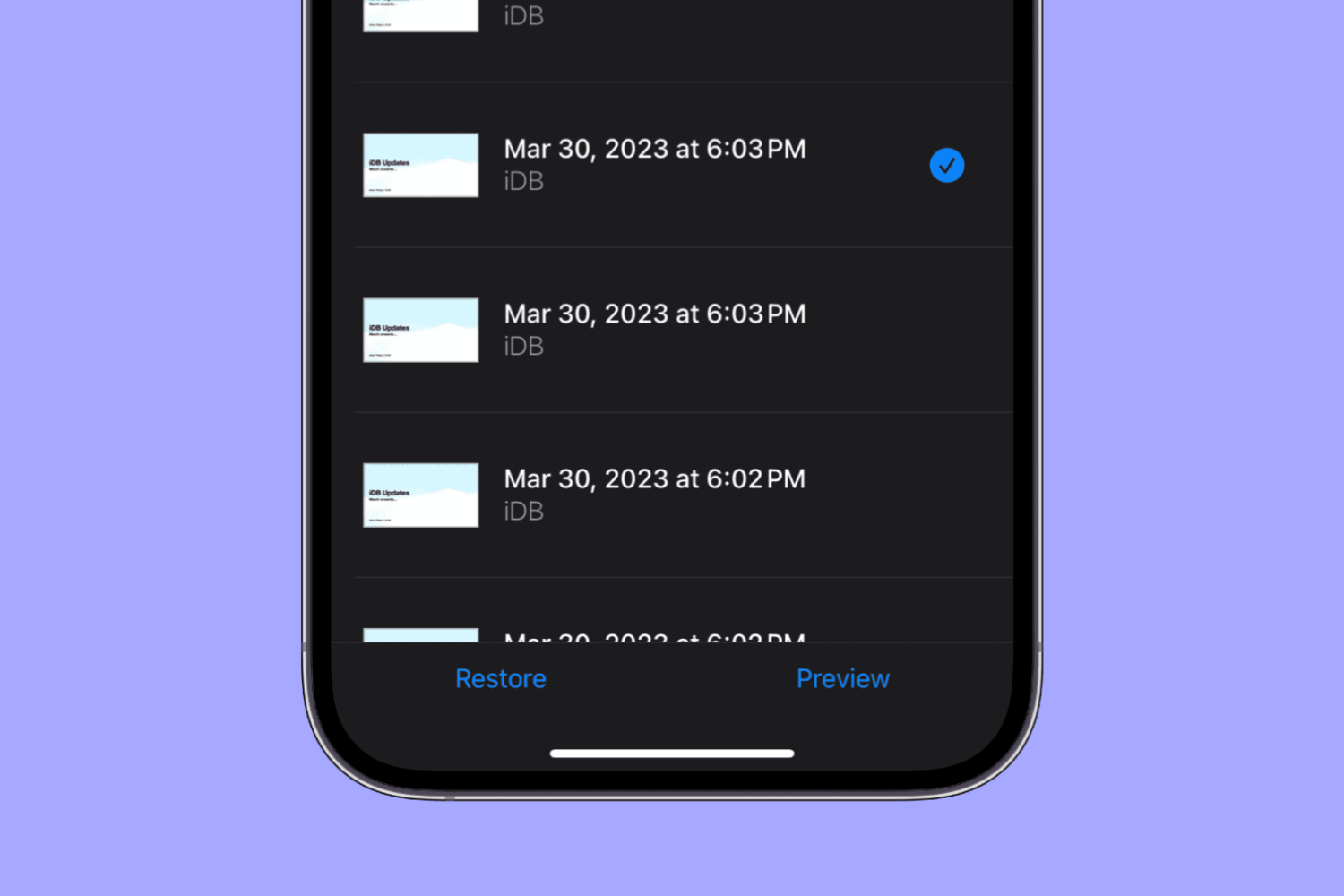
Learn how to view and restore previous versions of a document, spreadsheet, or presentation in the Pages, Numbers, and Keynote apps on your iPhone or iPad.
Learn how to open a webpage in Safari in another browser in an instant without having to copy the URL, switch to another app, and paste the link there.
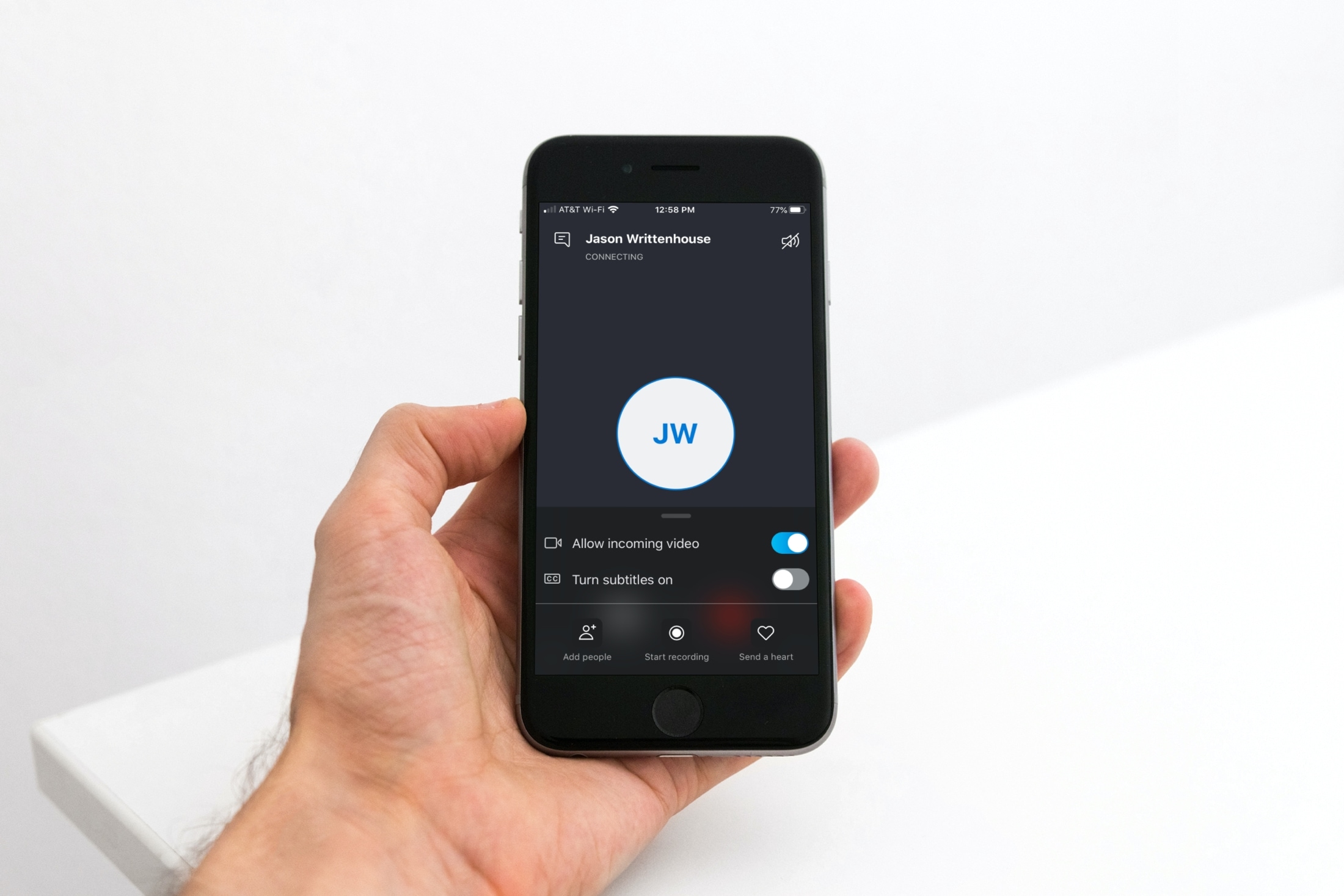
If you use Skype calls for things like interviews or meetings, you might not realize that you can record those calls instead of trying to capture everything by taking notes.
You can record audio and video Skype-to-Skype calls with a simple tap. Those recordings will then be available for you to save or share. If this is new to you, we’ll show you how to record your Skype calls in iPhone.
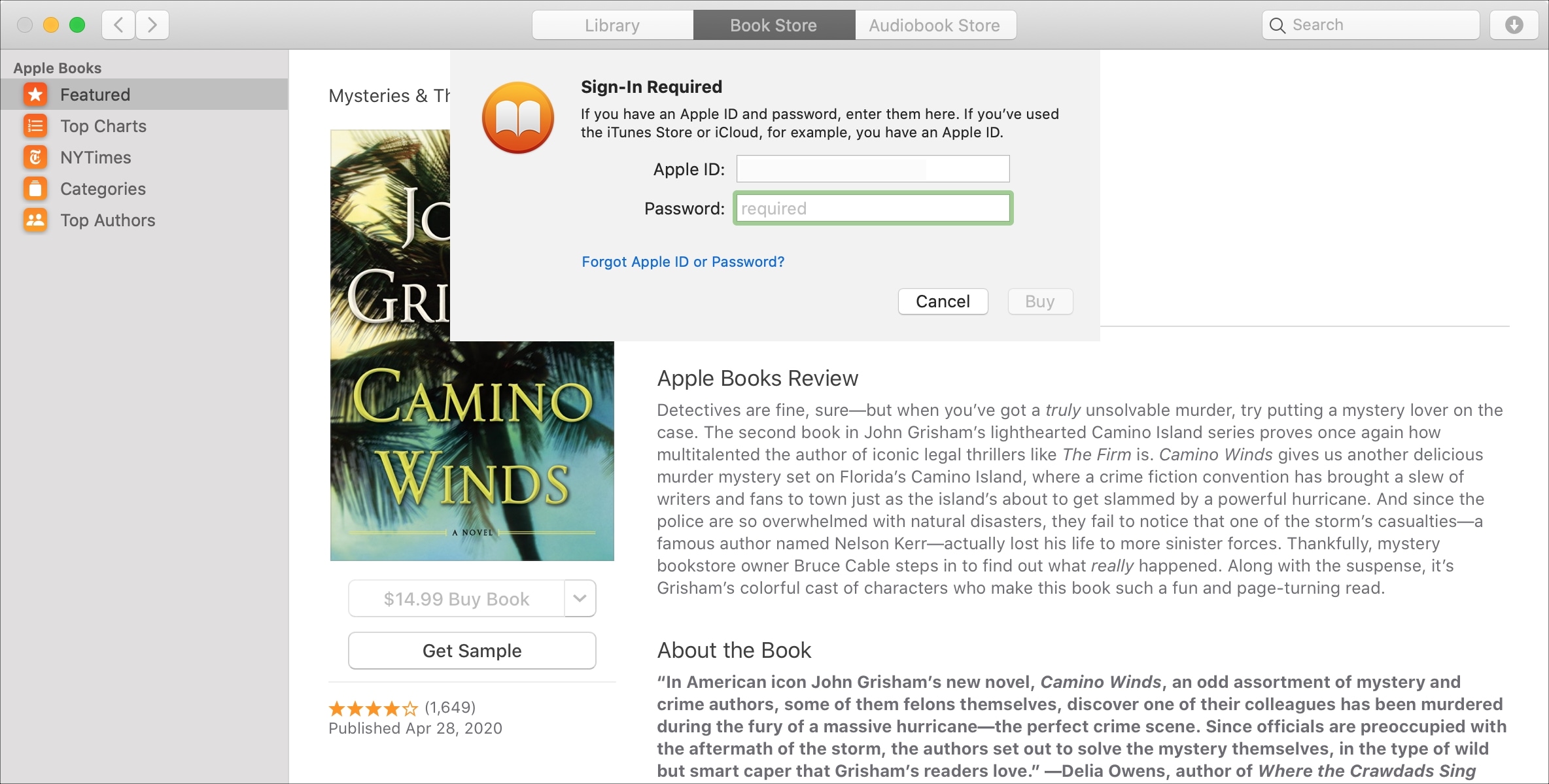
If you purchase books often in the Books app on your device, then it may get tiresome having to enter your password each time. This is especially true if you’re downloading several books in a short time that you’re saving to read later.
While entering your password for purchases is always the safest route, you can set your password to only be required after 15 minutes of the first purchase. That way, if you want to purchase a handful of books at one time, you don’t have to enter your password for each one.
In this tutorial, we’ll show you how to change your password settings for purchases in the Books app on Mac, iPhone, and iPad.

Learn how to use the Skip Slides and Unskip Slides feature in the Keynote app on iPhone, iPad, and Mac if you have different versions of the same slide but only want to show one during your presentation.

As promised, the new HBO Max video-streaming service from WarnerMedia is available starting today across the iPhone, iPad, iPod touch, Apple TV and select non-Apple devices.
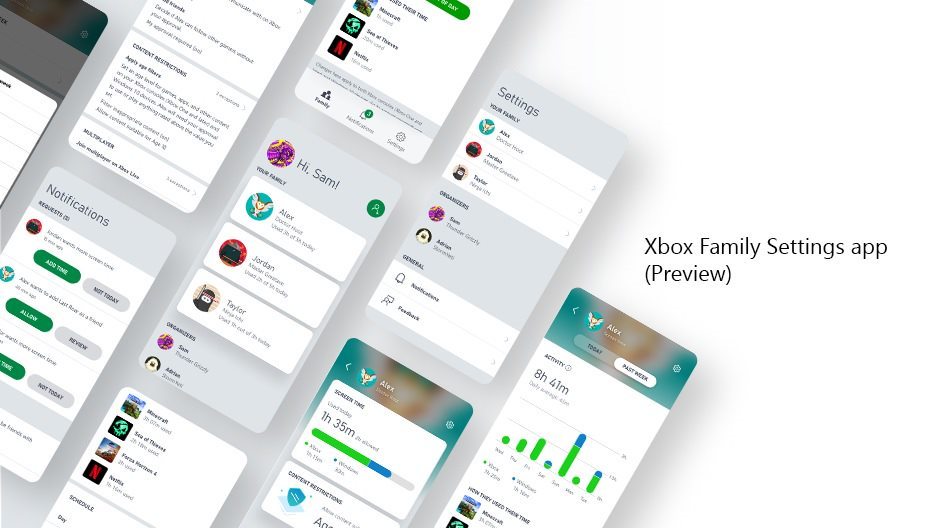
Microsoft is launching a new app in preview that is specifically designed to help parents and guardians monitor their children's gaming sessions on the Xbox.