Sébastien Page

Sebastien is the Founder and Editor in Chief of iDB. Once a BlackBerry user, Sebastien instantly fell in love with the iPhone when it was first announced in 2007. Shortly after, he decided to start sharing his knowledge of the iPhone and its nascent ecosystem, which led to the creation of this blog. Sebastien currently owns 14 iPhones, 4 iPads, a MacBook Pro with Touch Bar, a MacBook Air, 2 Apple Watches, 3 Apple TVs, countless HomePods and AirTags as well as a few pairs of AirPods.

How to easily transfer contacts, photos, and videos from an iPhone to another
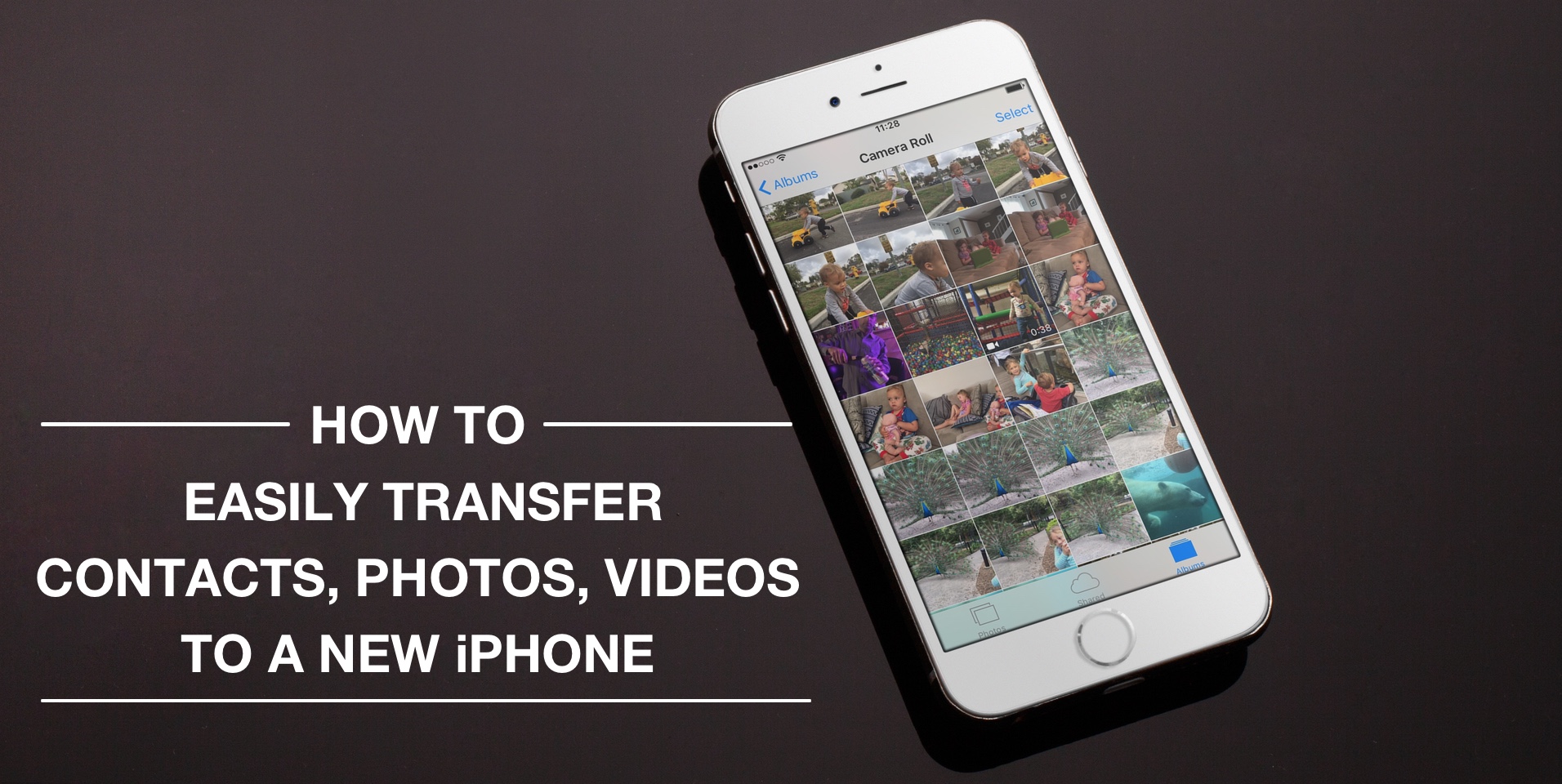
Depending on your set up, transferring contacts, photos and videos from your old iPhone to your new one can be pretty simple. You might use iCloud to store all this data, in which case, your contacts and photos/videos will automatically come back once you sign in your new device. Or maybe you back it all up in iTunes, which allows you to sync all that data from your computer to your new iPhone. Maybe you don't do any of that, and if you're looking for a relatively quick and easy way to transfer all this data from one iPhone to another, then read on.

Let’s Talk iOS 134: Never felt that way before

The guys discuss Tim Cook going on TV to do damage control, and the rumor that Apple has met with major podcast networks. And of course, the inevitable discussion about the possible overhaul of the Apple Music app, likely to be announced at WWDC next month. This is a great show, so listen to it right now!

Subscribe on iTunes

Support Let’s Talk iOS: Bushel makes managing Apple devices in the enterprise easier. Try it for free! Your first three devices are free. Check them out at bushel.com/letstalkios.

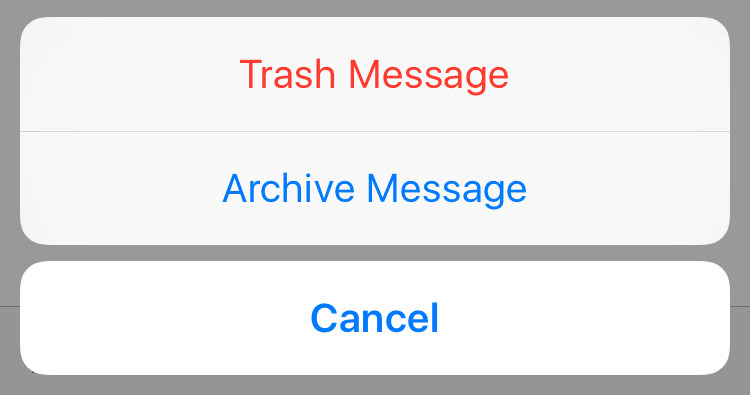
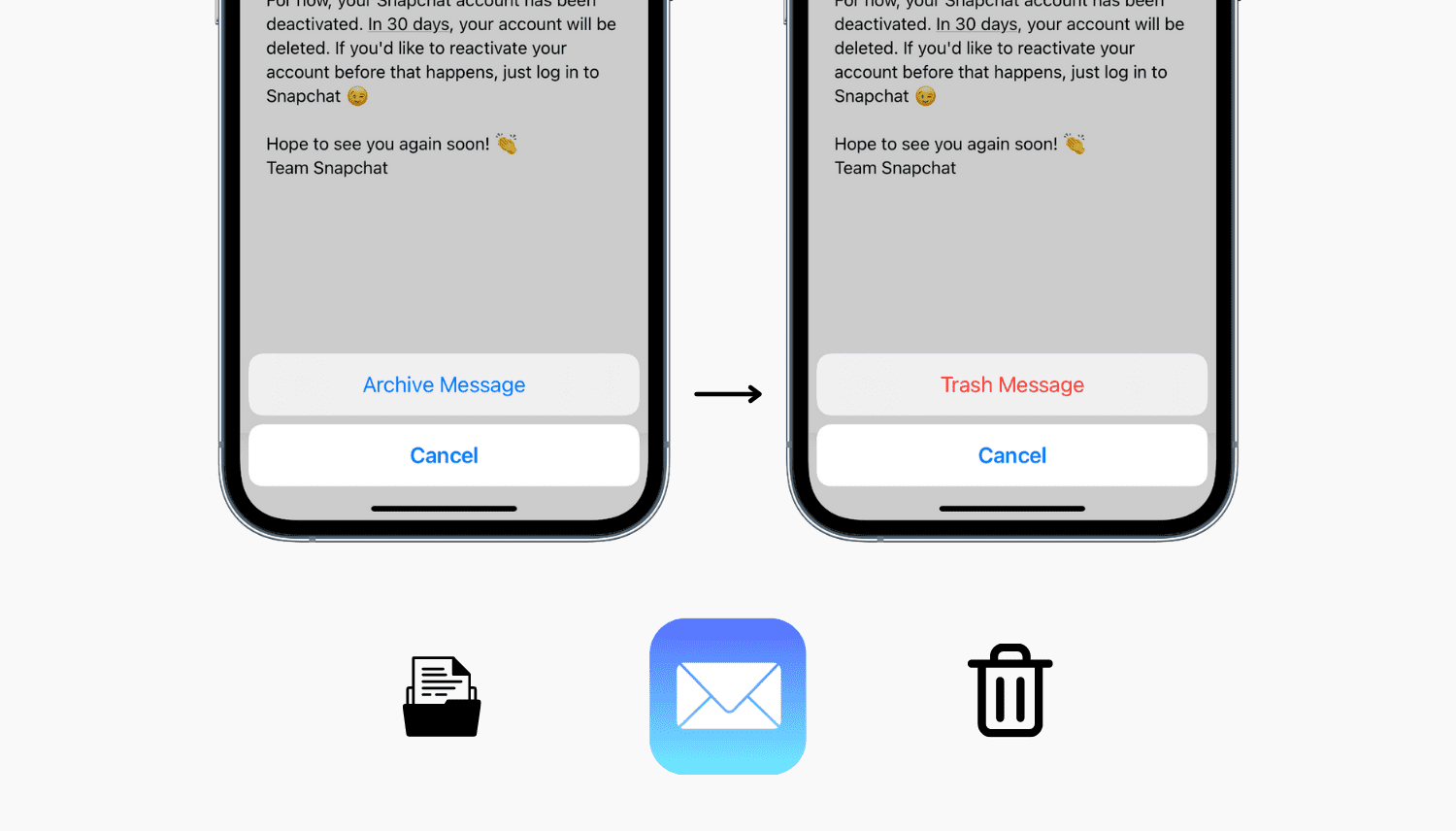
Tip: quickly choose between Archive and Trash email

Last week I shared with you how Gmail and Google Apps users can easily stop their iPhone from archiving emails by changing a single feature inside the Mail app's settings. Today, I want to show you something similar, but different.

We're going to stay on topic with this quick tip that allows you to choose on a per email basis whether you want to send it to the trash, or archive it.

A handy collection of Snapchat hacks (from a pro user)

Snapchat has helped me realize I'm getting really old, really fast. While I understand the appeal of the platform, I just can't get into it, yet it fascinates me to see how popular it is to younger users, some of them spending hours and hours in there each day.

This video popped up in my YouTube feed over the weekend, and not only did I find the content very interesting, but what struck me even more was how Victoria Samson delivered the message. To me, she perfectly illustrates the Snapchat generation.

The top stories of the week on iDB

Like every Sunday, we get to take a look at some of the most popular posts that were published on iDB during the week that just ended. Whether it is a news item, a new jailbreak tweak, a tutorial, or an app review, we sum it all up in one convenient place for you.

As always, if you like what you're reading, please feel free to spread the love by sharing our posts on your favorite social network.

We're usually hanging out a lot on Twitter and Facebook, more rarely on Google+.

Don't forget to listen to the latest episode of our new podcast, Let's Talk iOS:

Subscribe on iTunes

And of course, make sure to catch up with the new episode of Let's Talk Jailbreak:

Want to support iDB? Visit our Deals Store and buy something from us.

Let’s Talk Jailbreak 149: The unintentional downer

The guys discuss the apparent drought in the jailbreak community where not much is being released in Cydia these days. Sebastien then shares his lack of interest in using his jailbroken Apple TV. Finally, Cody and Sebastien discuss a handful of tweaks that they deem to be the best of the month. Also, a tip you most definitely already knows about, unlike Sebastien...

Subscribe via RSS

Support Let’s Talk Jailbreak: Get Get $50 towards any mattress purchase by going to Casper.com/jailbreak.

How to login with Comcast Xfinity on unsupported Apple TV apps

I've been catching up with AMC's The Walking Dead on my iPad because AMC didn't offer a dedicated Apple TV app until last week. As soon as the Apple TV app was made available, I tried logging in using the same Comcast Xfinity credentials I used on the iPad app, but to my surprise, Xfinity was not an option.

How could Xfinity be an option on the AMC app for iPad but not for Apple TV? Does it have anything to do with rights and what devices can be used to watch certain shows? Honestly, I have no idea, but as I complained about this issue on the latest episode of Let's Talk iOS, a listener was quick to email me with a simple workaround.

This week on Let’s Talk iOS: Drake vs Beyoncé, doom gloom, iPhone 7, and more

Cody and Sebastien discuss the release of Drake's and Beyonce's latest albums and their partial exclusivity to Apple Music and Tidal respectively. The guys then talk about Apple's latest quarter and the opportunity it might represent for the company when it comes to innovation. Of course, they also talk about latest iPhone 7 rumors, apps, and more.

Subscribe on iTunes

Support Let’s Talk iOS: Get $50 towards any mattress purchase by going to Casper.com/ios.

How to use your iPhone as a pedometer

Some of you may know that I am the creator and sole member of what I call the 10,000 steps a day challenge, a self-imposed goal of walking at least 10,000 steps per day. I started with a goal of 6,000 steps per day back in 2015, and increased that goal by 1,000 every new year, a goal I reach every single day, no matter how busy my schedule may be, no matter what the weather is like outside, and no matter my health condition.

When I talk to people about the 10,000 steps a day challenge, a question that often comes up is how I track the amount of steps I take. Surprisingly, most people don’t know this is something newer iPhones can do straight out of the box.

iDB readers are probably aware of that feature, but for those that might not be, or those who want to share the existence of this feature with friends and family, we will go over this today as I talk about how you can use an iPhone as a pedometer.