Sébastien Page

Sebastien is the Founder and Editor in Chief of iDB. Once a BlackBerry user, Sebastien instantly fell in love with the iPhone when it was first announced in 2007. Shortly after, he decided to start sharing his knowledge of the iPhone and its nascent ecosystem, which led to the creation of this blog. Sebastien currently owns 14 iPhones, 4 iPads, a MacBook Pro with Touch Bar, a MacBook Air, 2 Apple Watches, 3 Apple TVs, countless HomePods and AirTags as well as a few pairs of AirPods.

The top stories of the week on iDB

Like every Sunday, we get to take a look at some of the most popular posts that were published on iDB during the week that just ended. Whether it is a news item, a new jailbreak tweak, a tutorial, or an app review, we sum it all up in one convenient place for you.

As always, if you like what you're reading, please feel free to spread the love by sharing our posts on your favorite social network.

We're usually hanging out a lot on Twitter and Facebook, more rarely on Google+.

Don't forget to listen to the latest episode of our new podcast, Let's Talk iOS:

Subscribe on iTunes

Want to support iDB? Visit our Deals Store and buy something from us.
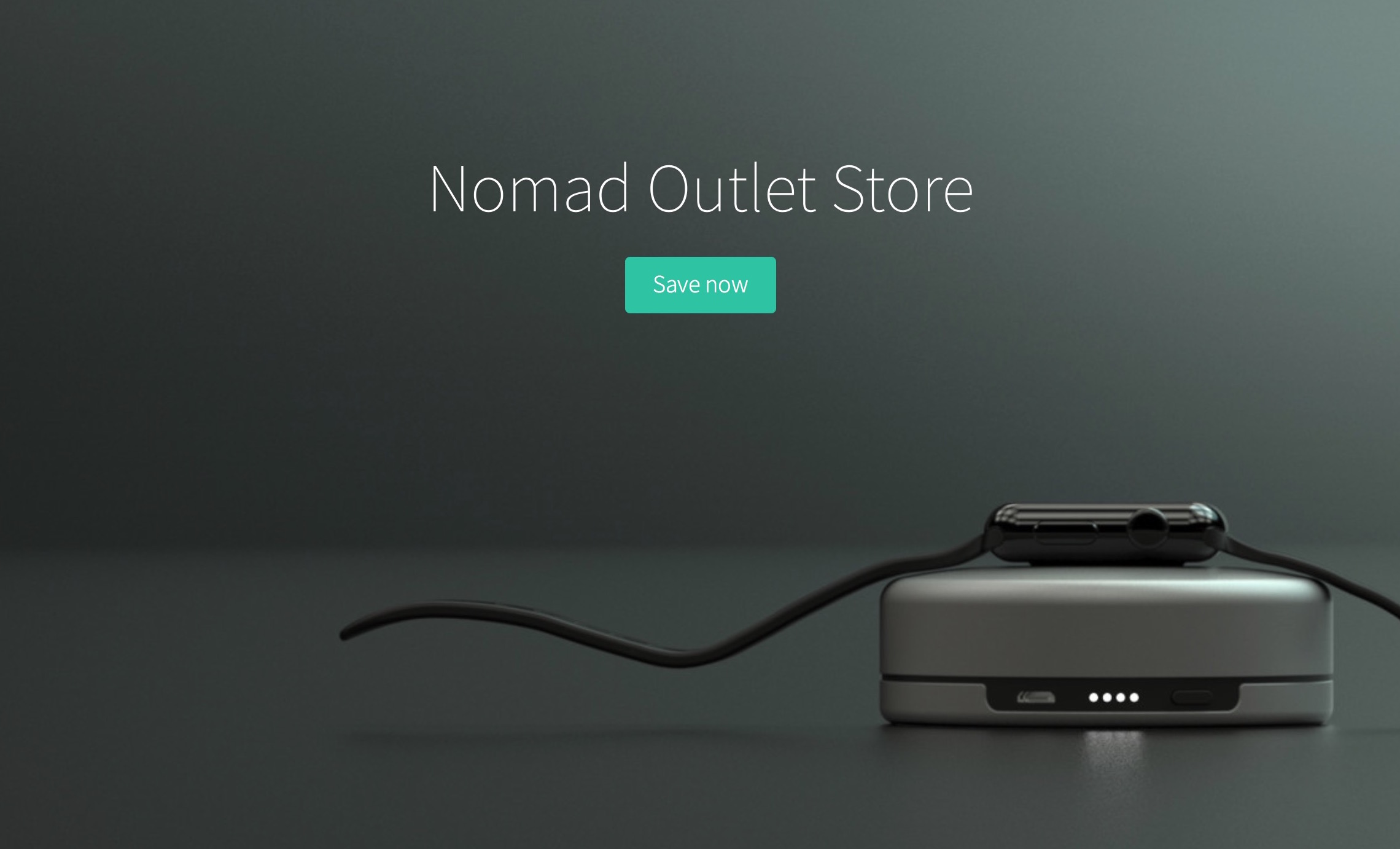
Nomad opens outlet store with huge discounts on some of their products

Nomad recently opened an outlet store where you can get up to 50% off some of their most popular products. Even better, with exclusive promo code idb2016, you can get an extra 15% off your order.

When I asked Nomad if there was anything wrong with these products, I was told they are all brand new, in box, and unopened, so you're definitely not getting some sort of refurbished product here. Just the same product you would get if you ordered from their main storefront, except you get a much better deal.

Jailbreakers: here is how to stop your iPhone from rebooting at night

If you're one of those jailbreak users that have been plagued with random reboots of your iPhone when plugged in at night, then we might have a fix for you. As explained by Reddit user TuttoVaBene, those reboots seem to happen as your iPhone exceeds a certain memory limit. While there is no clear explanation of what really happens or why, it appears that manually increasing the memory limit can fix the problem.

Apple Pay – that great feature I never use

Like everybody, I was really excited when Apple released Apple Pay to the public in October of 2014. The idea of paying for physical goods or services, in a store, with my iPhone felt like the future we had been promised was finally available.

Fast-forward eighteen months, and I am now facing the sad realization that I barely use Apple Pay. It’s not entirely Apple’s fault either.

Build your own Mac apps bundle for $21.99 (and get your money back)

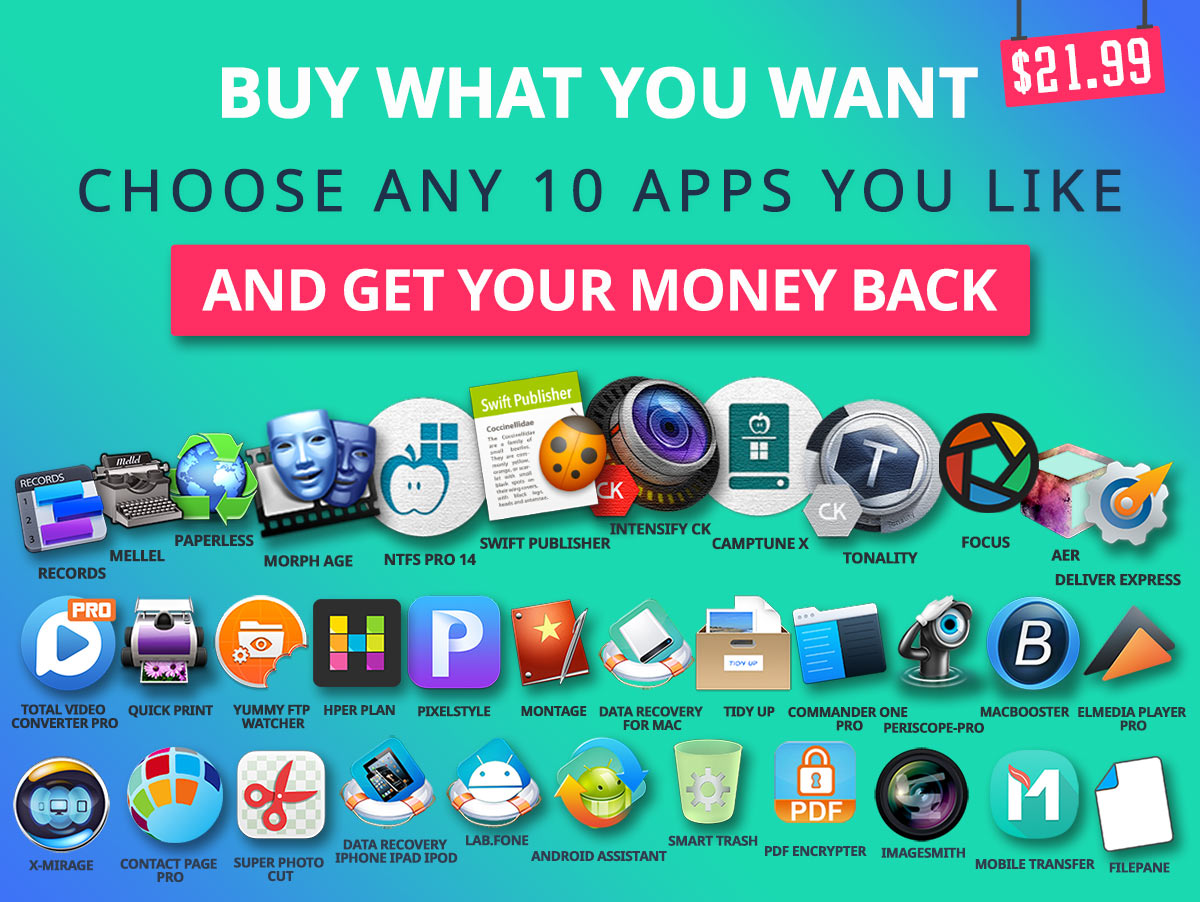
If Vito Corleone was writing this post, he'd be saying "I'm gonna make you an offer you can't refuse." And he'd be right because this has to be by far the best deal you'll get on Mac apps this year.

The folks at BundleHunt have put together a deal where you get to chose 10 out of 38 Mac apps for the total price of $21.99. But there is a happy twist! For every dollar you spend, you actually get it back as credit in your BundleHunt account, meaning you can use that money on any future bundle or deal through their store.

The right band for the occasion

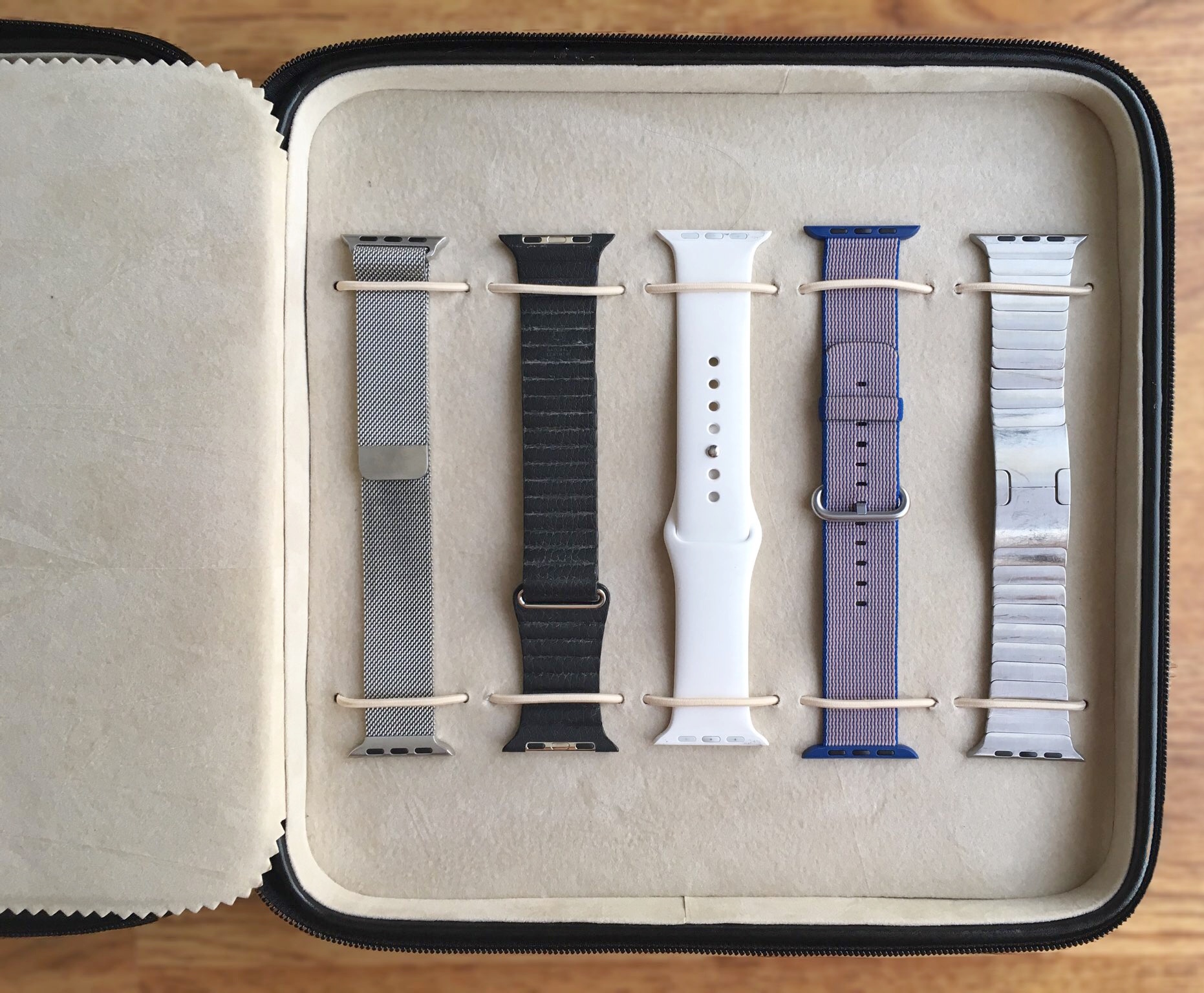
I went to a wedding in Chicago this past weekend, and I as I was packing my suitcase, I started thinking about what kind of Apple Watch band I would bring along with me. The Nomad Strap for the flight, and the Link Bracelet for the wedding? Or just the Link Bracelet? Or maybe buy a Milanese Loop?

It was the first time I realized the band I am using on my Apple Watch is just as important as what I am wearing.

How to stop your iPhone from counting your steps and tracking fitness activity

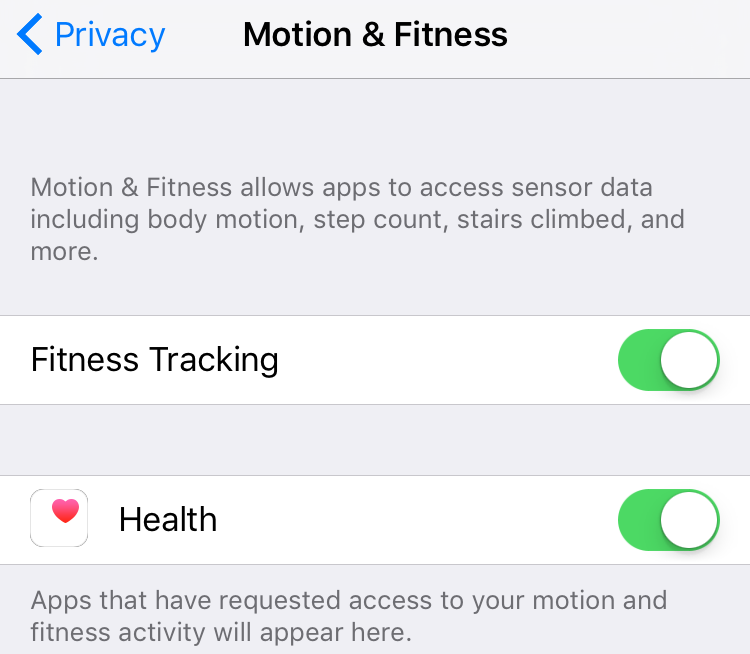
Newer iPhones come with a chip called a motion coprocessor which gathers data from the accelerometers, gyroscopes and compasses of the device to precisely measure motion and fitness data such as body motion, step count, stairs climbed, and more. Most people, including yours truly, do appreciate the data collected as it's particularly helpful if you want to use your iPhone as a step counter and pedometer, for instance. Others are creeped out by this feature.

If you belong to the latter group of people, then I will show you a quick and easy way to stop your iPhone from tracking your steps and other fitness activity.

Apple just loves China these days

Apple is having a hard time in China these days. The economy of Apple’s largest market after the US is slowing down, which led the company to sell not as many iPhones it would have hoped in the last quarter. Just as worrisome, Apple is also facing some pushback from the government, which recently shut down the iBooks and iTunes Movie Stores in the country. What’s Apple to do about it?

Let’s Talk iOS 135: If it flies, it dies

The guys talk about the spree of updates Apple just released for iOS, OS X, watchOS, and tvOS, including the release of iTunes 12.4 and the minor design tweaks it brings. Cody and Sebastien also discuss the $1 billion investment Apple recently made in Chinese company Didi, iPhone 7 claims and rumors, and Siri's many shortcomings.

Subscribe on iTunes

Support Let’s Talk iOS: Go to Harrys.com and enter promo code iOS at check out to get $5 off your order.

The top stories of the week on iDB

Like every Sunday, we get to take a look at some of the most popular posts that were published on iDB during the week that just ended. Whether it is a news item, a new jailbreak tweak, a tutorial, or an app review, we sum it all up in one convenient place for you.

As always, if you like what you're reading, please feel free to spread the love by sharing our posts on your favorite social network.

We're usually hanging out a lot on Twitter and Facebook, more rarely on Google+.

Don't forget to listen to the latest episode of our new podcast, Let's Talk iOS:

Subscribe on iTunes

Want to support iDB? Visit our Deals Store and buy something from us.
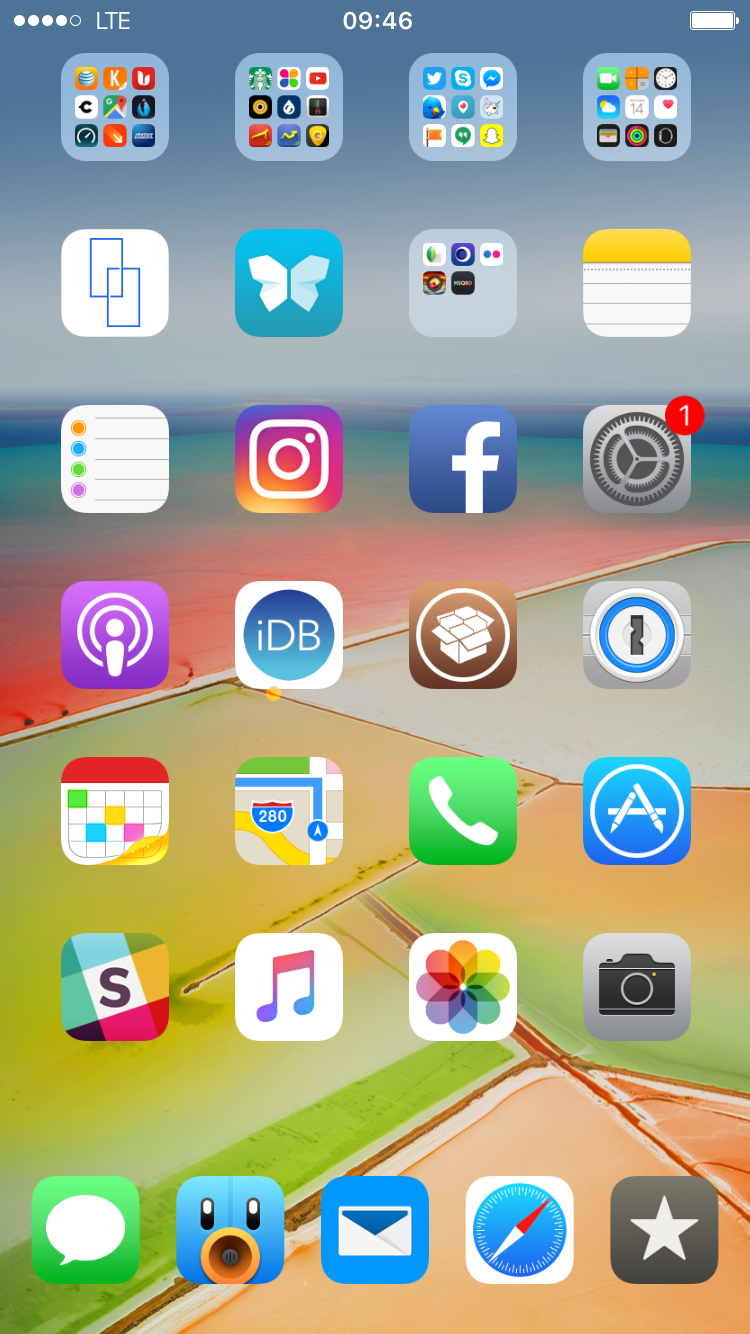
What’s on your Home screen: Sebastien Page

"Show me your Home screen and I'll tell you who you are."

Indeed, the Home screen is a very personal place that reflects who we are and how we use our devices. The way we organize apps and folders can tell a whole lot about our personality, and so does our specific choice of apps.

I've been asked twice this week to share a screenshot of my Home screen set up, so I figured I might as well share with all of you and explain the rational behind the placement of icons and the overall layout, and of course, the specific apps I use.