Sébastien Page

Sebastien is the Founder and Editor in Chief of iDB. Once a BlackBerry user, Sebastien instantly fell in love with the iPhone when it was first announced in 2007. Shortly after, he decided to start sharing his knowledge of the iPhone and its nascent ecosystem, which led to the creation of this blog. Sebastien currently owns 14 iPhones, 4 iPads, a MacBook Pro with Touch Bar, a MacBook Air, 2 Apple Watches, 3 Apple TVs, countless HomePods and AirTags as well as a few pairs of AirPods.

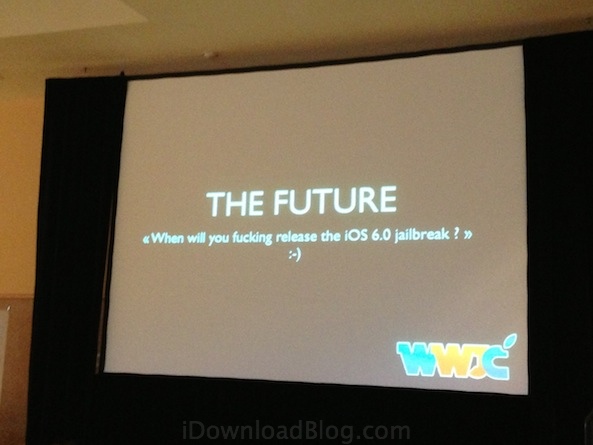
pod2g at JailbreakCon: there is no iOS 6 jailbreak

iOS hacker extraordinaire, and my new friend since this week, pod2g just took the stage at JailbreakCon. After going over who he is and his hacking CV, pod2g went on to explain how he came up with Absinthe, his iOS 5.1.1 untethered jailbreak.

But the question that was on everybody's mind was "when are you coming up with an iOS 6 jailbreak"...

Watch the JailbreakCon event live

For those of you who won't be able to make it to JailbreakCon in San Francisco this year, you won't have to feel left behind as the event is being streamed live.

I was able to experience first hand that the wifi situation at the venue isn't very ideal so you might have to deal with some lagging and images freezing, but we can all agree that it's better than nothing.

The event will start streaming here starting at 9am sharp...

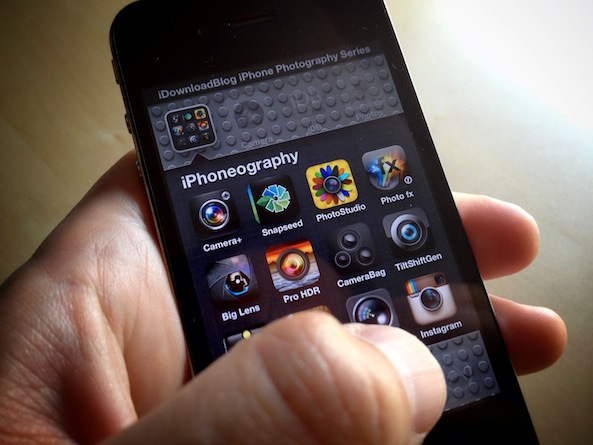
A course on black and white iPhone photography

Welcome back to iDonwloadBlog's lessons in iPhoneography. You can can catch up on previous lessons here. If you need a quick start, feel free to check out my free iPhone Photography tutorial.

Today I want to talk about Black & White Photography. I'm not talking about taking photos and performing black and white conversions. Nope, I'm talking about 100% pure uncut black & white iPhone Photography. The app we are going to be using is a totally cool app called Hueless. Why is it so cool, you ask? Well, because it was the first true black & white camera app for the iPhone. It's a true camera application. There's no editing images from your camera roll. When you fire up Hueless, you have to set your exposure, contrast, focus, and filtering at the time you take the photo. Today we will only be looking at exposure, contrast, and filters...

Ask away! Send us your questions for JailbreakCon speakers

JailbreakCon is less than 48 hours away, and as a sponsor, I will be representing the iDB team at the event. I'll be the first to admit that the workshops will be over my head but we plan to get some face to face time with some of the speakers to learn more about who they are and what they do.

Among the most acclaimed speakers, we expect to talk to Saurik, Ryan Petrich, P0sixninja, iH8Sn0w, pod2g, and more. We already have a few questions we'd like to ask them but we were thinking that you might have some questions to ask them too...

Instagram updated for the iPhone 5 and iOS 6

Instagram has finally been updated for iOS 6, and more importantly, the app has been updated to take advantage of the 4 inches of screen real estate the iPhone 5 has to offer.

Besides the few bug fixes that you might not even notice, the big changes come to the photo uploader and filters. iPhone 5 users will appreciate that the filters don't overlap on the photo anymore, leaving you plenty of space to see what your photo will actually look like...

pod2g: I’m not working on a jailbreak for iOS 6

With the recent release of iOS 6, many jailbreakers have held back on the update so they can keep enjoying their favorite tweaks. Looking at conversations on iDB and Twitter, it appears that most jailbreakers are anxious to get on iOS 6, but not at the expense of their jailbreak. Those that find themselves in this situation are now patiently waiting for a jailbreak to be released.

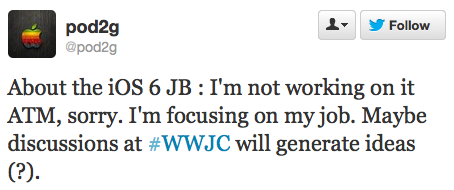
Though there is definitely encouraging news on the iOS 6 jailbreak front, an untethered jailbreak as yet to be released. Pouring some cold water on everybody's hope, iOS hacker pod2g confirmed on Twitter today that he is not working on a jailbreak for iOS 6...

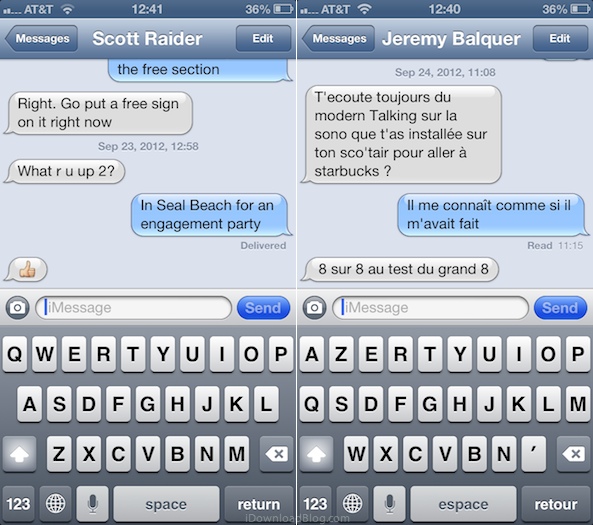
Messages app now automatically switches to the last international keyboard used in a conversation

If like me you use two or more international keyboards when typing Messages on your iPhone, you know it can sometimes be a bit frustrating to have to switch between them. As a matter of fact, I've wished iOS could automatically figure out what keyboard to use for a while. And I'm hardly the only one. A few months ago, MacStories' Federico Viticci tweeted that iMessage should be able to automatically switch international keyboards based on the recipient's language.

It seems that someone at Apple heard him, as this is now a feature in iOS 6...

Keyboard shortcuts not working on iOS? Here is a quick fix

If there is one jailbreak tweak I particularly miss, it's Xpandr, a tweak that let's you create keyboard shortcuts, just like TextExpander does on your Mac. To me, it's an invaluable tool that has saved be hours of typing.

Keyboard shortcuts aren't a jailbreak-only feature though, as they were introduced with iOS 5 a few years ago. Though not as powerful as Xpandr, they're my fallback solution when there is no jailbreak available for my device.

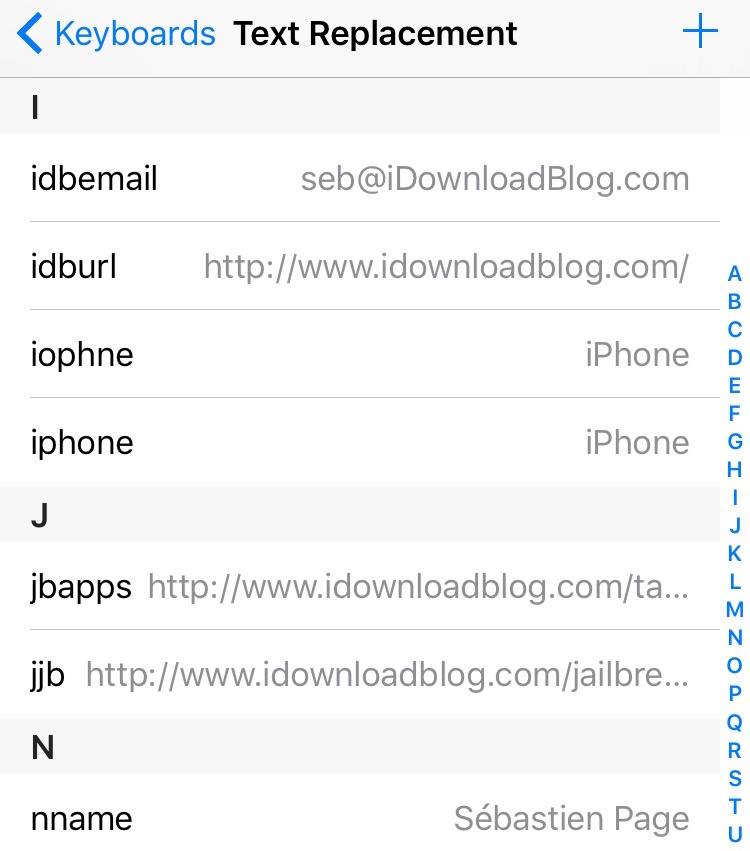
So one of the first thing I did when I got my new iPhone last Friday was setting up a bunch of shortcuts (Apple calls them Text Replacement) that I use on a daily basis. Everything worked fine for a day, and then, they magically stopped working. Though I was worried I'd have to restore my iPhone to fix the issue, it turns out the solution was much simpler than I thought.

The iDownloadBlog top 10 news stories of the week

A new week is coming, but that doesn't mean you have to miss out on what happened last week. If you think you may have missed a few of the top stories from last week, don't sweat it, we've got you covered.

We've gathered the top 10+ most popular stories from iDB last week for you to check out. As always, make sure that you're friends with us on Facebook, Google+, and that you are following us on Twitter...

And the winner of our iPhone 5 giveaway is…

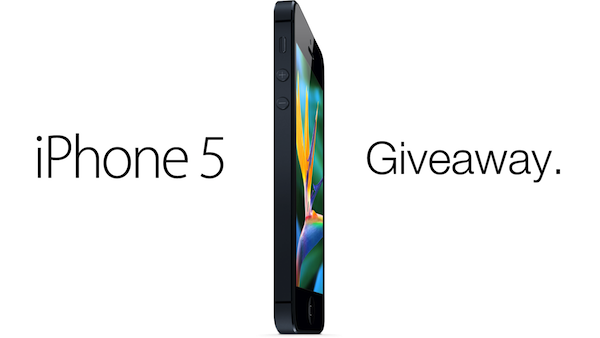
Let me tell you that picking a winner for our awesome iPhone 5 giveaway wasn't easy. But we did it. Over 5,000 of you retweeted our giveaway, 2,500 liked the post on Facebook, and 4,000 left a comment. Talk about being overwhelmed!

I just spent the last few hours of my life browsing through the entries to pick a winner, so without further ado, let's find out who the lucky person is...

Some AT&T pre-orders placed before 9am last Friday won’t ship until September 21st

I just got a bit of infuriating news from AT&T about iPhone 5 pre-orders.

Like many people, I stayed up late last Thursday night in order to pre-order my iPhone 5. Because Apple's website wasn't loading for me, I decided to go to AT&T's website instead to place my order. The order went through within seconds, and I received a confirmation email telling me my iPhone would be delivered on September 21st. Great, I thought at the time.

Fastforward to today and my order still show as "processing," which of course freaks me out. In the meanwhile, my wife's iPhone which I pre-ordered Friday morning around 10am shows as "shipped." What the heck?

So I decided to give a call to AT&T to find out what the hell is going on with my order...

The banned iPhone 5 promo video

[tube]http://www.youtube.com/watch?v=qFUz6vHEQCM&feature=player_embedded[/tube]

You knew it was coming, so here it is: the banned iPhone 5 promo video.

My favorite line? "The iPhone 5 is the thickest and heaviest iPhone we've ever made. Just fucking with you. Of course we made it thinner and lighter. 18% thinner, 20% lighter, blah blah blah. Are people still impressed by this?"

Funny, hey?