Learn how to create contact groups directly on your iPhone or iPad to manage your contacts better and easily send group texts and emails.
How to create contact groups on iPhone and iPad

Learn how to create contact groups directly on your iPhone or iPad to manage your contacts better and easily send group texts and emails.

In this comprehensive guide, we’ll show you multiple ways to delete one, several, or all pictures and videos from your iPhone or iPad to clean up your photo library.

In this post, we will guide you through the steps of creating contact groups on your Mac using manual or smart group creation methods, and also teach you how to edit or delete these groups for efficient contact management.

Like every Sunday, we bring you the stories that were the most popular on iDB during this past week. Whether it is a news piece, an editorial, a tutorial, a new jailbreak tweak, or an accessory review, we sum it all up in one convenient place.
If you like what you're reading, please make sure to spread the love by sharing our posts on your favorite social network.
We're usually hanging out a lot on Twitter and Facebook, more rarely on Google+.
Themes of the week: Jaku, Slab and Redsgn 2.0 Wallpapers of last week: super hero pack Apple releases iOS 7.0.6, iOS 6.1.6 with various bug fixes How to jailbreak iOS 7.0.6 using Evasi0n Ayeris review — a subtly re-imagined iOS 7 biteSMS 8: the best messages app for iOS 7 How to play Nintendo games via mobile Safari no jailbreak required Emulator GBA4iOS 2.0 is out with support for iPad, iOS 7 controllers and more JellyLockClock7: an Android Jelly Bean inspired Lock screen clock for iOS 7 iOS 7.1 said to be launching mid March with improved device management RocketLauncher: quickly view and launch apps from the Lock screen iOS jailbreak hacker Winocm joining Apple later this year Facebook is buying WhatsApp for $16 billion How to resize a picture on iPhoneDon't forget to listen to the latest episode of our new podcast, Let's Talk iOS:
And of course, make sure to catch up with the new episode of Let's Talk Jailbreak:
We’re social! Find iDB on Twitter, Facebook, Google+, App.net, YouTube, and in your RSS reader. Also make sure to subscribe to our new podcast!
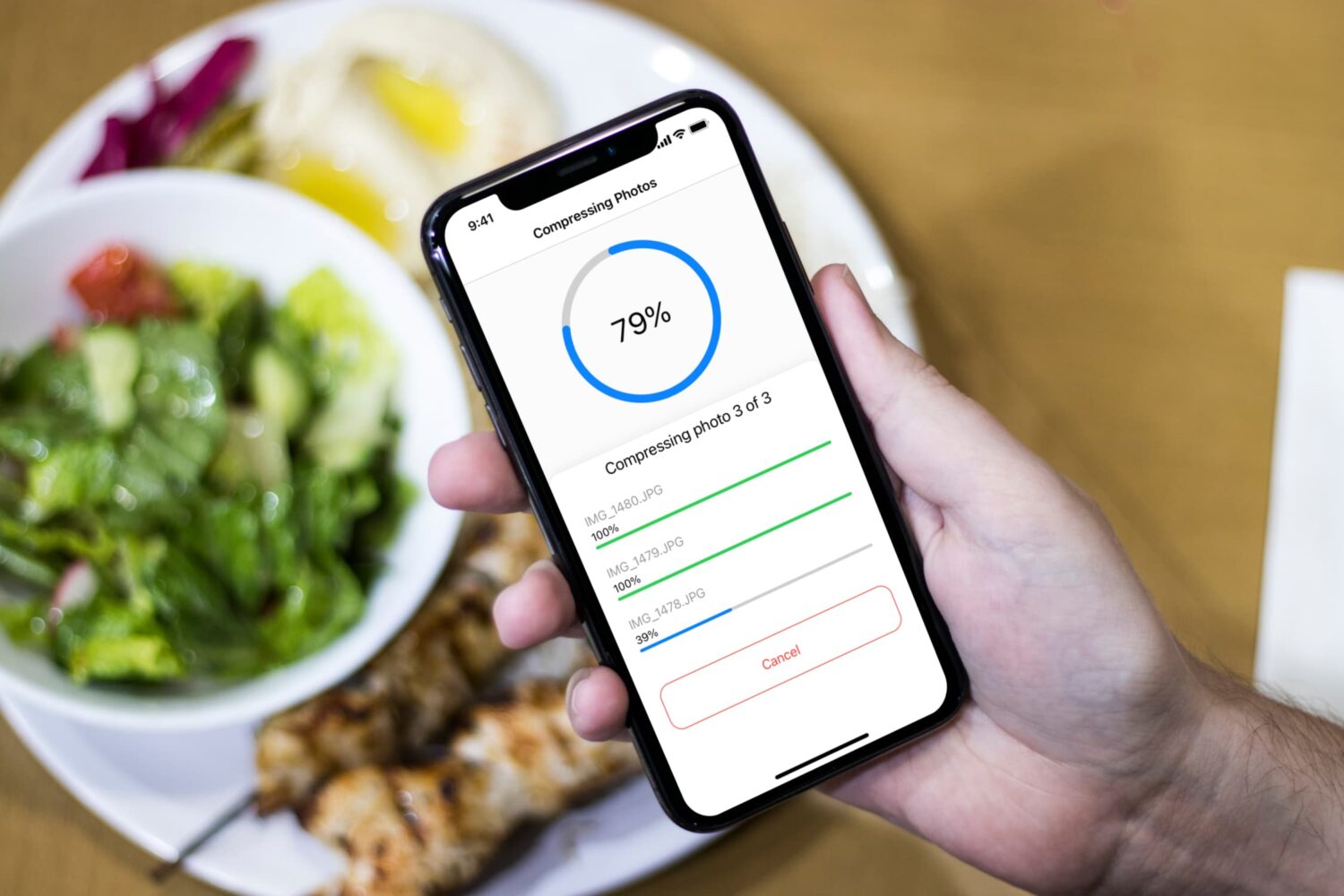
Learn how to compress and reduce your photos file size on iPhone. Using the Compress Photos app, you can lower the size of PNG, JPEG, and HEIF images and reclaim storage space on your iPhone.

Do you have a Hotmail email account that you want to set up on your iPhone or iPad? This tutorial shows you how to add one to your iPhone and iPad.

Learn how to resize your iPhone pictures effortlessly with the help of the Compress Photos app, which will not only make it easier to share those photos, but will also optimize your device's storage space.
Like every Sunday, we bring you the stories that were the most popular on iDB during this past week. Whether it is a news piece, an editorial, a tutorial, a new jailbreak tweak, or an accessory review, we sum it all up in one convenient place.
If you like what you're reading, please make sure to spread the love by sharing our posts on your favorite social network.
We're usually hanging out a lot on Twitter and Facebook, more rarely on Google+.
Apps of the Week: realMyst, R-Type II, The Wolf Among Us – Ep. 2, and more… Themes to check out this weekend: Enkelt Neue, Laguna 3, Zanilla and more Wallpapers of last week: starred night sky This nicely done concept video depicts just how thin a bigger iPhone could get The million dollar iPhone Apple Store app offering Tetris for free, grab it now Cylinder: a promising Barrel clone that makes your icons dance How to add a circular battery indicator to the iPhone’s status bar How to enable Guest Mode on iPhone How to add infinite scrolling to the Home screen and folders in iOS 7 iPhone 6 to feature ‘bezel-free’ display, rumor has it Here’s what happens if your phone number shows up on news after iPhone unveilingOf course, don't forget to listen to the latest episode of our new podcast, Let's Talk iOS:
And of course, make sure to catch up with the new episode of Let's Talk Jailbreak:
We’re social! Find iDB on Twitter, Facebook, Google+, App.net, YouTube, and in your RSS reader. Also make sure to subscribe to our new podcast!

As promised by Flappy Bird developer Dong Nguyen yesterday, he has removed the hugely popular game from the App Store, without giving any really convincing reason as to why.
Nguyen claims that he was fed up with the unwanted attention he was receiving after the unexpected success of Flappy Bird, a game that had been released months ago, but which only recently started getting traction...
I'm usually not much of a Facebook user but I have to admit I have been spending more time on the social network in the last two days than I have in the whole last month. Why is that? It's simply due to their new app named Paper, which lets you browse Facebook in a beautiful and intuitive way. If you haven't tried it yet, I really encourage you to have a look at it. It might change the way you see Facebook, at least until they slap a bunch of ads on it.
Although there is no way to customize the sections of Paper with the content of your choice besides the default ones, I want to show you how you can browse through iDB's latest post using Paper...

A week after the official release of iOS 7.0.5 to the public, evad3rs have released an update to their evasi0n7 jailbreak tool, bringing it to version 1.0.5.
iOS 7.0.5 was released last week to most users outside of the United States, and didn't bring much to the table. Still, if iOS 7.0.5 is available to you, we suggest you update, then use evasi0n7 1.0.5 to jailbreak your device...
Like every Sunday, we bring you the stories that were the most popular on iDB during this past week. Whether it is a news piece, an editorial, a tutorial, a new jailbreak tweak, or an accessory review, we sum it all up in one convenient place.
Once again, this week was packed full of jailbreak tweaks, with a few of them really standing out. If you ask me, MultitaskingGestures and PassTime were some of the best, and will definitely stay on my iPhone for a while.
If you like what you're reading, please make sure to spread the love by sharing our posts on your favorite social network.
Apple releases iOS 7.0.5 with minor bug fixes for select iPhones How to get Zephyr-like gestures on iOS 7 Review: JellyLock7 Couria: add quick reply and quick compose to the stock Messages app in iOS 7 Eclipse: add a system-wide dark mode to iOS 7 Convergance takes your Lock screen in a bold new direction Flex 2: create your own jailbreak tweaks for iOS 7 AppBox adds an app launcher to your Lock screen PassTime lets you customize the passcode requirement duration How to send iMessages from any web browser on any operating system How to add an OS X inspired battery indicator to the iPhone’s status bar Saurik lists the jailbreak tweaks he has installed on his iPhone Icon Masks tweak takes your Home screen to the next level Good deal: 75% off this pocket-sized USB battery pack 2K Games’ XCOM: Enemy Unknown and other titles on sale Themes of the week: Acies, Carla, Radiance and more Wallpapers of last week: AR7 graphic, app, and theme Apps of the week: Peek Calendar, Dungeon Keeper, and moreWe're usually hanging out a lot on Twitter and Facebook, more rarely on Google+.
Of course, don't forget to listen to the latest episode of our new podcast, Let's Talk iOS:
And of course, make sure to catch up with the new episode of Let's Talk Jailbreak:
We’re social! Find iDB on Twitter, Facebook, Google+, App.net, YouTube, and in your RSS reader. Also make sure to subscribe to our new podcast!