Learn how to leave group chats in Apple’s built-in Messages app on the iPhone, iPad, and Mac to cut down on notifications and enjoy peace when you need it.
How to leave a group text on iPhone, iPad and Mac
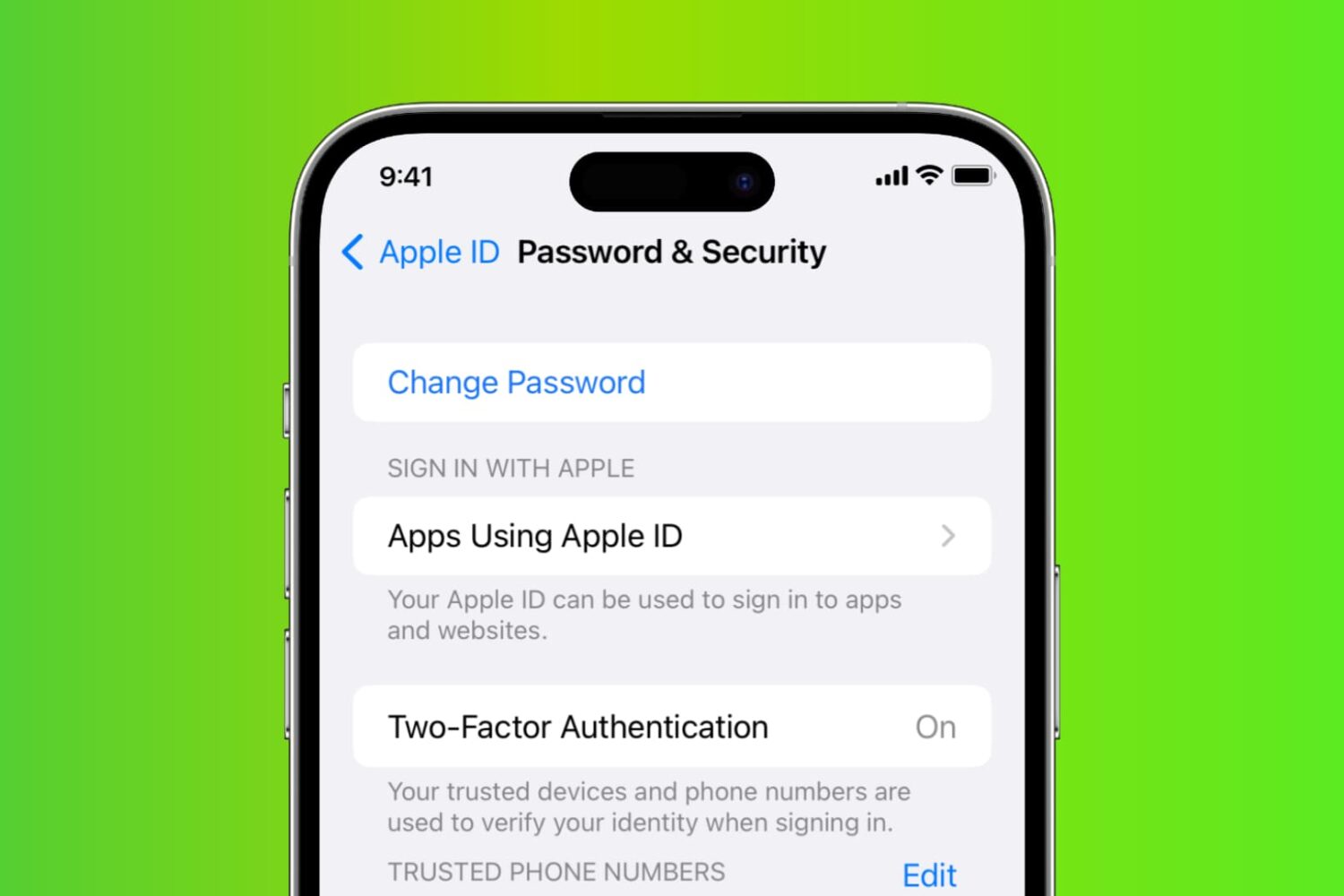
Learn how to reset your Apple account password if you forgot it to regain access to your account, along with your files in iCloud, Photos library, Messages chats, etc.
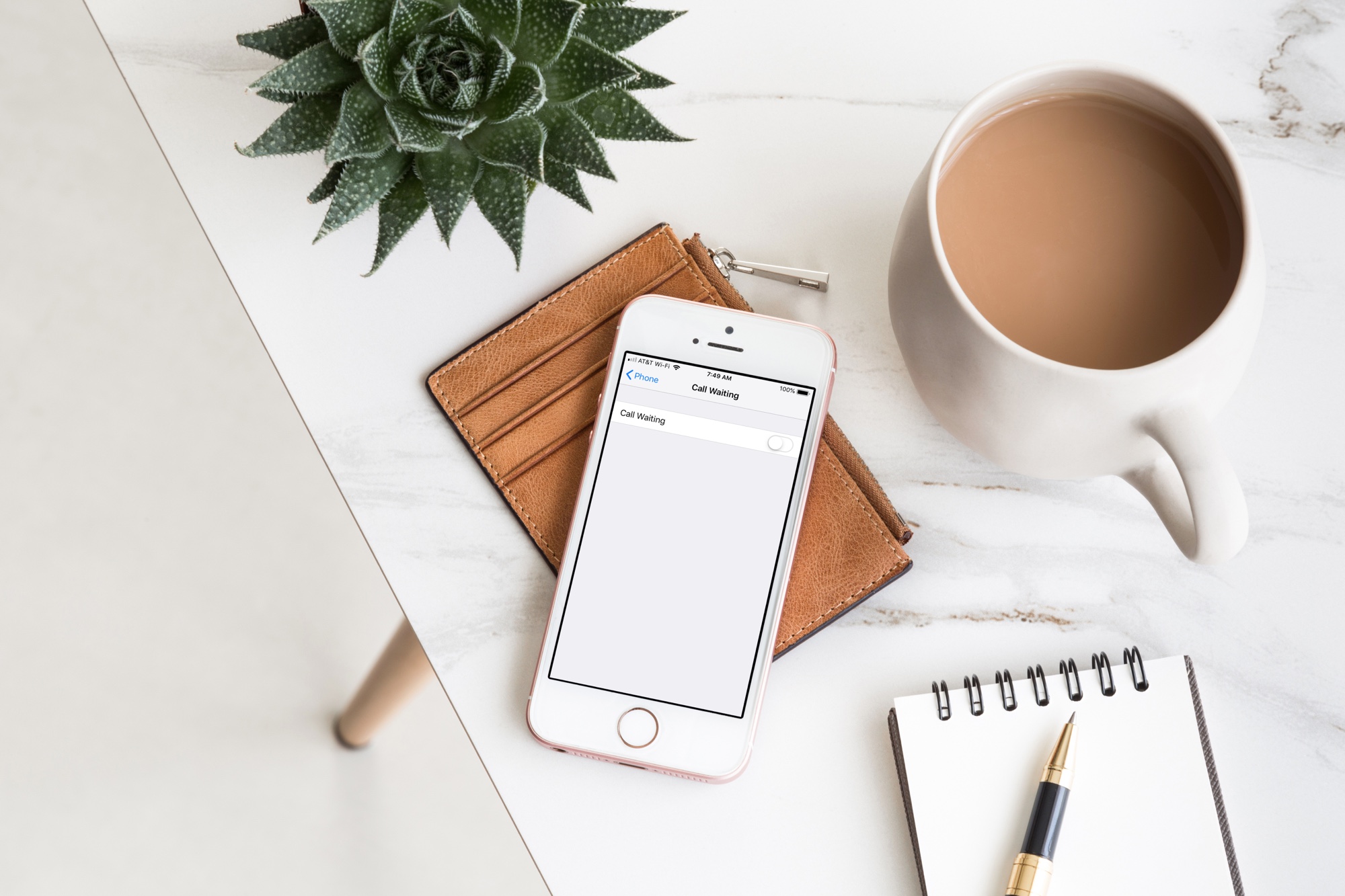
Learn how to disable call waiting on your iPhone to stay focused during important calls and avoid interruptions that break your focus with our step-by-step guide.

Learn how to set up automatic email rules on iCloud web to organize and manage your inbox without lifting a finger.

Learn how to turn off keyboard click sounds on your iPhone's keyboard to type in silence and stop annoying others around you.
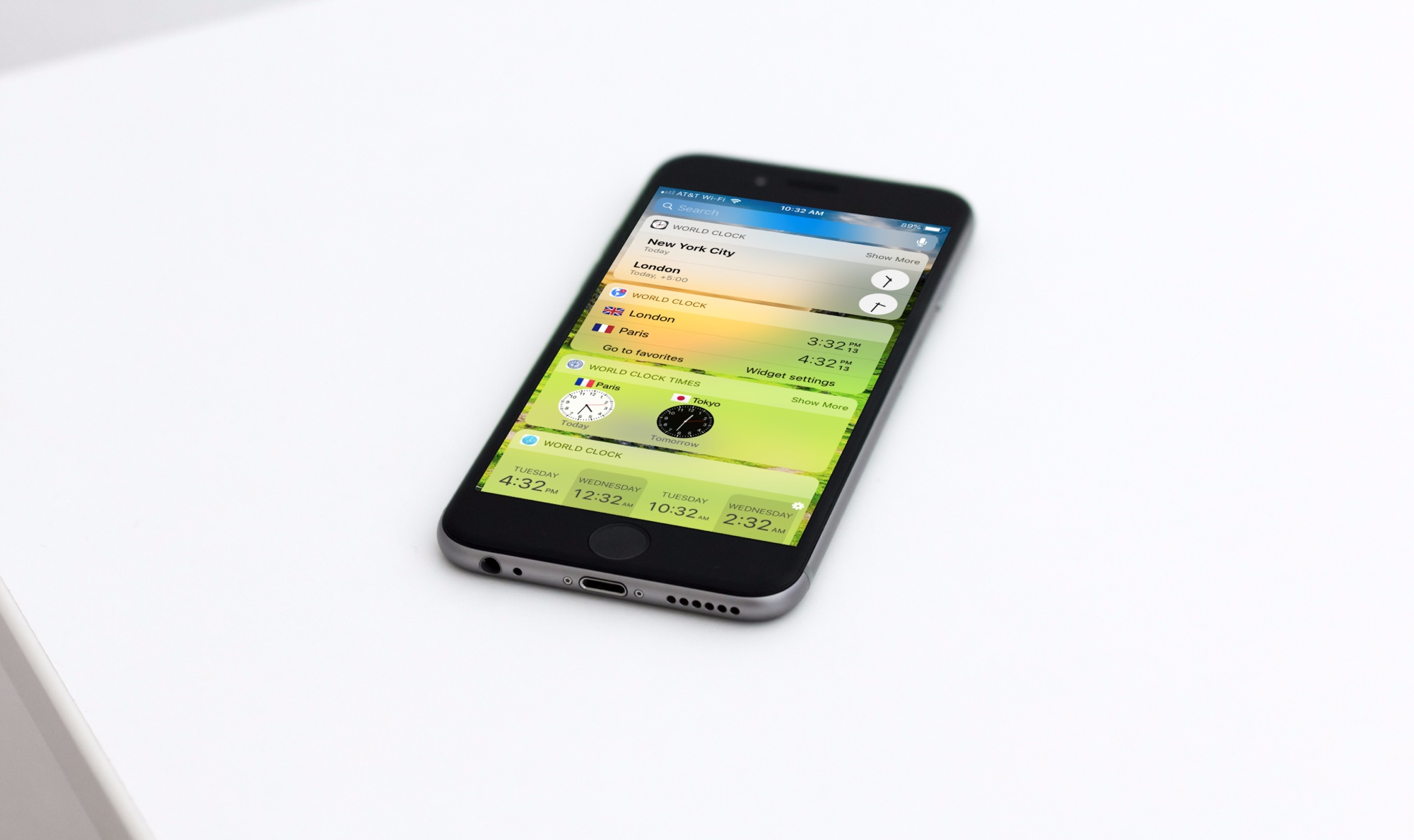
Do you work with others from around the globe, travel abroad frequently, or have family living in another country? There’s no better or more convenient way to see the times in other locations than with a handy world clock widget for your iPhone Today screen.
Instead of searching and testing tons of these types of apps yourself, check out our list of the best world clock widgets for your iPhone Today screen.
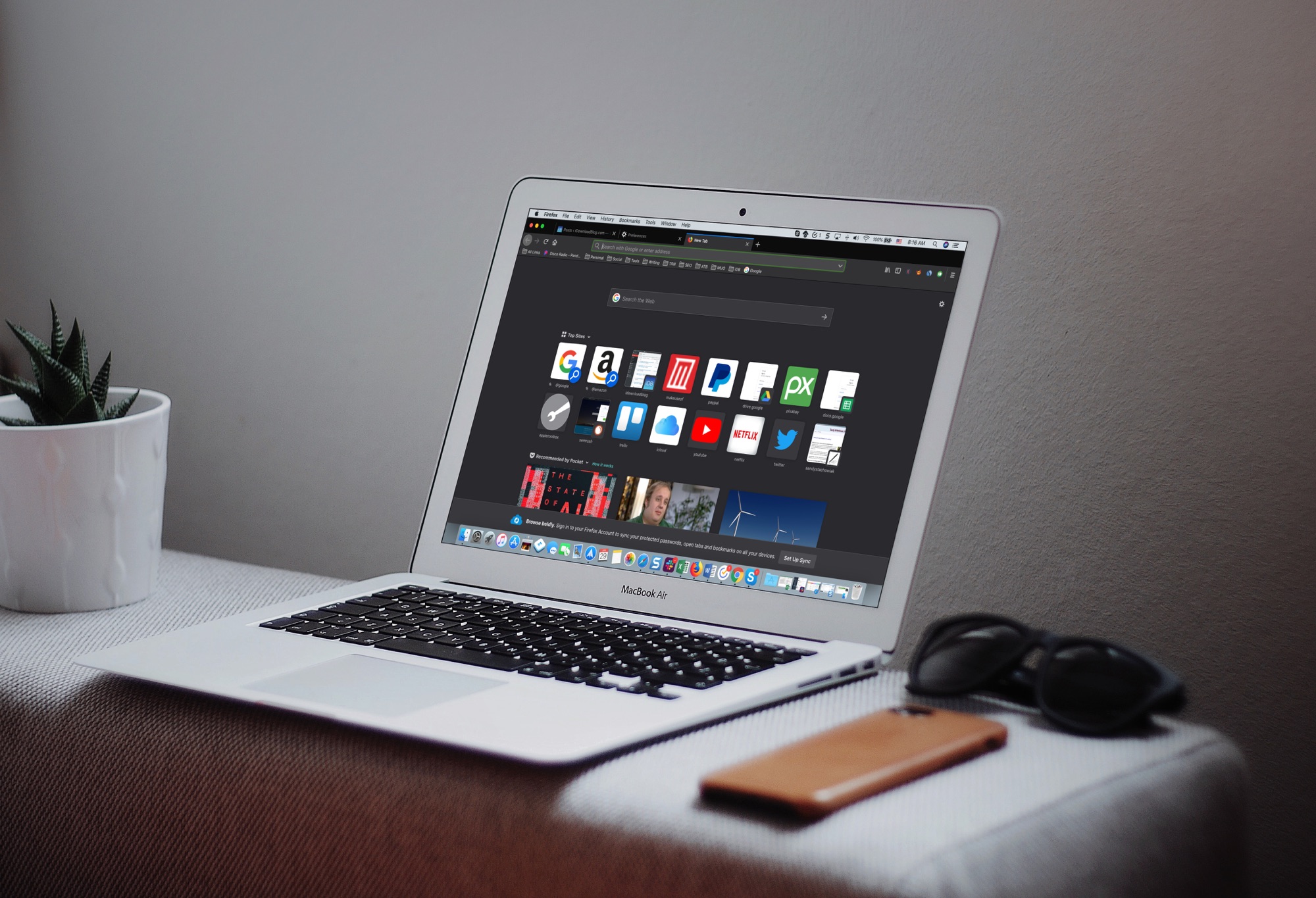
The Dark Mode on Mac is a cool feature, not just for the look and feel, but can be helpful for toning down the bright screen, especially in the evening. So, using a dark mode on your apps can be just as useful.
If you use Firefox in addition to or instead of Safari, you can set this up there too. Here’s how to enable the Firefox Dark Theme on Mac.
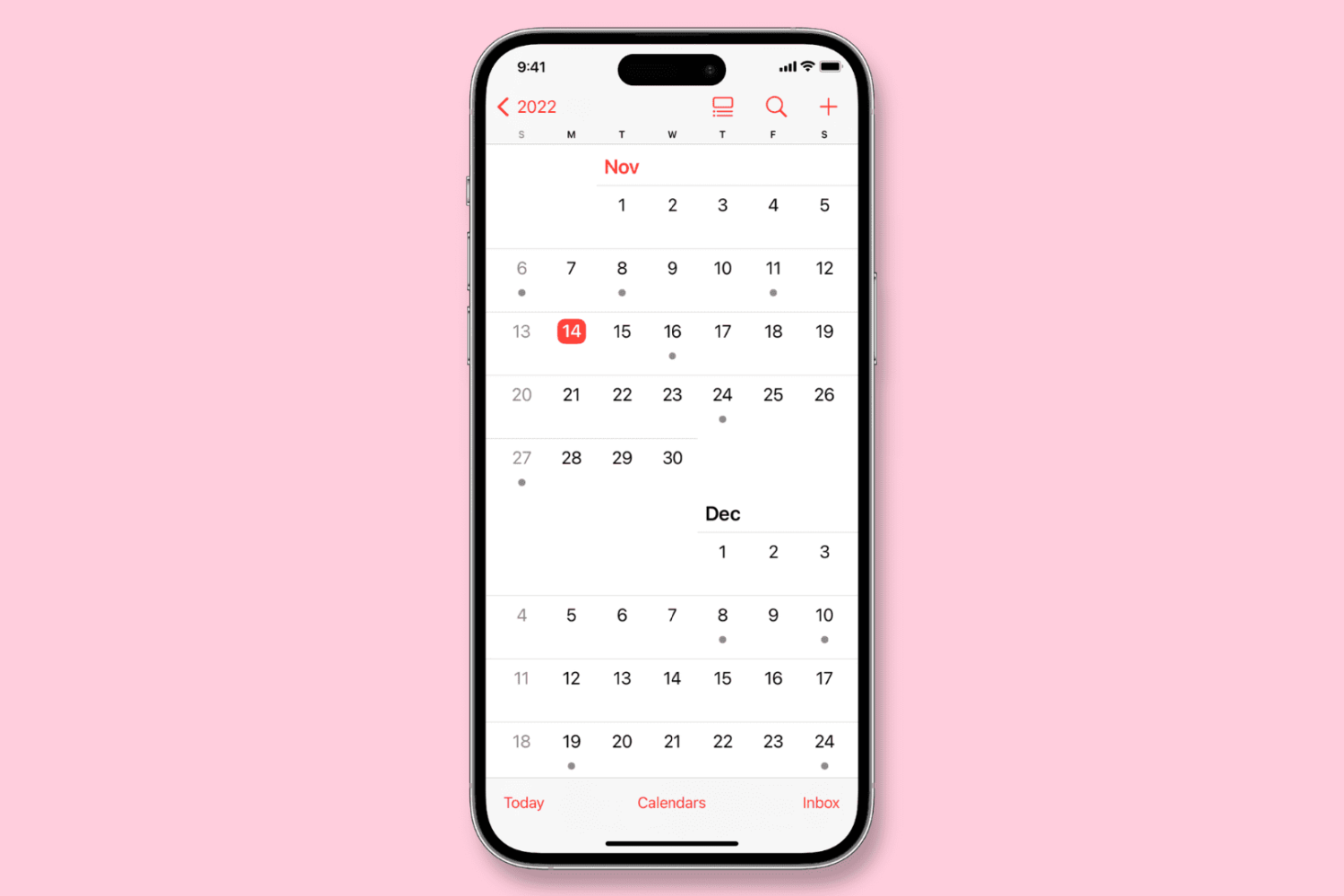
Learn how to configure the Calendar app on your iPhone, iPad, or Mac to start the week on a day other than Sunday, if that’s your preference.
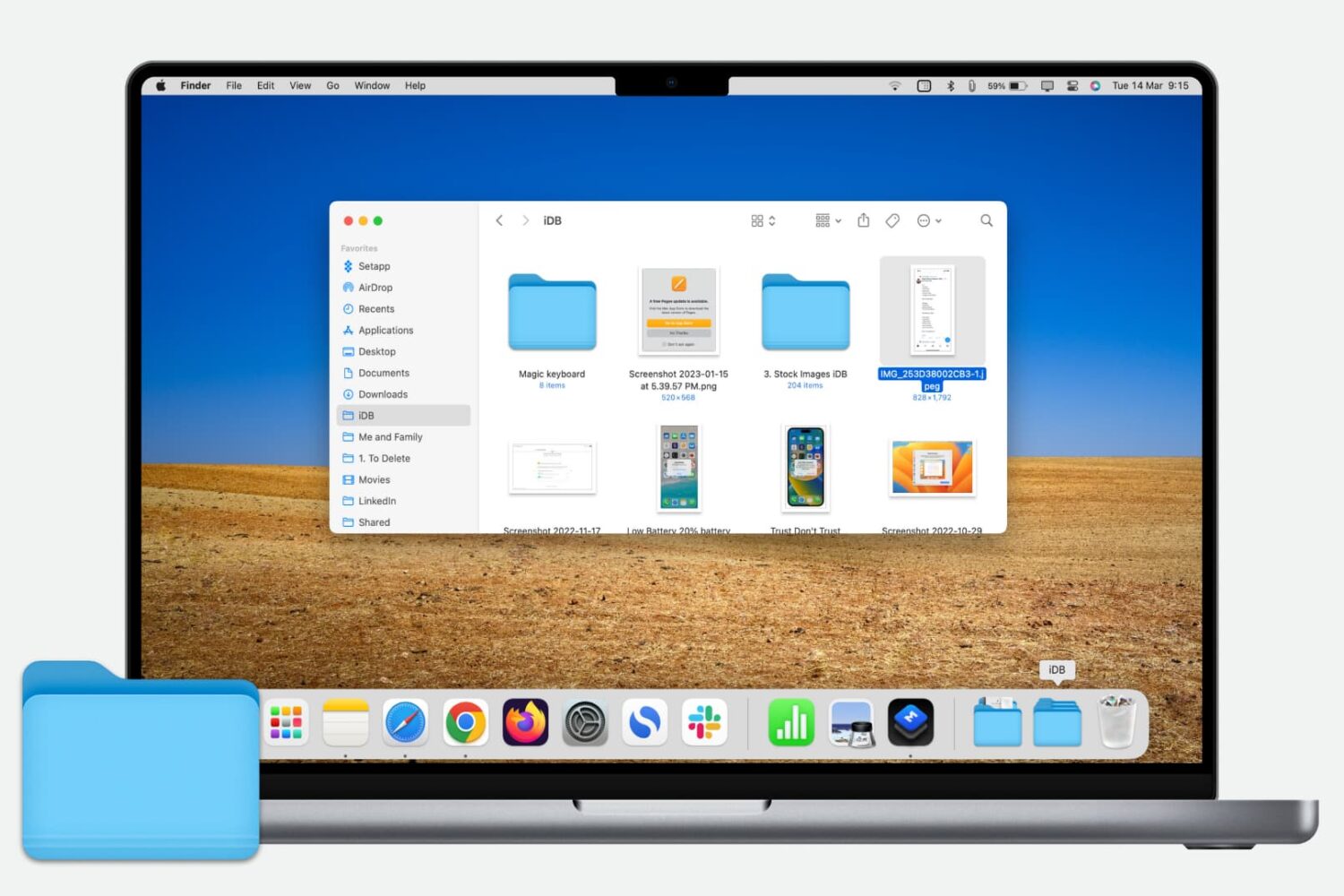
Learn how to quickly add a folder from your Finder’s Sidebar to the Dock on your Mac for even faster and easier access to those folder files.
You’ve received a Photoshop file (.PSD) that you need to look at, but you don’t have Photoshop. Here are three free ways you can view PSD files on Mac.

Learn how to forward your iCloud emails to Gmail, Outlook, or any other account to keep all your messages in one inbox and improve your email management.