In this quick tutorial, we show you how to block callers on FaceTime and message senders in Apple's Messages app on your Mac.
How to block FaceTime callers and message senders on Mac
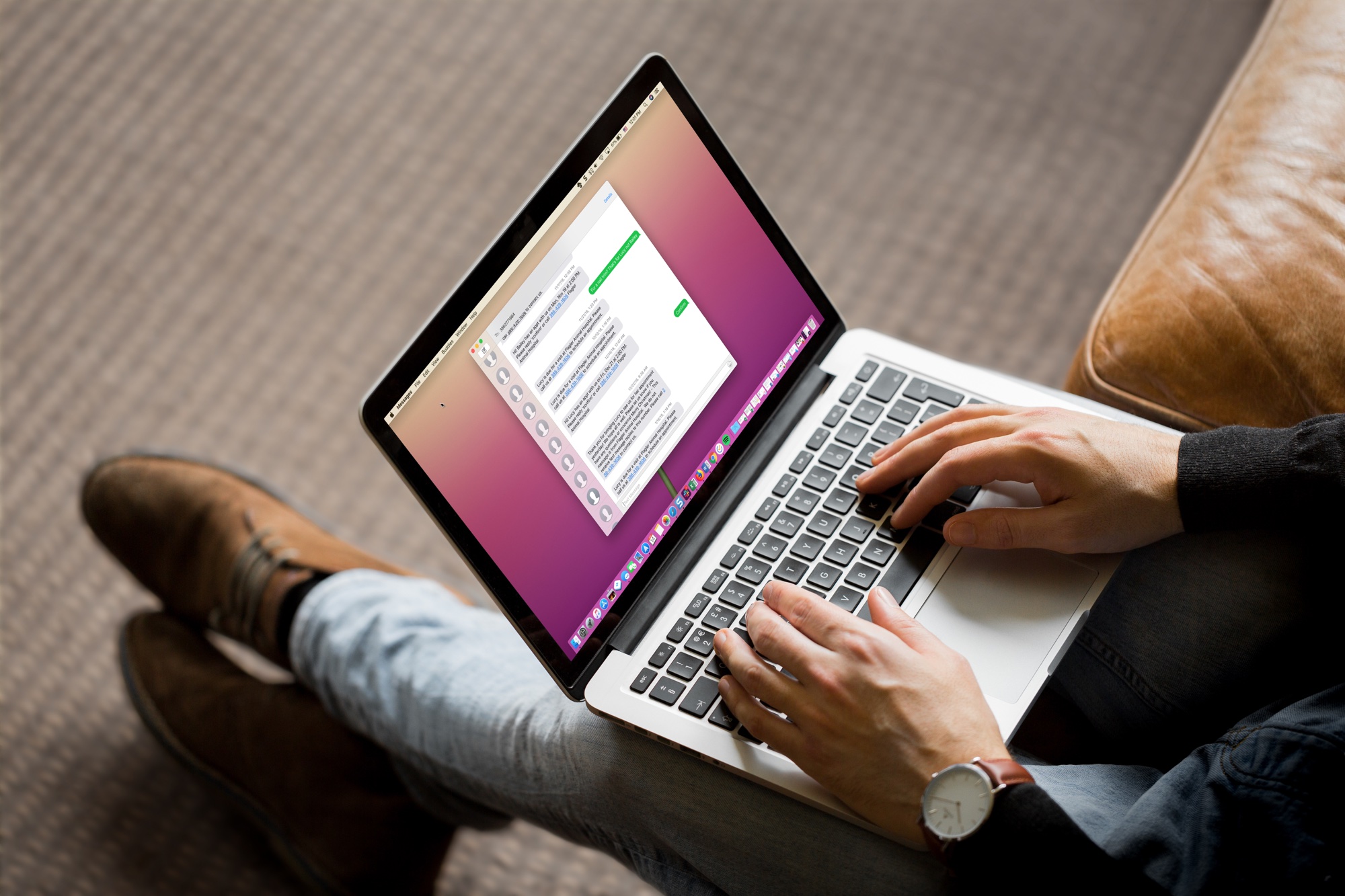
In this quick tutorial, we show you how to block callers on FaceTime and message senders in Apple's Messages app on your Mac.
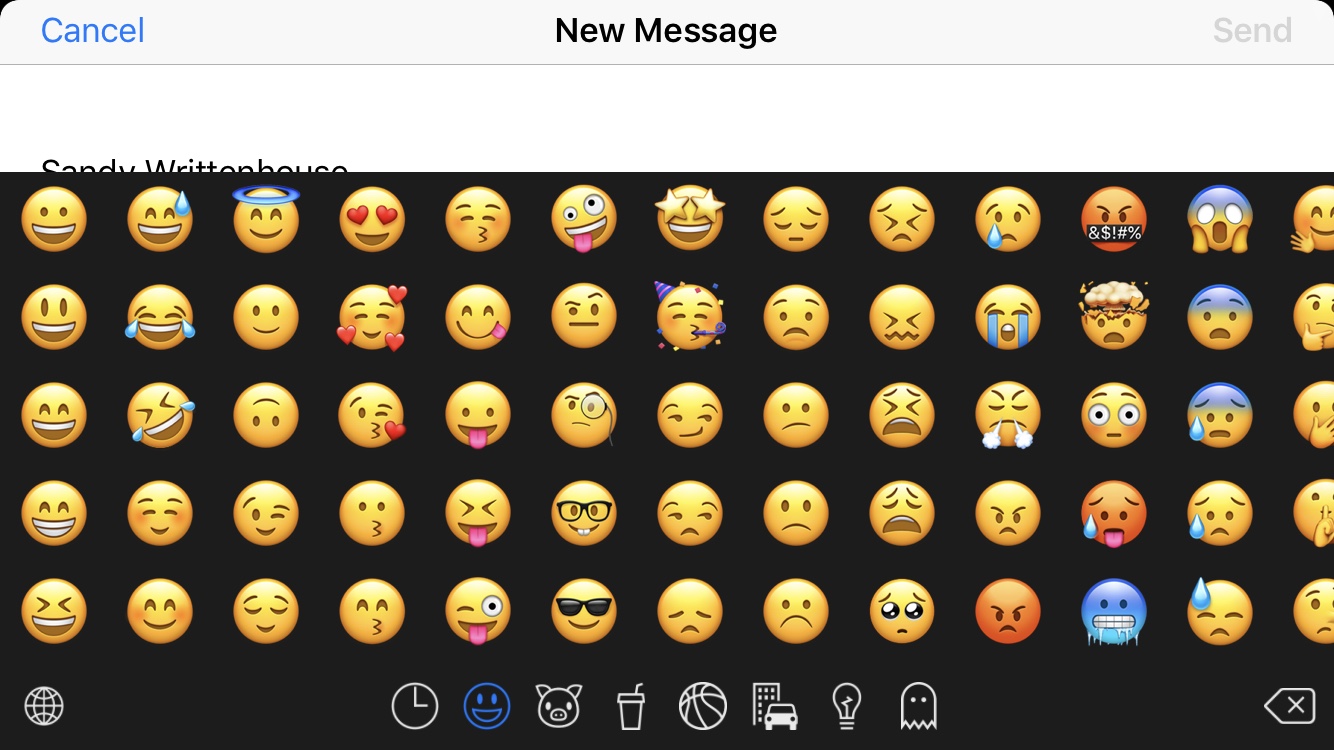
We all love to use emojis. Happy faces in our emails, hearts in our text messages, and even checkmarks in our notes; there’s an emoji for everything, everywhere. But it’s getting to the point that there are too many emojis to pick from and the list keeps growing. You look for one and have to sift through hundreds of others. What if there was a way to hide those emojis that you never, ever use?
Enter Smojis, a cool app that lets you hide single emojis or complete categories. So, if you never use flags or objects, hide them. If you only use specific smileys, hide the others. It’s all up to you! So, here’s how to hide the emojis you never use with Smojis.
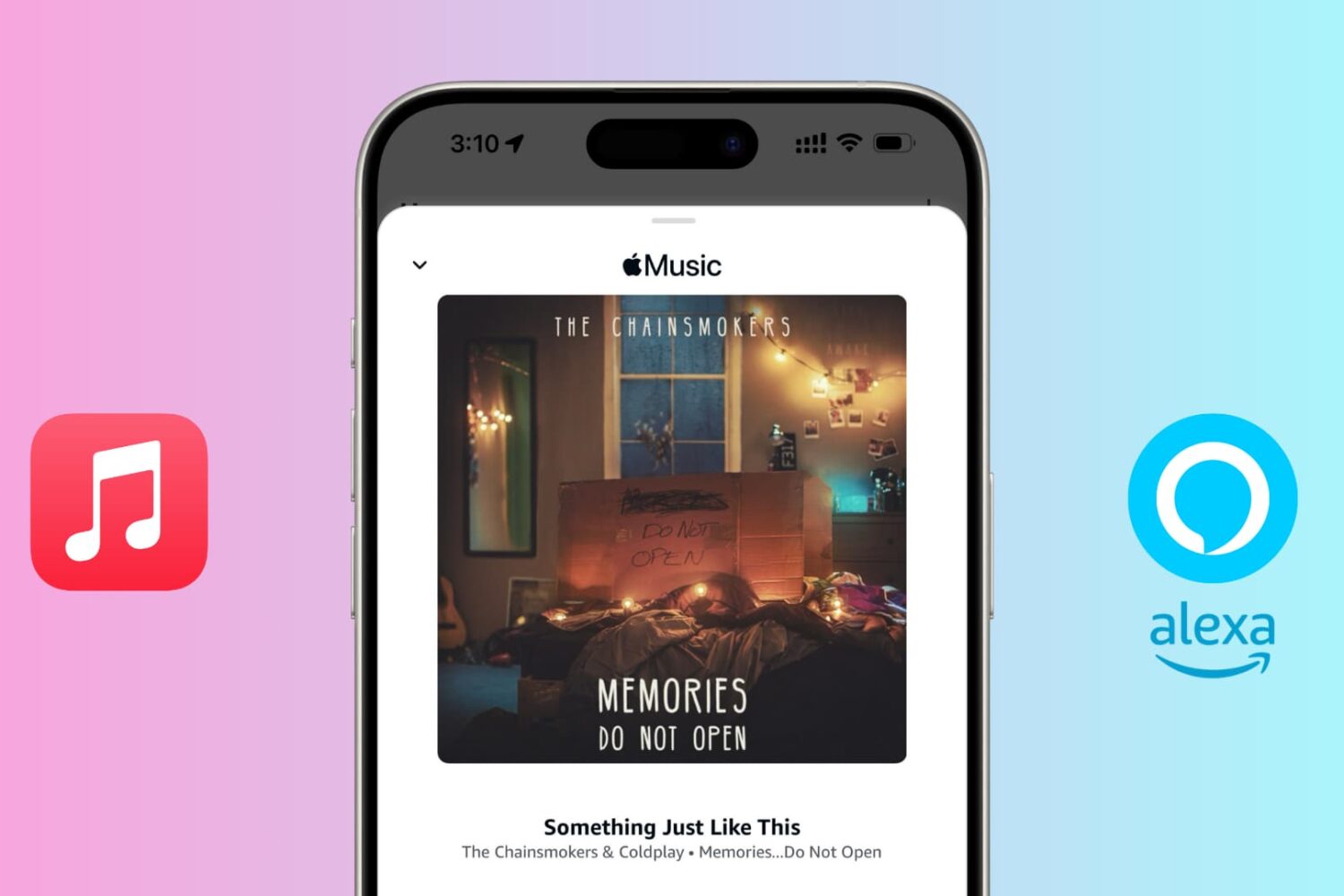
Do you have an Echo speaker and an Apple Music subscription? In this tutorial, we will show you how to connect Apple Music to Alexa and listen to your favorite tunes on your Amazon speaker.

Bookmarking your favorite websites in Safari on your iPhone, iPad, and/or Mac is handy for accessing the pages you need with a tap. But bookmarks can also quickly get out of control. So for the best experience, you can organize your bookmarks in folders, rearrange them, edit them, and of course, delete those you end up never using.
To help you get control of your saved pages, here's how to manage bookmarks in Safari on iOS and Mac.

Many times, when we upgrade our iPhone, we trade in our current one to Apple or our cell phone provider. But what if you receive a new iPhone as gift? Now you have your old and new one.
Other times, we simply buy a new product to upgrade like the newest Apple Watch, iPad, or Mac. Again, now you have the old and new device.
Do you want to try and sell your older device? How much should you ask for it? What is it worth?
Apple has a convenient way for you to get estimated value of your device. Plus, Apple gives you options for what to do with your old devices.
Here’s how to find the estimated value of your devices with Apple GiveBack.
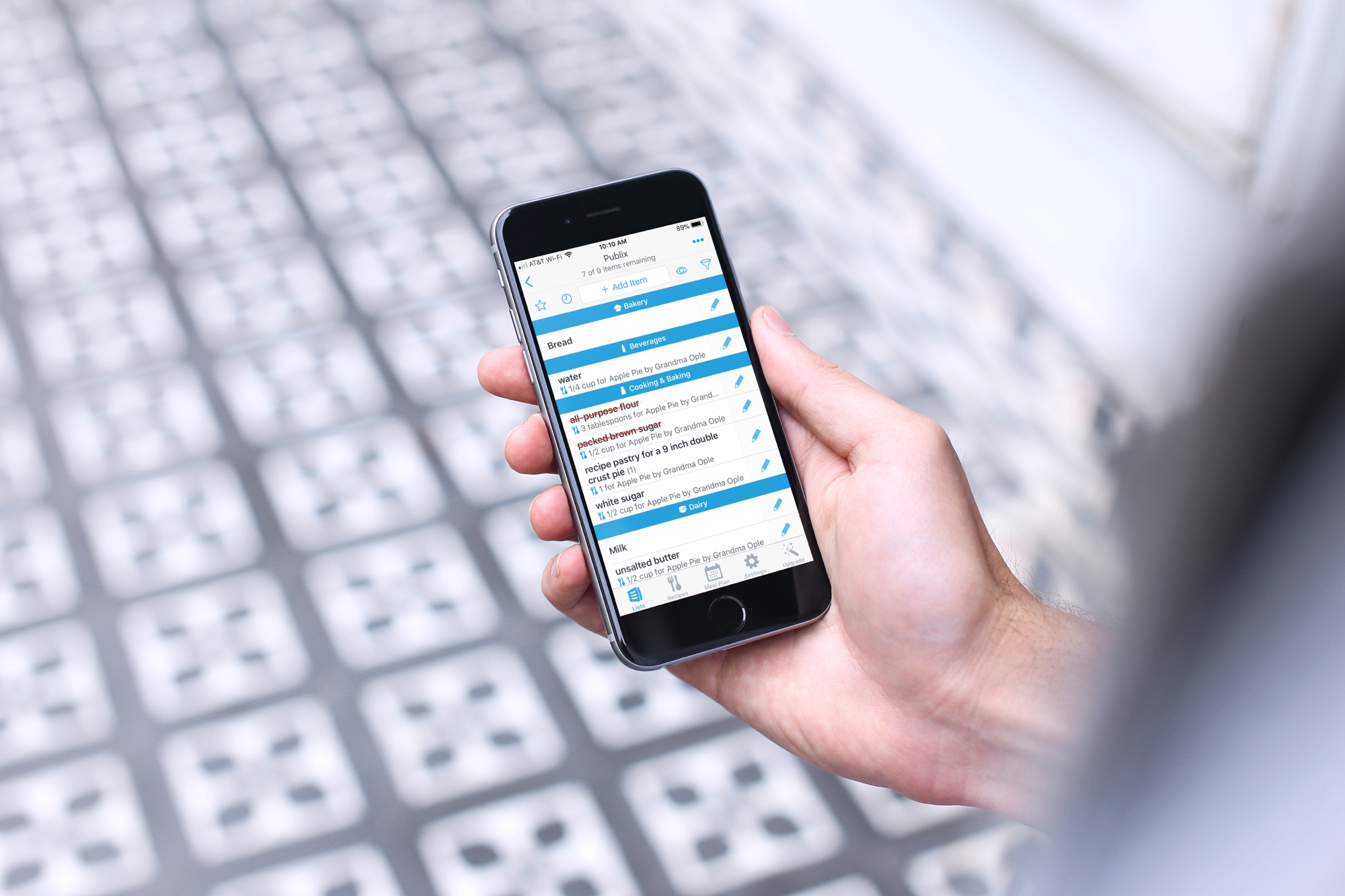
Some people still use a pen and paper to make their shopping lists. But those can easily be forgotten at home when you leave for the store. And, what if someone else is going to do the shopping? Wouldn’t it be handy to share the list right to their device?
If you’re in the market for a digital solution, here are the best shopping list apps for iPhone.
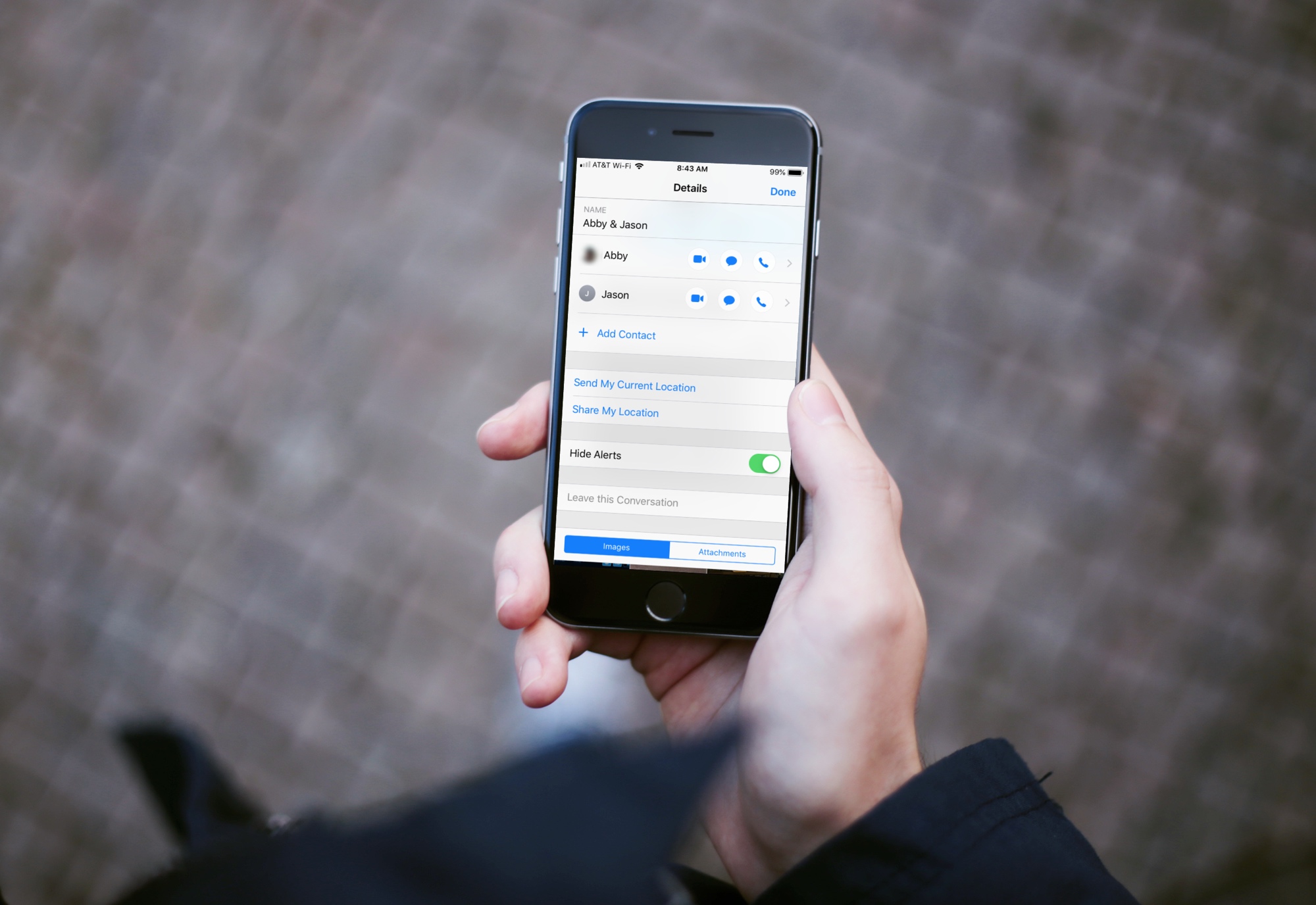
Group text messages can often get out of control, with several participants sending messages in quick succession. In such situations, you can either leave the group text or hide group text alerts and see them later.
This brief tutorial will show you how to turn off notifications for group iMessage or SMS conversations on your iPhone, iPad, and Mac. We will also share a pro tip that ensures you're instantly notified of the group message with you in it, even if that group conversation is muted!
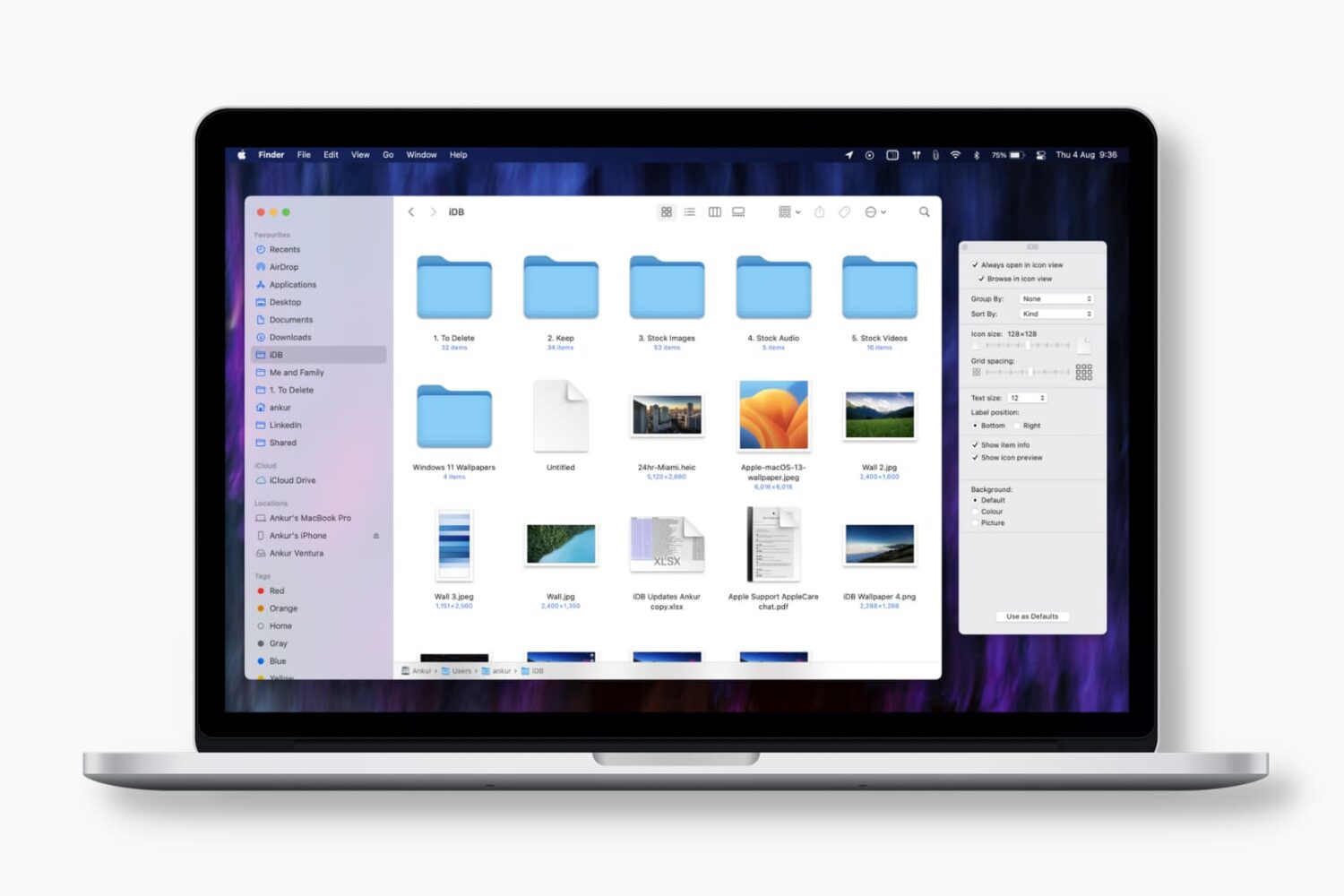
Learn how to set the Finder on your Mac to always open a specific folder in your favorite view, with the files sorted and grouped in the order of your choosing.
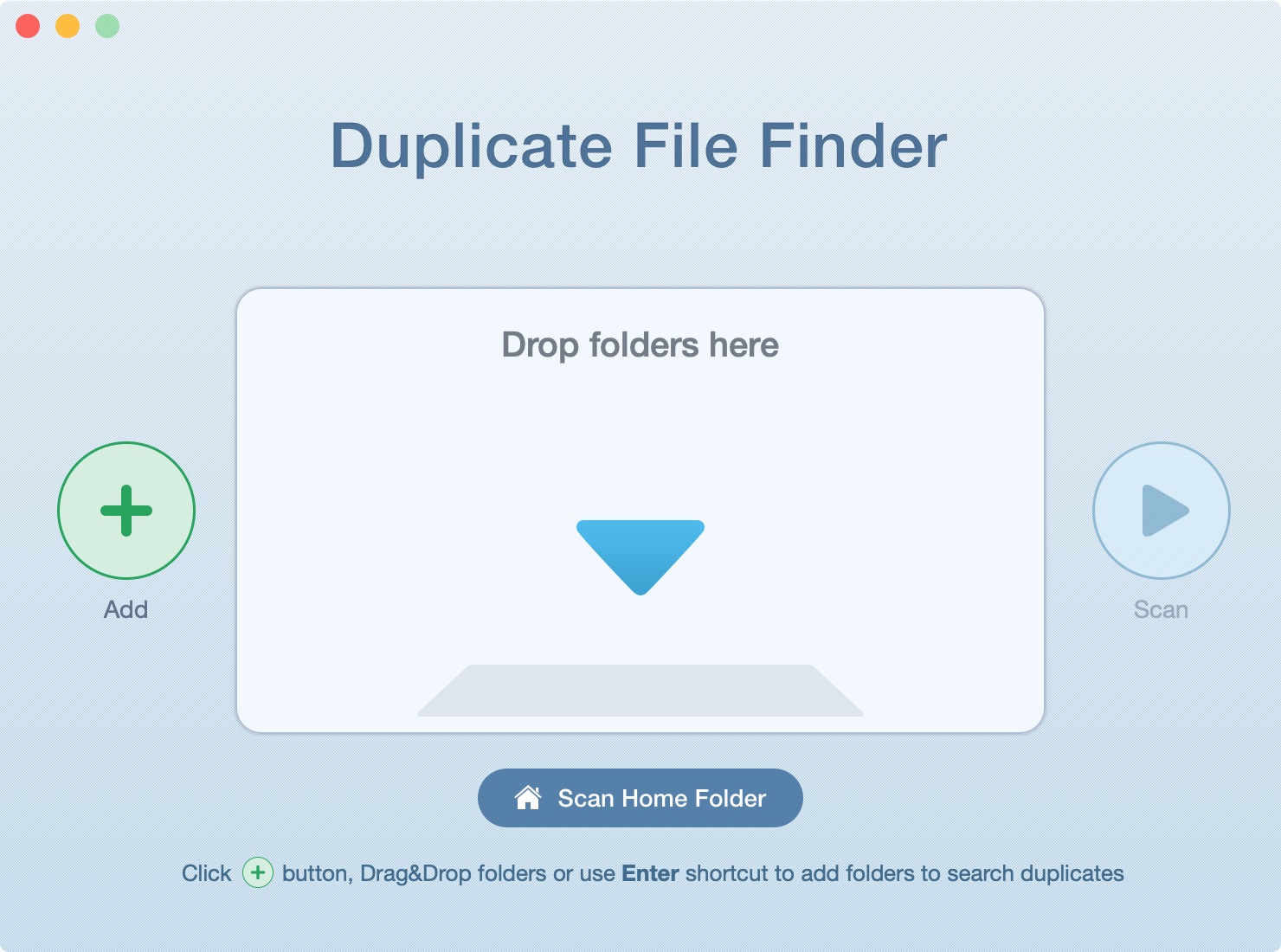
In this tutorial, we’ll show you how to scan your Mac’s drive to find and delete all duplicate files. This will help free up space and reduce clutter.
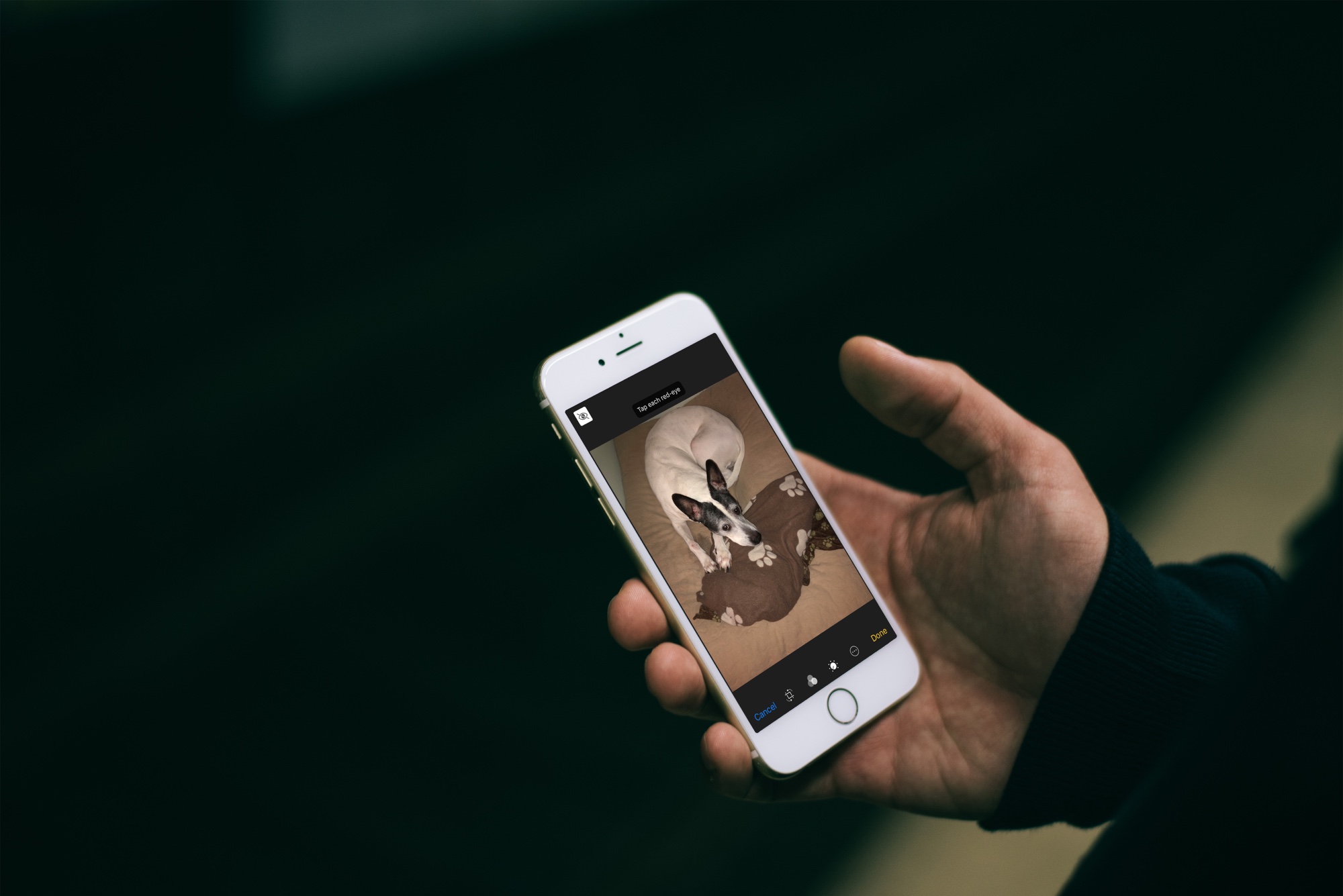
Learn how to easily fix and remove red eyes from your iPhone photos in just a few taps without relying on third-party apps.
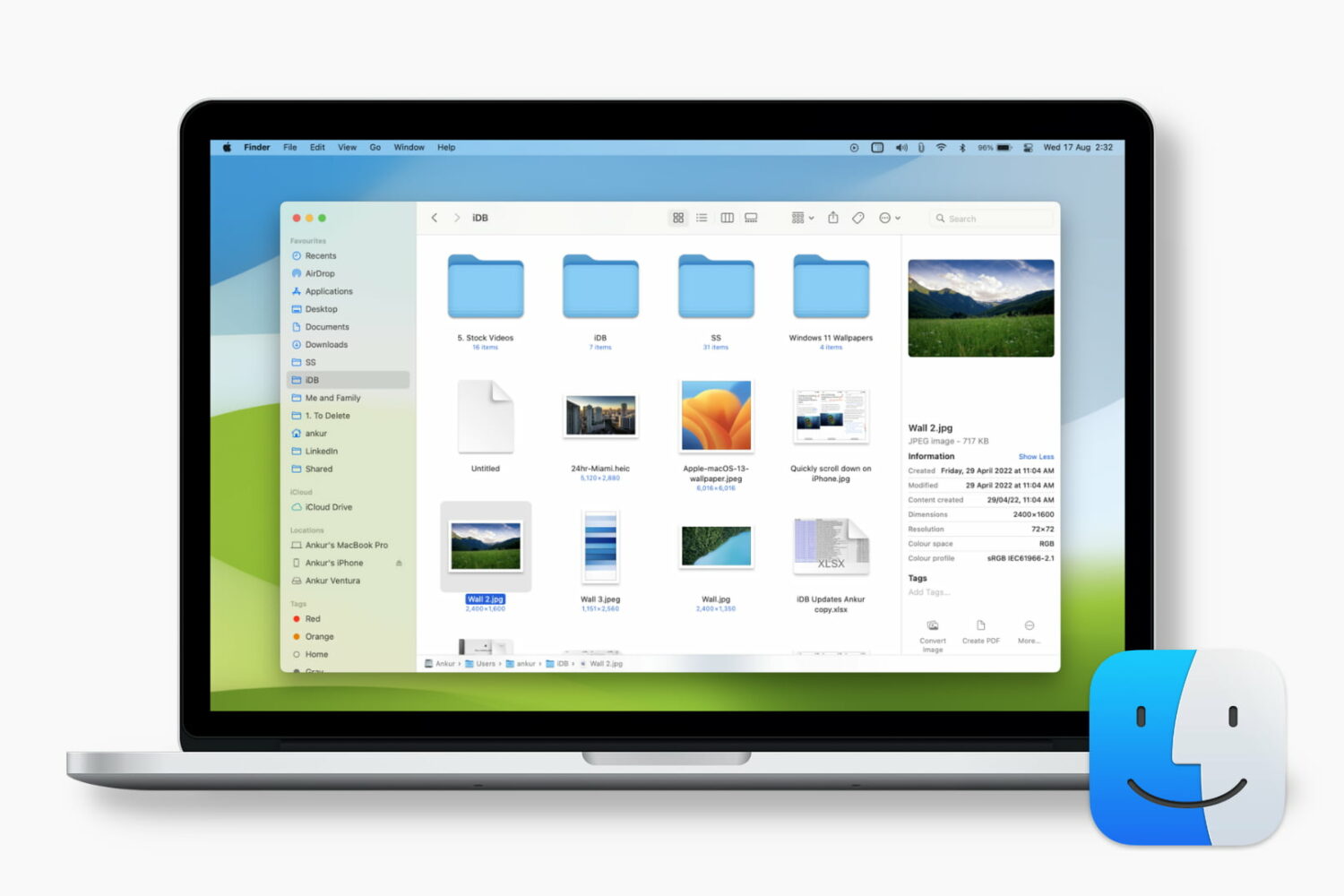
Learn how to customize the Finder's preview pane by choosing specific glanceable details to show when browsing files on your Mac.

Discover the top iPhone mileage tracking apps to effortlessly monitor and optimize your travel expenses and business deductions.