Learn how to automatically download missing album artwork from Apple or upload custom cover art in the built-in Music app on your Mac or Windows PC.
How to add missing album artwork in the Music app on Mac or PC
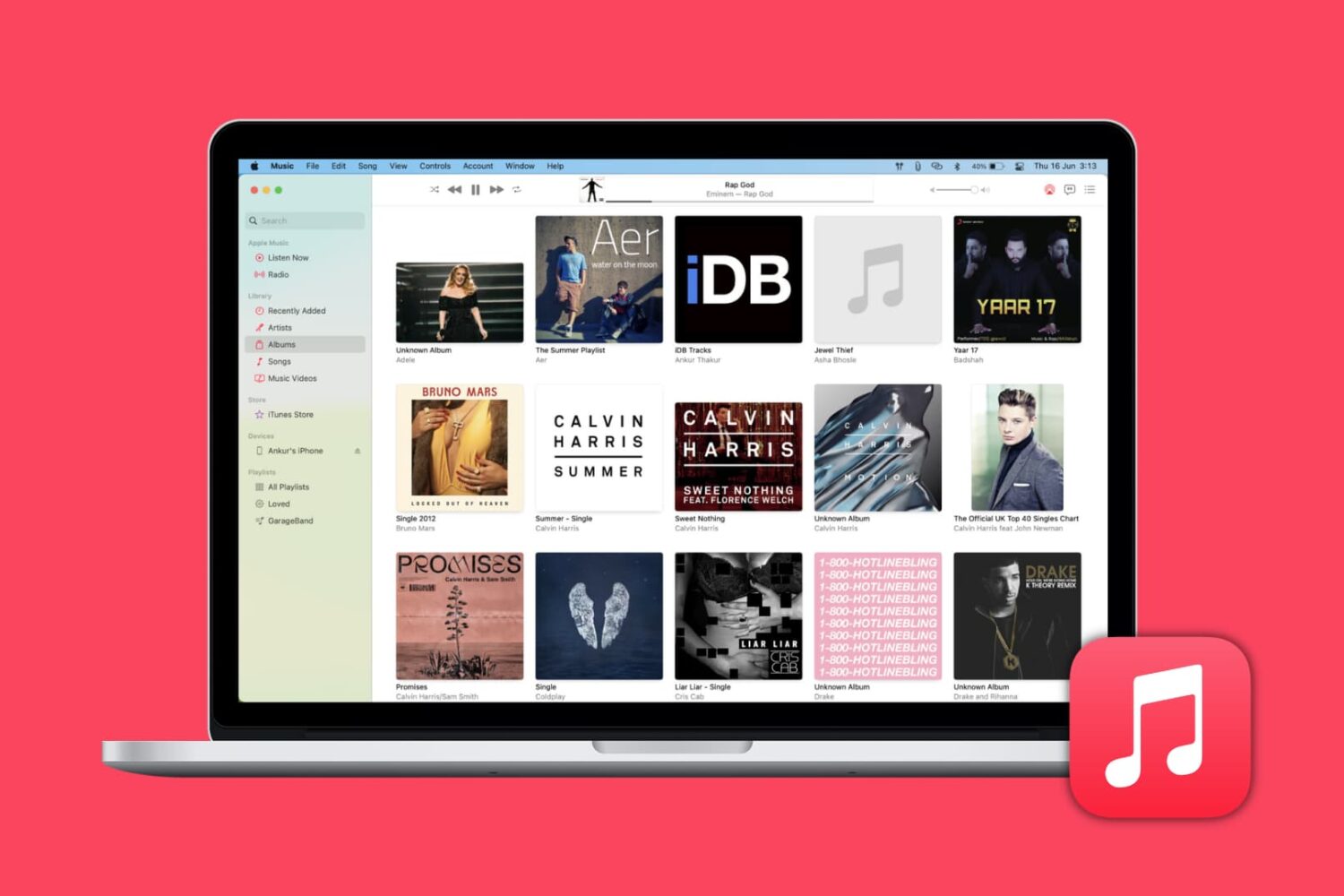
Learn how to automatically download missing album artwork from Apple or upload custom cover art in the built-in Music app on your Mac or Windows PC.

Find out how to quickly remove Gmail, Outlook, Yahoo, or other email accounts from the Apple Mail app on your Mac or iOS device to declutter and streamline your inbox.

You may buy items in the Music app, TV app, or iTunes that you want to keep to yourself from time to time, especially if you use Family Sharing. It could be a movie, song, album, TV show, or audiobook. You can hide purchases and keep them hidden on all devices that use the same Apple ID.
If you need to keep something you buy away from prying eyes, here’s how to hide and unhide your purchased media on Mac.
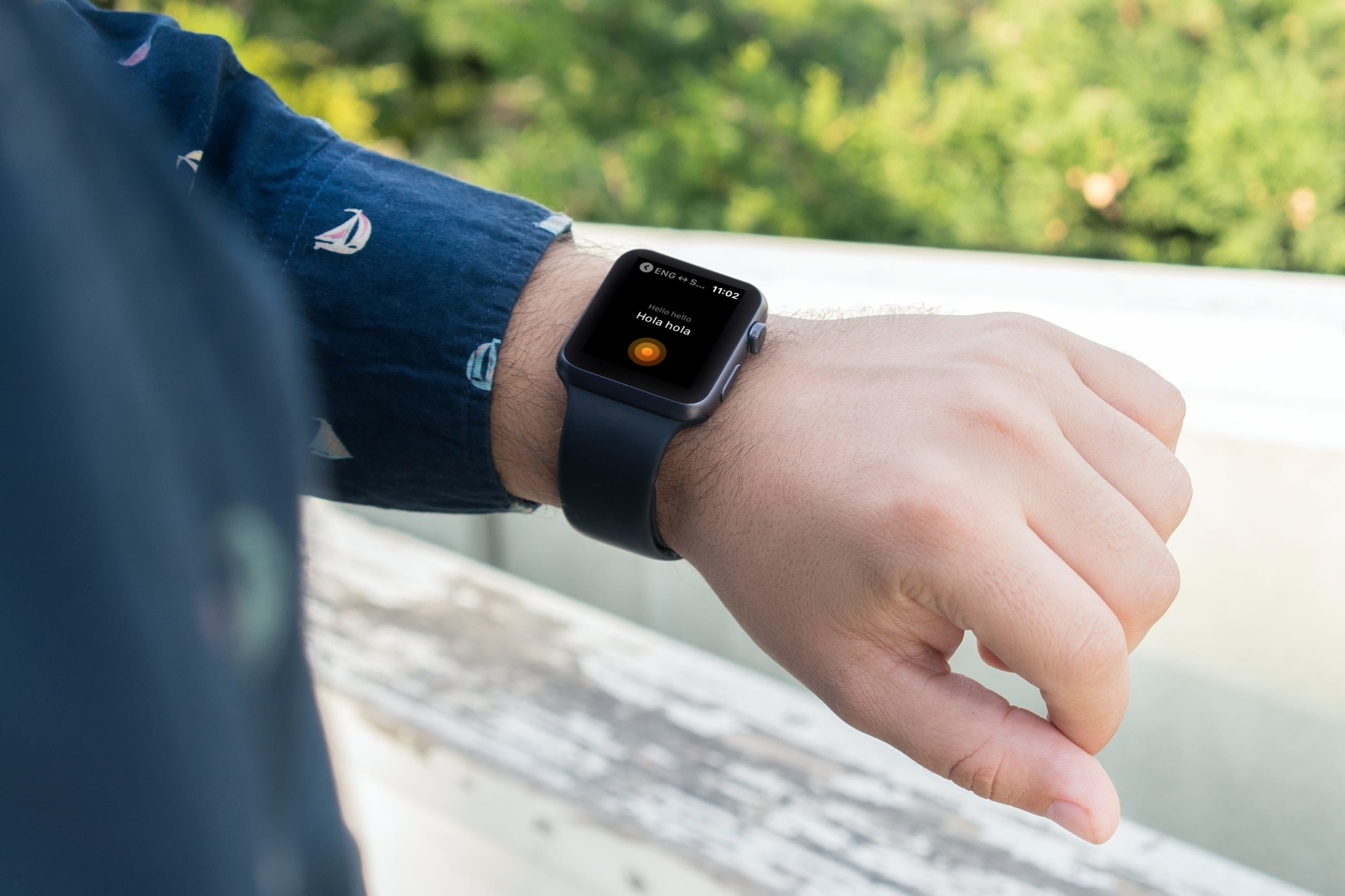
There’s no easier way to keep up with your travel arrangements than right from your wrist. With Apple Watch travel apps, you can check your flight, view your accommodations, look for restaurants, translate a language, and convert currency.
If you’re getting ready for your next trip, make sure to check out our list of the best Apple Watch travel apps to make your journey a bit easier.

This tutorial helps you see the world from your couch using the Flyover feature of the Apple Maps app on your iPhone, iPad, and Mac.
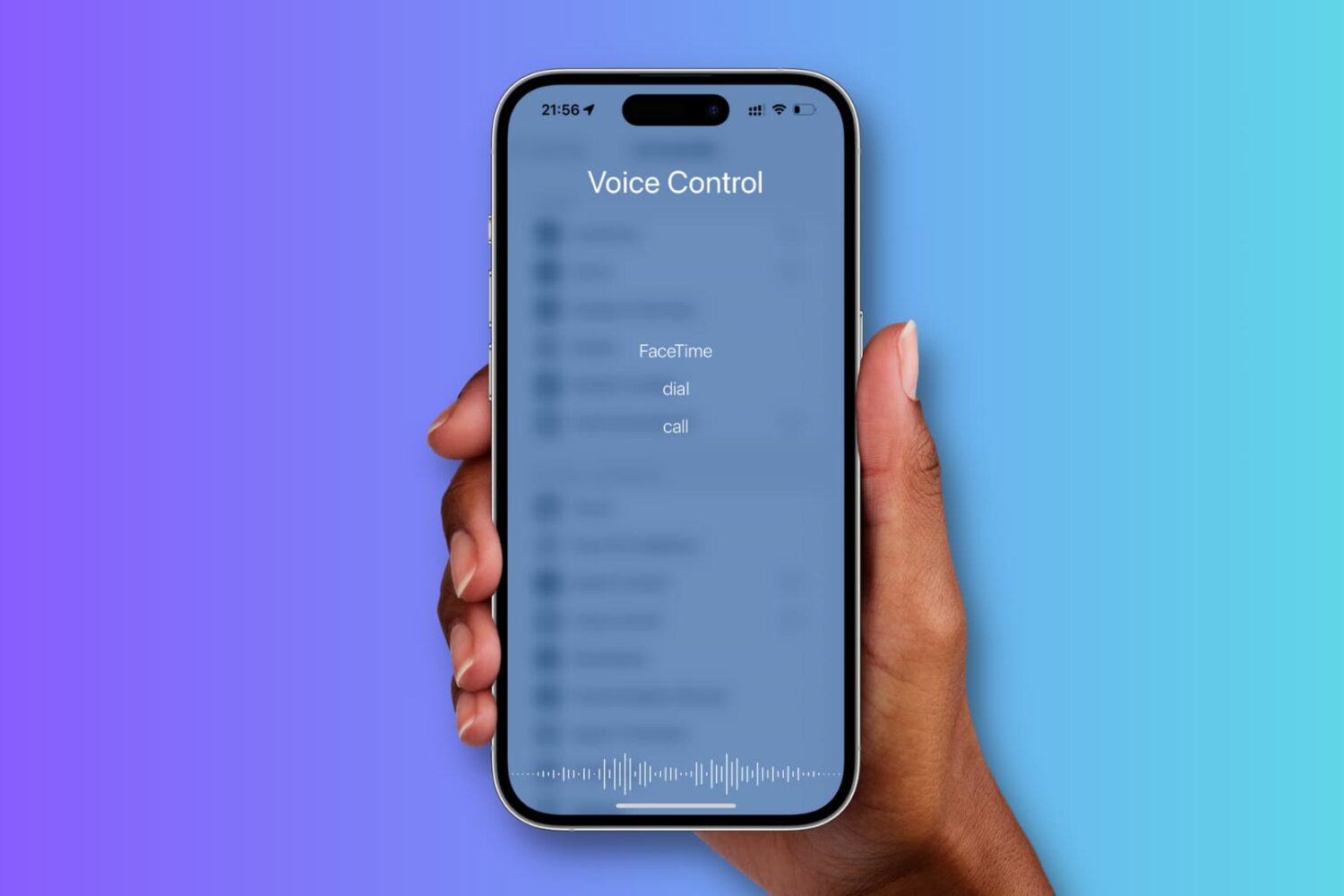
This tutorial shows you how to enable and use Voice Control instead of Siri on your iPhone.

Learn how to efficiently organize your emails by automatically color-coding them using the built-in rules feature in the Apple Mail app on Mac.
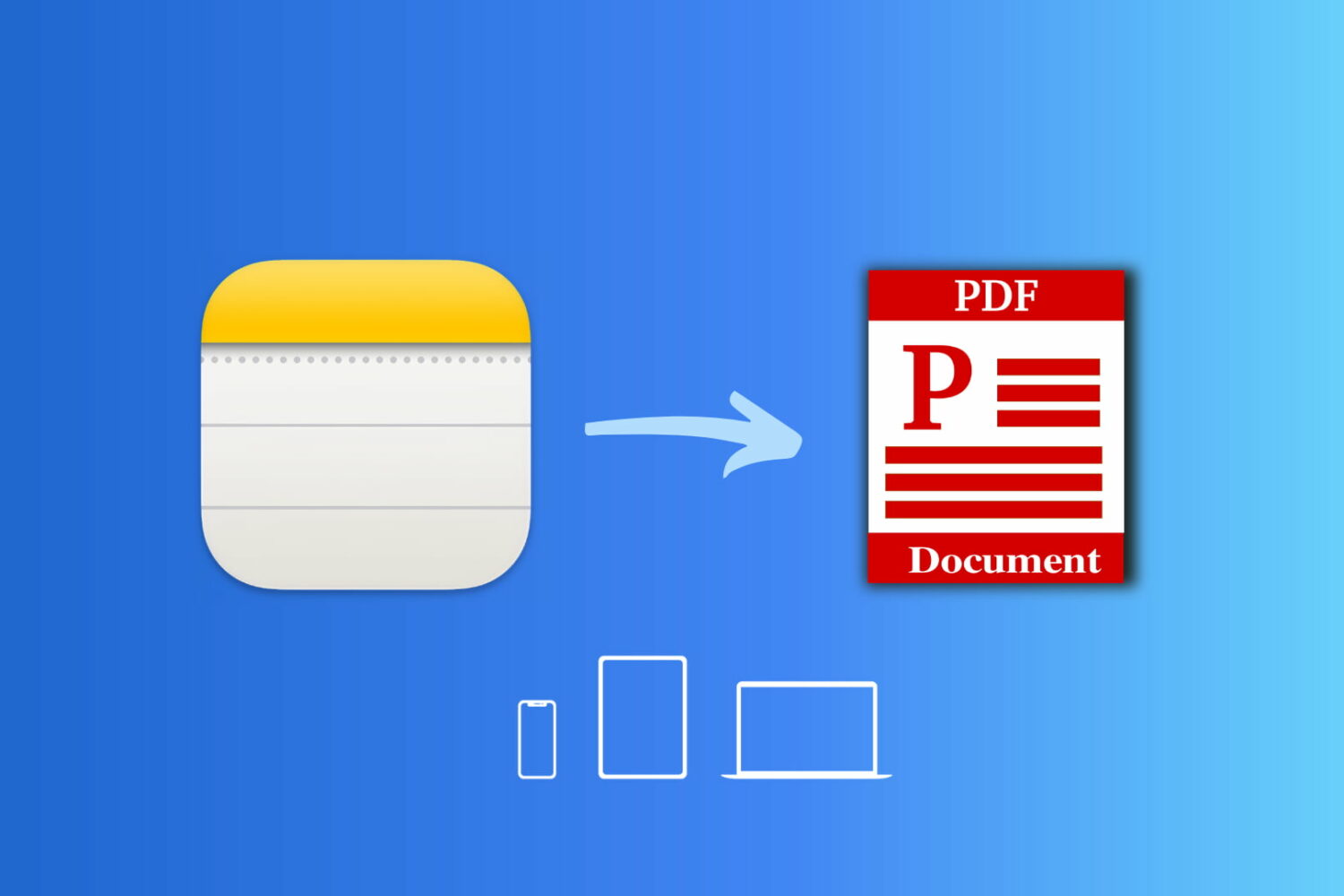
Learn how to save a note as a PDF on your iPhone, iPad, or Mac without having to use a third-party app.

You can easily send your Mac screen to your Apple TV and either mirror it or use it as a second display. So, if you want to show something you have on your iPhone or iPad up on your Apple TV, this is just as simple.
You can use AirPlay if you have a video on your iPhone you want to show everyone in the room. And if you want to see a bigger picture of something on your device and interact with it, you can use Screen Mirroring.
Here’s how to both AirPlay and mirror your iPhone or iPad display to Apple TV.
This tutorial shows you how to customize the sound quality in the Music app or iTunes so that your favorite songs sound spectacular when you play them on your Mac.

Don’t want to read news stories from a specific channel or topic? The Apple News app on iPhone, iPad, and Mac gives you the option to block them, and we’ll show you how.

Learn how to set a default email account on iPhone, iPad, and Mac, and save yourself from sending emails from the wrong account.