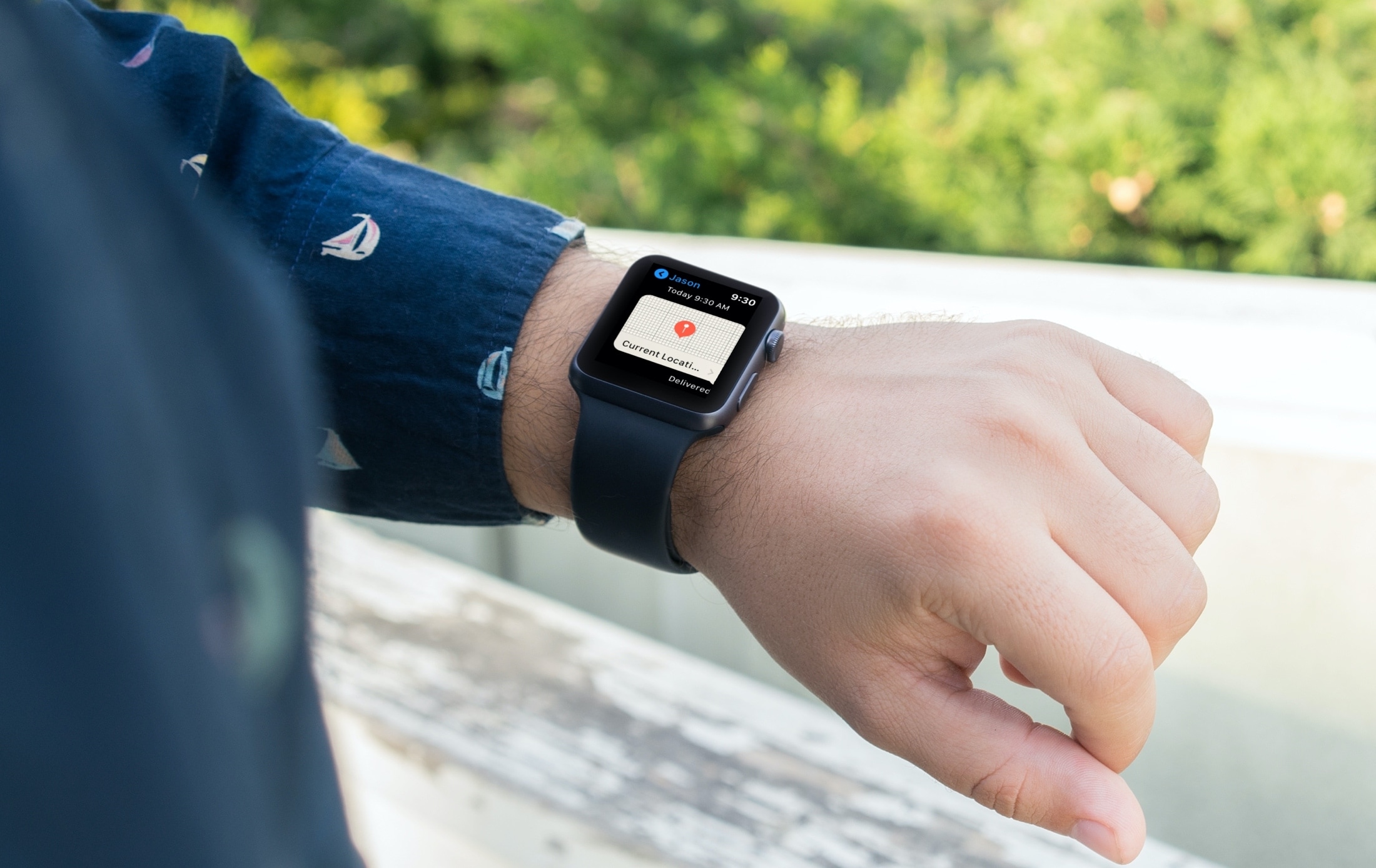
Learn how to enter, use, and exit full-screen mode on Mac to use apps and windows on the entire screen for a distraction-free experience.
How to use apps in full-screen mode on Mac

Learn how to enter, use, and exit full-screen mode on Mac to use apps and windows on the entire screen for a distraction-free experience.
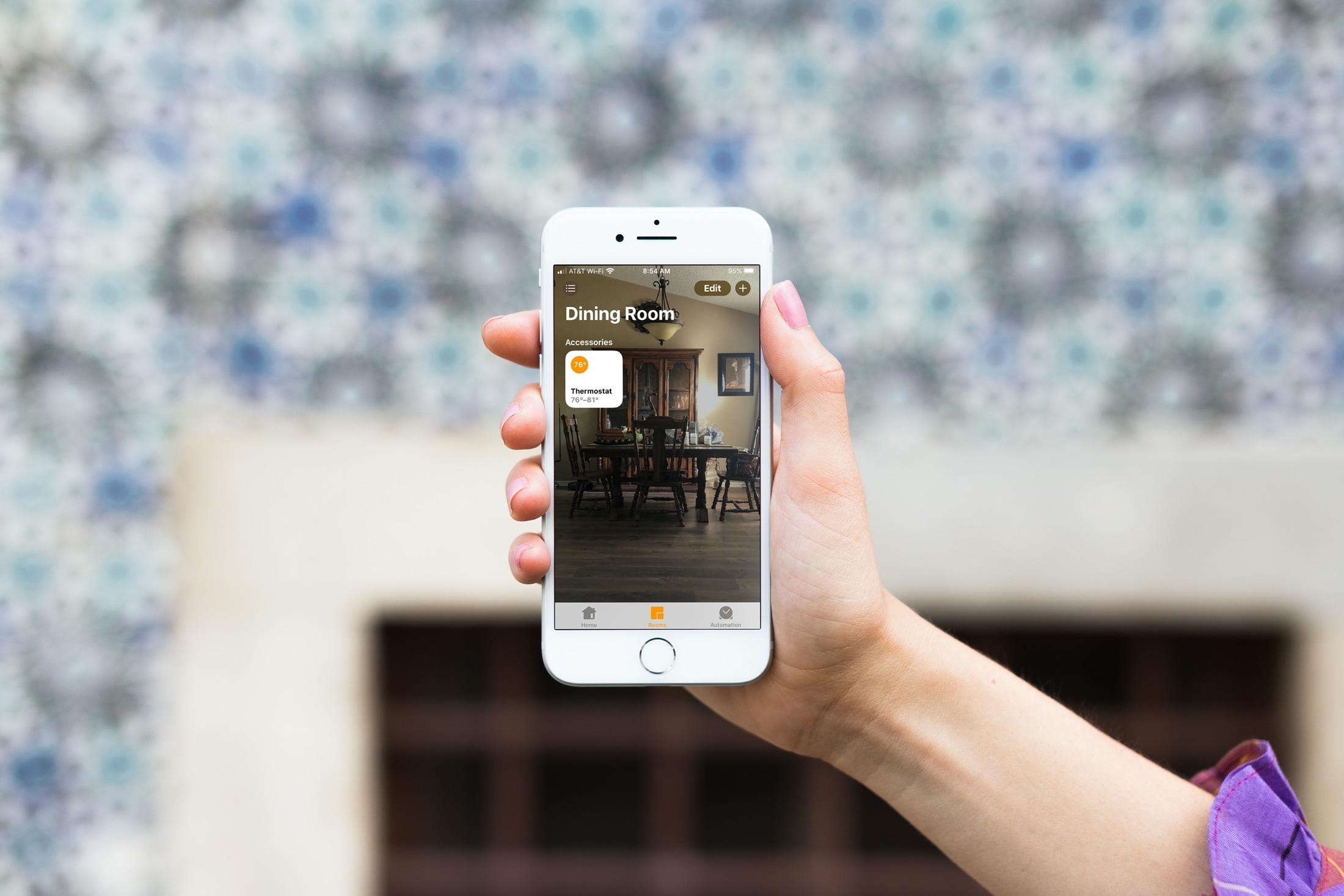
Learn how to change the wallpaper for your home and the rooms in the Home app on your iPhone, iPad, or Mac to give each of them a more personalized appearance.
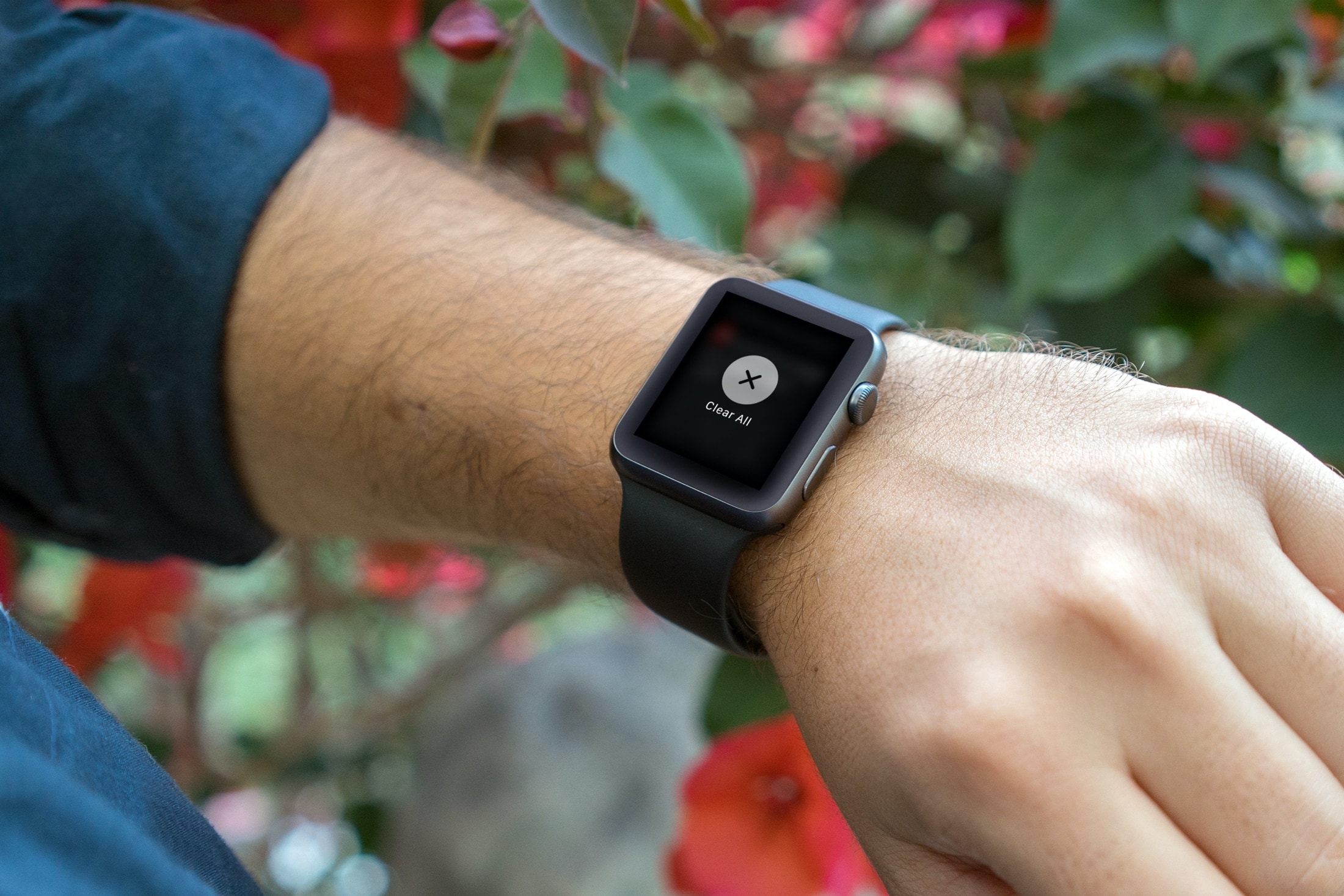
Efficiently manage your Apple Watch notifications by learning how to clear them all at once, decluttering your screen for better focus.

Want to show the iTunes Store in the Apple Music app on your Mac? With a simple setting, you can display the store and buy songs, albums, and music videos.
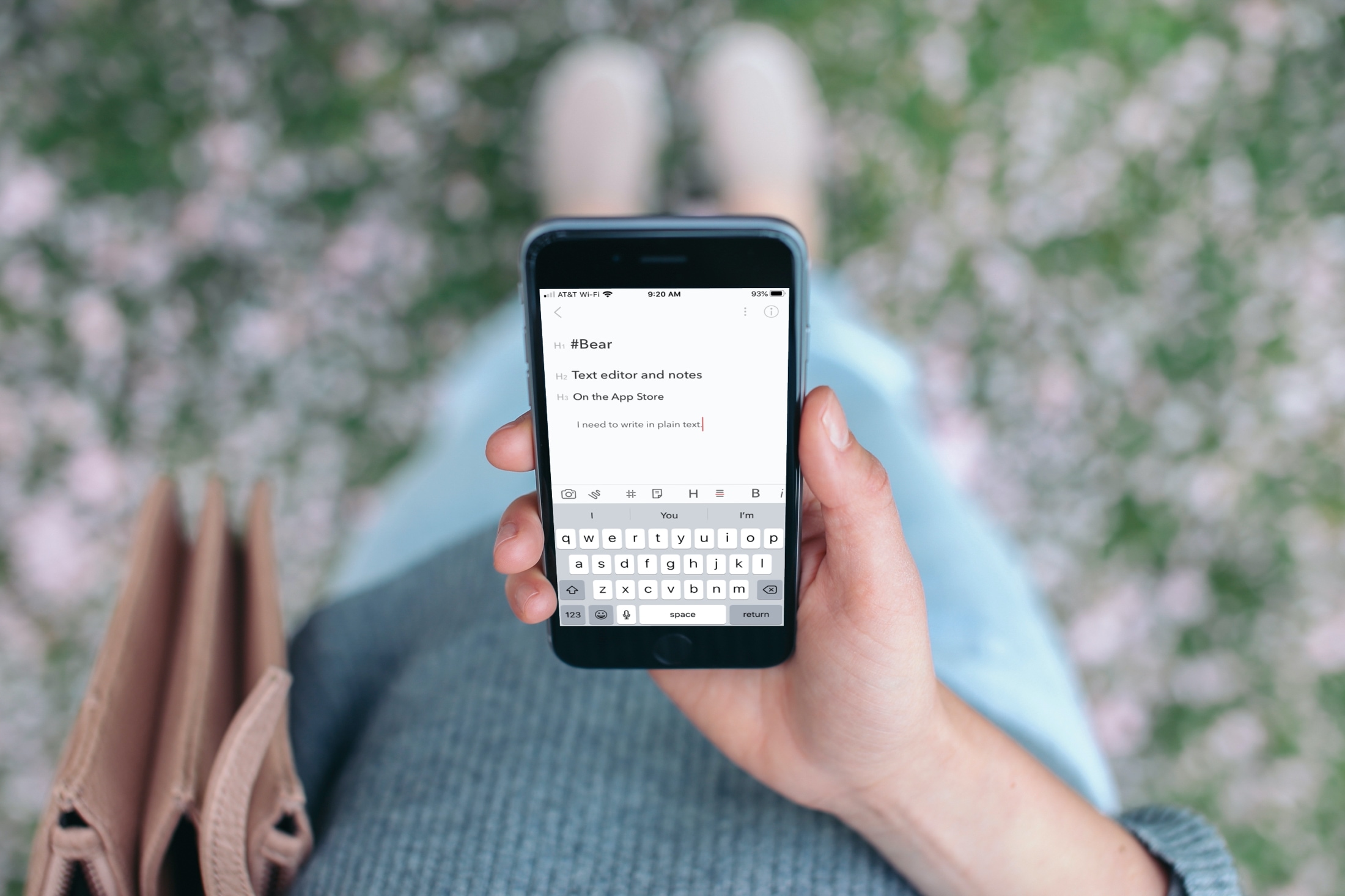
Check out these best free iOS text editor apps that allow you to use markdown and work in plain text on your iPhone or iPad for a cleaner document experience.

Learn how to use the built-in Terminal app on your Mac to hide files and folders from prying eyes. And of course, you can also unhide them when the need arises.
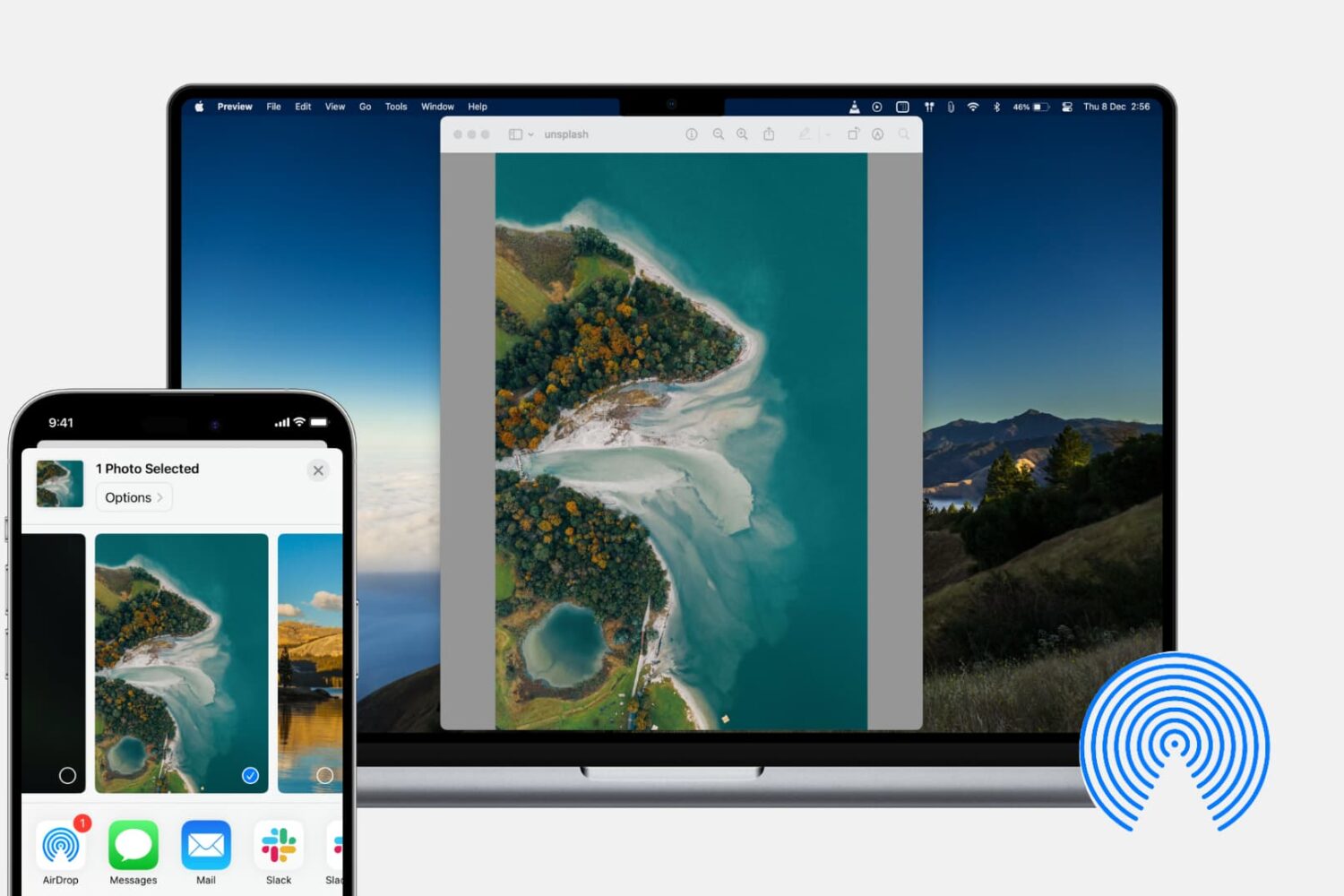
In this tutorial, we’ll show you how to share photos, videos, PDFs, web links, and other files between iPhone, iPad, and Mac using AirDrop.

With the Shortcuts app on your iPhone and iPad, you can do a lot of nifty things. You can add an album to your Home screen, use dark mode on websites, and enforce picture-in-picture for YouTube on iPad. You can also use the app to create Shortcuts widgets for your Today View screen or Home Screen. This lets you do things faster and easier because you don’t have to open an app first. For some ideas and suggestions, here are seven cool widgets that you can create in Shortcuts for your iPhone and iPad.

Learn how to use the built-in storage management features on your Mac to find all the large files and delete them to free up space if needed.