Learn how to insert a table in Apple Mail on Mac to create and format your email with clear, structured data.
How to insert tables into emails in Mail on Mac
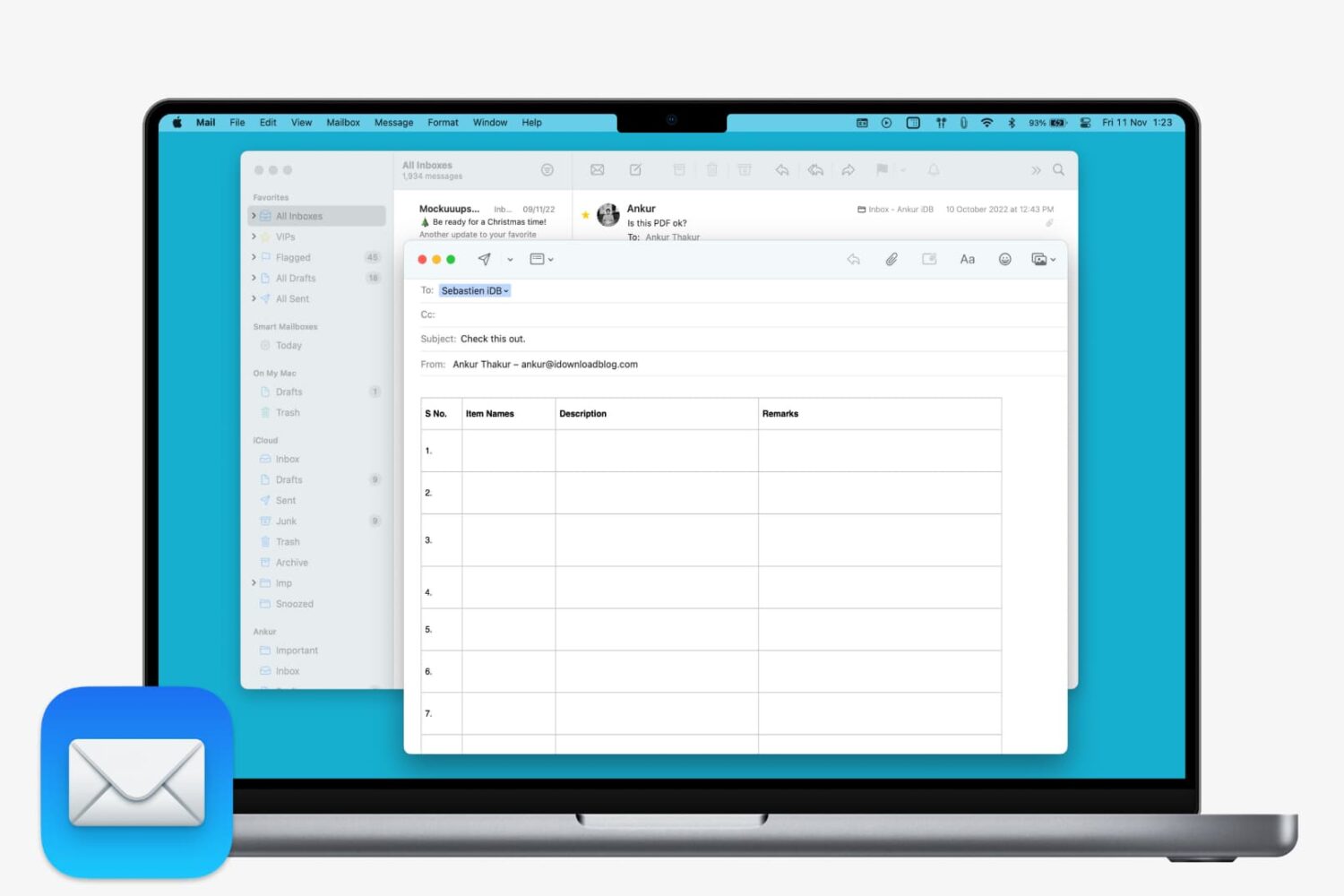
Learn how to insert a table in Apple Mail on Mac to create and format your email with clear, structured data.

Coloring isn’t just for children and these days it’s been said to help adults reduce stress. While games are fun and books are entertaining, sitting down with a coloring book at the end of your day is great for relaxation as well as a way to unleash some creativity.
Whether you want a new way to unwind or just express yourself, here are the best adult coloring books apps for iPhone and iPad.
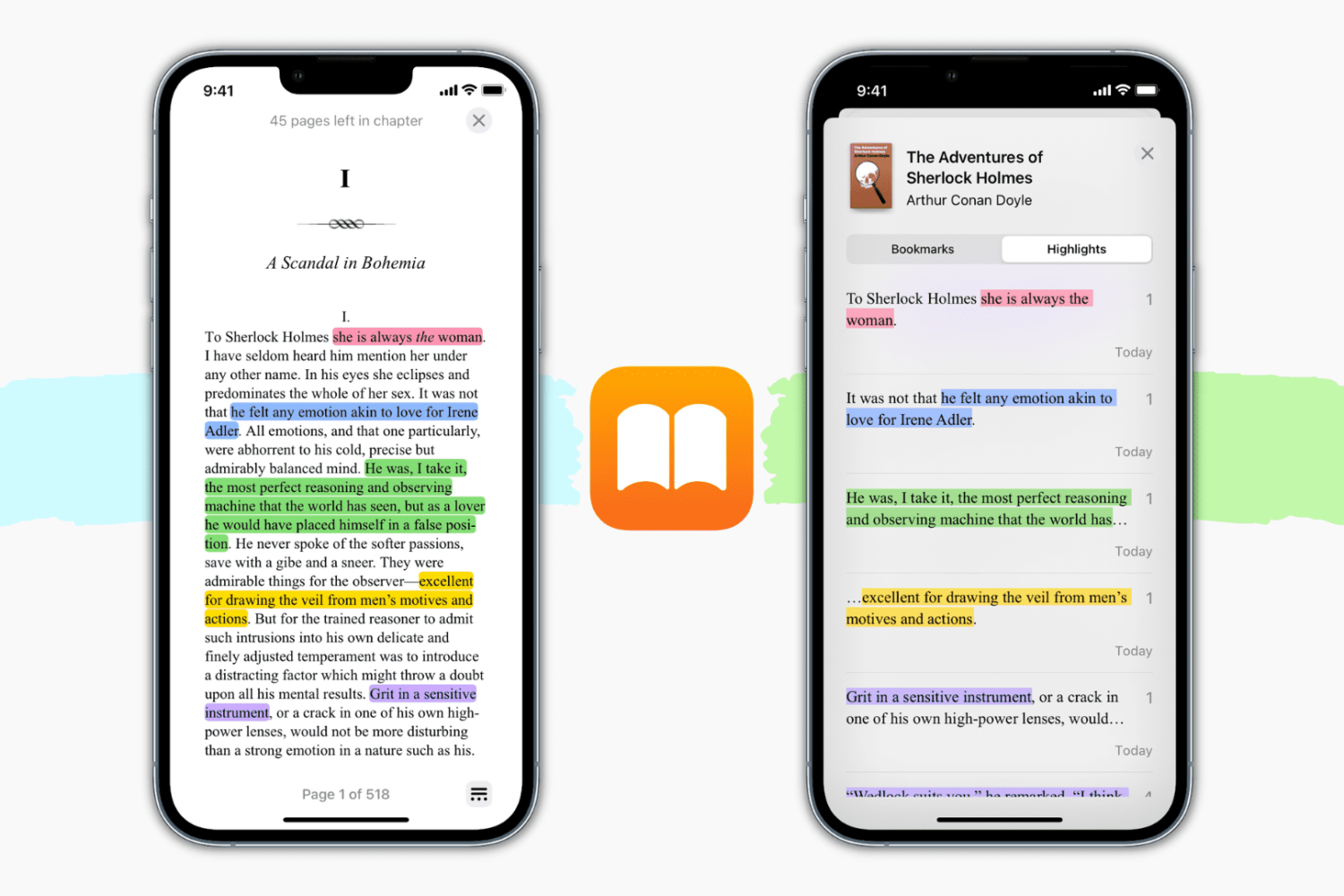
Learn how to highlight text in various colors and add notes for reference in the Apple Books app on iPhone, iPad, and Mac.

Find out how to always allow downloads in Safari on Mac from sites you trust, so you don’t have to deal with pop-ups asking for your permission every time you want to save something from these websites.
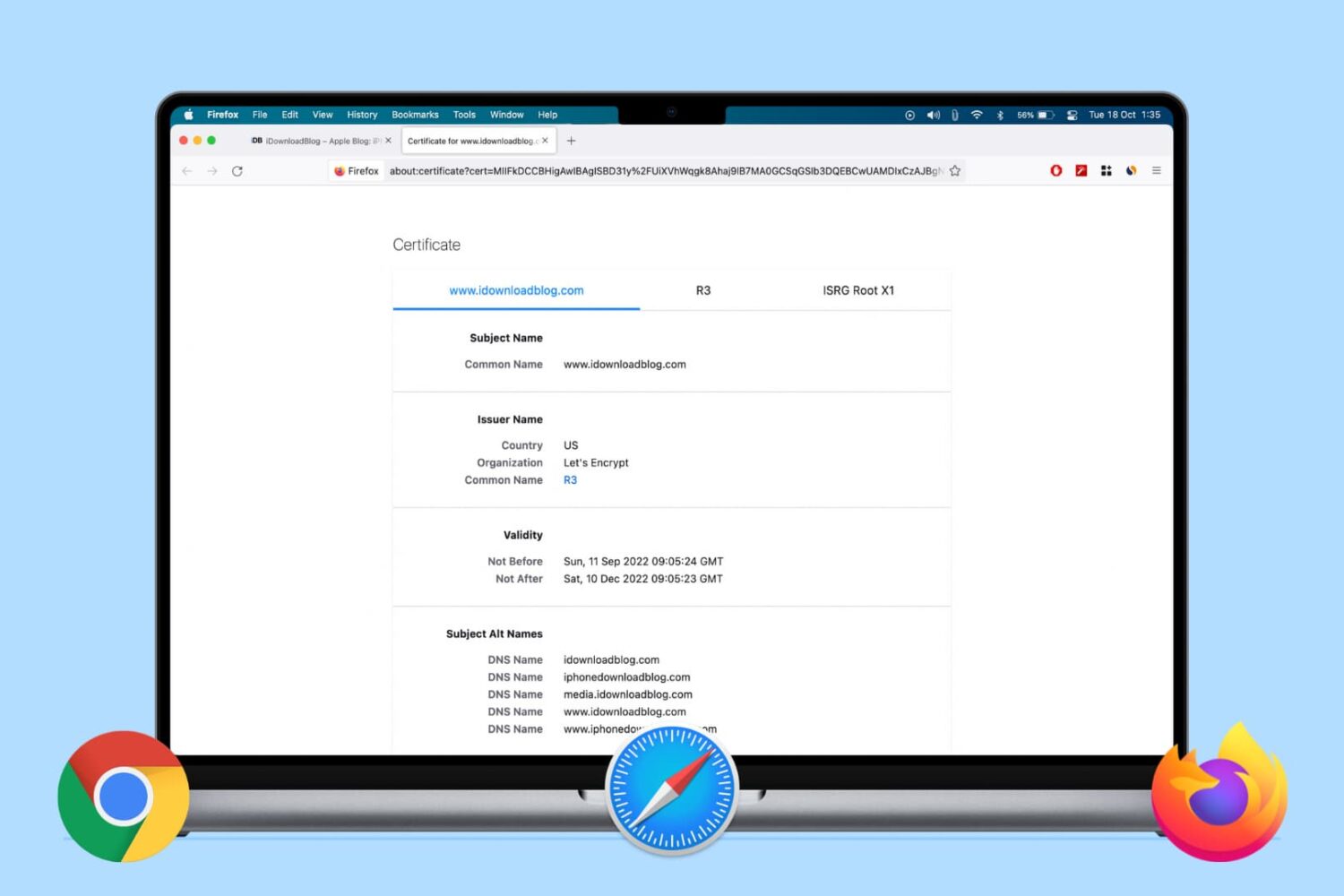
Learn how to view the digital certificate for websites in Safari, Google Chrome, and Firefox on your Mac or Windows PC to verify the ownership and ensure you're transmitting data to a secure site.
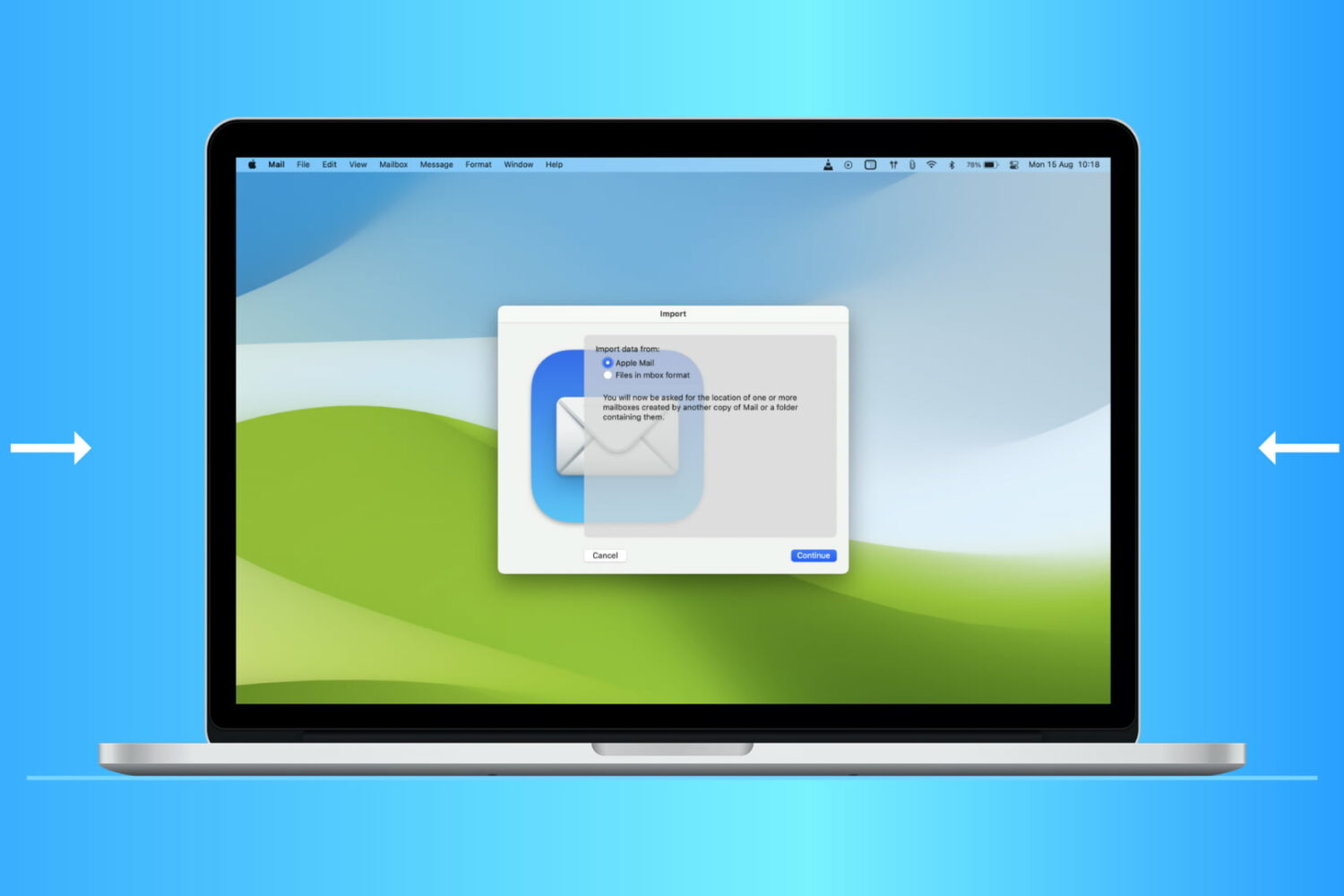
Find out how to import or export mailboxes in the Apple Mail app on your Mac to back up your emails or transfer them to a new device.

In this quick tutorial, we show you a couple of easy ways to see all the songs you have marked as your favorite in the Apple Music app on your iPhone, iPad, and Mac.
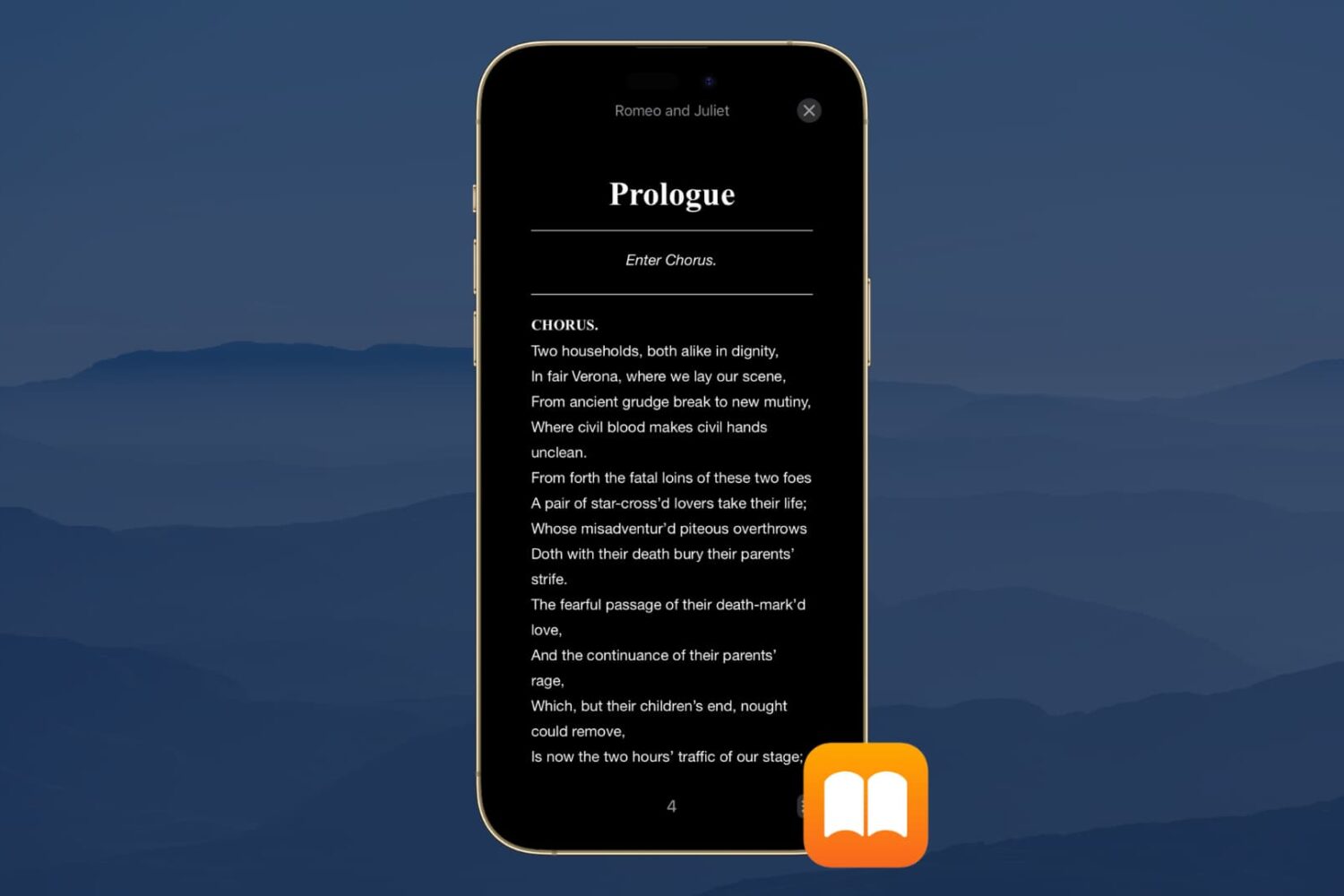
Dark Mode is a wonderful tool for easing eye strain at night on your devices. It replaces that bright screen with one that’s more soothing. So if you use the Books app to read at night, Dark Mode is ideal.
Along with the darkest mode, you can pick from a couple of other options. This is great if you simply enjoy reading with a dimmer background. Here’s how to turn on Dark Mode in the Books app on iPhone, iPad, and Mac.
We’ve been sharing a lot of iMovie how-tos over the past few months. So now it’s time to help you with something you’re sure to find useful: iMovie keyboard shortcuts.
Taking action any app on your Mac can be much quicker and easier with a keyboard shortcut. And when it comes to iMovie, there are plenty of them. Many you’ll remember and many you won’t, but this helpful guide gives you the most common ones.

Check out this list of excellent mind-mapping apps for iPhone and iPad to jot down your thoughts, brainstorm ideas, and make a clear path for your tasks.
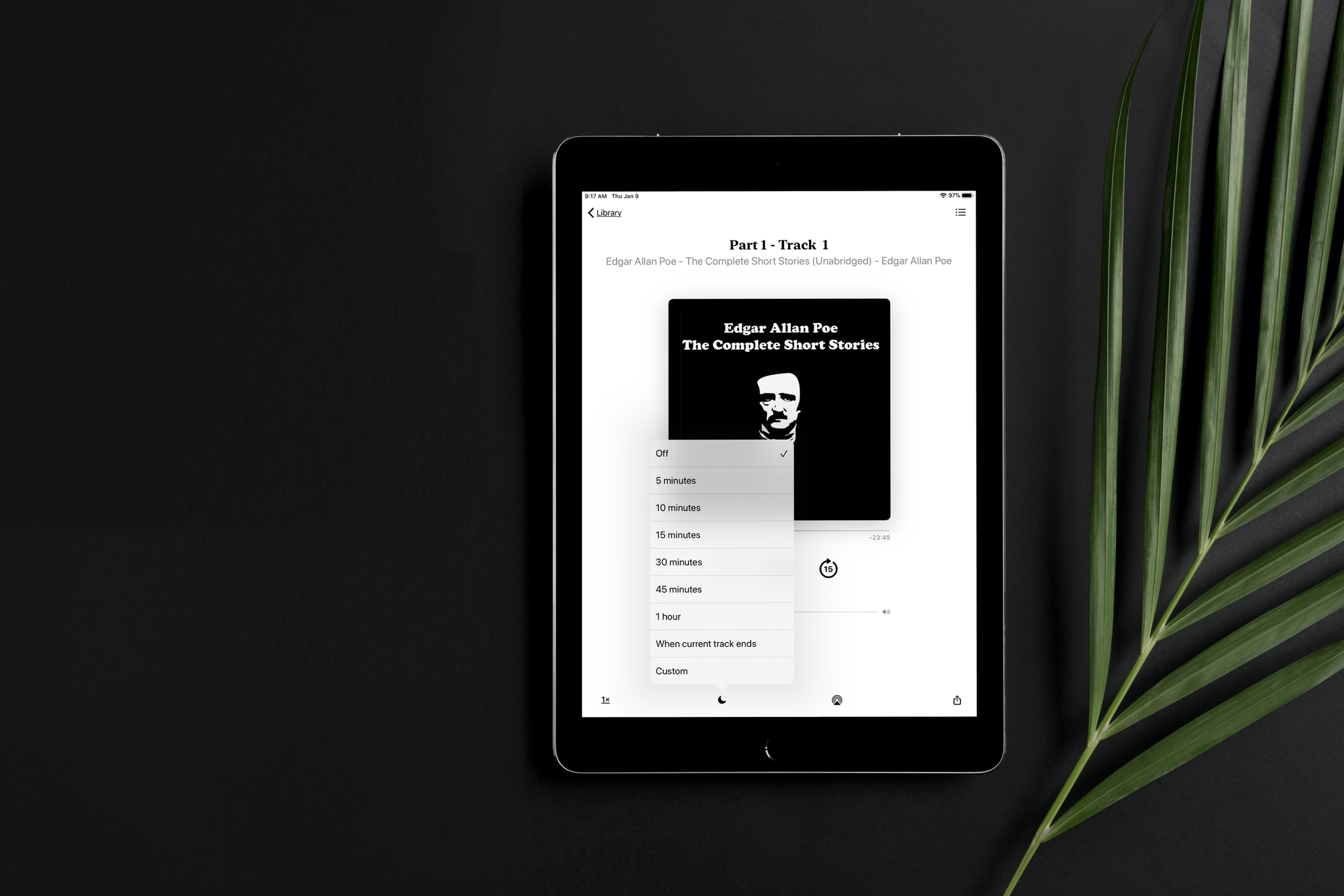
Learn how to set a sleep timer for your audiobook in the Apple Books app so the playback stops automatically after the set time without you having to worry about waking up in the middle of night to pause it manually.
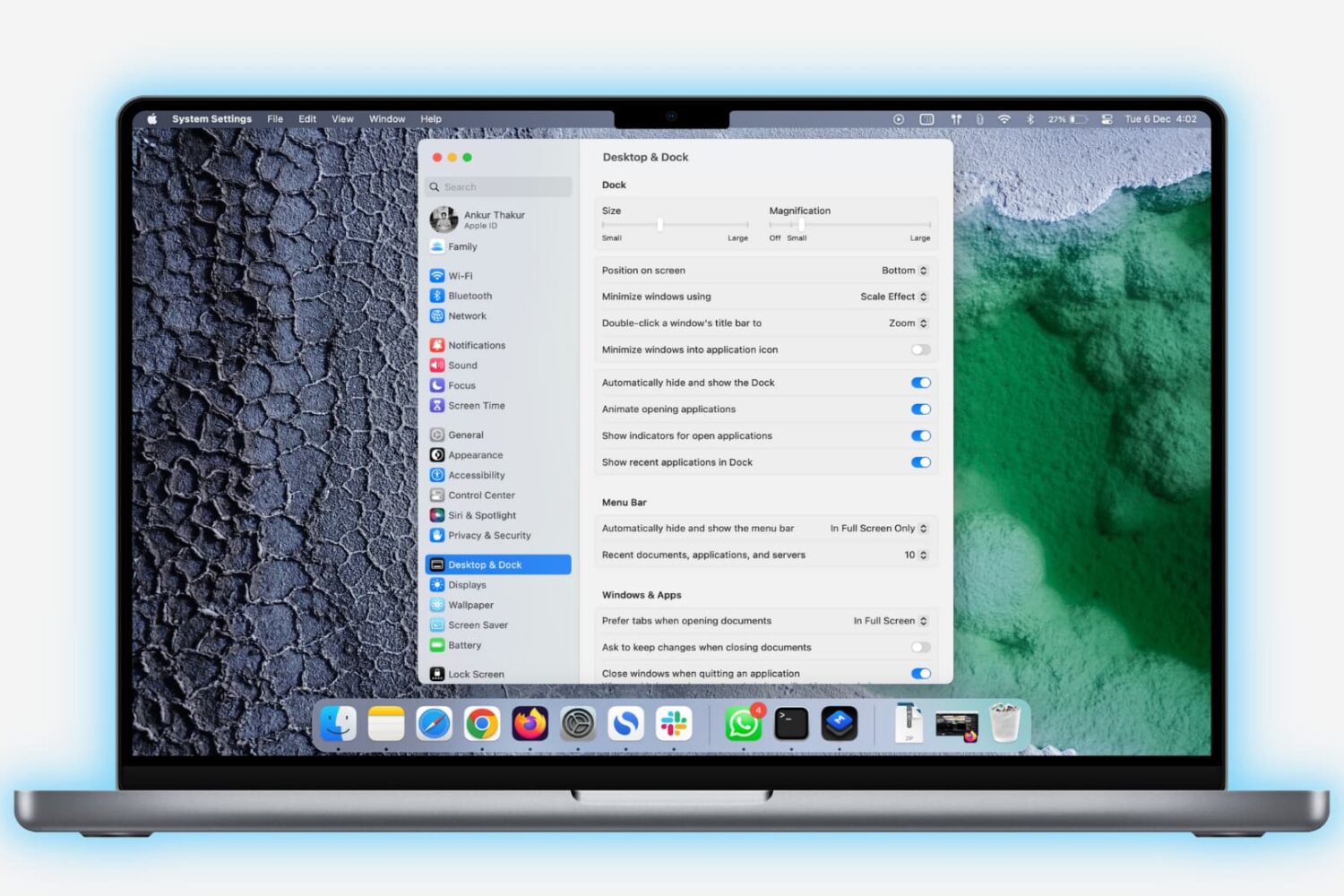
Learn how to lock the Dock on your Mac to prevent unwanted changes to it by you or anyone with access to your computer.