Check out these three quick ways to get rid of image metadata on your Mac to boost your privacy.
How to remove metadata from photos on Mac
Check out these three quick ways to get rid of image metadata on your Mac to boost your privacy.
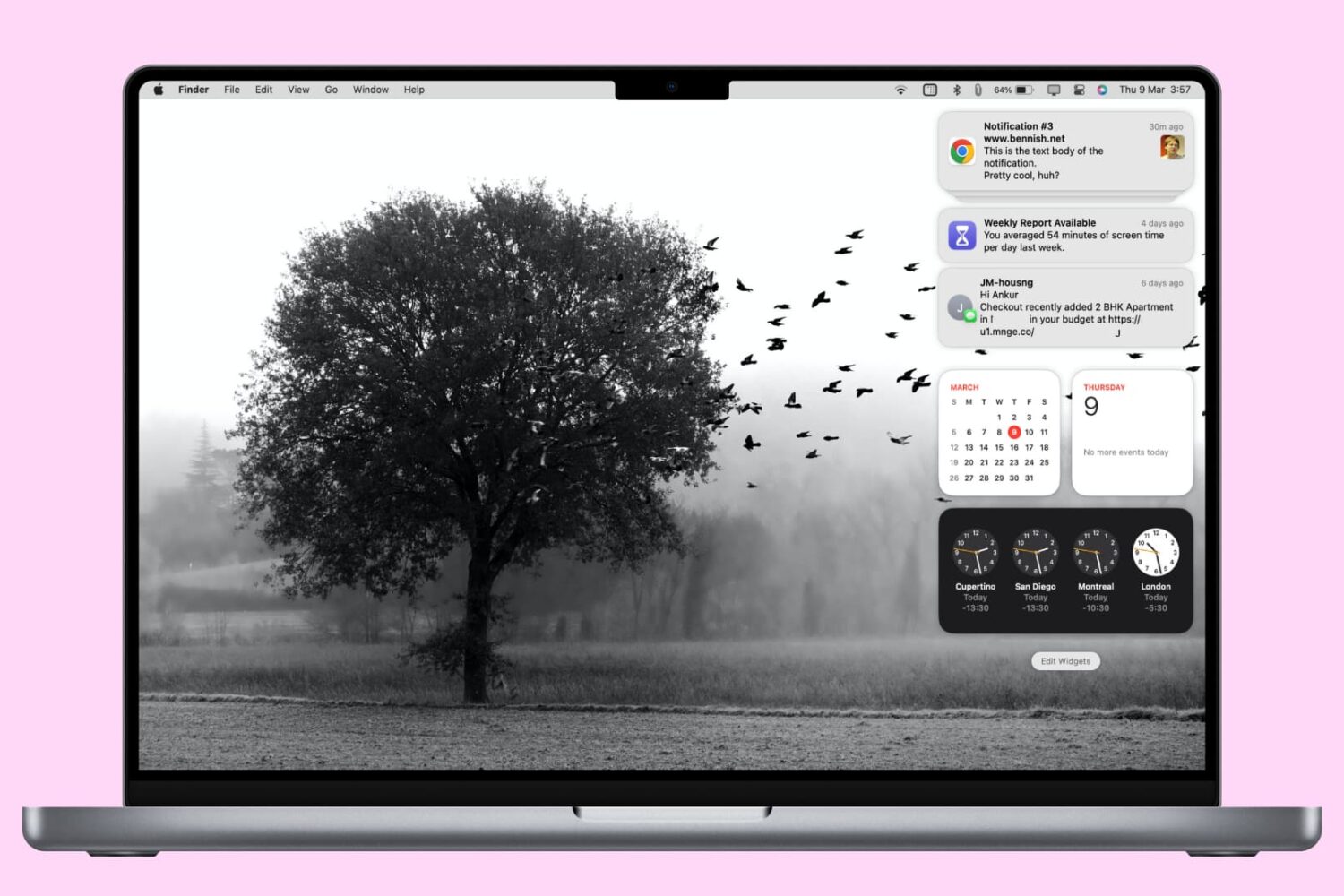
In this tutorial, we'll show you how to access and manage notifications on your Mac. We'll also provide quick steps to disable or temporarily pause alerts for apps with unhelpful notifications.
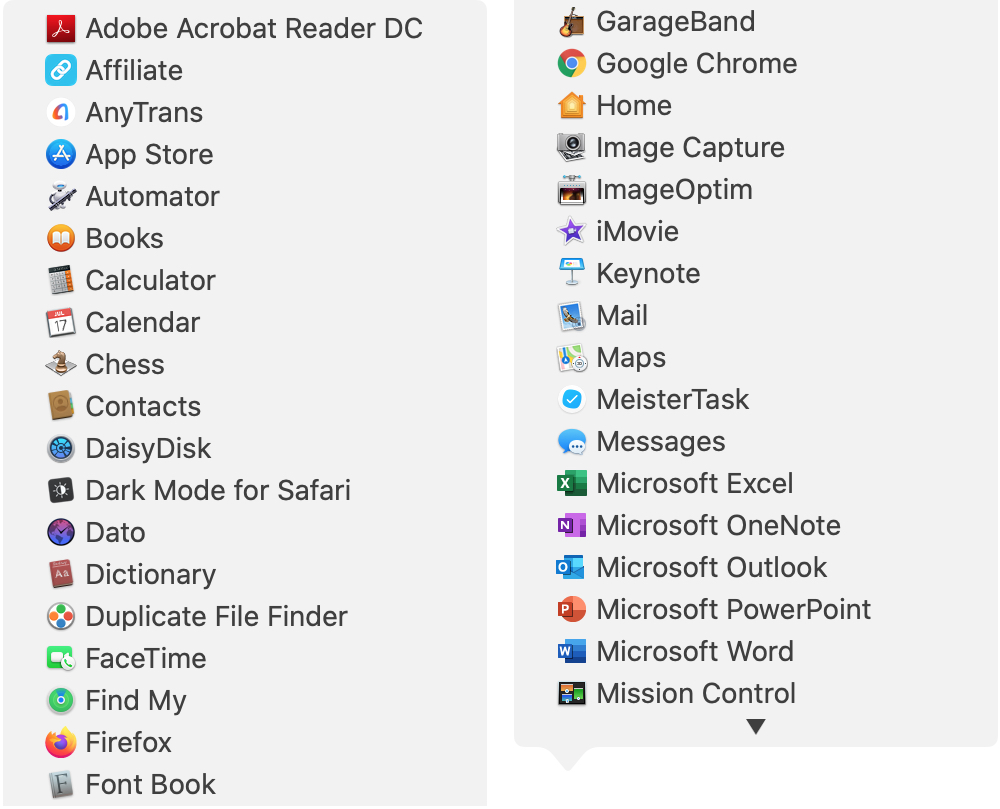
There are all sorts of ways to use shortcuts on your Mac. From tons of common keyboard shortcuts to those that help you navigate webpages faster; you have plenty of options.
Along with some useful keyboard shortcuts for your Dock are additional ways your Dock can help you do things faster. And especially for those new to macOS, you might not realize they exist. Here’s how you can navigate your Mac quicker with Dock icon shortcuts.

Want to know the distance between two places? Learn how to measure distance to see how far one location is from another using the Apple Maps app on iPhone, iPad, or Mac.
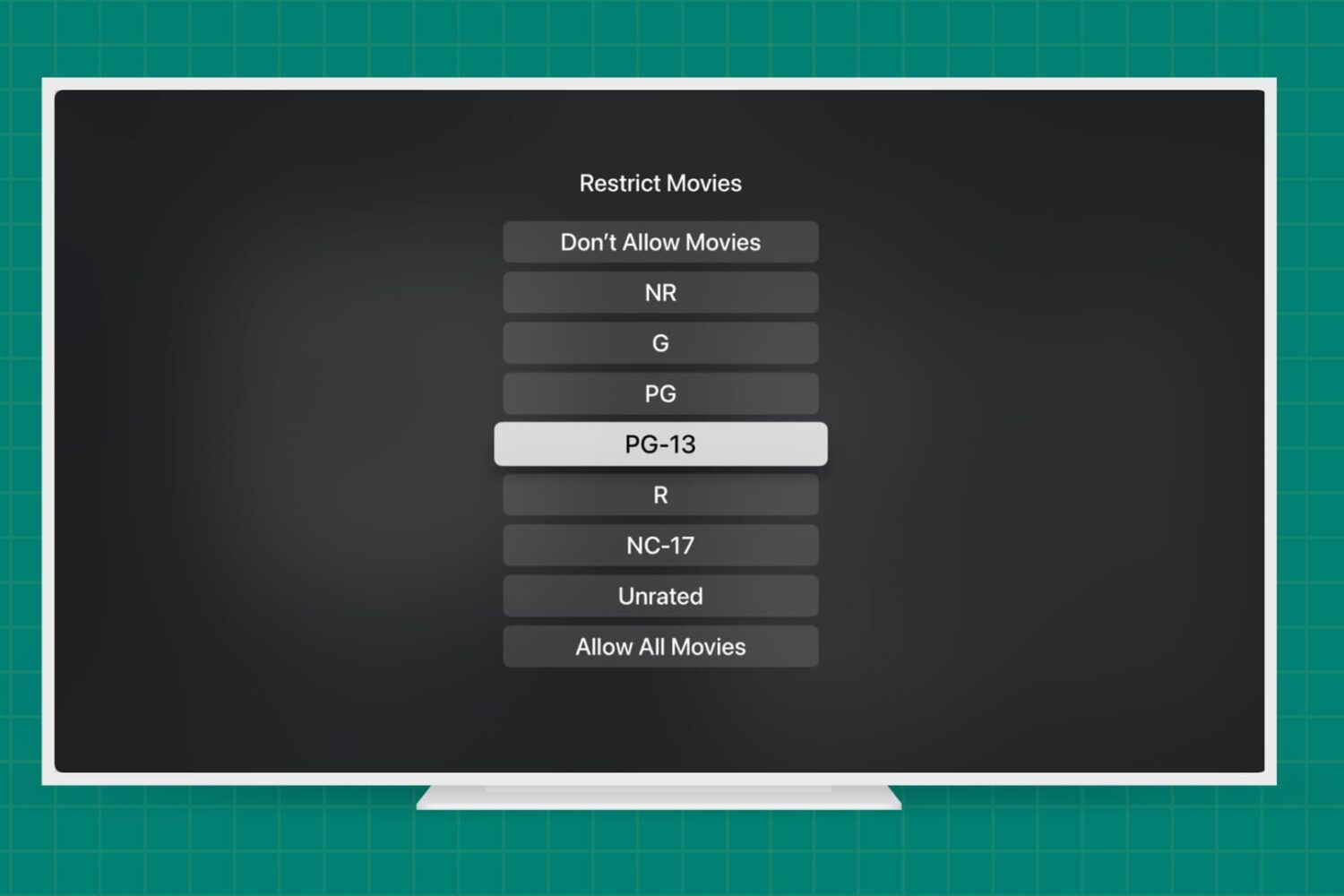
Learn how to add parental content restrictions on Apple TV and adjust key settings to create a safe viewing experience for your kids and other household members.
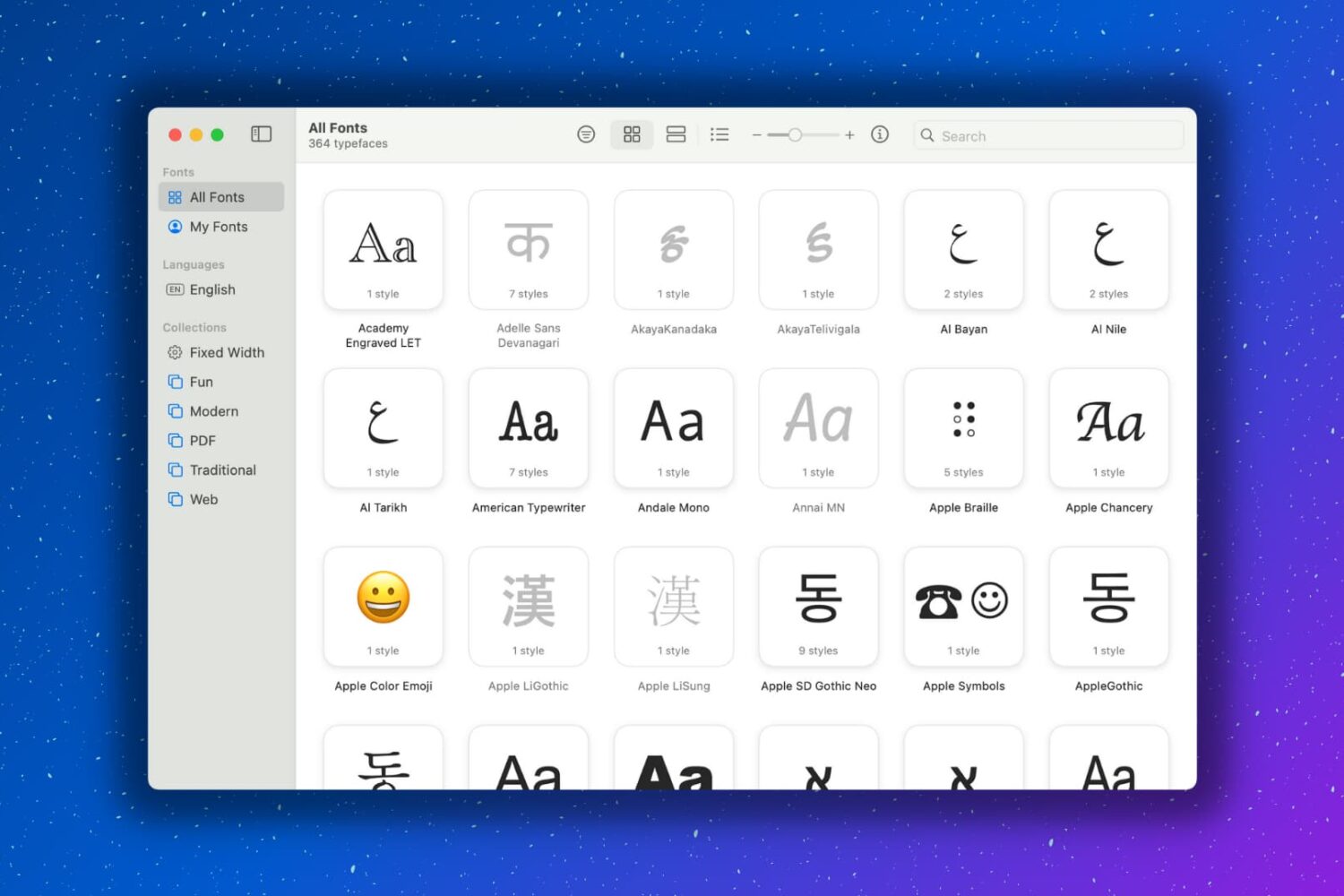
Having extra fonts available on your Mac is awesome. You might be composing a document that you want to have a special look. Or maybe you like using unique font styles for taking notes. Whatever the case may be, you can certainly find fonts on the internet and install them, which is super easy. But you might not realize that your Mac has cool fonts tucked away that you can use.

Check out this list of the best iPhone and iPad coding apps for kids if you’re looking for a way to encourage your child’s interest in programming.
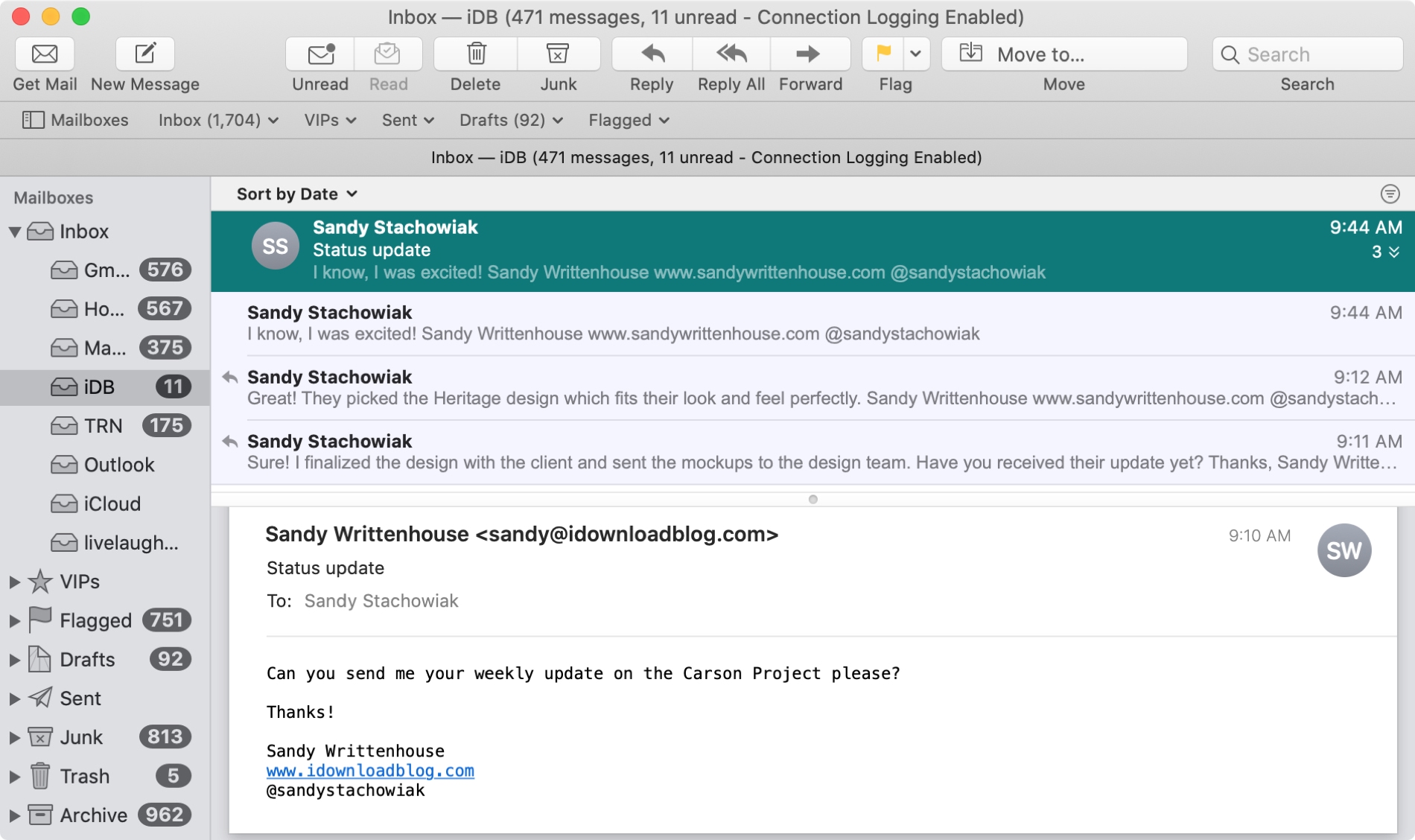
The Mail app uses what are called Conversations to group your emails together. This is handy when you and your recipient are emailing back and forth on the same subject because all of those communications will be in the same thread.
And you can do a few things with conversations in the Mail app like highlight, expand and collapse, or disable them all. If the conversations in the Mail app on Mac are new to you, here’s how to work with them.
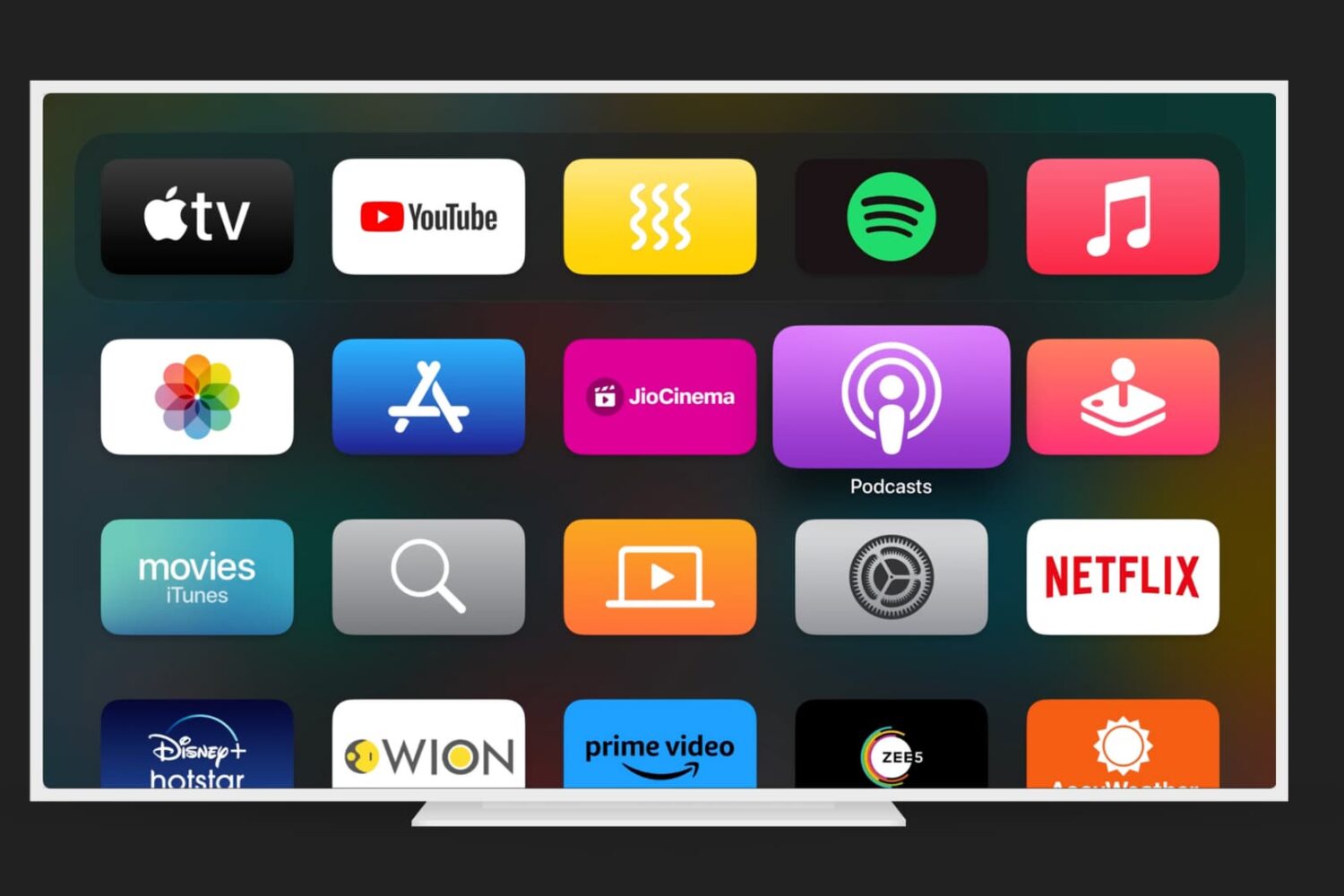
Just like on your iPhone, iPad, and Mac, your Apple TV lets you customize certain settings for the Music, TV, and Podcasts apps. Whether you want specific playback options, certain views on the main screen, or want to turn on or off syncing, you can do it on Apple TV.
If you’re ready to take a few minutes to use these apps exactly as you’d like, here’s how to customize the TV, Music, and Podcasts apps on Apple TV, along with iTunes show settings.

Learn how to find out if a location you see in the Apple Maps app on your iPhone, iPad, or Mac accepts Apple Pay or not.
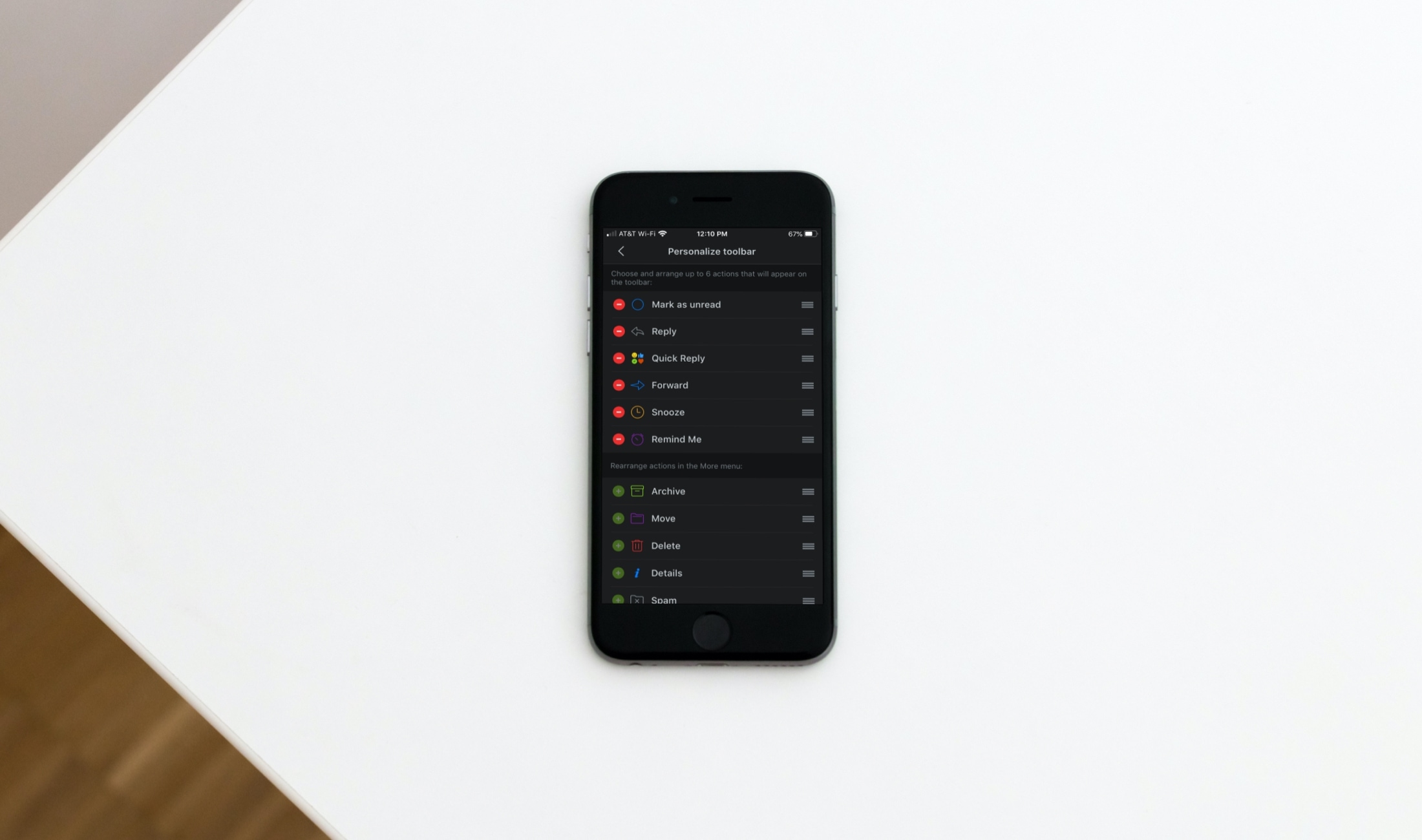
For Spark email users, the update we covered bringing features like dark mode, avatars, and productivity tools to iPad was great news. And another terrific feature with that update came the ability to customize the email actions toolbar on iOS.
You’ve seen that toolbar at the bottom of an email and used it plenty of times. But modifying it with the actions you need most is another super reason to use Spark. To help you out, here’s a short tutorial on how to customize that Spark email action toolbar.