Learn how to link Apple Podcasts to Alexa so you can play your favorite shows and episodes on an Amazon Echo speaker using your voice.
How to play Apple Podcasts on Alexa and Amazon Echo

Learn how to link Apple Podcasts to Alexa so you can play your favorite shows and episodes on an Amazon Echo speaker using your voice.
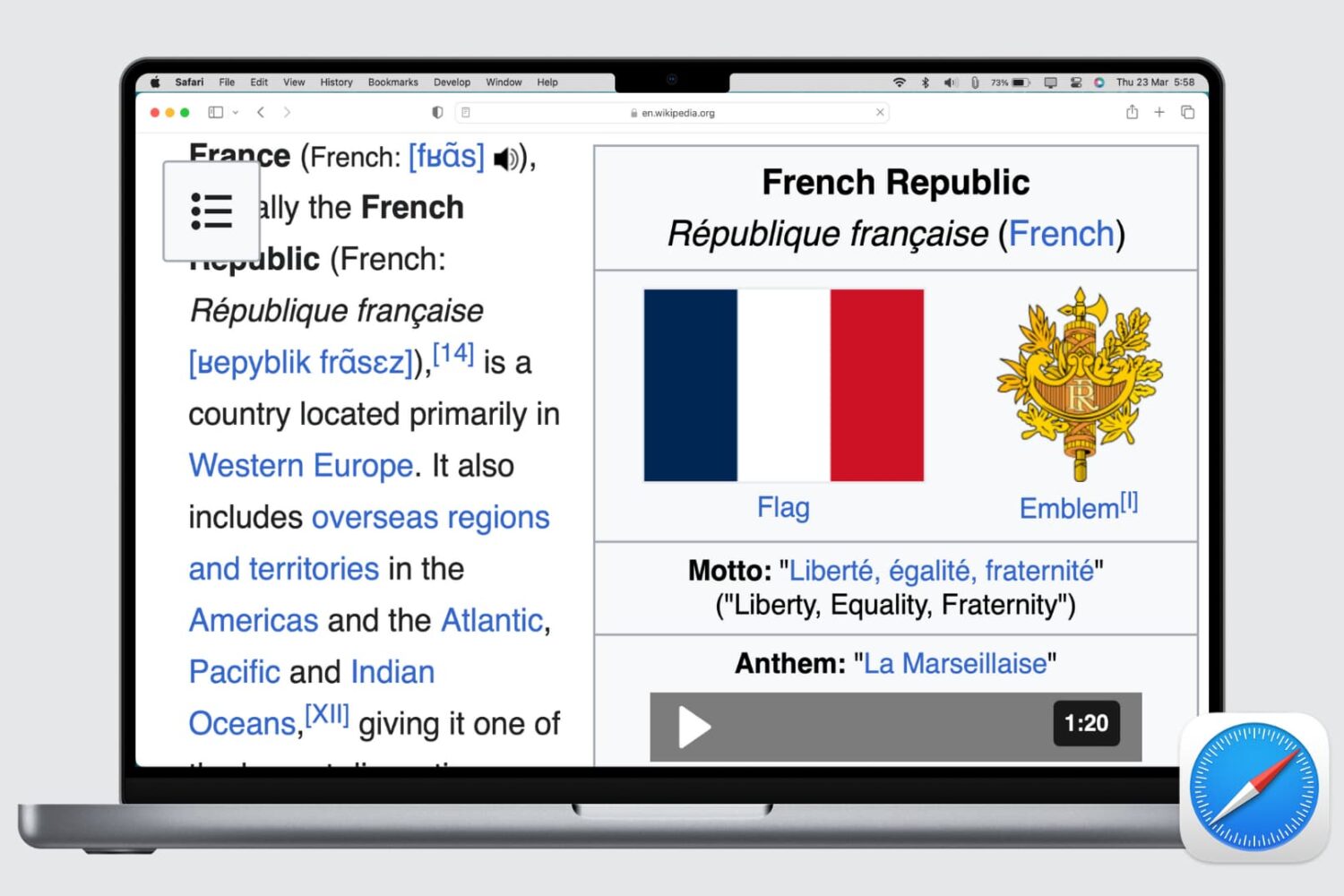
Learn how to set up automatic page zoom in Safari on your iPhone, iPad, and Mac to make reading small text easier and more comfortable.
Learn how to merge macOS folders to clean up duplicate folders on your Mac that may or may not have the same names.
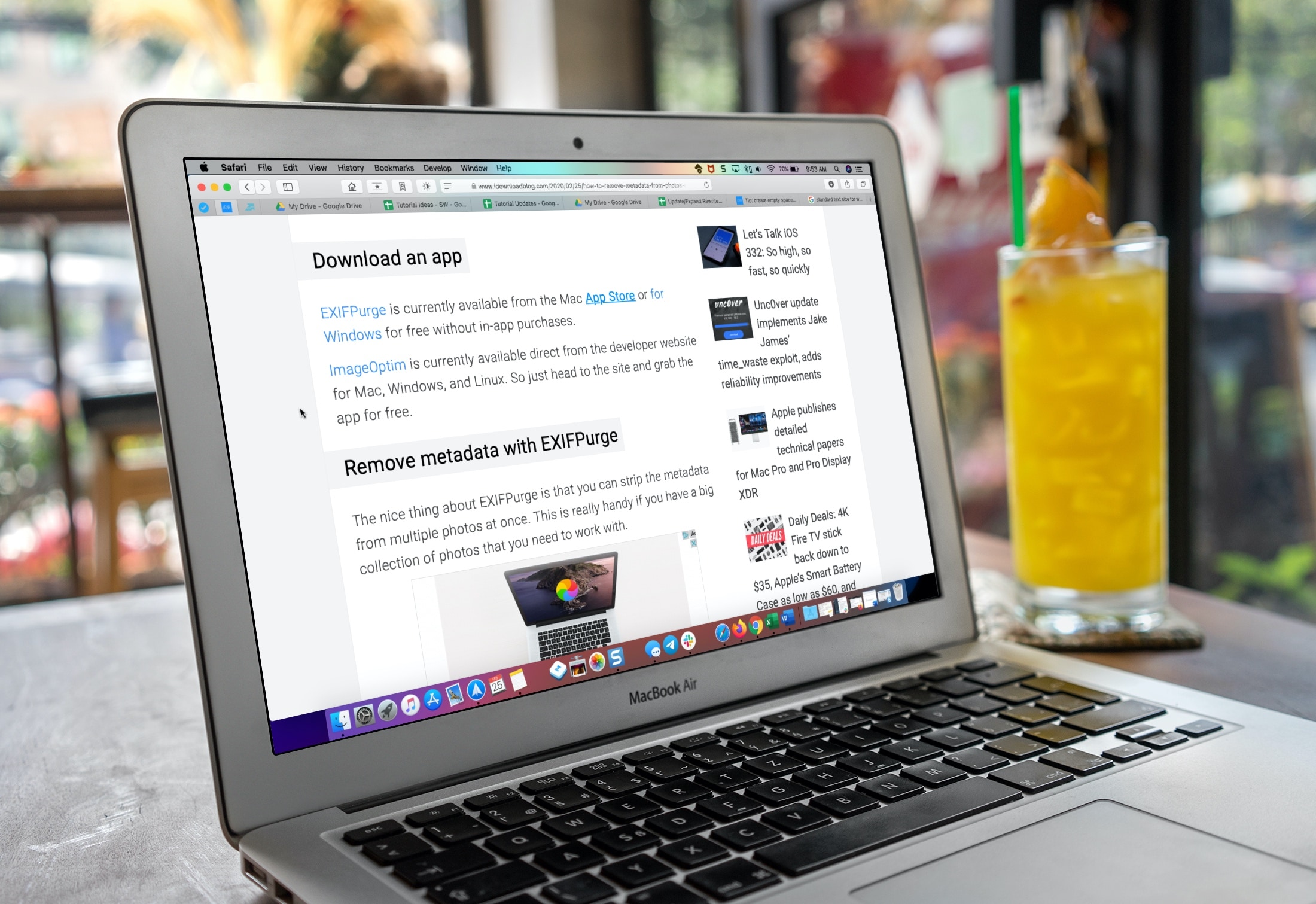
Learn how to make the text bigger in Safari for every website to see things more clearly when browsing the web on your iPhone, iPad, and Mac.
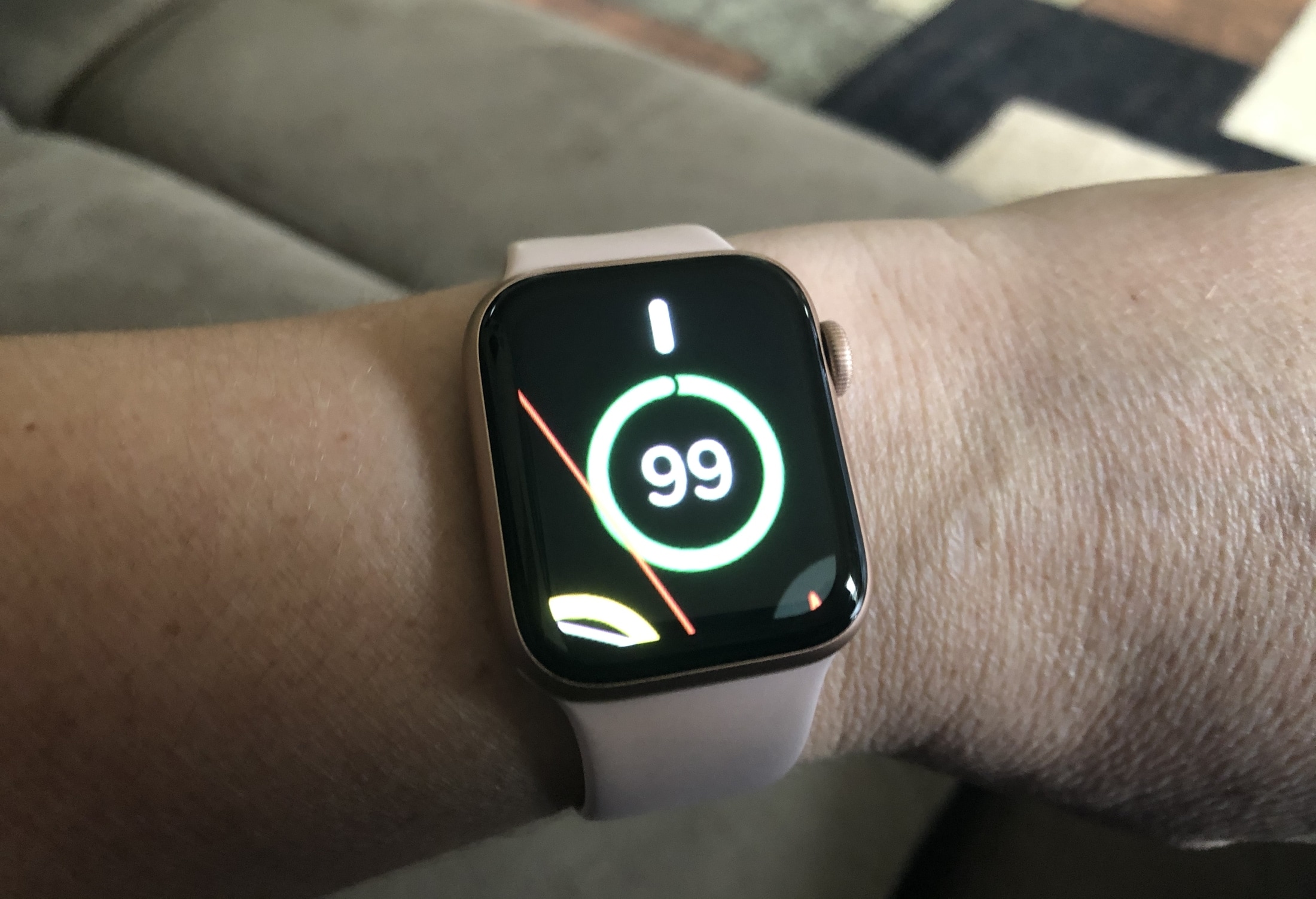
Learn how to use the Zoom accessibility feature to magnify what’s on the Apple Watch display if you cannot discern text and buttons on the tiny screen.
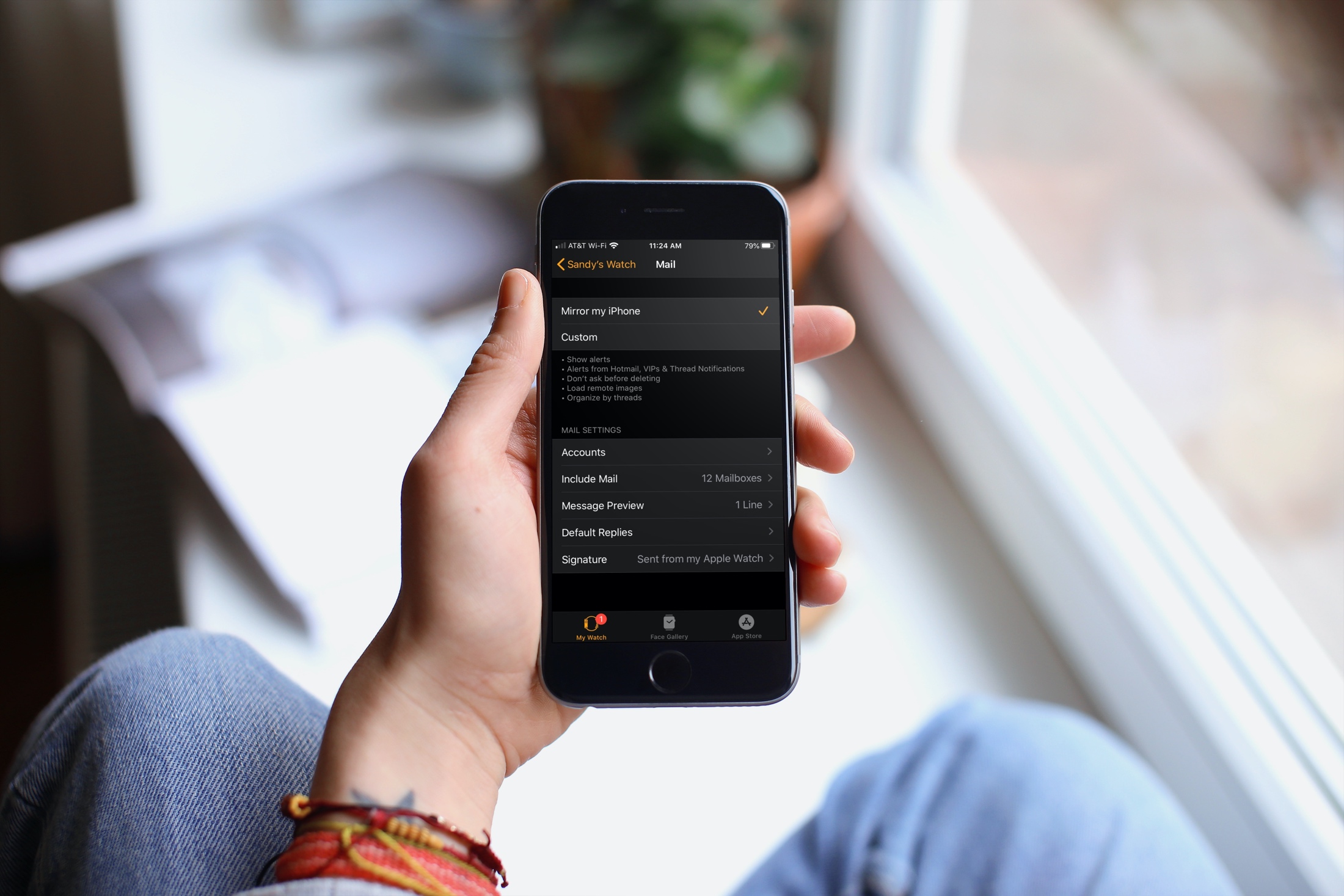
Learn how to customize the Mail app on your Apple Watch to ensure you receive the right emails on your wrist.
For all of you note-takers, we’ve compiled a list of keyboard shortcuts for the built-in Notes app on your Mac so you can format text, use tables and more like a pro.
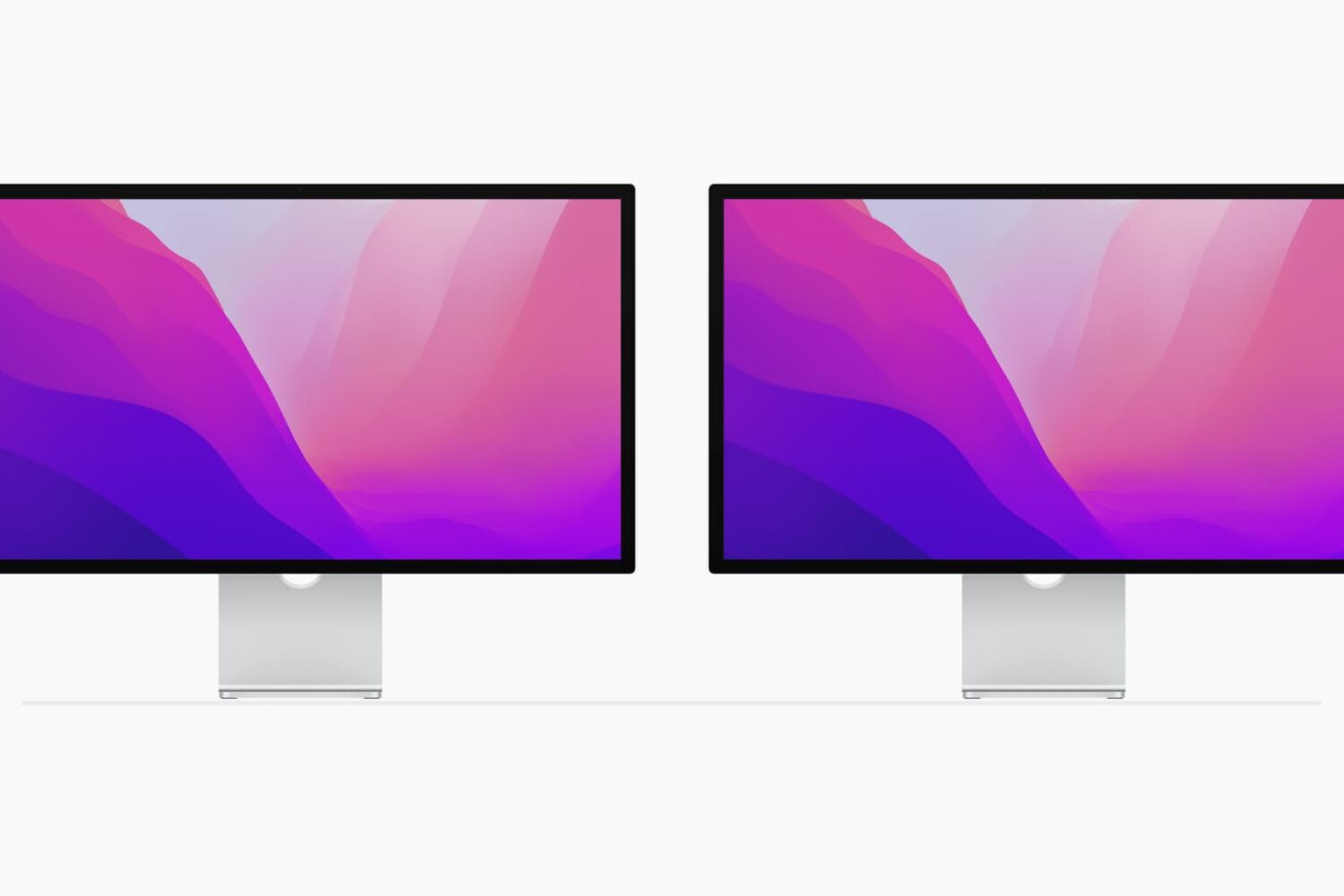
Using multiple monitors with your computer can increase your workspace and your productivity. Although you can easily use the Split View on your MacBook, you can actually quadruple that view with a second monitor.
If you’ve invested in a second display and have it connected and ready to go, here are some tips for managing your external displays on Mac.
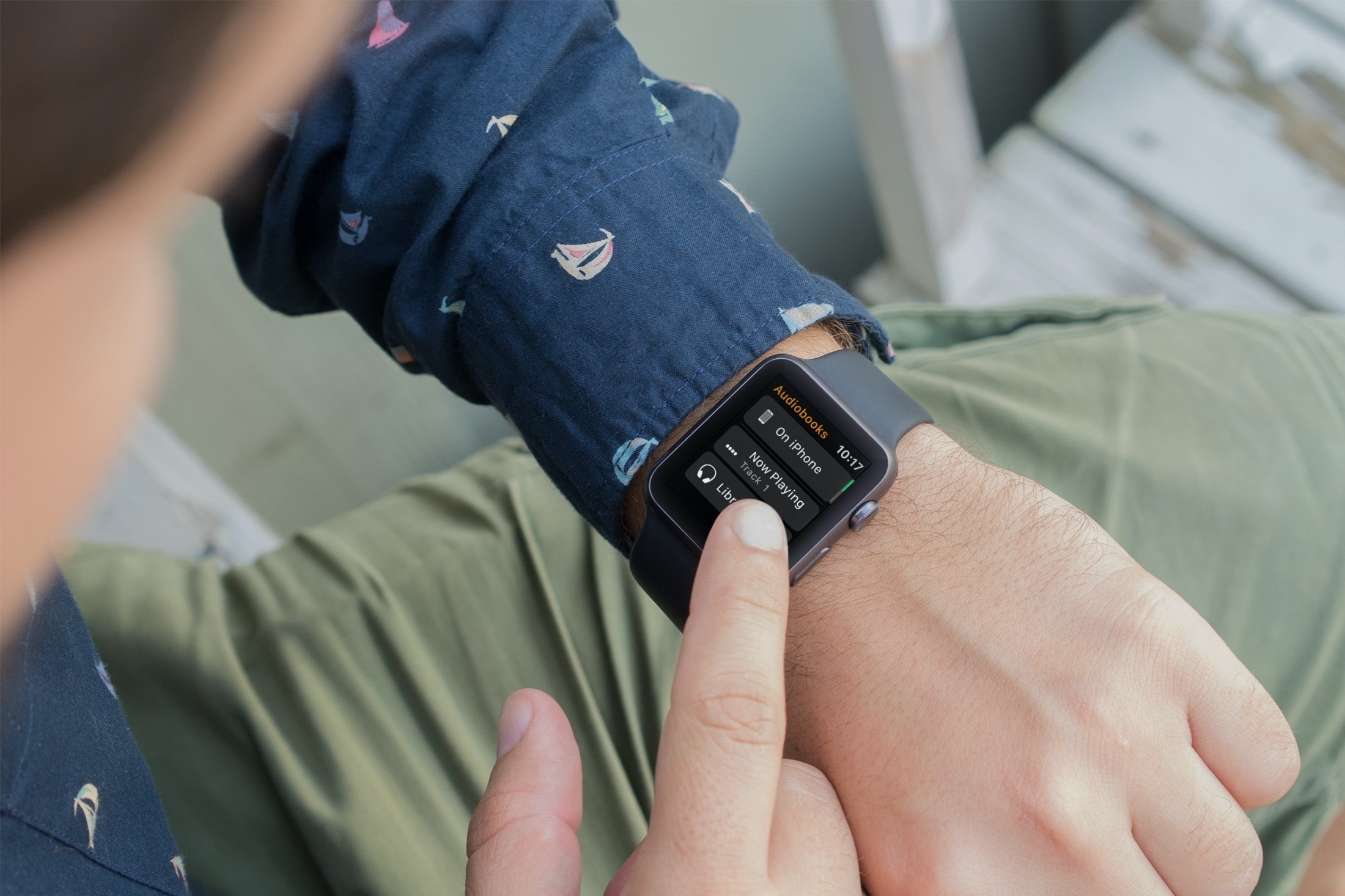
Learn how to stop your Apple Watch from automatically downloading Audiobooks and instead add the selected titles manually.
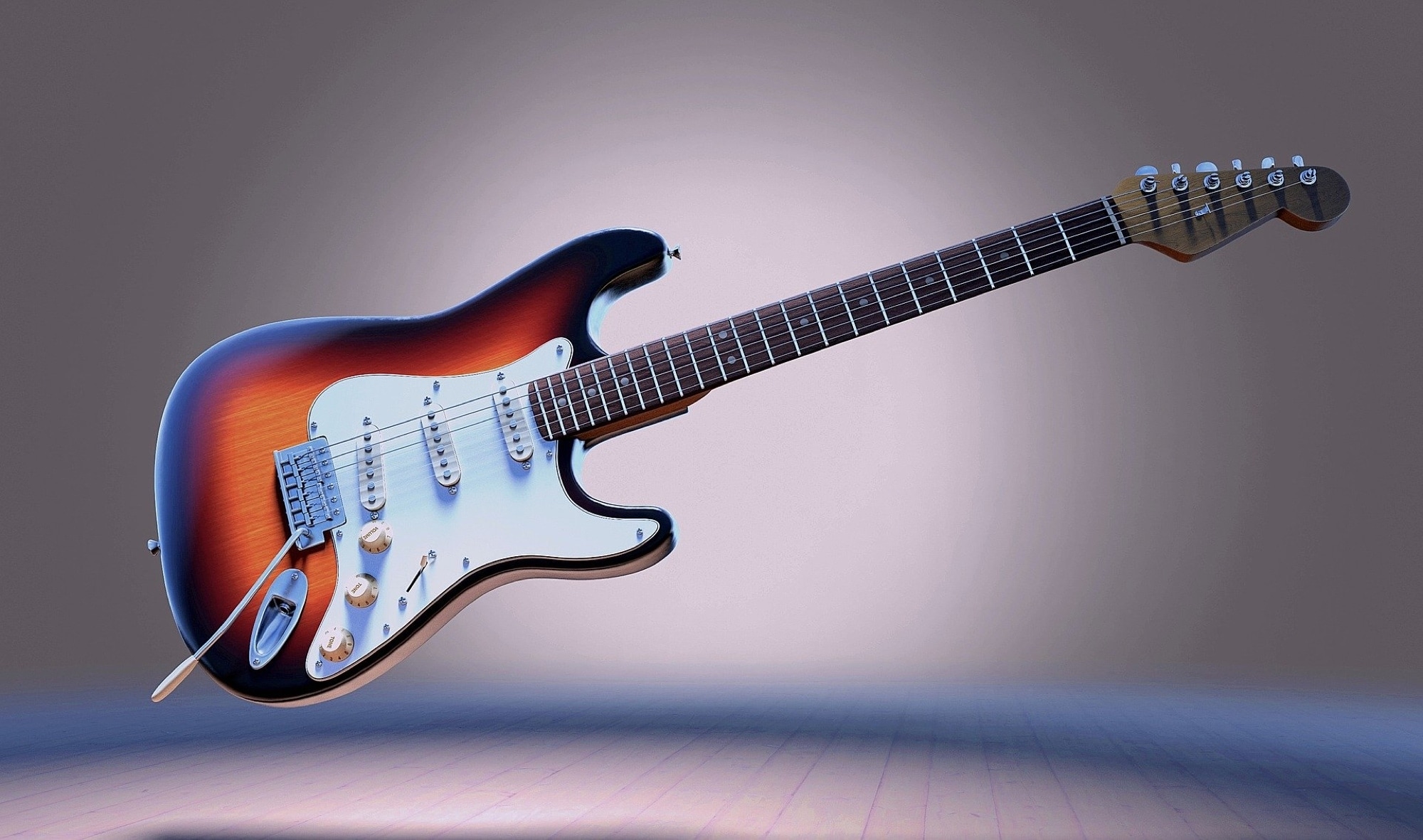
So you picked up an old guitar at a garage sale or received one from a friend and now want to learn to play it. If you own an Apple TV, then you’re already one step in the right direction.
Sit down with that guitar, grab your pick, and get ready with these Apple TV apps for learning to play guitar.
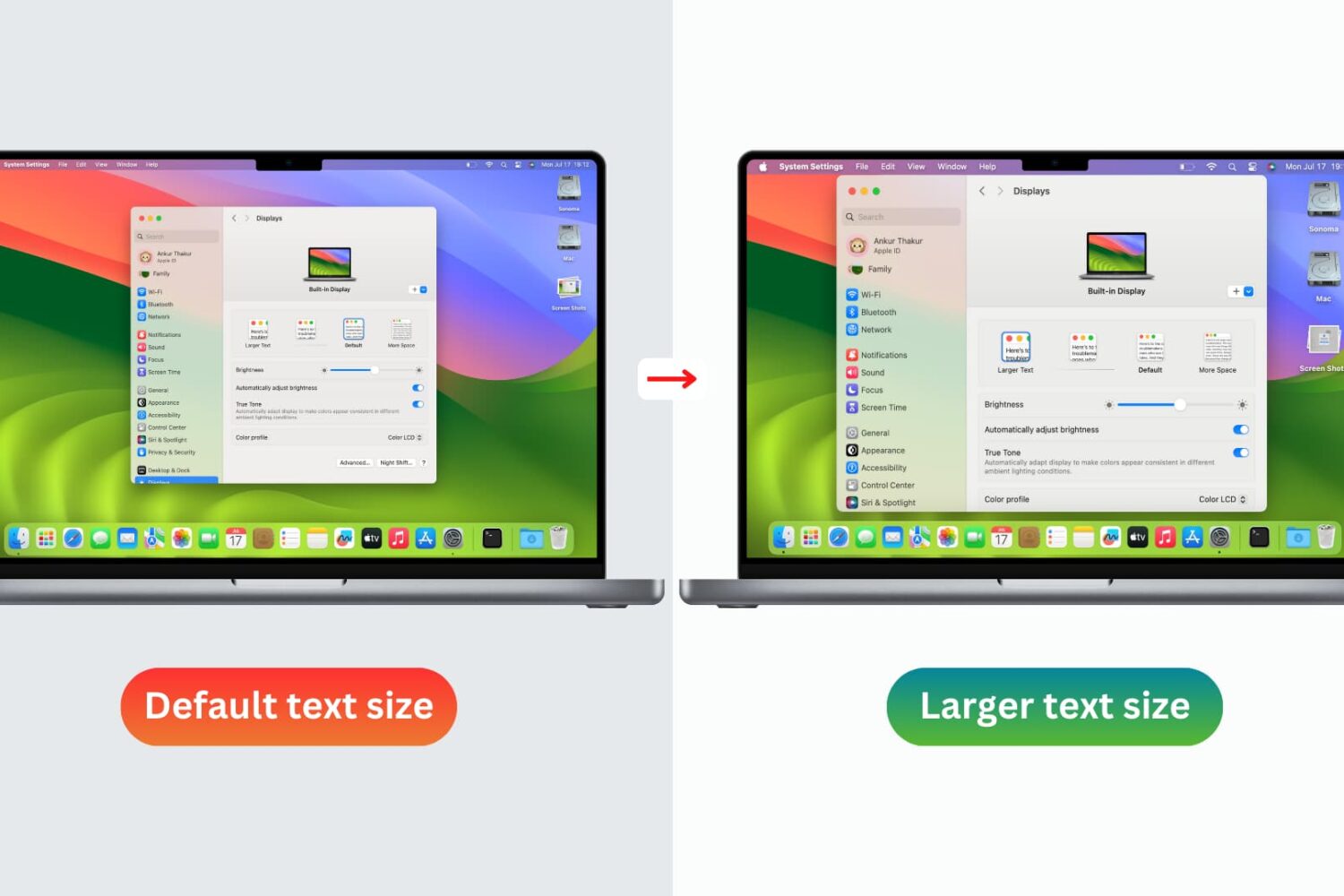
You don’t need to strain your eyes or grab your reading glasses to see items on your screen more clearly. Use these built-in options to increase the font size on your Mac and enjoy a more comfortable computing experience.