Jeff Benjamin

Jeff has been with iDownloadBlog since 2010, acting as resident video specialist, and tutorial expert. He earned his degree in Computer Network Systems back in 2001, but decided Cisco routers and the like just weren’t for him. Since then, he’s been heavily involved with online writing. He’s written for numerous tech and video game sites since the late 1990′s, and has a knack for explaining things in a simple, clear, and concise manner. Jeff works primarily from the east coast on his Retina Macbook Pro, and shoots video with a Canon DSLR. During downtime he likes to travel the world, visiting the various Apple Stores across the globe. You can email him at jeff [at] idownloadblog.com and follow him on Twitter @JeffBenjam or on Google+.

New tweak lets older iPhone hardware mimic 3D Touch

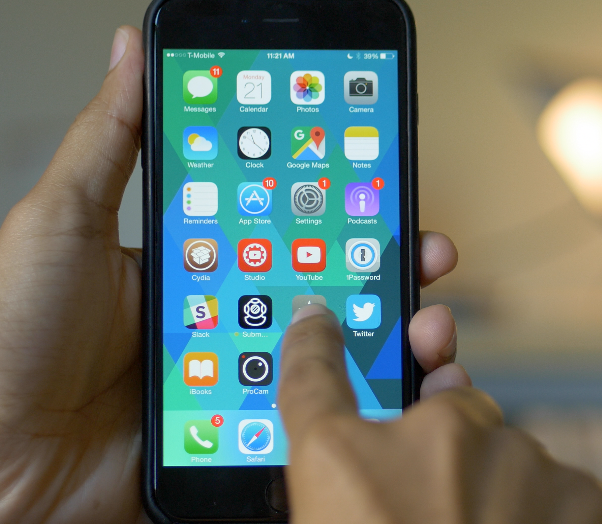
A new jailbreak tweak called Force Touch Activator was recently released on Cydia's BigBoss repo, and it lets users on older hardware running iOS 8 mimic the 3D Touch effect that's headlining the launch of the iPhone 6s.

Real 3D Touch requires a pressure sensitive screen, which is a part of the new hardware found in the new iPhone 6s. Older hardware, like the iPhone 6, lacks the pressure sensitive screen, so jailbreak tweak developers have to look for unique ways to try to bring similar functionality to older devices.

I'll be honest and say that Force Touch Activator is pretty much nothing like 3D Touch—you don't have the nuanced sensitivity levels, you don't have haptic feedback, and most importantly, you lack a true pressure sensitive screen—but it's an interesting tweak for jailbreakers to try nonetheless. Watch our hands-on video walkthrough inside, and see for yourself.


Apple: more than 50 percent of devices are already using iOS 9

It's been less than a week since iOS 9 was released, but it's already being used by more than 50 percent of iOS devices, according to an Apple press release. The 50%+ adoption rate in less than a week is, as Apple puts it, the fastest iOS adoption ever.

In addition, Apple reiterated its upcoming launch of the iPhone 6s, stating that customers may come to their local Apple Store on Friday, September 25th, as it will be fulfilling walk-in orders. Customers are thus encouraged to arrive early, as supply will no doubt be limited, especially if there's a specific color/size/carrier combination that you simply must have.

Apple begins removing apps infected with the XcodeGhost malware

Apple is fully aware of the recent malware attack on several of its App Store apps, according to an Apple rep that spoke with Reuters via email. It has begun removing all known apps that have been infected, and is working with developers affected by the breach.

XcodeGhost, as we told you about yesterday, is malware that is attached to several legitimate App Store apps. The apps were infected due to using an illegitimate version of Xcode, which was downloaded from a third-party server in China. Most of the infected apps are of Chinese origin, but there are a few apps impacted, WeChat to name one, that are popular in other territories.

iOS 9 allows access to photos and contacts on a passcode locked iPhone – here’s how to prevent it

If you have an iPhone running iOS 9, you should be aware that it may be possible to access your photos and contacts on a locked device, even with a passcode and/or Touch ID enabled. I've always ignored reports on this sort of security flaw, because they always seem to pop up with every iOS iteration, and almost always require a user to jump through what seems like a million hoops.

But for some reason—call it boredom, or call it poor judgement—I got curious, and decided to try this out for myself. As it turns out, it's not that hard to do, and it certainly seems like a security flaw in iOS to me.

I debated on whether to post this, because obviously it's going to bring attention to a security flaw that might let people access information that they shouldn't be accessing.

For starters, please don't get bent out of shape over this. This does not expose any other contents of your iPhone outside of Contacts and Photos. People still can't unlock your device, read your messages, watch videos, etc. This only allows users to view your contacts, and look at your photos (not videos) through a limited interface. Photos cannot be forwarded or shared from your iPhone.

My hope is that a). this informs users that a passcode or Touch ID security isn't necessarily enough to keep unwanted eyes off your photos and contacts, and b). Apple will see this and provide a fix. c). show you how to prevent the issue.

The thing is, this information is already out there, and the people who will use it for the bad probably already know about it. Consider this post an attempt to educate those who do not know about this iOS 9 security hiccup. Hopefully, it'll allow users to make smarter decisions about their iPhone's security.

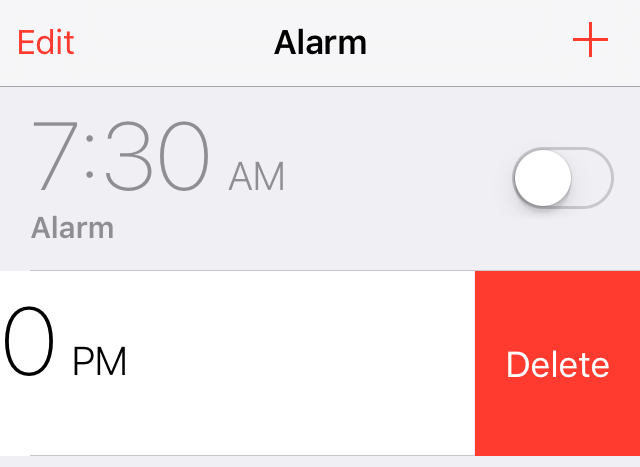
New in iOS 9: Swipe to delete clocks and alarms in the Clock app

One could argue that iOS 9's new swipe to delete feature in the stock Clock app was borrowed from a jailbreak tweak, but the implementation of such a feature is so obvious that concluding such wouldn't be fair.

Regardless of how it got there, swipe to delete is finally implemented into the stock Clock app in iOS 9. I'm sure I'm not the only one that's super-happy to see this handy gesture make its way to an app that many of us use regularly.

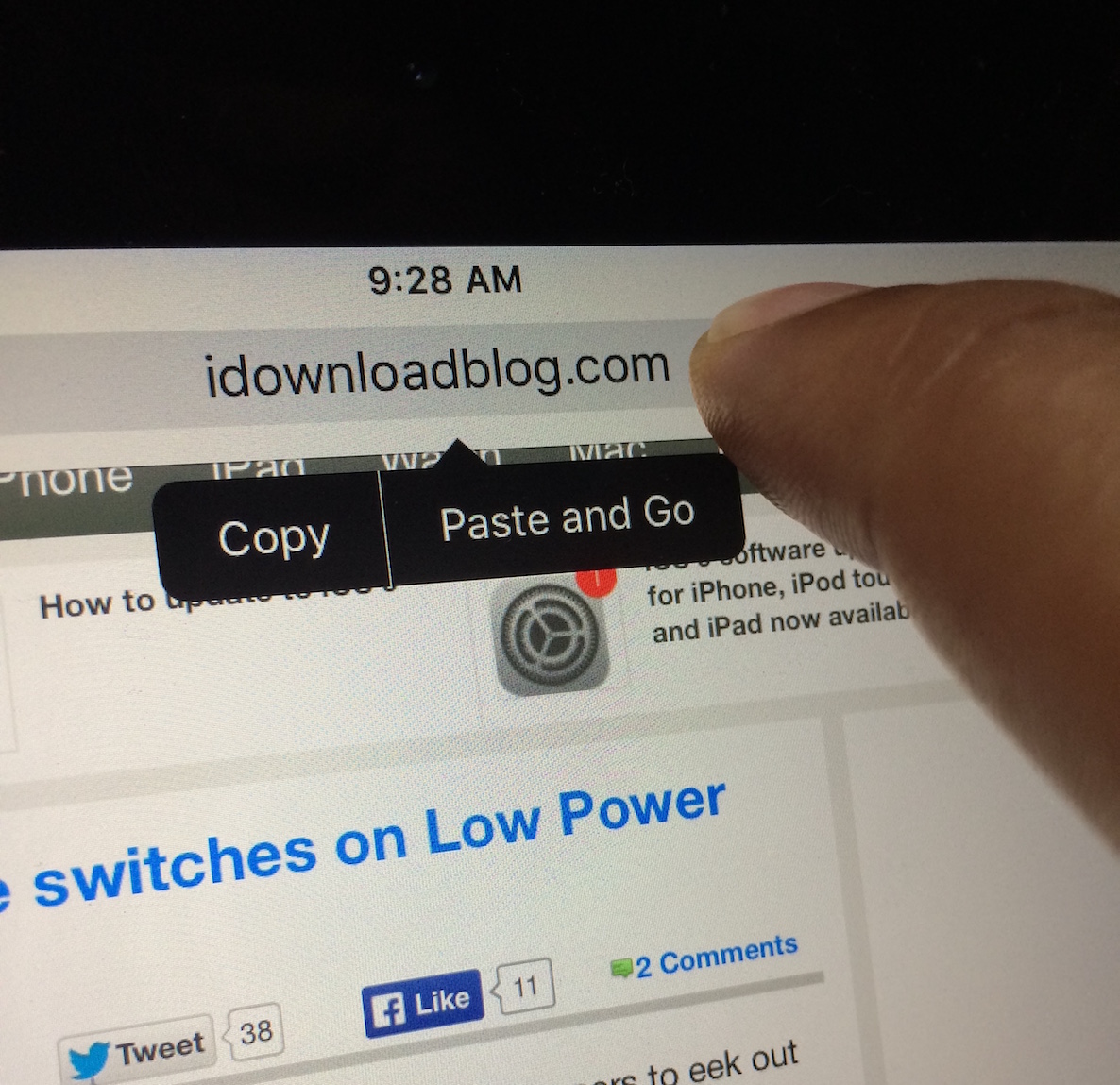
New in iOS 9: ‘Paste and Go’ and ‘Paste and Search’ in Safari

Here's a handy new under-the-radar feature in iOS 9's Safari browser: the ability to quickly paste an item from your pasteboard, and submit a search via Safari. iOS 9 also allows you to quickly paste a URL and submit the URL.

Both of these features require that a user have text copied to the pasteboard, whether that be a full URL, or general text for performing a search. Of course, this isn't a huge groundbreaking feature, but it can save you seconds, and over time, seconds add up.

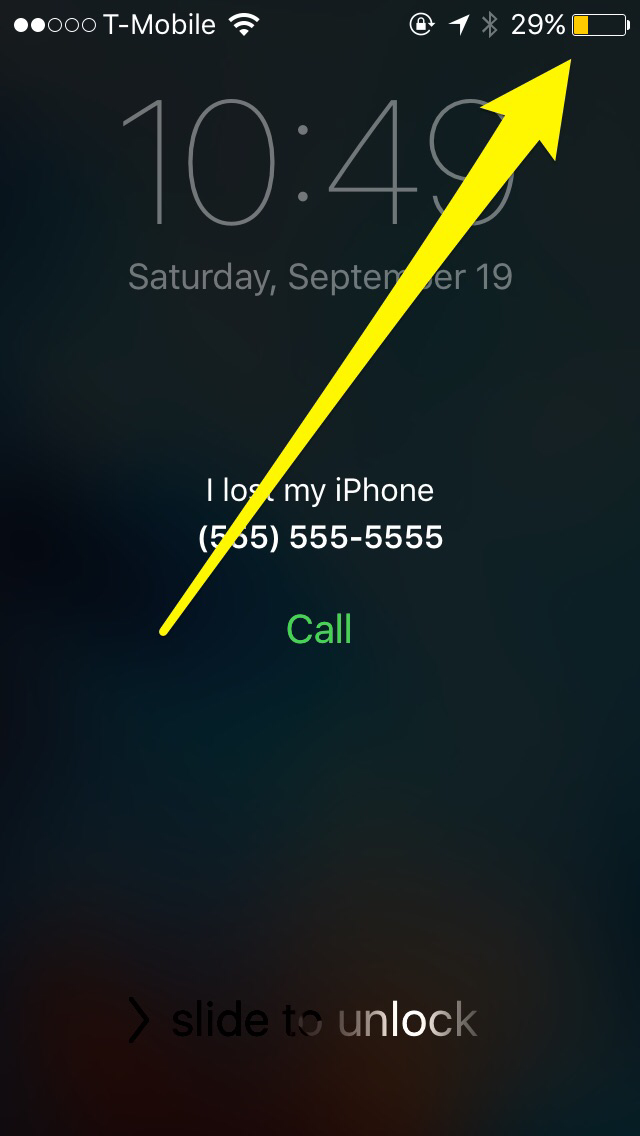
New in iOS 9: Lost Mode switches on Low Power Mode automatically

The new Low Power Mode option in iOS 9 allows users to eek out more battery life by disposing battery draining features such as parallax effects, throttling down CPU performance, and disabling background app refresh. In all, Low Power Mode can provide users with up to 3 additional hours of battery life.

In iOS 9, Apple is allowing Find My iPhone's Lost Mode, a mode that lets you to mark your iPhone as being lost, to use Low Power Mode at the same time. By doing so, lost iPhones have an even greater chance of recovery due to being able to stay on for a longer period of time.

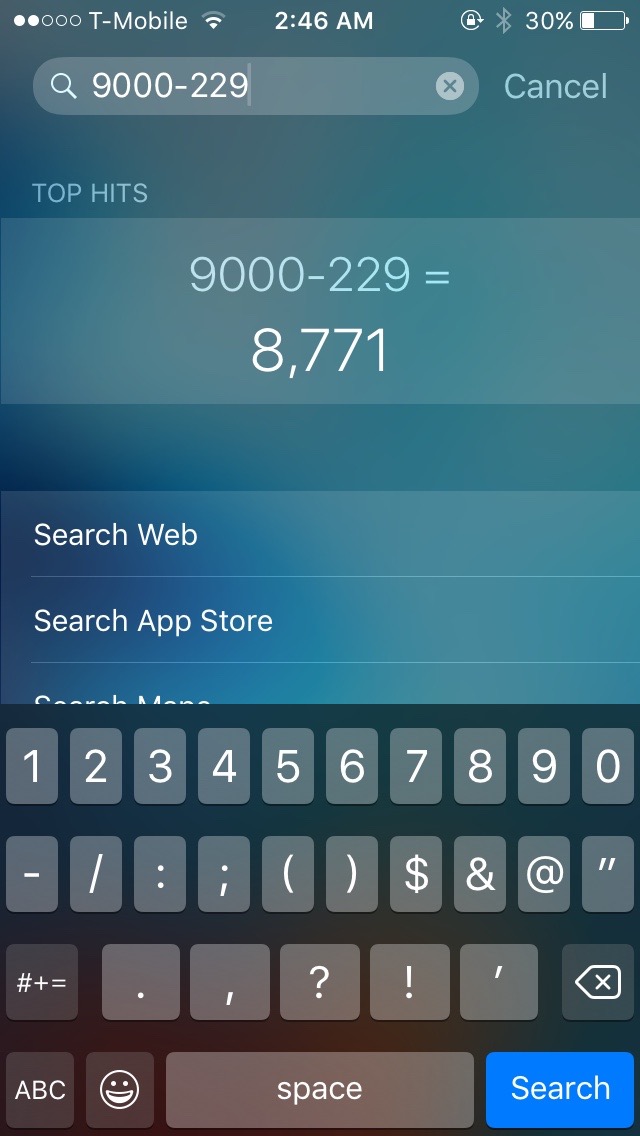
New in iOS 9: Spotlight can solve math problems

One of my favorite things about Spotlight and Alfred on OS X, is that both allow me to quickly churn out quick answers to simple math problems. Prior to iOS 9, Spotlight on iOS was extremely limited, but thanks to some major effort on the part of Spotlight's engineering team, the search feature is starting slowly creep towards its feature-rich big brother on Mac.

One detail that's been flying under the radar is Spotlight's new ability to solve simple math problems directly from the Spotlight interface. It's like having a calculator app that's readily accessible with just a simple swipe from the Home screen.

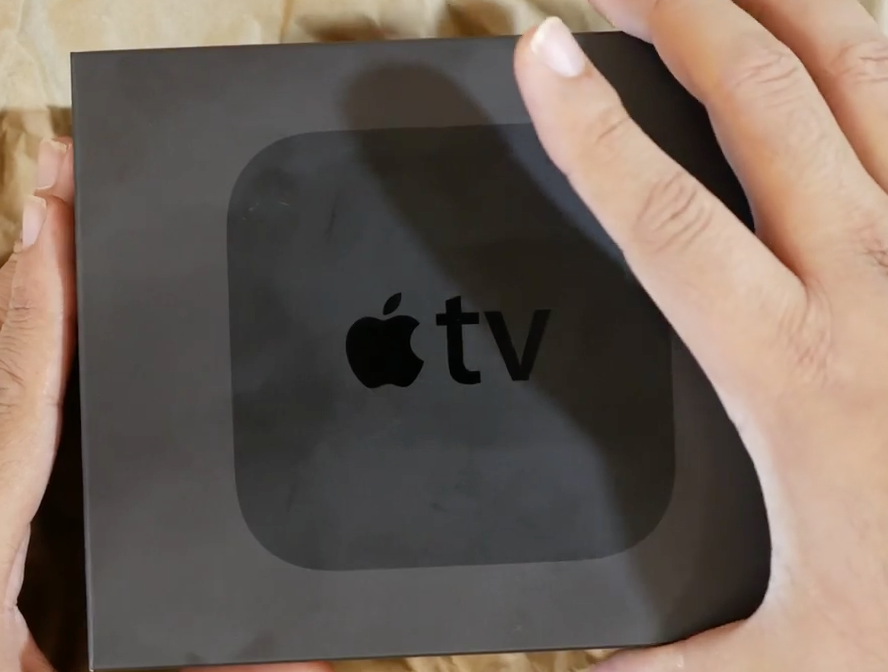
More details on the new Apple TV revealed

Apple TV dev kits are trickling into developers who participated in the dev kit lottery last week. Apple is providing some developers with an early look at the new Apple TV hardware by giving away full blown developer kit models, which come complete with a new Apple TV, Siri remote, and all of the other accessories necessary to use the next-gen set top box.

Although the verbiage surrounding the dev kits made it seem as if developers should be extra hush-hush about the kit, many new details have started to leak out about the 4th generation Apple TV. What can we expect from Apple's upcoming streaming and gaming device?

How to compile apps using Xcode 7 to run on a non-jailbroken device

As of iOS 9, you no longer need to rely on a jailbreak if you want to run some of the apps that aren't available on the App Store. All you need is a Mac, Xcode 7, the code you wish to compile, an iOS device running iOS 9, a free developer account, and some time. If you have all of those things, then you can install apps on your iPhone or iPad without a paid developer account, and without a jailbreak.

Compiling apps using Xcode 7 is fairly straightforward, but if you've never done it before, it can be a bit tricky. In this post, I'll show you how to compile code using Xcode 7 and run it on your iOS 9 device. I'll also discuss some of the errors and issues that you might incur along the way.

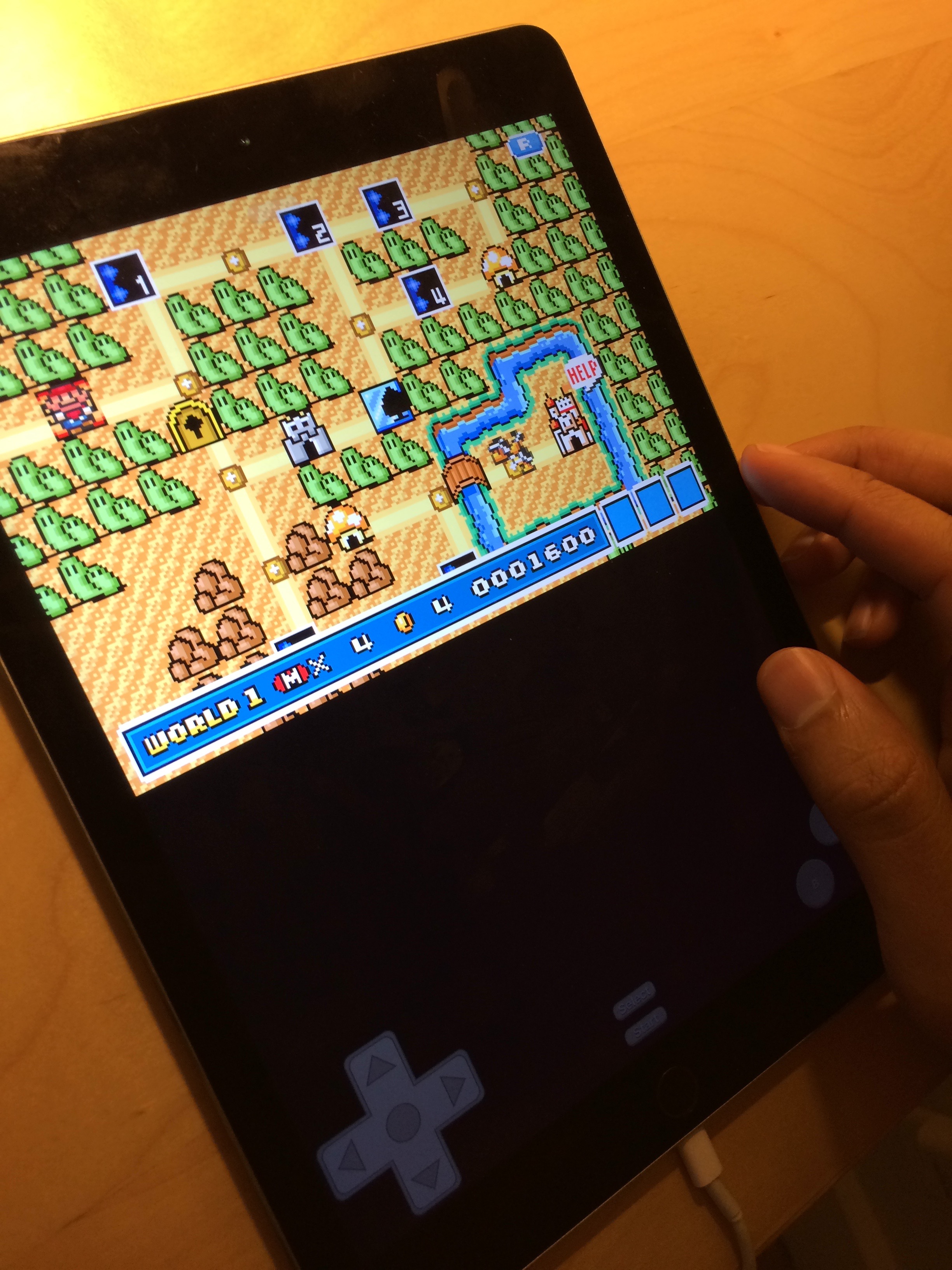
Provenance classic game emulator launches for Apple TV, and iOS devices

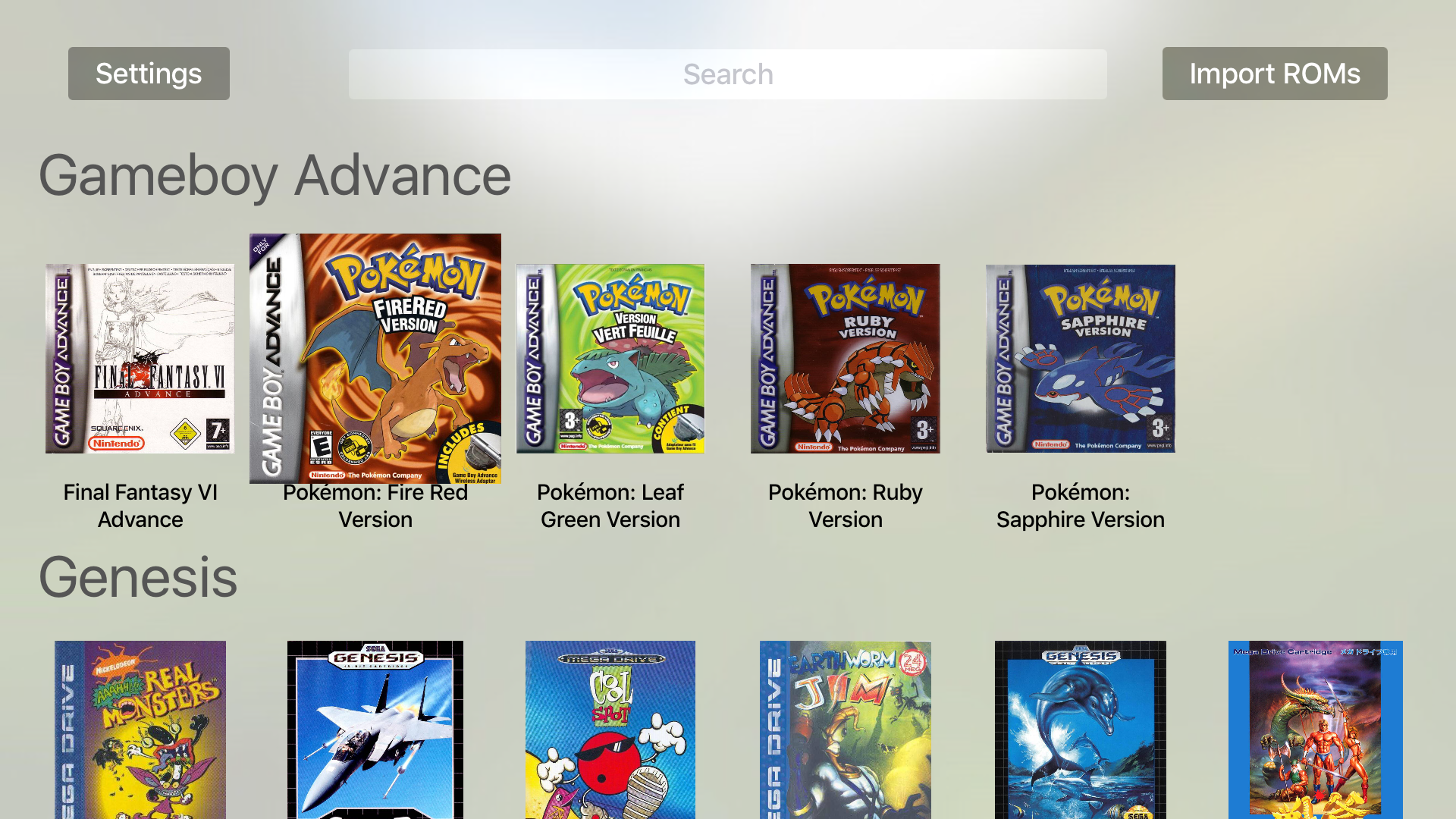
A week ago, we told you about Provenance, a then upcoming emulator that would be one of the first of its kind for the new Apple TV. Today, Provenance officially launched for the Apple TV and it also works with other iOS devices.

Provenance is a multi-emulator, meaning that it can emulate games from a variety of classic platforms. Users can look forward to emulating their favorite NES, SNES, Genesis/MegaDrive, Sega CD, Master System, GameBoy & GameBoy Color, and GameBoy Advance games.

Want to see what Provenance looks like on the big screen? Check here for more screenshots.

New in iOS 9: a larger iPad folder layout

One of the more unheralded benefits of iOS 9 is its new folder layout for the iPad. In earlier versions of iOS, folders on the iPad were limited to a 3x3 grid of app icons per page. This allowed users to see a total of 9 apps at once on a single folder page.

In iOS 9, things have changed a bit with regard to folder layout. Apple's newest iOS update allows users to view up to 16 apps per folder page instead.