Jeff Benjamin

Jeff has been with iDownloadBlog since 2010, acting as resident video specialist, and tutorial expert. He earned his degree in Computer Network Systems back in 2001, but decided Cisco routers and the like just weren’t for him. Since then, he’s been heavily involved with online writing. He’s written for numerous tech and video game sites since the late 1990′s, and has a knack for explaining things in a simple, clear, and concise manner. Jeff works primarily from the east coast on his Retina Macbook Pro, and shoots video with a Canon DSLR. During downtime he likes to travel the world, visiting the various Apple Stores across the globe. You can email him at jeff [at] idownloadblog.com and follow him on Twitter @JeffBenjam or on Google+.

Apple’s 200MB initial download limit for Apple TV can be a good thing for gamers if developers adapt

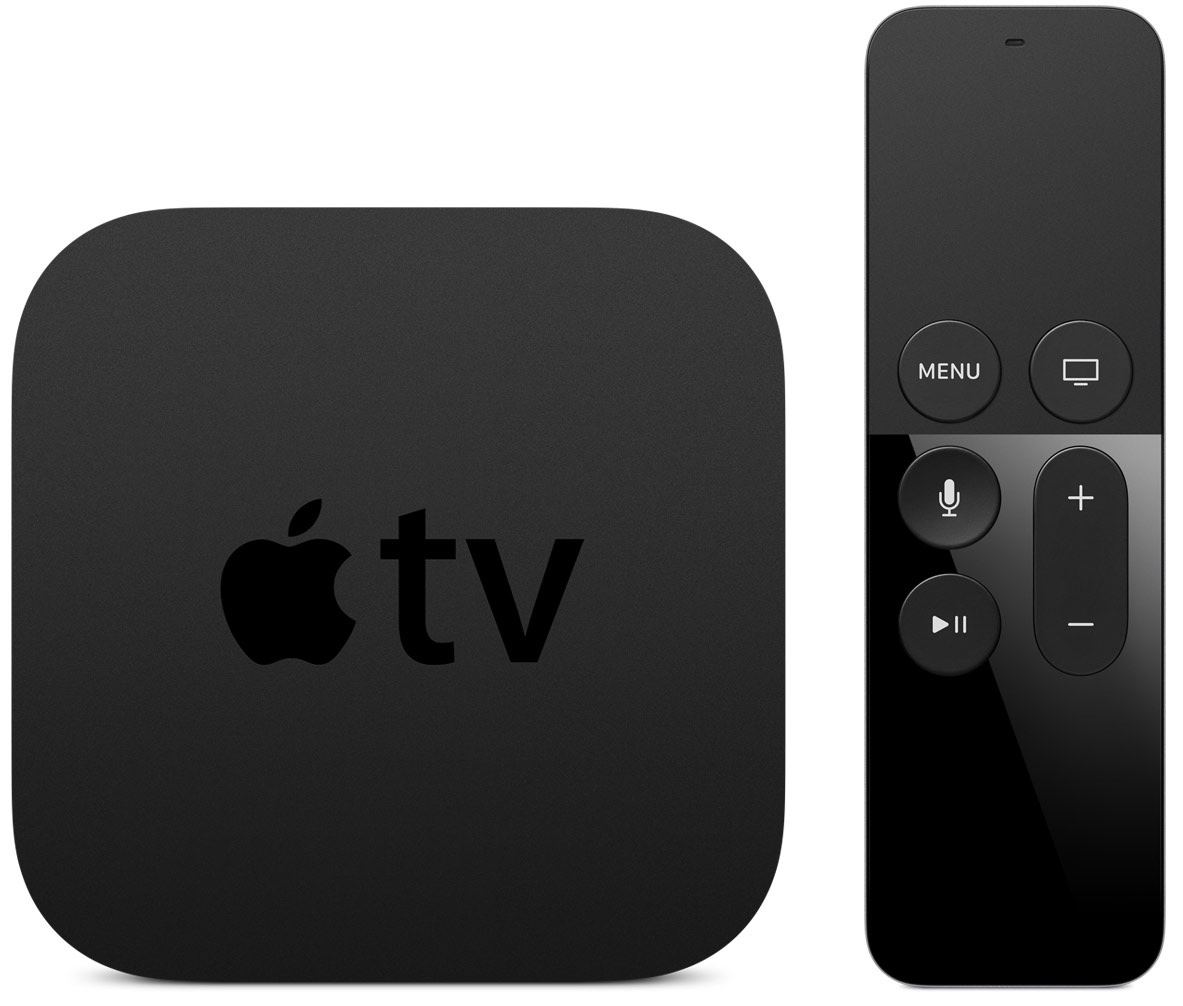
Earlier this week, I discussed why Apple's move to require developers to support the Apple TV remote in its games was actually a positive move for gamers. Today, I'd like to briefly touch on another controversial subject regarding the new Apple TV—the 200MB initial download limit for apps.

Knee-jerk reactions aside, it's now much more clear what Apple's 200MB limit entails. No, it doesn't mean that a game can only be 200MB in size, it simply means that the initial bundle—the portion of the app that's required for a user to start using it—should be 200MB or less. iMore's Serenity Caldwell does a great job of explaining this in detail.

To assist, Apple is employing a recent technology called on-demand resources. This isn't completely new, as Apple revealed this strategy at WWDC 2015, and it's available for use by developers in iOS 9. The difference is, the Apple TV will require developers to use on-demand resources if its apps are larger than 200MB in size—and, as we know, many are.

While this may seem overly restrictive at first glance, it's definitely not as bad as it's been made out to be. In fact, I think that it will largely prove to be of notable benefit to gamers.
Hands-on with ReplayKit, a new iOS 9 framework that lets you record and share gameplay

If popular services like Twitch and YouTube Gaming have taught us anything, it's that gamers love recording their games, and people love watching said recordings. Building on that popularity, Apple's ReplayKit, announced at WWDC 2015, is a new iOS 9 framework that lets developers incorporate the ability to record gaming playback and commentary for saving and sharing online.

Today, some of the first games with ReplayKit support were made available on the App Store. In fact, Apple has an entire App Store section dedicated to ReplayKit enabled games.

How does ReplayKit work, and is it any good? Have a look at our synopsis for all of the details.

How to migrate your data from Android to iOS

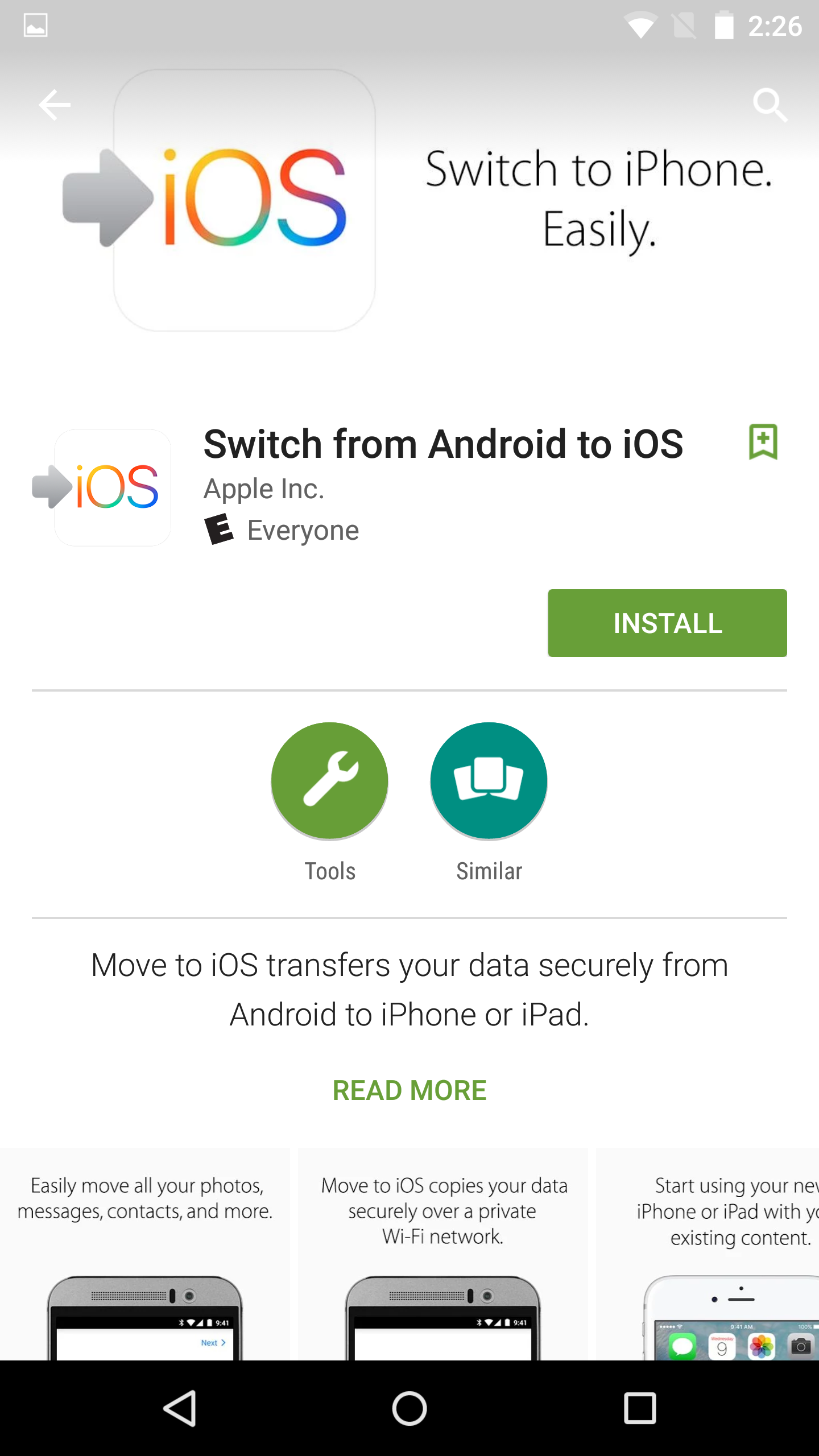
Apple just released its Move to iOS app for Android. This is an app that you can download from the Google Play store that will make it easier for Android users to migrate to iOS.

During the initial iOS 9 setup, users are given the option of how they want to proceed with setup, and migrating from Android is one of those options. If a user selects Move Data from Android, they will then be pointed to the Move to iOS app on their Android device for easy migration.

In this post, I'll walk you through the full migration process, which involves pairing the two devices together in order to transfer Android user data to your iOS device.

How to search within third-party apps using Spotlight on iOS 9

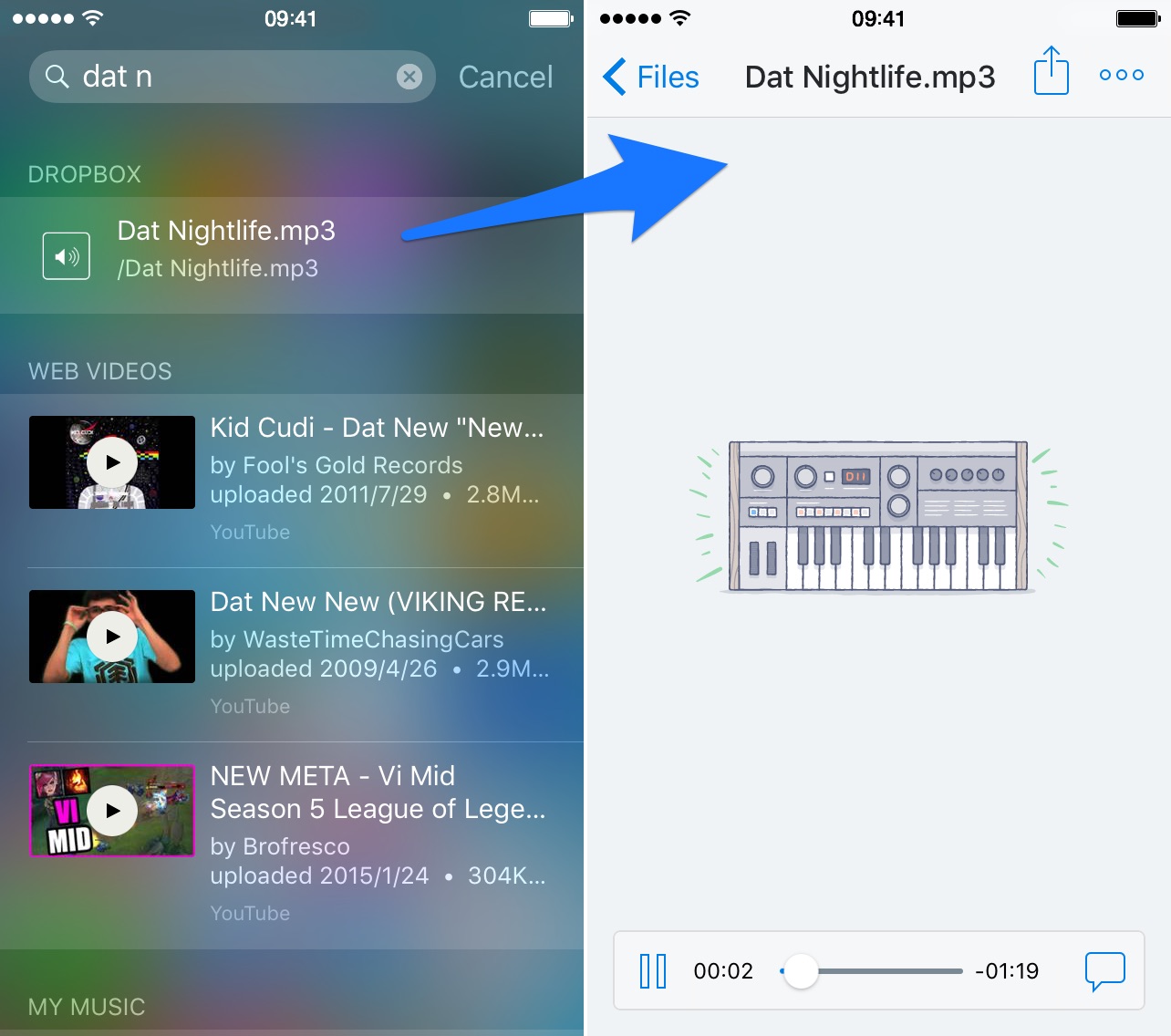
One of the biggest new features found in iOS 9 is the adoption of universal search. Universal search is a new feature that allows you to search for content within apps directly from Spotlight search.

On previous versions of iOS, searching was limited to the web and first party Apple apps pre-installed on iOS. For example, with older version of iOS you could search for contents within the Notes app, but couldn't do so for third-party note apps.

With iOS 9's new Spotlight search abilities, you can now search and discover content buried deep within the apps on your iPhone. It makes Spotlight feel truly useful and brand new.

How to update to iOS 9

iOS 9 is now officially out, and it brings with it a whole slew of new features. If you own an eligible iPhone, iPad, or iPod touch, you can download an install iOS 9 right now.

In many cases, especially with the latest iPads, iOS 9 can make you feel like you have a brand new device. In this post, we'll show you which devices are eligible to be updated, as well as how to update.

Let’s Talk Jailbreak 125: Jailbreaker’s guide to iOS 9

Episode 125: We talk about how to prepare for iOS 9 and how to emulate many of the feature of iOS 9 with a jailbroken iPhone.

Subscribe via RSS

Support Let’s Talk Jailbreak


Go to WIX.com and create your own stunning website. It’s easy and free! Visit RedHat.com to find out how Red had is redefining enterprise technology.

How to use third-party complications in watchOS 2

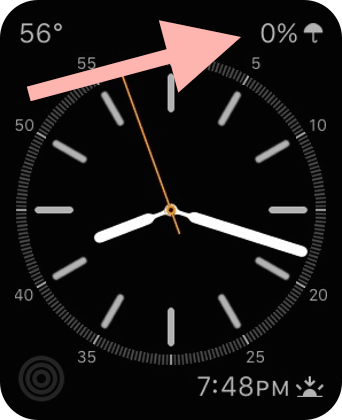
Although watchOS 2 and iOS 9 won't be available for another few hours, several apps that include new watchOS 2 functionality have already been approved for distribution on the App Store. One such app is Star Walk 2, the sequel to the groundbreaking astronomy app for iOS.

StarWalk 2's iOS 9 and watchOS 2 update includes support for in-app Spotlight searches on iOS, Slide Over and Split View on the iPad,  and more. But in this post, we want to concentrate on one thing in particular—third-party Apple Watch complications. How do third-party complications work, and how do you use them? Take a look at our video walkthrough.

New iCloud storage pricing is now live

Despite an earlier report coming from Reddit that Apple's new iCloud Storage pricing would go live on September 25th, the same day of the iPhone 6s launch, Apple has launched its updated iCloud storage pricing plans today.

In my opinion, this makes more sense, as iCloud is more aligned with the software, and iOS 9 just went live as well. Apple has updated its iCloud storage pricing page with the updated prices for its three cloud storage tiers, and has also introduced new international pricing for iCloud storage.

Why requiring games to support the Apple TV remote is the right decision

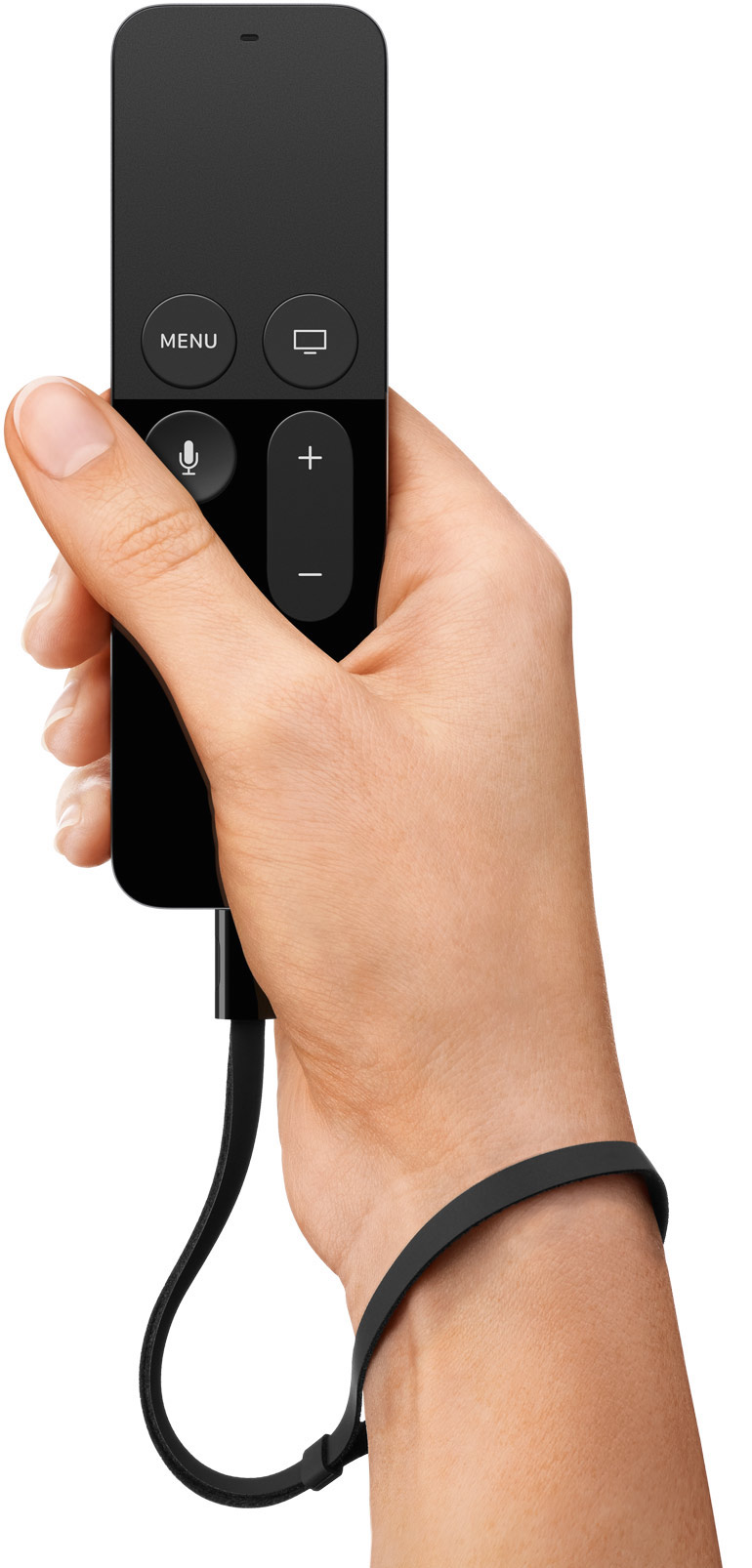
As first brought to our attention by MacRumors' Juli Clover, Apple is requiring that games created for the Apple TV must support the Apple TV remote. This means that developers cannot create games that require an external Bluetooth controller to play, although games can use Bluetooth controllers as an alternative means of control.

While this may sound a bit harsh on the part of Apple, seeing that some games feature control schemes that are more ideal for a traditional controller, I think that it's the right direction. How frustrating would it be for a user to download a game, only to find out that they can't play the game due to not having the necessary hardware? And how frustrating would it be to browse the App Store, and see tons of games that have prerequisites for a piece of hardware that didn't come bundled with the Apple TV?

This might not sit well with some developers and some gamers, but it's the right decision for the greater good.

iPad mini 4 performance: faster than last year’s model but slower than the iPad Air 2

I think we all pretty much expected the iPad mini 4 to be a little slower than Apple's still top of the line iPad Air 2, and some new benchmarks from Ars Technica back up that expectation. The iPad mini 4, which received little fanfare during last Wednesday's iPhone 6s event, ships with a new A8 processor and 2GB of RAM.

With its new specs in tow, the iPad mini 4 can benefit from one of the major changes in tomorrow's iOS 9 release—side-by-side multitasking. True, the iPad mini 4 may still come in second place when compared to its larger sibling, but this refresh is a marked improvement over its predecessors.

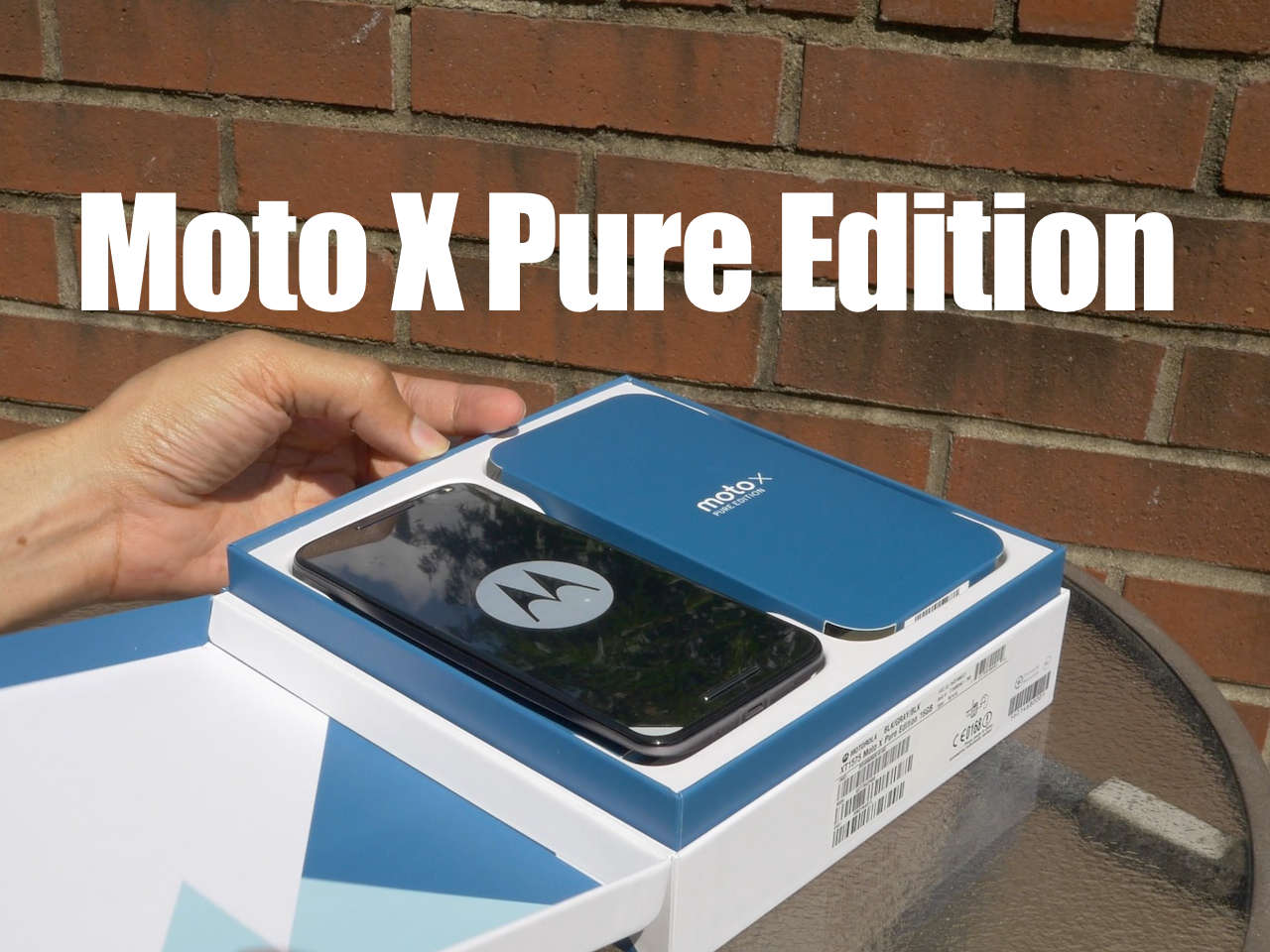
Review: Motorola Moto X Pure Edition from an iPhone user’s perspective

As you guys know, I'm a fan of the Moto G—Motorola's off-contract budget phone that packs in a surprising amount of good features for a super-cheap price. As I stated in my review, the Moto G is a good choice for anyone wishing to dip their toes into the Android waters, or for anyone who needs a cheap second smartphone.

The Moto X Pure Edition ($399.99 on Amazon), is a whole different beast altogether. It looks similar to the Moto G in build material, but it's way bigger, has a 5.7" QHD screen at 1440p, a 21 megapixel rear-facing shooter, a front-facing flash, captures 4K video, and features extremely fast charging.

Unlike the budget Moto G, the Moto X Pure Edition is Motorola's de facto flagship offering for 2015. At $399 for the base model, it's more than double the price of Motorola's popular Moto G, yet much cheaper than major "flagship" models from big named Android OEMs.

How does it stack up with the competition? How does it compare with the iPhone 6 Plus—its closest iOS competitor? Check out our full video review for all of the details.