Jeff Benjamin

Jeff has been with iDownloadBlog since 2010, acting as resident video specialist, and tutorial expert. He earned his degree in Computer Network Systems back in 2001, but decided Cisco routers and the like just weren’t for him. Since then, he’s been heavily involved with online writing. He’s written for numerous tech and video game sites since the late 1990′s, and has a knack for explaining things in a simple, clear, and concise manner. Jeff works primarily from the east coast on his Retina Macbook Pro, and shoots video with a Canon DSLR. During downtime he likes to travel the world, visiting the various Apple Stores across the globe. You can email him at jeff [at] idownloadblog.com and follow him on Twitter @JeffBenjam or on Google+.

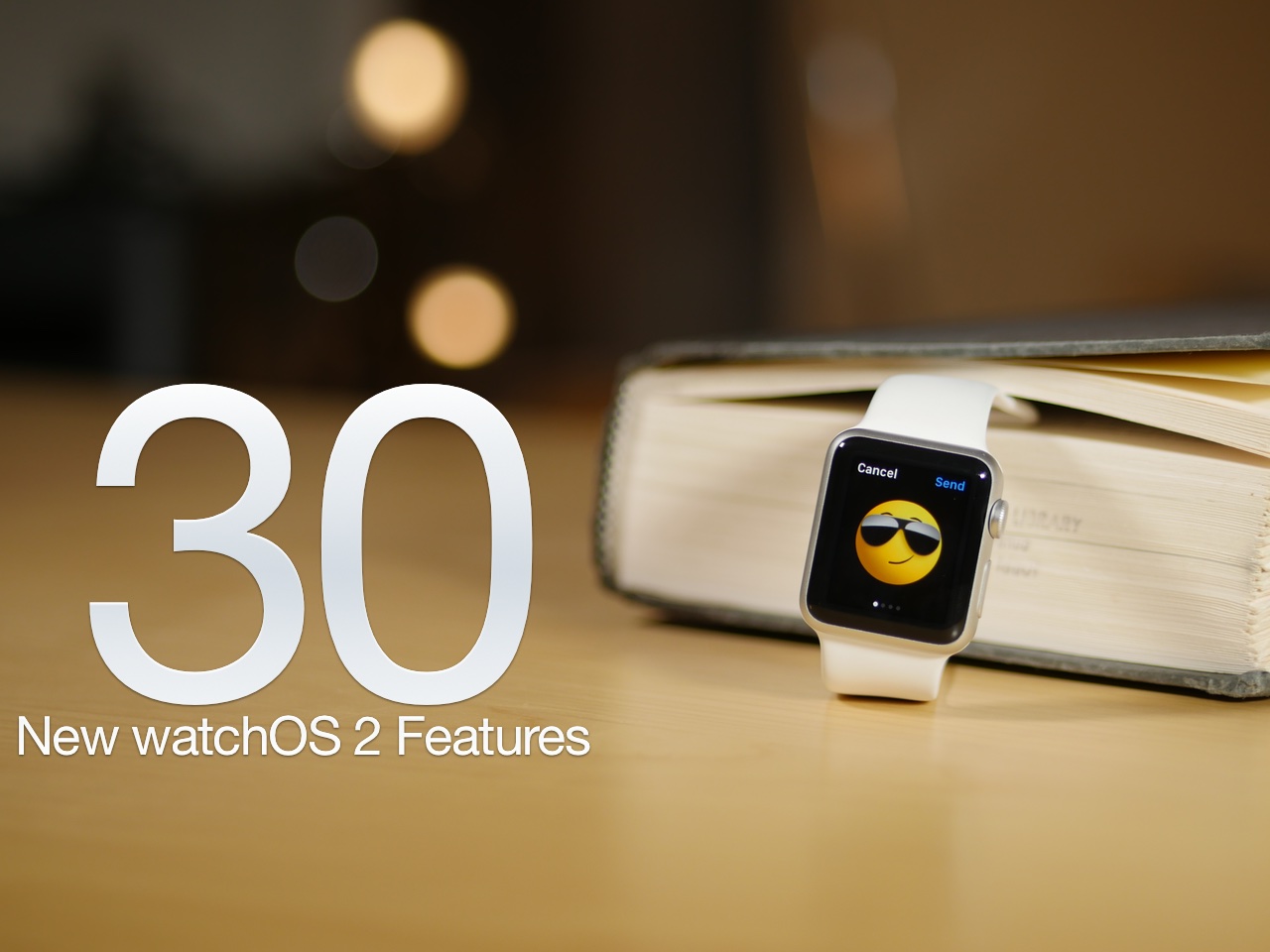
The 30 best watchOS 2 features [Video]

After a unscheduled delay, watchOS 2 was released on Monday for the Apple Watch. As we've noted in the past, watchOS 2 is a significant upgrade over the first version. It brings with it several big name features, including third-party complications, native apps, Nightstand mode, and a handful of all new watch faces.

No, watchOS 2 isn't as big as last week's release of iOS 9 in terms of features, but if you're an Apple Watch owner, it's something that you'll definitely want to update to without delay. Have a look at our video walkthrough to see many of the new features in action


Apple releases iOS 9.0.1 containing various bug fixes for Safari, Setup Assistant, alarms, and more

A week after Apple pushed iOS 9 to the public, it has followed up with the release of iOS 9.0.1. As you may have guessed by the version number, iOS 9.0.1 is a bug fix update. All users running iOS 9 should therefore update to iOS 9.0.1 for increased system stability.

Perhaps most notably, we saw several users in our comments talk about failed upgrades, where iOS would freeze when using the Slide to Upgrade feature in the Setup Assistant. That issue should now be solved thanks to iOS 9.0.1.

Let’s Talk Jailbreak 126: You lost me at hello

Episode 126: The Multiplexer six-in-one jailbreak tweak is finally released, iOS 9 security issues, giving up a jailbreak for iOS 9, a new 3D Touch emulating tweak, and more.

Subscribe via RSS

Support Let’s Talk Jailbreak

Go to WIX.com and create your own stunning website. It’s easy and free! Visit RedHat.com to find out how Red had is redefining enterprise technology.

Seng: a new Auxo alternative now available on Cydia

It's been a big day for jailbreak releases. First, we had the highly anticipated Multiplexer land on Cydia, and now, we have Seng, another much-anticipated tweak, albeit less so than Multiplexer.

Seng, as we discussed back in in August, is a jailbreak tweak that's inspired by Auxo. Actually, just calling it "inspired" would be doing it a disservice; Seng is heavily influenced by Auxo.

After being in beta for nearly two months, Seng is now available for purchase on Cydia for $2.50. Should you consider taking a look at it?

Gruber: Optical Image Stabilization in the iPhone 6s Plus makes a big difference for video

It's one of those things where you don't know how noticeable it's going to be until you actually try it in hand. But tonight, we have it on good authority that Optical Image Stabilization (OIS) makes a noticeable difference when shooting video with the iPhone 6s Plus' camera. So much so, that it can make choosing between the 6s Plus and the regular-sized iPhone 6s, a device that lacks OIS, tougher than last year.

A few hours ago, Daring Fireball's John Gruber posted his annual iPhone review, and while the entire piece is a well-thought-out and nuanced read, one portion in particular stood out to me the most—his thoughts on OIS for the iPhone 6s Plus. 

Let’s Talk iOS 101: Panic at the Xcode

Episode 101: More iOS 9 discussion, in-depth details on the new Apple TV, watchOS 2 launches, Apple suffers from its biggest App Store malware attack.

Subscribe on iTunes

Sponsors: 

Go to WIX.com and create your own stunning website. It’s easy and free! Join iDB’s fantasy football league by going to FanDuel.com/ios.

Multiplexer, one of the deepest jailbreak tweaks ever, is now available on Cydia

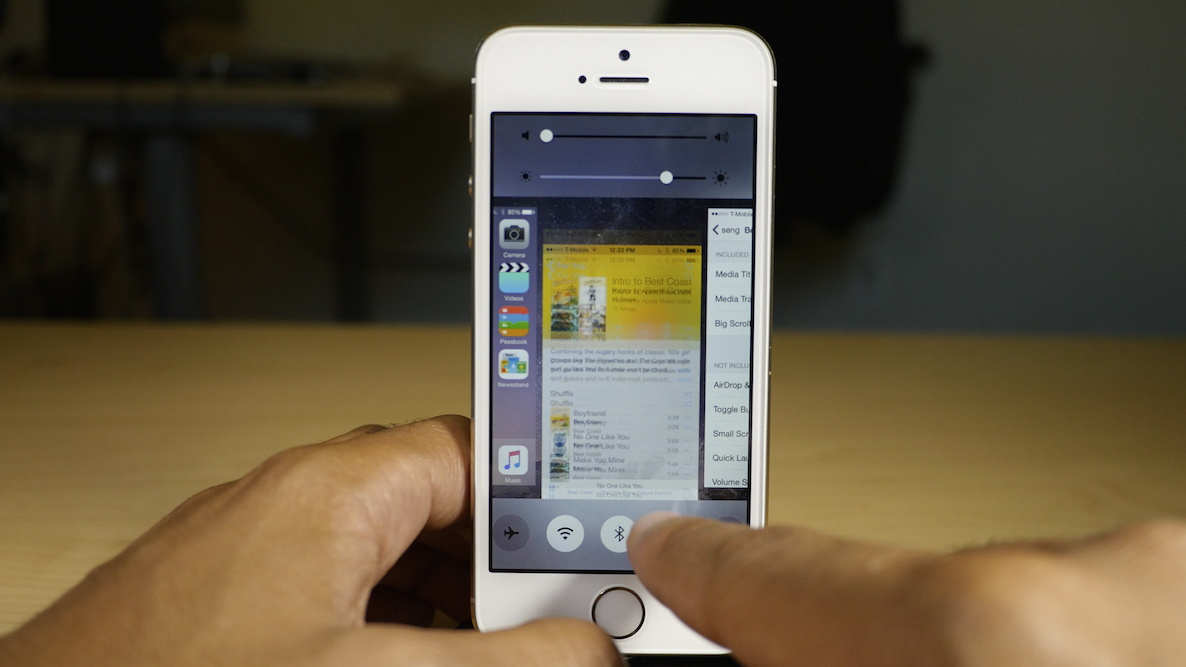
Multiplexer, the six-in-one multitasking jailbreak tweak that we previewed back in August, is now available for purchase on Cydia.

Multiplexer brings six different jailbreak tweaks together as one, and each tweak could rightfully stand on its own as a separate download. In the package, you'll find Aura, Empoleon, Mission Control, Quick Access, Swipe Over, and the already well-know jailbreak tweak, Reach App.

All six of the tweaks join together to form one insanely deep package for multitasking on a jailbroken iPhone. Watch our video inside to get a preview of what to expect.

iPhone 6s review roundup: 3D Touch a major innovation, amazing cameras, fast performance

The iPhone 6s review embargo lifted this morning, and as is always the case, many outlets immediately published their reviews. Those reviewing the new iPhone 6s have been able to use the new digs for almost two weeks, which is plenty of time to form an accurate opinion.

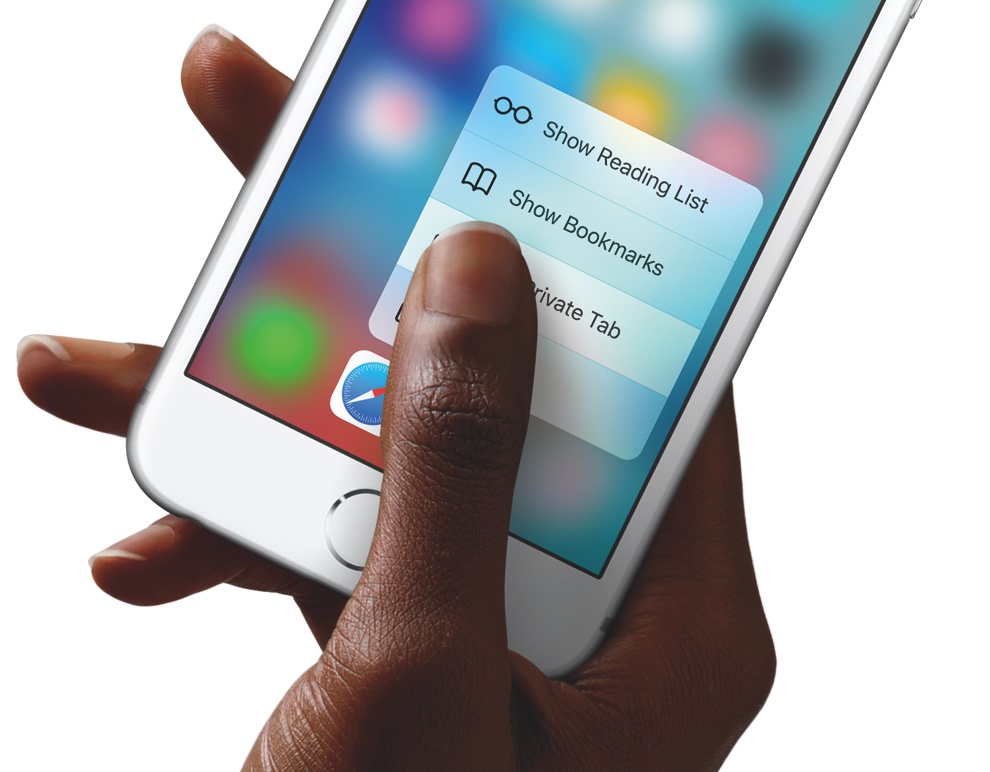
The consensus? The iPhone 6s is a performance beast, and features amazing camera quality. But what stood out to me most about nearly all of the reviews were the thoughts on 3D Touch. In a nearly unanimous chorus, reviewers praised the iPhone 6s' flagship feature, which allows users to press on the screen to access new menus and features.

iPhone 6s customer receives her device early, benchmarks show a marked increase in power

The iPhone 6s doesn't officially go on sale for another 3 and a half days, but one fortunate customer from San Diego was able to snag hers, even before review embargoes are lifted.

Adrienne Levin, a UX and visual designer living on the west coast, unexpectedly received her Rose Gold iPhone 6s in the mail today. Being the savvy techie that she is, she immediately took to posting 4K videos, pictures of her adorable dog, and, most importantly, Geekbench 3 benchmarks.

The result of said benchmarks? Let's just say you should expect a significant increase in power over the iPhone 6.

50 new features in iOS 9 [Video]

iOS 9 has been out for just under a week, and and as you've no doubt heard, there are tons of new features to be found in Apple's latest and greatest iOS update.

Some of the features are headlining additions, such as the iPad's new side-by-side multitasking option, called Split View. Other features, however, are bound to fly under the radar. For example, did you know that you can search through saved passwords in Safari's preferences? What about using Touch ID to validate access to said passwords?

I've always believe that it's the little things that truly make a piece of software, in this case a full fledged operating system, really special. iOS 9 has plenty of big features, but even more smaller features, fixes, and optimizations.

In this post, I'll showcase 50 new iOS 9 features. While many of them are well-known and will probably be familiar to you, I'm betting that there are at least a handful of new features that you either forgot about or didn't know about at all.

How to update to watchOS 2

As of a few minutes ago, watchOS 2 is now available for download. If you own an Apple Watch, you can upgrade from watchOS 1 to watchOS 2 and enjoy many of the Apple Watch's new features. These features include native apps, third-party complications, and much, much more. In this post, we'll show you how to update your Apple Watch to the latest and greatest.

Apple releases watchOS 2

After a nearly week long delay, Apple has released watchOS 2 to the public. The update is a big one, and brings new features like custom complications, photo-based watch faces, and native apps to the Apple Watch. To update, simply head over to the Watch app on your paired iPhone running iOS 9, and check for new updates.