Jeff Benjamin

Jeff has been with iDownloadBlog since 2010, acting as resident video specialist, and tutorial expert. He earned his degree in Computer Network Systems back in 2001, but decided Cisco routers and the like just weren’t for him. Since then, he’s been heavily involved with online writing. He’s written for numerous tech and video game sites since the late 1990′s, and has a knack for explaining things in a simple, clear, and concise manner. Jeff works primarily from the east coast on his Retina Macbook Pro, and shoots video with a Canon DSLR. During downtime he likes to travel the world, visiting the various Apple Stores across the globe. You can email him at jeff [at] idownloadblog.com and follow him on Twitter @JeffBenjam or on Google+.

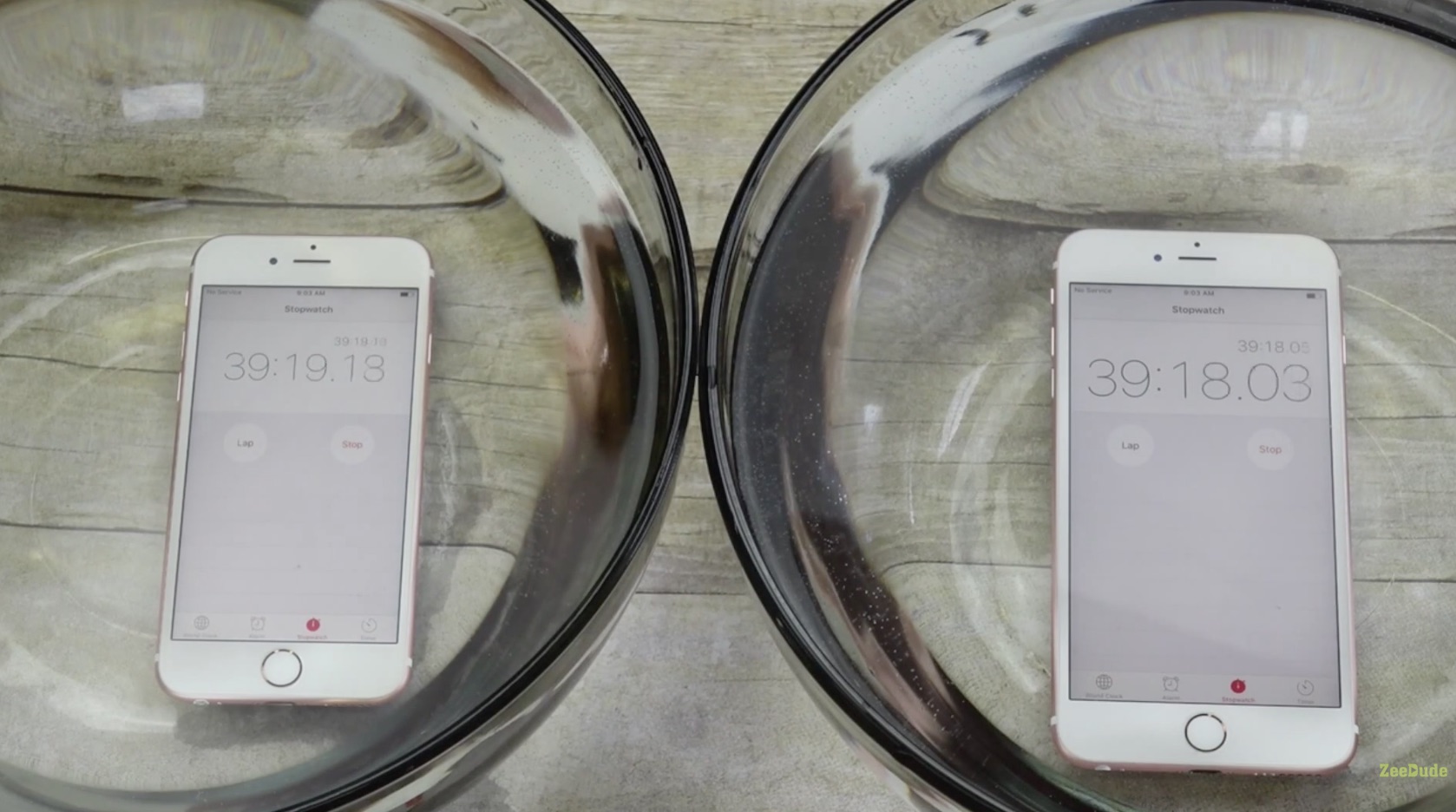
Video shows iPhone 6s surviving for 1 hour under water

While we've yet to independently confirm the validity of such a test, a new video is making its rounds on YouTube showing an iPhone 6s and an iPhone 6s Plus being submerged in bowls of water for over an hour. Each device then emerges from the bath apparently unscathed.

Apple has never touted its devices as being water proof, or even water resistant to any degree, but, assuming it's legitimate, this video raises some interesting questions...

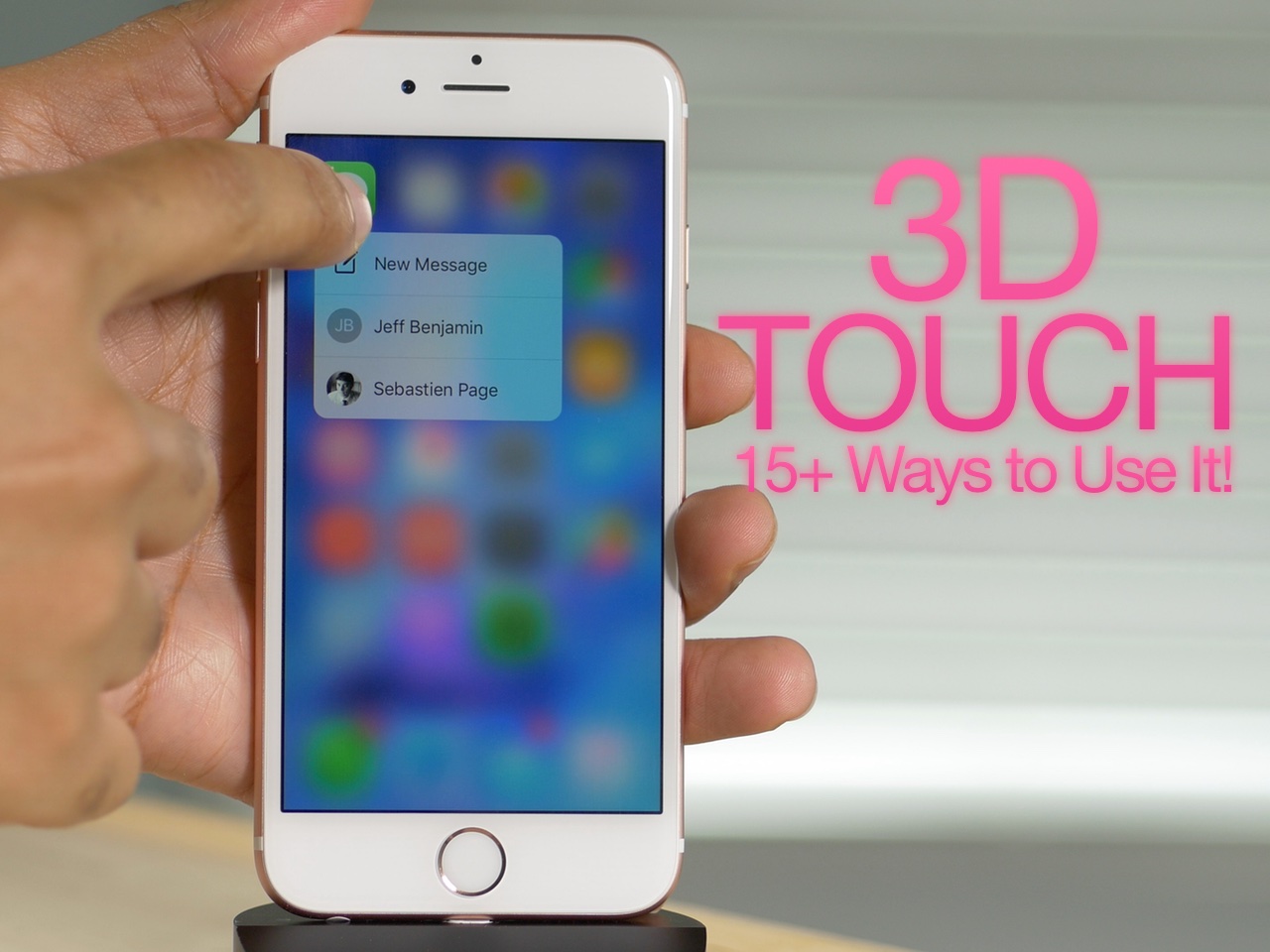
How to use 3D Touch on iPhone 6s: a video tutorial

3D Touch is the biggest new feature to come to the iPhone 6s, and it brings a whole new interaction paradigm to the iPhone. 3D Touch is possible by means of a new pressure sensitive screen used in Apple's new iPhone hardware.

By tapping into this new input method, Apple and third-party developers are able to lend users access to quick Home screen shortcuts, in app previews, and quicker access directly to specific pages within an app. Not only is 3D Touch an awesome feature today, but its potential for the future is even more exciting.

In the following video, I'll share over 15 different points on 3D Touch. Perhaps you'll find something in this list that you weren't aware of.

Why 2GB of RAM in the iPhone 6s is a big deal for everyone [Video]

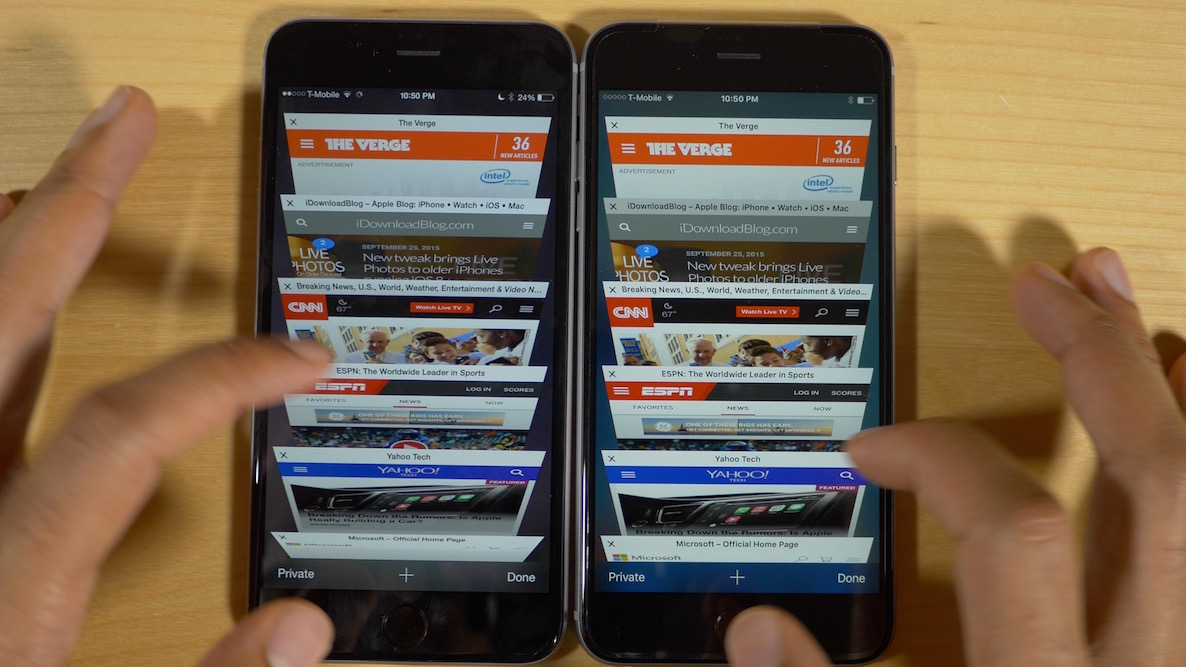
Safari. It's one of our go to apps, and arguably the most popular app on iOS. It's also one of the apps that has suffered the most over the past few years due to lack of resources. Safari has been starved for far too long, and its resulted in perpetual Safari tab refreshing and frustrated end users.

Starting with last year's iPad Air 2, Apple decided it was time to change that. It was time to feed Safari and other RAM starved apps. The results were great and immediately noticeable. It's one of the reasons that the iPad Air 2 can keep on trucking just fine without a yearly refresh.

Today, Apple extended the same favor to its most popular product, the iPhone. Like the iPad Air 2, the iPhone 6s benefits heavily from the extra gig of RAM.

But how much does the extra RAM truly benefit day to day usage on a phone? Is it something that everyday users will notice, even if Apple refuses to place emphasis on it? Watch our video pitting the iPhone 6 Plus vs the iPhone 6s Plus, and see for yourself.
New tweak brings Live Photos to older iPhones running iOS 8

Live Photos is a new iPhone 6s exclusive feature that breathes new life into static photography. It works by shoehorning the photo in between video captured just prior and just after the photo is taken. The resulting effect is a "live" photo that moves on your screen, lending context to the photo at hand.

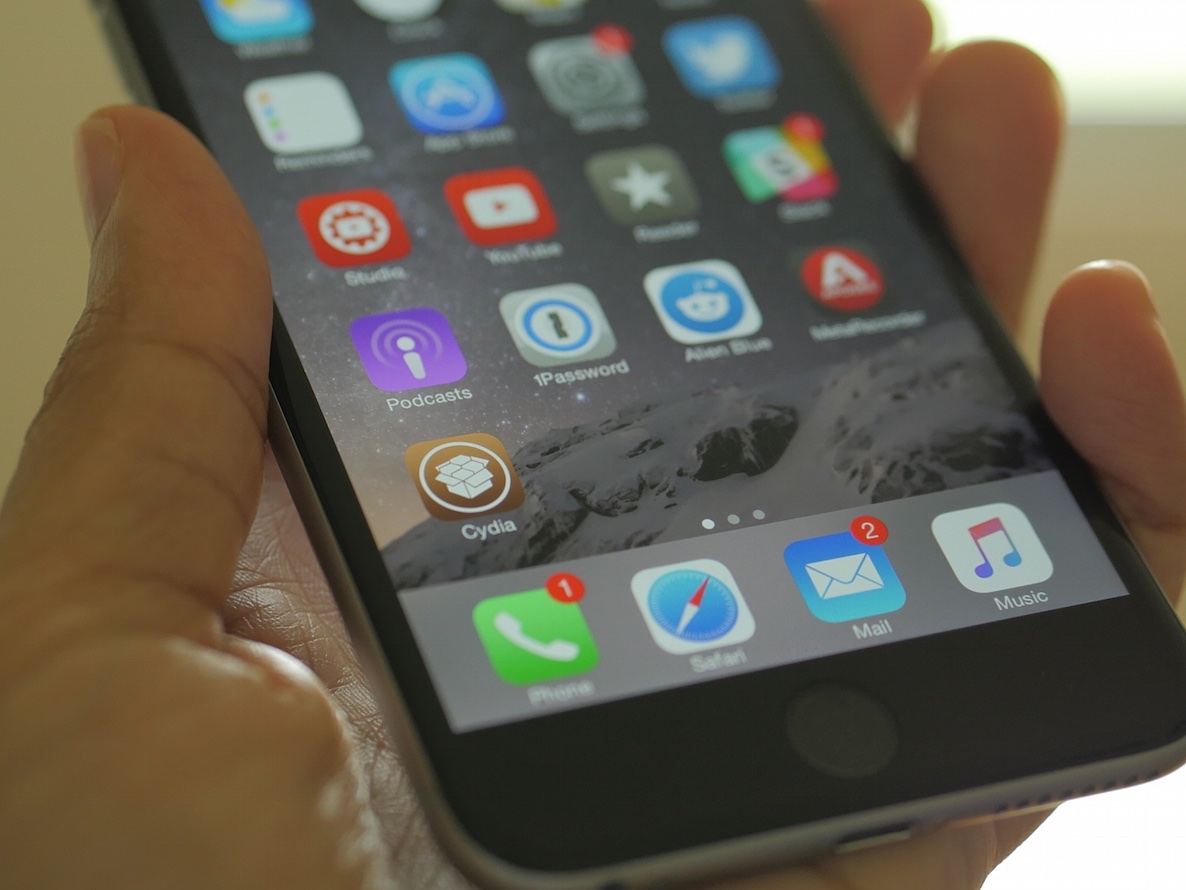
The new 3D Touch feature is used to activate Live Photos in the Photos app, and doubtlessly the iPhone 6s and Live Photos were made with each other in mind. That said, it doesn't mean that it's not possible to have a similar iteration of Live Photos on older hardware, as has just been proven by a new Cydia tweak.

Elias Limneos, a well known tweak developer who has releases like CallBar and BioProtect under his belt, just released PhotosLive—an impressive rendition of Apple's Live Photos for older jailbroken devices. The question is, how well does PhotosLive work?

The 20 best iPhone 6s features [Video]

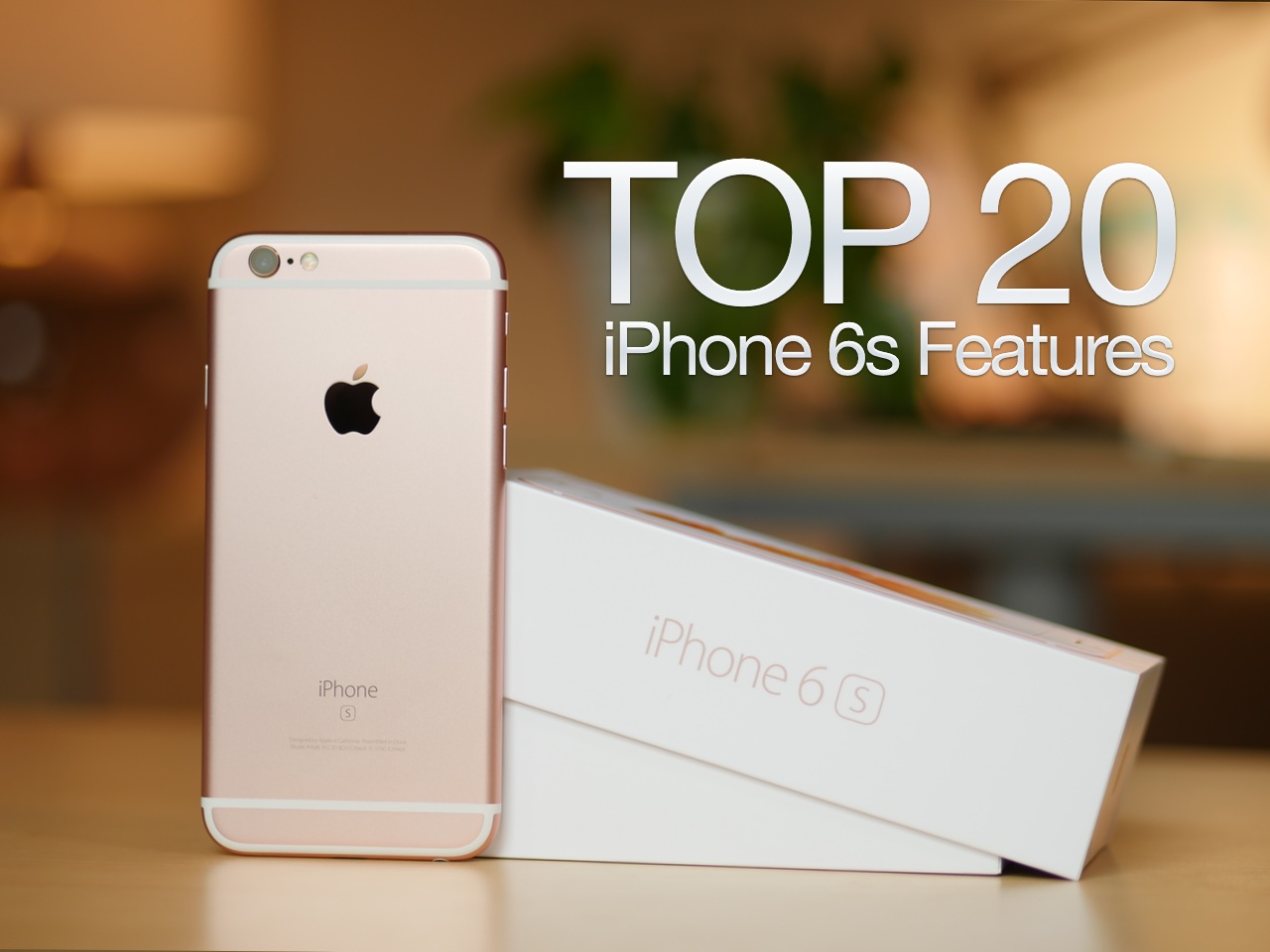
After an agonizing two week wait, the iPhone 6s is finally here. Although this is an 'S' model year, a time when most of the changes are internal, there are lots and lots of new and notable additions to the iPhone 6s.

In this video overview, I consider 20 new features that you'll find in Apple's new flagship phones. Some claim that not much has changed with the iPhone 6s when compared to last year's model, but this lengthy list says otherwise.

Netflix app now supports in-app subscriptions

Netflix has long been available as an app for the iPhone, but up until today, setting up a subscription could only be accomplished via the Netflix website, which created a disjointed experience for new subscribers. Today, Netflix is allowing users to subscribe directly via the app itself.

What does this mean for Netflix? It means that any subscriptions initiated through the app will be subjected to the same 70/30 split that other apps experience, with Apple taking 30% of the subscription proceeds. Instead of raising its prices in the app to accommodate for the loss of revenue, Netflix is staying the course.

Apple releases iOS 9.1 beta 2 for public beta testers

After seeding iOS 9.1 beta 2 to developers yesterday, Apple has updated its public beta portal to lend 9.1 beta 2 access to participants in its public beta program. If you're already a member of Apple's public beta program, and you're currently running iOS 9.1 beta 1, you can access the update right now via an OTA software update. If you're not a current public beta participant, you may sign up via Apple's beta website.

New PCalc update takes advantage of the Taptic engine in Apple Watch

Well-regarded calculator app PCalc received an update today, which allows it to tap into the Apple Watch Taptic engine for subtle feedback on button presses. In watchOS 2, Apple opened up the hardware to developers, allowing them to take advantage of the Digital Crown, accelerometer, heath sensors, microphone, speaker, and Taptic engine.

Slowly but surely, more apps are beginning to trickle into the App Store that take advantage of these enhancements, and PCalc, already a wonderful app in its own regard, does an awesome job of using the Taptic engine to provide distinct feedback that feels different from anything else.

Rumors swirl about a potential iOS 8.4.1 jailbreak

Over the last few hours, rumors have swirled on reddit and other places that we could see a jailbreak released for iOS 8.4.1. While I certainly can't vouch for the validity of these rumors, I am nonetheless intrigued by such a prospect.

Although the great new features found in iOS 9 would make it hard for me to personally backtrack to iOS 8, I understand that some of you would jump at the chance if it meant being able to jailbreak.

The good news is that if a jailbreak is released for iOS 8.4.1, everyone, at least as of this writing, can enjoy it. That's because Apple is still signing the iOS 8.4.1 firmware for all devices. When this will change is anyone's guess, but Apple usually closes its signing window for older firmware in relatively short order.

New video illustrates how much of a difference OIS makes in the iPhone 6s Plus

We speculated about the difference between the iPhone 6s and the 6s Plus when it comes to the lack of optical image stabilization in the former. We've even read first hand accounts of how much of a difference it makes.

But seeing is believing, and this new video really emphasizes the differences between taking video with the iPhone 6s, a device that lacks OIS, and the iPhone 6s Plus, which features OIS built in. If you plan on taking lots of handheld videos with your new iPhone, you don't want to miss this.

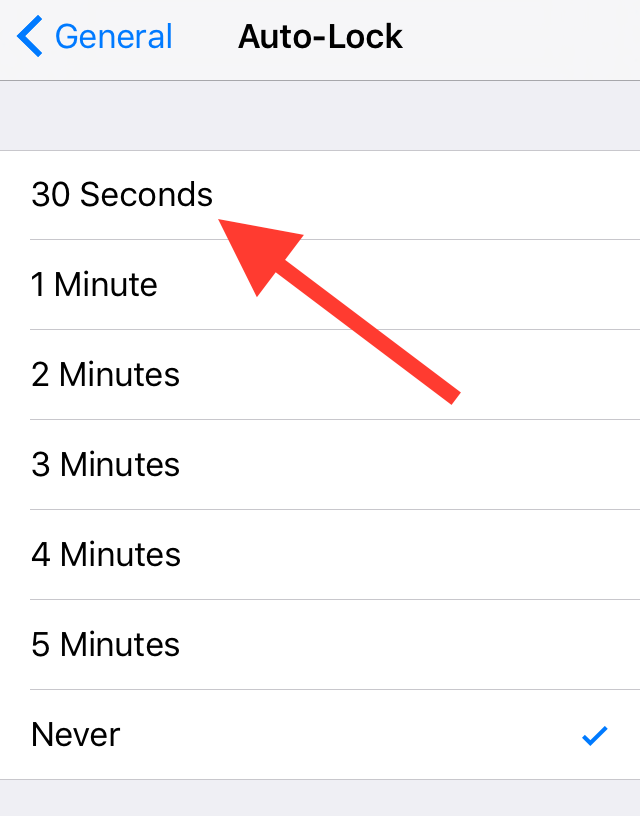
New in iOS 9: 30 second auto-lock

By now, it's apparent that the new iPhone 6s features a somewhat smaller battery to accommodate the device's internal changes. By the sheer nature of physics, battery life will inevitably suffer. Fortunately, iOS 9 is being used to make up for the loss. It employs several changes in the code to increase battery life, and even includes a new Low Power Mode to throttle down the CPU and get rid of battery-draining visual effects.

But there's another change that's available to users to help increase battery life. Inside iOS 9's Auto-Lock preference panel, you'll find a new 30 second auto-lock option—a setting that could potentially reduce battery usage even more.