Jeff Benjamin

Jeff has been with iDownloadBlog since 2010, acting as resident video specialist, and tutorial expert. He earned his degree in Computer Network Systems back in 2001, but decided Cisco routers and the like just weren’t for him. Since then, he’s been heavily involved with online writing. He’s written for numerous tech and video game sites since the late 1990′s, and has a knack for explaining things in a simple, clear, and concise manner. Jeff works primarily from the east coast on his Retina Macbook Pro, and shoots video with a Canon DSLR. During downtime he likes to travel the world, visiting the various Apple Stores across the globe. You can email him at jeff [at] idownloadblog.com and follow him on Twitter @JeffBenjam or on Google+.

The best iPad jailbreak tweaks

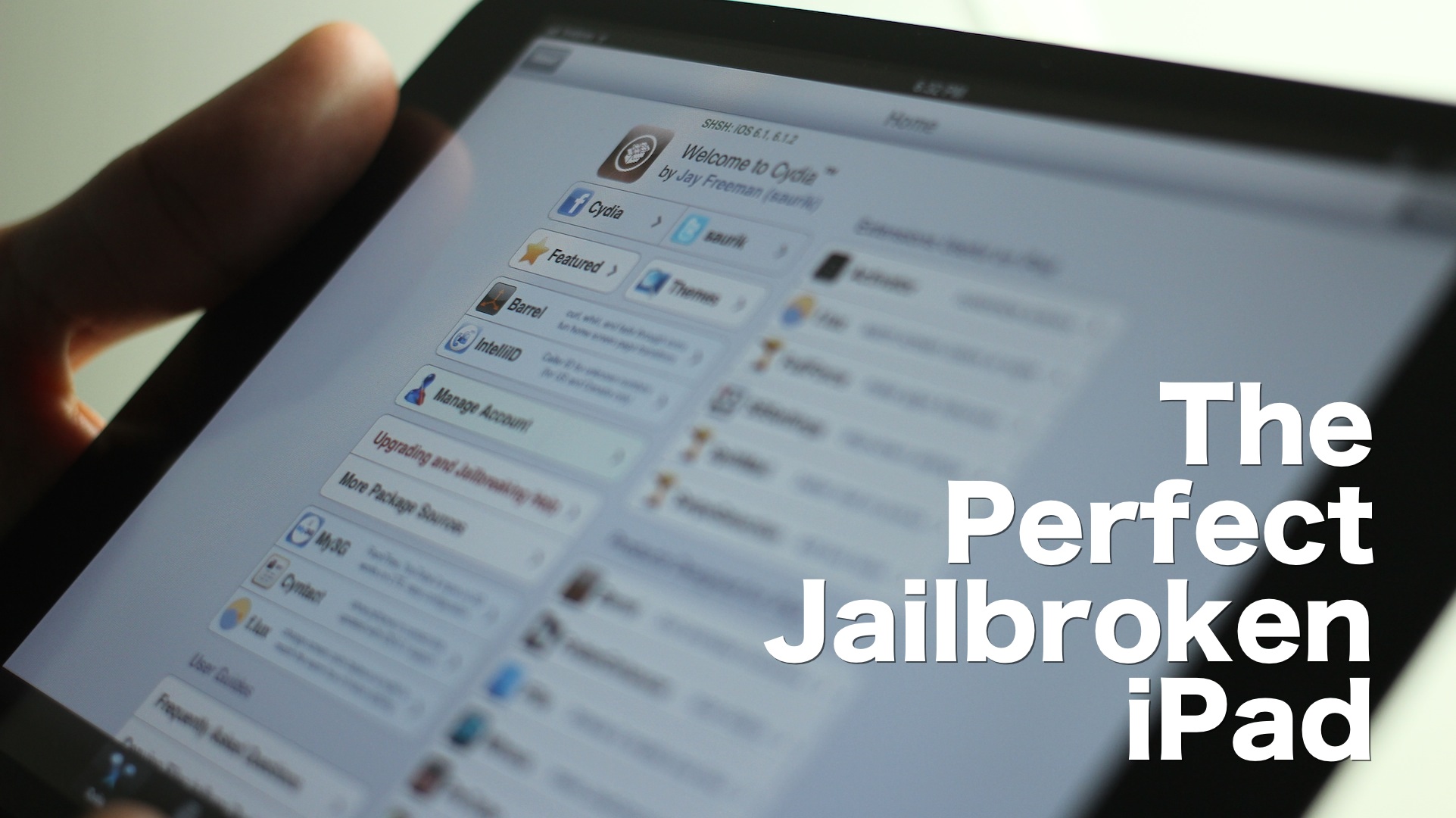
I’m going to be honest with you — jailbreaking an iPad hasn't been nearly as appealing to me as jailbreaking my iPhone. But as I started working on this list, I realized that there really are some awesome, and I mean awesome ways to trick out your iPad once it's jailbroken.

Considering that I do a lot of writing on my iPad, I found that a many of these tweaks immensely helped my writing workflow. Tweaks like BeeKeyboard, and SwipeSelection are absolute essentials for iPad writers, even if you're not really into the jailbreak scene.

Obviously that's not all, as virtually everyone will find a jailbreak app or tweak that suits their fancy. Yes, the iPad jailbreak scene is alive, and it's better than ever. Despite my initial doubts, I was able to come up with this solid list of 15 best jailbreak tweaks for iPad running iOS 6. There's no filler here, and no fluff — each of these tweaks represent, what in my opinion, is the best of the best. Take a look inside, and see for yourselves.
BrightnessFix for iOS 6 fixes the respring brightness issue

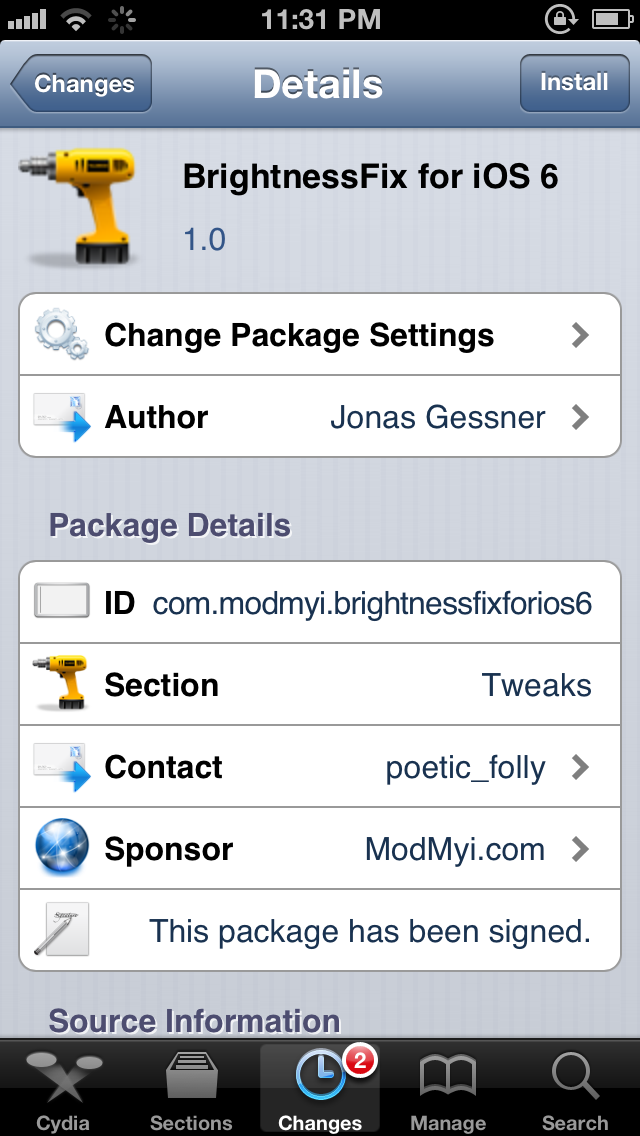
Have you ever noticed that your iPhone's brightness drops all the way to the lowest level after a respring? If so, then you may want to try out this new jailbreak tweak, which fixes the problem.

According to BrightnessFix for iOS 6's package description in Cydia, the issue is caused when some jailbreak apps and tweaks respring by killing the SpringBoard, instead of backboardd. This issue happens on iOS 6 and higher. If a jailbreak tweak doesn't implement this method of respring, then you will be susceptible to the brightness issue. Check inside for more details.

How to stop Google Chrome’s annoying keychain access request messages

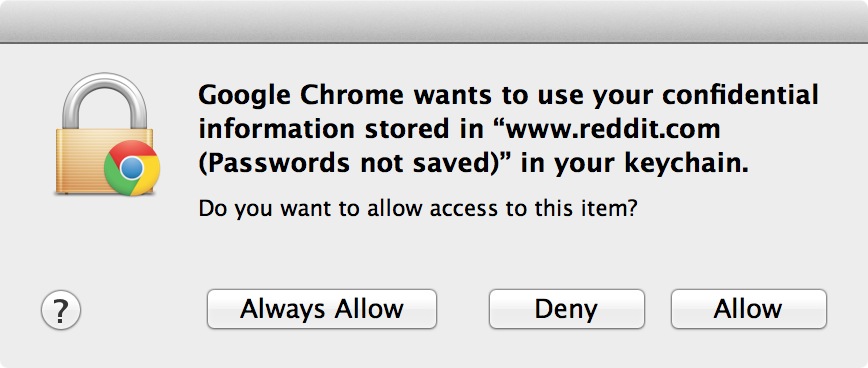
Have you ever had Google Chrome on OS X present a pop up message that states: Google Chrome wants to use your confidential information stored in the...blah, blah, blah...in your keychain?

Even if you select Always Allow, Deny, or Allow, the message continues to pop up each time you visit specific sites. I tried disabling password syncing in Chrome's settings, clearing all saved passwords, etc., all to no avail. Basically, I got to the point where If I saw that message one more time, I was going to rip my hair out!

But I solved the issue, and it was actually easier, and more obvious than I expected. If you're having the same problem, which apparently many Chrome users on the Mac are, then take a look inside for the fix...

‘ColorLock’ adds an iTunes 11 inspired effect to your iPhone’s Lock screen

I just got through covering MultiDock, and to be honest I wasn't very impressed with it. But another jailbreak tweak from the same developer really holds some serious promise. The tweak, entitled ColorLock, is currently making its rounds on Reddit, as it has not been released on any of Cydia's stock repos thus far.

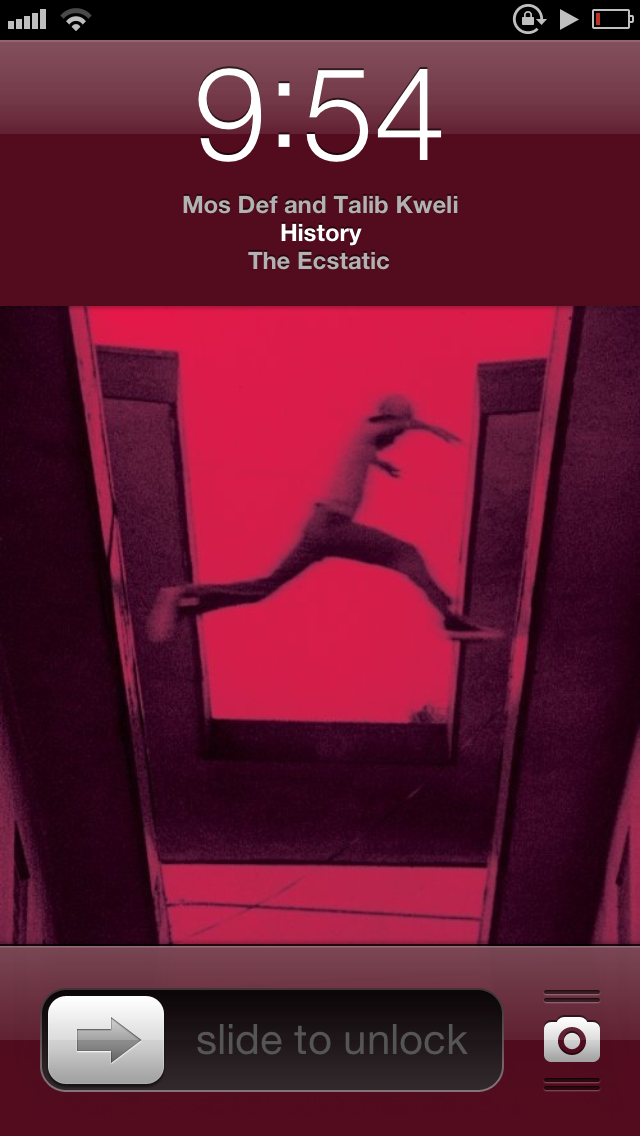
ColorLock allows you to have an iTunes 11 inspired effect on the iPhone's Lock screen, while playing music from the stock Music app. It basically causes the background color of the Lock screen to match the hue of the now playing album artwork, similar to the way that iTunes 11 displays a hue that matches the album art for the music you play.

Make no mistake about it, this is a jailbreak tweak that's innovative and holds a lot of potential. Check out some additional screenshots and information inside...

‘MultiDock’ adds options to customize the iOS dock

MultiDock is a new jailbreak tweak that allows you to customize iOS' dock on the iPhone, iPad, and iPod touch. The tweak features the ability to change the number of rows and the number of app icons on each row.

Each change requires a respring, which is easily accomplished via the tweak's built in respring button featured in MultiDock's settings app. Is MultiDock worth its $1.99 asking price?

Upcoming tweak brings a Do Not Disturb Lock screen toggle to the iPhone

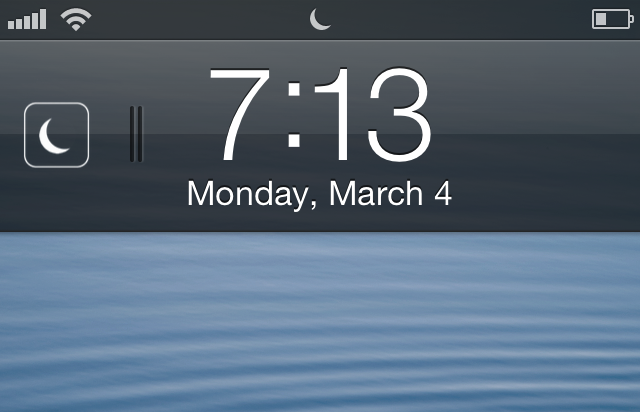
Flusterless is an upcoming jailbreak tweak that will bring a handy Do Not Disturb (DND) toggle to the iPhone's Lock screen. The elegantly designed tweak positions the toggle to the left of the Lock screen clock, and it is invoked using a simple swipe gesture.

Enabling DND using a swipe displays a moon icon that matches the status bar icon indicating that DND is enabled. Disabling DND using a swipe gesture briefly displays a sun icon, which quickly fades from view. If you're someone who often uses DND, then Flusterless is a jailbreak tweak that you should keep an eye out for.

Animer video walkthrough

http://www.youtube.com/watch?v=d1omc9QXusY We've already done a written review of Animer, but now it's time to bring you our traditional video walkthrough. Animer, as we already told you, is a jailbreak tweak that allows you to add different styles of animation to the app switcher, banner notifications, and the HUD. It's available for $0.99 on Cydia's BigBoss repo, and if you're viewing this from an iOS device, you can click here to be taken directly to the Animer page on Cydia. Be sure to let us know how you're digging it in the comments section.

How to link Fantastical to the stock Calendar app icon

I absolutely love Fantastical. It's a wonderful way to manage my week-to-week activities via my iPhone, and there's a desktop client as well. Fantastical uses "real" language when it comes to adding appointments to your calendar. This means that I can simply type: Dinner with the wife next Wednesday at six, and it knows to setup an appointment on March 13 at 6PM. That's really just the beginning of how useful Fantastical is, but this isn't meant to be a review of Fantastical, this is a tutorial that shows you how to link Fantastical to the stock Calendar app.

Upcoming ‘LastPic’ tweak allows you to easily share your last taken photo

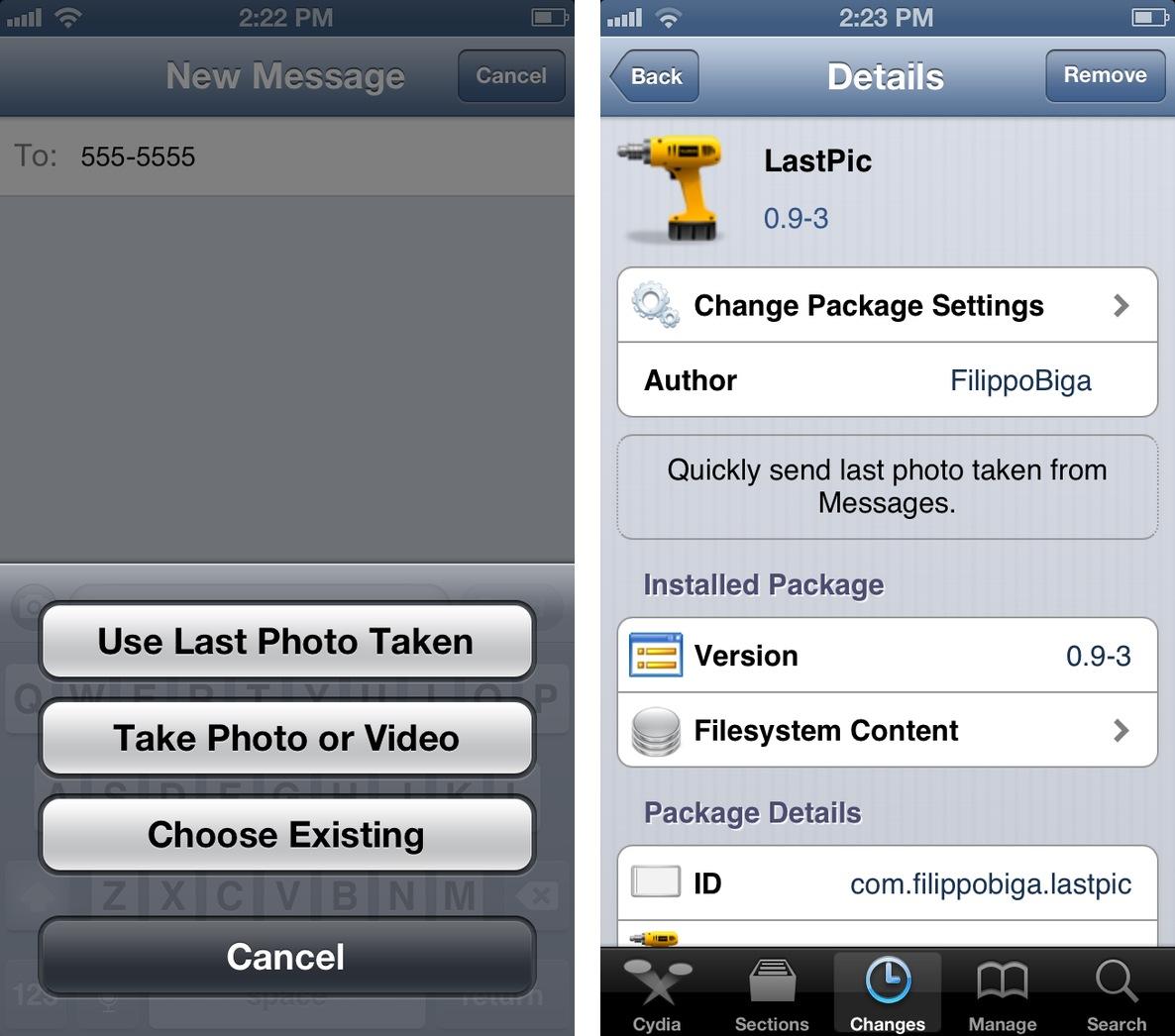
Filippo Bigarella has come up with another doozy, and this time it involves your photos. More aptly, this time it involves the last photo you snapped with your iDevice. LastPic, is an upcoming jailbreak tweak that will allow you to easily share the last photo you took when sharing a photo via the Messages app. It works a lot like Tweetbot, which features similar functionality when posting photos to your Twitter stream.

The tweak is currently still being worked on, but you can be rest assured that we will see it available on Cydia in the near future. Stay tuned for more updates.

‘PassIt’ allows you to open links directly within 1Password

As a newly converted 1Password user, it's always been sort of an annoyance to have to create a javascript bookmarklet in order to quickly open a website within 1Password's interface. If you happen to be jailbroken, however, this procedure just got a lot easier.

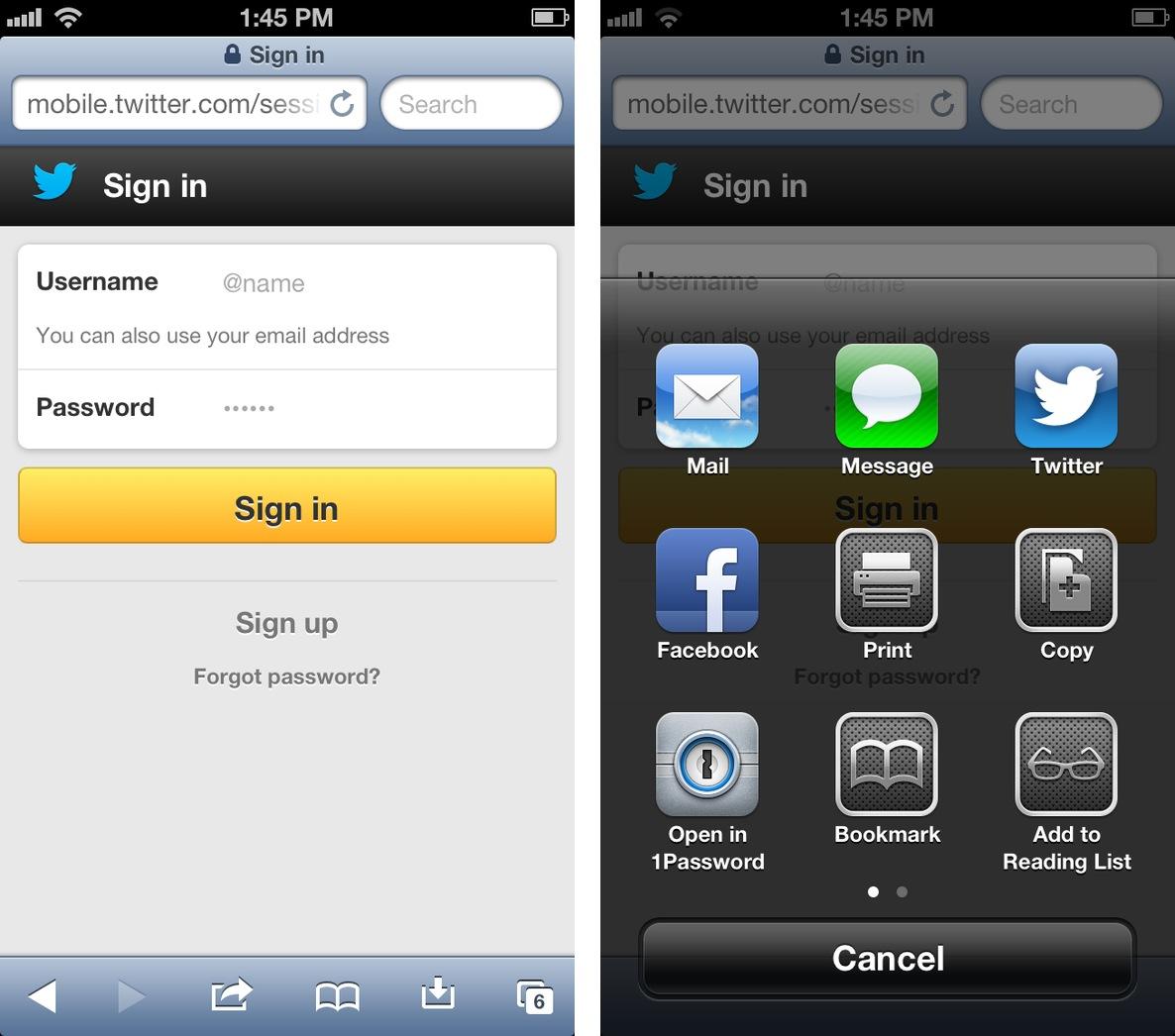
PassIt is a new jailbreak tweak that adds an "Open in 1Password" option to Safari's sharing menu. Yes, it's basically just a glorified javascript bookmarklet, but it's much easier to use, and it looks great too.

Real Racing 3 now available in the US App Store

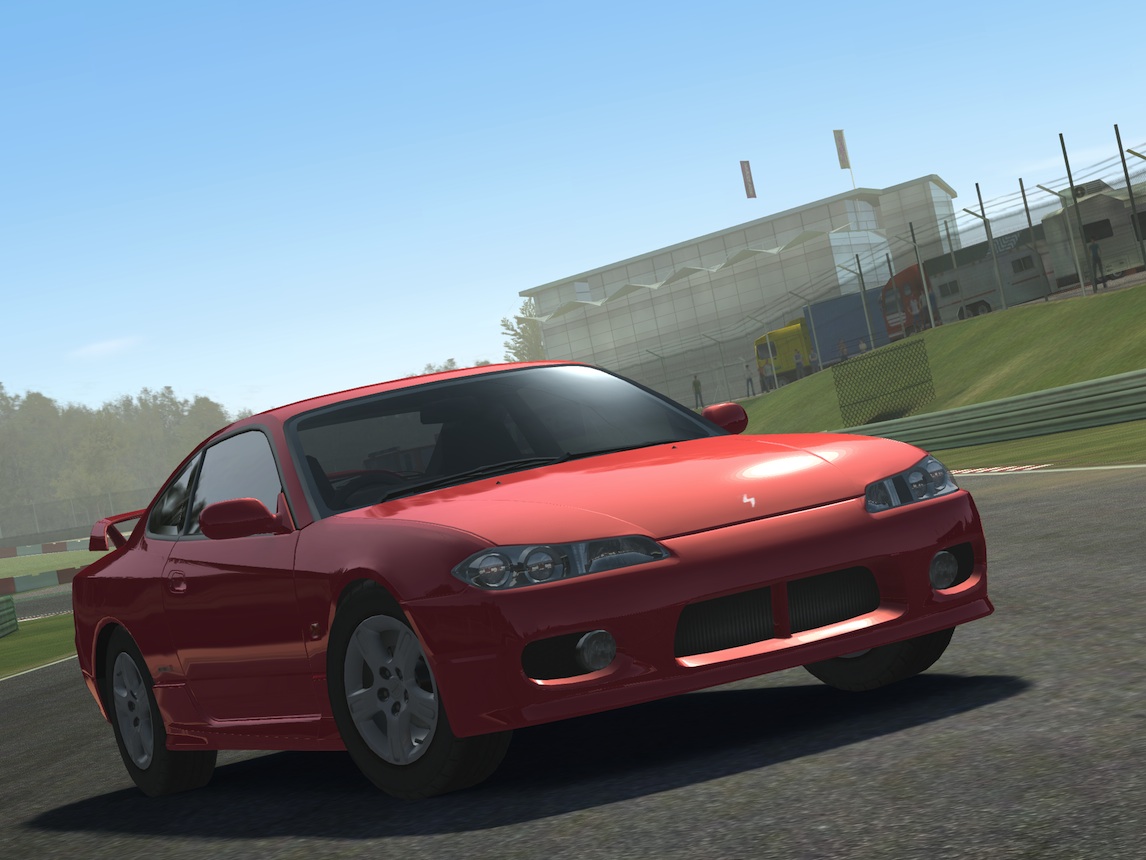
It's been a long wait, but it's finally here. Real Racing 3 has officially landed in the US App Store as a free download. A couple of weeks ago, we spent some hands-on time with the game, and came away blown away by the graphics. Some of you guys might not dig the game's new freemium approach — an approach that ditches paying up front in favor of paying for in app purchases — but only time will tell if this negatively impacts the game's reception.

Real Racing 3 features tons of new cars, tracks, and all sorts of upgrades for your vehicle of choice. It's a polarizing title due to the fact that iOS' most popular racing game franchise has taken an abrupt turn towards the freemium model. But even if you don't appreciate the new approach, you owe it to yourself to download this game just to take in the visuals. Real Racing 3 is eye candy in its most concentrated form.

Photoshop Touch finally lands on the iPhone

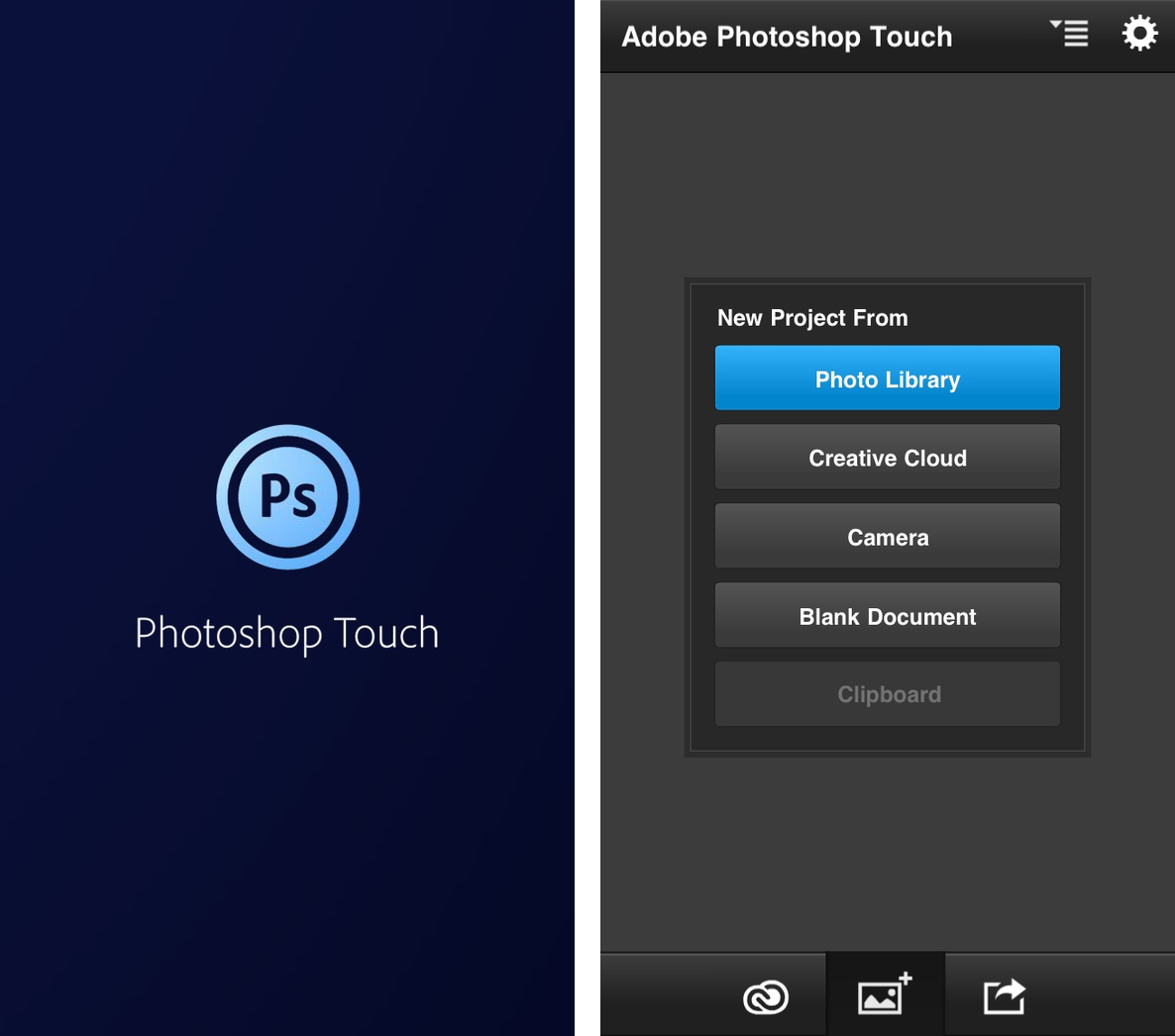
After what has seemed like nearly an eternity, a useful version of Adobe Photoshop has finally landed on the iPhone. Officially dubbed Adobe Photoshop Touch for iPhone, the app is largely the same as the original iPad version, which was released some time ago.

For those of us that have to alter images on a day-to-day basis, this is a welcomed addition to the App Store library.