Jeff Benjamin

Jeff has been with iDownloadBlog since 2010, acting as resident video specialist, and tutorial expert. He earned his degree in Computer Network Systems back in 2001, but decided Cisco routers and the like just weren’t for him. Since then, he’s been heavily involved with online writing. He’s written for numerous tech and video game sites since the late 1990′s, and has a knack for explaining things in a simple, clear, and concise manner. Jeff works primarily from the east coast on his Retina Macbook Pro, and shoots video with a Canon DSLR. During downtime he likes to travel the world, visiting the various Apple Stores across the globe. You can email him at jeff [at] idownloadblog.com and follow him on Twitter @JeffBenjam or on Google+.

Harlem Shake (iPhone Edition)

https://www.youtube.com/watch?v=yaJZzA3m0iI

While I still have some beef with this newfangled Harlem Shake, because it's not the real Harlem Shake, I still have to admit that this creation from @bensge is quite humorous. HarlemShake is a jailbreak tweak that randomly shakes your Lock screen after respringing. It's not available yet on the default Cydia repos, but if you want to try it right now, simply add the following repo to Cydia and install: http://bensge.com/repo.

Remember, it's random, so you may have to respring a few times before it kicks in. And yes, the music plays along with it. What do you think? But wait, that's not all, we have another edition of the Harlem Shake for the iPhone, and this one impacts the Home screen app icons, and includes an Activator gesture. Want to see it in action? Check inside...
Peekly – an awesome new Lock screen theme featuring weather, calendar, and more

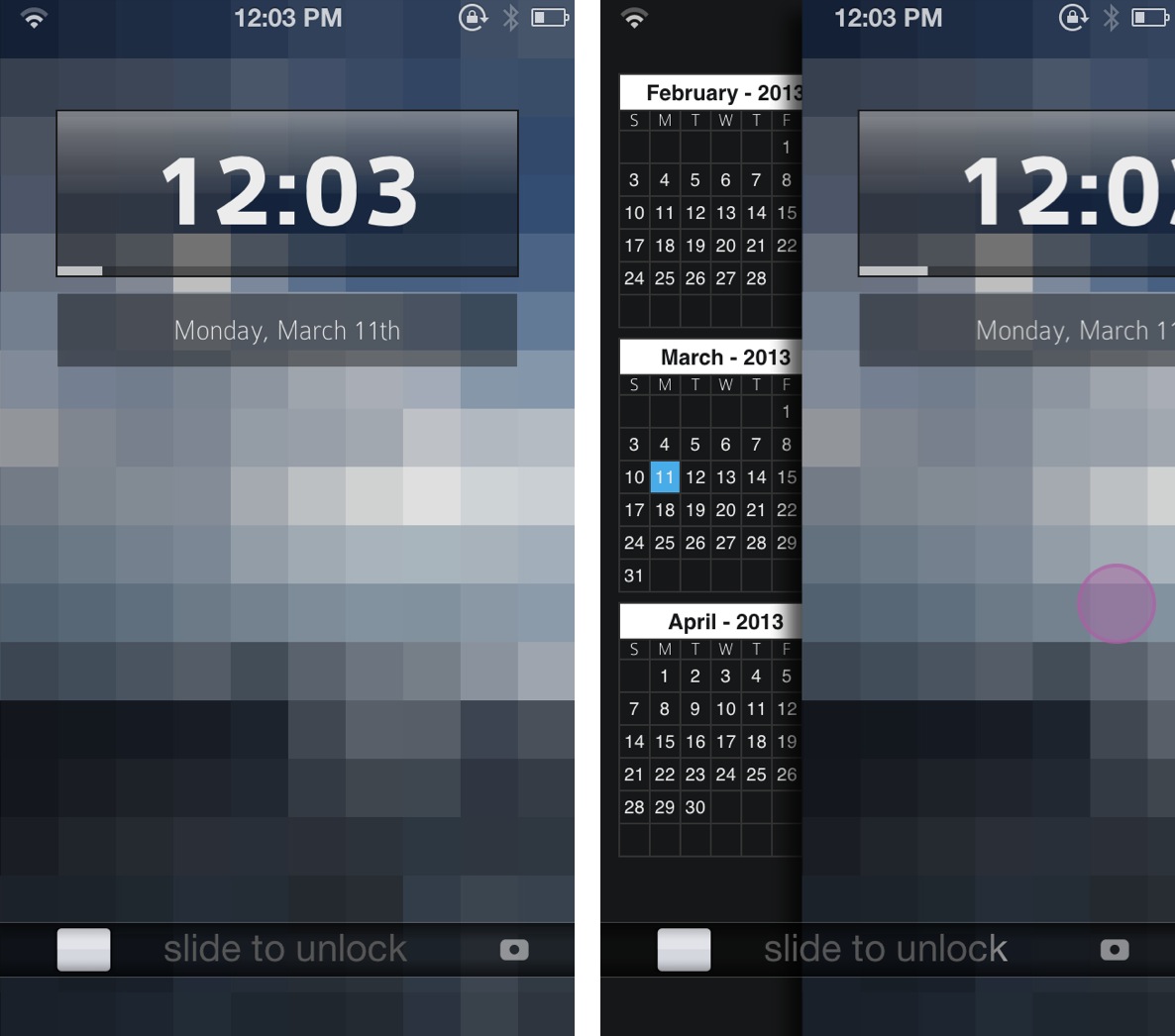
Peekly is an awesome new Lock screen theme for WinterBoard. Not only does it look wonderful, but the theme features built in functionality for current weather, forecasts, calendar, RSS feeds, and more.

Like many Lock screen WinterBoard themes, Peekly can be configured using a simple javascript file, which can be edited by means of the text editor bundled with iFile. If you're looking for a relatively lightweight Lock screen theme that looks absurdly good, then look no further than Peekly. Take a look inside for our full hands-on video review and setup guide.

How to make your status bar clock fade into view

ClockFade is a new jailbreak tweak that forces your status bar clock to fade into view after unlocking to the Home screen. Normally, the status bar abruptly appears with no fade animation, which can be jarring. ClockFade brings smoother fade animations to the table, which are completely adjustable courtesy of preference sliders.

Obviously, this is a small tweak that doesn't bring much to the table as far as features are concerned, but you might be surprised as to how well it performs, and how good it looks in motion.

Mix up your iPhone’s Lock screen with ‘Vexil’

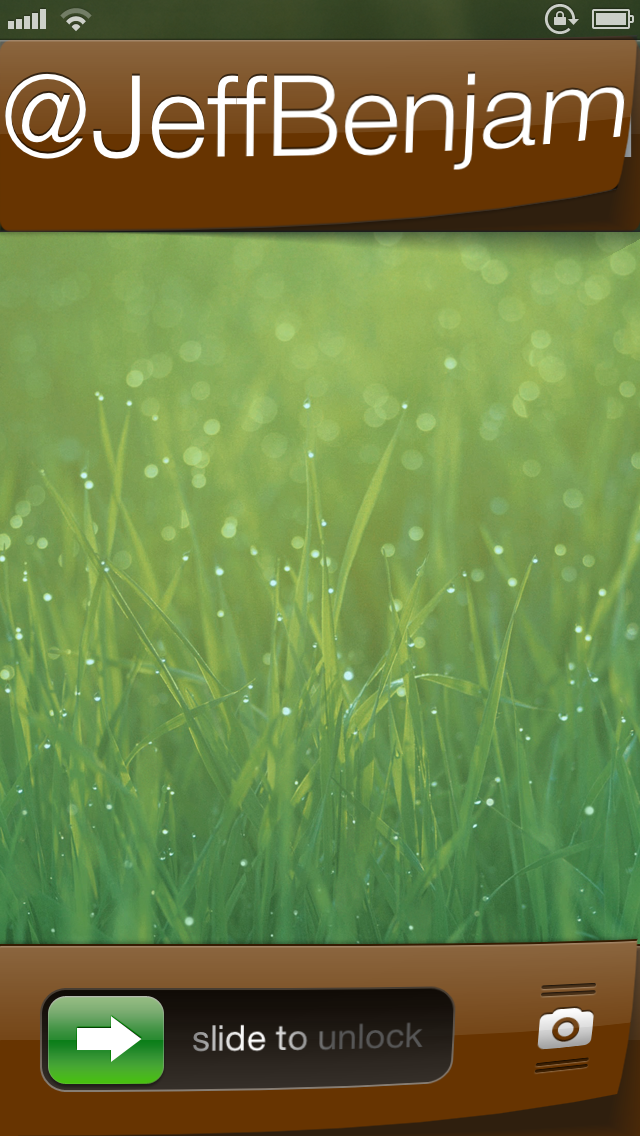
Vexil is an upcoming jailbreak tweak that adds a ton of features to your iPhone's Lock screen. If you can see it on the Lock screen, you can probably change it by means of this tweak.

Virtually nothing is off limits here, from the Lock screen clock to the Slide to Unlock nub. It's not the prettiest, or even the most useful tweak in the world, but with a little effort you can come up with a certified original look for your device.

How to stop your iPhone from vibrating on tables

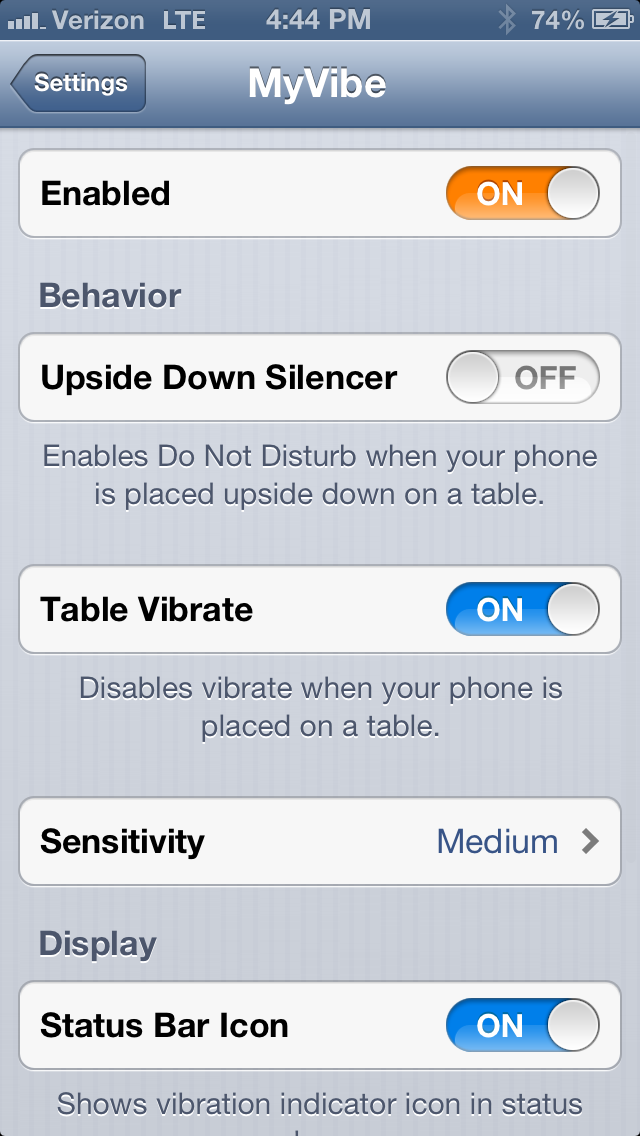
Don't you just hate it when you place your iPhone on a table, and notifications start going off? You get that annoying buzzing sound, which is the result of the vibration motor pulsating on the hard table surface. Wouldn't it be awesome if your iPhone knew when it was laying on a flat surface, thus disabling the vibration? Well, that's the premise behind MyVibe.

MyVibe is a relatively new jailbreak tweak that's available for $1.99 on Cydia's BigBoss repo. Once installed there are quite a few options that can be configured using the tweak's preference panel. Take a look inside for a video walkthrough showcasing how to use MyVibe, and why it may be beneficial for you.

‘SelectiveReading’ allows you to select who receives iMessage read receipts

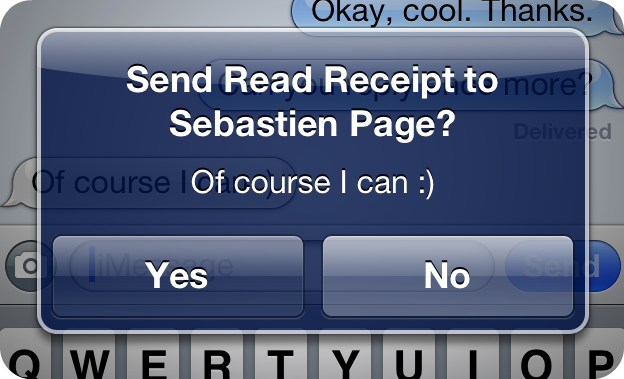
There have been some really great jailbreak tweaks released for iMessage lately. A few weeks ago, we talked about TypeStatus, which allows you to see incoming "now typing" notifications for ongoing iMessage conversations. Now, there's SelectiveReading — a jailbreak tweak that lets you selectively send read receipts to specific contacts.

I've always enjoyed the ability to send and receive read receipts between my iMessage friends. It gives both parties a peace of mind knowing that their message has been received and consumed. But I've always had a lingering beef with the feature as well. I never appreciated the fact that it was all or nothing with read receipts. That is to say, it was either enabled for everyone, or disabled for everyone, there was no middle ground.

Again, the jailbreak community has stepped in to save the day. SelectiveReading makes a feature that I've always wanted to use, but didn't because of its limitations, actually usable. Take a look inside as I divulge more details about this long awaited jailbreak tweak...

Gridlock updated for iOS 6

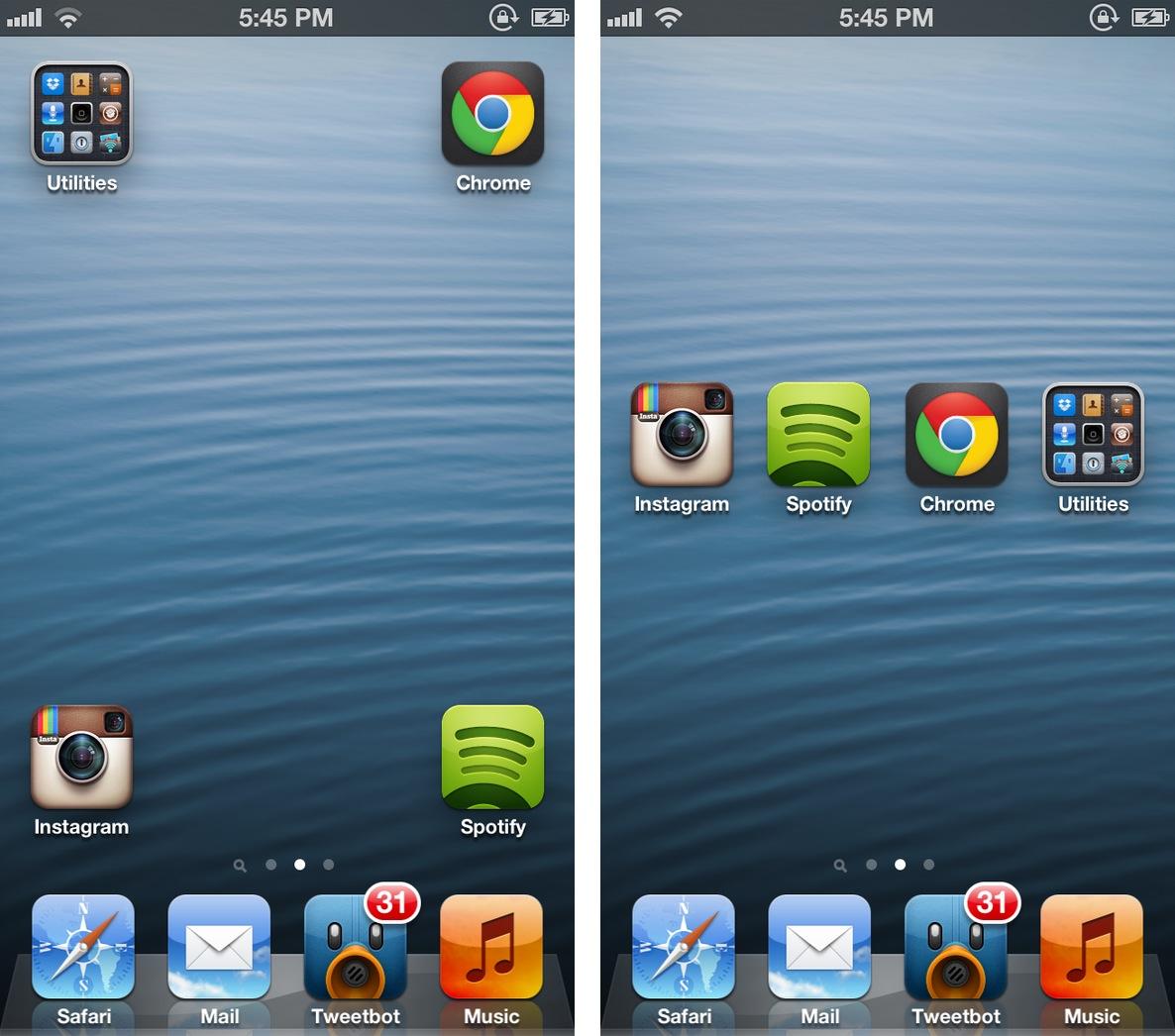
Gridlock 2.0 was released just moments ago, and it brings iOS 6.x support in tow. Gridlock is a tweak that's very popular among jailbreakers, because it gives users the ability to rearrange their app icons using a simple drag and drop action.

Normally, iOS prevents users from organizing app icons in any way but in a linear manner. With Gridlock, you can easily leave blank spaces between app icons. In my opinion, Gridlock is best served when mixed with iOS themes, and jailbreak widgets like Dashboard X. Whatever the case may be, you'll likely enjoy the sense of freedom that you get from using Gridlock.

‘ActivityAction’ lends quick access to your favorite iOS URL schemes

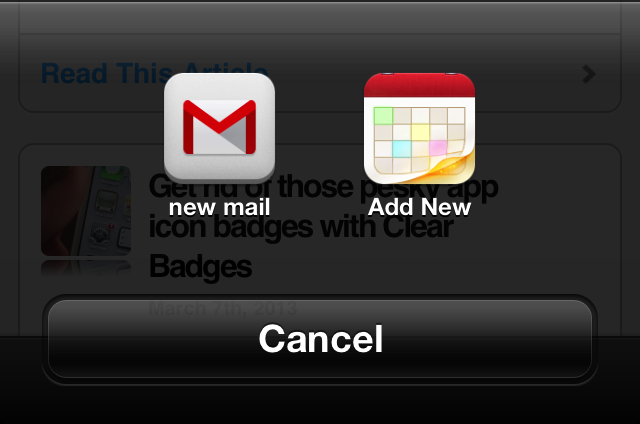
ActivityAction is a work in progress jailbreak tweak that serves as a plugin to Action Menu. Its purpose is to allow you to create custom actions for any app on your iDevice, which supports URL schemes.

A URL scheme is an essential way for iOS apps to communicate with other apps in iOS. Many apps feature URL schemes, though this isn't something generally advertised as a major feature to the public.

ActivityAction allows you to create specific actions for any app that utilizes these schemes, making it a potentially powerful plugin for Action Menu. Want to see how it all works? Take a look inside for the full video walkthrough and explanation.

Flashorama lets you use the iPhone’s LED flash during panorama mode

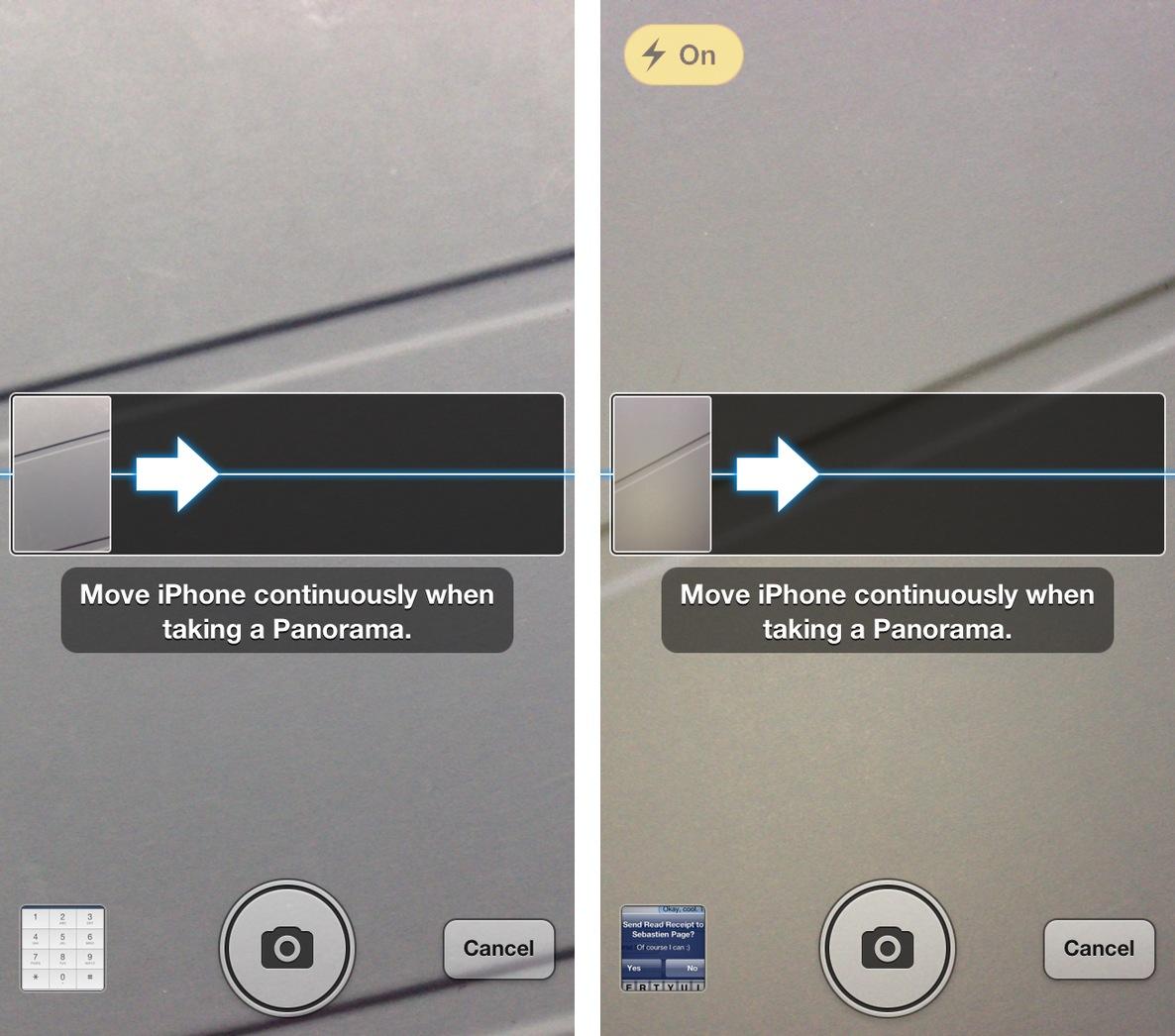
Flashorama is a new jailbreak tweak that allows you to enable the iPhone's LED flash when using panorama mode. Normally, when switching over to panorama mode, the LED flash is completely unavailable for use. This tweak "fixes" that issue.

Although in most cases you'll likely be shooting panorama pictures in well lit public areas, it's nice to have the option to enable the flash if necessary. Take a look inside for a few more details...

‘CalliFy’ lets you change the Call button text in the stock Phone app

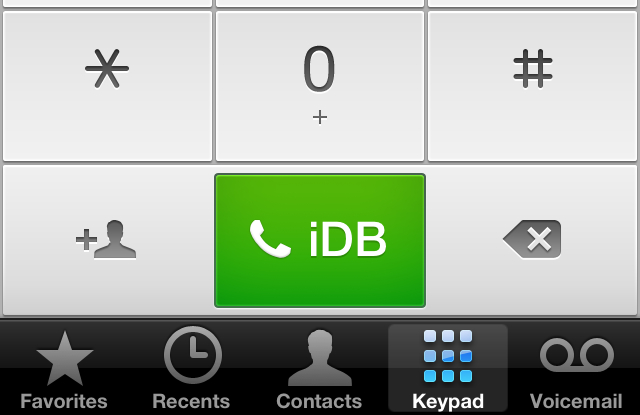
Have you been searching for a way to customize the text on your Phone app's green "Call" button? Yeah, me neither. But now that a tweak has appeared in Cydia that allows you to do so, I've been giving it a try.

CalliFy is the name of the tweak, and as you would expect, it's extremely simple and straightforward. Installing it lends a new preference panel in the Settings app, which can be used to customize the green Call button's text.

‘LastPic’ released on Cydia

LastPic, the jailbreak tweak that allows you to attach the last taken photograph into an iMessage conversation, has been released on Cydia. The tweak, which we discussed on Monday, is an iMessage implementation of a feature that has been a staple in the popular Tweetbot Twitter client.

LastPic is a free download, and it's available on Cydia's BigBoss repo right now. For those of you browsing this post on an iOS device, you can click here to be taken directly to Cydia for the download.

And the winner of our iPad mini giveaway is…

Ladies and gentlemen, we have found the winner for our iPad mini giveaway. First of all, we want to thank everyone who entered, your participation has been nothing short of impressive. We'd also like to lend a huge thanks to our giveaway sponsor, Big Fish Games, for helping us with this giveaway, and for creating awesome iOS games like Fairway Solitaire.

Now, the moment you've all been waiting for. We've randomly selected one of our many YouTube subscribers who followed our giveaway instructions to a tee. Now it's time to tell you who won. Congratulations to....