http://www.youtube.com/watch?v=dewkE66s0qg
My first look at a very early version of Badger. What do you think?
http://www.youtube.com/watch?v=dewkE66s0qg
My first look at a very early version of Badger. What do you think?

Despite a few complaints by me over the years, Reeder is still my favorite RSS reader on iOS and the Mac. I use it on my iPhone, my iPad, and my Mac. Recently, as have many others, I ditched Google Reader, but Reeder as an app will fortunately live on.
Today, Reeder developer Silvio Rizzi, announced some big changes for Reeder. The big news is the fact that support and development for Reeder will still continue, despite Google Reader's demise on July 1st. The other big news is that the current versions of Reeder on the Mac and iPad are now free.
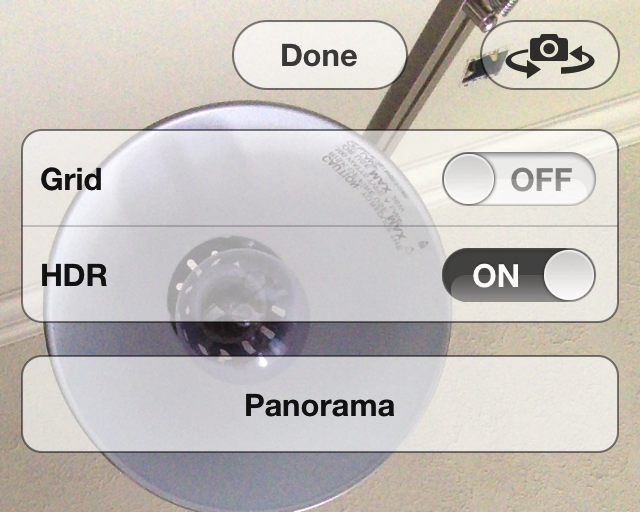
Front HDR is a new jailbreak tweak that allows you to enable High Dynamic Range while using the iPhone's front facing camera. Normally speaking, HDR is a mode reserved for the iPhone's rear camera, and since the rear picture quality is much better than the front camera, it's probably best served there.
Still, there are always those who want to make their iPhone's do things that it was never intended to do, and that's the case with Front HDR. While the tweak does work as advertised, it also poses a few big issues along the way. Check inside for more details.
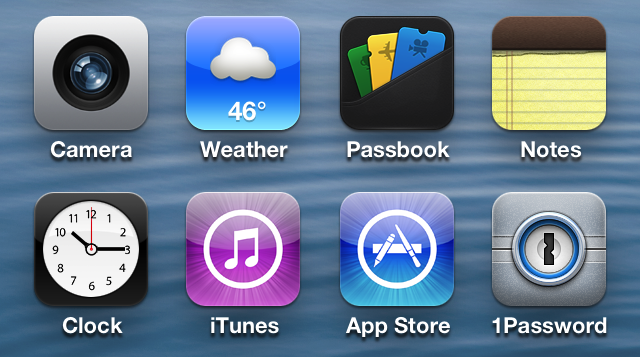
Rejoice, ladies and gentlemen, because WeatherIcon is back and it brings support for iOS 6 in tow. Aptly dubbed WeatherIcon 6, this jailbreak tweak brings live weather updates to jailbroken iOS 6 devices.
Like its predecessor, this tweak ditches the static "73 degrees and sunny" located on the stock Weather app icon, in favor of live up-to-date weather conditions. One thing you won't find in WeatherIcon 6 is support for status bar weather information, but the developer says that a future update to a dependency will bring status bar support soon.
Welcome to episode 3 of Let's Talk Jailbreak. In this episode, Sebastien and I discuss iOS 6.1.3, Apple's perception of jailbreakers, the previous week's jailbreak tweaks, how we met, a sleeper jailbreak tweak, an update on the progress of the podcast, and much more.
Like last week, this week's episode again takes into account some of your suggestions. For instance, some of you will be happy to find a brief introduction to the podcast. Take a look inside for the iTunes links, direct download links, and more.
https://www.youtube.com/watch?v=fZPIWE5wljY
LSBackView is an upcoming jailbreak tweak that allows you to view the "back" of album art for music playing via the stock Music app. This rear view of the album art allows you to switch tracks within the same album when playing music using the Music app, but this feature is not available on the Lock screen. Of course, there are Lock screen controls, but those controls are linear, only allowing to you skip each track one by one. LSBackView, on the other hand, allows you to play the exact track you want to hear from an album.
The tweak can be activated using a simple double tap gesture on the album art found on the Lock screen. Another swipe brings you back to the main album art display. Although there's no solid ETA for LSBackView's release, I'd imagine that it will be soon, and it will be a free download. What are your thoughts?
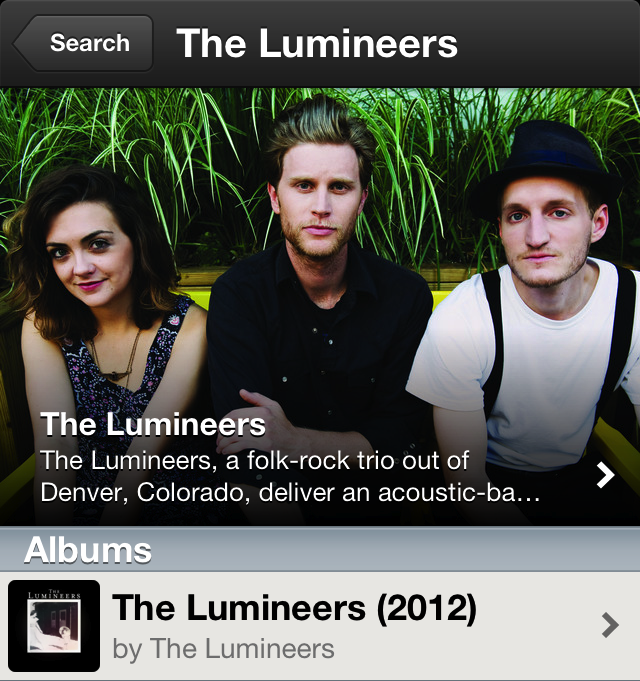
Less than one month after its awesome 0.6.0 update, which brought along a brand new app interface, Spotify has been updated again. Version 0.6.1 adds a brand new biography feature to the artists view. Now you can see a photo of your favorite band, along with a link to a written biography.
This brings the iPhone version of Spotify closer in line with the desktop version, which has had images and biographies since its inception. The 0.6.1 update also brings a new bug fix. Check inside for more details.
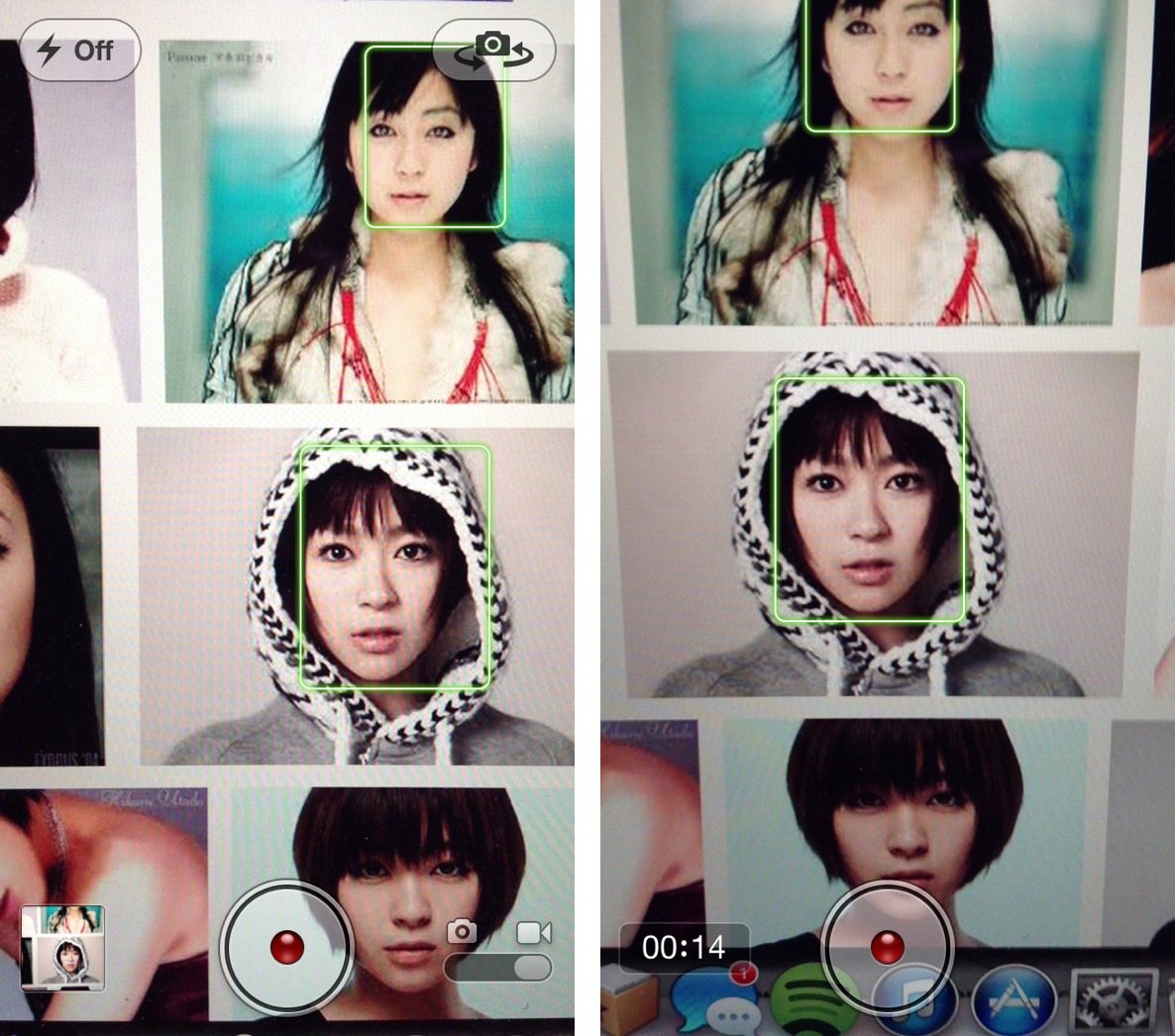
Face detection is a feature that allows the iPhone's iSight camera to focus on the most prominent face in the frame, balancing the camera's exposure across up to 10 faces. It's a feature that works well with the iPhone's still camera, and it also works for shooting video.
The only problem with video, is that the face detection only works prior to the actual filming. That means that you can detect faces before tapping the shutter button while in video mode, but not afterwards. FaceDetectionDuringVideo is a tweak that eliminates that restriction. In other words, it allows you to detect faces in the middle of shooting a video.
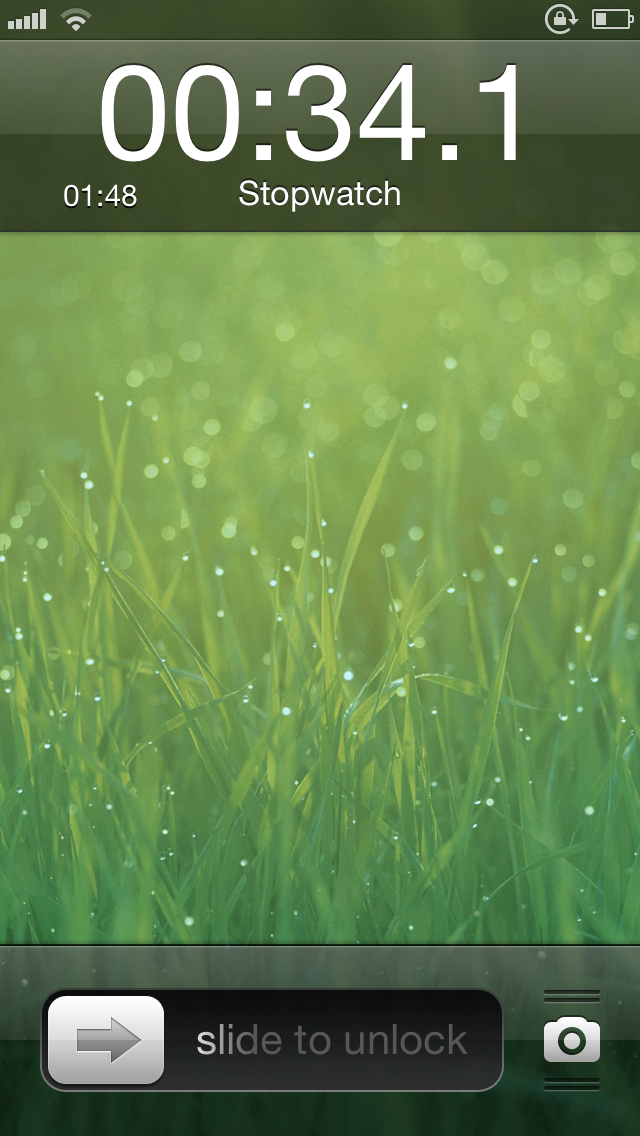
Isn't it annoying when your iPhone goes to the Lock screen while using its built-in stopwatch? Perhaps that's never happened to you before, because you simply don't use the stopwatch. But if it has happened, you'll be ecstatic to learn about a brand new jailbreak tweak that solves this issue.
Stoppur — a jailbreak tweak that allows you to place a stopwatch right on the Lock screen — is available on Cydia's BigBoss repo for $0.99. Is it worth it for stopwatch users? Take a look inside for more insight.

Tap to Widgets is a jailbreak tweak, which brings Reminders, Notes, and Calendar shortcuts to iOS' Notification Center. Tap to Widgets allows you to easily add an item to any of these apps without having to fully open the app in question.
The tweak even lends the ability to add items to specific accounts, such as a different Calendar, or Reminders List. This is a beautifully designed tweak that functions just as you might imagine it might if Apple were behind it. Take a look inside as we walk you through each aspect of Tap to Widgets in our hands-on video.
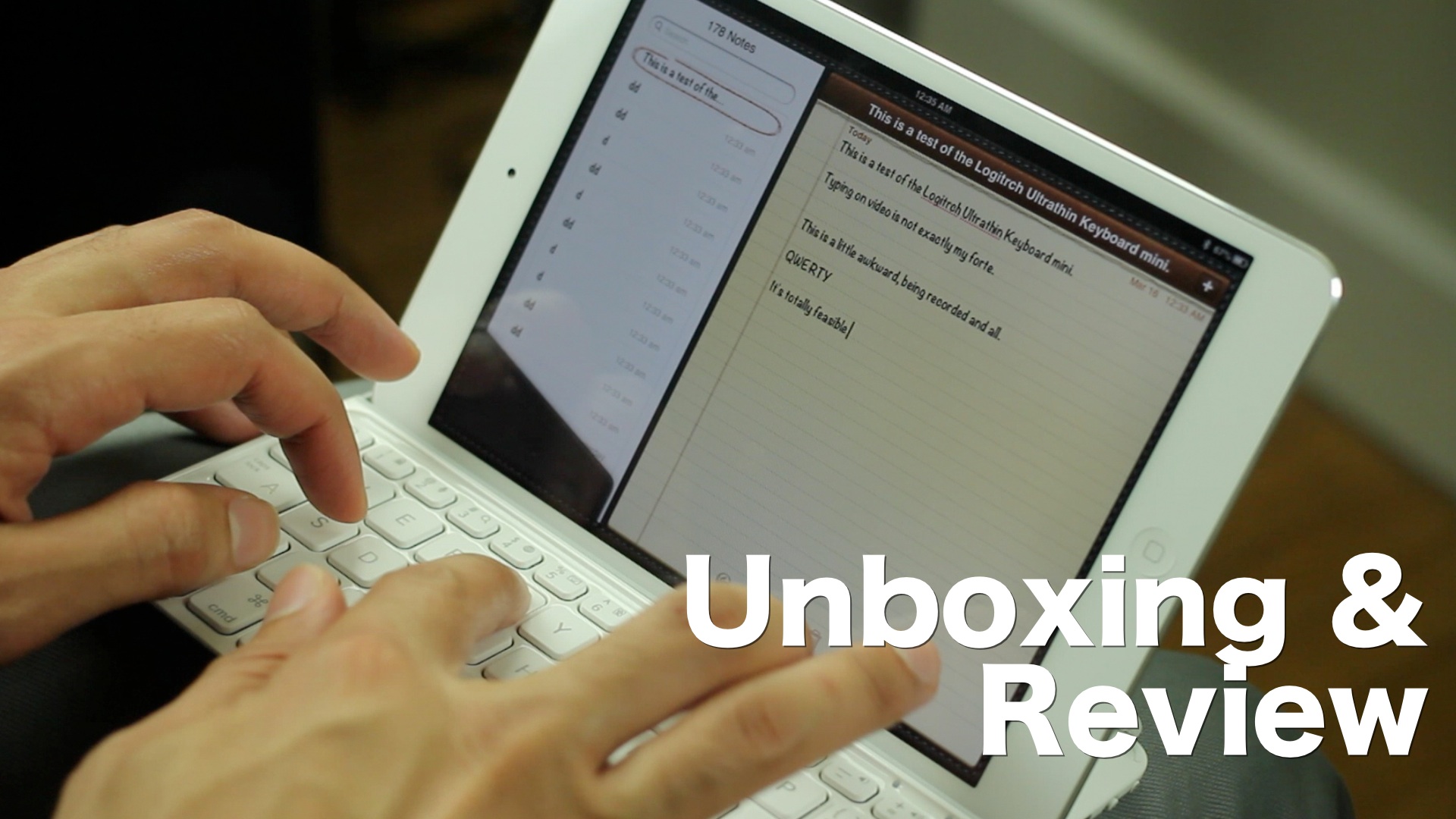
My goal was to type more efficiently on my iPad mini, without sacrificing the device's portability. I also wanted a keyboard that would actually improve my typing ability, not hinder it. I found such a product with the Logitech Ultrathin Keyboard Cover for iPad mini.
I know — that's a whole lot of name for such a diminutive product. Let's just call it the Ultrathin mini hereafter, shall we? Good. Let's talk about what makes this little device so special, and how it has significantly improved my iPad mini based workflow.
