Jeff Benjamin

Jeff has been with iDownloadBlog since 2010, acting as resident video specialist, and tutorial expert. He earned his degree in Computer Network Systems back in 2001, but decided Cisco routers and the like just weren’t for him. Since then, he’s been heavily involved with online writing. He’s written for numerous tech and video game sites since the late 1990′s, and has a knack for explaining things in a simple, clear, and concise manner. Jeff works primarily from the east coast on his Retina Macbook Pro, and shoots video with a Canon DSLR. During downtime he likes to travel the world, visiting the various Apple Stores across the globe. You can email him at jeff [at] idownloadblog.com and follow him on Twitter @JeffBenjam or on Google+.

Let’s Talk Jailbreak 23: Jailbreak news always follows

It's been quite an exciting week full of Apple news, with the upcoming September 10th event, and the prospect of new iPhone hardware. Inside, Cody and Jeff discuss the long rumored budget iPhone, the iPhone 5S, iPads, and getting warranty coverage while running iOS 7. The duo also talks about the legitimacy of the Unthreaded jailbreak along with who might be behind it, and this week's top tweaks.

Popular ‘ayecon’ jailbreak theme goes on sale for $0.99

One of the most popular, and arguably one of the best jailbreak themes of all time is now on sale. For the first time since its inception, ayecon, the groundbreaking Retina enabled theme for the iPhone is available for just $0.99.

It's hard to believe, but it's been over a year since ayecon was initially released on Cydia. I think it's safe to say that the theme has aged well, and adequately stands the test of time.

Preview: LockBar Pro

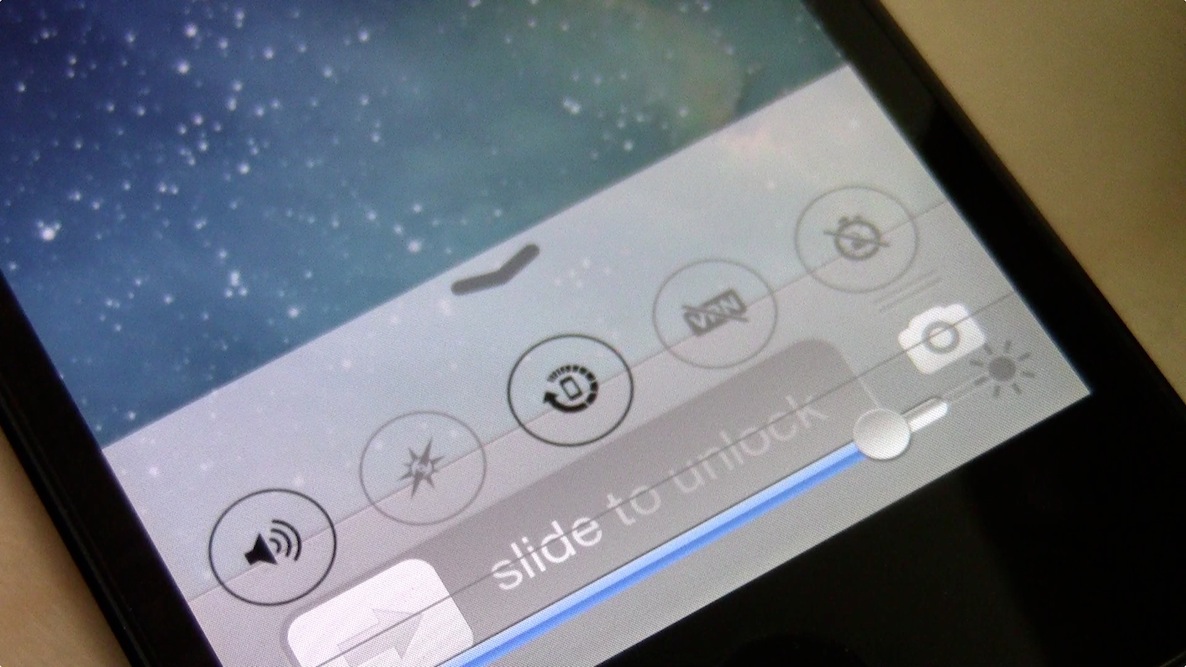
LockBar Pro is an upcoming jailbreak tweak that brings a little of the iOS 7 flavor to lesser firmware. A tweak that's obviously been influenced by the Control Center feature in iOS 7, LockBar Pro is sure to satisfy those who desire to have some of the feature set from Apple's newest firmware, but are relegated to iOS 6.

We've taken a little bit of time to go hands-on with LockBar Pro. Check past the break for a preview video that showcases some of its features.

How to add ‘TypographyTime’ to Notification Center

If you're a fan of the legendary TypographyTime lock screen add-on for LockInfo, then perhaps you'll be interested in adding a TypographyTime clone to Notification Center? That's the exact premise behind TypographyTime for Notification Center, a jailbreak widget that adds a stylized clock to iOS' pull down information panel.

We've taken some, ahem, time to go hands-on with the widget. Check inside for the full video walkthrough showcasing all of the pertinent details...

‘VideoPane’ updated with fixed Netflix support, settings pane, and more

Last night we brought you a video walkthrough of the just released VideoPane tweak. The initial release, which allows users to detach video for multitasking while watching video, was solid, yet contained a few lingering issues.

The first big issue was the lack of Netflix support. In all actuality the Netflix support was there, but it didn't work with the latest version of Netflix. The update also adds a much needed dedicated settings pane to the fray.

There are quite a few additional changes for VideoPane 1.0.1. Have a look at the full change log inside.

Preview: iRealSMS beta with iOS 7 inspired QuickReply

The developer of iRealSMS contacted us recently regarding a new upcoming feature to its popular Messages app alternative. iRealSMS 3.0.6 brings a new iOS 7 inspired QuickReply theme to the fold, and it looks pretty interesting. Once QuickReply makes its way to iOS via an iOS 7 jailbreak, we imagine that this is similar to how it'd look. What say you? Check out our brief video preview after the jump.

‘VideoPane’ brings true video multitasking to iOS

Judging from the popularity of the preview post, it looks like quite a few of you are highly interested in Ryan Petrich's new flagship video tweak. VideoPane, as it is called, was just released, and it's now available for purchase on Cydia's BigBoss repo.

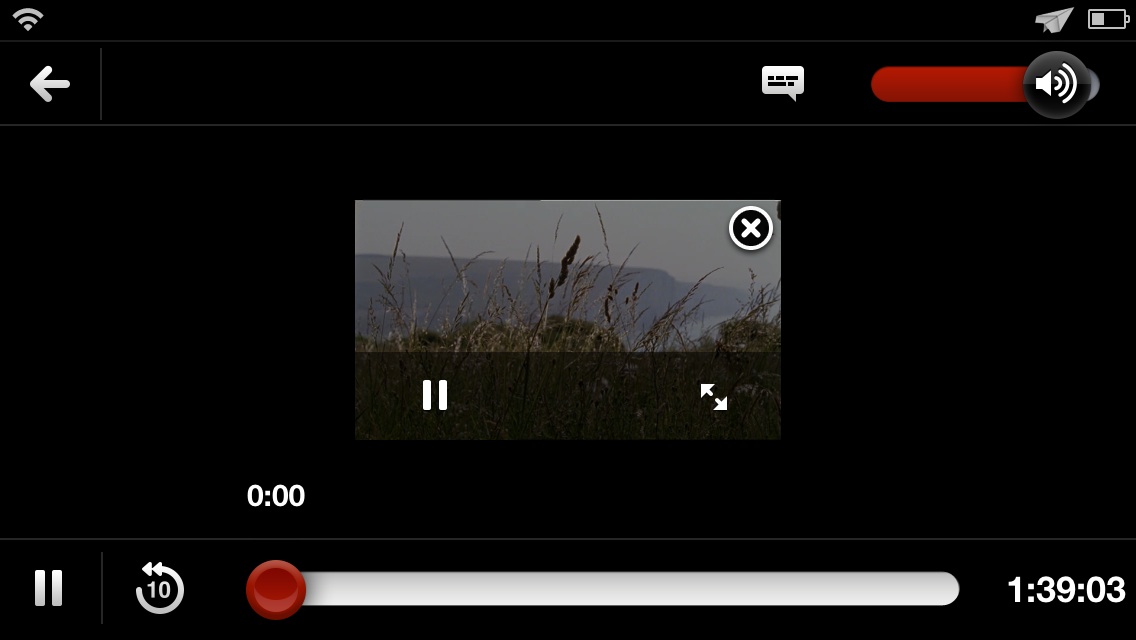
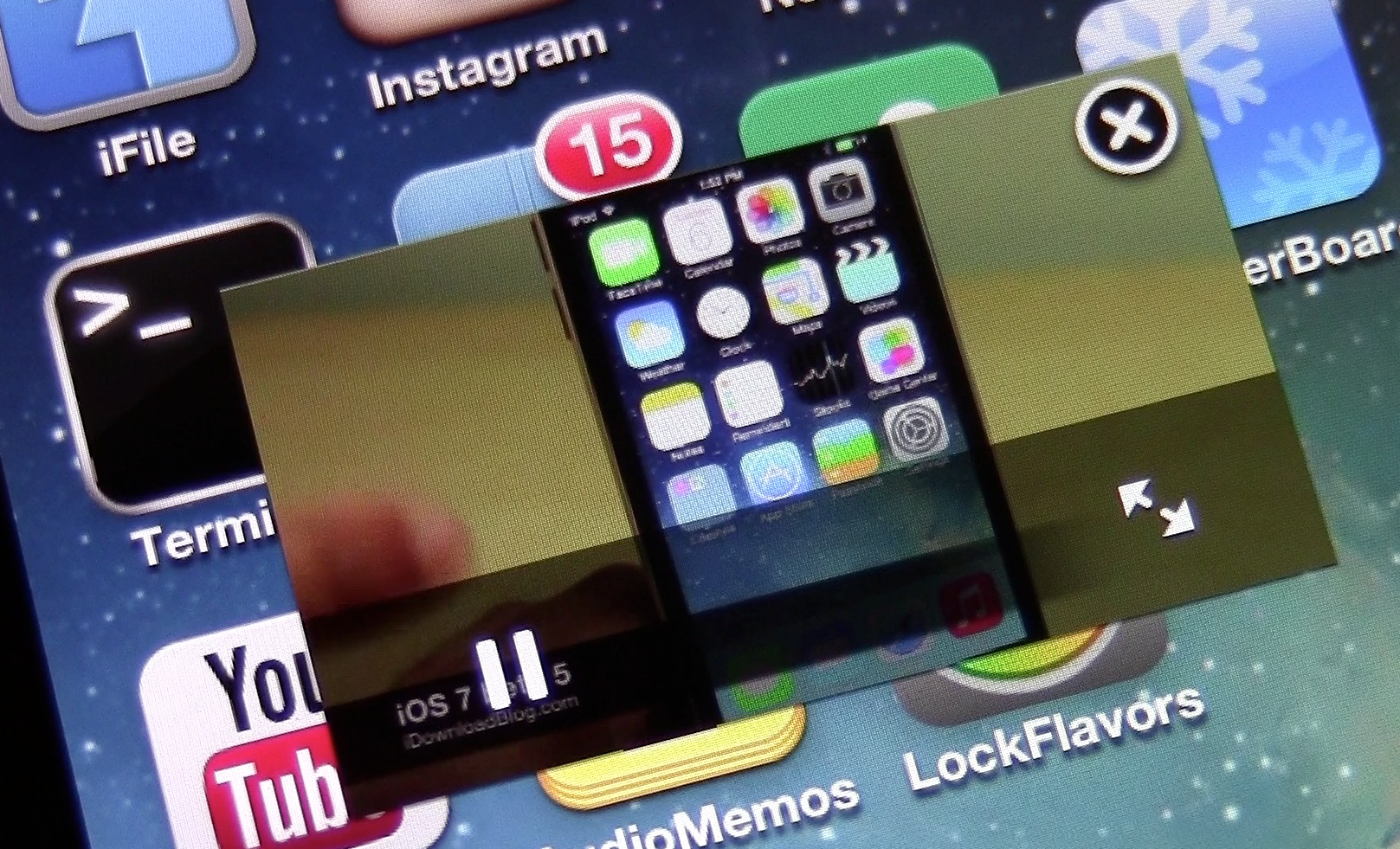
This is a tweak that allows users to detach video from its native player, and float it on top of the iOS UI in a way that allows you to multitask. VideoPane makes it totally possible to watch video while sending a text message, updating your Facebook status, browsing the web, etc. This is true multitasking with video, and for the most part, it works gloriously.

VideoPace: the best way to adjust the speed of videos on iOS

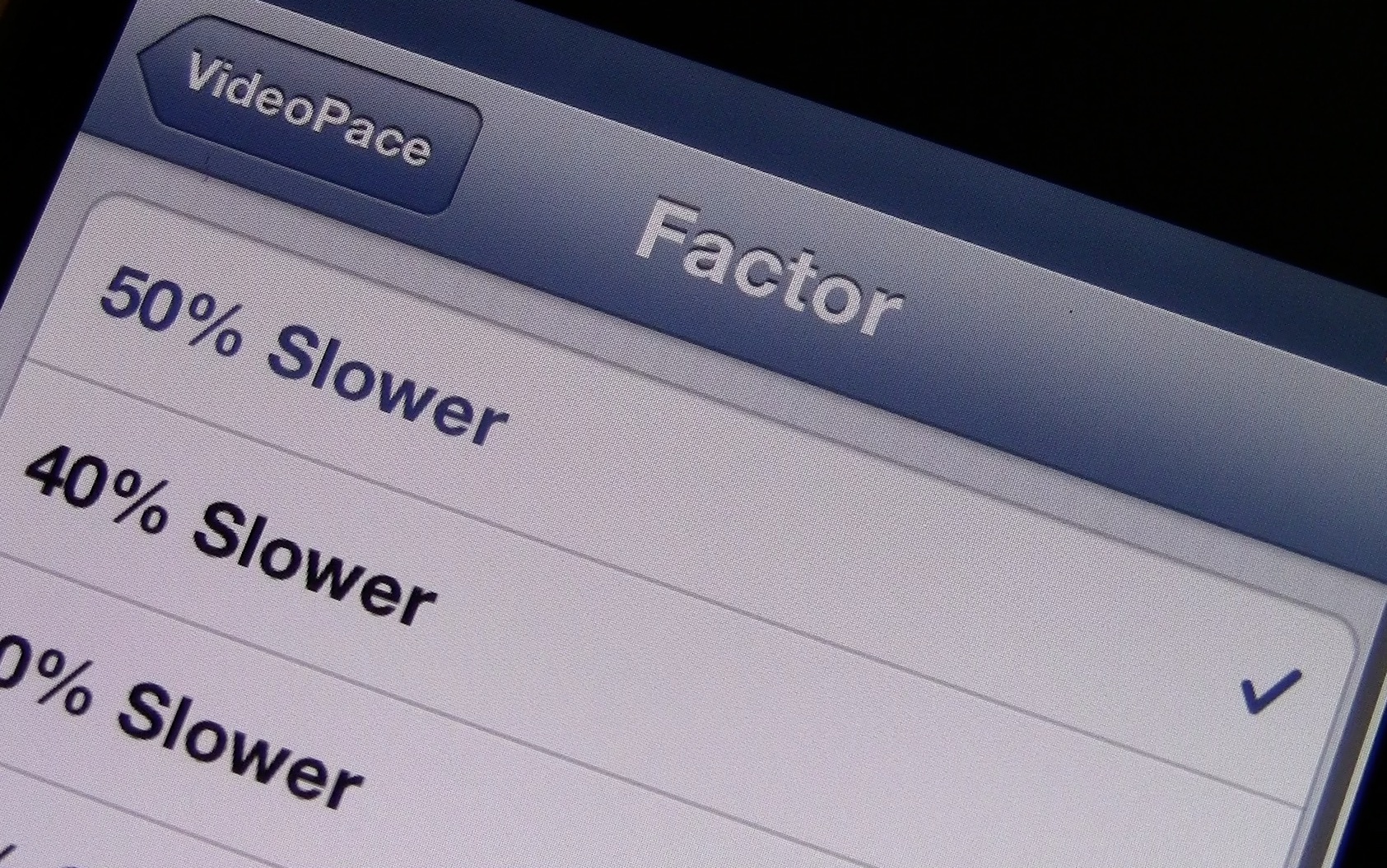
VideoPace is a new jailbreak tweak from Ryan Petrich that we previewed a few days ago. It's a very simple tweak that allows users to adjust the pace of video using a few predefined speed factors available in the tweak's preferences.

VideoPace is wonderful to use when you need to speed through videos — think lectures — or slow down videos — think tutorials, or how-tos. Have a look at our full video preview for more information, and for directions on how to get it.

Let’s Talk Jailbreak 22: DiaperChanger

On this week's episode of Let's Talk Jailbreak, Cody and Jeff discuss Samsung cheating on benchmarks, the new InstaLauncher jailbreak tweak, and picture-in-picture video capabilities using the upcoming VideoPane tweak. The pair also talk about FaceHalt, the Samsung inspired Smart Pause tweak for iOS, and Aplo, a beautiful looking jailbreak theme from Auxo creator, Sentry. Don't miss the show!

10 new features in iOS 7 beta 5 [Video]

Like we did with the iOS 7 beta 4 release, we've put together a brief video highlighting some of the changes and features included in Apple's latest beta release. This beta, the 5th so far in the series, includes quite a few subtle updates that may be looked over if you're not intently looking for them. Have a look at our video walkthrough inside for a hands-on glimpse at 10 of the new features included with the latest beta.

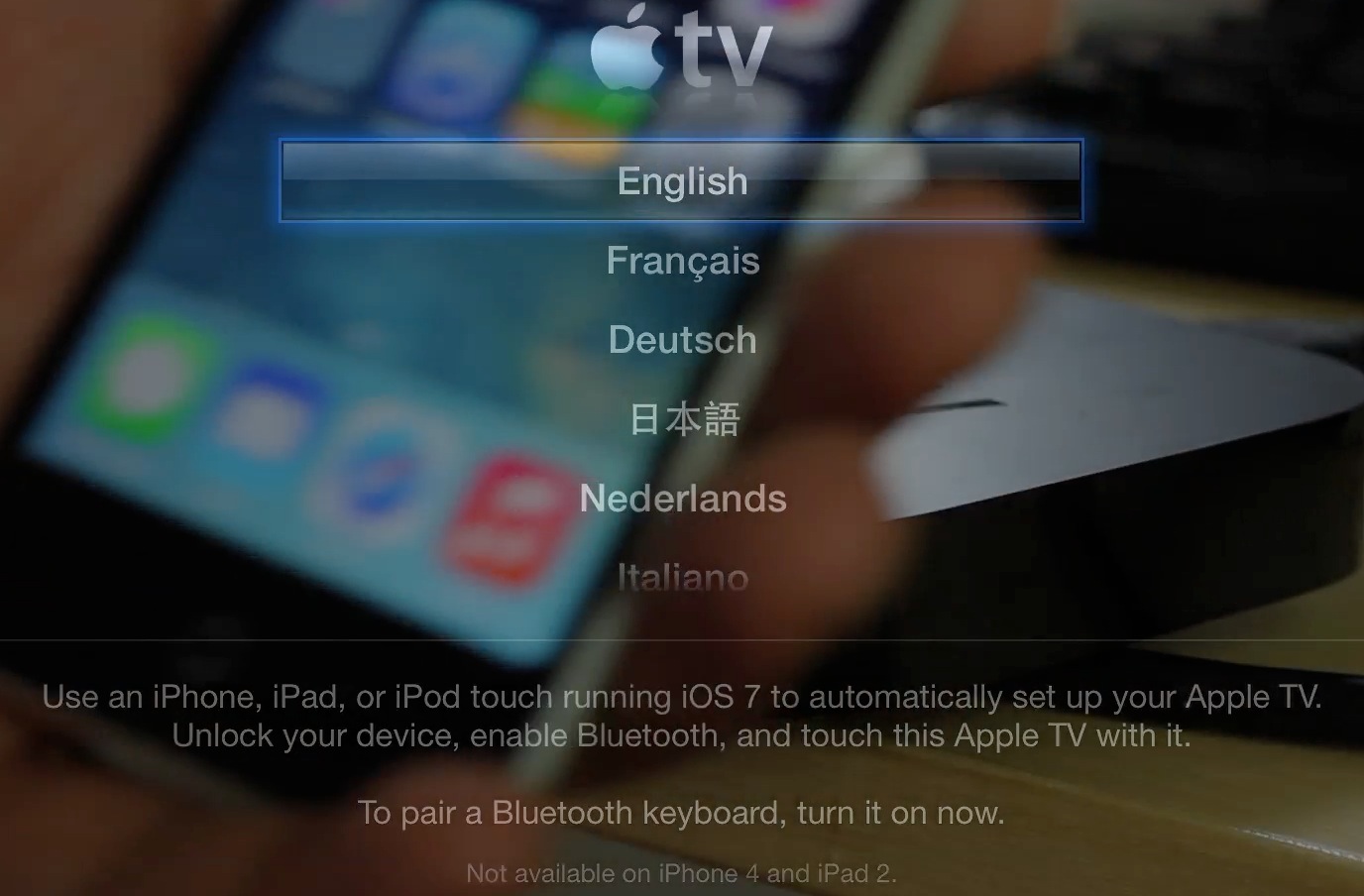
How to use the new Apple TV beta automatic configuration

The new Apple TV beta has an awesome new feature — the ability to automatically configure settings via Bluetooth using an iOS 7 enabled device. We put the new feature through its paces just a few minutes ago, and came away quite impressed.

The new automatic setup feature will save Apple TV users a lot of time, and avoids the need to input tedious passwords and IDs using the little remote control that comes bundled with each set top box. Have a look inside, as we walk you through the entire setup process on video...

Aplo: a minimalistic theme with depth

An interface can be minimalistic and still be interesting. It can be "flat" yet still have depth in spades. That is, apparently, the mantra that renowned iOS designer, Sentry, subscribed to as he meticulously slaved away at his latest jailbreak release.

A theme packing in support for well over 300 different apps, Aplo is "flat" done right. We've had the pleasure of going hands on with the theme over the last few days, and, in typical iDB fashion, we've created an in-depth video that showcases the inner workings of the theme. You don't want to miss this.