Jeff Benjamin

Jeff has been with iDownloadBlog since 2010, acting as resident video specialist, and tutorial expert. He earned his degree in Computer Network Systems back in 2001, but decided Cisco routers and the like just weren’t for him. Since then, he’s been heavily involved with online writing. He’s written for numerous tech and video game sites since the late 1990′s, and has a knack for explaining things in a simple, clear, and concise manner. Jeff works primarily from the east coast on his Retina Macbook Pro, and shoots video with a Canon DSLR. During downtime he likes to travel the world, visiting the various Apple Stores across the globe. You can email him at jeff [at] idownloadblog.com and follow him on Twitter @JeffBenjam or on Google+.

22 hours of battery life from a laptop? Toshiba says so

I've been tripping over my own words in order to find the right phrase to express my satisfaction with the new MacBook Air. At well over 10 hours of battery life from a single charge, it's been an absolute game changer for me.

I have the 11" variety of the MacBook Air, and while Apple's officially stated battery life is 9 hours, I've always done a bit better than that. The 13" variety officially gets 12 hours of battery life, but it wouldn't surprise me to see it get somewhere in the 13-14 hour range.

Apple is famously bearish when it comes to battery life predictions, which means users generally end up with the pleasant surprise of even higher numbers than Apple's company line. But now, out of seemingly nowhere, Toshiba is claiming that its upcoming 2.5 pound ultra book will get an insane 22 hours of battery life.

Unless those estimates are egregiously overstated, this could be very good news for the next generation MacBook Air.
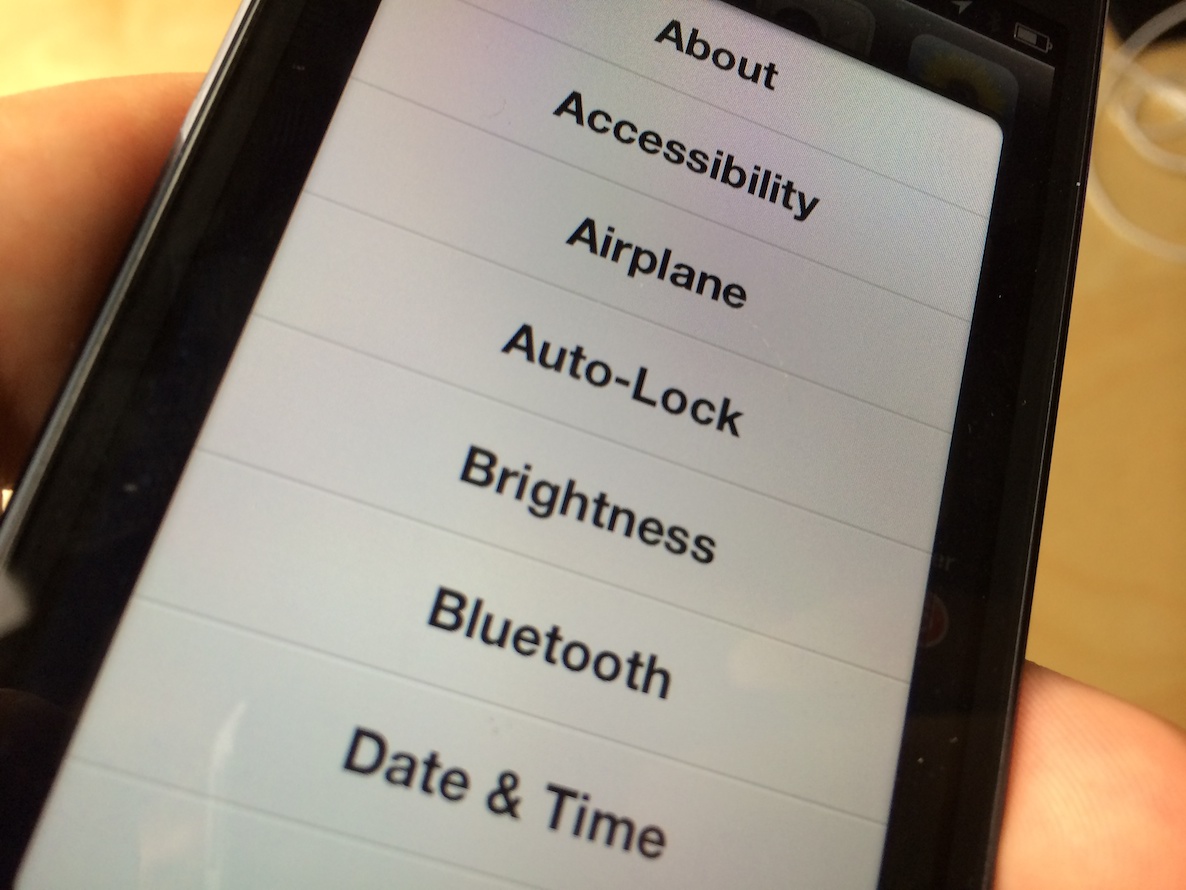
MultiShortcut: add handy shortcuts to various areas of the stock Settings app

If you've been able to resist the draw of iOS 7 and maintain a jailbroken device on iOS 6 or below, you are to be commended. As a reward for you dedication, you get to try out jailbreak tweaks while everyone else has to wait until an iOS 7 jailbreak.

One such tweak, a recent release dubbed MultiShortcut, allows users to quickly access specific sections of the Stock settings app. This is done by tapping and holding on the Settings app icon. Instead of invoking wiggle mode like normal, you're greeted with a sheet providing links to a variety of areas found inside the Stock settings app.

Review: iPad mini Smart Case

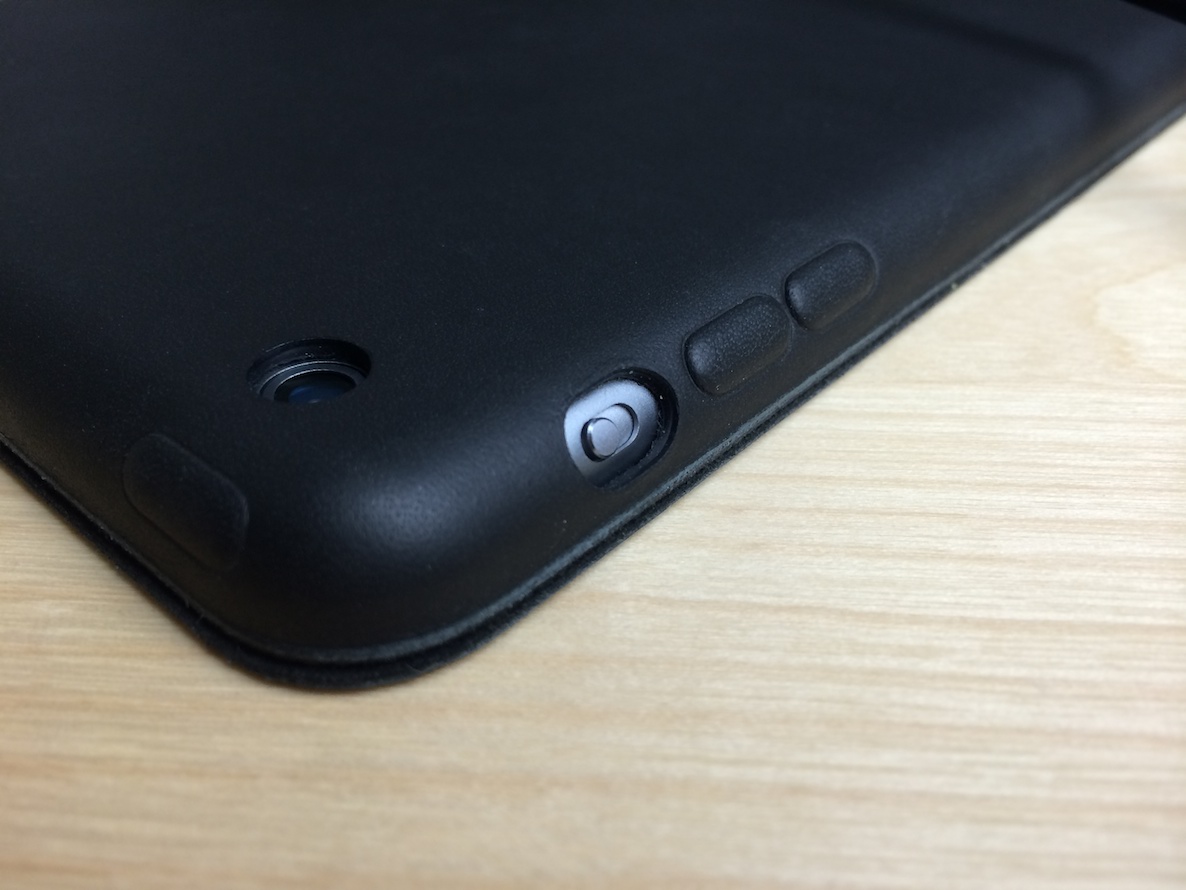
I briefly talked about Apple’s new Smart Case for the iPad mini in yesterday’s iPad mini with Retina display review, but after giving it some thought, I think it deserves some more attention.

Let me just start out by saying that I’ve not used the Smart Case for the full sized iPad Air, so I can’t really speak on that. In fact, this is my first experience with a Smart Case. I’ve used Smart Covers plenty of times in the past, but never opted for a Smart Case until now.

How to launch Mac apps from unidentified developers on a case by case basis

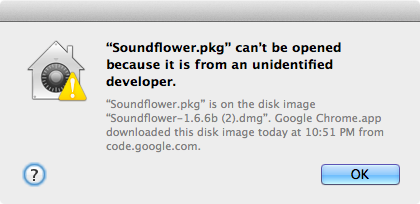
OS X has a feature that prevents apps from unidentified developers from launching out of the box. While this is a noble cause, it presents issues when launching legitimate apps from great developers that don't happen to be on Apple's whitelist. That message reads "XYZapp can't be opened because it is from an unidentified developer."

You can go into OS X's system preferences and disable this protection altogether, but there's a much more sensible option than that. Instead, how about enabling apps from unidentified developers on a case by case basis? 

Hurry, Instacast for Mac is on sale for 50% off

One of the better podcast clients for the Mac is available for 50% off its retail price. Instacast, the podcasting client from Vemedio is going for $9.99 on the Mac App Store for a limited time.

The nice thing about Instacast is that you can use it to sync your playlists with its iOS counterpart. That means that it's extremely easy to listen on your Mac, and pick up where you left off on your iPhone, and vice versa.

Instacast is a great way to keep up with all of the episodes of Let's Talk iOS. According to its description on the Mac App Store, this deal is slated to end in one day, so you'll want to be quick if interested.

Let’s Talk iOS 003: Drove eight hours for an iPad mini

This week's episode is all about the iPad mini with Retina display. We discuss the Retina iPad mini's launch, our order and pickup experiences, and our initial thoughts on the newest device to join the iOS family. We also talk about Apple's rumored PrimeSense acquisition, and a variety of other hot topics involving everyone's favorite fruit company.

iPhone 5s shipping times get even better

The iPad mini may still be somewhat hard to come by depending on your configuration, but at least Apple's other flagship device is improving when it comes to availability. Last week, we reported that iPhone 5s availability had improved to 1-2 weeks, which was good in itself; but today's 3-5 day availability is the best we've seen thus far, and bodes well for anyone wishing to snag an iPhone 5s in the short term.

Some thoughts on iPad mini with Retina display

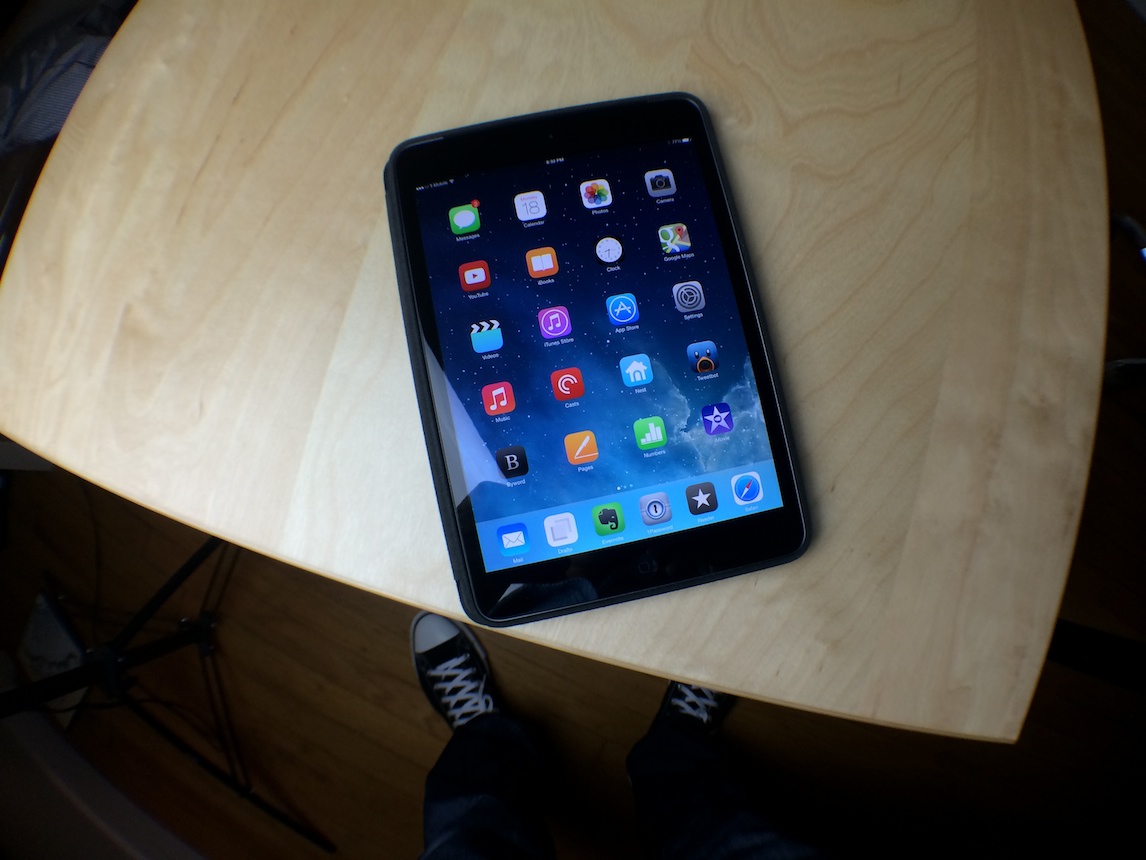
As you’ll hear me recount on the upcoming episode of Let’s Talk iOS, I had to go through quite a lot to get my hands on the iPad mini with Retina display that I desired. The model, a Space Grey 32GB Cellular version with a bundled T-Mobile sim, proved to be a pretty tough get.

But I finally did get my iPad mini, and I’ve been able to spend the last few days truly analyzing the device, and analyzing whether or not the time I invested into acquiring it was worth the hassle.

You’ve likely read plenty of other reviews that pretty much spout off the same thing. Yes, the mini now has an awesome screen, has the same guts as the iPad Air, and it did so by compromising some of its thinness. So what’s the end result? Is this a good product? Will it go down as the best iPad ever? I share my thoughts inside.

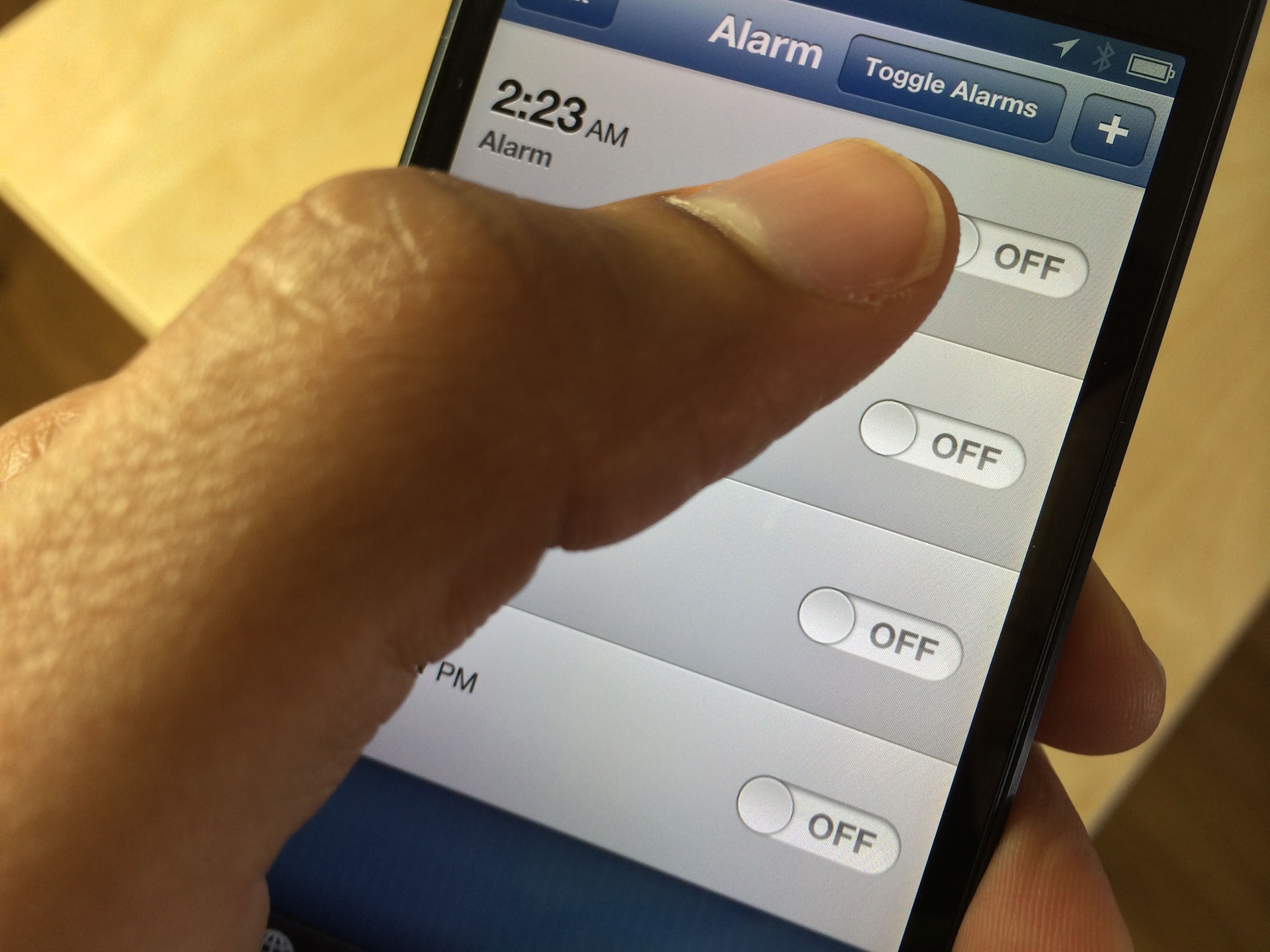
This new jailbreak tweak lets you easily toggle alarm clocks on or off

AlarmControl is a recently released jailbreak tweak that's perfect for those of you who use multiple alarm clocks. I use a few alarms when there's something extremely important that I have to wake up for, such as a new iPhone or iPad release. I know that sounds a bit ridiculous, but that's the truth of the matter.

At any rate, this new jailbreak tweak allows you to disable or enable all of the alarm clocks configured in the stock Clock app. Have a look inside at our video walkthrough to see how easy it is to use.

Fantastical 2 updated with sound for notifications, badge options, and more

Fantastical 2, one of the apps that many of us agree is an absolute must have, has been updated with tons of improvements, bug fixes, and optimizations. If you have automatic updates enabled for your iOS device and you already own Fantastical 2, you may have already received the update. Otherwise, you can head over to the App Store to download it now.

Coming in at 16.3 MB, version 2.0.1 of Fantastical 2 adds sound to notifications, brings additional app icon badge options, and lends iPhone 4 users a performance boost. Those are among the many additional changes and fixes added in with version 2.0.1. Check inside for a rundown of the full change log.

A look at Belkin’s Keyboard Cases for the iPad Air

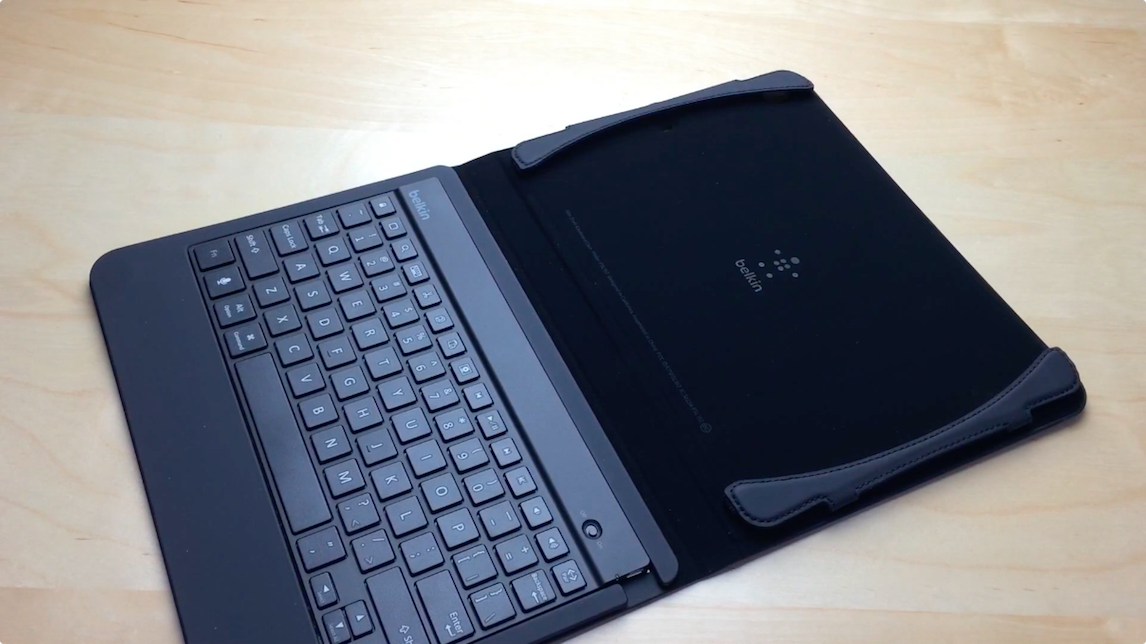
A few days ago, two of Belkin’s flagship iPad accessories arrived at my office — the soft touch QODE Slim Style Keyboard Case, and the anodized aluminum coated QODE Ultimate Keyboard Case.

Both cases provide iPad owners with a physical Bluetooth enabled keyboard, which is handy for serious typists. While many are able to get by with tap typing on iOS’ software keyboard, there’s simply no arguing against the fact that a physical keyboard is superior in virtually every way.

So, which one is right for you?

Let’s Talk iOS 002: iPad Air – the final decision

This episode of Let's Talk iOS features an extremely diverse discussion ranging from the iPad Air, to Pinboard, to the various fitness apps and gadgets we use. We also talk about how to get more out of your Mac using keyboard shortcuts, Google's new Search App update, Jeff's experience with T-Mobile, and so much more. It's Let's Talk iOS, episode 002. You need not miss this.