Jeff Benjamin

Jeff has been with iDownloadBlog since 2010, acting as resident video specialist, and tutorial expert. He earned his degree in Computer Network Systems back in 2001, but decided Cisco routers and the like just weren’t for him. Since then, he’s been heavily involved with online writing. He’s written for numerous tech and video game sites since the late 1990′s, and has a knack for explaining things in a simple, clear, and concise manner. Jeff works primarily from the east coast on his Retina Macbook Pro, and shoots video with a Canon DSLR. During downtime he likes to travel the world, visiting the various Apple Stores across the globe. You can email him at jeff [at] idownloadblog.com and follow him on Twitter @JeffBenjam or on Google+.

MultiLS: Place Lock screen notifications on a hidden page

MultiLS is a brand new jailbreak tweak that just appeared on Cydia's BigBoss repo. The tweak, which is a $0.99 purchase, allows its users to hide the notifications that would normally appear on the Lock screen.

An iOS 6 only tweak, MultiLS completely moves the entire Lock screen notification list off of the primary Lock screen. When you receive a new message while on the Lock screen, MultiLS will display a pulsating blue bar on the right-hand side of the screen. This glowing bar lets users know when new Lock screen notifications have arrived.

We've taken the initiative to create a video walkthrough showcasing MultiLS in action. Have a look inside for all of the details.

How to type in an app while the app switcher is open

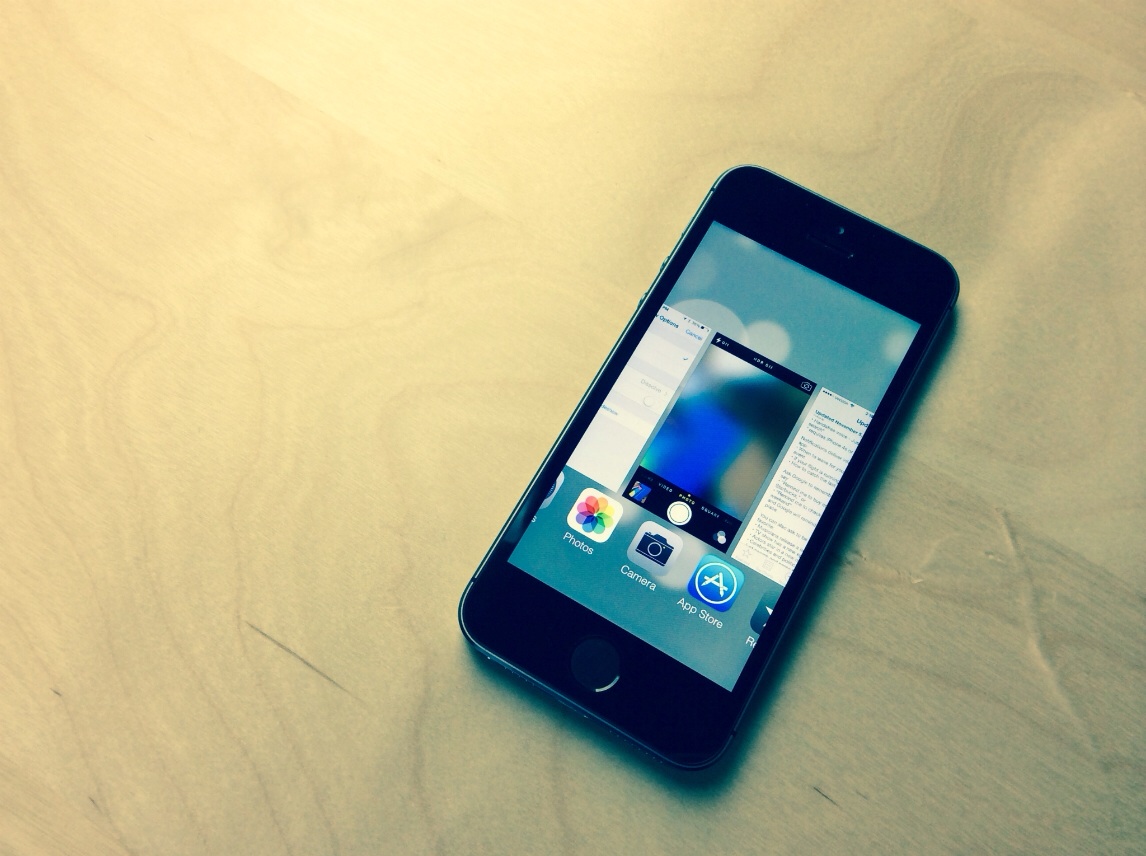
As we covered in an earlier tutorial, the app switcher in iOS 7 provides the ability to do some pretty cool things that you could never do in previous firmware.

For starters, there’s the ability to use swipe gestures to kill apps — even multiple apps at the same time by using more than one finger. Next, you have the ability to see what’s going on in each of the running apps, courtesy of the switcher’s new full screen app snapshots.

One of the positive side effects of this new app switcher view are the “multitasking” possibilities that stem out of it. First, let me clear the air and state the obvious — this isn’t true multitasking; but as we showed you already, by thinking outside of the box, you can stretch the app switcher’s abilities to meet your needs.

One such need was stumbled upon by reader Matthew Seltzer. After watching our initial app switcher tutorial, he discovered a handy way to get even more out it. If you happen to have a Bluetooth keyboard connected to your iPad, you can take advantage of the last app’s focus in order to continue to type while the app switcher is open.

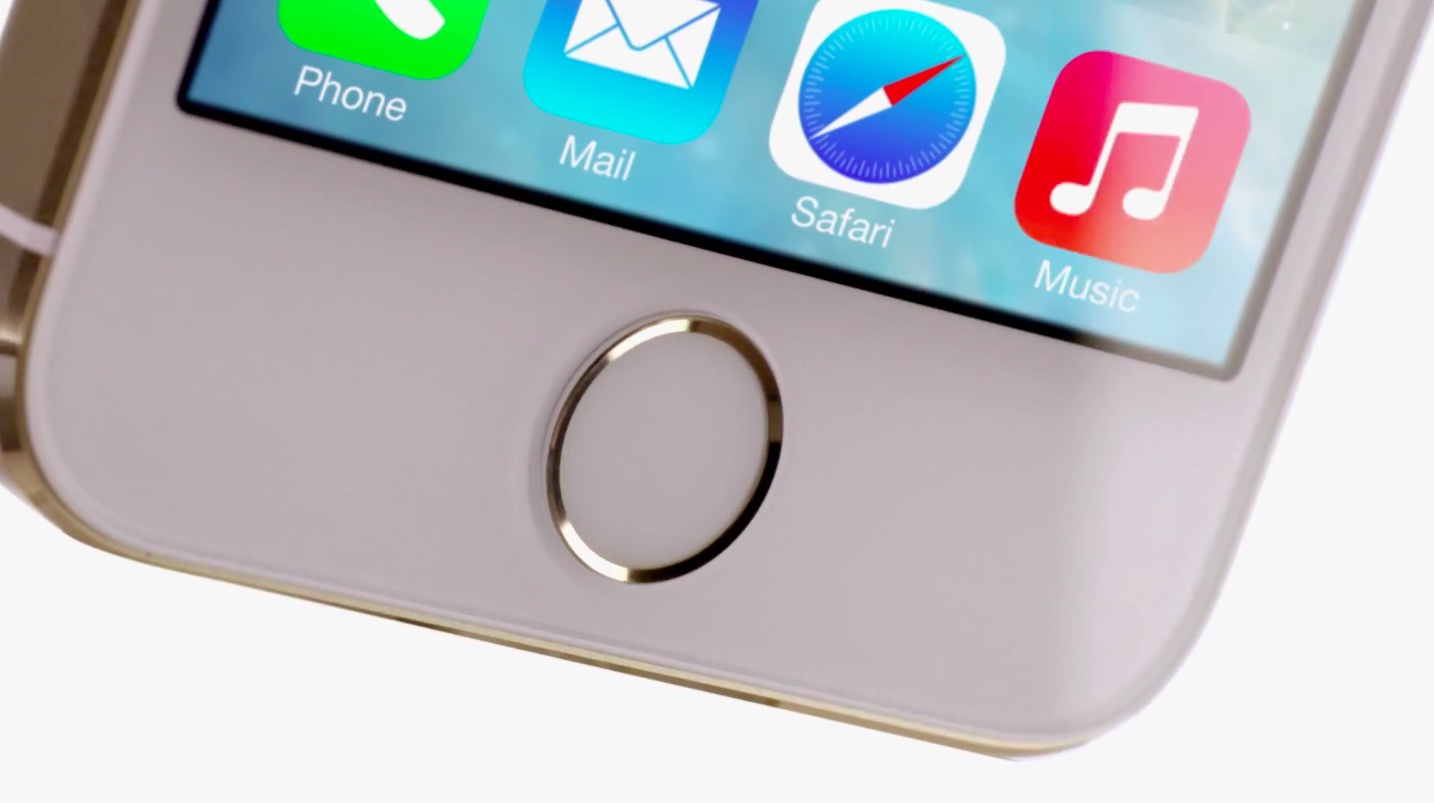
Good news, you can now snag an iPhone 5s in 1-2 weeks

It's been an awfully tough task trying to come up with an iPhone 5s. Since launch, the device has been about as elusive as any Apple product in recent memory. For instance, Sebastien is still waiting on his Gold iPhone, even though I believe he's due to get it any day now.

The good news is that Apple's shipping estimates for the iPhone 5s are now down to 1-2 weeks, as pointed out by MacRumors. These estimate apply to all colors; so yes, if you're still after a Gold iPhone, you can have one in relatively short turnaround time.

How to subscribe to Let’s Talk iOS

Each week, Sebastien, Cody, and Jeff join forces to discuss the latest ongoings in the wonderful world of iOS. The result? An entertaining podcast entitled Let's Talk iOS.

If you want to know what makes iDownloadBlog tick, if you want to know the personalities behind the content that you read each day; most of all, if you want a comprehensive take on all of the week's Apple news, ladies and gentlemen, this is the place you want to be.

But how does one go about acquiring each savory episode of Let's Talk iOS? There are many methods, actually. We'll show you several ways to do so inside...

How to add burst mode to the stock camera app in iOS 6

A recently released jailbreak tweak, called Burst Mode, allows users to continuously take photos with iOS 6's stock Camera app. It's not as feature rich as the burst mode found in iOS 7 for the 5s, but it's a nice compromise for jailbroken iOS 6 users.

Burst Mode allows you to take as many photos as you want using a simple tap and hold on the shutter button, or a press and hold on your iOS device's physical volume button. Along with its burst mode capabilities, the tweak features a nice array of bonus features to take advantage of as well. Have a look inside as we look at what makes this free jailbreak tweak tick.

How to create custom keyboard shortcuts for Mac apps

Have you ever used a specific menu command in an app and wondered to yourself, "Why is there no keyboard shortcut assigned to this command?" Or "why can't I change that shortcut to something else?" I think we've all been there before. Fortunately, fixing the issue requires little more than a few minutes of your time. Inside, we'll show you how easy it is to quickly create a keyboard shortcut for your favorite apps.

How to quickly search the contents of iDB using Alfred

Alfred is one of my favorite launchers available for OS X. It serves as a replacement for Spotlight search, and can do a whole bunch of other cool things using custom workflows, searches, etc.

I could write a whole series about Alfred, because it's just that deep. But first things first. To start, I'm going to show you how to perform a custom search on iDownloadBlog. I've included a downloadable custom search in this post that you can import directly into Alfred. Have a look inside to see how it works.

Let’s Talk iOS 001: Now we’re talking

Welcome to the first episode of Let's Talk iOS. In this episode, we break down our feelings about the new iPad Air after a few days of intense usage. Jeff talks about his ability to use the iPad Air as a full fledged work machine, and Cody and Sebastien reiterate their plans to purchase the new iPad mini with Retina Display.

How to quickly list every app on your iOS 7 device

So, you’ve got apps spread out everywhere throughout your device. Some are scattered about multiple pages, and some, courtesy of iOS 7’s lax folder restrictions, are scattered throughout multiple pages of folders. How’s a guy to keep tabs on all of this activity?

One easy way to do so is to simply use iOS’ built in Spotlight search. Obviously, you can use Spotlight to search for a number of different items on your device, including apps. Inside, I’ll show you how to quickly list every installed application on your device, along with the folders that they reside in.

Getting more from the iOS 7 app switcher

The iOS 7 app switcher is a significant departure from the previous way that app switching worked in iOS. Apple’s latest and greatest mobile operating system ditched the small app switcher that appeared near the bottom of the screen in favor of a more front and center app switching mechanism.

I don’t think you’ll find a single person out there that agrees that this new way is inferior to the app switching ways of old. Not only do we now have full screen previews of our running apps, we can also choose to eliminate them by means of a simple swipe up gesture.

But outside of the mere aesthetic appeal of the new interface, there’s more to be gained in day-to-day usage. Inside, you’ll find a couple of my favorite new, largely obvious, uses for the new app switcher.

Nike+ Move released on the App Store

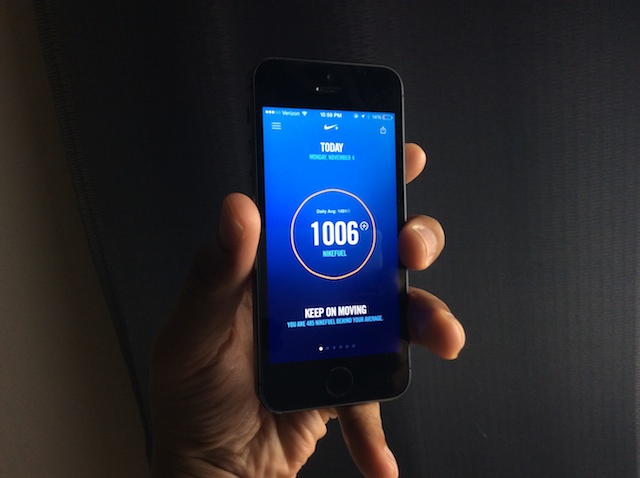
The flagship app for Apple's new M7 coprocessor is finally available for download on the App Store. Nike+ Move, the app that Apple showcased alongside its unveiling of the iPhone 5s, went live a few hours ago.

A lot of people have been wondering what Nike stands to gain by continuing to align so closely with Apple — especially when they now sell what can arguably be seen as a competing product. After testing out the app, however, the answer to that question becomes readily apparent.