Jeff Benjamin

Jeff has been with iDownloadBlog since 2010, acting as resident video specialist, and tutorial expert. He earned his degree in Computer Network Systems back in 2001, but decided Cisco routers and the like just weren’t for him. Since then, he’s been heavily involved with online writing. He’s written for numerous tech and video game sites since the late 1990′s, and has a knack for explaining things in a simple, clear, and concise manner. Jeff works primarily from the east coast on his Retina Macbook Pro, and shoots video with a Canon DSLR. During downtime he likes to travel the world, visiting the various Apple Stores across the globe. You can email him at jeff [at] idownloadblog.com and follow him on Twitter @JeffBenjam or on Google+.

Shiori: my favorite Pinboard utility for the Mac

In episode 002 of Let’s Talk iOS we talked about Pinboard, and why it’s such a useful service for saving bookmarks. I won’t get too much into the specifics about Pinboard on this post, so I urge you to listen to that episode if you haven’t already. The episode does a good job of explaining the methodology behind Pinboard, pricing, etc.

What I do want to talk about is an awesome Pinboard utility called Shiori. A free download for OS X, Shiori is a Pinboard utility that allows you to quickly add new bookmarks to your Pinboard account and just as quickly search all of the contents of your account.

Shiori runs in the menu bar, and both its add and search functions can be accessed by a pair of useful keyboard shortcuts. Have a look inside as we go hands on with Shiori on video. If you’re at all interested in saving bookmarks for the longterm, then I’m positive you’ll find Shiori useful.
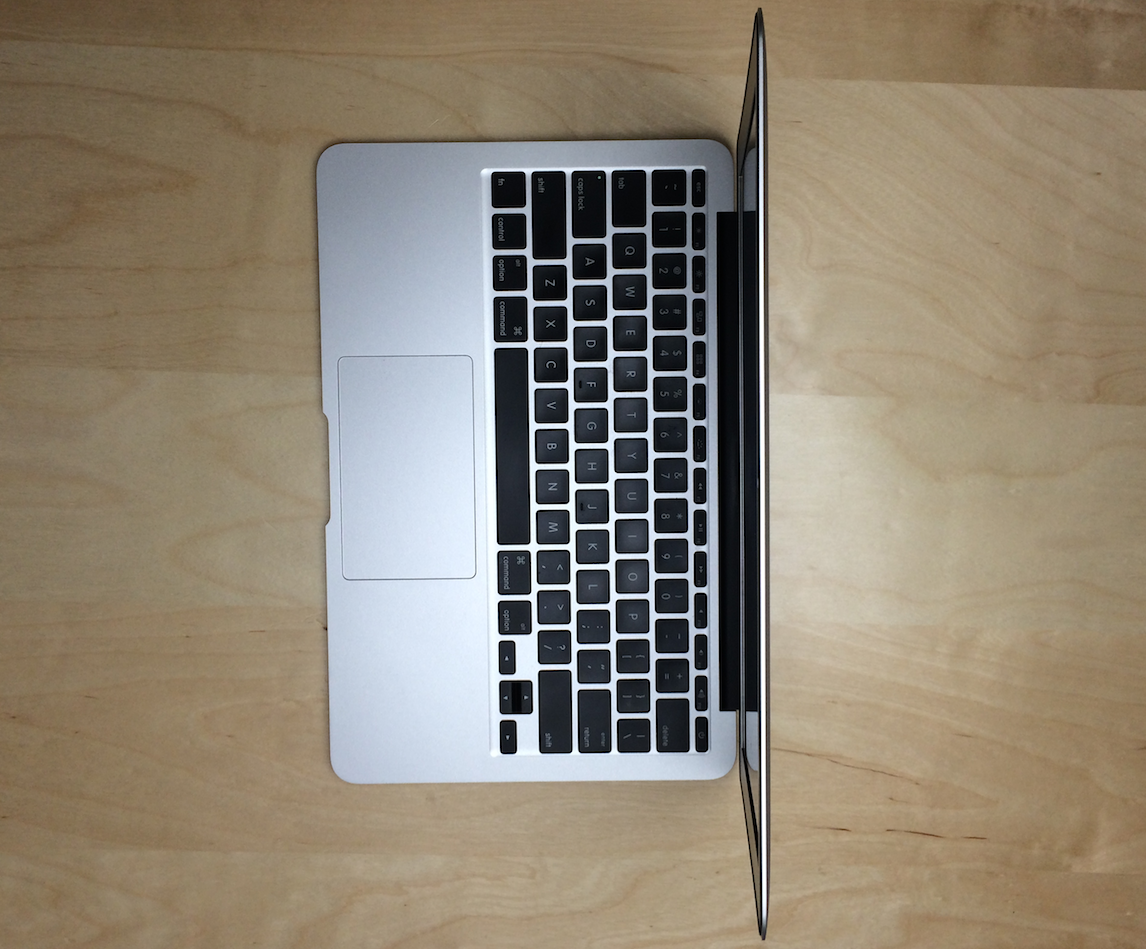
Why I love the 11-inch MacBook Air

If you follow my rants on Let’s Talk iOS then you know that there’s a running joke about how many times I change my mind. In the last 2 years, I’ve switched from an iMac, MacBook Pro, another iMac, a MacBook Air, a Retina MacBook Pro and another MacBook Air. I don’t have to tell you that that’s insane, and probably not a healthy way to go about living your life.

But I’ve settled. I’ve settled on the machine for me. That machine is the 11" MacBook Air. It’s the MacBook with the exceptionally long battery life due to its Haswell processor. This — and trust me I would know — is the perfect computer for me. It’s probably the perfect computer for you as well; you just don’t realize it yet.

We Play: Super Hexagon

The iPhone and iPad are serious gaming devices. If you ask me, games are one of the best perks about owning an iOS device. The problem is that, just like with virtually every other genre of app on the App Store, there's an abundance of games available and many of them can be quite terrible.

With that in mind, I've decided to start a new series showcasing some of the games available on iOS. Unlike a normal post, I'll actually add video along with commentary of myself playing the game. By doing this, you'll be able to better gauge whether or not the game is right for you.

I'll be doing this a lot with new releases, but I'll also dig back in my stash of previous gems that everyone should know about. The first game in this series is a game that's been available for quite some time now—the legendary Terry Cavanagh's Super Hexagon. This is far and away one of my favorite games for iOS, because it has the perfect mix of drama and replay-ability. Watch me play Super Hexagon after the break.

Yoink is an awesome drag and drop utility for the Mac

Sometimes dragging and dropping items between multiple windows and full screen apps and folders can be challenging. But dragging and dropping doesn’t have to be a tedious or perplexing task. One of my favorite utilities for the Mac is called Yoink, and it allows you to simplify the process of dragging and dropping on OS X.

Its description in the Mac App Store states that Yoink simplifies drag and drop between windows, apps, spaces and fullscreen apps. As a long time user of the tool, I can vouch for developer Matthias Gansringler’s description. As you’ll see in the video walkthrough that follows, Yoink is one of those apps that you don’t realize you need until you see it in action. Have a look inside for the full walkthrough.

ScreenFlow 4.5 released with new transitions, asynchronous uploads, and more

ScreenFlow is, in my opinion, the best screen recording software available for the Mac. It's what I use each and every day to create a lot of the video content that you see on iDB. Its developer, Telestream Inc., has made the app available on both the Mac App Store and via direct download from its website.

Unfortunately, as with a lot of the apps that feature Mac App Store versions and direct download versions, the Mac App Store release lags behind. ScreenFlow is stuck at version 4.0.4 on the Mac App Store, while the direct download version recently got updated to version 4.5. For that reason, I recommend buying the direct download version, because that version gets updates much faster than the Mac App Store version.

It’s also a great time to buy the direct download version, because Telestream is having a 30% off sale. This means you can snag ScreenFlow 4.5 for under $70 bucks. That’s a steal for this type of powerful software, as it's usually $100 bucks.

Version 4.5 of ScreenFlow is a huge update, which brings numerous new features, improvements and bug fixes to the table. Have a look inside to see what all has changed.

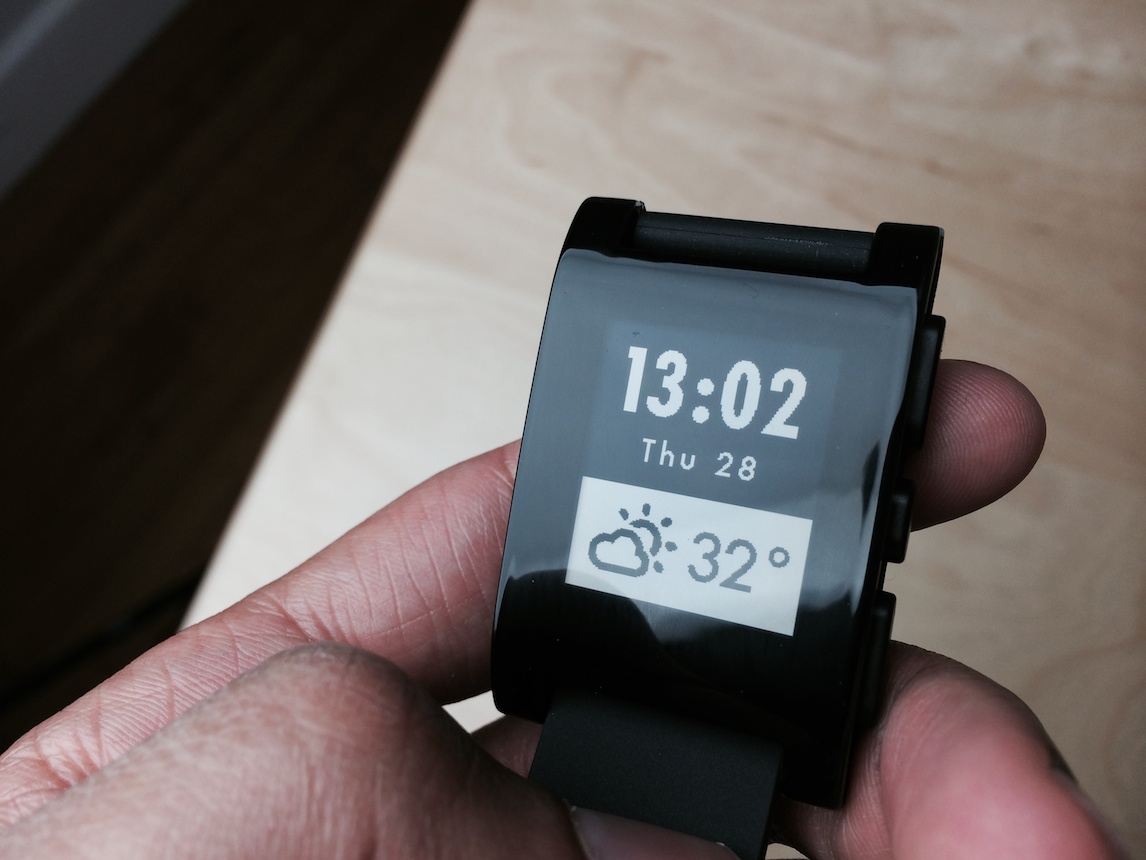
Pebble Smartwatch: some thoughts on why the smart watch is here to stay

Believe it or not, but Monday marked my first hands-on experience with the Pebble Smartwatch. I’ve striven to avoid the product all of these months, because I figured that Apple would eventually get around to making a “real” smart watch.

Apple still might do that, but its time table hasn’t aligned with the expectations of the tech blogging industry, mine included. Apple never said that it was working on a wearable, so it’s really our fault for creating such expectations.

In the meantime, the Pebble Smartwatch and its SDK have had plenty of time to marinate and mature. The latest update to Pebble’s software brings with it systemwide notifications, and there’s no hacking or jailbreaking needed to do that. In the eyes of many, that’s enough to make the Pebble Smartwatch worthy of serious consideration, and I tend to agree.

Reeder for iOS updated with new themes, feed grouping, and more

Reeder for iOS has just been updated with some new features and obligatory bug fixes. Some of the new features — like landscape support for videos and images — are much needed additions to the app.

Unfortunately, one of my most wanted features since Reeder's inception — being able to search the contents of your feeds — is still no where to be found. At this point I've given up hope that search will ever be included with Reeder, so I'm just trying to enjoy the app for what it is.

With that said, Reeder 2.1 is a solid update that adds a host of new features that users will enjoy. Have a look inside for the full change log.

Let’s Talk iOS 004: Working in a onesie

Episode 004: Sebastien, Cody, and Jeff talk about what it's like to work from home and write about iOS all day, Sebastien's Oceanhorn addiction, favorite Google Reader Replacements, exciting ideas for the future of Touch ID, iPhone 6 rumors and more. Unfortunately, we experienced some technical difficulties with this week's episode, so the sound quality is significantly beneath our standard sound. This should be fixed going forward. Thank you for tuning in.

Introducing the new and improved Glif tripod mount

The Glif is one of my most used iPhone accessories, because it allows me to mount my iPhone 5s on a tripod to take photos and videos. It's been an instrumental tool as I've navigated away from the standalone DSLR. The Glif has made taking iPhone photos so much easier.

As noted on Twitter by Matthew Panzarino, Studio Neat, the team behind the Glif, just announced a new and improved version of its tripod mount. The Glif is venturing into new territory, as it now sports adjustability that makes it work with virtually any smartphone. Studio Neat put together a video showcasing the new Glif. Have a look inside to check it out.

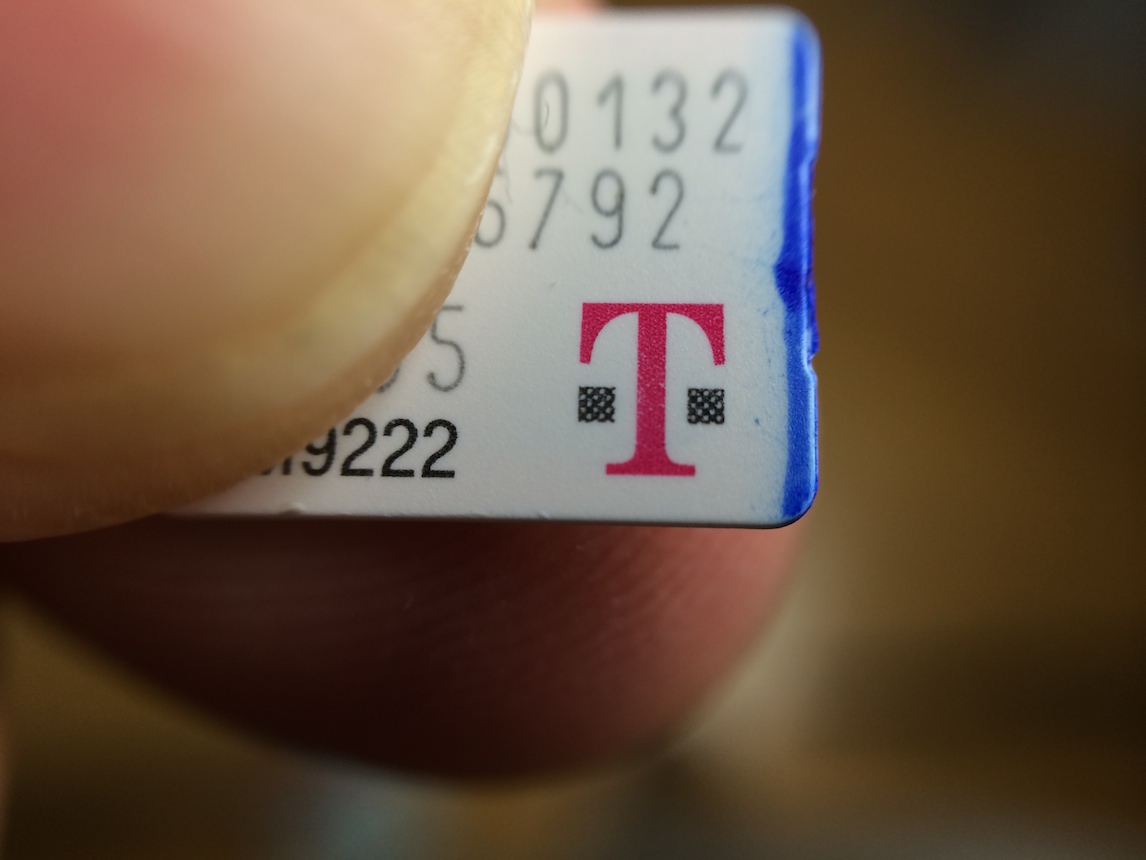
How to switch to T-Mobile the right way

I recently reached the uneventful end to my two and a half year run with Verizon Wireless. After flirting with the possibility for a few weeks, I decided to take the jump, and port my phone numbers over permanently to T-Mobile. I guess you could say that I fell for a very effective marketing strategy, but it's hard to argue with the fact that I will be saving a bunch of money each month by switching.

My current Verizon bill is approximately $165 every month; that's with two iPhones, and an iPad. A comparable setup on T-Mobile should position me well within the $100 range, effectively saving me around the ballpark of $60 each month.

Granted, this isn't a cookie cutter solution for everyone; there's tons to consider before taking the plunge, but I think it will work out nicely for me. It could work out nicely for you too, as long as you take into consideration a few important points...

Improve Do Not Disturb with ‘DNDPro’

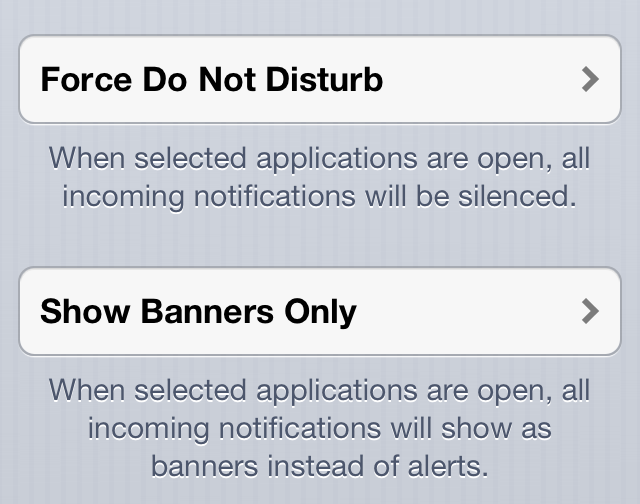
DNDPro is a new jailbreak tweak from dba Technologies. It serves to improve iOS's native Do Not Disturb capabilities by letting you control notifications while using certain apps.

DNDPro offers more granular control than the stock Do Not Disturb functionality. You can decided to disable all alerts while within a specific app, or only let banner notifications through.

If you like Do Not Disturb, but don't feel like it caters enough to power users, DNDPro is a tweak that should pique your interest. Have a look inside as we break down its features.

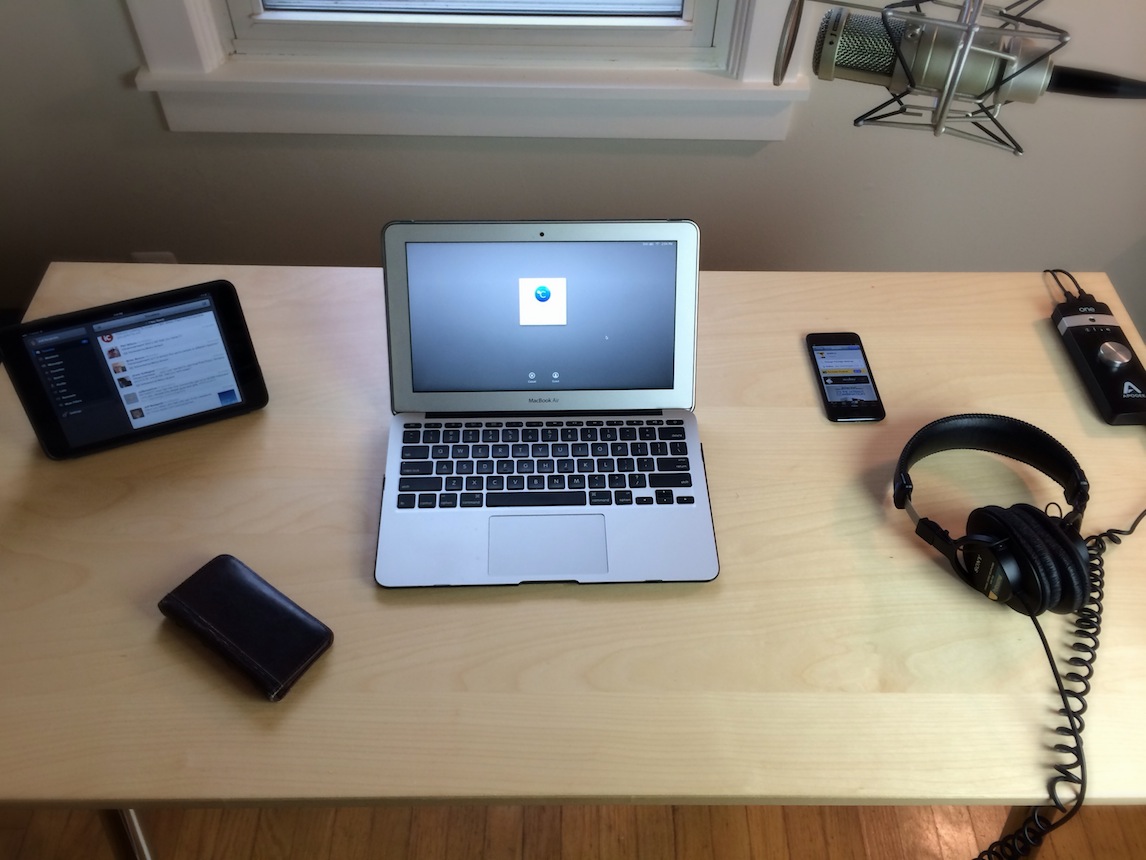
Show Us Your Setup: Jeff Benjamin’s work space

Every so often, we'd like to showcase the work space of an iDB writer. We want to give you a behind the scenes look at our work spaces so that you can get to know us better.

A lot of people have asked me about my setup over the years, so I thought it would only be right if I'm the guinea pig in this test. In this edition of Show Us Your Setup, I showcase my writing, blogging, and video editing work space. In a later edition, perhaps I'll show you my entire video setup.

By and large, this is where I do 90% of my writing for iDB. It's also where I sit when recording and editing Let's Talk iOS. I also sit in this exact spot when editing videos, or doing any of the other day to day activities to help Sebastien keep iDB running smoothly. Inside, I'll explain some of features of my setup, the products I use, and my mindset when choosing this setup.