Jeff Benjamin

Jeff has been with iDownloadBlog since 2010, acting as resident video specialist, and tutorial expert. He earned his degree in Computer Network Systems back in 2001, but decided Cisco routers and the like just weren’t for him. Since then, he’s been heavily involved with online writing. He’s written for numerous tech and video game sites since the late 1990′s, and has a knack for explaining things in a simple, clear, and concise manner. Jeff works primarily from the east coast on his Retina Macbook Pro, and shoots video with a Canon DSLR. During downtime he likes to travel the world, visiting the various Apple Stores across the globe. You can email him at jeff [at] idownloadblog.com and follow him on Twitter @JeffBenjam or on Google+.

SlideCut: an innovative keyboard shortcut tweak for jailbroken iPhones

SlideCut is a brand new jailbreak tweak from developer r_plus. Whenever I see this developer's name behind a tweak, it piques my interest, because they're usually innovative and fun to use. SlideCut is no different.

SlideCut allows you to slide from your spacebar key to any shortcut key to execute an action. For example, you can slide from the spacebar to the 'A' key to select all, or slide from the keyboard to the 'C' key to copy the highlighted text.

We've got a full video walkthrough of SlideCut in action. Have a look inside to see how it works.

Supercharge Safari with Canopy for iOS 7

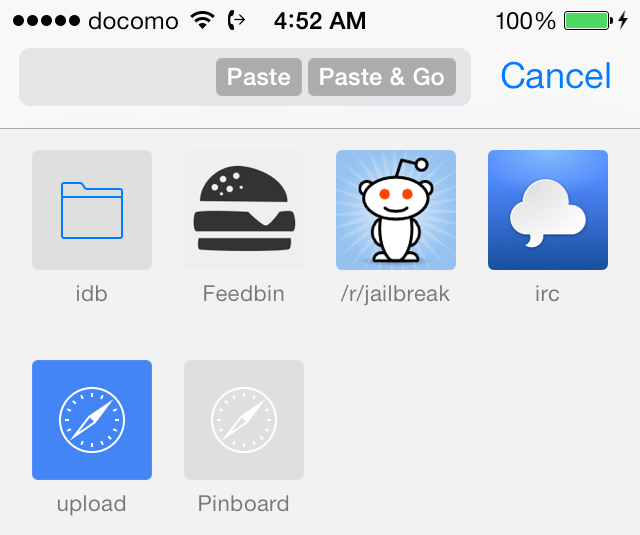
Where do I start? That's the first thing that you'll probably think to yourself after installing Canopy for iOS 7. The original Canopy succeeded in supercharging Safari, filling it with tons of practical new features, and this new version of Canopy for iOS 7 does likewise.

How does adding open in Chrome support sound? Or what about a quick paste and go option like Chrome for the desktop? How about adding quick translation features or accessing recently closed pages? You can do all of that with Canopy for iOS 7 and more.

AlbumSnapper: create and manually select albums right from the Camera app

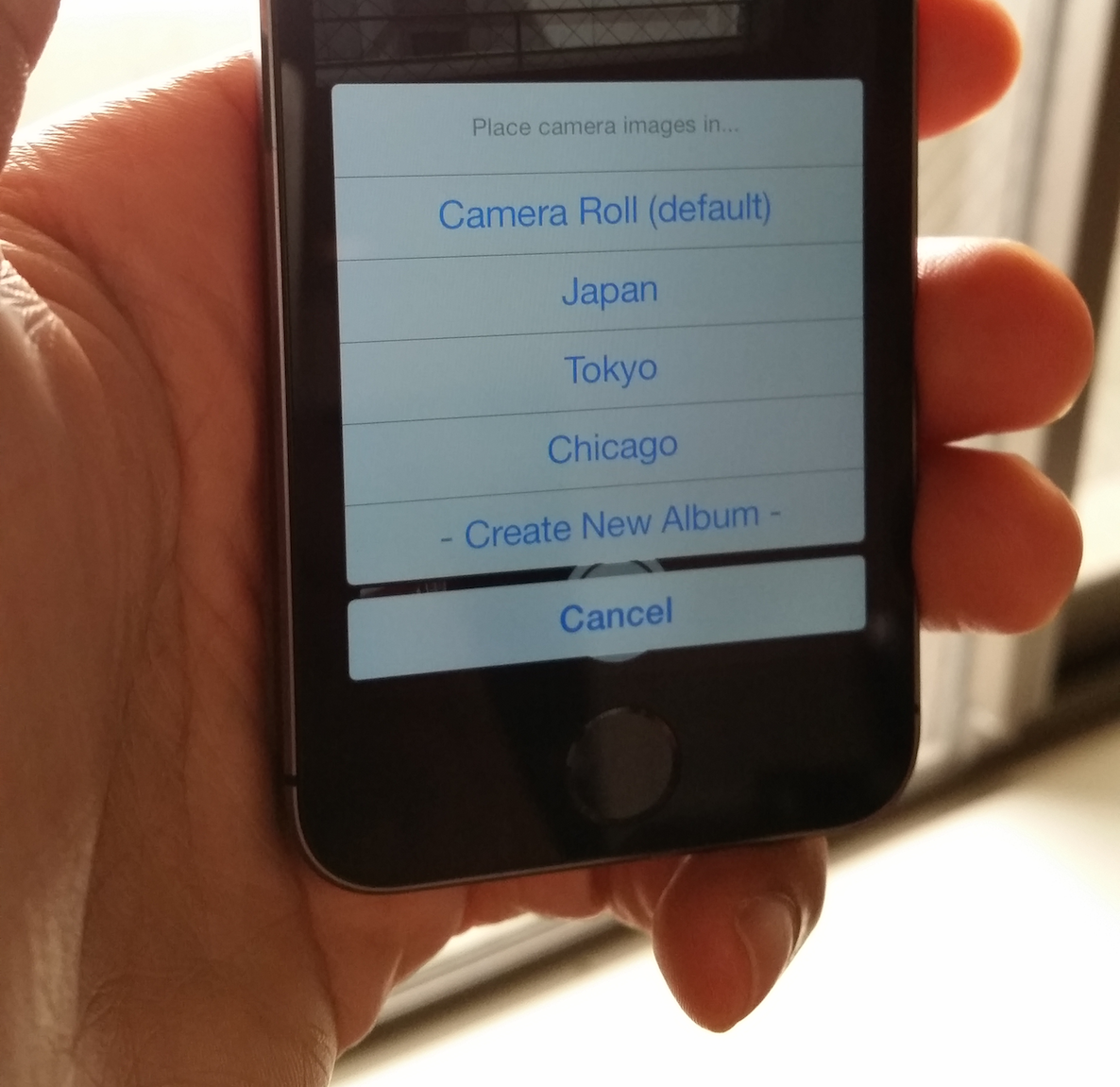
Have you ever faced the need to create an album or filter photos to a specific album right from the Camera app? If you're a frequent photo taker, or a frequent traveller, you've likely faced such a need.

Wouldn't it be nice if you could designate a photo for a specific album before you even take the photo? Wouldn't it be cool if you could create a new album on the fly, right from the comforts of the Camera app?

A new upcoming jailbreak tweak from developer Brandon Sachs allows you to do just that. AlbumSnapper is a wonderful addition to the stock Camera app, and frankly, I don't see why this isn't a native Camera app feature to begin with. Check inside for the full walkthrough.

How to add LG-inspired ‘knock’ gestures to Activator

The LG-inspired KnockOn feature seems to be a big hit amongst the jailbreak community. We've already seen Elias Limneos' KnockOn inspired tweak called SmartTap, and now we have Knock.

Knock is an Activator add-on that adds two new gestures to the mix: the ability to knock on (hard tap) the sides of the iPhone or the front and back of the iPhone. Knock uses the device's accelerometer to detect knocks, and a lot of work has been put into its development to prevent false positives. Have a look at our video demonstration for more details.

LSStepCount is a jailbreak tweak that places a pedometer count right on the Lock screen

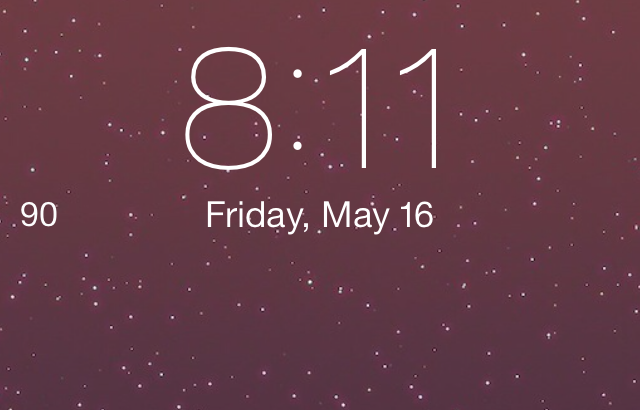
Wouldn't it be cool if you could have a pedometer right on the Lock screen? Some phones, notably the Samsung Galaxy S5, already allow you to do this. Now you can do the same thing on your iPhone 5s courtesy of a new jailbreak tweak.

The tweak, which is aptly entitled LSStepCount, is a beta release that places a pedometer count right on the Lock screen and in the status bar. It's a beta tweak, so it definitely needs some TLC from a design perspective, but it works. Check out our video walkthrough of the tweak after the jump.

iOS 7: the ultimate Reminders app guide

The Reminders app is a stock iOS application that allows you to establish specific reminders based on groups of reminders called lists. The app integrates with Siri and features various geo-location elements to form what is a fairly deep and significant application.

Of course, there is no shortage of apps and methodologies to help users remember various things, but, as is the norm with most of the stock applications, no other reminders app has the privilege of being so tightly integrated within iOS. Inside, we’ll take a deep look at the Reminders app. We’ll show you the basics and some of the more advanced techniques in order for you to get the most benefit from this highly useful stock app.

How to add a live word counter to the stock Notes app

Prolific jailbreak developer Julian Weiss is quickly ascending the ranks as one of my favorite members of the community. He continues to release tweak after tweak, and many of them prove to be useful just like this one. NotesCounter is his latest addition to Cydia, and as is the case with many of his releases, it's a simple yet effective jailbreak tweak.

As its name implies, NotesCounter adds a simple word counter to the Notes app interface. It's accomplished in a way that's good-looking without bringing unnecessary attention to itself. Have a look at our full video walkthrough of NotesCounter after the jump.

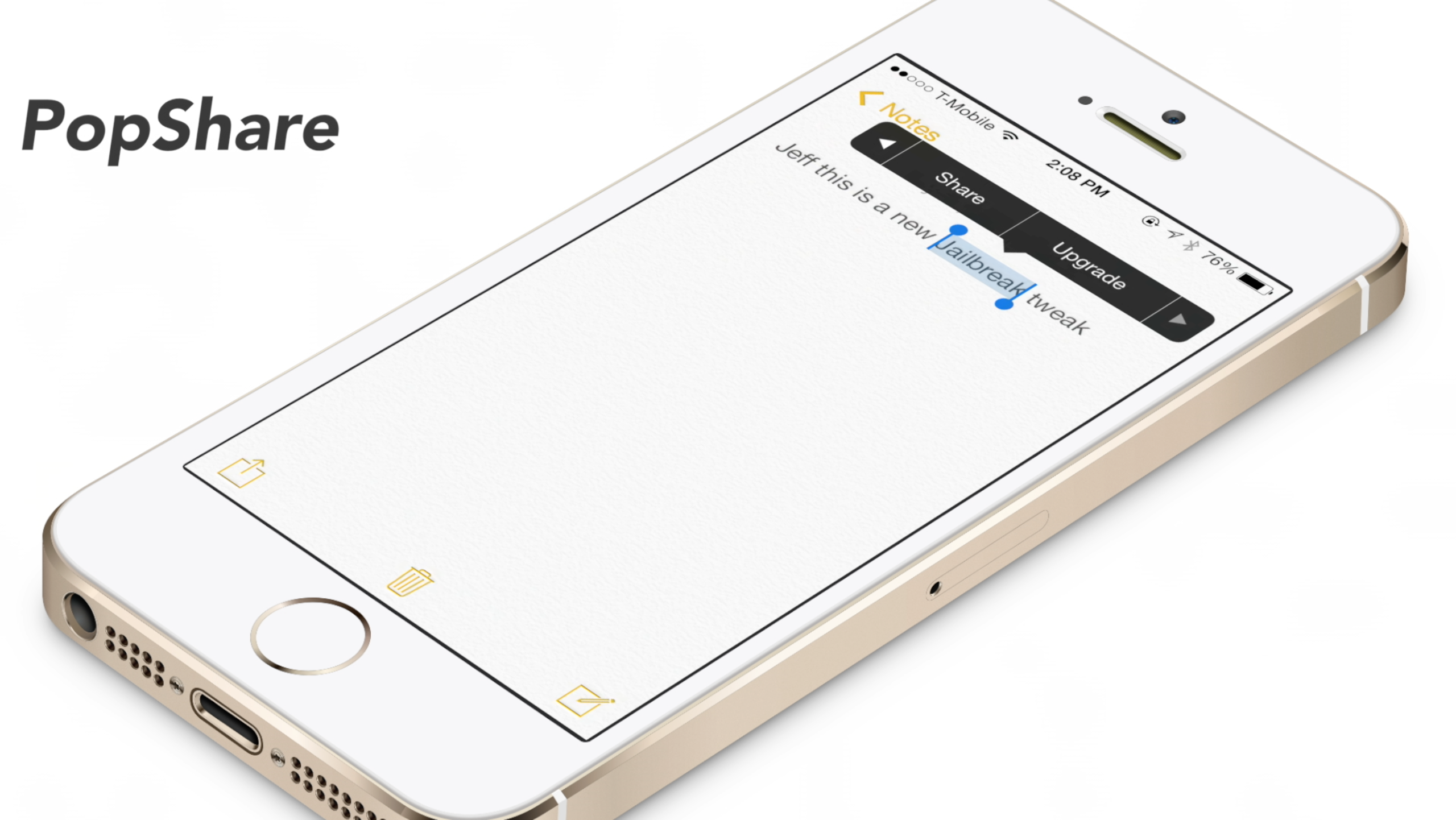
PopShare: share text from the copy and paste menu

PopShare is a recently released jailbreak tweak that acts as an add-on to Ryan Petrich's Action Menu. Action Menu is the legendary tool that adds a ton of extra features, including the ability to create add-ons like PopShare, to the copy and paste menu.

The idea behind PopShare is that you can highlight specific text and quickly share that text using iOS' built-in sharing sheet. As an idea, PopShare is a good jailbreak tweak. Unfortunately, ideas don't always translate into success, especially on the very first try. Have a look at our video walkthrough inside to see what I mean...

Sentry teases Apex 2, the tweak that lets you group apps together

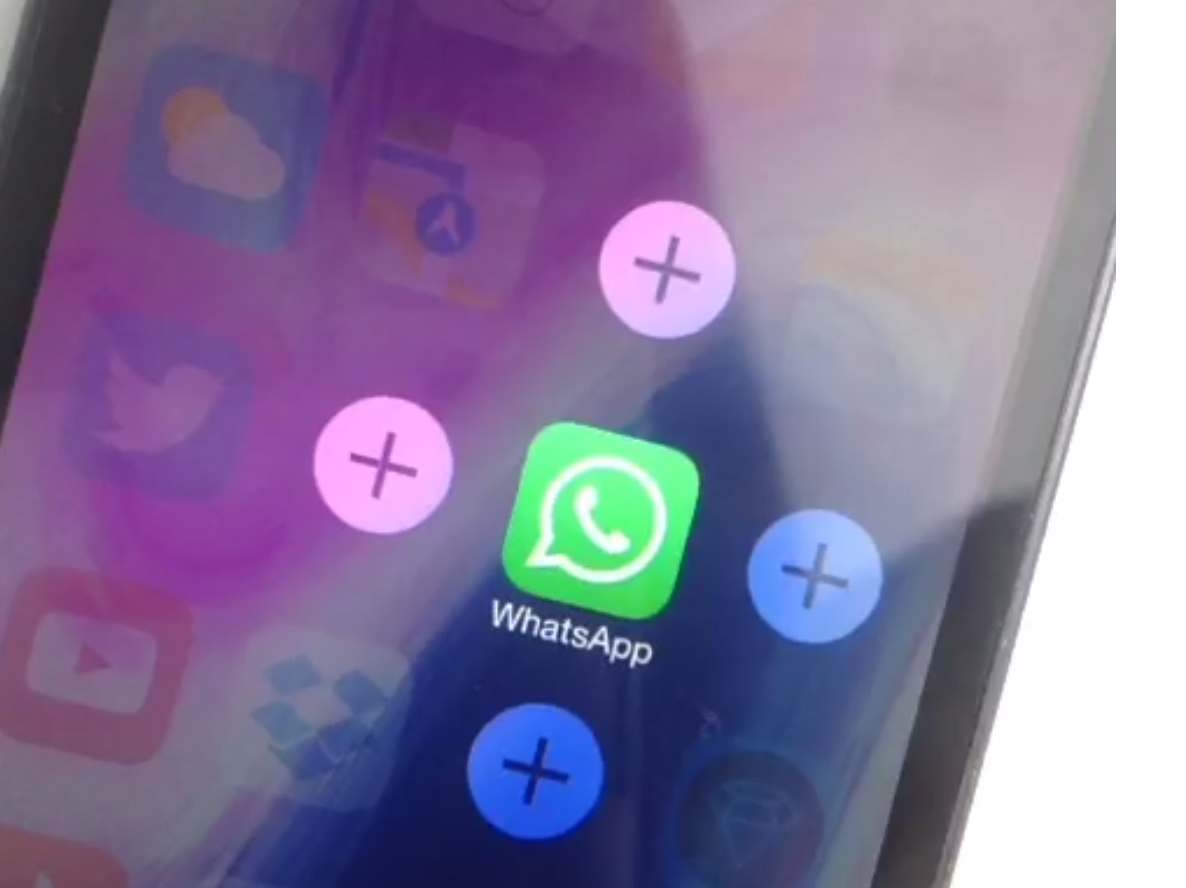
Sentry, the designer behind Auxo 2 and a bevy of other jailbreak releases, has teased a sequel to another one of his popular tweaks. Apex—the jailbreak tweak that allowed users to group app icons and reveal them using swipe gestures—has received the iOS 7 treatment, and it comes in the form of Apex 2.

If you're someone who likes to avoid using folders, then Apex is a jailbreak tweak that should pique your interest. The idea behind the tweak was good, but it was the implementation, with its smooth animations, that made Apex stand out.

Needless to say, it's good to see Apex running on iOS 7, as it evokes fond memories. Check out the full review of the original version, and a sneak peak at the new iOS 7 update.

Let’s Talk iOS 028: Samsunged

Episode 28: We share our thoughts on Apple's rumored Beats Music acquisition and what it could all mean. Jeff explains why he both likes and dislikes the Samsung Galaxy S5 and the Samsung Gear Neo 2 smartwatch.

Subscribe on iTunes

How to integrate Google Cloud Print natively within iOS

If you ever listen to our Let's Talk iOS podcast, you're probably keenly aware of my paperless lifestyle. As a huge Evernote proponent, I make it a habit of avoiding hoarding lots of unnecessary papers. But every now and then, even I am forced to print out a document or two. It happens just rarely enough to make it extremely annoying, and my annoyance is compounded by the fact I don't own an AirPrint compatible printer.

As someone who is slowly integrating their way back into the Google ecosystem, I decided to give Google's Cloud Print service a try. Google Cloud Print is basically the Google equivalent of AirPrint with some notable differences here and there. But for all intents and purposes, people use Google Cloud Print for the same reason that people use AirPrint—they want to print wirelessly from a wirelessly connected device.

It goes without saying that Google Cloud Print support is a feature that hasn't been, and probably never will be, included in stock iOS. But that's okay, because there is a jailbreak tweak that will allow you to just that. Check inside for the full video walkthrough.