Jeff Benjamin

Jeff has been with iDownloadBlog since 2010, acting as resident video specialist, and tutorial expert. He earned his degree in Computer Network Systems back in 2001, but decided Cisco routers and the like just weren’t for him. Since then, he’s been heavily involved with online writing. He’s written for numerous tech and video game sites since the late 1990′s, and has a knack for explaining things in a simple, clear, and concise manner. Jeff works primarily from the east coast on his Retina Macbook Pro, and shoots video with a Canon DSLR. During downtime he likes to travel the world, visiting the various Apple Stores across the globe. You can email him at jeff [at] idownloadblog.com and follow him on Twitter @JeffBenjam or on Google+.

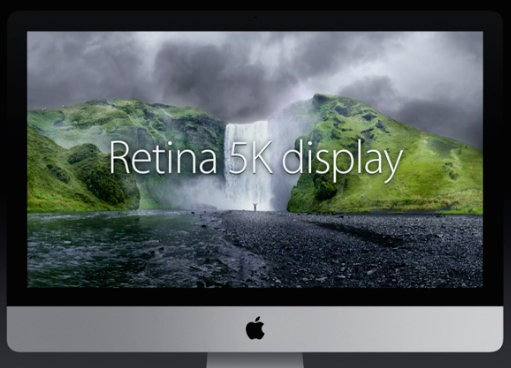
Apple announces 27″ iMac with Retina 5K display available today for $2,499

Thirty years after the first Mac was unveiled, Apple has announced its highly anticipated 27" iMac with Retina Display. The desktop's display, which comes in at 5120x2880 native resolution, features a stunning 14.7 Million pixels, and is available starting today at $2,499.

To put these numbers in perspective, the display has 7 times more pixels than standard 1080p Full HD. That's four times the pixels of the old 27" iMac's display, and 67% more pixels than a 4K display. In fact, it allows for full 4K video editing with room to spare.

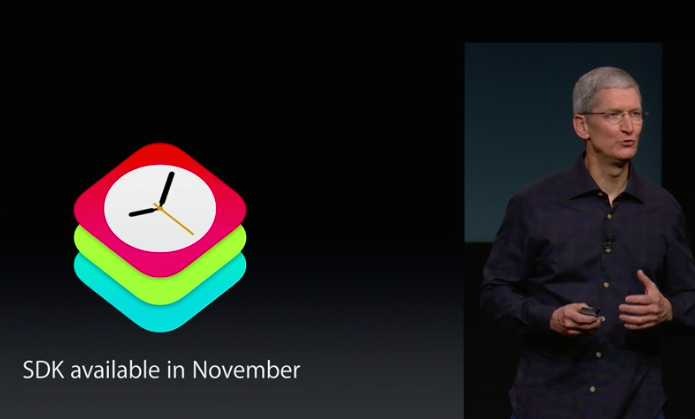
WatchKit SDK rolling out in November for developers

Developers, get ready! Apple's software developer kit for the Apple Watch, aptly dubbed WatchKit, will be available next month in November. Already, developers from Starwood, BMW, and others have worked with Apple to create apps specifically for the Apple Watch. What type of Apple Watch apps will we see? It seems that the sky is the limit.

Let’s Talk Jailbreak 77: The jailbreak stigma

Episode 77: We discuss the negative connotations behind jailbreaking. Jeff plays emulators on iOS 8.1 and expresses his love for XBMC, and Sebastien and Cody talk about more repo hacks and favorite jailbreak tweaks from the previous week.

Subscribe via RSS

Let’s Talk iOS 051: Green bubble friends

Episode 51: An in-depth talk about some of our favorite new OS X Yosemite features, plus a discussion about the things we may see at Apple's upcoming iPad event, including thoughts on products that haven't been updated in years. We also talk about what Apple may be able to do to reinvigorate the iPod touch lineup.

Subscribe on iTunes

Sponsor:

Thinkful, a service that will teach you how to code iOS apps. For 10% off, go to www.thinkful.com/ios

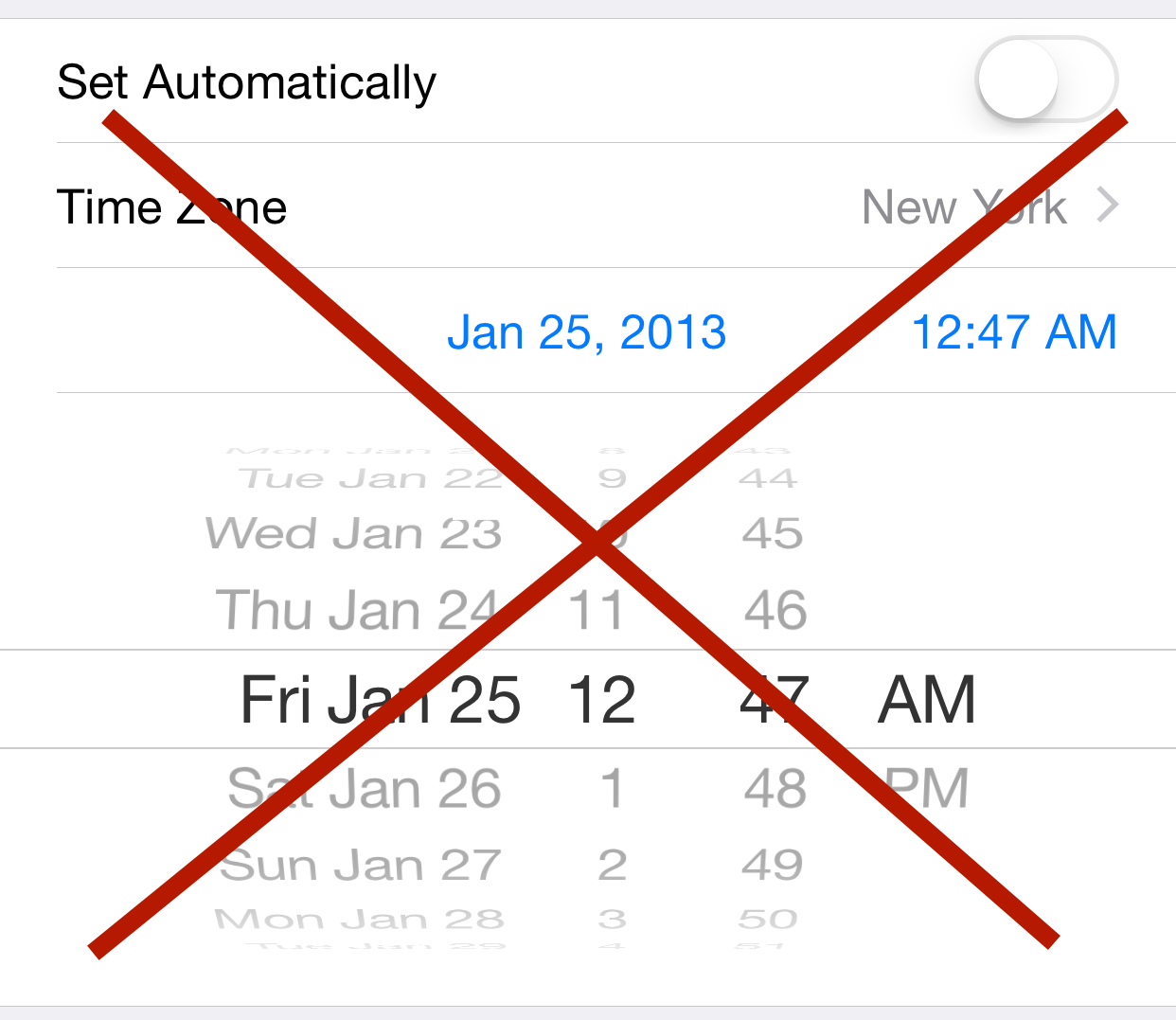
GBA emulator developer talks about the death of the date trick in iOS 8.1

GBA4iOS developer, Riley Testut, has posted an enlightening entry on his personal blog about the history of GBA4iOS. It delves into its humble beginnings up to its current status as a lame duck emulator waiting to be largely phased out post iOS 8.1.

Testut's post is a fascinating read that explains not only the history of the uber-popular GameBoy Advanced emulator, but it also sheds some much-needed light on how the emulator was ever able to work on non-jailbroken devices in the first place. I highly recommend reading it.

Apple: two-step verification for Apple IDs will require app-specific passwords starting tomorrow

If you have two-step verification enabled and you're currently signed in to a third-party app using your Apple ID password, you'll need to adjust to a new change starting tomorrow. For security purposes, Apple is introducing app-specific passwords to access iCloud data using third-party apps.

Apple will allow users to generate these app-specific passwords via the Password & Security section of its Apple ID website. Once there, you'll simply need to click Generate App-Specific Password to create a password for the third-party app that you wish to grant access to your iCloud data.

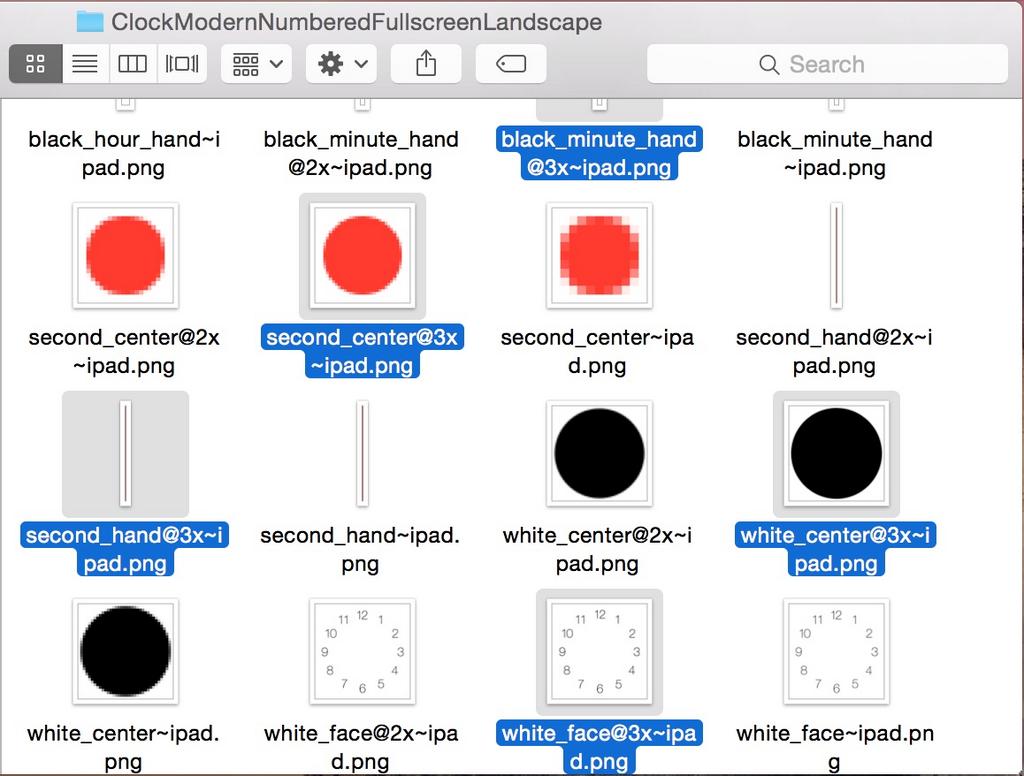
iPad @3x assets found in iOS 8.1 hint at Retina HD iPads

The possibility that the iPad Air 2 could get a higher resolution Retina HD screen just got a little more likely. Developer Hamza Sood, who's no stranger to unearthing hidden goodies within Apple's code, revealed some new iPad @3x assets after doing some digging around iOS 8.1. This means that Apple is at least considering a higher resolution "Retina HD" screen for the new iPads.

How to use “Hey Siri” without being connected to power

"Hey Siri" is a new feature in iOS 8 that makes it possible to invoke Siri using only your voice. It's nice for those moments when your hands are full or when your iPhone is across the room.

The only downside to "Hey Siri" is that your iPhone must be connected to a power source in order to use it. This restriction was placed there to save your iPhone's battery life.

But, there is a way to use Hey Siri without being connected to a power source. It's not as handy as using it while connected to power, but it's a nice workaround for those situations where you need hands-free control.

Let’s Talk Jailbreak 76: The closet connoisseur

Episode 76: We break down a new iOS 8 keyboard that brings several jailbreak tweak features to iOS 8. We also talk about a ton of recent jailbreak releases such as Monochrome, CallBar for iOS 7, CCShuffle, Cou, Ascend, and more.

Subscribe via RSS

Sponsor: Visit GoToAssist.com and click on the Try It Free button. After your free trial, use the promo code ‘GoToAssist3030’ to receive 30% off the standard monthly rate if purchased before October 31st.

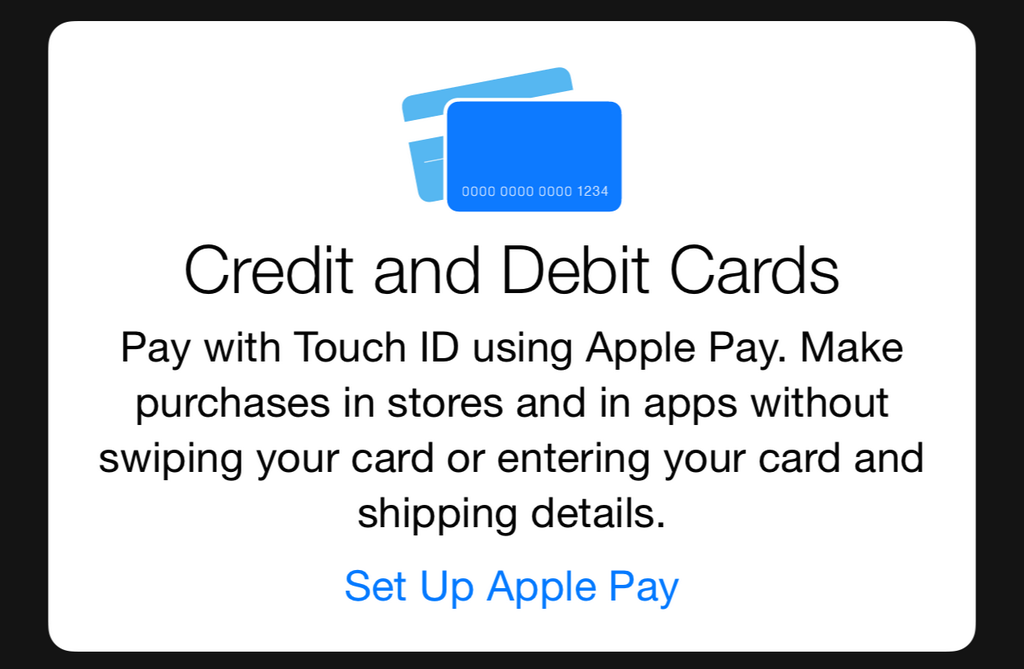
More Apple Pay details leak after iOS 8.1 beta 2 release

Earlier today, Apple released iOS 8.1 beta 2. Like the previous beta release, it was quickly inspected by UK developer Hamza Sood, best known around these parts for his contributions to the jailbreak community.

With iOS 8.1 beta 1, Sood revealed details regarding Apple Pay's presence in the stock Settings app. This time around, we get our first glimpse of the Passbook setup screens, and credit card data entry screen.

iKeywi brings awesome jailbreak keyboard features to iOS 8 [Video]

As you've probably heard, I've been less than impressed with the initial round of third-party keyboards to hit iOS 8. I understand a lot of the problem has to do with Apple, and iOS 8's overall bugginess, but not all of the blame is squarely on its shoulders.

Many of the third-party keyboards have an average implementation, and some of them are just plain bad. With that said, there are a few keyboards that have stood above the rest, as we outlined in our best iOS 8 keyboards post a couple of days ago.

But today, I encountered a familiar name when looking for new third-party keyboards to try. iKeywi, a name that will no doubt ring a bell if you've ever been into jailbreaking, is now available as an iOS 8 keyboard.

Needless to say, I immediately paid $0.99 for the privilege to download iKeywi, and I was mighty impressed by what I found. Folks, if you're at all familiar with some of the more popular jailbreak tweaks, then iKeywi should immediately jump to the top of your must-buy list.

Don't believe me? Think a tempered version of SwipeSelection (you can't select text, but you can move the cursor using swipes). And that's not where it stops. iKeywi adds a fifth row of keys to the keyboard interface, customized key text, customized output, the ability to show letter case, and more. Watch the video inside to see what I mean.
Let’s Talk iOS 050: Thoughts on the iPad Air 2

Episode 50: We discuss the upcoming iPad Air 2 event, including new features that could make the iPad line more compelling. We also talk about iOS 8.1 beta, iOS 8 bugs, the iMac refresh, and CarPlay.

Subscribe on iTunes

Sponsors:

Thinkful, a service that will teach you how to code iOS apps. For 10% off, go to www.thinkful.com/ios

Visit GoToAssist.com and click on the Try It Free button. After your free trial, use the promo code ‘GoToAssist3030’ to receive 30% off the standard monthly rate if purchased before October 31st.