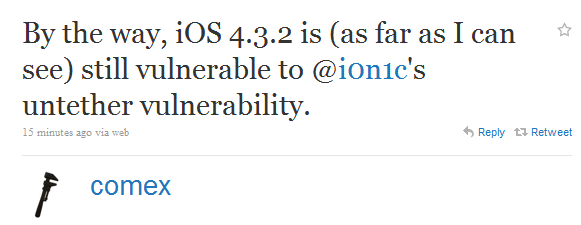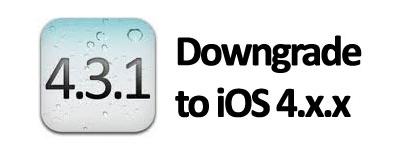
With the release of iOS 4.3.2 this late last week, and the new iOS 4.3.2 redsn0w jailbreak still not completely stable, some of you might not want to wait any longer for a stable jailbreak, or maybe you’re having additional issues with the new OS. Whatever the reason might be, you can downgrade from your current iOS version to an earlier version using your SHSH blobs on file.
It is important you have your SHSH blobs on file for the iOS version you want to downgrade to. If you don’t have your SHSH blobs on file for the iOS you want to downgrade to, you will not be able to downgrade. You can check which SHSH blobs on file you’ve got by launching Cydia and looking at the top of the Cydia homepage where it lists all your saved SHSH blobs.