Anthony Bouchard

Anthony Bouchard joined the iDownloadBlog.com team in 2016 after originally covering Apple and iPhone jailbreak news at ModMyi.com. As an experienced editor, he brings more than 15 years’ worth of jailbreaking knowledge to our in-depth guides, opinion pieces, and news articles. His passion for device customization and user choice sparks his strong push to empower readers with the tools they need to explore and enjoy the freedom that comes with jailbreaking. Anthony blogs about not only jailbreaking, but also Apple software & accessories, drones & photography, and Nintendo gaming systems. Anthony honed his advanced technical knowledge over the years with hands-on projects ranging from gaming PC builds to engine repair mechanics. His never-ending hunger for knowledge is why you’ll always find him tinkering – tearing things apart and putting them back together to understand what makes them tick.

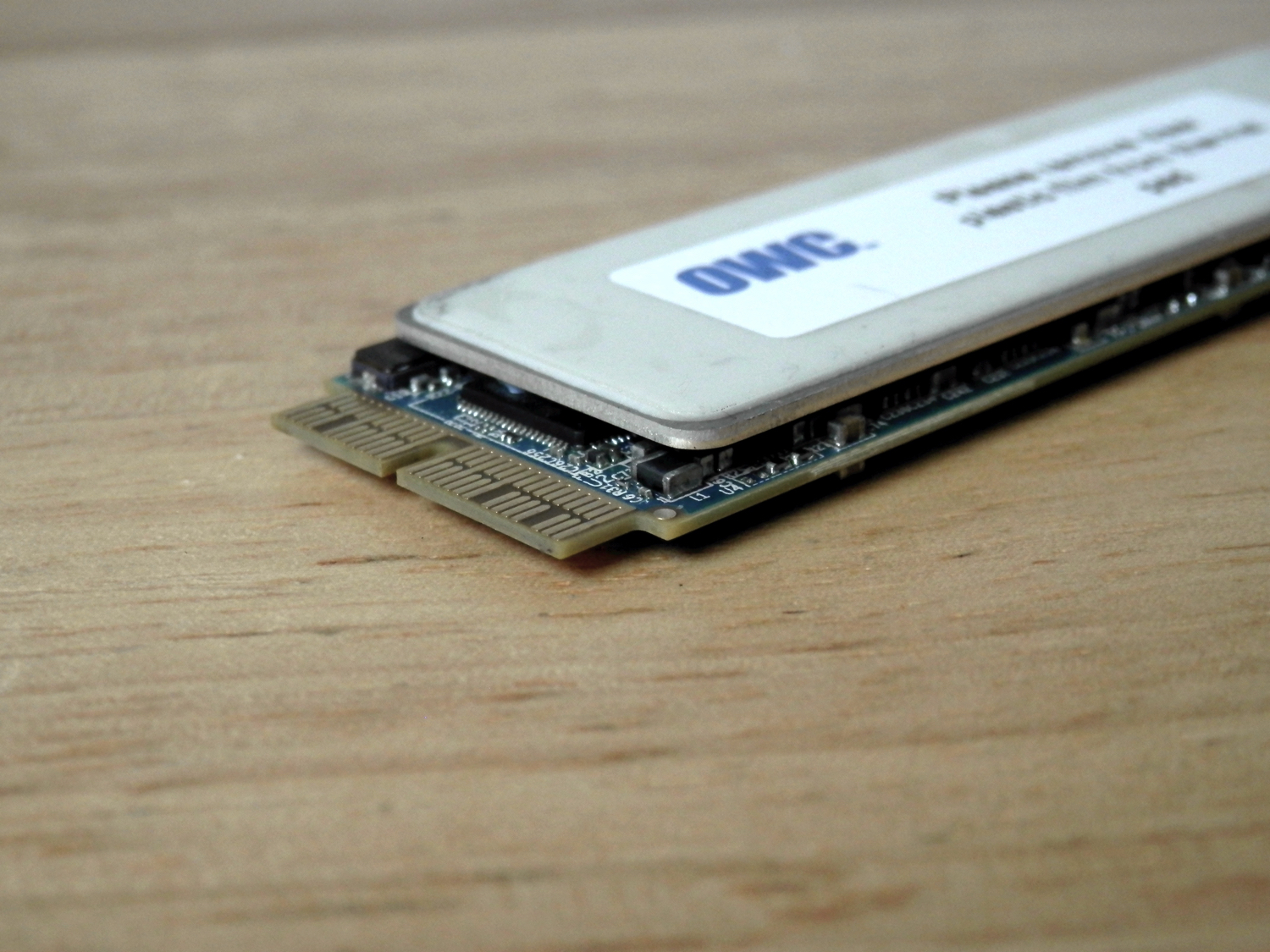
Upgrading your MacBook Air/Pro storage capacity with the OWC Aura Pro SSD

Other World Computing unveiled their Aura Pro PCI-e drop-in SSD upgrade kits last month for 2013 and later MacBook Pro with Retina display and MacBook Air model notebooks.

OWC's Aura Pro SSD storage upgrades start at $399.00 (introductory price) for a 480GB module and and go up in price from there.

Sure to be a popular seller for those that want to upgrade the on-board storage in their expensive Macs without buying an all-new Mac, we've decided to try it out and share with you exactly what we think about it.
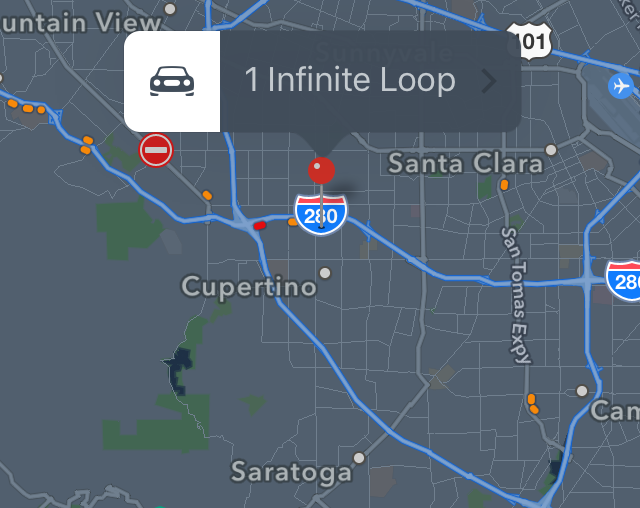
AlwaysNightMode enables night mode in the Maps app at all times

Apple Maps comes with a feature known as night mode. With it, after a certain point during the day when the sunlight goes down, Maps will enter a lower-light state with darker colors as to be easier on your eyes for night-time navigation.

If you really like night mode, and wish there was a way to keep it enabled 100% of the time (even during the day) then you might be interested in a new free jailbreak tweak called AlwaysNightMode.

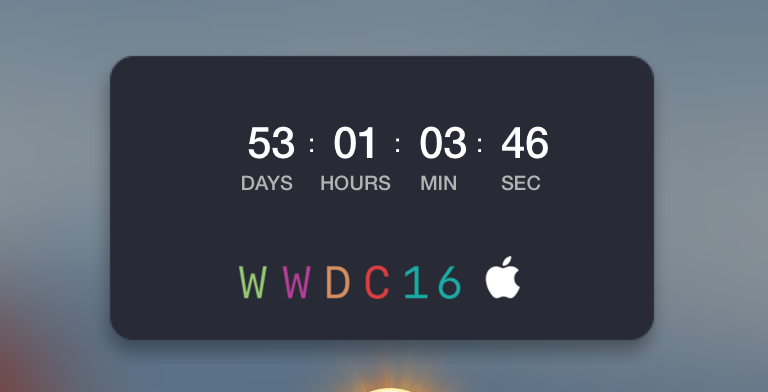
Here’s how to add a WWDC 2016 countdown widget to your Mac

If you're waiting patiently for WWDC 2016 to see what Apple has in store for iOS and OS X this year, then you've probably marked your calendars, or you may even be attending the event in person.

Those of you looking forward to the event can now add a countdown widget to your Mac's Dashboard that counts down to the day of WWDC 2016.

In this tutorial, we'll show you how to get the widget and how to install it.

SwitchHUD makes it easy to toggle between iPhone volume modes

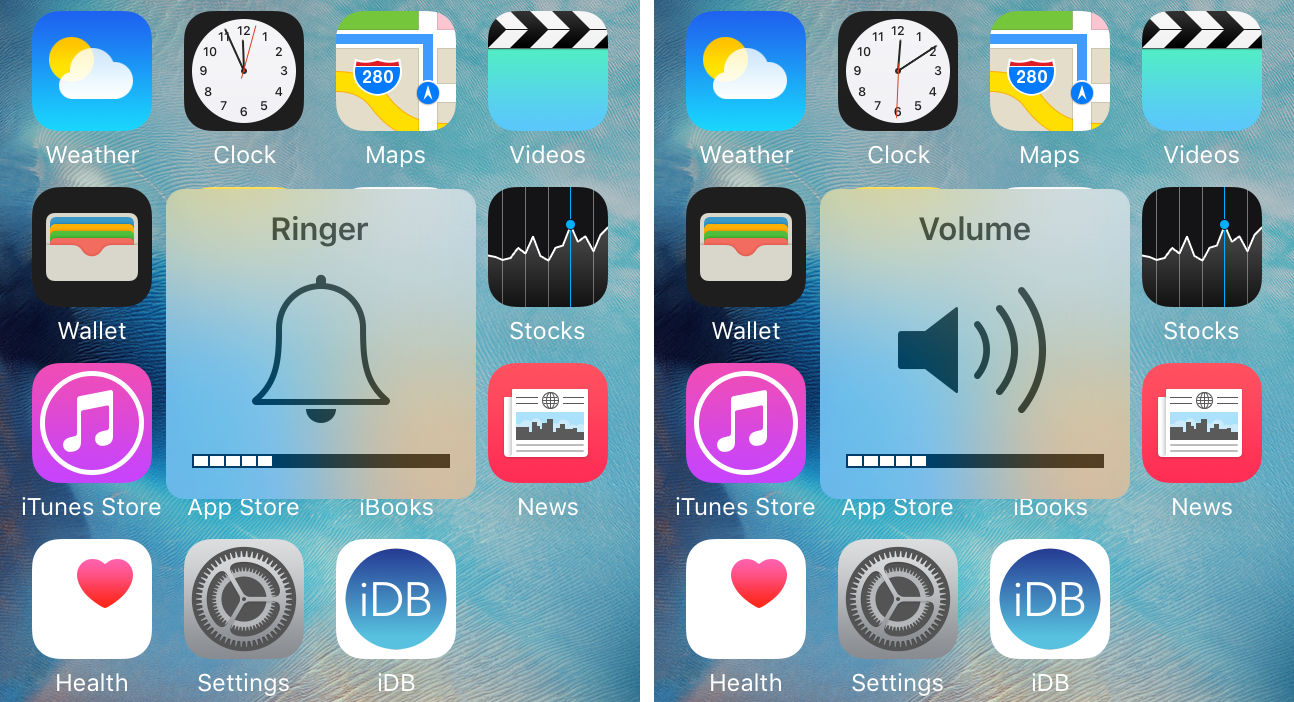
The two most commonly-used volume modes in iOS are the ringer volume and media volume. The ringer volume controls the volume of text tones, ring tones, and notification sounds, while the media volume controls the volume of your music and videos.

The only problem is, iOS likes to default to the ringer volume all the time, unless you have media playing. If you do, that's the only time the volume buttons will actually change the media volume level.

If you don't like that solution, then hold on to your seats, because we're going to be showing you a new free jailbreak tweak called SwitchHUD, which takes volume switching to the next level by letting you manually toggle between the two at any time with an Activator action.

Marquee lets you have long, scrolling folder names in iOS

If you've ever had a folder name that was too long for iOS to display, then you probably had an atrocious-looking folder title like the one above; cut off, and ended with an ellipsis.

Unfortunately, the way stock iOS handles longer folder names makes it nearly impossible to tell what the entire folder title is.

That's why a new free jailbreak tweak called Marquee is going to appeal to those of you with the desire to have longer folder names on your Home screen.

Check out this endless runner game you can play from Notification Center

Knowing that Apple has been restrictive in the past on what is and what isn't allowed to pass in the App Store for a Notification Center widget, it can be fun when little gems find their way into the top charts section and you stumble upon them.

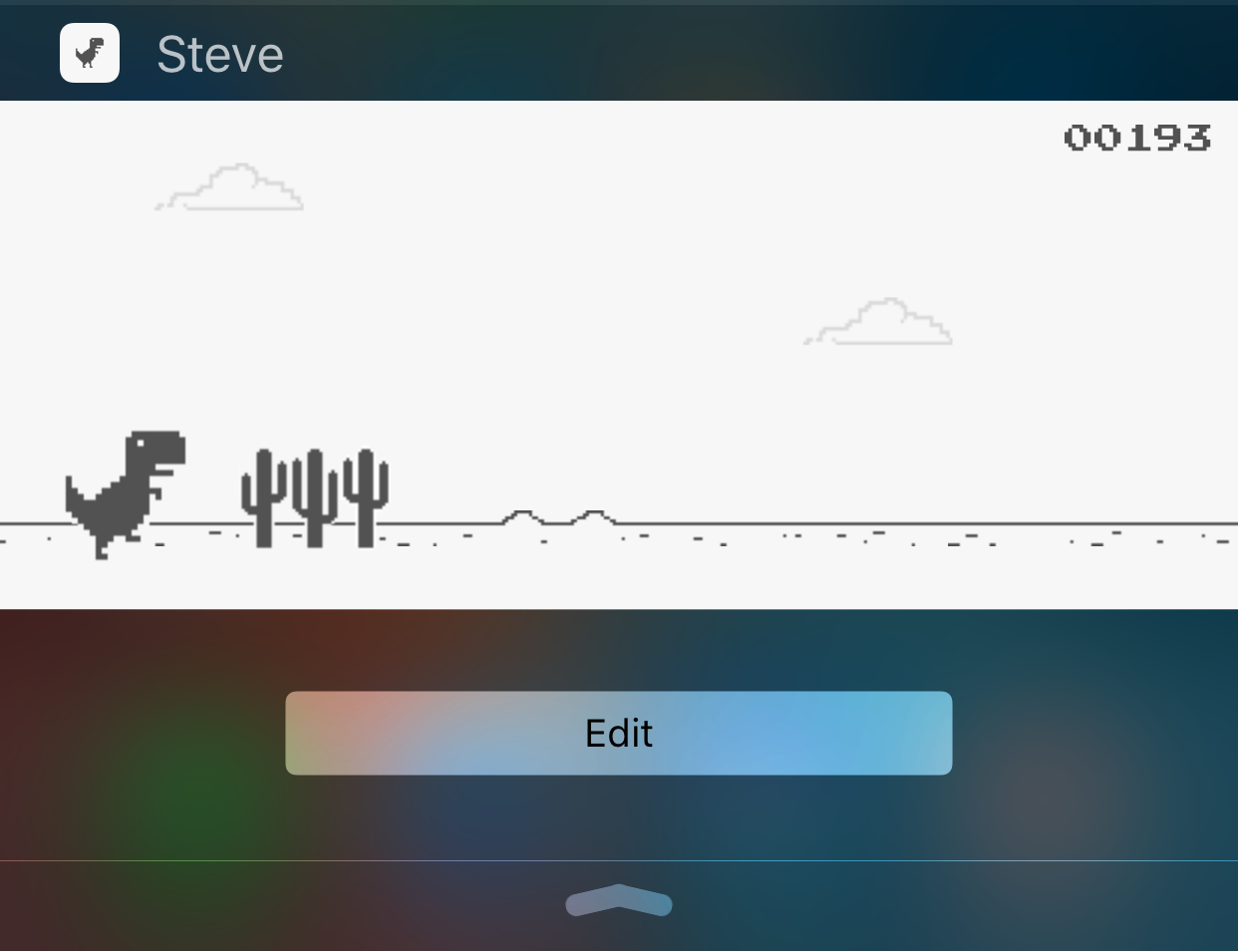
While looking through them, I discovered a free endless runner game called Steve - The Jumping Dinosaur, but unlike other endless runners you've played before, this game is played inside of a Notification Center widget rather than from the app itself.

Use text replacement in iOS to input email addresses faster

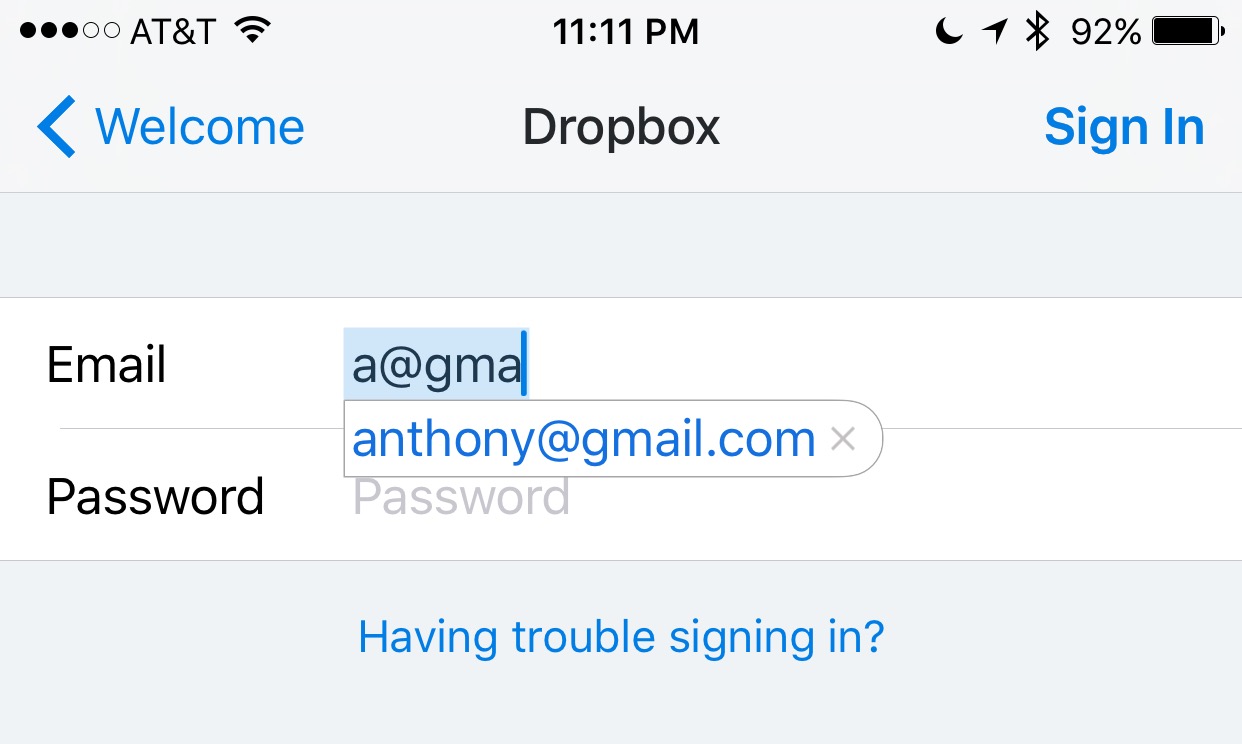
Email addresses can be long and annoying to type, especially when you're one of those goofballs out there with the weird emails like iph0n3_fan_09325@emailaddress.com, or something else with a bunch of wonky characters you don't care to remember or spend the time typing.

This is why when I came across this tip on how to make email address entry simple and fast from a friendly iDB reader, I wanted to share it with the rest of you.

Downgrades no longer possible as Apple stops signing iOS 9.3 for some devices

On Monday, Apple has pulled the signing plug on its iOS 9.3 firmware for its lineup of iPhones, iPod touches, and iPads.

As a result, downgrades through iTunes to iOS 9.3 are no longer possible, and there's no way to upgrade specifically to iOS 9.3 from an earlier firmware.

Instead, users will be directed to install iOS 9.3.1 when restoring or updating their devices through iTunes.

Update: It seems that not all versions of iOS 9.3 have stopped being signed. It appears that iOS 9.3 is not being any longer for newer devices (i.e. iPhone 6s, iPad Air 2), but it is still being signed for older devices (ie. iPhone 5s).

Pod Pro review: the portable Apple Watch & iPhone battery dock

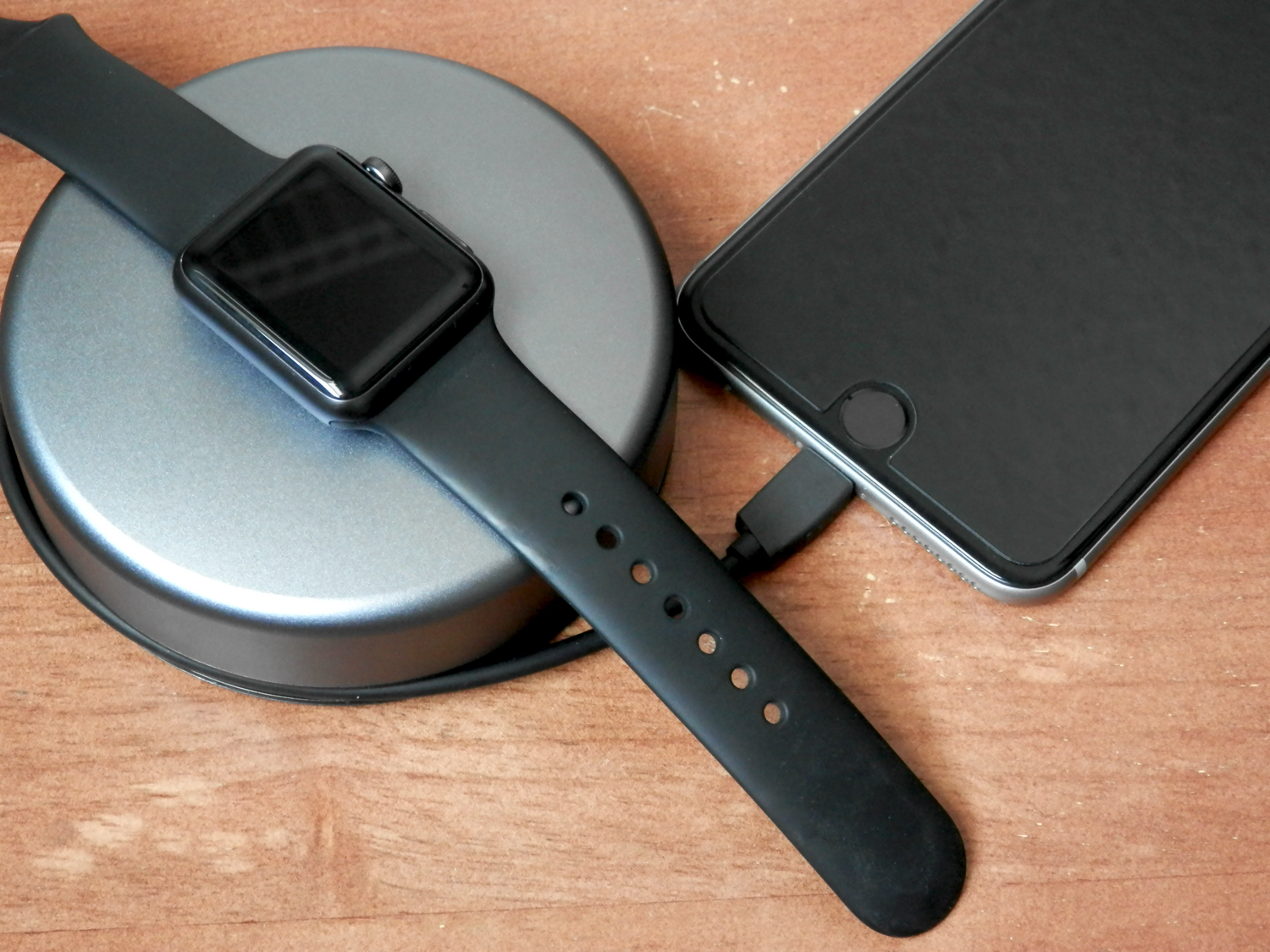
Those who need a portable battery pack for the Apple Watch that aren't so keen on just plugging the USB end into the receiver of a battery pack and letting the magnetic end dangle around everywhere are going to be hard-pressed to find a good portable battery pack made specifically for the Apple Watch's proprietary charging platform.

Fortunately, Nomad has the Pod Pro, which can be had on Amazon for $85, and is a great solution for on-the-go Apple Watch charging, and even includes a built-in Lightning cable for charging your device, whether it's an iPhone, iPod touch, or iPad. We'll show you what the Pod Pro is all about in this review.

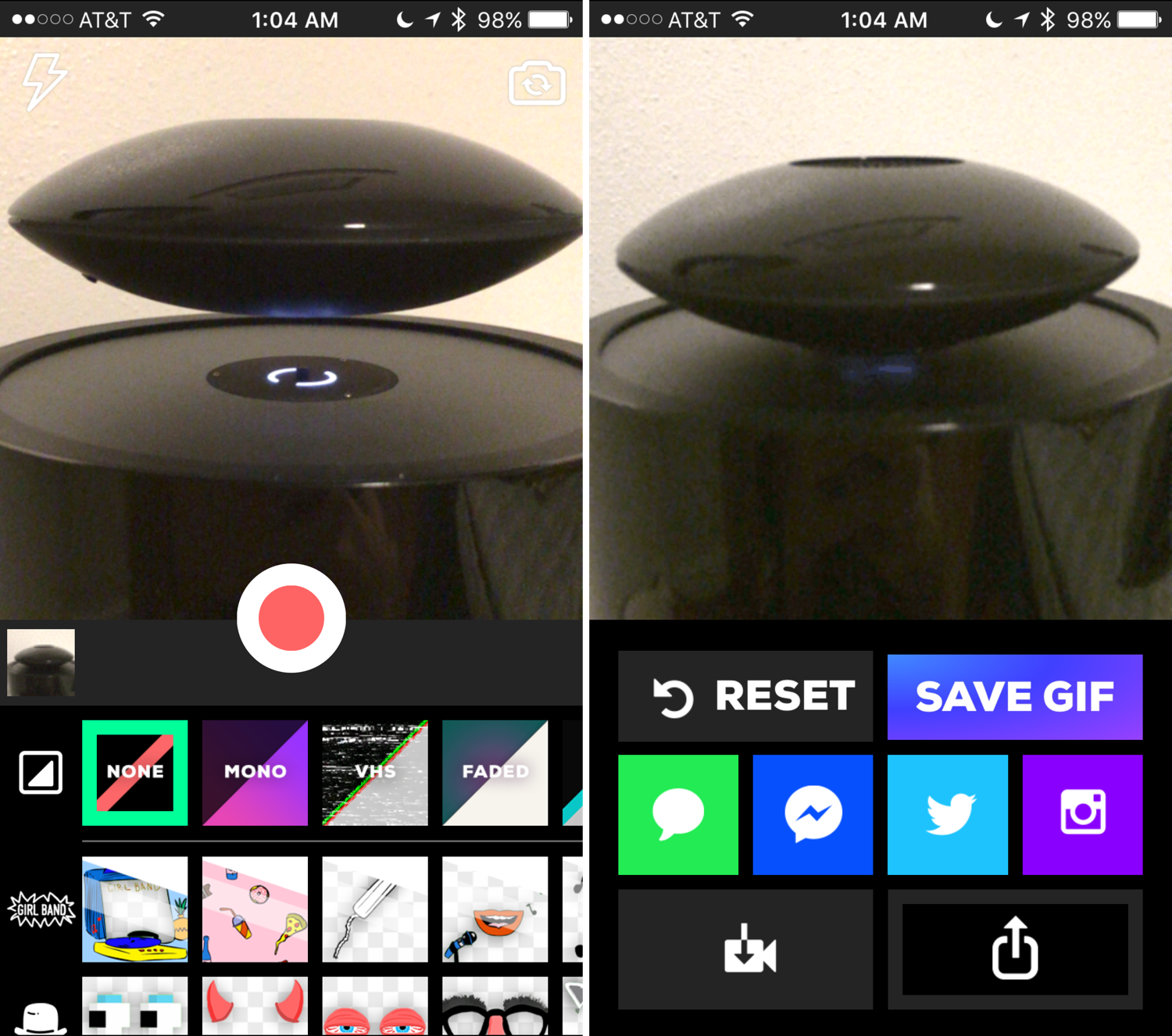
Quickly and easily record animated GIFs with Giphy Cam

Animated GIFs are fun, the only thing is, creating them generally requires a computer and either some fancy GIF-making software, or a website that can convert video files to animated GIFs.

Fortunately, for those of you that spend most of your time mobile, rather than at a computer, the free GiphyCam app from the App Store provides an all-in-one experience for iPhone, iPod touch, and iPad users.

We'll talk about GiphyCam in this piece and show you how you can use it to record your own animated GIFs right from your mobile device.

Jailbreak tweaks of the week: Volume Mixer 2, & More…

Another week, another jailbreak tweak roundup. We bring you these every week to make sure you never miss a beat.

We've seen some interesting jailbreak tweak releases throughout this week, and this piece, we'll talk about what our favorite releases were, and then show you what else launched in Cydia this week.