Anthony Bouchard

Anthony Bouchard joined the iDownloadBlog.com team in 2016 after originally covering Apple and iPhone jailbreak news at ModMyi.com. As an experienced editor, he brings more than 15 years’ worth of jailbreaking knowledge to our in-depth guides, opinion pieces, and news articles. His passion for device customization and user choice sparks his strong push to empower readers with the tools they need to explore and enjoy the freedom that comes with jailbreaking. Anthony blogs about not only jailbreaking, but also Apple software & accessories, drones & photography, and Nintendo gaming systems. Anthony honed his advanced technical knowledge over the years with hands-on projects ranging from gaming PC builds to engine repair mechanics. His never-ending hunger for knowledge is why you’ll always find him tinkering – tearing things apart and putting them back together to understand what makes them tick.

Changing your router’s DNS settings to increase speed and security

At times, you may experience slow hiccups while trying to use the internet from your home. Sometimes, these problems can be attributed to your router's DNS settings because your ISP may not always have the best DNS server speeds.

Your DNS server settings can also affect your security as you use the internet because some DNS servers come with built-in firewalls and security measures to prevent you from opening malicious or phishing websites, while others don't do anything at all to protect you.

In this tutorial, we'll show you how you can edit the DNS settings on your wireless router if you're experiencing slower internet speeds than you should be.

Get Instagram’s new flat UI redesign now with this jailbreak tweak

Earlier this week, we had shared with you what appears to be a redesign for the Instagram app for iPhone that may soon be rolled out to all users.

The new interface utilizes an iOS 9-esque flatter design with white UI elements and black button highlights.

However, if you're jailbroken, then you don't have to wait to unlock this new interface for yourself right now. There's a new jailbreak tweak in Cydia called IGExperiments that will let you do this, and more.

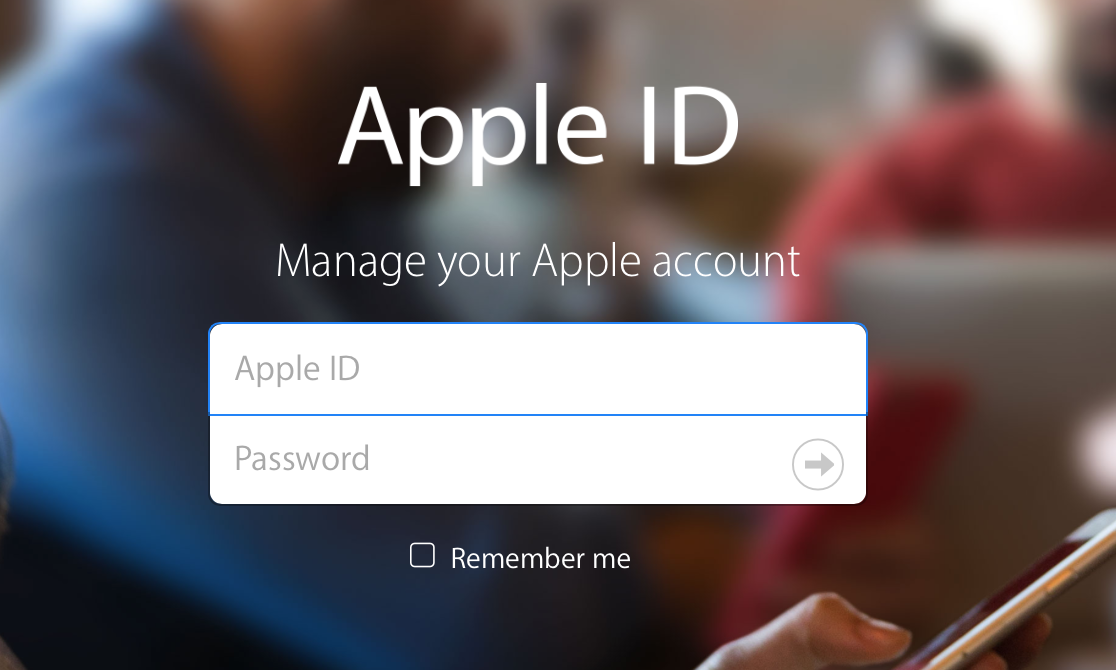
How to change your Apple ID

Many of us still have the same email address associated with our Apple ID that we made years and years ago when we got our first device. We use it to sign into each and every one of our devices when we buy one new from the store or restore an existing one to factory settings.

On the other hand, times change. Sometimes you may get new email addresses, and sometimes you want to use something new to log in with rather than your high school email address. Perhaps you've made one that is a little more professional looking and seek to use it instead.

Apple provides a way to change your Apple ID email address so you can use something different to sign into everything you use. In this tutorial, we'll show you how that's done.

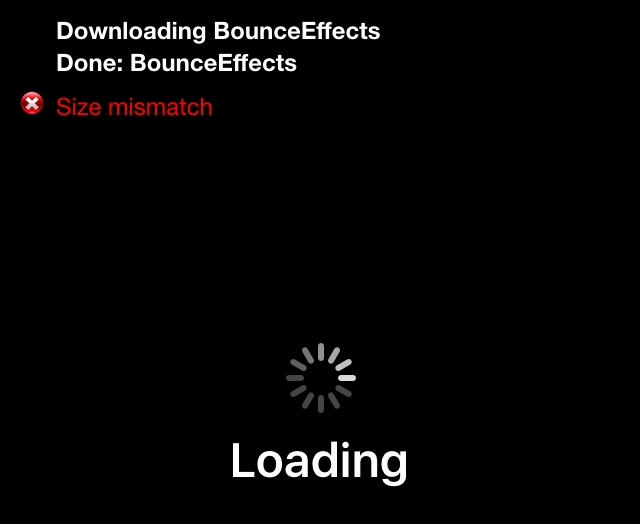
Fixing size mismatch errors in Cydia when trying to install a tweak

Size mismatch errors are something that seem to plague me every once in a blue moon when I try to install a jailbreak tweak right after an update is released, or after Cydia refreshes its sources.

The issue can occur when Cydia tries to fully refresh its sources at the time of a repository sync, and I'm sure some of you have probably stumbled upon this same error one time or another.

If you ever do get a size mismatch error in Cydia, we'll be explaining in this short tutorial how you can fix the problem and install the jailbreak tweak you want to download once and for all.

How to configure Automatic Downloads on your Mac

TV app on Mac

macOS users can take advantage of Automatic Downloads, which allows your Mac to automatically download apps, movies, music, and other media that were downloaded on other Apple devices you own.

Unfortunately, some users may not want this. Some apps and media take up a lot of storage space, and there's no reason to sop up all of your individual devices' storage space to keep home to one specific app.

In this tutorial, we'll show you how you can configure automatic downloads on your Mac so you have better control over the content that is downloaded to your machine.

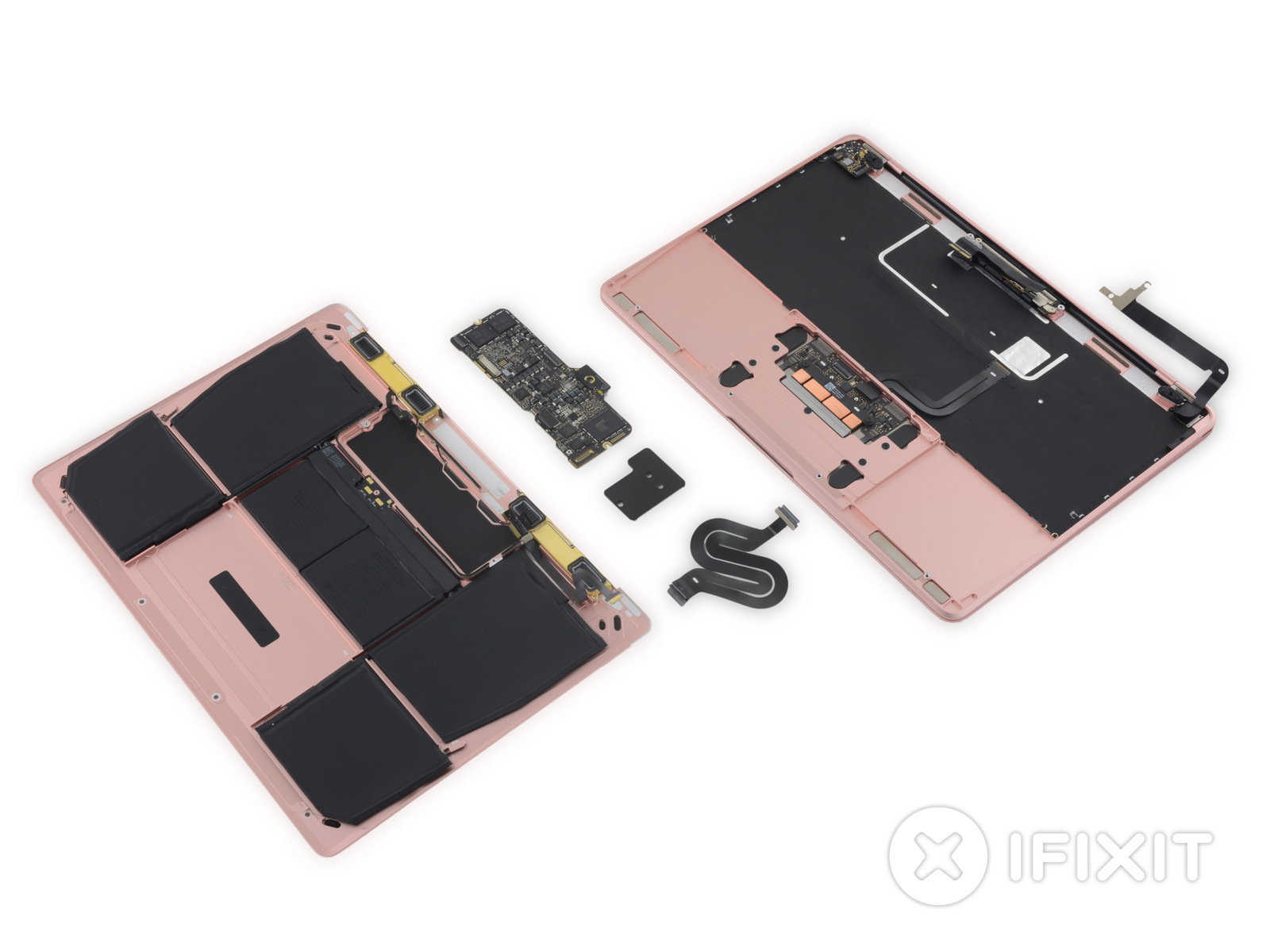
iFixit tears down the 2016 Retina MacBook, finds minor hardware tweaks

Just last week, Apple launched the second generation of its Retina MacBook lineup with a bump in CPU and SSD speed performance, as well as in battery life.

iFixit has now torn down the new 2016 Retina MacBook to reveal what kinds of hardware gems could be hidden inside of the very familiar aluminum enclosure.

Unsurprisingly, they have torn down the new rose gold-colored model. For the most part, a lot of the internals are similar, although there are a few tweaks to the design and internal hardware that users will love and hate.

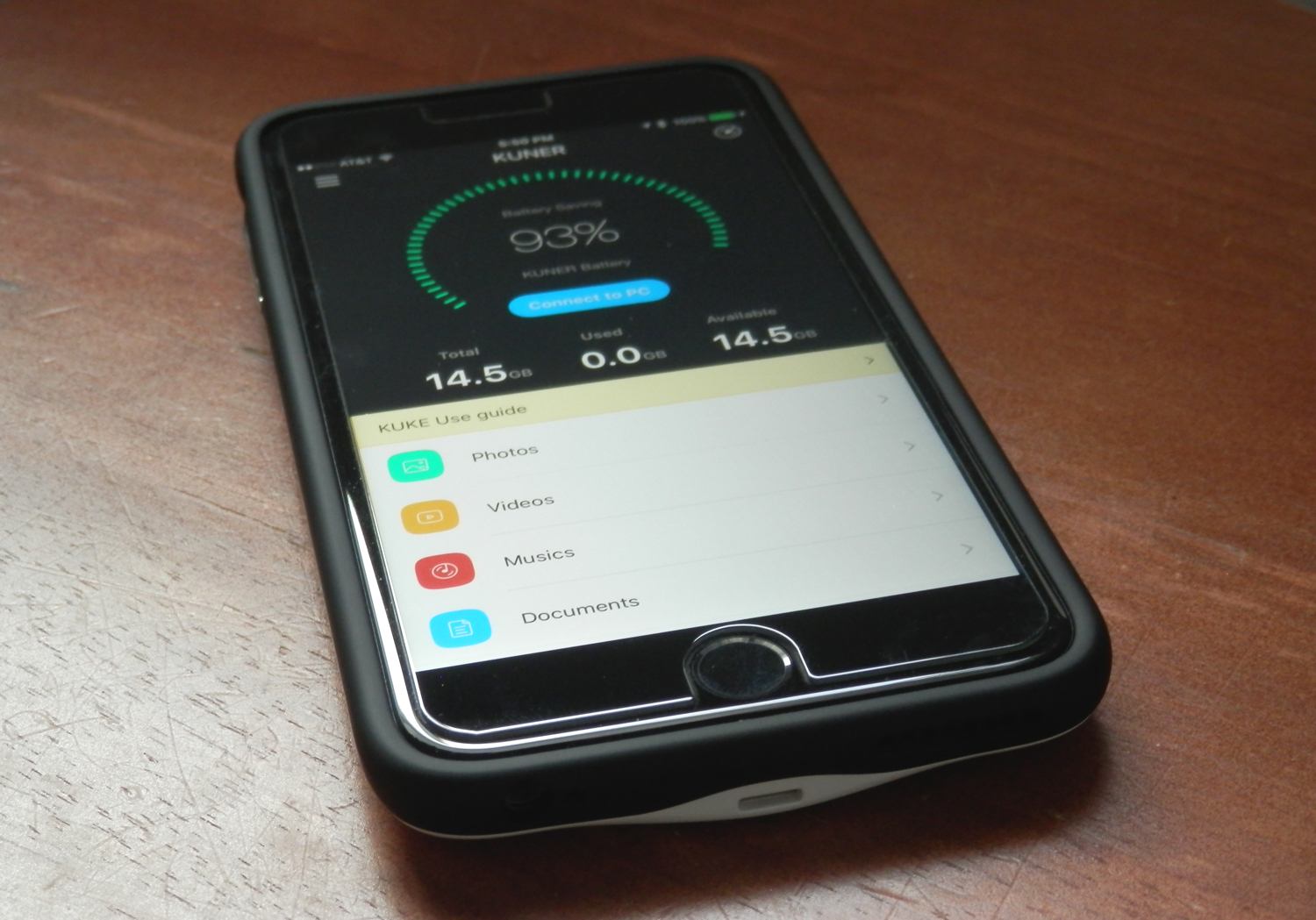
KUKE: an affordable iPhone battery case with built-in storage expansion

Because your battery is such a precious asset to your iPhone, you can never go wrong with trying to expand its life. This is especially the scenario for people who put a lot of miles on their device each day, sending hundreds of text messages back and forth with friends and checking social media on a regular basis.

The KUKE, made by Kuner Tech, is a battery case for the iPhone, fresh out of an Indiegogo campaign, that does away with the clunkiness of many third-party options, and blows Apple's Smart Battery Case out of the water in performance and usability. Not only will it give you a truckload more battery life for your iPhone, but it also provides additional storage space for your documents, media, and more.

In this review, we'll show you what the KUKE case is all about!

Finding what version and build number of macOS you have on your Mac

There come times when you need to know not only what version of macOS that you're running, but also where you may want to know the actual build number.

This information usually comes mostly in handy when you're running betas, but sometimes when filing bug reports with Apple, they might ask you to provide them with what version of macOS you are running on your Mac and the build number it shows.

In this tutorial, we'll show you not only how to find out what version of macOS you're running, but also where to find the build number of the version of macOS you have installed.

Jailbreak tweaks of the week: SwitchHUD, SilentMessenger, & more…

It has been yet a relatively quiet week for Cydia yet again, but there have still been some noteworthy jailbreak tweak releases that we've shown you throughout the week.

Since it's Sunday again, we'll go through a brief roundup of what's new in Cydia as of this week. We'll start by showing you our favorite releases this week, and then we'll show you the rest of them.

SilentMessenger enhances your Facebook & Facebook Messenger privacy

Facebook and Facebook Messenger users who have a jailbroken iOS device are going to love the benefits of using a new jailbreak tweak called SilentMessenger.

This tweak is going to provide these users with additional steps to protect their privacy and keep their footprint in the Facebook apps as minimal as possible from the perspective of other users who are online. Moreover, it also supercharges some other features of the apps.

In this review, we'll talk about what SilentMessenger can do for your Facebook experience, and walk you through all of the tweak's options.