Anthony Bouchard

Anthony Bouchard joined the iDownloadBlog.com team in 2016 after originally covering Apple and iPhone jailbreak news at ModMyi.com. As an experienced editor, he brings more than 15 years’ worth of jailbreaking knowledge to our in-depth guides, opinion pieces, and news articles. His passion for device customization and user choice sparks his strong push to empower readers with the tools they need to explore and enjoy the freedom that comes with jailbreaking. Anthony blogs about not only jailbreaking, but also Apple software & accessories, drones & photography, and Nintendo gaming systems. Anthony honed his advanced technical knowledge over the years with hands-on projects ranging from gaming PC builds to engine repair mechanics. His never-ending hunger for knowledge is why you’ll always find him tinkering – tearing things apart and putting them back together to understand what makes them tick.

Customize Spotlight features to your liking with PersonalSpotlight [jailbreak]

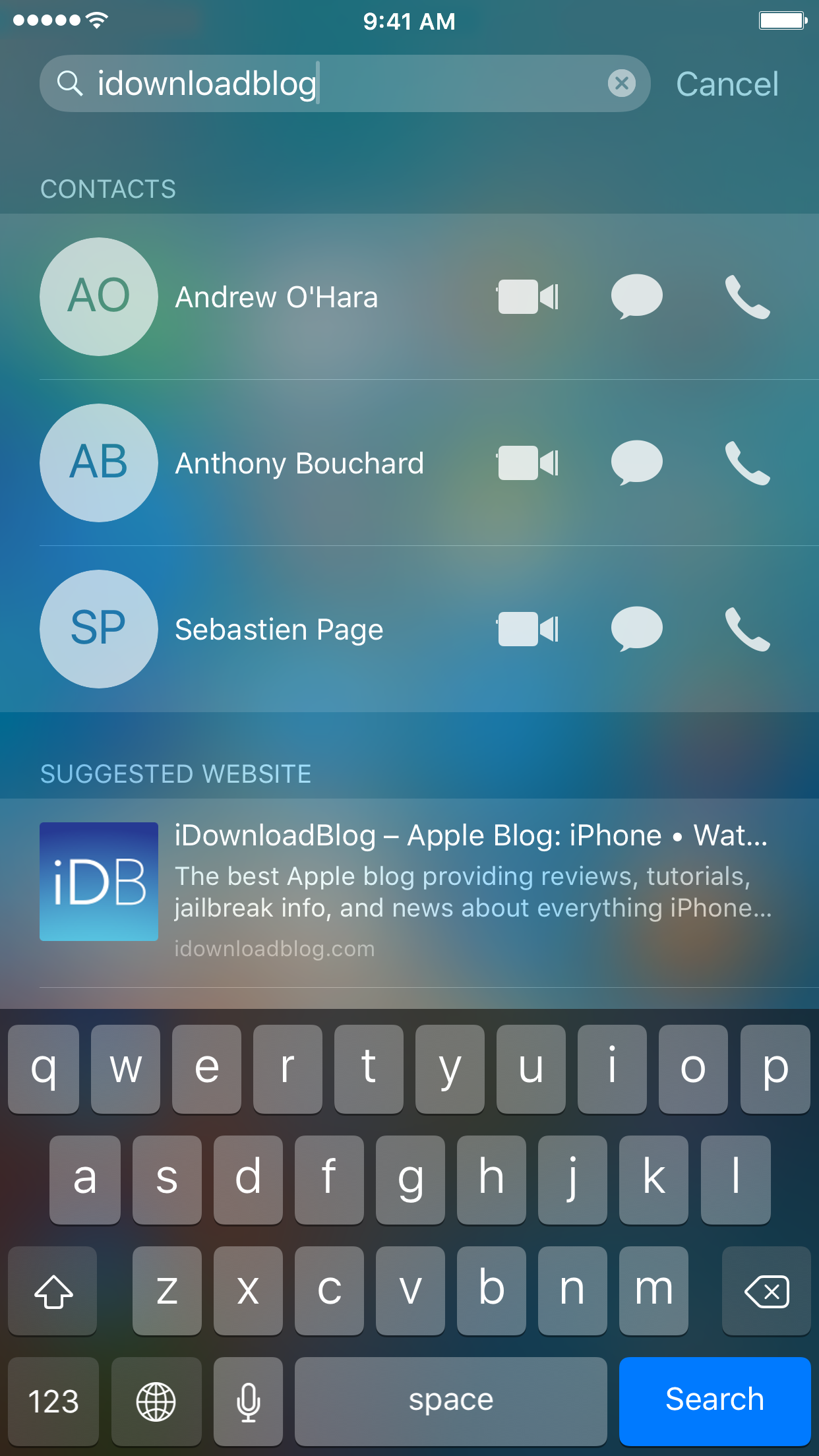
iOS 9 came with a totally new Spotlight experience for the iPhone, iPod touch, and iPad, but there still remains a lot that could be changed to better suit individual users' needs.

Thanks to the jailbreak community, however, customization is never really a problem.

A new free jailbreak tweak called PersonalSpotlight is now available that gives users the ability to personalize their Spotlight experience in a way that better suits them, and we'll show you how the tweak works as we go hands-on in this review.
Clean up time: how to remove your account name from your Mac Menu Bar

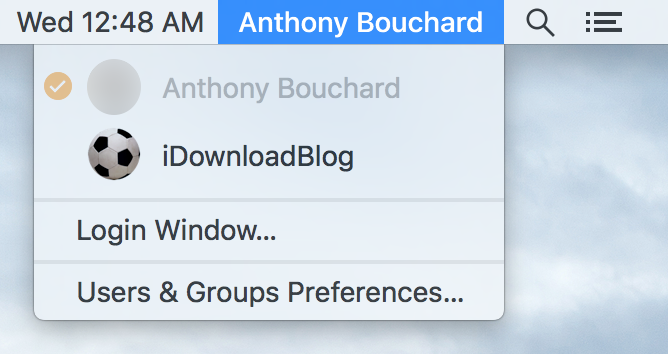
Any time you set up a new Mac, or make a new user account, macOS will automatically display your account name in the Menu Bar so you know what account you're logged into.

But for some people, you probably already know what account you're logged into because you only have one account, or perhaps that text is just cluttering up your Menu Bar and you want it gone.

No matter what the scenario may be, there's an easy way to remove your macOS account name from the Menu Bar and we'll show you how it's done in this simple tutorial.

Changing the default payment method in Apple Pay

Despite some Apple device users being skeptical of using Apple Pay for security reasons, many are embracing the power of NFC payment technology everywhere it is supported.

If you're like many Apple Pay users, then you might have more than one credit or debit card linked to your Apple Pay Wallet. If this is the case, then it would be good to know how to choose which card is set as the default card when you choose to carry out payments at the register.

In this tutorial, we'll show you how that's done.

Jailbreak tweaks of the week: Prenesi 3, LetMeSwitch, & more…

Despite the dry Cydia pipeline that continues on due to the lack of a fresh jailbreak, existing iOS developers are still launching jailbreak tweak releases.

This week hasn't been much more impressive than the last, but nevertheless, we'll still recap on everything that's new. We'll start with our favorites, and then we'll finish off with the rest of this week's releases.

Prenesi 3 enables video downloads and more in the Facebook app [jailbreak]

Facebook users who are looking for a little more oomph from their app experience are going to love a new jailbreak tweak release called Prenesi 3.

This tweak not only supercharges the app with additional features, but it even lets users further configure the app's behavior and features to their liking.

A long story short, if you're rocking a jailbroken device and you use Facebook regularly, then this is a tweak you don't want to miss.

New jailbreak tweak enables sending text messages via Pebble

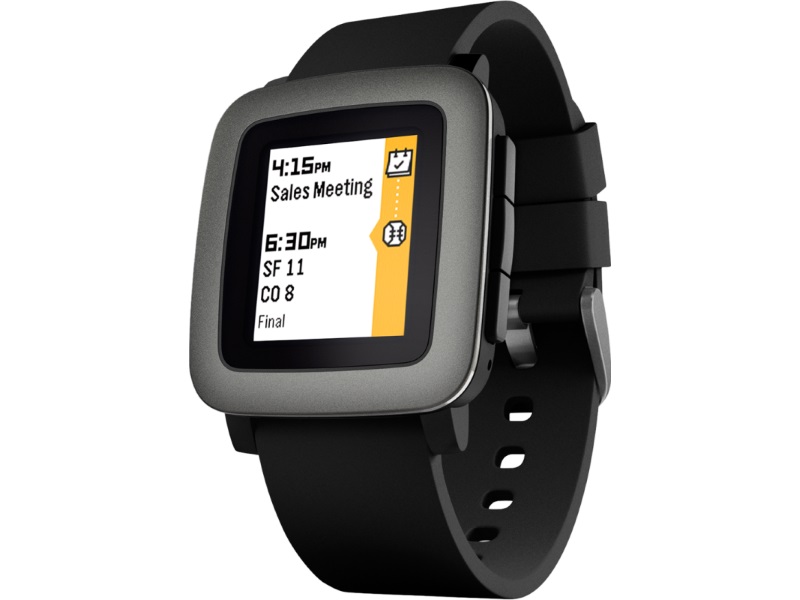
Those who are using a Pebble smartwatch rather than Apple's own Apple Watch as an accessory for their iPhone are limited in features, but with a new jailbreak tweak dubbed TextSender for Pebble, there is at least some hope for extended functionality.

TextSender for Pebble will, as the name implies, allow those with a Pebble smartwatch to send text messages from their watch via their iPhone.

Customizing the toolbar in your Mac Finder window

If you own a Mac, you most likely use the Finder window on a daily basis; probably more than you even realize. But one thing you may not have known throughout the eons of using the Finder interface as Apple has created it to be used, is that you can actually customize the Finder toolbar to your liking.

By doing so, you can supercharge your Finder window's functionality with additional easy-to-reach features, and we'll show you how to customize your Mac Finder toolbar in this simple tutorial.

Notifications not forwarding to Apple Watch? Check these likely causes

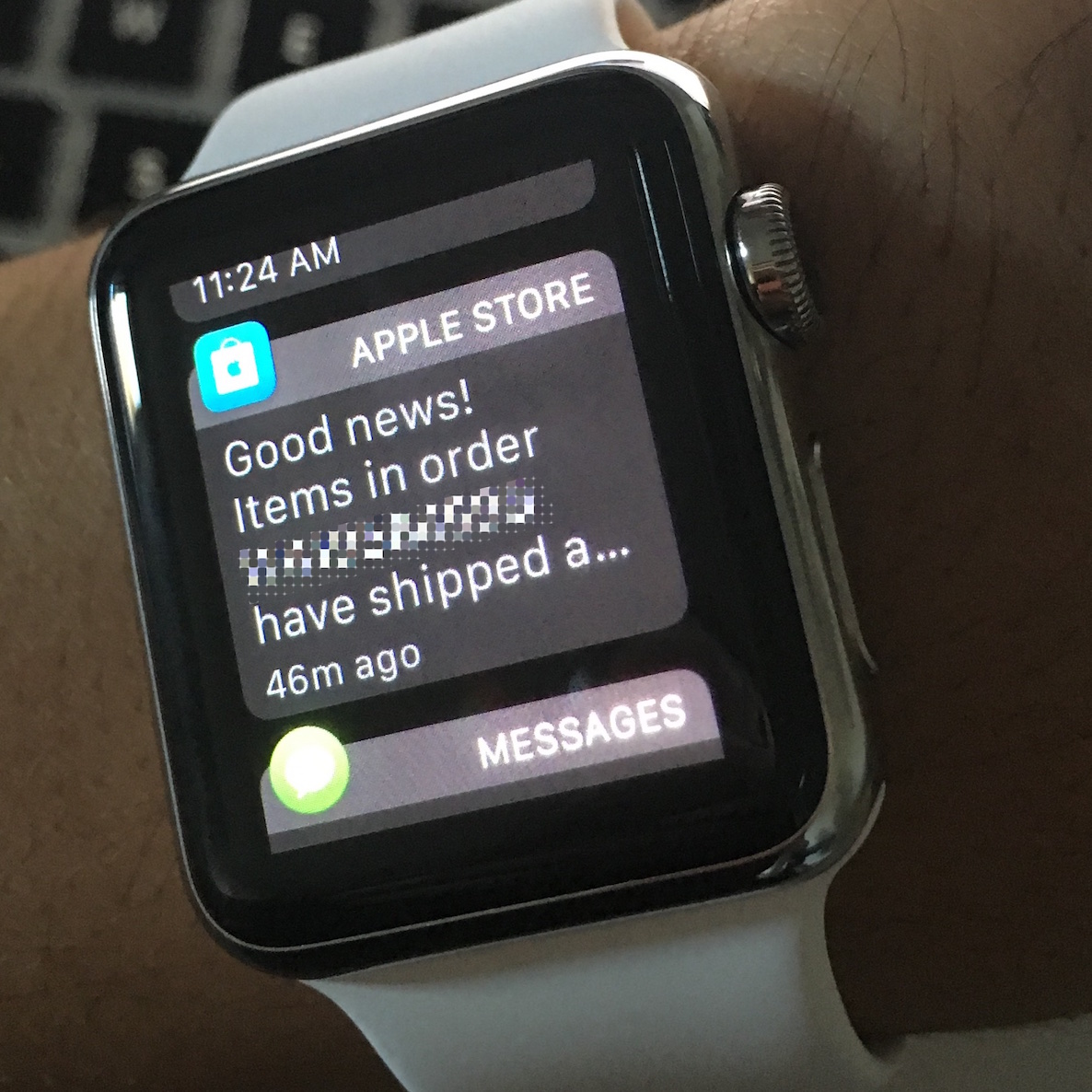
It's a nice feeling when software works as it should, but that's not always the case. In the case of the Apple Watch, notifications that are supposed to be tapping on your wrist may not work when you expect them to.

If you're having problems with your Apple Watch not receiving the notifications your iPhone is putting out, then you'll want to follow the steps in this piece to troubleshoot what's going on and fix the problem.

Tip: create empty spaces between apps on the Home screen, no jailbreak needed

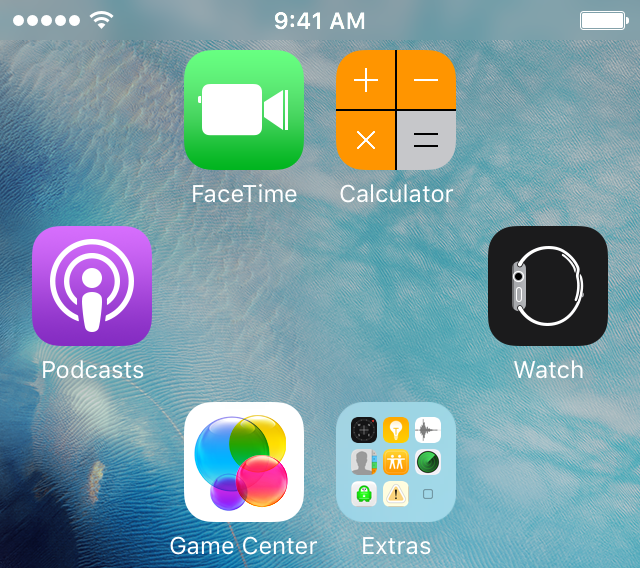
One of the top things that those without jailbreaks wish they could do is put blank spaces between app icons on the Home screen.

Whether it's to help with your creative organization technique, or to simply add a personal touch or pattern to your Home screen, you may be excited to hear that it's possible to create blank spaces between your app icons on a completely stock, non-jailbroken iOS device.

In this tutorial, we'll talk about how you can generate blank spaces between your app icons on the Home screen, as shown above, without having a jailbreak.

LetMeSwitch is a tweak that improves keyboard switching in iOS

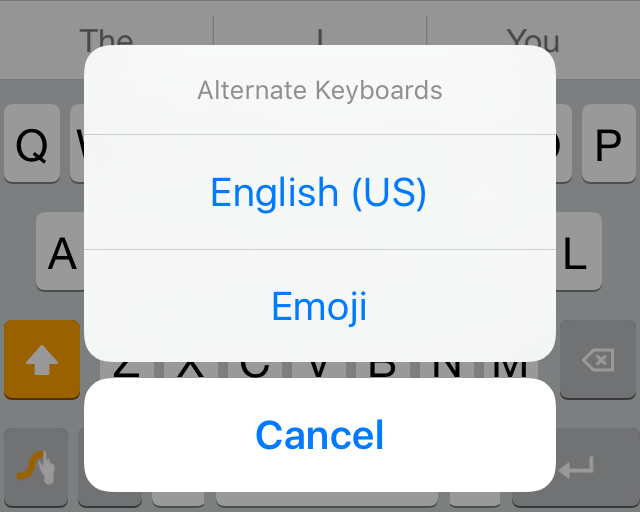
One of the things that can be really peeving about third-party keyboards in iOS is how you can only jump to the next keyboard instead of actually being able to pick a new keyboard to use immediately after.

iOS developer PoomSmart has the right idea with a new free jailbreak tweak called LetMeSwitch, which makes switching from a third-party keyboard to a different keyboard easier than ever.

Facebook not loading on your iPhone? Try this

I am a Facebook user, as I am sure many of you are too. With that being said, you may or may not be familiar with loading problems that can occur while using the social network via the free iOS app. In this troubleshooting tutorial, we'll talk about some ways you can try to fix problems where the Facebook or Facebook Messenger app refuse to load.