Anthony Bouchard

Anthony Bouchard joined the iDownloadBlog.com team in 2016 after originally covering Apple and iPhone jailbreak news at ModMyi.com. As an experienced editor, he brings more than 15 years’ worth of jailbreaking knowledge to our in-depth guides, opinion pieces, and news articles. His passion for device customization and user choice sparks his strong push to empower readers with the tools they need to explore and enjoy the freedom that comes with jailbreaking. Anthony blogs about not only jailbreaking, but also Apple software & accessories, drones & photography, and Nintendo gaming systems. Anthony honed his advanced technical knowledge over the years with hands-on projects ranging from gaming PC builds to engine repair mechanics. His never-ending hunger for knowledge is why you’ll always find him tinkering – tearing things apart and putting them back together to understand what makes them tick.

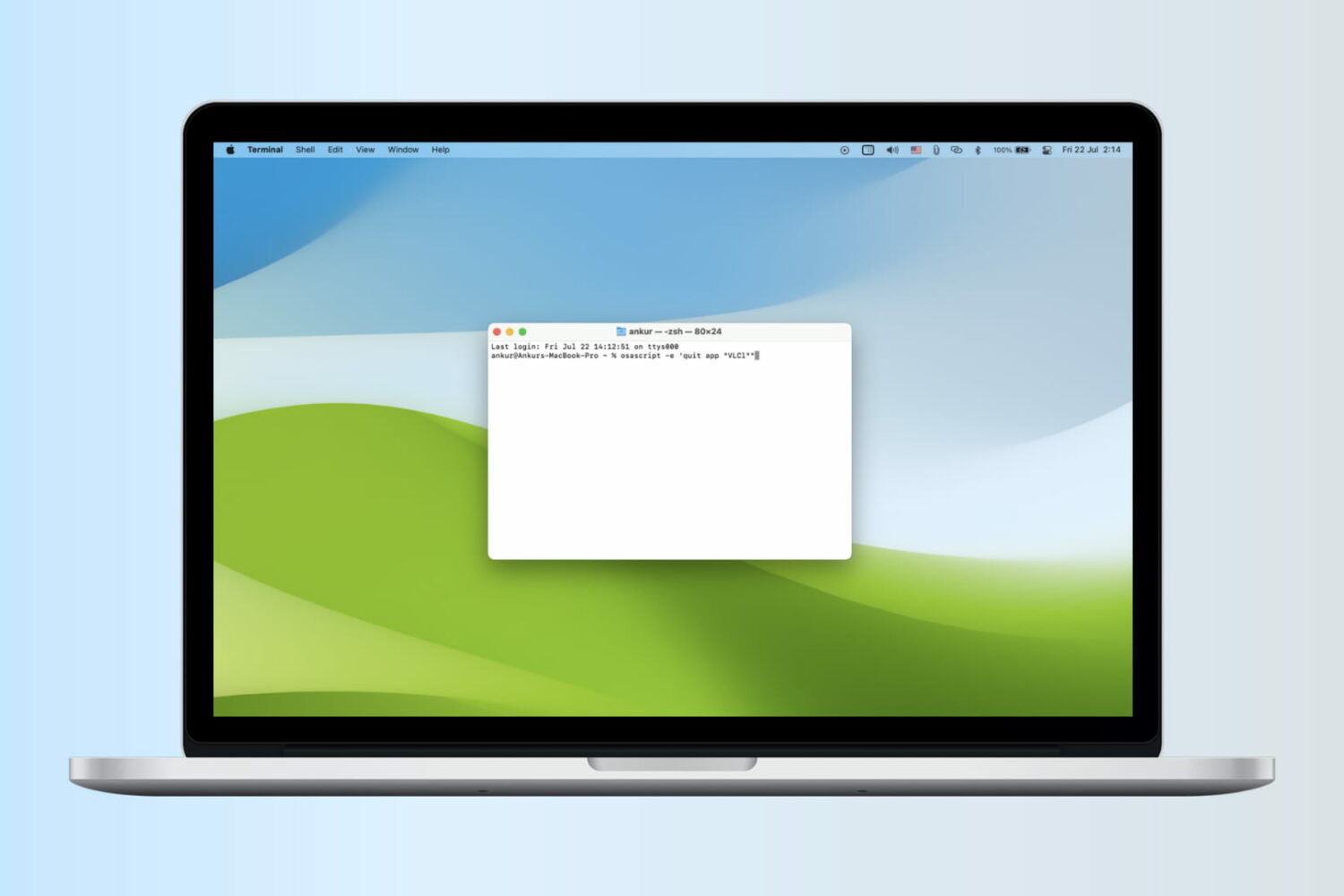
Math students: how to use your Mac as a graphing calculator

Although your Mac comes with a Calculator app, you will find that it only supports basic, scientific, and programmer modes.

Unfortunately for those who are in advanced math courses in school, be it grade school or college, or for those that just need a hand in tutoring their children, the Calculator app doesn't come with graphing functionality and it leaves you to fend for yourself.

A little known feature of your Mac, directly out of the box, is that it does have graphing functionality built into its default software, and in this tutorial, we'll show you how to unleash it.
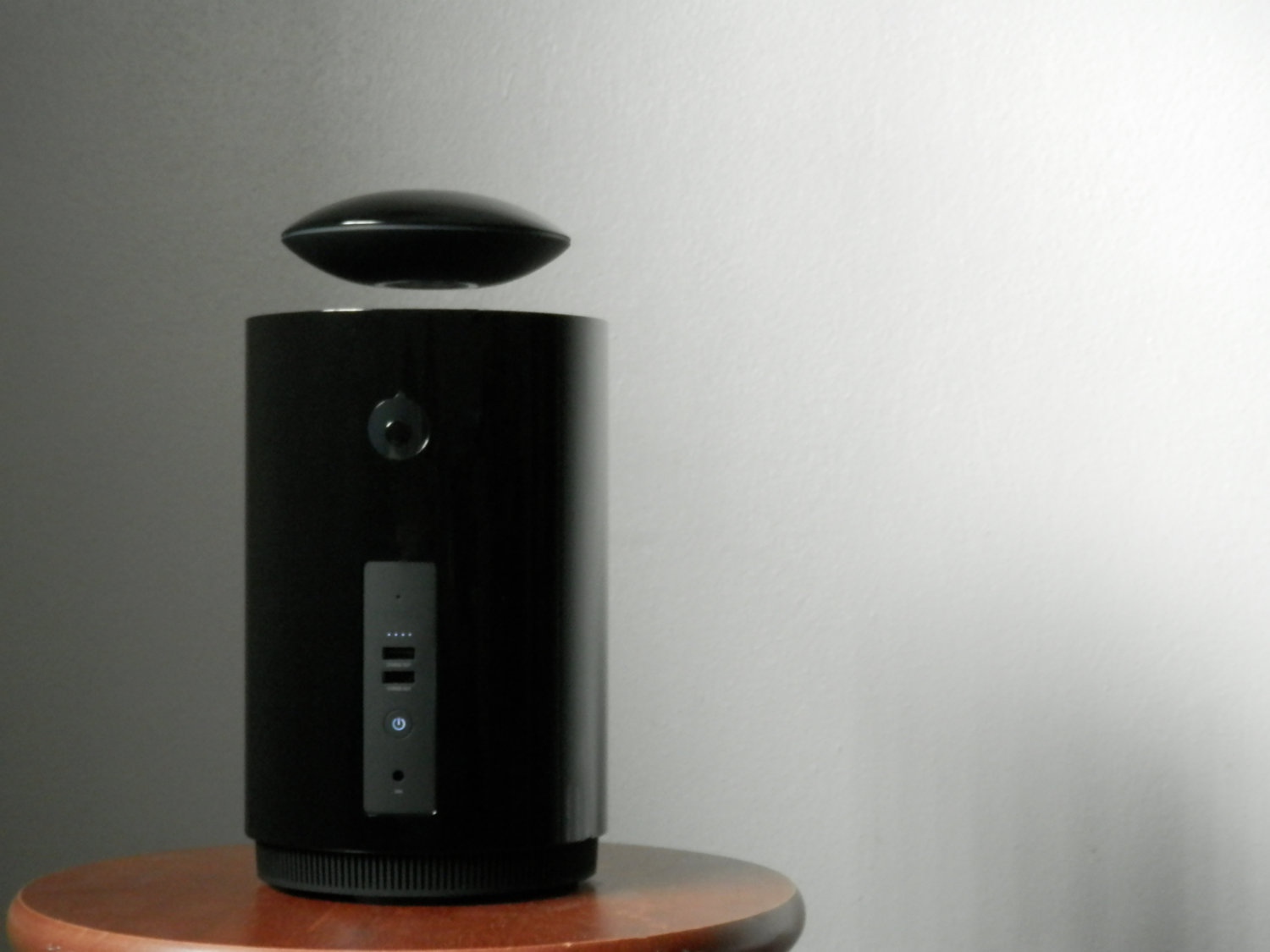

Mars is a levitating Bluetooth speaker that’s jam-packed with features

Picking the right Bluetooth speaker for your needs can be hard, especially with all the options out there.

On the more premium shelf of options out there is Mars by Crazybaby, which is a levitating Bluetooth speaker with a long list of features that we think makes it well worth the price.

In this review, we'll talk about what the Mars is capable of and show off its features.

Jailbreak tweaks of the week: VolumePanel, PersonalSpotlight, & more…

The tumbleweed of jailbreak tweaks continues to roll despite the long drought the community has been putting up with in the midst of a non-existent jailbreak for modern iOS firmware releases in recent months.

Nevertheless, we continue doing what we love to do here at iDB, and share with you what our favorite releases were this week. We'll start first with our favorites, and then talk about the rest of this week's releases.

VolumePanel lets you set individual volume levels for each app

If you've ever wanted to have more fine-grained control over the volume level across your iOS experience, and you're jailbroken, then you should really check out a new jailbreak tweak called VolumePanel.

With this tweak, you'll be able to set a custom volume level for each and every app installed on your device. In this review, we'll show you what makes the tweak tick and talk about how it can be useful.

What’s on your Home screen: Anthony Bouchard

Opinions are like Home screens; everyone has one.

Because the Home screen is one of the most-used parts of any iPhone, and because people are always in search of cool new apps to download, it seemed appropriate for me to share what I have on the first page of my Home screen and talk about why I use what I use.

Following suit with my other colleagues here at iDB, I'll be sharing mine as well.

Proton is another take on a system-wide mini music player [jailbreak]

The jailbreak community is one place where we can almost always count on developers to create new ways to interact with music throughout the system-wide iOS experience. New tweaks are released all the time that let you control your music without even being in the Music app itself, and each tries to be better than the last.

A relatively new tweak release, Proton, is available in Cydia and offers some unique functionality of its own. We'll show you what it's all about inside this review.

5 alternatives to a SIM eject tool for easy SIM removal

SIM eject tools are useful for getting SIM cards out of iPhones and iPads, and honestly, I would recommend everyone who owns one of these devices carry at least one of them at all times, whether in your wallet or on a key ring.

Of course, there are always those times when you're out and about and don't have a SIM eject tool with you when you really need one. So what alternatives can you use instead?

In this piece, we'll talk about five alternatives to a SIM eject tool you can use to get the SIM card out of your iPhone, iPad, or Android phone.

Tip: customize the Safari toolbar on your Mac

Last week, we showed you how you could customize the toolbar on your Mac's Finder window to better suit your needs, but there are other apps throughout the macOS operating system that come with toolbar-editing capabilities as well.

In this tutorial, we'll show you how you can customize the toolbar in the Safari web browser to make your web surfing experience the best it can be for your specific needs.

What to do when Siri doesn’t pronounce your name right

Siri is an amazing piece of software and Apple has tried so hard to make it capable of pronouncing everyone's names right, but there are just too many names in the world for Siri to be perfect and pronouncing all of them.

On the other hand, if you're sick of Siri not being able to pronounce your name correctly, there is a way to train her so she will pronounce it right going forward.

We'll show you how this is done in this quick tutorial.

MacID for iOS and Mac updated with a slew of new features and fixes

The popular app for iPhone and iPad that lets you unlock your Mac with your Touch ID sensor over a low-energy Bluetooth connection has received an important update on Tuesday that adds a number of new features to the app and fixes a number of previously-known issues.

The update is free for everyone who owns MacID already for both the iOS and OS X apps, and make the new features and stability available across both platforms immediately following installation.