Anthony Bouchard

Anthony Bouchard joined the iDownloadBlog.com team in 2016 after originally covering Apple and iPhone jailbreak news at ModMyi.com. As an experienced editor, he brings more than 15 years’ worth of jailbreaking knowledge to our in-depth guides, opinion pieces, and news articles. His passion for device customization and user choice sparks his strong push to empower readers with the tools they need to explore and enjoy the freedom that comes with jailbreaking. Anthony blogs about not only jailbreaking, but also Apple software & accessories, drones & photography, and Nintendo gaming systems. Anthony honed his advanced technical knowledge over the years with hands-on projects ranging from gaming PC builds to engine repair mechanics. His never-ending hunger for knowledge is why you’ll always find him tinkering – tearing things apart and putting them back together to understand what makes them tick.

How to live stream WWDC 2016 on iPhone, iPad, Apple TV, Mac, Windows, and Android

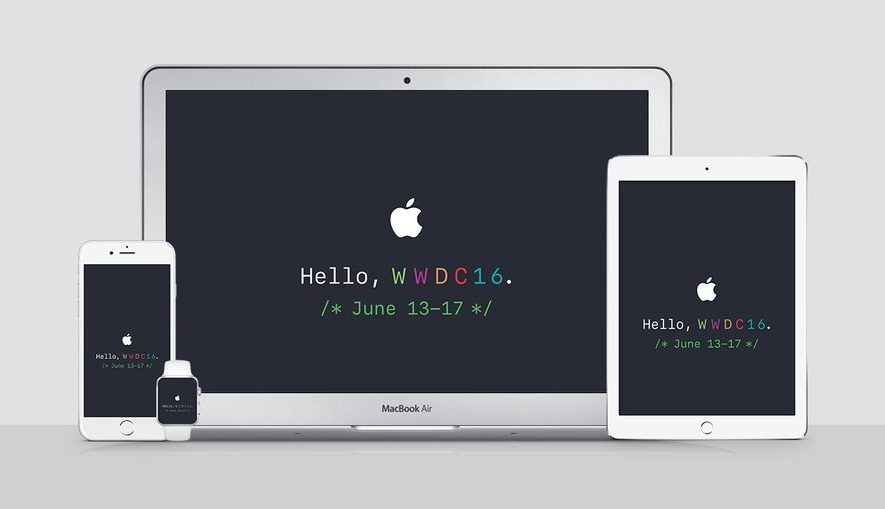
Apple is going to be streaming their WWDC 2016 event live on their website today, and die-hard Apple fans will be tuning into the event from their devices to see what's new.

Whether you've got a Mac or a PC, or are using your mobile device to stream the media, you can watch it live whether you're at home or on the go. There are, however, some requirements you will have to meet to be able to do so.

Here's everything you need to know about how to stream the WWDC 2016 event live on your devices today.

Jailbreak tweaks of the week: CoySIM, SnapOldStory, & more…

The jailbreak scene has really been running dry lately with the lack of any new jailbreak for Apple's latest iOS releases. Nevertheless, Cydia is still alive with a few releases that we cover throughout the week.

In this post, we'll show you everything that was released in Cydia this week, starting with our favorites. Then, we'll show you all of the rest of them.

VolumePercentage shows the numeric volume level in your iPhone’s volume HUD

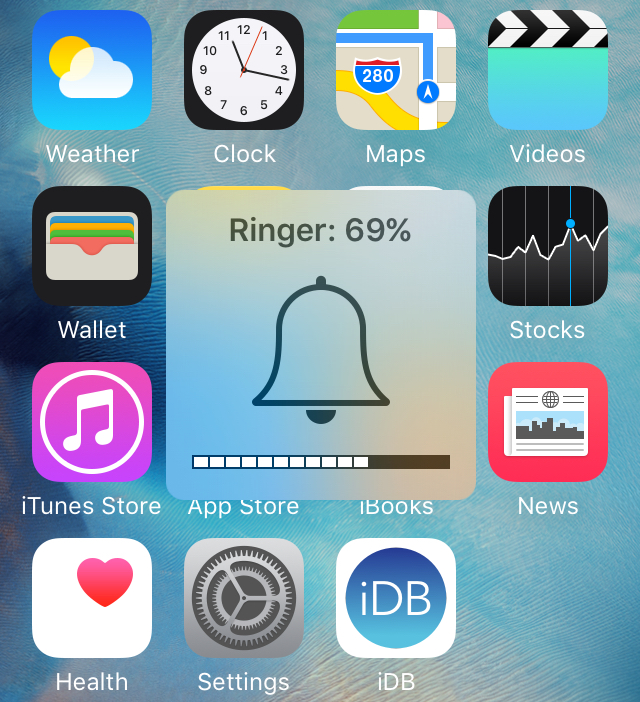
On any normal day, your iPhone or iPad's volume HUD shows an icon in the middle, along with little rectangles at the bottom of the indicator that illustrate how high your volume level is.

But if you want something a little more informative, then a new free jailbreak tweak called VolumePercentage will give you an even better idea of what your volume level is by showing you an actual volume percentage in the volume HUD.

Pre-orders begin for the incredibly sexy BatteryBox Slim

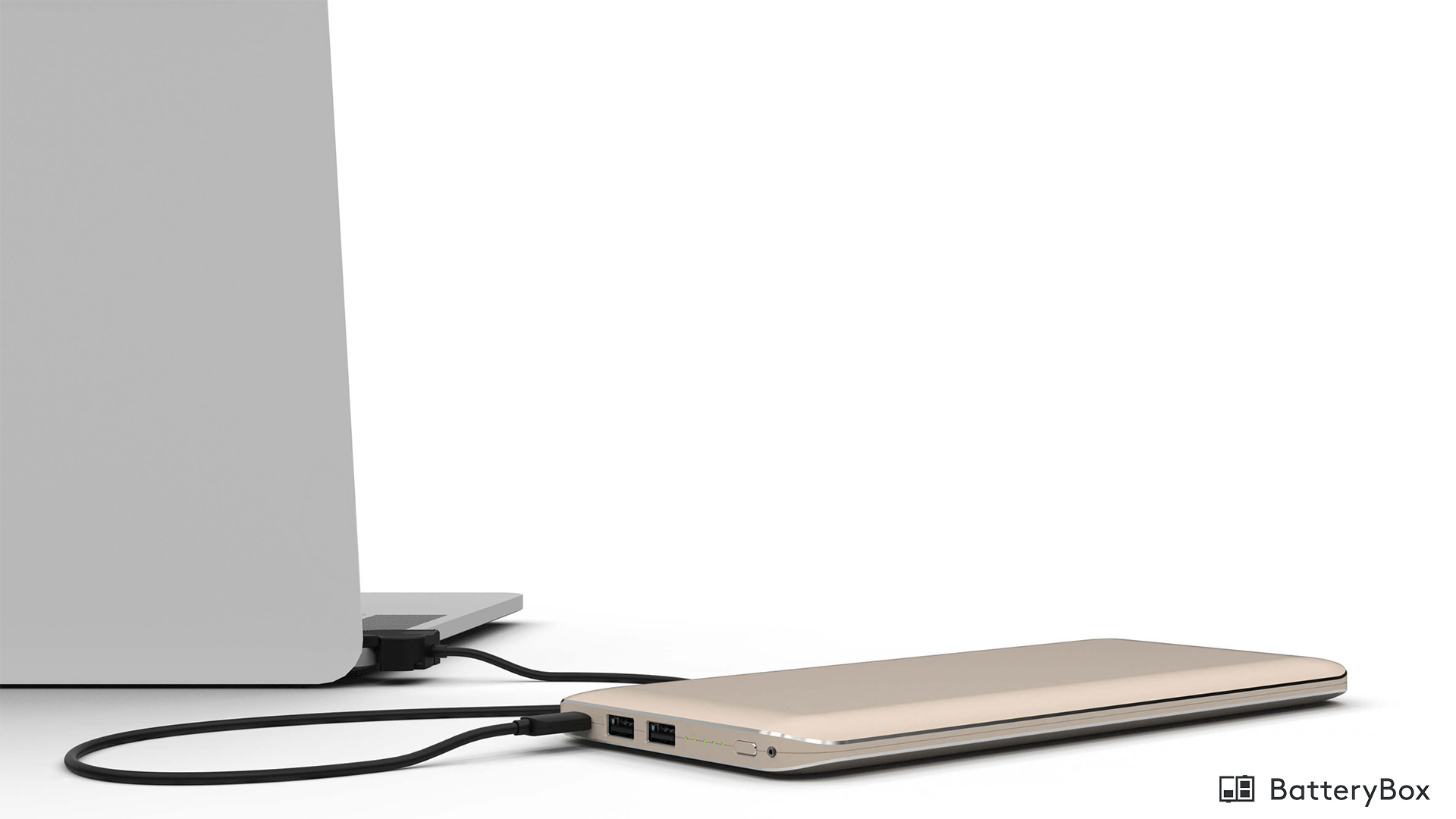
BatteryBox is launching a new pre-order special for its updated line of external batteries for Mac laptops and mobile devices that use a USB charger, such as iOS, Android, Windows Phone, and various other types of devices.

Dubbed BatteryBox Slim, the new battery not only looks better with its color-matched aluminum external finish, but it comes with a slew of new features that are going to make this one of the best options on the market to date.

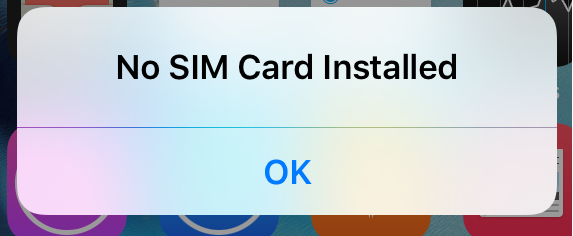
CoySIM lets jailbreakers get rid of annoying No SIM alerts on iPhone

If you have more than one iPhone sitting around because one is your older handset and the other is your daily driver, then chances are your older iPhone no longer has service and may or may not still have its SIM card inside of it.

CoySIM is a new free jailbreak tweak that makes it so your iPhone won't constantly pester you with alerts and Status Bar indicators all because you don't have a SIM card installed in it.

We'll show you how the tweak works in this review.

How to fix boot loop on a jailbroken iPhone or iPad with ‘No Substrate Mode’

What happens when a jailbreak tweak bugs out on your device and ends up in a boot loop? Do you try to reboot the device to no avail? Do you take to the internet to ask how to fix it?

How about this: try booting into a form of booting up that Saurik calls 'No Substrate Mode,' then uninstall the faulty tweak.

In this piece, we'll talk about how you can use No Substrate Mode, an under-used feature of jailbroken iPhone or iPad that can truly save you from losing your precious jailbreak when you're unable to turn on your device.

How to create PDF files from your Mac’s printer menu

Lots of times you may want to print something, only to find that you have no printer ink or that you aren't near a printer. Your Mac comes with a useful function in the macOS printing menu that lets you save anything you want to print as a PDF file to print or share later. We'll show you how you can make a PDF out of anything you intend to print in this tutorial.

Got files that won’t delete from your Mac’s Trash? Here’s why

Sometimes when emptying the Trash on your Mac, you may get error messages that tell you files you're trying to delete are in use. When you're looking to delete everything that's in your Trash to free up some storage space, error messages are going to be the last thing you want to see.

In this piece, we'll talk about why you're getting these messages and how to get your Mac to free up the file so you can delete it safely.

How to access your Mac remotely from your iPhone or iPad with Screens VNC

There is a ton of VNC software options out there, but Screens by Edovia has by far been my favorite for a number of years because it looks and feels like software Apple could have created themselves.

In this tutorial, I'll show you how you can use the Screens app from your iPhone, iPod touch, or iPad, in combination with Edovia's free Screens Connect software for Mac, to access your Mac remotely.