Learn how to use your iPhone or iPad as a wireless remote for controlling a Keynote presentation on your Mac.
How to use iPhone or iPad as a remote for Keynote on Mac
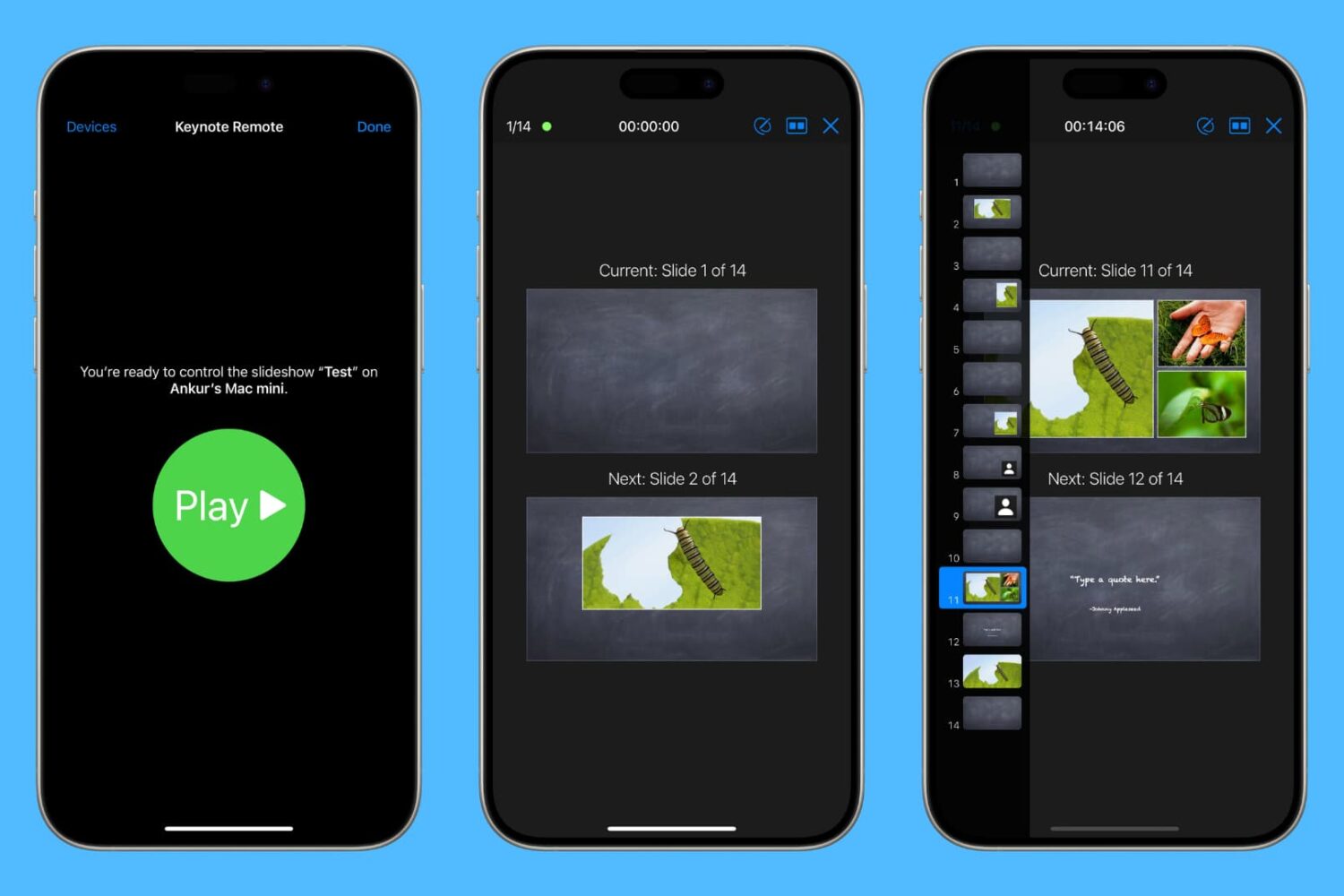
Learn how to use your iPhone or iPad as a wireless remote for controlling a Keynote presentation on your Mac.

Apple's newly-announced macOS Sierra is set to release to the public this Fall as the company revealed at WWDC 2016 this week, and it includes a variety of improvements that will make using your Mac even better than ever.
One of those improvements is Universal Clipboard, which is a Continuity feature that lets you share your clipboard between your iOS device(s) and your Mac.
But what if we told you that you didn't have to wait until the public release of macOS Sierra to enjoy a similar feature on your Mac?
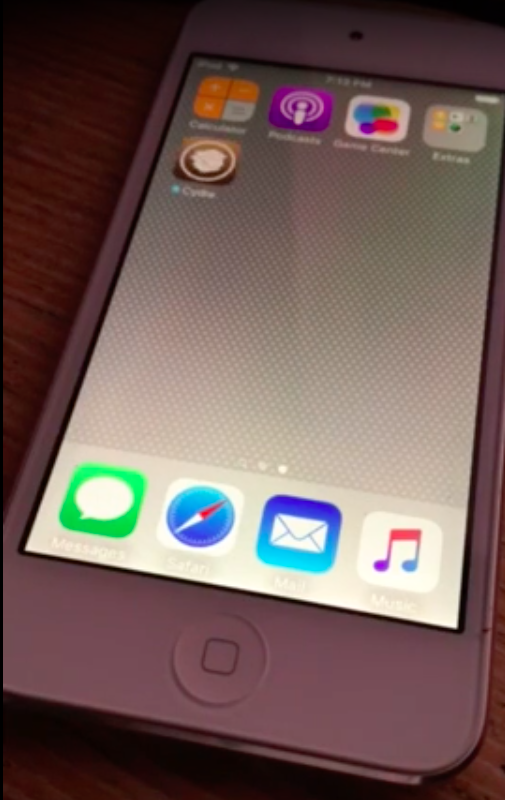
Only last month, well-known Italian iOS hacker and developer Luca Todesco teased a really nifty browser-based jailbreak that appeared to work on iOS 9.3.2.
Although the jailbreak would never be released to the public, Todesco says that Apple's upcoming iOS 10 release closes an important exploit used in the jailbreak, which was shown off just last month.
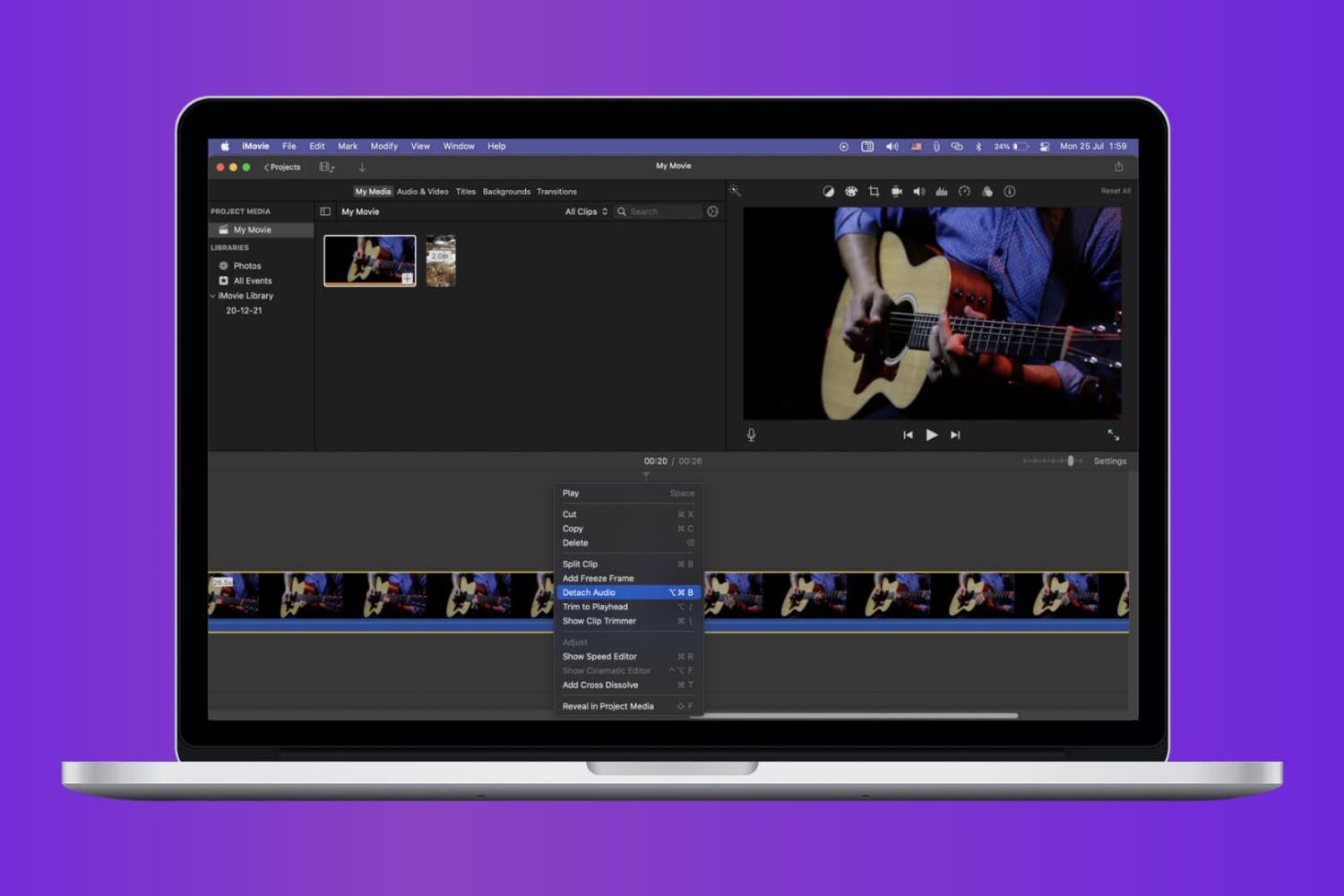
Check out the quick steps to remove audio from a video using iMovie and save that soundless clip locally to your Mac.
Apple originally introduced Control Center in iOS 7, which was their way of answering both the competition on multiple Android platforms and the jailbreak community in one fell swoop.
With iOS 10, which Apple announced at the WWDC 2016 Keynote this week, Apple has shown off some obvious changes to Control Center, including a modular paged navigation design and different color tones and styles.
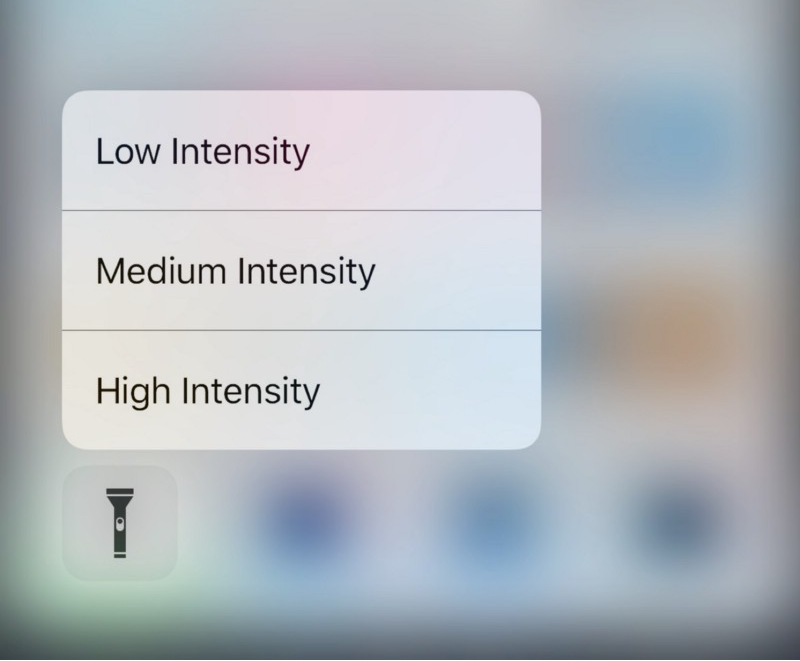
Of course, aesthetic wasn’t the only change. Apple also made the flashlight toggle button from Control Center a whole lot more useful as well.

When it comes to using your Mac for day-to-day activities, you may want to set up a printer with it so you can print documents, shipping labels, photos, and other important pieces of information.

Learn how to fix iPhone or iPad apps stuck on “Installing…” so you can get your downloads working again.

Apple announced iOS 10 yesterday at the company's WWDC 2016 Keynote and awed the audience with some pretty neat new features.
Of course, the battle continues for those who want more control over their devices, and because of that, we want to know whether you're going to be updating to iOS 10 this Fall, or if you'll be keeping your iOS device(s) jailbroken on iOS 9 or earlier.
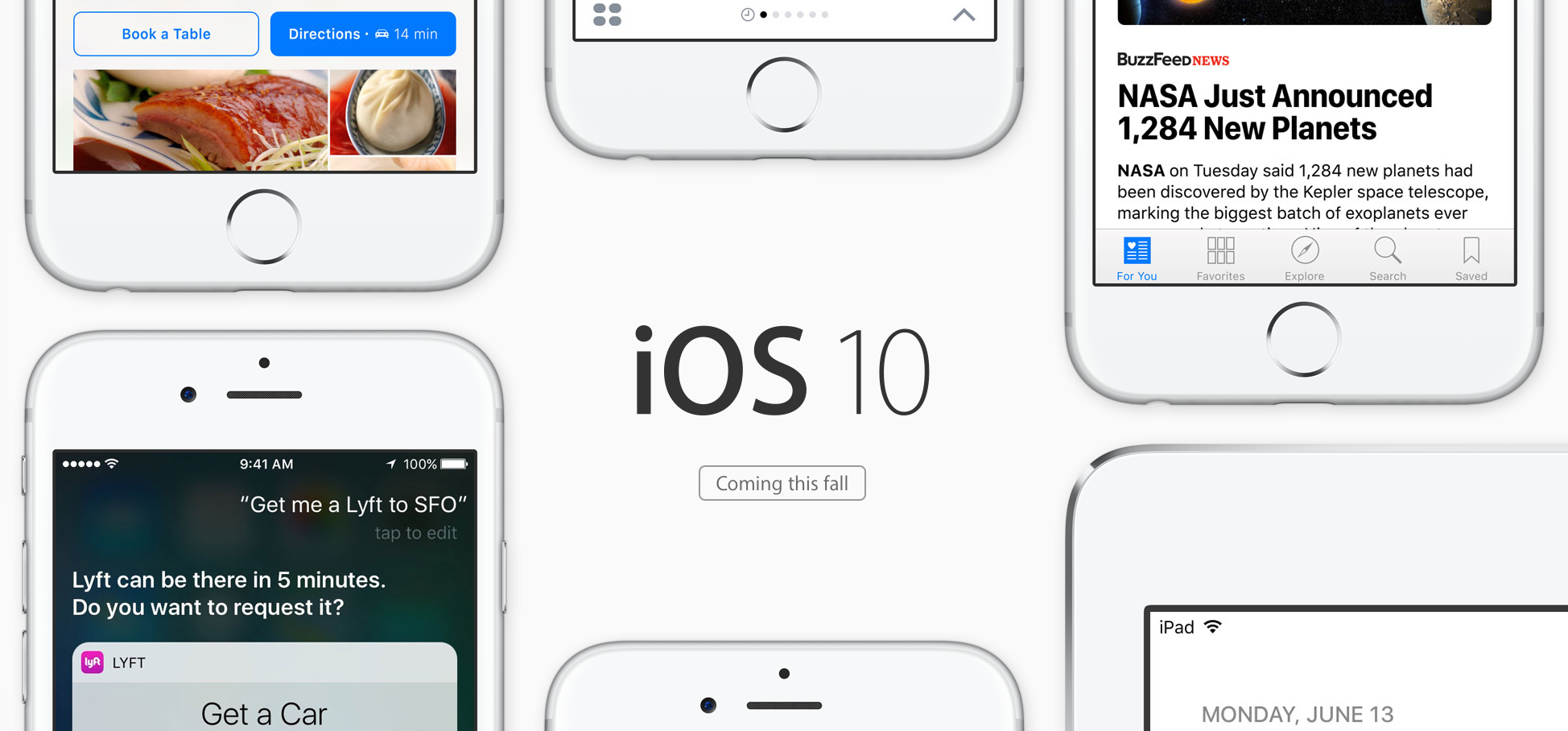
Every year, Apple updates their lineup of iOS devices with a major new firmware version. This year at WWDC 2016, Apple announced iOS 10, and it not only includes an array of new features for users to take advantage of, but it also comes with some subtle UI changes that will be easy to spot in day-to-day use as well.
Of course, when Apple adds new features to iOS, sometimes those features aren't 100% original. Sometimes, they've existed in the jailbreak community for a long time in one form or another.
In this roundup, we'll go over 10 features in iOS 10 that appear to be derived from jailbreak tweaks and have already existed for those who have been pwning their devices to get around what Apple doesn't want you to have.
iOS 10 was shown off at WWDC 2016 on Monday, and with all of the new features Apple brought to the table, the Phone app is certainly one of the spotlights that deserves attention.
Apple's new Phone app in iOS 10 is going to get a lot of useful new features to make using the phone aspect of your iPhone a whole lot better.

iOS 10, which was unveiled at Apple's WWDC 2016 Keynote on Monday, will provide users with the most in-depth Siri experience of any iOS release in history.
Apple is officially opening Siri up with an API that will let developers tap into Siri for their App Store apps.
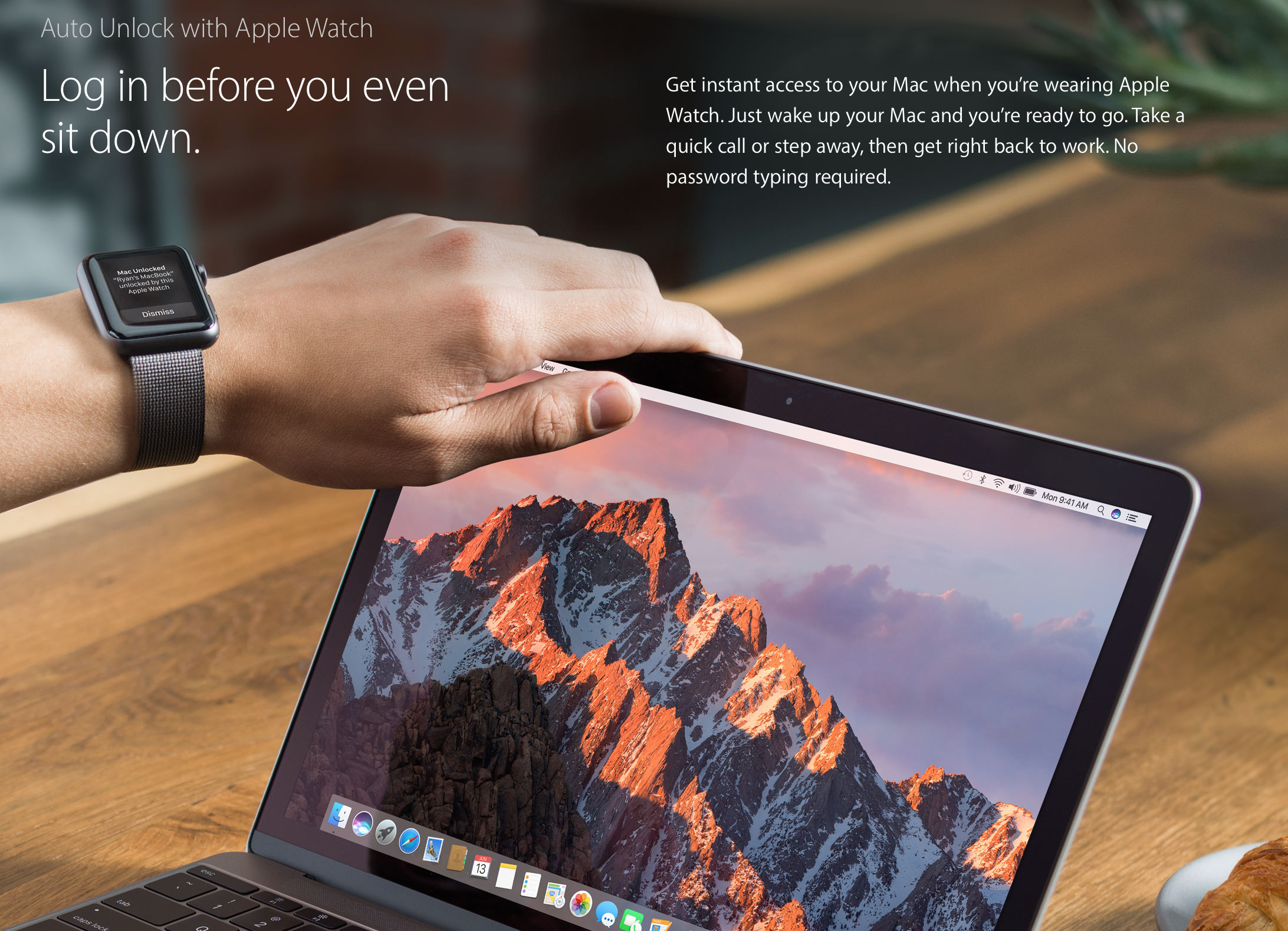
Apple announced a major new feature for its upcoming macOS Sierra operating system for Macs on Monday at WWDC 2016, which will let you get into your Mac easier than you ever have before.
Dubbed Auto Unlock, it's an extension of the Continuity feature between your mobile devices and your Mac.