Anthony Bouchard

Anthony Bouchard joined the iDownloadBlog.com team in 2016 after originally covering Apple and iPhone jailbreak news at ModMyi.com. As an experienced editor, he brings more than 15 years’ worth of jailbreaking knowledge to our in-depth guides, opinion pieces, and news articles. His passion for device customization and user choice sparks his strong push to empower readers with the tools they need to explore and enjoy the freedom that comes with jailbreaking. Anthony blogs about not only jailbreaking, but also Apple software & accessories, drones & photography, and Nintendo gaming systems. Anthony honed his advanced technical knowledge over the years with hands-on projects ranging from gaming PC builds to engine repair mechanics. His never-ending hunger for knowledge is why you’ll always find him tinkering – tearing things apart and putting them back together to understand what makes them tick.

Enjoy the new Unicode 9.0 emojis on iOS right now with a simple workaround

Many of you probably already heard the news that Unicode 9.0 became official this week and that there were going to be 72 new emojis coming soon.

Although Apple is likely to add support for these new emojis in iOS 10 in a future beta or release update, they're not yet available in iOS whatsoever, but in this tutorial, we'll show you how you can still use them without a jailbreak on a completely stock device.
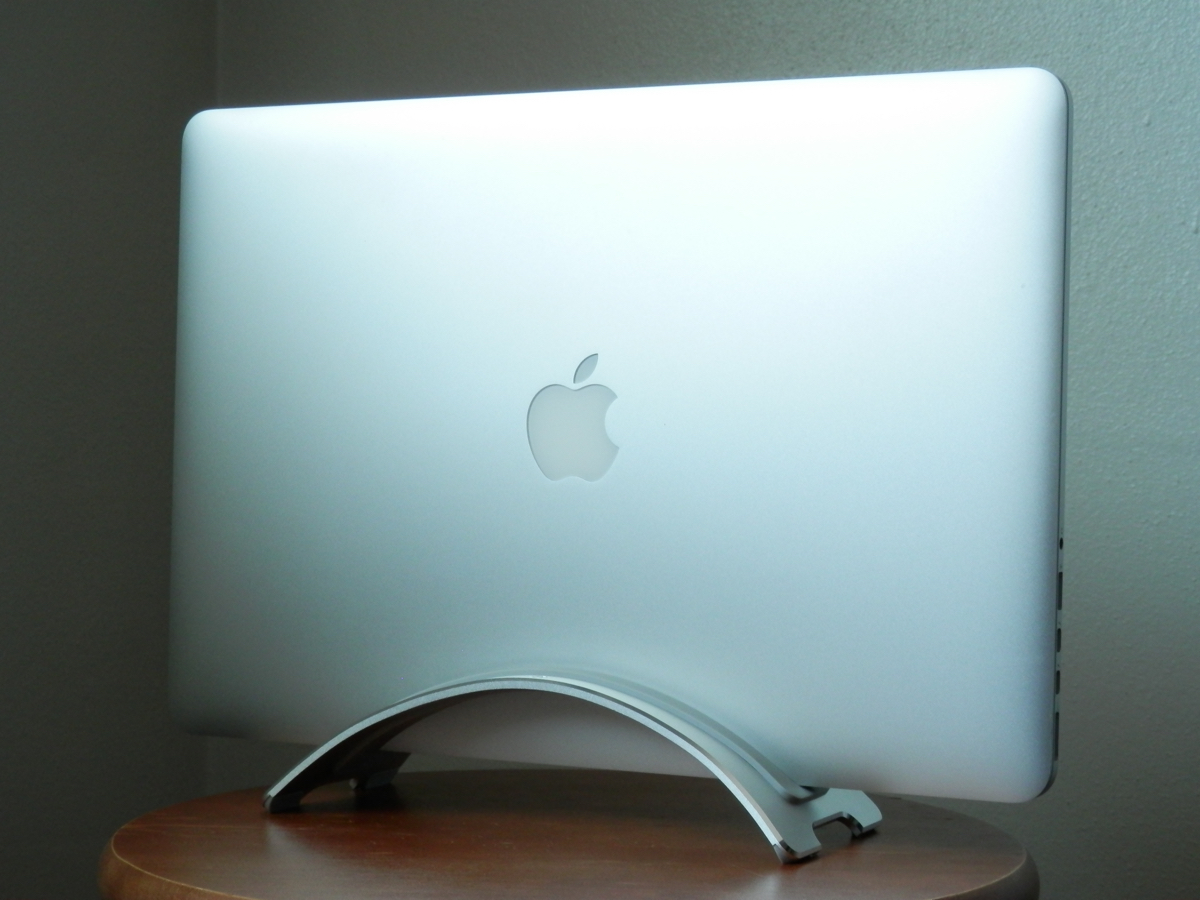
Twelve South’s BookArc is a lightweight and stylish Apple notebook stand

I like me a good notebook stand for the simple fact that it helps clear unwanted clutter from my desk when I need it for something other than a computer. Plus, it kind of organizes things and makes everything look neater.

Twelve South is probably one of the best brand names you can buy for this sort of thing, and in this review, we'll be showing you the Twelve South BookArc for all models of Apple's MacBook, MacBook Air, and MacBook Pro.

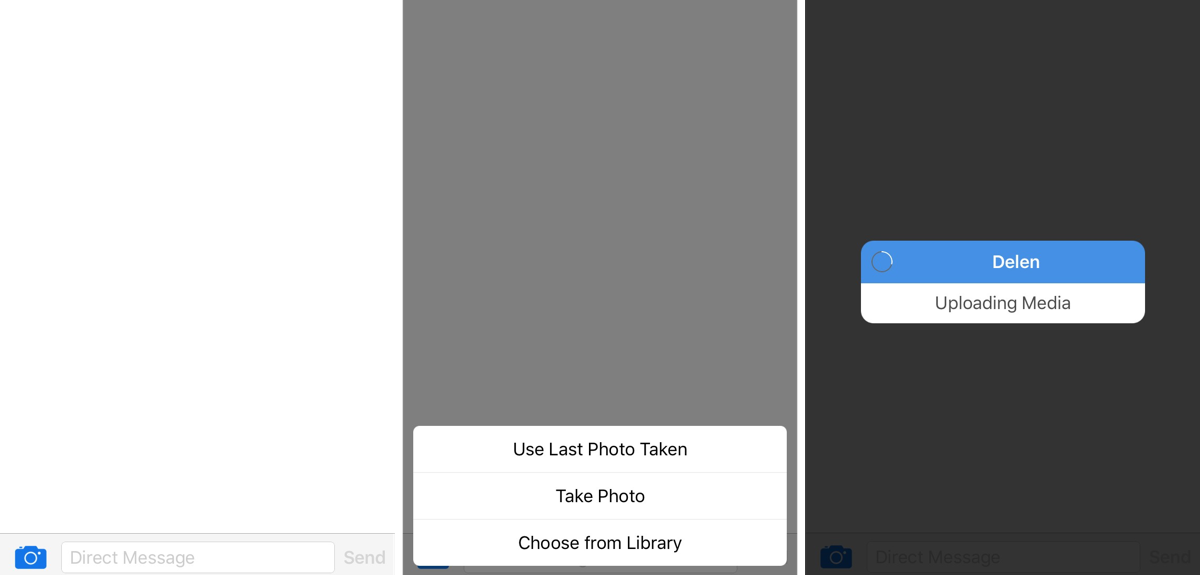
This tweak lets you send images via direct message in Tweetbot

There are a lot of people who choose to stick with the stock Twitter app because of Tweetbot 4's price, but it is, without a doubt, one of the most popular third-party Twitter client apps out there for iOS devices.

Nevertheless, its popularity doesn't make it perfect; there is one major downfall to Tweetbot 4 that many users find a little upsetting, and it's that you can't send photos in a direct message.

In comes a new jailbreak tweak dubbed Delen for Tweetbot, which now enables the feature for Tweetbot 4 users.

Tip: customizing the toolbar of your Mac’s Mail app

Your Mac's Mail app is a powerful email client, and for many, the default app configuration in plenty for getting day-to-day email tasks done.

But for those who demand more power and functionality, it's a great idea to customize the toolbar at the top of the Mail app so you have quick and easy access to the functions you use the most.

In this tutorial, we'll show you how to customize the toolbar at the top of your Mac's Mail app so you can get more out of it.

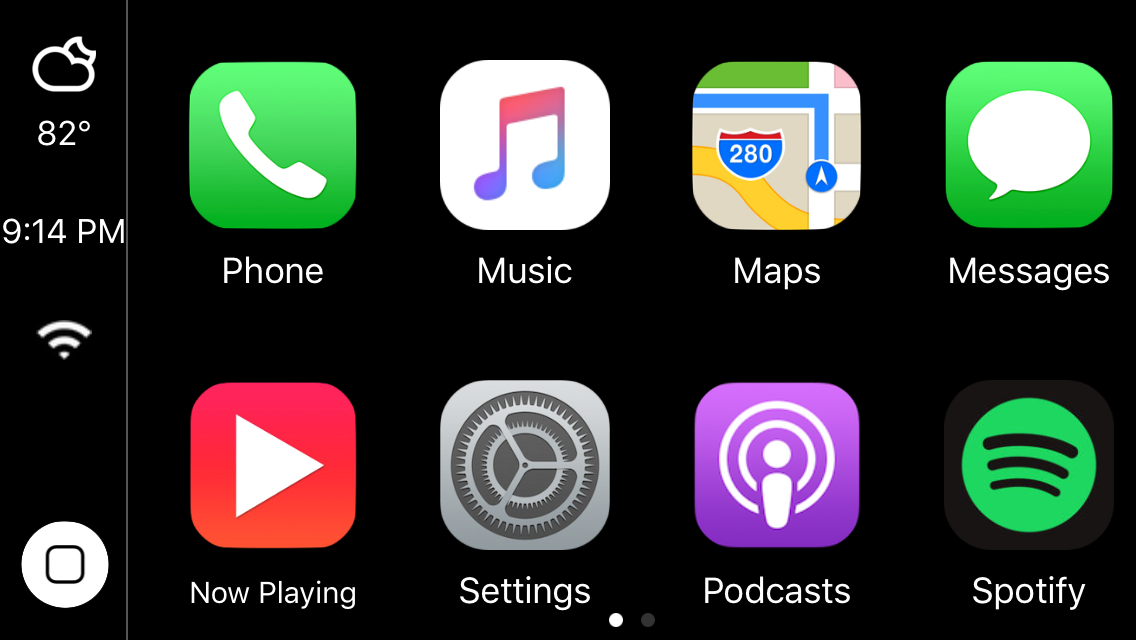
Emulate the CarPlay experience on your iPhone or iPad with CarPlay iOS 2.0

Two years ago, we showed you a jailbreak tweak called CarPlay iOS, which allowed you to emulate the CarPlay head unit user interface directly on your jailbroken iPhone or iPad.

Although the tweak was limited due the nature of the features that come bundled in the CarPlay interface, the developer has been working on a treat for those who liked playing with the original tweak; CarPlay iOS 2.0 is now available in Cydia.

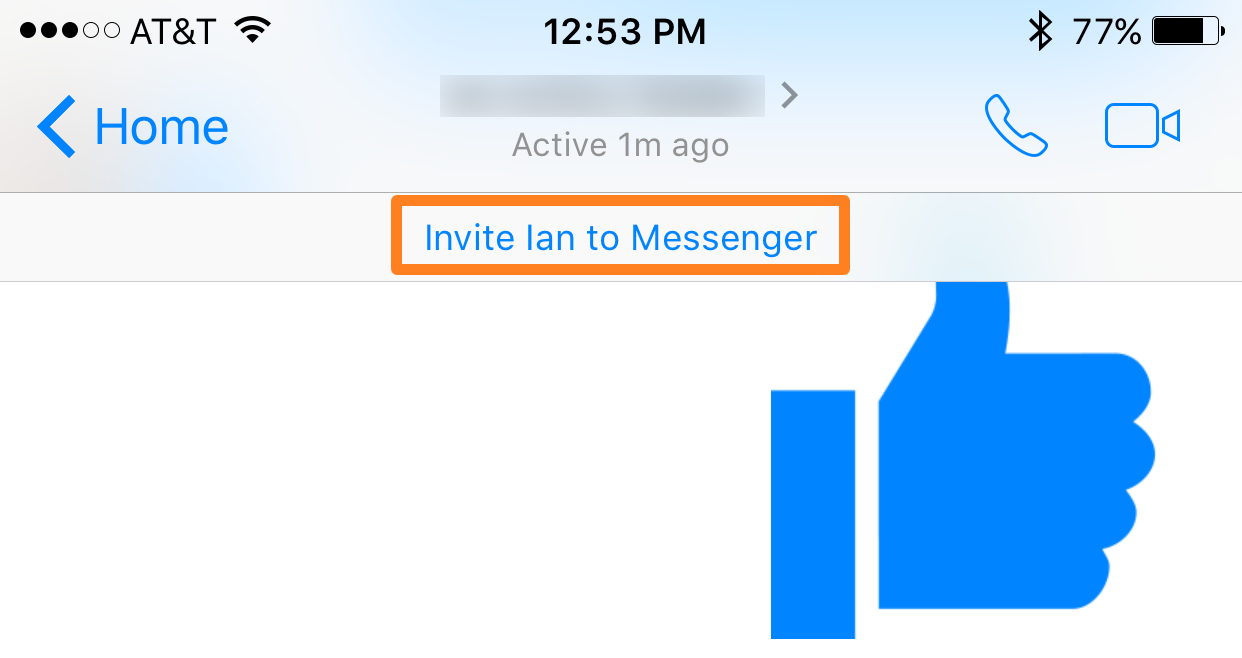
This tweak keeps Facebook Messenger from bugging you to invite people to use it

Facebook has been badgering its users to download the standalone Messenger app for as long as I can remember, and as it stands, even years after the change, users are still reluctant to download a standalone app for something that used to exist in the Facebook app itself.

NoInviteFBMessenger is a new jailbreak tweak that disables the "Invite [name] to Messenger" alerts in the Facebook Messenger app, and we'll talk a little about it in this post.

Breadcrumb10 enables iOS 10-style Breadcrumb links on jailbroken devices

There is a truckload of new features in iOS 10, but some of the features it has to offer have existed for a long time already and have just received a facelift.

One of the features that has existed since the launch of iOS 9 is the Breadcrumb links that appear in the Status Bar when you switch between apps, and iOS 10 changes the look of these a little bit.

If you're a fan of the new design, you'll be happy to hear Breadcrumb10 is a new jailbreak tweak that lets you port the iOS 10 Breadcrumb changes to your jailbroken iOS 9 iPhone, iPod touch, or iPad.

BootScreenCustomization lets you colorize the boot screen to your liking for free

Each and every time you turn your iPhone, iPod touch, or iPad on, you get the boot up screen, which shows a mono-colored background and an Apple logo in the center with an opposing color.

Depending on whether your device has a black or white bezel, the colors of the boot up screen differ from the factory, but with jailbreaking, you can actually take control of the colors and configure them your own way.

BootScreenCustomization is a new jailbreak tweak that will let you do this, and we'll show you how the tweak works in this review.